The Role of Barcode Label Printing in ERP Environments |
Part 6: User Interaction Models, ERP UI Integration, and Human Factors in Labeling Workflows |
43. Human Interaction as a Critical Component of ERP Label Printing |
43.1 Why Label Printing Is Never Fully Automated |
Even in highly automated enterprises, barcode label printing inevitably involves human interaction at some stage. Humans initiate transactions, apply labels, resolve exceptions, and respond to errors. |
Ignoring the human element leads to designs that look correct on paper but fail in practice. |
43.2 Labels as a Shared Interface Between Humans and Systems |
Barcode labels serve as a shared interface between human operators and ERP-driven automation. They must communicate effectively with both machines and people. |
ERP systems must therefore consider usability, clarity, and ergonomics as architectural concerns. |

|
44. ERP User Interface Integration for Label Printing |
44.1 Printing as a Contextual Action Within ERP Screens |
Label printing should be embedded as a contextual action within ERP user interfaces. Users should not need to leave their workflow or re-enter data to print labels. |
Contextual integration reduces errors and improves efficiency. |
44.2 Avoiding Redundant User Input |
ERP systems already possess the data required for labeling. User interfaces should minimize or eliminate manual data entry during printing. |
Any required user input should be limited to controlled choices, such as quantity or printer selection. |
44.3 Consistency Across ERP Modules |
Printing interactions should behave consistently across different ERP modules, such as inventory, production, and shipping. Consistency reduces training effort and cognitive load. |

|
45. Role-Based Access Control in Label Printing |
45.1 Differentiating User Roles and Responsibilities |
Different users interact with label printing in different ways. Typical roles include: |
* Transaction operators |
* Supervisors |
* Quality personnel |
* IT or system administrators |
ERP systems must tailor printing capabilities to these roles. |
45.2 Restricting Sensitive Printing Operations |
Certain printing actions, such as reprints or overrides, carry higher risk and should be restricted to authorized roles. |
Role-based access control prevents misuse and supports compliance. |
45.3 Auditable User Actions |
Every print-related action should be traceable to a specific user and role. This supports accountability and post-incident analysis. |

|
46. Guided Workflows and Error Prevention |
46.1 Designing for Error Avoidance Rather Than Correction |
Well-designed ERP workflows prevent errors before they occur. In the context of label printing, this means guiding users through correct steps and blocking invalid actions. |
Examples include disabling printing when required data is missing or highlighting mismatches. |
46.2 Context-Sensitive Validation Messages |
When validation fails, ERP systems should provide clear, actionable messages that explain what needs to be corrected. |
Generic error messages increase frustration and slow resolution. |
46.3 Reducing Cognitive Load Through Automation |
Automating routine decisions, such as template selection or printer routing, reduces the cognitive burden on users and improves consistency. |

|
47. Training, Usability, and Organizational Adoption |
47.1 Label Printing as Part of ERP Training Programs |
Label printing workflows should be included in ERP training and documentation. Treating them as secondary processes undermines adoption. |
47.2 Designing for Operational Realities |
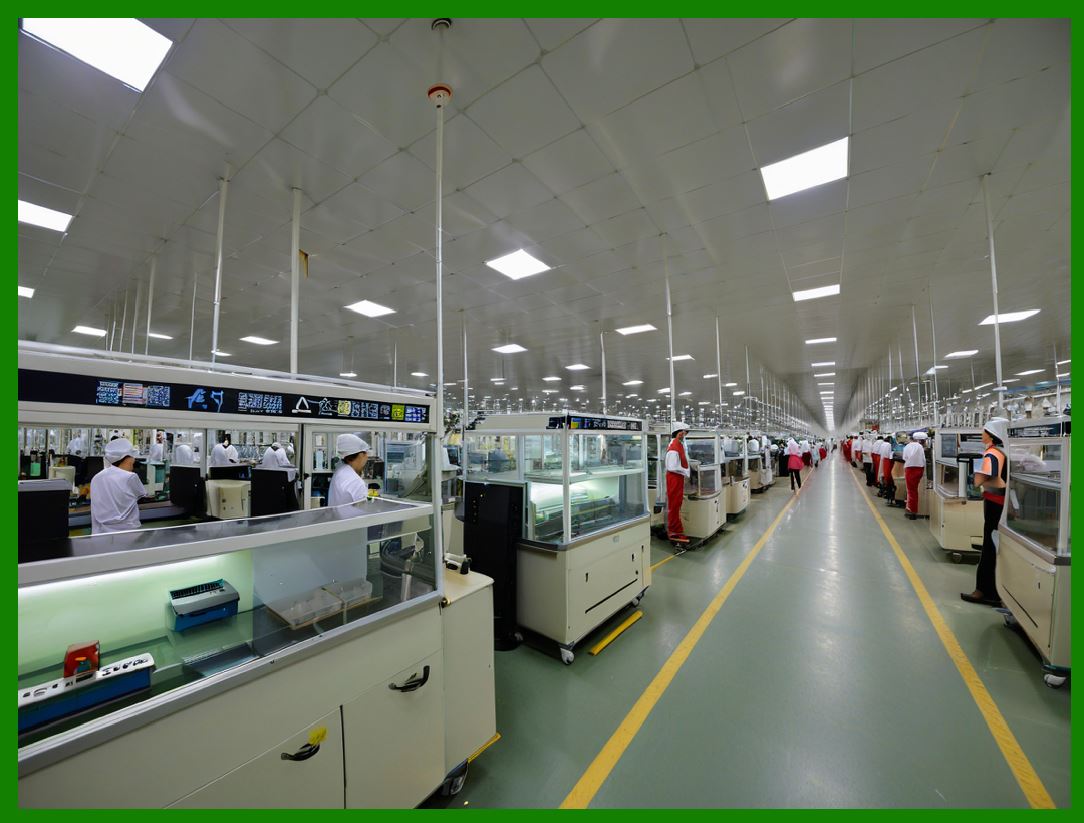
Users operate in noisy, fast-paced, and sometimes harsh environments. ERP-integrated labeling workflows must be designed with these conditions in mind. |
47.3 Supporting New and Temporary Staff |
Clear interfaces and guided workflows reduce dependency on experienced personnel and support onboarding. |

|
48. Exception Handling and Human Decision Points |
48.1 Recognizing Inevitable Exceptions |
Despite best efforts, exceptions occur. ERP systems must provide clear paths for users to resolve them. |
48.2 Balancing Automation and Human Judgment |
Some decisions require human judgment, such as whether to reprint a damaged label or halt a process. ERP systems should support informed decision-making without overwhelming users. |
48.3 Capturing Exception Context |
When exceptions occur, ERP systems should capture context information to support analysis and improvement. |

|
49. Multisite and Multilingual User Considerations |
49.1 Consistent Experience Across Sites |
Global enterprises often operate multiple sites with different languages and practices. ERP-integrated labeling workflows should provide a consistent core experience with localized adaptations. |
49.2 Language and Localization Support |
User-facing messages, labels, and instructions must support multiple languages where required. |
49.3 Cultural and Regulatory Differences |
ERP systems must accommodate site-specific rules while maintaining global standards. |
|
50. Measuring User Interaction Effectiveness |
50.1 Collecting Usage Metrics |
Metrics such as print frequency, error rates, and reprint rates provide insight into workflow effectiveness. |
50.2 Identifying Training and Design Gaps |
High error or reprint rates may indicate usability issues or training needs. |
50.3 Continuous Improvement Through Feedback |
User feedback should inform iterative improvements to labeling workflows and interfaces. |

|
51. Summary of Part 6 |
In this part, we explored: |
* The human role in ERP label printing |
* UI integration and contextual workflows |
* Role-based access and security |
* Error prevention and guided interactions |
* Training, usability, and global considerations |
This reinforces that successful label printing is as much about human-centered design as it is about technical architecture. |
 cs@easiersoft.com