When Designing Barcode Labels, When Should 1D Barcodes Be Used and When Should 2D Barcodes Be Used |
1. Introduction: Why the Choice Between 1D and 2D Barcodes Matters |
Barcodes are a foundational technology in modern commerce, logistics, manufacturing, healthcare, and information management. Although barcode symbols may appear simple at a glance, the decision of whether to use a one-dimensional (1D) barcode or a two-dimensional (2D) barcode has far-reaching consequences. This decision directly affects scanning reliability, data capacity, printing requirements, label size, system compatibility, operational efficiency, and long-term scalability. |
When designing barcode labels, choosing the wrong barcode type can lead to frequent scanning failures, oversized labels, incompatible hardware, increased operational costs, or even regulatory non-compliance. Conversely, selecting the correct barcode type can dramatically improve workflow efficiency, reduce errors, and future-proof data systems. |
This document provides an in-depth explanation of when 1D barcodes should be used and when 2D barcodes should be used, covering technical, operational, environmental, economic, and strategic considerations. The goal is not merely to describe the differences between 1D and 2D barcodes, but to explain how to make correct decisions in real-world label design scenarios. |
|
2. Fundamental Concept of 1D Barcodes |
2.1 What Is a 1D Barcode |
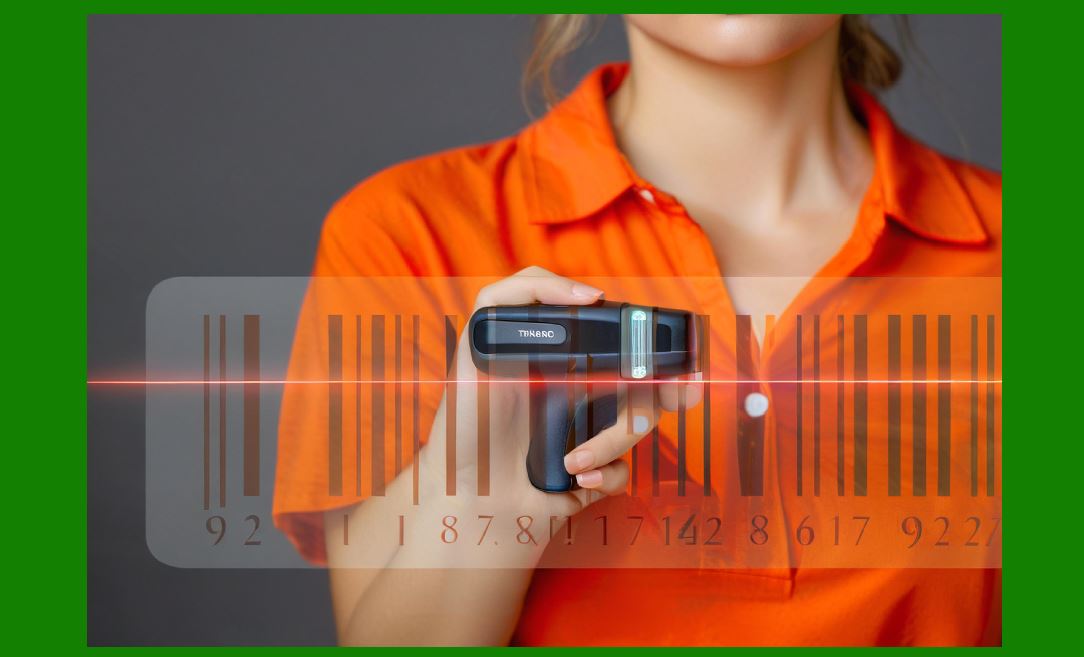
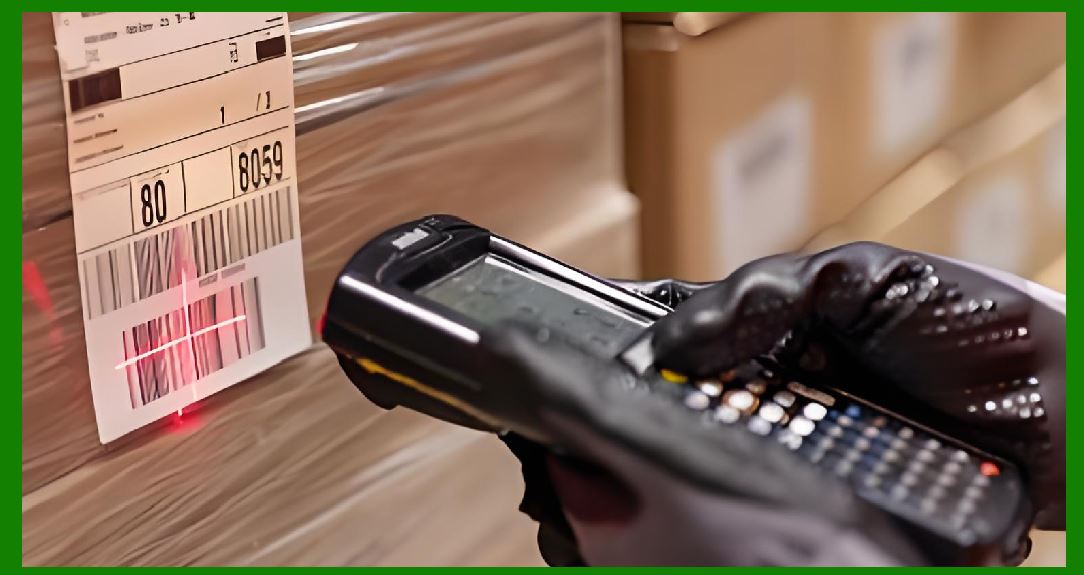
A one-dimensional barcode, often called a linear barcode, encodes data using a series of vertical bars and spaces of varying widths. The data is encoded along a single horizontal axis. When scanned, a barcode reader measures the reflected light from these bars and spaces to decode the encoded information. |
In a 1D barcode, data capacity increases only by increasing the barcode width. This fundamental characteristic strongly influences when 1D barcodes are appropriate. |
2.2 Characteristics of 1D Barcodes |
Key defining characteristics of 1D barcodes include: |
* Data is stored in a single linear direction. |
* The barcode must be scanned horizontally. |
* Data capacity is relatively limited. |
* Barcode length increases as more data is encoded. |
* Scanning technology is simple and widely available. |
* Printing requirements are generally forgiving. |
2.3 Common Examples of 1D Barcodes |
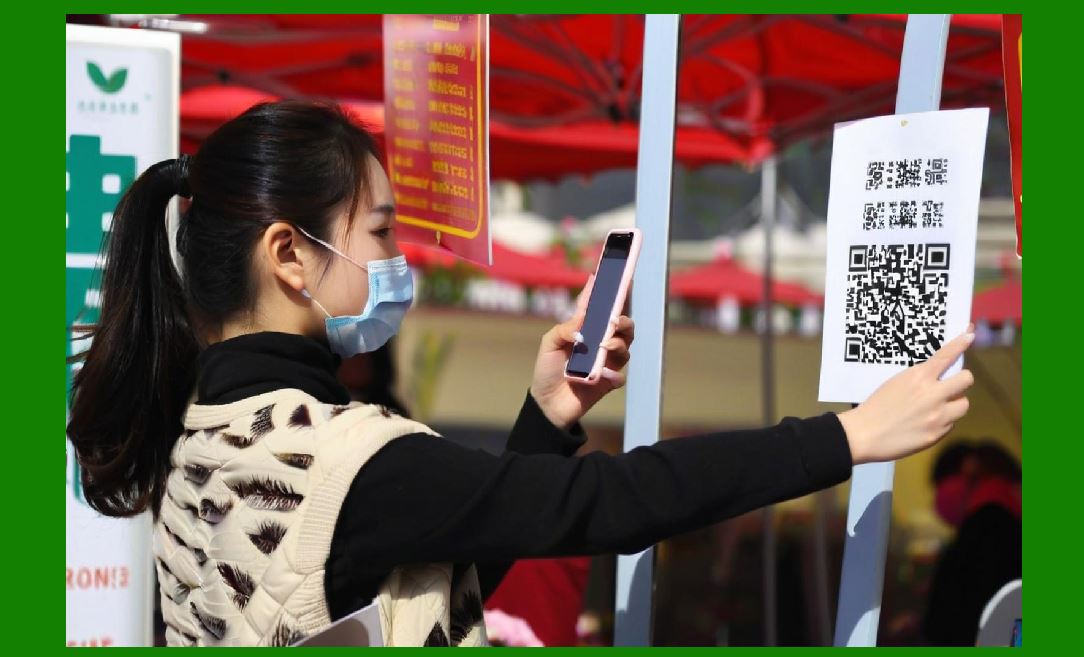
Although many formats exist, commonly used 1D barcodes include retail, logistics, industrial, and library applications. These symbols are deeply embedded in global supply chains and legacy systems. |
|
3. Fundamental Concept of 2D Barcodes |
3.1 What Is a 2D Barcode |
A two-dimensional barcode encodes data in both horizontal and vertical directions. Instead of bars and spaces alone, 2D barcodes use patterns of squares, dots, hexagons, or other shapes arranged in a grid or matrix. |
This structure allows 2D barcodes to store significantly more information in a much smaller physical area than 1D barcodes. |
3.2 Characteristics of 2D Barcodes |
Key characteristics include: |
* Data is encoded across two axes. |
* High data density. |
* Error correction capabilities. |
* Can be scanned from multiple orientations. |
* More resilient to damage. |
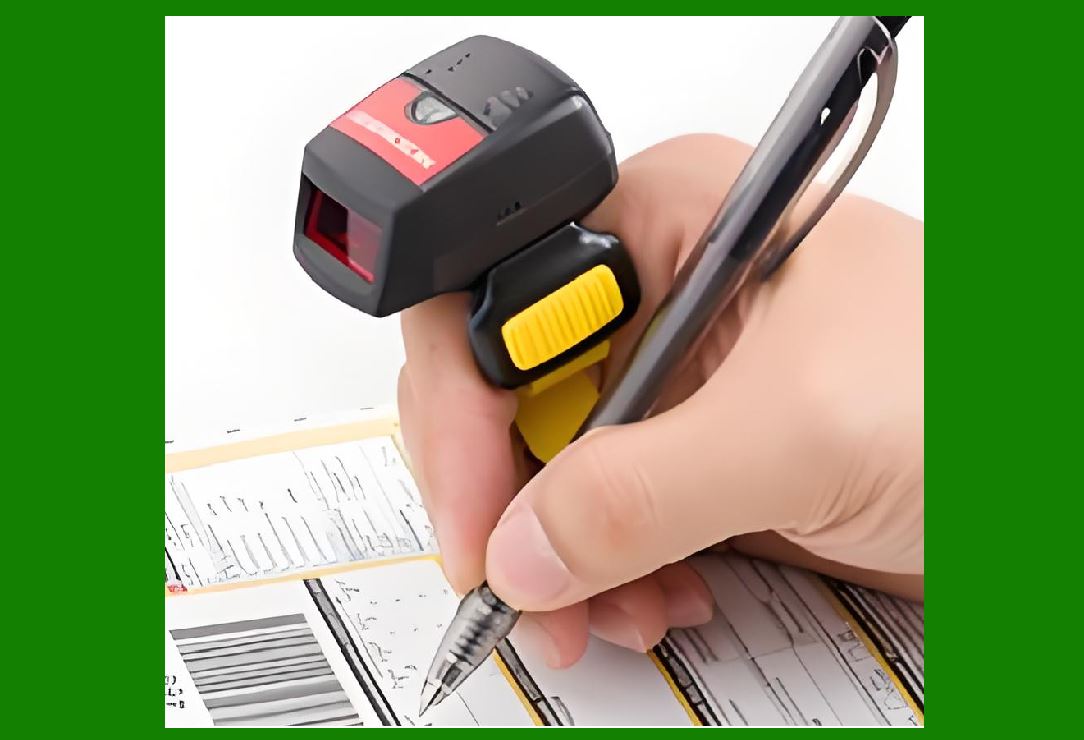
* Often readable by smartphone cameras. |
3.3 Common Examples of 2D Barcodes |
2D barcodes are widely used in mobile payments, healthcare, electronics manufacturing, product traceability, digital marketing, and government applications. |
|
4. Core Differences Between 1D and 2D Barcodes |
4.1 Data Capacity Differences |
One of the most important decision factors is how much data needs to be encoded. |
1D barcodes typically store: |
* Numeric or alphanumeric identifiers |
* Short codes or references |
* Usually fewer than several dozen characters |
2D barcodes can store: |
* Hundreds or thousands of characters |
* URLs |
* Structured data |
* Binary data |
* Encoded files or encryption results |
4.2 Physical Size Requirements |
1D barcodes grow wider as more data is encoded. This makes them unsuitable for very small labels if data requirements increase. |
2D barcodes can store large amounts of data in a compact square or rectangle, making them ideal for small items or dense labeling. |
4.3 Error Tolerance |
1D barcodes generally require the barcode to be intact and clean across the scan line. |
2D barcodes include built-in error correction, allowing them to be read even when partially damaged, dirty, or distorted. |
|
5. When 1D Barcodes Should Be Used |
5.1 When Data Requirements Are Minimal |
1D barcodes are ideal when the encoded data is: |
* A short product ID |
* A SKU number |
* A serial number |
* A reference code stored in a backend database |
In such cases, the barcode acts merely as a key, not as a data container. |
5.2 When Compatibility With Legacy Systems Is Required |
Many industries rely on decades-old infrastructure. Warehouses, retail stores, and manufacturing plants often use laser scanners designed specifically for linear barcodes. |
If the existing environment includes: |
* Fixed laser scanners |
* Conveyor-based scanning systems |
* Embedded industrial readers |
Then 1D barcodes are often the safest and most compatible choice. |
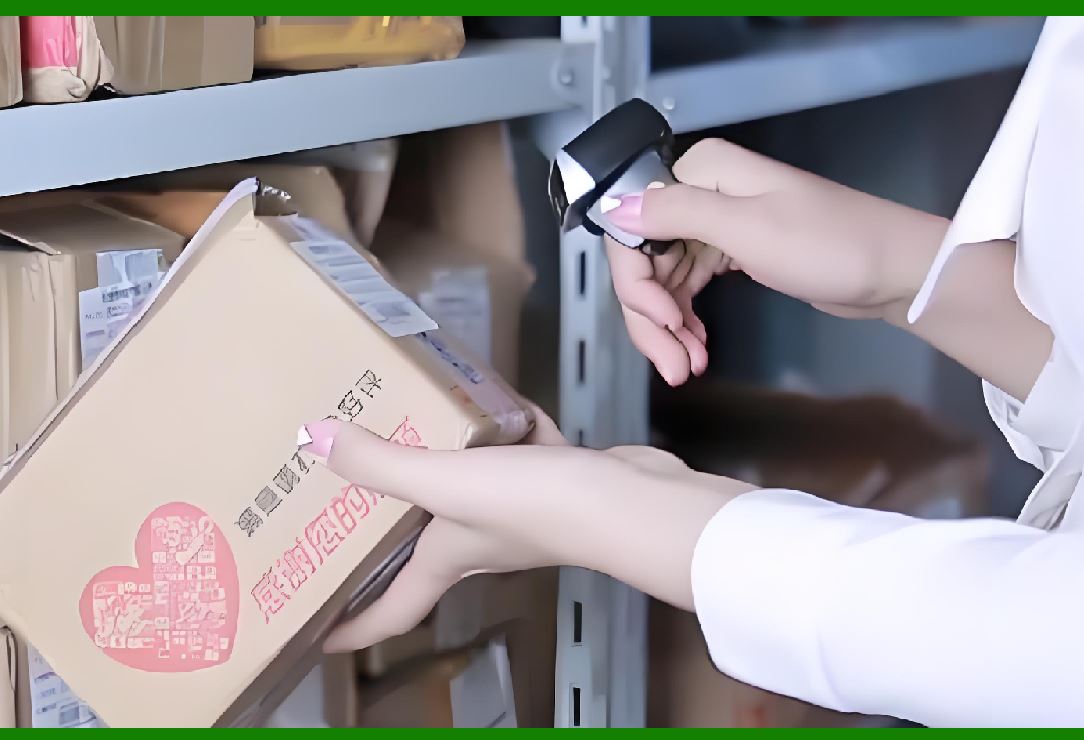
5.3 When High-Speed Scanning Is Critical |
1D barcodes are exceptionally fast to scan, especially in environments such as: |
* Grocery checkout lanes |
* High-volume distribution centers |
* Parcel sorting facilities |
Laser scanners can read 1D barcodes almost instantly as items move past at high speed. |
5.4 When Label Space Is Abundant |
If packaging or labels are large enough to accommodate long barcodes without compromising design or readability, 1D barcodes remain effective. |
Examples include: |
* Shipping cartons |
* Pallets |
* Large product boxes |
* Industrial containers |
5.5 When Printing Conditions Are Poor |
1D barcodes tolerate lower print quality better than 2D barcodes. In environments with: |
* Low-resolution printers |
* Ink spread |
* Thermal printing inconsistencies |
1D barcodes often remain readable when a 2D barcode might fail. |
5.6 When Regulatory Standards Mandate 1D Barcodes |
Some industries or standards explicitly require specific 1D barcode formats. In such cases, compliance outweighs technical preference. |
|
6. When 2D Barcodes Should Be Used |
6.1 When Large Amounts of Data Must Be Encoded |
2D barcodes are the correct choice when the barcode itself must carry: |
* Full product descriptions |
* Batch numbers and expiration dates |
* URLs or digital links |
* Encrypted or signed data |
This is common in healthcare, electronics, and traceability systems. |
6.2 When Label Space Is Extremely Limited |
Small items such as: |
* Electronic components |
* Medical vials |
* Jewelry tags |
* Cosmetic containers |
Often cannot accommodate long 1D barcodes. A compact 2D barcode solves this problem. |
6.3 When Error Correction Is Essential |
In harsh environments where labels may be: |
* Scratched |
* Partially torn |
* Dirty |
* Exposed to chemicals |
2D barcodes provide redundancy through error correction, dramatically improving reliability. |
6.4 When Orientation-Free Scanning Is Required |
2D barcodes can be scanned from almost any angle, which is valuable in: |
* Mobile scanning |
* Consumer applications |
* Automated vision systems |
This reduces scanning failures caused by orientation issues. |
6.5 When Consumer Interaction Is Involved |
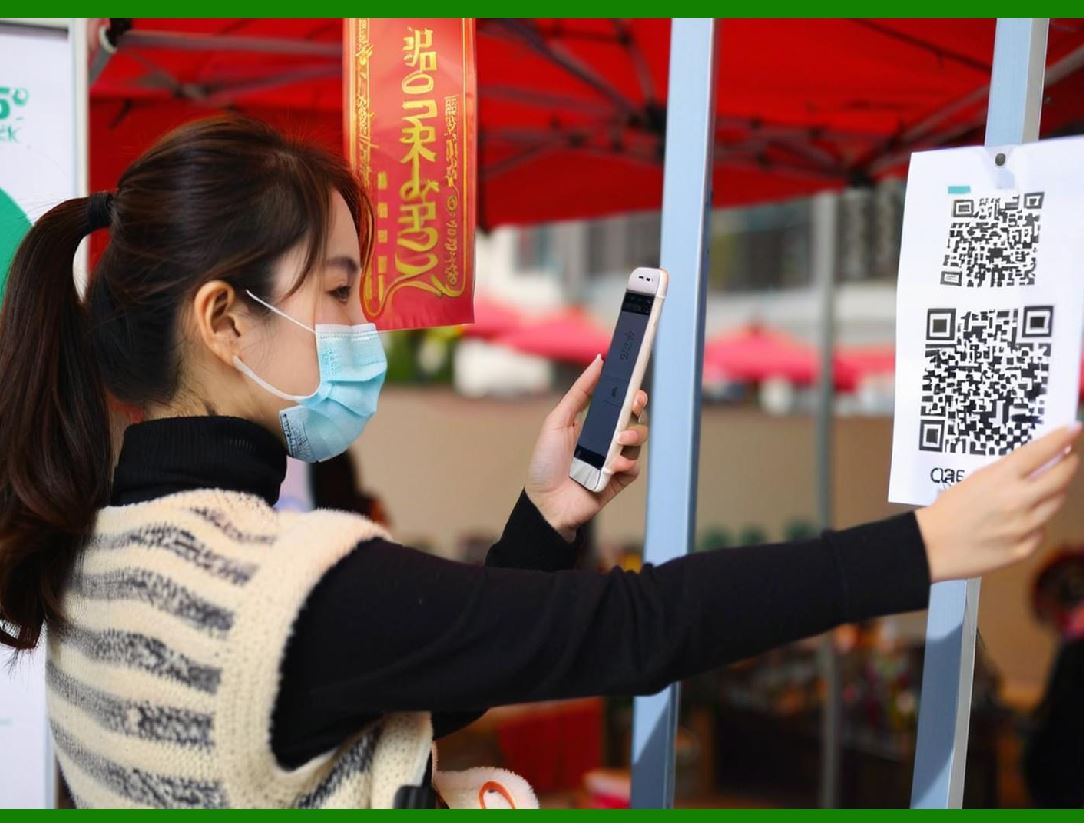
Smartphones can easily scan 2D barcodes using built-in cameras. This makes 2D barcodes ideal for: |
* Marketing campaigns |
* Digital product manuals |
* Mobile payments |
* Authentication and verification |
6.6 When Future Scalability Is Important |
2D barcodes support future expansion by allowing additional data fields without increasing label size. This makes them suitable for long-term system planning. |
|
7. Industry-Specific Decision Guidelines |
7.1 Retail Industry |
Retail environments often use 1D barcodes for price lookup and inventory management due to speed and compatibility. However, 2D barcodes are increasingly used for mobile interaction, loyalty programs, and digital receipts. |
7.2 Logistics and Warehousing |
High-speed conveyor systems favor 1D barcodes, while advanced tracking and traceability systems increasingly rely on 2D barcodes. |
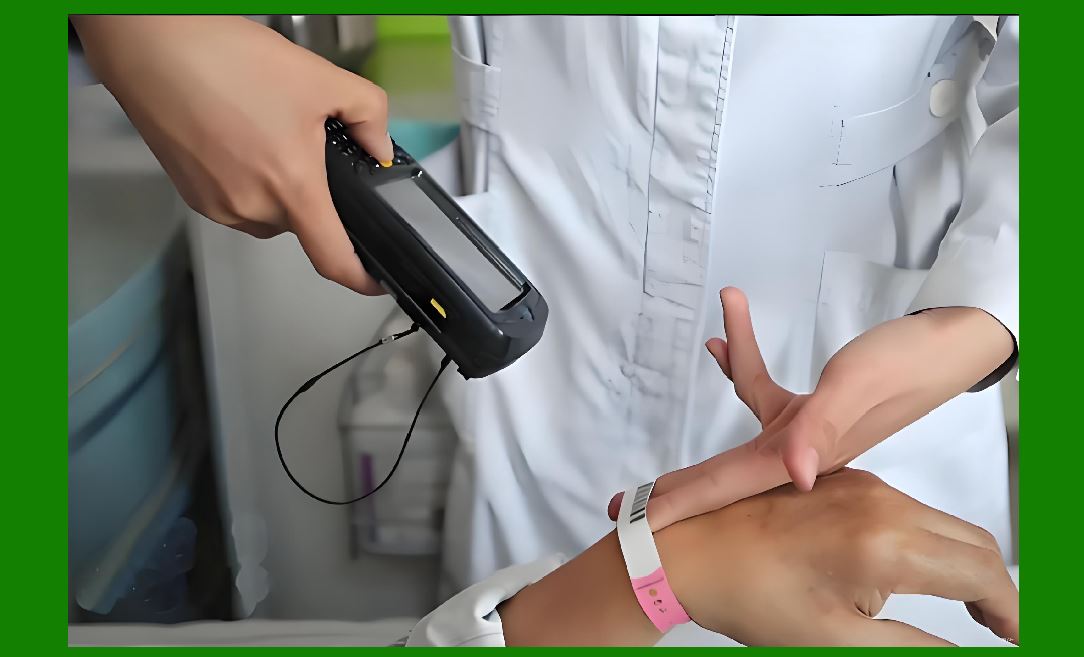
7.3 Healthcare Industry |
Healthcare strongly favors 2D barcodes due to their ability to encode detailed patient, medication, and dosage information securely and reliably. |
7.4 Manufacturing Industry |
Manufacturing uses both types. 1D barcodes are common for internal tracking, while 2D barcodes are preferred for part marking, compliance labeling, and lifecycle traceability. |
7.5 Government and Public Services |
Government documents, licenses, and permits increasingly use 2D barcodes due to their data capacity and security features. |
|
8. Technical Considerations in Barcode Label Design |
8.1 Printing Resolution |
1D barcodes can be printed with lower resolution printers. 2D barcodes require higher resolution and better contrast control. |
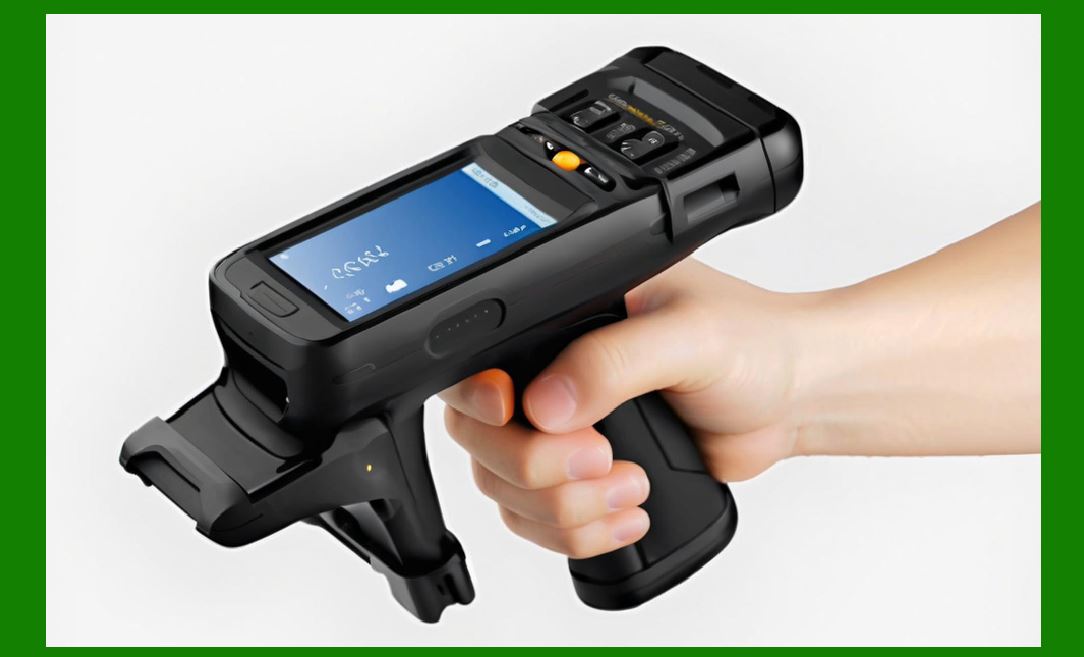
8.2 Scanning Hardware |
If scanners cannot read 2D barcodes, using them will cause operational failures regardless of technical advantages. |
8.3 Environmental Conditions |
Heat, moisture, abrasion, and lighting conditions influence the barcode choice. |
|
9. Cost Considerations |
9.1 Hardware Costs |
Upgrading to 2D scanners may require significant investment. |
9.2 Software Costs |
Encoding, managing, and decoding 2D barcodes may require more advanced software systems. |
9.3 Operational Costs |
Reduced scanning errors and better data accuracy may offset higher initial costs. |
|
10. Human Factors and Usability |
10.1 Ease of Manual Entry |
1D barcodes are often paired with human-readable text. 2D barcodes may encode data that is not human-readable. |
10.2 Training Requirements |
Staff may require training when transitioning from 1D to 2D systems. |

|
11. Security and Data Integrity |
11.1 Data Exposure Risks |
1D barcodes usually expose minimal data. 2D barcodes may expose sensitive data if not properly managed. |
11.2 Encryption and Authentication |
2D barcodes can embed encrypted data, enabling authentication and anti-counterfeiting measures. |

|
12. Transition Strategies: Using Both 1D and 2D Barcodes Together |
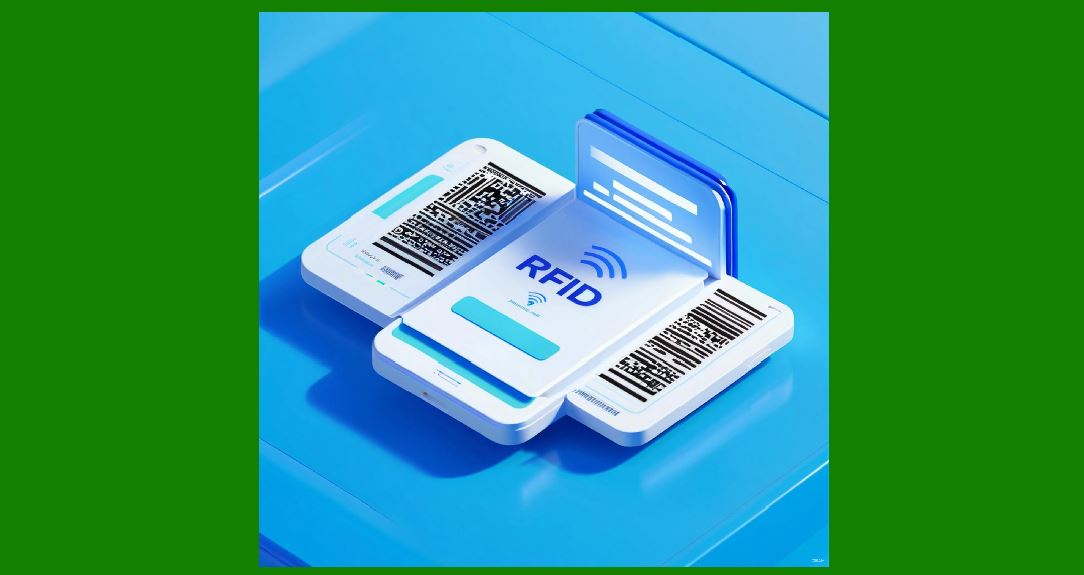
Many organizations adopt hybrid labeling strategies, placing both a 1D and a 2D barcode on the same label to support multiple workflows and systems simultaneously. |

|
13. Future Trends in Barcode Usage |
13.1 Increasing Adoption of 2D Barcodes |
Digital transformation, mobile scanning, and regulatory changes are accelerating the adoption of 2D barcodes. |
13.2 Continued Relevance of 1D Barcodes |
Despite new technologies, 1D barcodes remain deeply entrenched and will continue to coexist with 2D barcodes for many years. |

|
14. Practical Decision-Making Framework |
When designing barcode labels, ask the following questions: |
1. How much data must be encoded |
2. How much label space is available |
3. What scanners are currently in use |
4. What is the scanning speed requirement |
5. What environmental conditions will the label face |
6. Is consumer interaction required |
7. Are there regulatory constraints |
8. Is future expansion anticipated |
The answers will naturally guide the choice between 1D and 2D barcodes. |
|
15. Final Conclusion |
Choosing between 1D and 2D barcodes is not a matter of which technology is better,but rather which technology is appropriate for a specific application. |
1D barcodes excel in speed, simplicity, compatibility, and cost efficiency for simple identification tasks. |
2D barcodes excel in data richness, resilience, compactness, and future scalability. |
A well-designed barcode label system often incorporates both, leveraging the strengths of each to create a robust, flexible, and future-ready solution. |
 cs@easiersoft.com