Part 3: Manual Data Re-Entry and Operational Fragility |
3.1 The Prevalence of Manual Data Re-Entry in Non-ERP Environments |
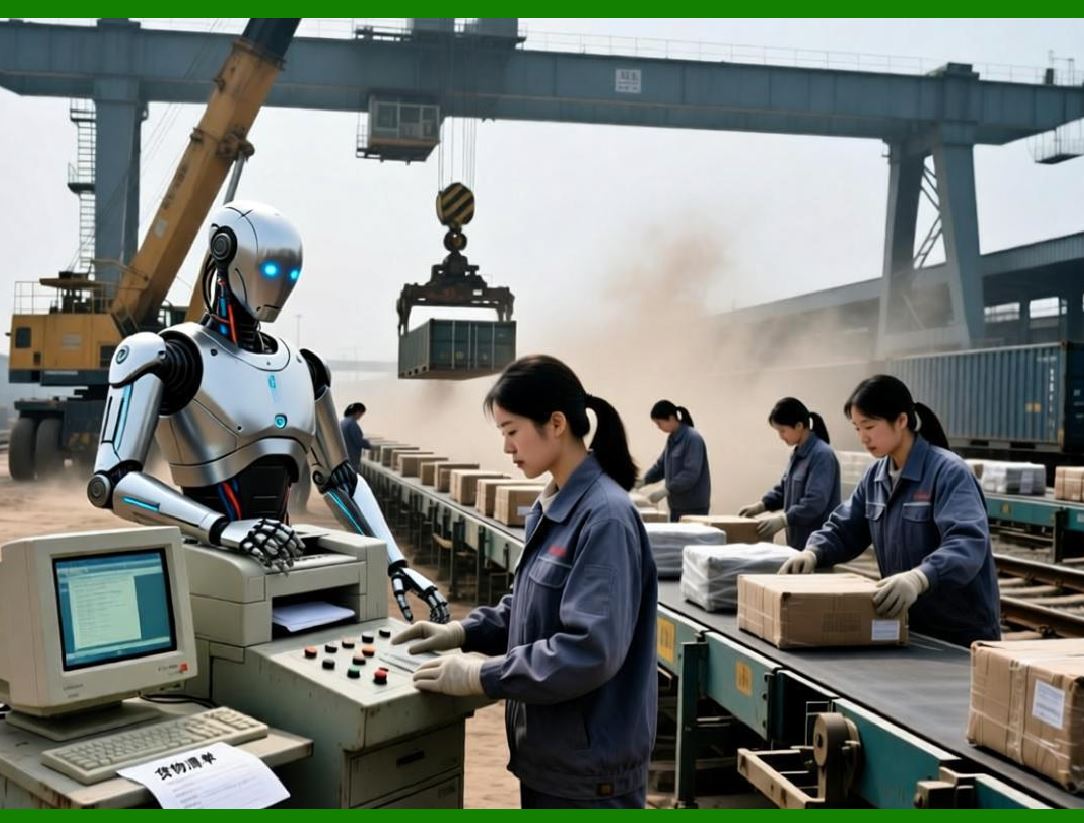
In enterprises without ERP systems, data rarely flows automatically from one business function to another. Instead, information is repeatedly re-entered by humans as it moves across departments. A sales order entered in a CRM system may need to be retyped into an accounting system for invoicing. Inventory movements recorded in warehouse software may need to be manually updated in finance systems. Production data may be entered separately into planning tools, quality systems, and cost accounting spreadsheets. |
Manual data re-entry becomes normalized as part of daily work. Employees often view it as unavoidable administrative overhead rather than a structural flaw. However, as transaction volumes grow, this manual effort scales linearly with business activity, while its error rate grows exponentially. |
|
3.2 Error Propagation and Compounding Risk |
Human data entry errors are inevitable. Typographical mistakes, incorrect unit conversions, missing fields, and misinterpretation of source documents occur even in well-trained teams. In siloed environments, these errors propagate silently across systems. |
An incorrect quantity entered into inventory may lead to: |
* Incorrect production planning |
* Stockouts or overproduction |
* Incorrect cost calculations |
* Late customer deliveries |
Each downstream system treats the erroneous data as valid because it lacks context or validation from upstream processes. ERP systems eliminate this chain reaction by ensuring data is entered once and reused everywhere. |

|
3.3 Operational Fragility and Dependency on Individuals |
Manual data flows create operational fragility. Knowledge about how data moves between systems often resides in the heads of specific employees rather than in documented processes. |
Enterprises become dependent on: |
* Specific clerks who know how to reconcile systems |
* Informal workarounds developed over time |
* Tribal knowledge passed verbally rather than documented |
When key employees leave or are unavailable, operations slow down or break entirely. ERP systems institutionalize processes, reducing dependency on individual knowledge and increasing organizational resilience. |

|
3.4 The Hidden Time Cost of Manual Processes |
The time spent on manual data re-entry is often underestimated because it is distributed across many employees and tasks. A few minutes per transaction may not seem significant, but multiplied across thousands of transactions, departments, and days, the cost becomes enormous. |
Manual processes consume time that could be used for: |
* Process improvement |
* Customer engagement |
* Strategic analysis |
* Innovation |
ERP systems convert administrative labor into automated workflows, freeing human resources for higher-value activities. |

|
3.5 ERP Automation and Transaction Integrity |
ERP systems are designed around transactional integrity. Once a transaction is created, it triggers a cascade of system-controlled updates across modules. |
For example: |
* A sales order automatically reserves inventory |
* A production order automatically consumes materials |
* A goods receipt automatically updates inventory and accounting |
* An invoice automatically posts to accounts receivable |
This automation ensures that all departments operate on synchronized data, eliminating the need for manual reconciliation and significantly reducing operational risk. |

|
3.6 Scalability Limitations of Manual Operations |
Manual processes impose a hard ceiling on growth. Enterprises can only scale as fast as they can hire, train, and supervise administrative staff. Beyond a certain point, adding more people introduces coordination overhead and increases error rates. |
ERP systems decouple growth from administrative headcount. By automating transactional workflows, enterprises can increase transaction volumes without proportional increases in staff, enabling sustainable scaling. |

|
Part 4: Inconsistent Reporting and the Collapse of Trust in Data |
4.1 The Nature of Reporting Inconsistencies |
In enterprises without ERP systems, reporting is often built on top of fragmented data sources. Each department generates reports using its own tools, definitions, and assumptions. |
As a result: |
* Revenue figures may differ between sales and finance |
* Inventory values may differ between warehouse and accounting |
* Profitability metrics may vary depending on data source |
These inconsistencies undermine confidence in management reports and complicate decision-making. |

|
4.2 Multiple Versions of the Truth |
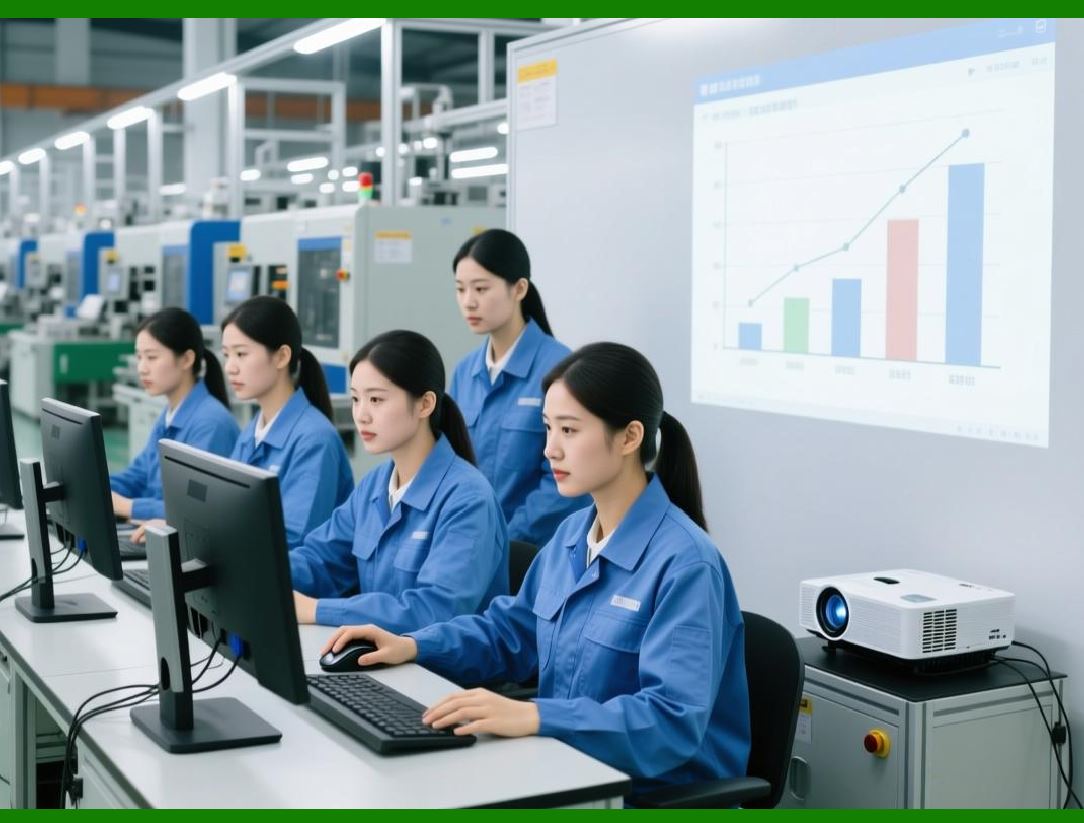
When data silos exist, enterprises inevitably develop multiple 'Versions of the truth'.Meetings are spent debating numbers rather than discussing actions. Managers waste time reconciling reports instead of interpreting them. |
Questions like: |
* Whhich report is correct * * Why does this number differ from last month * * Whhich system should we trust * |
become routine. ERP systems eliminate these debates by enforcing unified data definitions and centralized reporting structures. |
|
4.3 The Cost of Reconciliation Efforts |
Without ERP, significant resources are dedicated to reconciling data across systems. Finance teams manually reconcile inventory values, revenue figures, and cost data at the end of each period. Operations teams reconcile production outputs with sales and inventory. |
These reconciliation efforts: |
* Delay financial close |
* Increase stress during reporting cycles |
* Introduce additional error opportunities |
ERP systems provide real-time reconciliation by design, significantly shortening reporting cycles and improving accuracy. |

|
4.4 Impact on Financial Close and Management Reporting |
Inconsistent reporting directly affects the financial close process. Without ERP, closing accounting periods requires extensive manual adjustments, journal entries, and cross-checks. |
This leads to: |
* Longer closing cycles |
* Reduced confidence in financial statements |
* Delayed availability of management reports |
ERP systems integrate operational and financial data, enabling faster and more reliable financial closes. |

|
4.5 Decision Paralysis and Risk Aversion |
When decision-makers do not trust data, they become risk-averse. Strategic initiatives are delayed or avoided because their outcomes cannot be reliably measured. |
Inconsistent reporting leads to: |
* Hesitation in capital investments |
* Delayed market entry decisions |
* Overreliance on historical performance |
* Reduced organizational agility |
ERP systems restore trust in data, empowering leaders to make timely, evidence-based decisions. |

|
4.6 ERP as a Foundation for Performance Management |
ERP systems provide a structured foundation for performance management. By integrating data across functions, ERP enables consistent measurement of key performance indicators. |
Managers gain: |
* Real-time visibility into operations |
* Standardized performance metrics |
* Drill-down capabilities from summary to transaction level |
* Alignment between operational and financial performance |
This alignment is impossible to achieve sustainably without an integrated ERP system. |
 cs@easiersoft.com