Part 5: Poor Traceability Across Business Processes |
5.1 What Traceability Means in an Enterprise Context |
Traceability in an enterprise context refers to the ability to follow a transaction, material, decision, or data element through its entire lifecycle across the organization. True traceability allows an enterprise to answer questions such as: |
* Where did this data originate |
* Who created or approved it |
* Which downstream processes were affected |
* What financial impact did it have |
Without ERP systems, traceability is fragmented, incomplete, and often reconstructed retroactively through manual investigation. |

|
5.2 Fragmented Process Chains Without ERP |
In non-ERP environments, business processes are broken into disconnected segments. Each segment may be recorded in a different system or even on paper. For example, a customer order may exist as: |
* An email or CRM entry in sales |
* A spreadsheet in production planning |
* A warehouse picking list |
* A finance invoice generated separately |
The connections between these artifacts are often informal, relying on document numbers or employee memory rather than system-enforced links. This fragmentation makes end-to-end traceability extremely difficult. |

|
5.3 The Cost of Poor Traceability in Daily Operations |
Poor traceability has immediate operational consequences. When issues arise, enterprises struggle to identify root causes quickly. |
Common scenarios include: |
* Customer complaints about incorrect deliveries |
* Discrepancies between shipped and invoiced quantities |
* Quality issues traced back to specific production batches |
* Inventory shrinkage with unclear origins |
Without ERP, resolving these issues requires manual audits, phone calls, and document searches, consuming time and disrupting operations. |

|
5.4 ERP Transaction Linking and Process Transparency |
ERP systems are designed around transaction linking. Each business transaction is connected to preceding and subsequent transactions through system-generated references. |
For example: |
* A sales order is linked to delivery documents |
* Delivery documents are linked to invoices |
* Invoices are linked to accounting entries |
* Production orders are linked to material consumption and labor postings |
This linkage creates a transparent, auditable process chain that can be navigated in real time. Users can trace any issue from its symptom back to its origin within the system. |

|
5.5 Traceability as a Foundation for Quality Management |
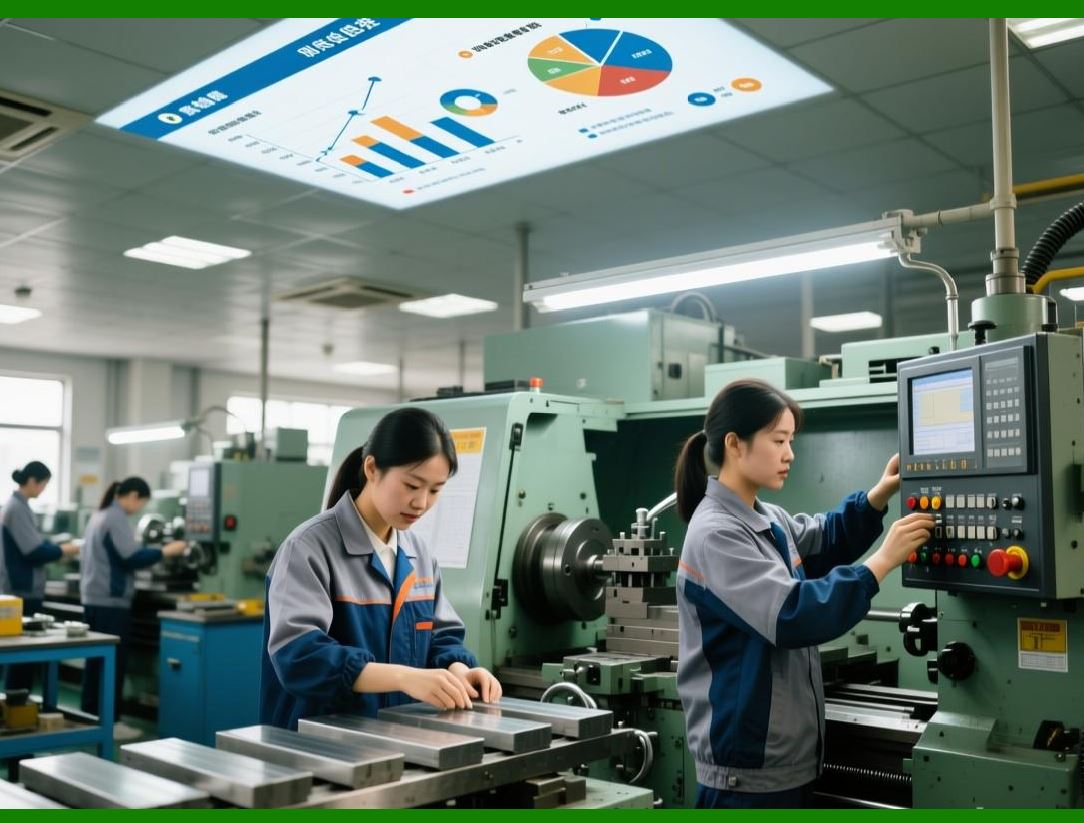
In industries such as manufacturing, pharmaceuticals, food, and electronics, traceability is not optional. Enterprises must be able to trace materials, components, and processes to ensure product quality and safety. |
Without ERP: |
* Batch and lot tracking is inconsistent |
* Recall processes are slow and error-prone |
* Compliance reporting is difficult |
* Quality investigations lack reliable data |
ERP systems provide structured traceability that supports preventive quality management rather than reactive firefighting. |
|
5.6 Financial and Audit Traceability |
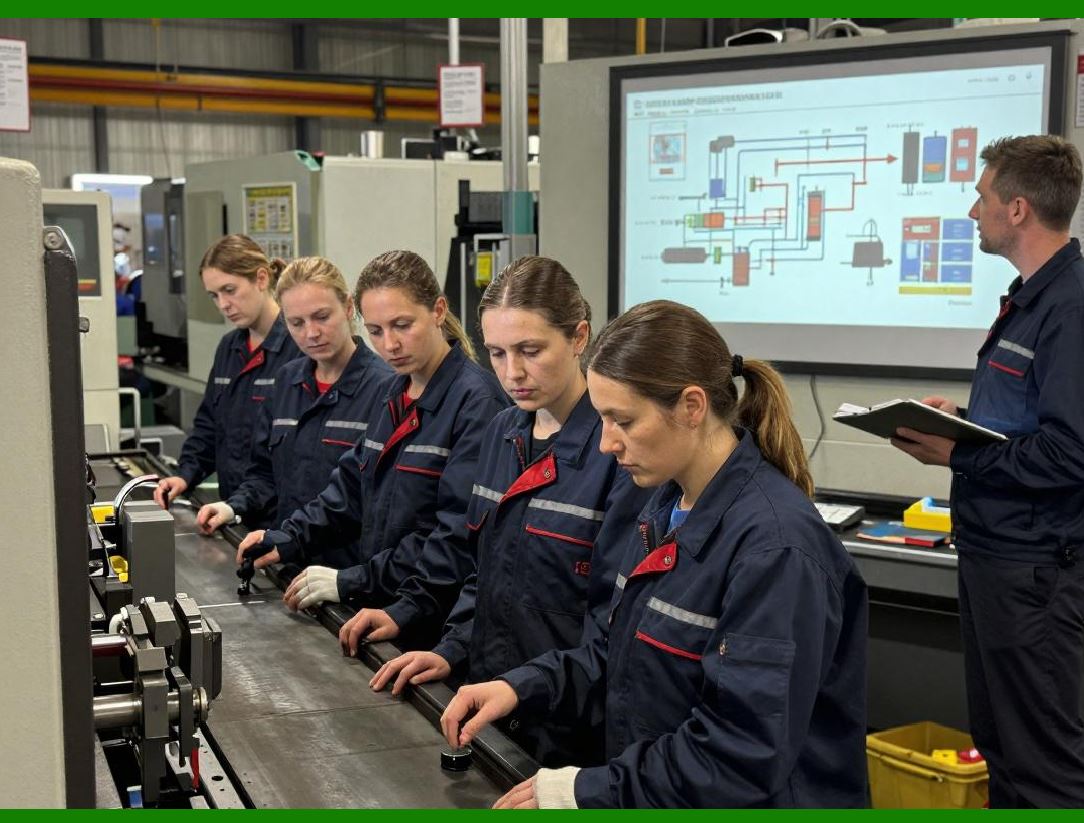
Traceability is equally critical in financial management. Auditors require clear links between source transactions and financial statements. |
ERP systems provide: |
* Drill-down from financial reports to individual transactions |
* Complete audit trails of changes and approvals |
* Time-stamped transaction histories |
Without ERP, audit preparation becomes a stressful, manual exercise that exposes enterprises to compliance risks and reputational damage. |
|
5.7 Strategic Implications of Limited Traceability |
Poor traceability limits an enterprise ability to learn from its operations. Without clear process visibility, identifying inefficiencies, bottlenecks, and improvement opportunities becomes guesswork. |
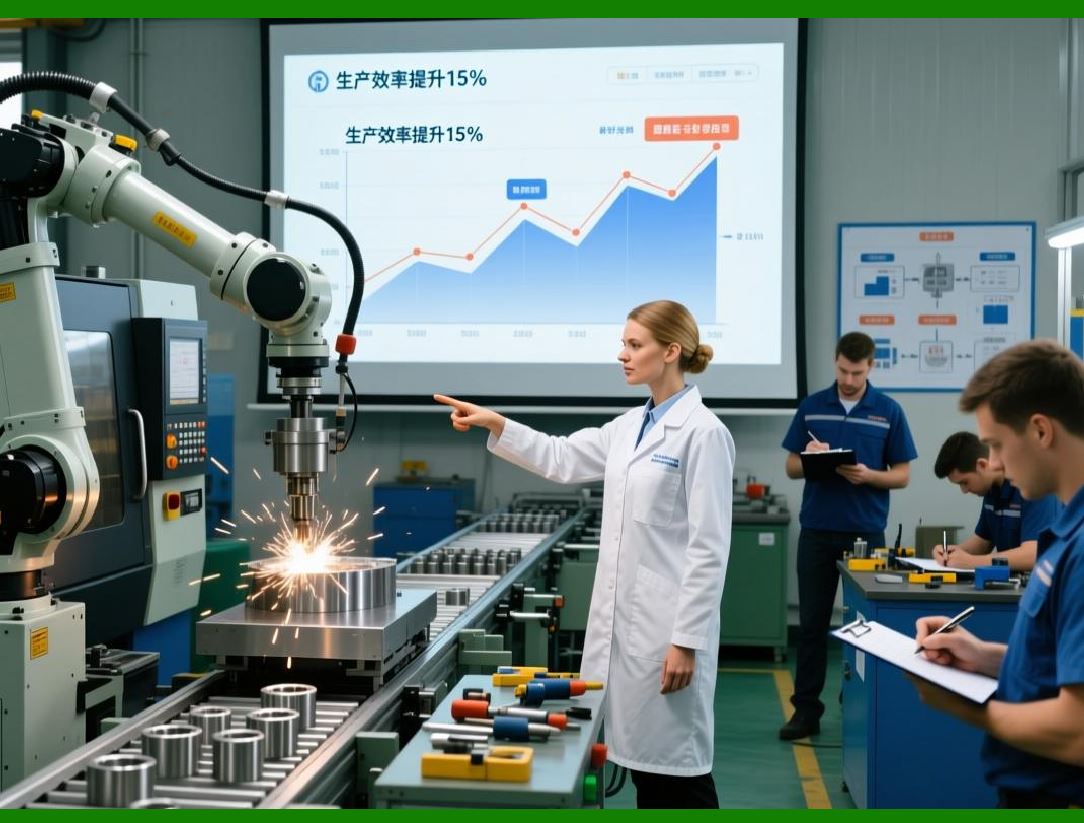
ERP-enabled traceability transforms operational data into organizational knowledge, enabling continuous improvement and strategic refinement. |
|
Part 6: Delayed Decision-Making in Competitive Environments |
6.1 The Time Sensitivity of Modern Business Decisions |
Modern enterprises operate in environments where conditions change rapidly. Customer preferences shift, supply chains fluctuate, regulations evolve, and competitors act quickly. In such contexts, decision-making speed is a competitive differentiator. |
Enterprises without ERP systems are structurally slow because information is delayed, fragmented, and unreliable. |

|
6.2 Data Latency in Non-Integrated Systems |
Without ERP, data latency is unavoidable. Information must be collected, consolidated, and reconciled before it can be analyzed. |
Typical delays include: |
* End-of-day or end-of-week data updates |
* Manual report compilation |
* Approval bottlenecks |
* Cross-departmental coordination delays |
By the time management receives information, it often reflects past conditions rather than current realities. |

|
6.3 ERP and Real-Time Operational Visibility |
ERP systems provide real-time or near-real-time visibility into enterprise operations. Transactions are recorded as they occur, immediately updating relevant modules. |
This real-time data enables: |
* Up-to-date inventory visibility |
* Current financial positions |
* Live production status |
* Accurate order fulfillment tracking |
Decision-makers no longer have to wait for reports; they can access current information directly. |

|
6.4 The Link Between Decision Speed and Organizational Alignment |
Fast decisions require organizational alignment. When departments operate on different data sets, decision-making becomes contentious and slow. |
ERP systems align departments by: |
* Providing shared data views |
* Enforcing consistent definitions |
* Synchronizing operational timelines |
This alignment reduces debate and accelerates consensus, enabling faster action. |
6.5 Opportunity Cost of Slow Decision-Making |
Delayed decisions carry hidden opportunity costs. Enterprises may miss: |
* Favorable market entry windows |
* Cost-saving procurement opportunities |
* Early signals of operational issues |
* Customer satisfaction improvements |
Without ERP, enterprises often react to problems after they escalate rather than preventing them proactively. |

|
6.6 ERP as an Enabler of Predictive and Proactive Management |
ERP systems provide the data foundation required for predictive analysis. By integrating historical and current data, ERP enables forecasting, scenario analysis, and early warning systems. |
This shift from reactive to proactive management allows enterprises to anticipate challenges and seize opportunities with confidence. |
 cs@easiersoft.com