1. Introduction to the Relationship Between Barcodes and ERP Systems |
Enterprise Resource Planning (ERP) software represents the central nervous system of modern organizations. It integrates diverse functional domains such as procurement, inventory management, manufacturing, finance, sales, distribution, and customer relationship management into a unified platform. Barcodes, on the other hand, represent one of the most important data capture and identification technologies used across industries for nearly half a century. The synergy between barcode technology and ERP software lies in the capability of barcodes to enable rapid, accurate, and automated data input into ERP systems. This integration not only accelerates operational processes but also enhances real-time visibility, ensures accuracy in decision-making, and reduces operational costs. |
When organizations deploy ERP systems without barcode integration, much of the data entry still depends on human input. Human-entered data is slower, error-prone, and often delayed. By applying barcode technology directly within ERP workflows, companies achieve seamless connections between the physical movement of goods and the digital recording of those movements within ERP modules. The integration creates an environment where physical reality and digital records remain synchronized, providing businesses with significant competitive advantages. |
In this opening section, we will explore the foundational reasons for applying barcode technology in ERP software before diving into deeper technical, operational, and strategic details. This section sets the stage by highlighting the nature of ERP systems, the fundamental value of barcodes, and the convergence of these technologies into a transformative force for enterprises. |

|
2. Historical Evolution of Barcodes and ERP Systems |
Understanding the application of barcode technology in ERP software requires revisiting the evolution of both technologies individually before they merged into one ecosystem. |
2.1 The Birth of Barcodes |
Barcodes first emerged commercially in the 1970s, with the introduction of the Universal Product Code (UPC) in retail. The iconic black-and-white lines provided a method for representing product identifiers in machine-readable form. Scanning barcodes eliminated the need for manual entry of product identifiers, significantly reducing checkout times in supermarkets and creating an era of automated retail management. The success of UPC led to widespread adoption of other barcode symbologies such as Code 39, Code 128, Interleaved 2 of 5, and later two-dimensional codes like QR Code and Data Matrix. |
2.2 Early ERP Software |
ERP systems trace their roots back to Materials Requirements Planning (MRP) in the 1960s and 1970s, which expanded into Manufacturing Resource Planning (MRP II) in the 1980s. ERP emerged in the 1990s as an integrated system capable of managing multiple functions across organizations. Vendors such as SAP, Oracle, JD Edwards, and PeopleSoft pioneered this field, providing software that unified business processes into centralized platforms. |
2.3 Convergence of Barcode and ERP Systems |
As enterprises adopted ERP in the 1990s and 2000s, the demand for real-time data input became urgent. Manual data entry into ERP systems proved insufficient, leading organizations to integrate barcode systems directly with ERP workflows. Warehouses, factories, and retail outlets began using barcode scanners connected to ERP modules to record inventory movements, sales transactions, and supply chain data. By the early 2000s, barcode-ERP integration had become a best practice across industries. |

|
3. Theoretical Foundations of Barcode-ERP Integration |
Barcode technology provides a bridge between physical objects and digital data within ERP systems. At its core, the process relies on four principles: identification, capture, transmission, and synchronization. |
3.1 Identification |
Each physical asset, whether a raw material, finished product, tool, or document, receives a unique barcode label. This barcode encodes key information, often a product identifier or batch number, which corresponds to detailed records stored in the ERP database. |
3.2 Capture |
Barcode scanners, which may be handheld, fixed-mount, or embedded in mobile devices, capture the data encoded in barcodes. The scanning process is nearly instantaneous, and the device converts the optical information into digital input recognizable by ERP systems. |
3.3 Transmission |
Captured barcode data must be transmitted to ERP modules. This may occur via wired connections, wireless networks, or mobile applications. Middleware sometimes acts as an intermediary, validating and formatting data before transmission to the ERP database. |
3.4 Synchronization |
Once transmitted, the ERP system synchronizes the scanned barcode data with business processes. For example, when warehouse personnel scan incoming raw materials, the ERP system updates the inventory module, triggers financial postings, and adjusts procurement records. Synchronization ensures that real-world actions and ERP records remain consistent in real time. |

|
4. Core Benefits of Applying Barcodes in ERP Software |
The practical benefits of barcode integration into ERP systems are vast, cutting across efficiency, accuracy, cost reduction, and strategic advantages. |
4.1 Increased Data Accuracy |
Manual data entry into ERP systems is prone to errors, ranging from transposition mistakes to incomplete inputs. Barcode scanning virtually eliminates these risks by ensuring that the correct identifier is transmitted instantly to ERP modules. This accuracy reduces downstream errors in accounting, logistics, and reporting. |
4.2 Enhanced Speed and Efficiency |
Barcode scanning accelerates ERP workflows by reducing the time needed for data capture. For example, a warehouse clerk can scan dozens of items in seconds, whereas typing product codes into ERP fields would take minutes. |
4.3 Real-Time Visibility |
Barcode integration ensures that ERP systems reflect inventory and operational statuses in real time. As soon as items are scanned, ERP updates occur, providing managers with accurate, live dashboards for decision-making. |
4.4 Labor Cost Savings |
Automation of data capture reduces reliance on manual entry staff, freeing employees for higher-value tasks. Enterprises save labor costs by reallocating resources away from routine administrative work. |
4.5 Improved Traceability and Compliance |
Barcode-enabled ERP workflows provide end-to-end traceability. Organizations can track each product from supplier through production, distribution, and retail. This traceability supports compliance with industry regulations, such as pharmaceutical serialization or food safety tracking. |
4.6 Better Customer Service |
Accurate ERP data derived from barcodes ensures that customer orders are fulfilled correctly and on time. This improves service levels, reduces returns, and increases customer satisfaction. |

|
5. Technical Architecture of Barcode-ERP Integration |
Barcode integration into ERP software requires a robust technical architecture encompassing hardware, software, networking, and middleware. |
5.1 Barcode Symbologies |
Different industries and ERP implementations require different barcode types. Common one-dimensional codes include UPC, EAN-13, and Code 128, while two-dimensional symbologies like QR Code, PDF417, and Data Matrix are used for higher data density. ERP software must be configured to interpret the symbology used. |
5.2 Hardware Components |
Barcode scanners, mobile computers, printers, and labeling devices form the hardware backbone. Handheld scanners are commonly used in warehouses, while fixed-mount scanners support conveyor belt systems. Printers generate barcode labels, ensuring that all physical items have identifiers linked to ERP records. |
5.3 Software Integration Layer |
Middleware or ERP extensions enable barcode data capture to be transmitted accurately into ERP fields. The software integration layer may include APIs, web services, or custom connectors. For example, SAP systems often use IDocs or BAPIs to handle barcode data input. |
5.4 Networking and Communication |
Wireless networks allow mobile barcode devices to communicate with ERP databases in real time. Robust Wi-Fi infrastructure is crucial in large warehouses and manufacturing plants to support continuous connectivity. |
5.5 ERP Modules Affected |
Integration touches multiple ERP modules: |
Procurement: scanning goods received. |
Inventory management: tracking stock movements. |
Production: scanning raw materials consumed. |
Sales: recording orders shipped. |
Finance: ensuring accurate postings tied to transactions. |

|
6. Implementation Stages of Barcode Technology in ERP Systems |
Implementing barcode technology into ERP workflows requires careful planning and staged execution. |
6.1 Requirement Analysis |
Organizations must first identify specific business needs. For instance, a manufacturer may focus on raw material traceability, while a retailer prioritizes checkout speed. Requirements determine barcode symbology, scanner type, and ERP module customization. |
6.2 System Design |
Designers map business processes to ERP workflows and determine points where barcodes are needed. Labeling rules, barcode placement, and scanner selection are finalized in this phase. |
6.3 Pilot Testing |
A pilot implementation tests barcode-ERP integration in a limited area, such as a single warehouse. Feedback from this phase highlights issues in data flow, scanner usability, or ERP field mapping. |
6.4 Full Deployment |
Once pilot testing succeeds, organizations deploy barcode systems across all relevant ERP modules. Staff training and change management become critical at this stage. |
6.5 Continuous Improvement |
Barcode-ERP systems evolve over time. Organizations must regularly review performance, update symbologies, replace hardware, and refine workflows. |

|
7. Barcode-Enabled ERP Workflows in Detail |
7.1 Procurement and Receiving |
When a supplier delivers goods, the receiving team traditionally counts items and enters them into ERP manually. Barcode integration revolutionizes this by allowing warehouse staff to scan supplier labels or internally generated receiving barcodes. Once scanned, the ERP system automatically confirms quantities against purchase orders. If discrepancies exist, alerts are generated instantly, preventing over-receipts or under-receipts. This workflow improves vendor compliance, strengthens procurement control, and reduces financial discrepancies. |
7.2 Inventory Control |
Barcode-enabled ERP workflows ensure every item entering or leaving a warehouse is tracked precisely. Staff can scan items during put-away, movement, and picking processes. The ERP database updates stock levels automatically, preventing mismatches between physical and digital inventory. This real-time control reduces the risks of stockouts, overstocking, and write-offs. |
7.3 Production and Manufacturing |
In manufacturing, barcodes link raw materials to production orders. Operators scan materials before consumption, ensuring that ERP records accurately reflect usage. During production, barcodes on work-in-progress (WIP) batches track progress across stages. Finished goods are labeled and scanned into ERP inventory, completing the production cycle. The workflow provides traceability and supports lean manufacturing initiatives. |
7.4 Sales and Order Fulfillment |
In ERP-integrated distribution centers, sales orders generate picking lists with barcode identifiers. Workers scan items while fulfilling orders, and the ERP system confirms accuracy in real time. Shipping labels, also containing barcodes, connect ERP orders to logistics tracking numbers. The result is error-free fulfillment and improved customer service. |
7.5 Finance and Auditing |
Barcode data flowing into ERP supports financial modules. For instance, when goods are scanned into inventory, ERP automatically creates journal entries for asset capitalization. When items are sold, cost-of-goods-sold entries are triggered. Barcodes create a verifiable audit trail, which auditors can trace back to physical stock, ensuring compliance with accounting standards. |

|
8. Barcode Printing and Labeling in ERP Context |
8.1 Importance of Barcode Labeling |
Barcodes are only as effective as their labels. In ERP contexts, labels serve as the physical representation of ERP master data. A poorly printed or incorrectly placed label can disrupt workflows across entire supply chains. Therefore, ERP-integrated labeling systems are critical. |
8.2 Label Design and Standards |
ERP systems often include or connect to labeling modules that generate barcodes compliant with industry standards. For example, GS1 standards govern labels in retail and healthcare, while AIAG standards apply in the automotive industry. Label design incorporates product identifiers, batch numbers, serial numbers, and expiration dates. |
8.3 Printing Infrastructure |
Thermal transfer and direct thermal printers dominate ERP environments. These printers produce durable labels that withstand handling and environmental exposure. Printers connect to ERP systems via middleware, enabling automatic label generation upon ERP transactions, such as goods receipt or production completion. |
8.4 Label Placement Strategies |
ERP workflows require consistent label placement to ensure scanners capture codes efficiently. In warehouses, labels are placed on cartons, pallets, or shelving. In manufacturing, they may appear on individual units or bulk containers. ERP systems must support multiple levels of labeling for hierarchical tracking. |

|
9. Mobile ERP Applications with Barcode Support |
9.1 Rise of Mobile ERP Solutions |
Traditional ERP systems were desktop-centric, but modern enterprises demand mobility. Barcode-enabled mobile ERP applications empower employees to interact with ERP systems from anywhere in the warehouse, factory, or retail floor. |
9.2 Handheld Terminals and Smartphones |
Dedicated handheld barcode terminals, often ruggedized, connect wirelessly to ERP systems. Increasingly, smartphones equipped with camera-based scanning apps also integrate with ERP platforms. This democratizes access, reducing hardware costs while expanding usage. |
9.3 Field Service Applications |
Barcode-enabled mobile ERP apps extend beyond warehouses. Field service technicians can scan asset barcodes at customer sites, instantly updating ERP records. This supports warranty management, service history tracking, and spare part ordering in real time. |
9.4 Offline Capabilities |
Some mobile ERP apps provide offline scanning, storing data locally until connectivity resumes. This ensures uninterrupted workflows in remote locations or large facilities with network dead zones. |

|
10. Industry-Specific Applications of Barcode-ERP Integration |
10.1 Manufacturing |
In manufacturing ERP systems, barcode integration provides material traceability, WIP tracking, and finished goods serialization. Automotive and aerospace industries rely heavily on barcodes for compliance with supplier quality standards and safety regulations. |
10.2 Retail |
Retail ERP systems use barcodes for inventory management, point-of-sale integration, and customer behavior tracking. Loyalty programs also leverage barcode scanning to connect purchases with customer accounts. |
10.3 Healthcare |
Hospitals use ERP systems integrated with barcodes for patient wristbands, medication tracking, and equipment management. ERP-driven barcodes reduce medical errors and ensure compliance with regulations like HIPAA and FDA requirements. |
10.4 Logistics and Transportation |
ERP-integrated logistics relies on barcodes for shipment labeling, cross-docking, and last-mile delivery. Barcodes allow transportation ERP modules to provide real-time shipment visibility to customers and partners. |
10.5 Government and Public Sector |
Public organizations use barcode-enabled ERP systems for asset tracking, document management, and supply distribution. Defense ERP systems often integrate barcode scanning for strict inventory controls on critical equipment. |

|
11. Compliance and Regulatory Frameworks |
11.1 Industry Standards |
ERP-integrated barcodes must adhere to global standards to ensure interoperability across supply chains. GS1 standards dominate retail and healthcare, while aerospace relies on ATA SPEC2000. ERP systems often embed compliance modules to generate standard-compliant barcodes automatically. |
11.2 Government Regulations |
Pharmaceutical ERP systems must comply with serialization regulations like the U.S. DSCSA or the EU Falsified Medicines Directive. Barcodes encode serial numbers that ERP tracks from manufacturing to pharmacy. Similarly, food ERP systems follow traceability requirements set by agencies like the FDA. |
11.3 Audit Readiness |
Barcode-enabled ERP creates detailed audit trails. Every scan represents a verifiable transaction, simplifying audits. This compliance benefit reduces legal risks and enhances corporate governance. |

|
12. Challenges in Applying Barcode Technology within ERP |
12.1 Data Synchronization Errors |
Although barcodes automate input, errors can still occur if scanners fail to transmit data correctly or ERP systems experience latency. Mis-synchronization leads to discrepancies between physical stock and ERP records. |
12.2 Hardware Failures |
Barcode scanners and printers require regular maintenance. Hardware failures can disrupt ERP workflows, especially in high-volume operations like distribution centers. |
12.3 Label Durability Issues |
In harsh environments, barcode labels may fade, tear, or smear. ERP systems depending on such labels risk losing traceability. |
12.4 User Resistance and Training Needs |
Employees accustomed to manual workflows may resist barcode-enabled ERP processes. Without proper training, adoption suffers. ERP implementations must include change management strategies. |
12.5 Integration Complexity |
ERP systems are highly complex, and integrating barcodes often requires custom middleware or extensive configuration. Integration projects can become costly and time-consuming if not planned carefully. |

|
13. Cost-Benefit Analysis of Barcode-ERP Integration |
13.1 Upfront Costs |
Costs include barcode printers, scanners, labels, middleware, ERP customization, and training. Enterprises must budget for infrastructure upgrades, such as wireless networks in warehouses. |
13.2 Ongoing Costs |
Maintenance of scanners, replacement of labels, and ERP support contracts contribute to recurring expenses. |
13.3 Tangible Benefits |
Quantifiable benefits include reduced data entry errors, faster processing times, improved inventory accuracy, and lower labor costs. Studies often show payback periods of less than two years for barcode-ERP projects. |
13.4 Intangible Benefits |
Intangible benefits include improved decision-making, higher customer satisfaction, and stronger compliance. These advantages often outweigh tangible savings in long-term strategic value. |

|
14. Future Trends in Barcode-ERP Integration |
14.1 IoT and Smart ERP |
The Internet of Things enhances barcode-ERP systems by adding sensors and RFID. Hybrid solutions allow barcodes and IoT devices to work together, enriching ERP data streams. |
14.2 Blockchain Integration |
Blockchain provides immutable records of barcode-scanned ERP transactions. This technology improves supply chain transparency, reduces fraud, and strengthens compliance. |
14.3 AI and Predictive Analytics |
Barcode data integrated into ERP feeds AI algorithms for demand forecasting, predictive maintenance, and supply chain optimization. The predictive power of ERP grows significantly with accurate, real-time barcode data. |
14.4 Mobile and Cloud ERP |
Cloud ERP solutions with mobile barcode support enable distributed organizations to standardize processes across geographies. Cloud-native applications simplify updates, ensuring barcode workflows remain compliant with evolving standards. |
14.5 Augmented Reality Integration |
AR glasses with integrated barcode scanning may eventually replace handheld devices, enabling hands-free ERP interactions in warehouses and production lines. |
|
15. Case Studies of Barcode-ERP Integration |
15.1 Manufacturing Enterprise Case Study |
A global automotive manufacturer implemented barcode-enabled ERP to track every component used in vehicle assembly. Each part received a unique barcode that was scanned at each assembly stage. ERP modules automatically updated bills of materials, ensured correct part usage, and provided traceability in case of recalls. As a result, the company reduced production errors by 40% and compliance audit preparation time by 60%. |
15.2 Retail Chain Case Study |
A major retail chain integrated barcodes with its ERP point-of-sale and inventory modules. Cashiers scanned barcodes at checkout, instantly updating ERP sales and inventory records. Store managers gained real-time visibility into stock levels, enabling automatic replenishment orders. This integration reduced stockouts by 30% and improved customer satisfaction ratings significantly. |
15.3 Healthcare Provider Case Study |
A large hospital deployed barcode-enabled ERP for patient safety. Patient wristbands carried barcodes linked to ERP records. Before administering medication, nurses scanned both the wristband and the medication barcode, ensuring a correct match. This reduced medication errors by 70% and supported compliance with safety regulations. |
15.4 Logistics and Transportation Case Study |
A logistics provider used barcode-enabled ERP to optimize cross-docking operations. Packages arriving at the facility were scanned, automatically directing them to outbound docks without manual intervention. ERP integration provided customers with real-time tracking updates. The system reduced processing time per package by 50% and improved on-time delivery performance. |
15.5 Government Asset Tracking Case Study |
A government agency adopted barcode-ERP integration for asset management. Office equipment, vehicles, and IT devices received barcode labels linked to ERP asset modules. Annual audits were completed 80% faster, and unauthorized asset movements were reduced significantly. |
|
16. Advanced Technical Architectures |
16.1 Middleware and Data Transformation Layers |
Many ERP systems require data transformation between barcode scanners and ERP databases. Middleware applications perform validation, mapping, and error handling. For example, when a scanner reads a product code, middleware translates it into ERP-recognized identifiers before inserting it into the correct fields. |
16.2 API-Driven Integration |
Modern ERP vendors offer RESTful and SOAP-based APIs for barcode integration. Scanning devices can interact directly with ERP endpoints, bypassing legacy batch uploads. API-driven integration supports real-time synchronization and reduces latency. |
16.3 Cloud ERP Architectures |
Cloud ERP solutions introduce centralized integration points accessible from multiple locations. Barcode scanners, whether handheld or mobile apps, send data via the internet to ERP cloud databases. Enterprises benefit from centralized updates, global consistency, and reduced IT maintenance overhead. |
16.4 Security Layers |
Barcode-ERP integration must consider cybersecurity. Scanning devices communicate over networks that require encryption and authentication. Role-based access control ensures only authorized personnel can submit barcode data into critical ERP modules. Audit logs track all interactions for compliance. |
16.5 Hybrid Systems with RFID |
In some cases, ERP systems integrate both barcode and RFID technologies. Barcodes are used for low-cost, static identification, while RFID supports automated bulk reading. Middleware merges both data streams, providing ERP with a holistic view of assets and inventory. |
|
17. Comparative Analysis of Barcodes and RFID in ERP Systems |
17.1 Cost Considerations |
Barcodes are inexpensive to print and deploy, while RFID tags are significantly more costly. For ERP systems managing millions of items, barcodes remain the economical choice. |
17.2 Accuracy and Reliability |
Barcode scanning requires line-of-sight, while RFID can capture data without direct visibility. However, ERP environments often prefer barcodes for their simplicity and reduced susceptibility to interference. |
17.3 Data Density |
Two-dimensional barcodes can store substantial amounts of data directly on labels, whereas RFID tags can store even more, but at higher cost. ERP use cases requiring basic identifiers generally rely on barcodes. |
17.4 Scalability in ERP |
Both barcodes and RFID scale well, but barcodes offer lower total cost of ownership. RFID may be reserved for high-value industries, while barcodes dominate general ERP applications. |
17.5 Integration Complexity |
ERP integration for barcodes is simpler, requiring basic scanners and middleware. RFID integration requires antennas, readers, and more sophisticated middleware, increasing project complexity. |
|
18. Step-by-Step Implementation Roadmap |
18.1 Business Needs Assessment |
Organizations must define specific ERP workflows requiring barcode integration. For example, is the priority warehouse accuracy, production tracking, or retail checkout? The scope determines the project roadmap. |
18.2 Barcode Symbology Selection |
Businesses choose appropriate barcode types. Linear barcodes may suffice for retail, while 2D codes may be necessary for pharmaceuticals requiring serialization. |
18.3 Hardware and Infrastructure Planning |
Scanners, printers, labels, and wireless networks are selected and tested for compatibility with ERP systems. Ruggedized devices may be required for harsh environments. |
18.4 ERP Configuration and Customization |
ERP modules must be configured to accept barcode data. This often involves creating custom fields, workflows, or API connections. |
18.5 Pilot Deployment |
A controlled pilot ensures barcode-ERP workflows function correctly. Metrics such as scanning accuracy, transaction speed, and ERP update latency are evaluated. |
18.6 Employee Training and Change Management |
Staff receive hands-on training with scanners and ERP workflows. Communication strategies reduce resistance and improve adoption. |
18.7 Full-Scale Rollout |
The system is deployed organization-wide, supported by IT teams and project managers. Continuous monitoring ensures stability. |
18.8 Post-Implementation Review |
Regular reviews evaluate ROI, identify issues, and propose refinements. ERP updates and hardware refresh cycles are planned proactively. |
|
19. Extended Industry Deep Dives |
19.1 Automotive Manufacturing |
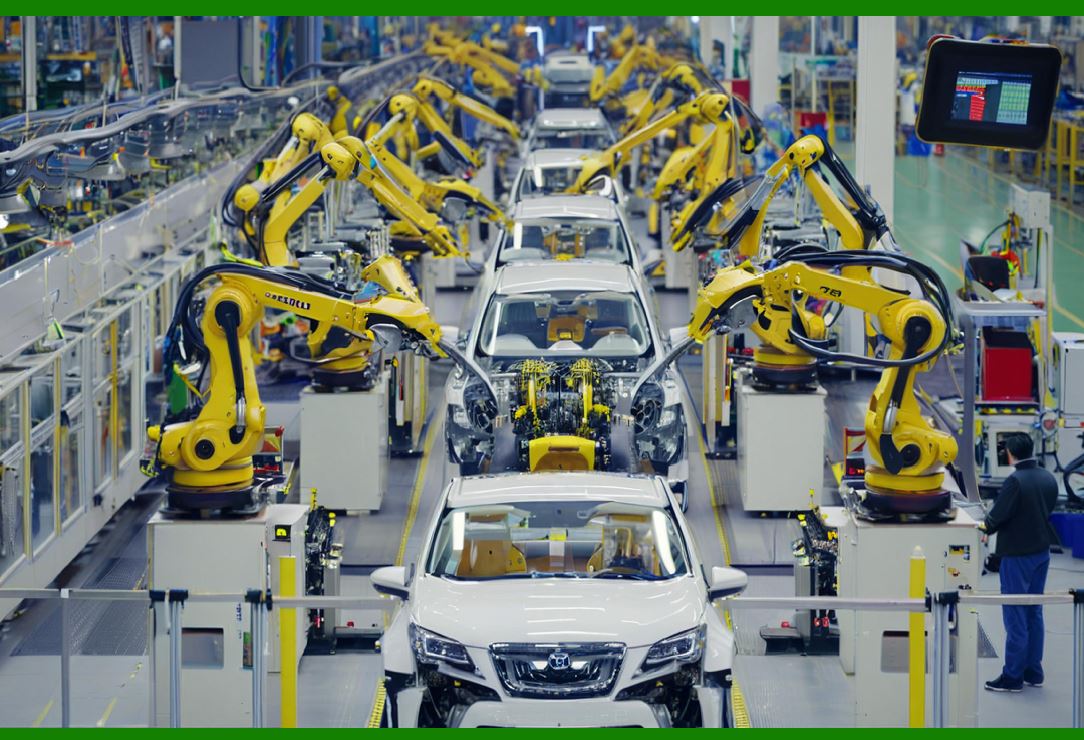
ERP-integrated barcodes track thousands of parts per vehicle. Each scan provides traceability in case of recalls. Supplier compliance with barcode standards is mandatory. Barcodes also support just-in-time delivery strategies, ensuring parts arrive at assembly lines precisely when needed. |
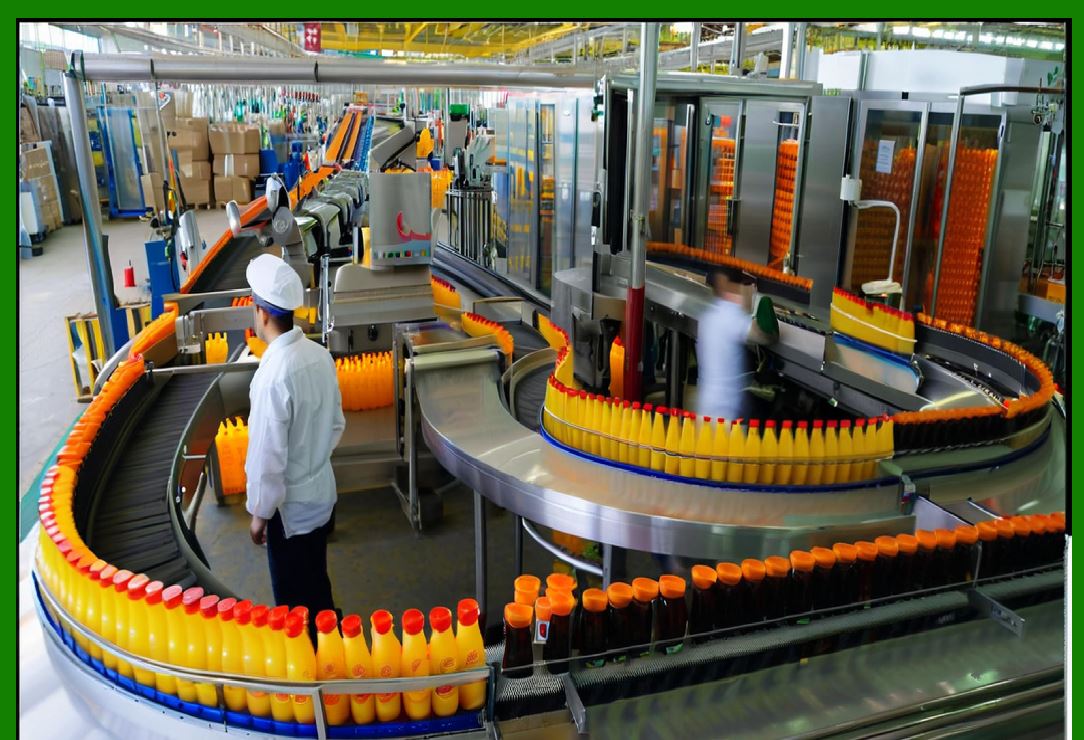
19.2 Food and Beverage Industry |
ERP systems integrated with barcodes ensure food traceability from farm to fork. Scanning during processing, packaging, and distribution supports compliance with safety regulations. Expiration dates encoded in barcodes trigger automatic alerts in ERP systems, reducing waste. |
19.3 Pharmaceuticals |
Pharmaceutical ERP systems require serialization, supported by 2D barcodes such as Data Matrix. ERP tracks each medicine unit across the supply chain, preventing counterfeiting and ensuring patient safety. Compliance with DSCSA and FMD is mandatory. |
19.4 Aerospace and Defense |
ERP systems in aerospace rely on barcodes for tracking high-value components. Every part must be scanned into ERP systems to ensure safety compliance. Documentation requirements demand barcode-supported traceability for decades. |
19.5 Education and Libraries |
ERP-like campus management systems use barcodes for book circulation, equipment tracking, and student ID cards. Integration ensures accurate asset utilization and reduces theft or loss. |

|
20. Strategic Benefits of Barcode-ERP Integration |
20.1 Competitive Advantage |
Companies using barcode-enabled ERP systems achieve operational excellence. Faster order fulfillment, accurate inventory, and improved compliance give them an edge over competitors. |
20.2 Business Intelligence Enrichment |
Barcode data enhances ERP analytics. Managers gain insight into product movement speed, employee productivity, and demand patterns. These insights inform strategic decisions. |
20.3 Global Supply Chain Collaboration |
Barcode standards ensure interoperability across international partners. ERP systems exchange barcode data seamlessly, improving global supply chain collaboration. |
20.4 Sustainability and Waste Reduction |
Accurate ERP data reduces overproduction and waste. Expired or obsolete items are minimized, supporting sustainability goals. |
20.5 Agility in Crisis Situations |
During disruptions such as pandemics or natural disasters, barcode-enabled ERP systems provide resilience by ensuring accurate inventory visibility and supply chain adaptability. |

|
21. Technical Performance Considerations in Barcode-ERP Integration |
21.1 Scanning Throughput |
One of the first performance factors in barcode-ERP integration is throughput, meaning how many items can be scanned per minute and how quickly ERP updates are processed. High-volume warehouses may require thousands of scans per hour. ERP systems must handle this influx without latency. Batch uploads were once common, but modern ERP implementations increasingly demand real-time synchronization to support just-in-time workflows. |
21.2 Database Load and Optimization |
Every barcode scan translates into one or more database transactions inside ERP. For example, scanning a pallet of goods may update inventory counts, trigger workflow approvals, and create journal entries simultaneously. Poorly optimized ERP databases may slow down under such loads. Database indexing, caching, and partitioning are essential for sustaining performance at scale. |
21.3 Network Infrastructure |
Wireless networks support the majority of barcode scanners in ERP environments. Weak connectivity results in dropped scans or delayed updates. To prevent bottlenecks, organizations deploy enterprise-grade Wi-Fi infrastructure with redundancy. Some even implement private LTE or 5G networks in large facilities. |
21.4 Error Handling and Data Validation |
ERP systems must handle exceptions gracefully. If a scanner reads a damaged barcode, the ERP must provide prompts for manual correction rather than rejecting the transaction entirely. Intelligent error handling maintains workflow continuity without corrupting ERP data. |
21.5 System Redundancy and Failover |
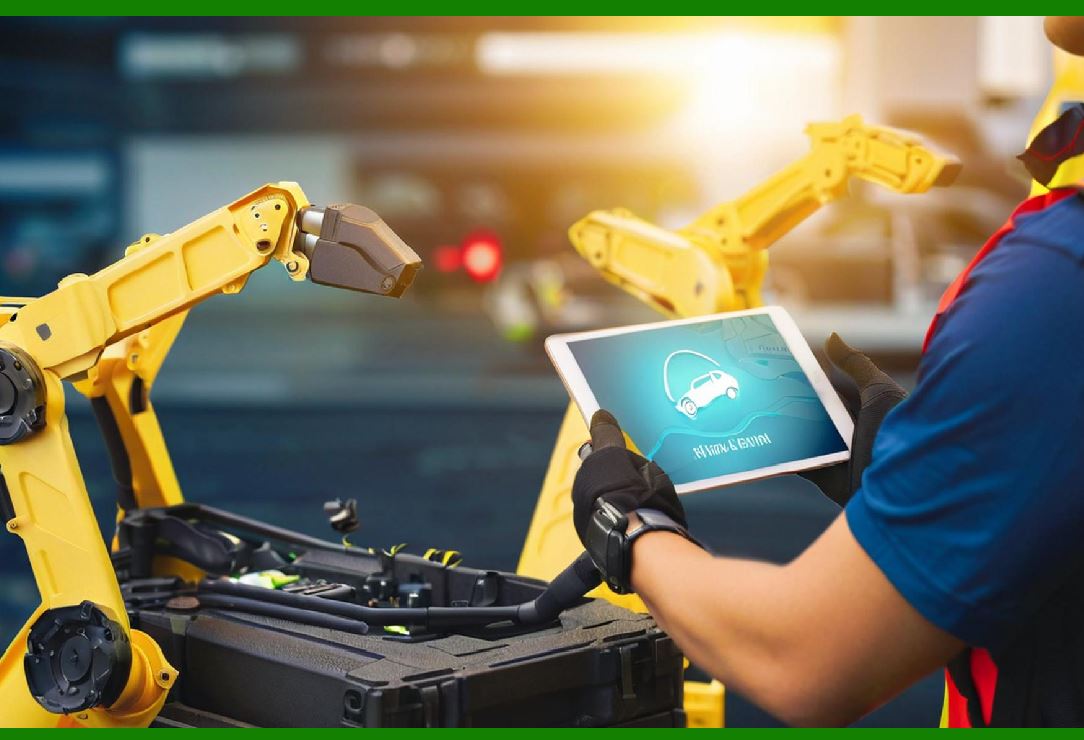
High-reliability operations, such as hospitals and critical manufacturing, require redundancy. Barcode-ERP systems must continue operating even if one server or scanner network fails. Cloud ERP platforms often incorporate failover capabilities to maintain uptime. |
|
22. Workforce Transformation Through Barcode-ERP Systems |
22.1 Changing Roles of Employees |
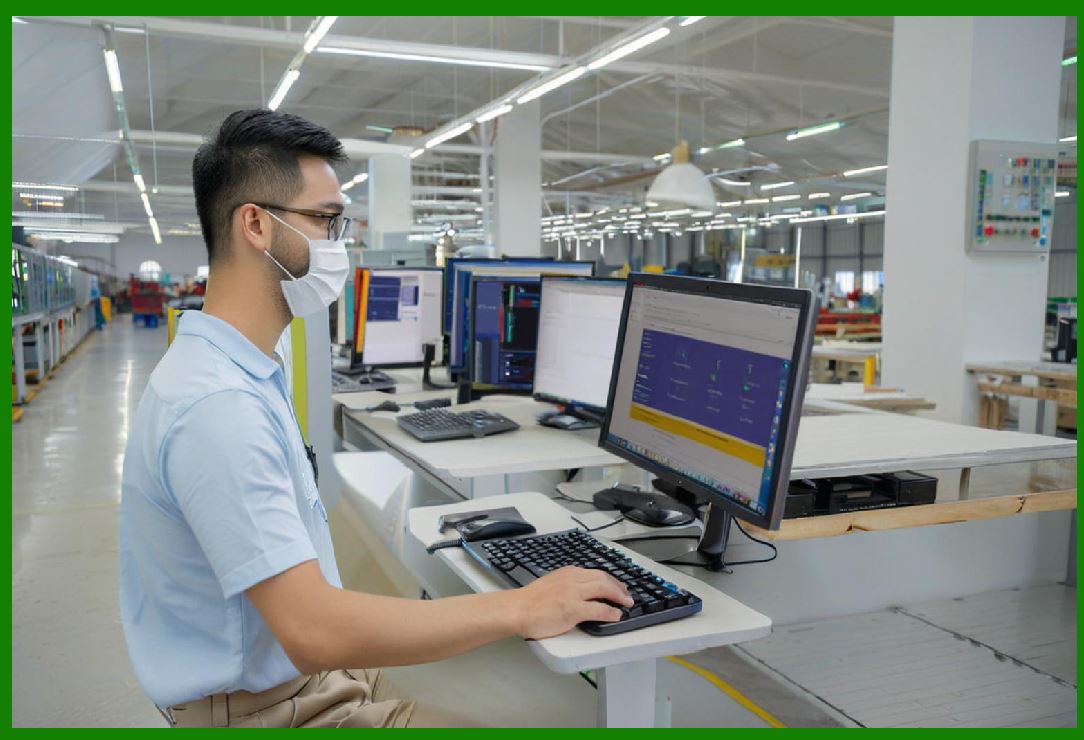
The introduction of barcode-ERP integration shifts employee roles from clerical data entry to operational scanning and validation. Clerks once responsible for typing data into ERP systems now ensure proper scanning, label placement, and workflow compliance. |
22.2 Training and Skill Development |
Employees must be trained to handle scanners, mobile ERP apps, and error scenarios. Organizations invest in continuous training programs, ensuring that staff understand barcode standards, ERP workflows, and compliance requirements. |
22.3 Impact on Job Satisfaction |
Barcode-enabled ERP systems reduce repetitive manual tasks, freeing employees for higher-value work. When implemented with adequate training, such systems improve job satisfaction. However, poor implementation or lack of training can result in frustration and resistance. |
22.4 Workforce Safety |
In warehouses and factories, barcode-ERP workflows reduce the need for paperwork and manual checks, enabling employees to focus more on safe material handling. Mobile scanning devices minimize the need for workers to leave their workstations unnecessarily. |
22.5 Cross-Functional Collaboration |
Because ERP systems are integrated across departments, barcode data fosters collaboration. For example, procurement teams, warehouse managers, and finance staff all view the same real-time information, breaking down organizational silos. |
|
23. Cross-Border ERP Integration and Global Supply Chains |
23.1 Multinational Challenges |
Enterprises with global operations face unique challenges in barcode-ERP integration. Different countries may enforce different barcode standards, customs regulations, and labeling languages. ERP systems must support multilingual barcode labels and international compliance rules. |
23.2 Harmonization with GS1 Standards |
GS1 provides global barcode standards, ensuring interoperability across borders. ERP systems configured to generate and interpret GS1-compliant barcodes can exchange data seamlessly with suppliers and distributors worldwide. |
23.3 Customs and Trade Compliance |
ERP systems integrated with barcodes can automate customs declarations. Scanned shipment labels can populate export documentation, reducing manual errors and accelerating customs clearance. |
23.4 Supply Chain Visibility Across Borders |
Barcode-enabled ERP provides end-to-end visibility of shipments moving between continents. Scans at ports, airports, and warehouses feed into ERP dashboards, allowing companies to track global supply chains in real time. |
23.5 Case Example: Global Pharmaceutical Supply |
In the pharmaceutical industry, ERP systems must comply with serialization rules in multiple regions. By integrating barcode standards from the U.S., EU, and Asia, global companies achieve unified compliance while maintaining centralized ERP control. |

|
24. Advanced Analytics from Barcode-ERP Data |
24.1 Data-Driven Decision Making |
Barcode scans generate vast datasets within ERP systems. This data fuels advanced analytics, enabling companies to identify bottlenecks, forecast demand, and evaluate supplier performance. |
24.2 Real-Time Dashboards |
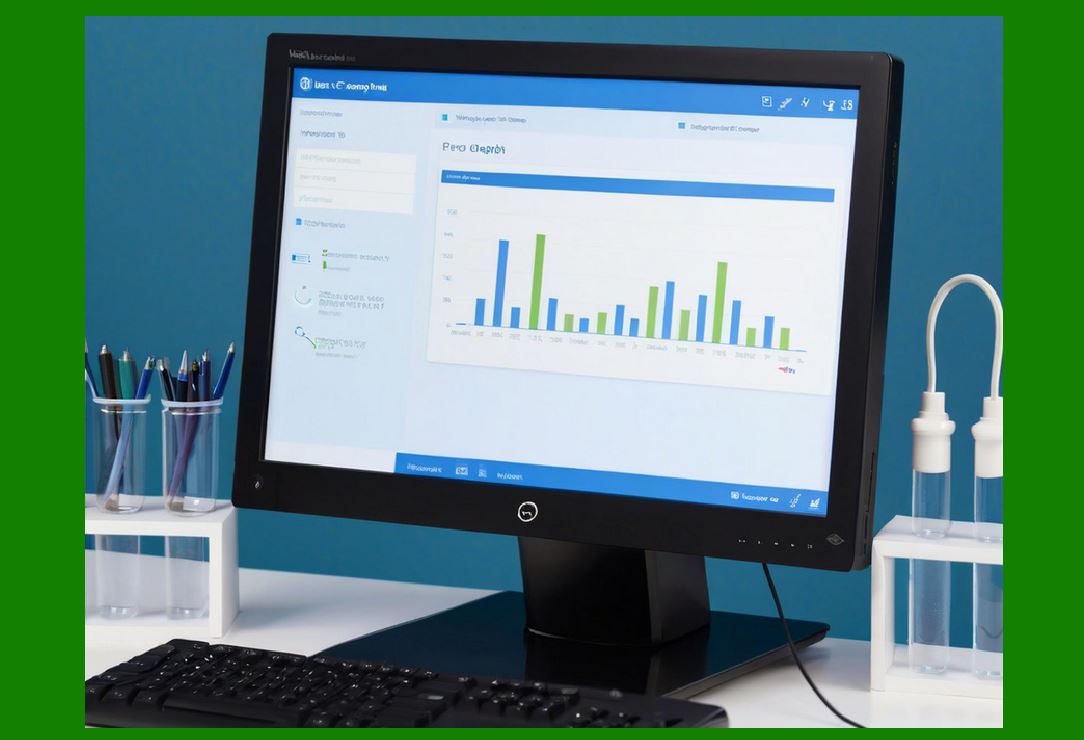
Modern ERP platforms display live dashboards populated by barcode scans. Managers can see current stock levels, order fulfillment status, and production progress at a glance. |
24.3 Predictive Analytics |
By analyzing historical barcode-ERP data, companies forecast future demand, predict stockouts, and anticipate equipment failures. Machine learning models use these patterns to provide actionable recommendations. |
24.4 Employee Productivity Analysis |
ERP systems record which employees performed which scans, enabling productivity measurement. Organizations can identify high-performing staff, detect bottlenecks in workflows, and improve scheduling. |
24.5 Customer Behavior Insights |
In retail ERP, barcode scanning at point-of-sale provides granular insights into customer buying patterns. This informs promotions, pricing strategies, and inventory planning. |
|
25. ERP Modules Most Impacted by Barcodes |
25.1 Procurement Module |
Barcode integration streamlines goods receipt, automatically validating shipments against purchase orders. It reduces discrepancies and accelerates payment approvals. |
25.2 Inventory Management Module |
This is perhaps the most directly impacted ERP module. Scans update stock counts, track movements, and trigger reordering workflows in real time. |
25.3 Production Planning Module |
Barcodes connect raw material consumption with production orders, ensuring accurate costing and traceability. ERP can prevent production from starting if required materials are not scanned in. |
25.4 Sales and Distribution Module |
Order picking, packing, and shipping rely heavily on barcode scans. ERP ensures that sales orders are fulfilled accurately and completely. |
25.5 Finance and Controlling Module |
Because barcode scans trigger ERP transactions, financial postings automatically occur. This improves accuracy in cost accounting, budgeting, and profitability analysis. |
|
26. Integration with Other Emerging Technologies |
26.1 Barcodes and IoT |
While IoT sensors monitor conditions like temperature and vibration, barcodes provide unique identification. Combined in ERP systems, they provide both identity and condition data. For example, a scanned food item may also have IoT data confirming it was transported at safe temperatures. |
26.2 Barcodes and Artificial Intelligence |
AI algorithms trained on barcode-ERP data can detect anomalies, such as unexpected stock movements. This supports fraud detection and process optimization. |
26.3 Barcodes and Blockchain |
When ERP records barcode transactions on blockchain, companies create immutable supply chain histories. This is particularly important in industries requiring trust, such as pharmaceuticals and luxury goods. |
26.4 Barcodes and Robotics |
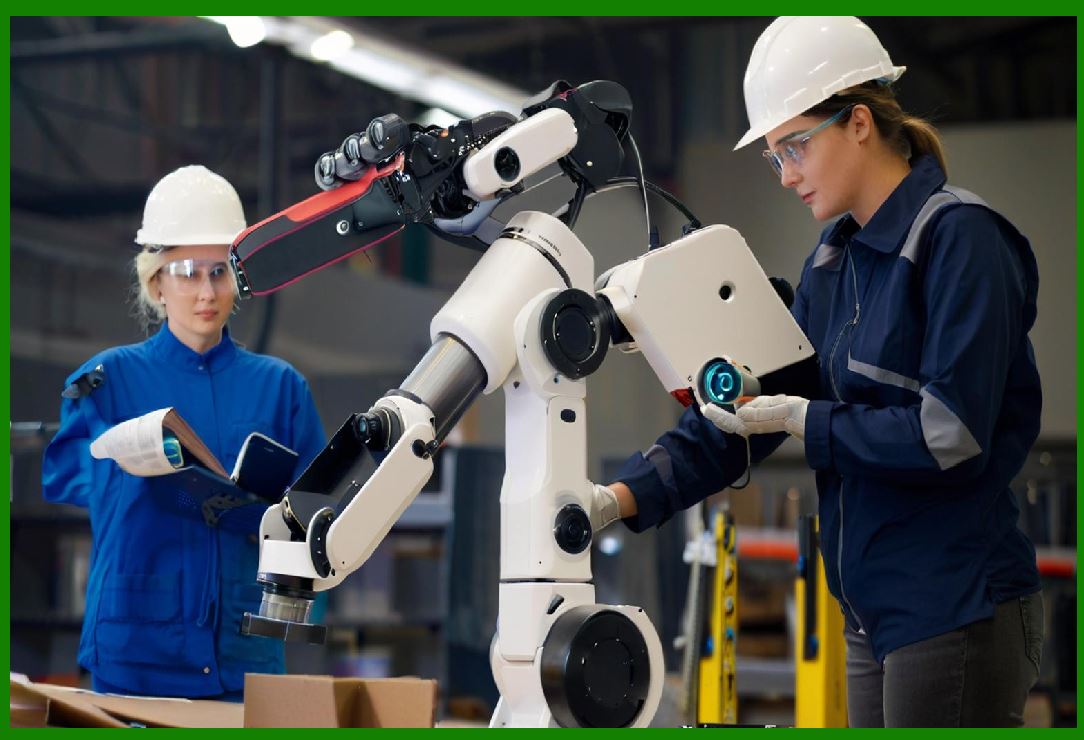
Warehouse robots equipped with scanners integrate directly with ERP systems. Robots scan barcodes while transporting goods, ensuring autonomous workflows remain synchronized with ERP databases. |
26.5 Barcodes and Augmented Reality |
AR headsets overlay ERP data on physical environments. When a worker scans a barcode using AR glasses, ERP instantly displays picking instructions, safety warnings, or inventory details. |
|
27. Long-Term Strategic Outlook for Barcode-ERP Integration |
27.1 Standardization Across Industries |
Barcode-enabled ERP will continue converging on global standards. This harmonization reduces integration costs and enables smoother cross-border operations. |
27.2 Shift Toward Cloud-Native ERP |
Cloud ERP adoption accelerates barcode integration, providing real-time global visibility. Cloud-based APIs will simplify device connectivity. |
27.3 Workforce Evolution |
Employees will increasingly work with multimodal technologies, combining barcode scanning, voice recognition, and AI-driven ERP assistants. Barcodes will remain a core element, but workflows will be increasingly intelligent. |
27.4 Sustainability and Environmental Responsibility |
Enterprises will reduce waste by leveraging barcode-ERP data to minimize expired stock, optimize transportation routes, and improve recycling processes. Labels themselves may evolve into more eco-friendly materials. |
27.5 Role in Digital Twins |
Barcodes will play a vital role in ERP-driven digital twins, where every physical asset has a digital representation. Each scan updates the twin, ensuring simulation models remain accurate. |
|
28. Lessons Learned from Failed Implementations |
28.1 Overcomplicating Systems |
Some organizations attempt to implement overly complex barcode-ERP integrations with too many customizations. This often leads to delays and budget overruns. |
28.2 Underestimating Training Needs |
Without sufficient employee training, barcode projects fail. Workers revert to manual methods, undermining ERP accuracy. |
28.3 Poor Label Management |
Low-quality labels that fade or peel off result in scanning errors. Failure to invest in proper printing infrastructure undermines the entire system. |
28.4 Ignoring Scalability |
Some ERP implementations work at small scale but collapse under high transaction volumes. Enterprises must design barcode systems for future growth, not just current needs. |
28.5 Lack of Stakeholder Involvement |
When ERP and barcode projects lack input from frontline employees, the resulting workflows often do not reflect real-world needs. Inclusive planning ensures success. |
|
29. Comprehensive Benefits Recap |
29.1 Operational Benefits |
Faster data entry |
Fewer errors |
Reduced labor costs |
Real-time visibility |
29.2 Strategic Benefits |
Stronger compliance |
Better customer service |
Competitive differentiation |
Enhanced analytics |
29.3 Long-Term Benefits |
Improved sustainability |
Global supply chain harmonization |
Workforce evolution toward higher-value tasks |
|
30. Final Vision: The Future of ERP-Barcode Symbiosis |
Barcode technology and ERP software have evolved separately but are now inseparably linked. Barcodes represent the physical truth of business operations, while ERP systems embody the digital control of enterprises. Their integration transforms organizations into agile, data-driven, and globally connected entities. |
As technology advances, barcodes will remain foundational. While RFID, IoT, and blockchain offer exciting possibilities, barcodes continue to provide unmatched simplicity, affordability, and universality. ERP systems will evolve into intelligent, cloud-native, and AI-powered platforms ¡ª and barcodes will feed them with the granular, real-world data they need to thrive. |
The journey of applying barcode technology in ERP software is not just about efficiency. It is about building organizations that can adapt, comply, and compete in an increasingly complex global landscape. Enterprises that master this integration secure not only operational excellence but also strategic resilience for decades to come. |
|
Executive Summary: Applying Barcode Technology in ERP Software |
1. Introduction |
Barcode technology integrated with ERP (Enterprise Resource Planning) software creates a unified system where physical goods and digital records remain perfectly synchronized. This alignment enhances accuracy, efficiency, compliance, and decision-making across industries such as manufacturing, retail, logistics, healthcare, and government. |
2. Core Benefits |
Data Accuracy: Automated barcode scanning reduces human errors in data entry. |
Real-Time Visibility: ERP updates instantly when barcodes are scanned, enabling up-to-date inventory, production, and sales information. |
Efficiency Gains: Tasks such as stock counting, order fulfillment, and production tracking are completed faster. |
Traceability: Items are tracked across their lifecycle, improving recall management, safety compliance, and customer trust. |
Cost Reduction: Less waste, lower labor costs, and fewer compliance penalties. |
Scalability: Barcode systems integrate easily as businesses grow or expand internationally. |
3. Technical Integration |
Hardware: Barcode printers, scanners (wired, wireless, mobile), and ruggedized devices. |
Software: ERP modules configured to receive barcode inputs via APIs, middleware, or direct integration. |
Standards: Use of GS1-compliant formats ensures interoperability across supply chains. |
Security: Encrypted transmissions and role-based access controls protect ERP integrity. |
Hybrid Models: Barcodes combined with RFID for flexibility in advanced use cases. |
4. Key Applications by Industry |
Manufacturing: Tracks raw materials, WIP (work-in-progress), and finished goods with full traceability. |
Retail: Streamlines checkout, stock replenishment, and demand forecasting. |
Healthcare: Prevents medication errors, tracks medical supplies, and supports patient safety. |
Logistics: Enables real-time shipment visibility, cross-docking, and last-mile delivery accuracy. |
Government & Education: Improves asset management and compliance auditing. |
5. Challenges and Considerations |
Implementation Costs: Initial investment in hardware, software, and training. |
Change Management: Workforce resistance may slow adoption without proper training. |
System Integration: Legacy ERP systems may require customization or middleware. |
Environmental Factors: Labels and scanners must function in diverse conditions (cold storage, outdoor warehouses). |
Maintenance: Ongoing need for label supplies, device calibration, and ERP updates. |
6. Strategic Value |
Competitive Edge: Barcode-enabled ERP systems deliver faster order cycles and higher customer satisfaction. |
Enhanced Analytics: Barcode data enriches ERP dashboards with granular insights into productivity and demand trends. |
Compliance and Risk Management: Supports regulatory requirements in pharmaceuticals, food safety, and aerospace. |
Sustainability: Reduces waste and supports green supply chain initiatives. |
Resilience: Strengthens agility during crises by ensuring supply chain visibility. |
7. Future Outlook |
Mobile-First ERP Scanning: Smartphones with scanning apps expand accessibility. |
AI and Machine Learning: Advanced ERP analytics use barcode data to predict trends and optimize operations. |
IoT Integration: Barcodes combined with smart sensors improve real-time tracking. |
Blockchain Synergy: Barcodes linked to blockchain records enhance trust in global trade. |
Next-Gen Standards: Increasing adoption of 2D codes (e.g., GS1 Digital Link) for richer data embedding. |
Conclusion |
Barcode technology in ERP software represents a powerful convergence of simplicity and sophistication. It transforms physical operations into digital intelligence, driving efficiency, accuracy, and agility across industries. While challenges exist, the strategic benefits ¡ª cost savings, compliance, competitiveness, and sustainability ¡ª make barcode-ERP integration a foundational technology for modern enterprises and a critical enabler of digital transformation. |
 cs@easiersoft.com