The Impact of Smartphones on Barcode Usage for Mobile and Online Engagement |
1. Introduction to Smartphone-enabled Barcodes |
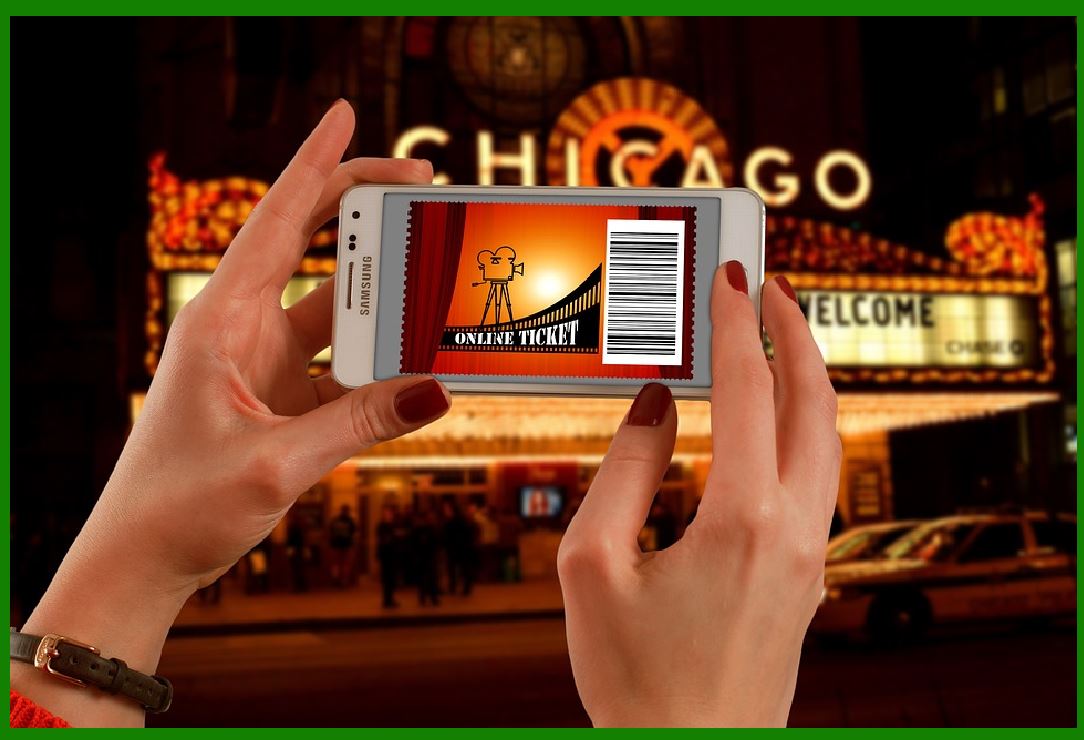
With the rapid proliferation of smartphones, barcodes have transformed from mere storage and tracking tools into powerful instruments for mobile and online engagement. Among these, QR codes (Quick Response codes) have emerged as the frontrunner, offering a simple yet effective way to bridge the gap between the physical and digital worlds. QR codes can be scanned with a smartphone camera to instantly access websites, download applications, view promotional content, or partake in interactive experiences. This feature has revolutionized marketing strategies, allowing businesses to engage with their customers in innovative and impactful ways. |
|
2. The Mechanics of QR Codes |
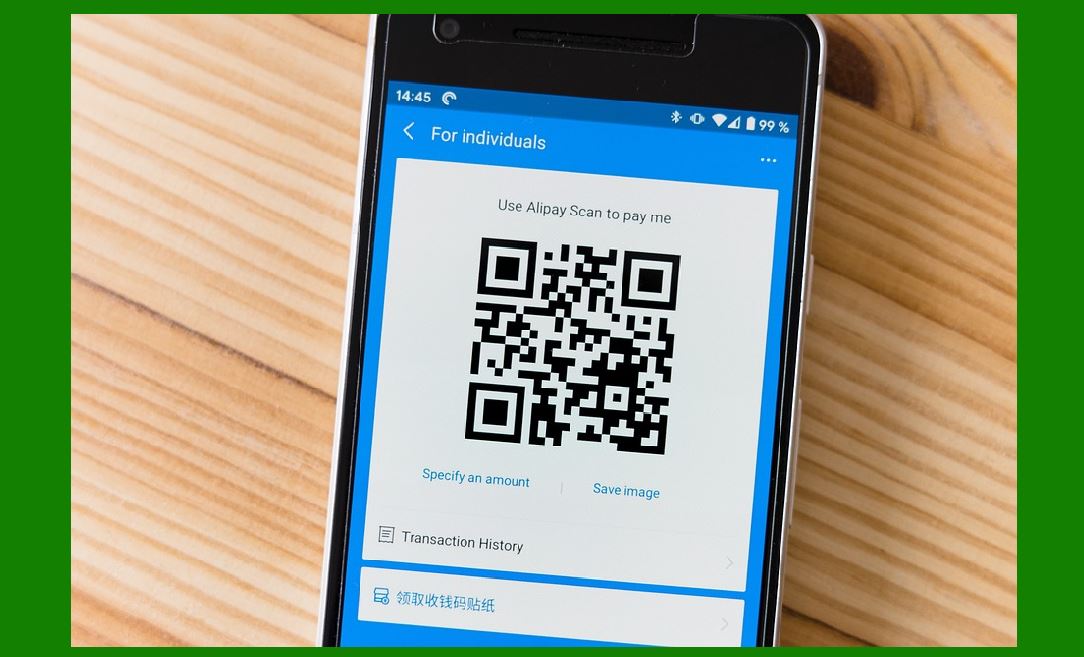
QR codes, a type of two-dimensional barcode, can hold a substantial amount of data compared to traditional one-dimensional barcodes. They are designed to be easily scanned by smartphone cameras, which decode the information and prompt an action, such as opening a URL or displaying a message. The structure of a QR code includes several key components: |
Finder Patterns: These are the three large squares located at the corners of the QR code, helping the scanner locate and orient the code. Timing Patterns: These lines of alternating black and white modules help the scanner determine the size and layout of the data grid. Alignment Patterns: These smaller squares ensure the code can be accurately read even if it is slightly distorted. Data and Error Correction Keys: These areas store the actual information and help reconstruct the data if the QR code is damaged. |
3. QR Codes in Advertising |
QR codes have become a staple in modern advertising due to their versatility and ease of use. Advertisers can place QR codes on posters, billboards, and even in digital advertisements to direct consumers to online content. For instance, a movie poster might feature a QR code that links to a trailer or ticket purchasing site. This method not only makes advertisements interactive but also tracks consumer engagement and preferences. |
Example: Coca-Cola's 'Share a Coke' campaign utilized QR codes on bottles and cans, which consumers could scan to see personalized messages and share their experiences on social media, creating a viral marketing effect. |

|
4. QR Codes on Product Packaging |
Incorporating QR codes on product packaging offers a direct channel for consumers to access additional information about the product, such as usage instructions, nutritional details, or promotional offers. This integration enhances the customer experience by providing instant access to relevant content without requiring extensive searching or effort. |
Example: Nestlé used QR codes on their product packaging to provide detailed information about the ingredients and sourcing of their products, addressing consumer demand for transparency and helping build trust in the brand. |
5. QR Codes in Physical Locations |
QR codes are increasingly used in physical locations to create a seamless link between offline and online experiences. This practice is common in retail stores, museums, and restaurants, where QR codes can provide additional information, enhance the visitor experience, or facilitate interactions. |
Example: Starbucks uses QR codes in its stores to link customers to their loyalty program, allowing them to earn points, receive personalized offers, and pay for their purchases seamlessly via their smartphones. |

|
6. Enhancing Customer Engagement through Interactive Experiences |
The interactive potential of QR codes opens up numerous possibilities for engaging customers in creative ways. By integrating QR codes into interactive campaigns, businesses can offer gamified experiences, surveys, or exclusive content, which not only attract attention but also encourage active participation and long-term engagement. |
Example: McDonald's used QR codes during the FIFA World Cup to allow customers to play an augmented reality (AR) soccer game, thus merging their physical presence at McDonald's locations with an engaging digital activity related to a global event. |
7. Driving App Downloads and User Engagement |
One of the most direct applications of QR codes is facilitating app downloads. Instead of searching for an app manually in the app store, users can scan a QR code that links directly to the download page, simplifying the process and increasing the likelihood of installation. |
Example: Uber uses QR codes in their advertising to enable potential users to quickly download their app, streamlining the onboarding process and reducing friction for new users. |

|
8. QR Codes for Accessing Promotional Content |
Promotional content, such as discount coupons, videos, and exclusive offers, can be accessed instantly via QR codes. This not only provides immediate value to the consumer but also helps businesses track the effectiveness of their promotional campaigns. |
Example: A retail store might use QR codes on flyers to offer a limited-time discount. When customers scan the code, they receive a coupon that they can use at checkout, allowing the store to measure the campaign's reach and effectiveness. |
9. Case Study: The Success of QR Codes in the COVID-19 Pandemic |
The COVID-19 pandemic significantly accelerated the adoption of QR codes due to their contactless nature, which became essential in maintaining social distancing. Restaurants, for example, adopted QR codes for digital menus to minimize physical contact. |
Example: Many restaurants replaced physical menus with QR codes on tables. Customers scanned the codes to view the menu on their smartphones, reducing the need for shared physical menus and enhancing safety measures. |
|
10. Building Brand Loyalty with QR Codes |
QR codes can play a vital role in building brand loyalty by offering personalized and exclusive experiences to customers. Brands can use QR codes to provide access to loyalty programs, personalized recommendations, and special offers that reward repeat customers and encourage ongoing engagement. |
Example: Sephora's loyalty program uses QR codes to provide members with personalized beauty tips, product recommendations, and exclusive discounts, fostering a deeper connection between the brand and its customers. |
11. Challenges and Considerations in QR Code Implementation |
Despite their advantages, QR codes are not without challenges. The design and placement of QR codes must ensure ease of scanning, and they should lead to mobile-optimized content to provide a positive user experience. Additionally, businesses must consider the security of QR codes to prevent malicious use. |
Example: If a QR code links to a website that is not mobile-friendly, users may have a poor experience, which could reflect negatively on the brand. Therefore, it is crucial to test and optimize the entire user journey from scanning the QR code to accessing the content. |

|
12. Future Prospects of QR Codes in Mobile and Online Engagement |
As technology continues to evolve, QR codes are likely to integrate further with emerging trends such as augmented reality (AR), virtual reality (VR), and the Internet of Things (IoT). These integrations will enable even more immersive and interconnected experiences, enhancing customer engagement in unprecedented ways. |
Example: Future implementations might see QR codes integrated with AR applications where scanning a code on a product could trigger an AR overlay providing detailed visual information, enhancing the shopping experience. |

|
13. Conclusion |
The advent of smartphones has elevated QR codes from simple data storage tools to dynamic instruments of engagement that bridge the physical and digital realms. By leveraging QR codes, businesses can create seamless, interactive experiences that drive customer engagement, build brand loyalty, and enhance overall customer satisfaction. As technology advances, the potential applications and benefits of QR codes in marketing and customer interaction will continue to grow, offering new and exciting opportunities for innovation. |
 cs@easiersoft.com