1. Introduction to Barcode Technology in Security and Access Control |
1.1 Overview of Barcode Technology |
Barcodes are machine-readable representations of data in a visual format. They consist of parallel lines of varying widths (in the case of linear barcodes) or geometric patterns (in 2D barcodes) that can be scanned and interpreted by optical devices. This technology has been widely adopted in various industries due to its simplicity, efficiency, and accuracy in data capture. |
1.2 Importance in Security and Access Control |
In security and access control, barcodes play a crucial role by providing a reliable and efficient method for managing entry to restricted areas and tracking the movement of personnel and assets. The ability to quickly and accurately identify individuals and assets enhances security measures and helps organizations maintain control over their facilities and resources. |

|
2. Barcoded ID Cards and Access Badges |
2.1 Functionality of Barcoded ID Cards |
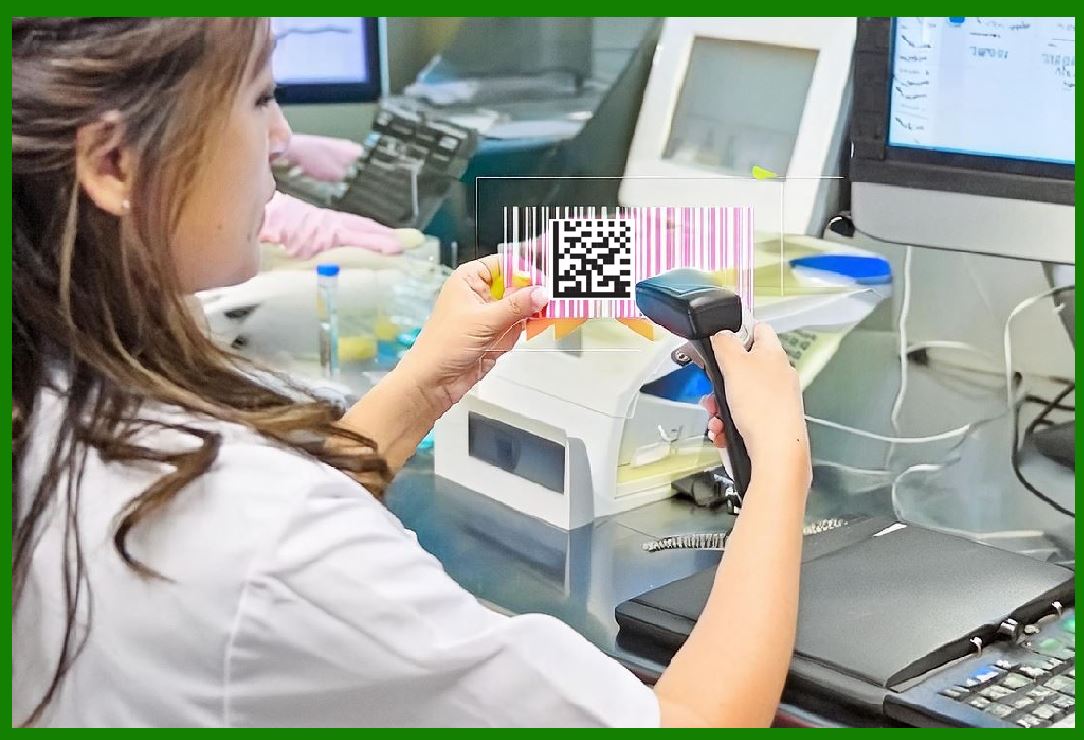
Barcoded ID cards contain unique identifiers encoded in the barcode format. These identifiers are linked to a database containing detailed information about the cardholder, such as their identity, access permissions, and activity logs. When the barcode is scanned at an access point, the system verifies the identity and access rights of the individual, allowing or denying entry accordingly. |
2.2 Examples of Barcoded Access Badges |
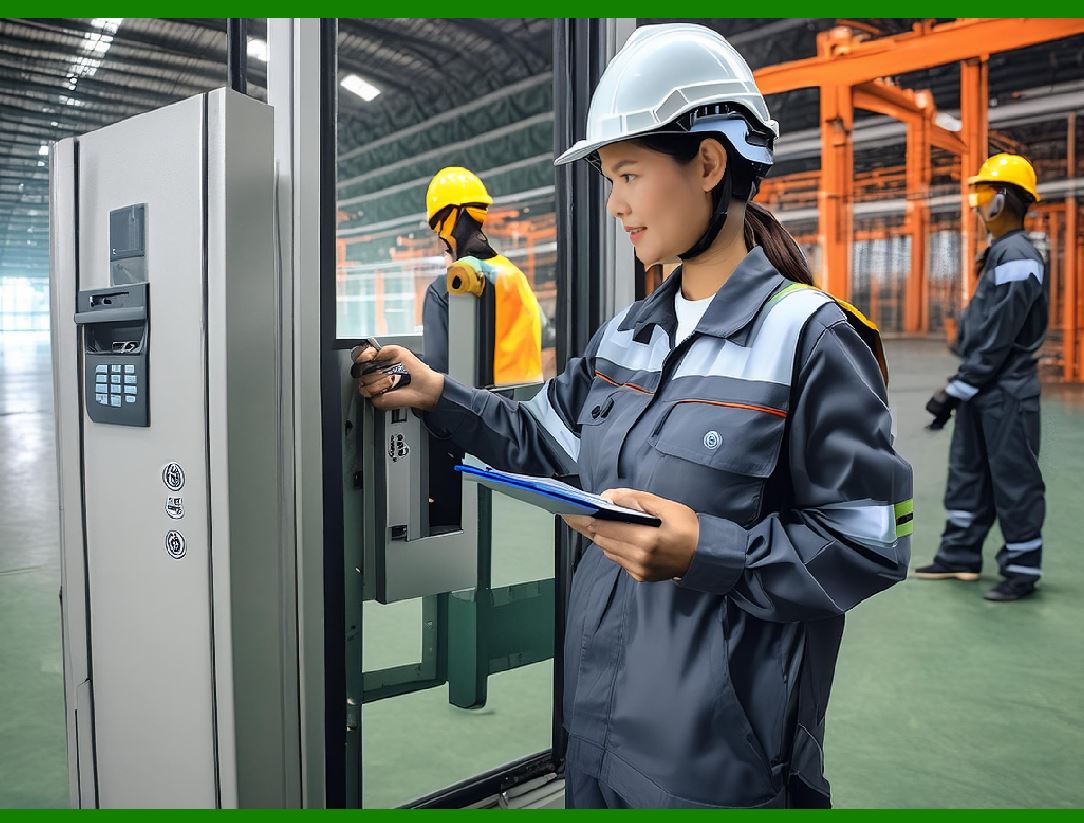
For instance, in a corporate environment, employees might use barcoded ID badges to gain access to different parts of the building. Each department or floor could have varying levels of access control, and the barcode system can ensure that only authorized personnel can enter sensitive areas, such as server rooms or executive offices. |
2.3 Advantages of Barcoded Access Badges |
Enhanced Security: Barcoded badges ensure that only authorized individuals can access restricted areas. Efficiency: Scanning barcodes is a quick process, minimizing delays at entry points. Record Keeping: The system maintains logs of all access attempts, which can be useful for audits and investigations. |
|
3. Tracking Movement of Personnel |
3.1 Monitoring Employee Movement |
Organizations can use barcoded ID cards to track the movement of personnel within their facilities. Each time an employee scans their ID to enter or exit a location, the system records the event, creating a detailed log of movements. This helps in ensuring that employees are present in their designated areas and are adhering to their assigned schedules. |
3.2 Applications in Sensitive Environments |
In environments such as research labs or data centers, tracking the movement of personnel is critical. For example, a research facility working with hazardous materials can use barcoded badges to ensure that only trained and authorized staff enter specific labs, thus enhancing safety and compliance with regulatory requirements. |

|
4. Tracking Valuable Equipment |
4.1 Barcode Tagging of Equipment |
Valuable equipment can be tagged with barcodes to monitor their location and usage. Each piece of equipment is assigned a unique barcode that is linked to a database containing details such as the equipment's description, assigned user, and maintenance history. |
4.2 Preventing Theft and Misuse |
By scanning the barcode, the system can track who checked out the equipment, when it was checked out, and when it is expected to be returned. This helps prevent theft and ensures that the equipment is used appropriately. For example, in a hospital, medical devices can be tracked to ensure they are not misplaced or stolen and are available when needed. |
|
5. Enhancing Security Measures |
5.1 Real-Time Monitoring and Alerts |
Barcode systems can provide real-time monitoring of access points and equipment movement. If an unauthorized access attempt or suspicious movement is detected, the system can generate alerts for security personnel to take immediate action. This proactive approach enhances the overall security of the facility. |
5.2 Integration with Other Security Systems |
Barcodes can be integrated with other security technologies such as CCTV, alarm systems, and biometric authentication. For example, an access control system might use both a barcoded ID card and a fingerprint scan to verify an individual's identity before granting access. This multi-factor authentication approach significantly enhances security. |

|
6. Implementation and Maintenance |
6.1 Setting Up a Barcode-Based Access Control System |
Implementing a barcode-based access control system involves several steps: |
System Design: Define the scope and requirements, such as the areas to be secured and the type of barcodes to be used. Hardware Installation: Set up barcode scanners at entry points and tag equipment with barcode labels. Software Configuration: Configure the access control software, linking barcodes to personnel and assets in the database. Training: Train staff on how to use the system effectively. |
6.2 Ongoing Maintenance and Updates |
Regular maintenance is essential to ensure the system functions correctly. This includes: |
Hardware Maintenance: Ensure barcode scanners and printers are functioning properly. Software Updates: Keep the access control software updated to protect against security vulnerabilities. Database Management: Regularly update the database with current information about personnel and assets. |

|
7. Case Studies and Examples |
7.1 Corporate Environment |
In a large corporation, barcoded ID cards are used to manage access to different floors and departments. Each employee's access rights are tailored to their role, ensuring that sensitive areas, such as the finance department or executive suites, are only accessible to authorized personnel. The system also tracks employee movements, aiding in security and operational efficiency. |
7.2 Healthcare Facilities |
Hospitals use barcodes to manage access to various departments, such as surgery, radiology, and pharmacy. Staff members have barcoded ID badges, and medical equipment is tagged with barcodes. This system helps prevent unauthorized access to sensitive areas and ensures that critical equipment is available and used correctly. |
7.3 Educational Institutions |
Universities implement barcode systems to control access to buildings, laboratories, and libraries. Students and staff have barcoded ID cards, and the system tracks attendance and movement. This enhances campus security and helps in resource management. |

|
8. Future Trends in Barcode-Based Security |
8.1 Advanced Barcode Technologies |
New developments in barcode technology, such as 2D barcodes (QR codes) and color barcodes, offer enhanced data capacity and security features. These advanced barcodes can store more information and are harder to counterfeit, making them ideal for security applications. |
8.2 Integration with IoT and AI |
The integration of barcodes with Internet of Things (IoT) devices and artificial intelligence (AI) can further enhance security. IoT sensors can monitor the environment and send data to the barcode system, while AI can analyze patterns and detect anomalies, providing an additional layer of security. |
8.3 Biometric and Barcode Combination |
Combining biometric authentication with barcodes can significantly improve access control systems. For example, a person might need to scan their barcode ID and provide a fingerprint or facial recognition scan to gain access. This dual-factor authentication ensures a higher level of security. |

|
9. Conclusion |
In summary, barcodes provide a simple, efficient, and effective method for managing security and access control in various environments. From controlling entry to restricted areas to tracking the movement of personnel and assets, barcodes enhance security measures and help organizations maintain control over their facilities and resources. The integration of advanced barcode technologies and other security systems promises even greater enhancements in the future. |
By understanding and implementing barcode-based security solutions, organizations can protect their assets, ensure the safety of their personnel, and maintain operational efficiency. |
 cs@easiersoft.com