1. Introduction |
The advent of barcodes has revolutionized various industries by transitioning from manual data entry to automated systems. This shift has brought about significant improvements in efficiency, accuracy, and overall operational effectiveness. |
|
2. The Pre-Barcode Era |
Before the introduction of barcodes, businesses relied heavily on manual entry systems to track inventory, sales, and other critical data. This process was time-consuming, prone to human error, and often resulted in significant inefficiencies. Clerks had to manually log each transaction, and inventory management required physical counting and recording of items, which was labor-intensive and susceptible to mistakes. |
3. The Birth of Barcodes |
The concept of barcodes was first developed in the early 1950s. Norman Joseph Woodland and Bernard Silver patented the first barcode design, which was based on Morse code. However, it wasn't until the 1970s that the technology became commercially viable. The Uniform Product Code (UPC) was introduced in 1973, and the first commercial scan occurred in 1974 at a Marsh supermarket in Troy, Ohio. |

|
4. How Barcodes Work |
Barcodes are essentially a method of representing data in a visual, machine-readable form. They consist of a series of parallel lines (bars) and spaces of varying widths. Each pattern of bars and spaces corresponds to specific data. When a barcode scanner reads the pattern, it converts the visual information into digital data that can be processed by a computer system. |
5. Types of Barcodes |
There are various types of barcodes, each serving different purposes: Linear Barcodes: These are the most common type and include UPC, EAN, and Code 128. They are widely used in retail and logistics for product identification and tracking. 2D Barcodes: These include QR codes, Data Matrix, and PDF417. They can store more information compared to linear barcodes and are used in applications such as ticketing, identification, and marketing. |

|
6. Automation and Efficiency |
The introduction of barcodes drastically improved the efficiency of data entry and management processes. By automating the data capture process, businesses could reduce the time spent on manual entry and minimize errors. This led to faster transaction times, improved customer service, and better inventory management. |
7. Inventory Management |
Barcodes transformed inventory management by providing real-time visibility into stock levels. Automated systems could instantly update inventory records when items were scanned during sales or restocking. This reduced the need for physical inventory counts and allowed businesses to maintain optimal stock levels, reducing the risk of overstocking or stockouts. |

|
8. Point of Sale Systems |
The integration of barcodes into point-of-sale (POS) systems revolutionized retail operations. Cashiers could quickly scan items, reducing checkout times and improving accuracy. POS systems could automatically update sales records, track inventory, and generate sales reports, providing valuable insights for business decisions. |
9. Supply Chain Management |
Barcodes played a crucial role in improving supply chain management. By enabling accurate tracking of goods throughout the supply chain, businesses could monitor the movement of products from manufacturers to distributors to retailers. This visibility helped in optimizing logistics, reducing lead times, and minimizing losses due to misplacement or theft. |

|
10. Healthcare Applications |
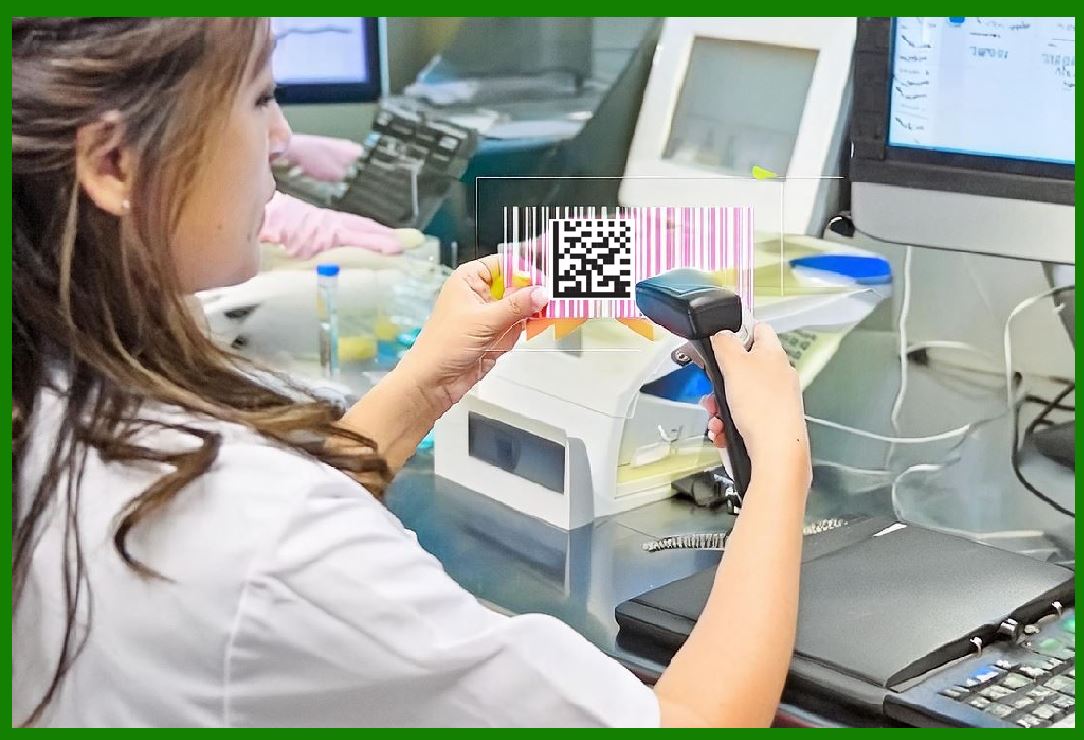
In the healthcare industry, barcodes have been instrumental in improving patient safety and operational efficiency. Medication administration systems use barcodes to verify patient identities and ensure the correct medication is administered. Barcodes are also used in lab sample tracking, reducing the risk of errors in specimen identification and testing. |
11. Error Reduction |
One of the most significant benefits of barcodes is the reduction of errors. Manual data entry is prone to mistakes, which can lead to costly errors in inventory management, billing, and reporting. Barcodes eliminate these errors by providing an accurate and reliable method of data capture, ensuring the integrity of the information. |

|
12. Cost Savings |
The implementation of barcode systems results in substantial cost savings for businesses. The automation of data entry and inventory management reduces labor costs and minimizes the expenses associated with errors and inefficiencies. Additionally, improved inventory management helps in reducing carrying costs and losses due to obsolescence. |
13. Scalability |
Barcodes offer scalability for businesses of all sizes. From small retail stores to large multinational corporations, barcode systems can be tailored to meet specific needs. As businesses grow, barcode systems can easily adapt to handle increased volumes of transactions and inventory. |

|
14. Technological Advancements |
The development of barcode technology has continued to evolve, with advancements such as RFID (Radio-Frequency Identification) offering even greater capabilities. RFID tags can store more information and be read from a distance, providing even more efficient tracking and management of assets. |
15. Integration with Other Systems |
Barcodes can be integrated with other business systems such as ERP (Enterprise Resource Planning) and WMS (Warehouse Management Systems). This integration ensures seamless data flow across different departments, improving coordination and decision-making. |

|
16. Enhanced Customer Experience |
Barcodes contribute to an enhanced customer experience by speeding up the checkout process and ensuring accurate pricing. Additionally, businesses can use barcodes in loyalty programs, allowing customers to quickly access their rewards and discounts through barcode scanning. |
17. Marketing and Engagement |
2D barcodes, such as QR codes, have opened new avenues for marketing and customer engagement. Businesses can use QR codes to provide additional product information, link to websites, or offer promotional content. This interactive approach enhances customer engagement and provides valuable marketing data. |

|
18. Security and Traceability |
Barcodes enhance security and traceability in various industries. In manufacturing, barcodes are used to track components and finished products, ensuring quality control and traceability. In the food industry, barcodes enable the tracking of products from farm to table, helping in recalls and ensuring food safety. |
19. Legal and Regulatory Compliance |
Barcodes play a crucial role in ensuring compliance with legal and regulatory requirements. Industries such as pharmaceuticals and tobacco are required to track products to prevent counterfeiting and ensure consumer safety. Barcodes provide an efficient means of meeting these requirements. |

|
20. Future Trends |
The future of barcodes is likely to see further integration with emerging technologies such as the Internet of Things (IoT) and blockchain. IoT devices can use barcodes for automatic identification and data capture, while blockchain can provide an immutable record of product movement, enhancing traceability and security. |

|
21. Conclusion |
The introduction of barcodes marked a significant shift from manual entry to automated systems, bringing about a host of benefits for businesses across various industries. From improving efficiency and accuracy to enhancing customer experience and ensuring compliance, barcodes have become an indispensable tool in modern operations. As technology continues to evolve, the role of barcodes is likely to expand, driving further innovations in automation and data management. |
 cs@easiersoft.com