1. Introduction to Unmanned Stores |
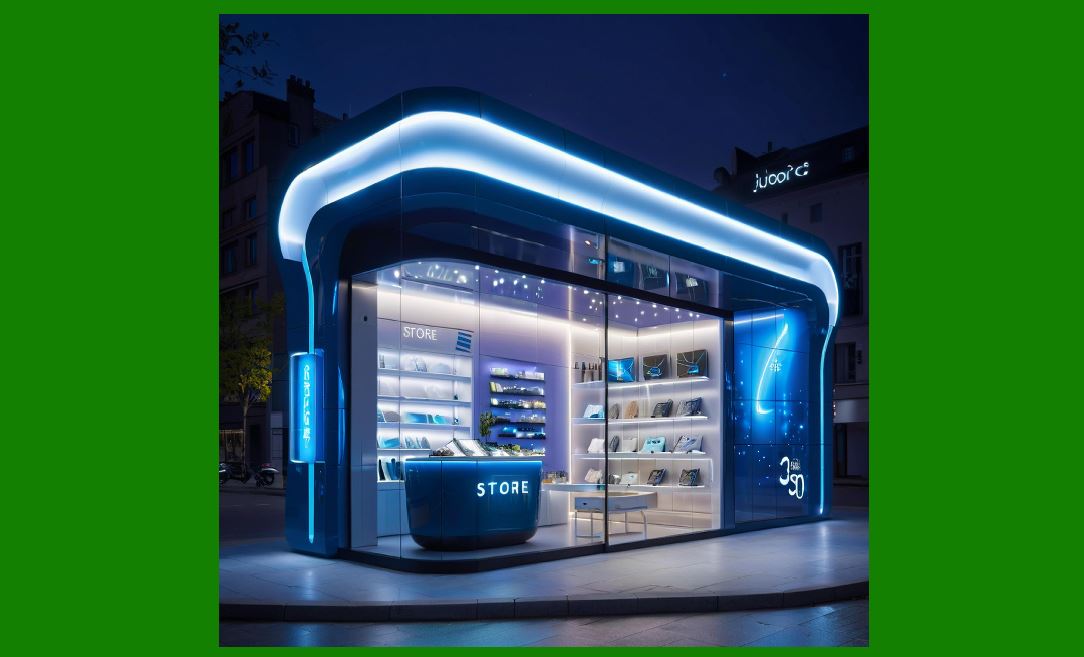
Unmanned stores represent a transformative shift in the retail industry. These stores, often referred to as 'cashierless stores,' operate with minimal or no human involvement, leveraging advanced technologies to manage product sales, inventory, and customer experience. The core idea behind unmanned stores is to create a seamless shopping experience using automation, sensors, artificial intelligence (AI), and other innovative solutions to enhance efficiency, reduce overhead costs, and provide convenience. |
|
2. Key Components of Unmanned Stores |
The fundamental components that make up unmanned stores include: |
Automated Checkout Systems |
Product Tracking and Detection |
Artificial Intelligence and Machine Learning |
Smart Shelves |
Data Analytics and Cloud Computing |
Customer Interaction Interfaces |
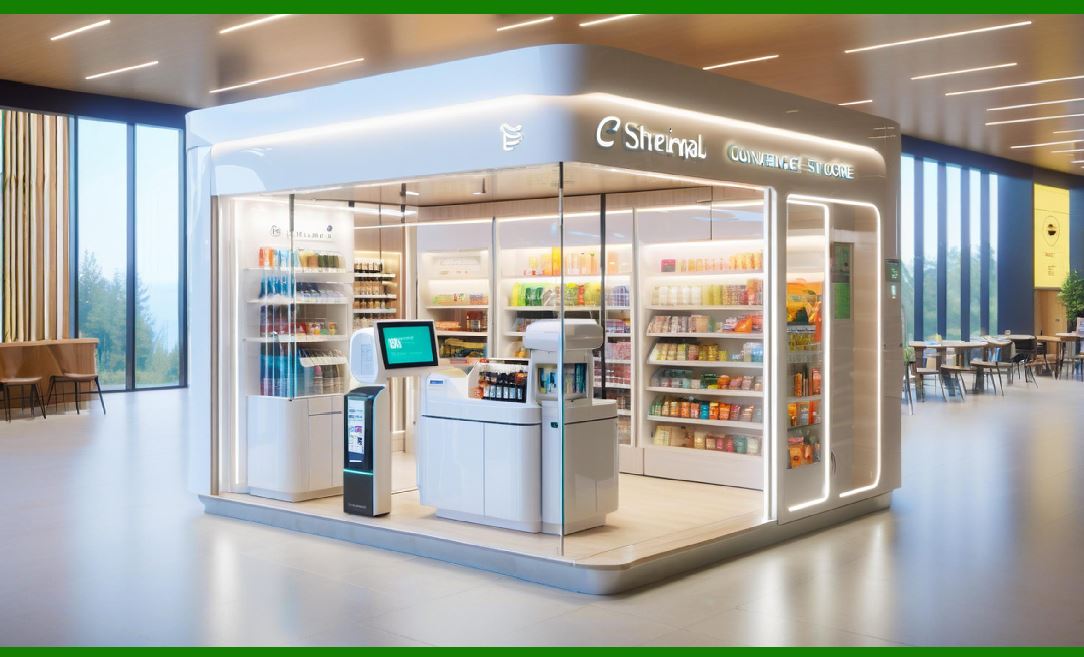
These components work in harmony to eliminate the need for traditional staff, offering a self-service environment that operates 24/7. |
|
3. Automated Checkout Systems |
The checkout process is central to unmanned stores, and technology plays a key role in simplifying transactions. |
RFID Technology: Radio Frequency Identification (RFID) is often used to track products automatically. Each item has an RFID tag, which can be detected by readers embedded in the shelves or throughout the store. This allows the system to know exactly which products are selected by a customer and automatically adds them to their virtual cart. This technology minimizes the need for scanning individual barcodes and helps speed up the checkout process. |
Computer Vision: Computer vision is employed to track and identify products that customers pick up or place back on the shelves. Using cameras and AI, the system is able to analyze images and match them with an item in the store's database. This is especially useful in grocery stores or places where multiple similar products are stocked. |
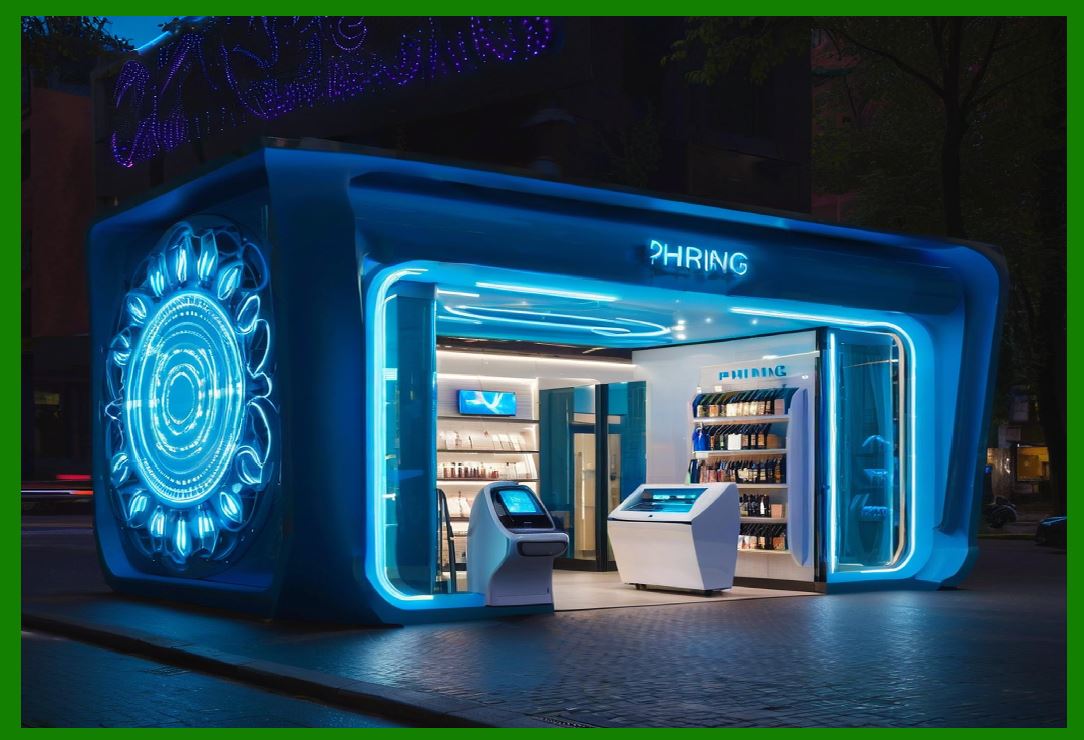
Mobile Payment Systems: In most unmanned stores, customers can use mobile apps to pay for their purchases. Integration with digital wallets, QR codes, and near-field communication (NFC) technology makes payments seamless, ensuring that a customer's transaction is completed once they leave the store, without the need to interact with a cashier. |
|
4. Product Tracking and Detection Technologies |
Accurate tracking of products in an unmanned store is vital to ensure proper inventory management and prevent theft. |
IoT (Internet of Things): IoT plays a critical role in enabling seamless communication between store equipment, such as shelves, RFID tags, and cameras. IoT devices can send real-time data to a central system, allowing for continuous monitoring of product availability, item locations, and customer activity within the store. |
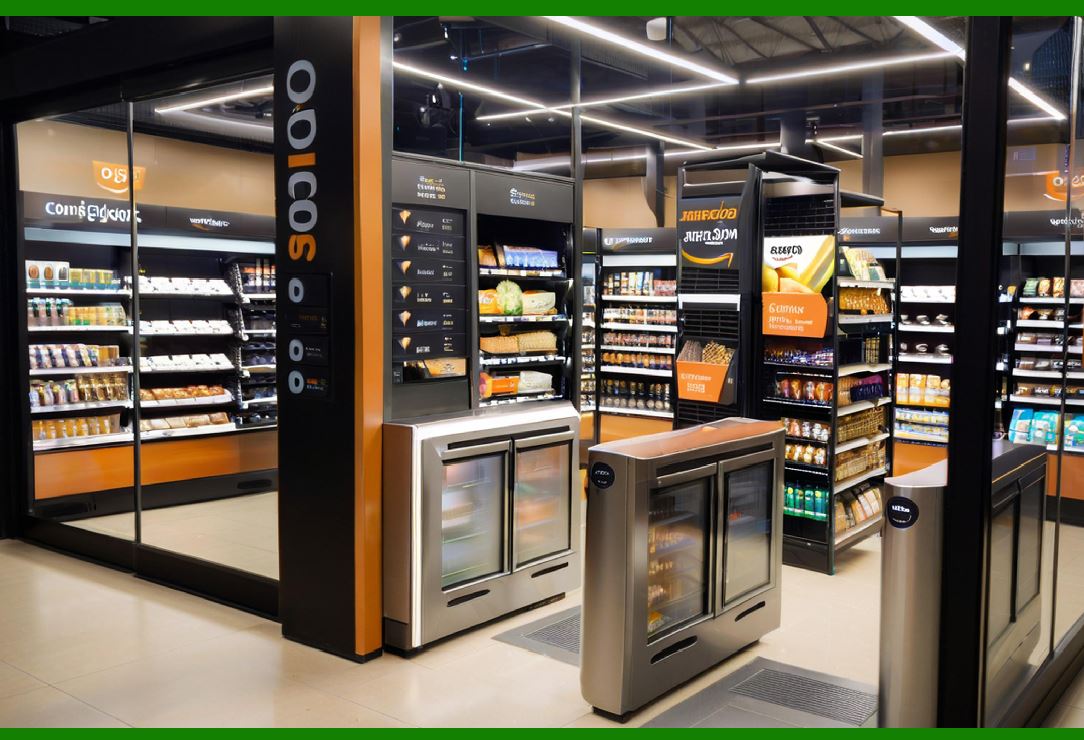
Weight Sensors and Smart Shelves: Shelves equipped with weight sensors can detect when a product is removed or added. These sensors are commonly integrated into smart shelves, which use this data to update inventory levels in real-time. The combination of RFID and weight sensors allows the store to maintain accurate inventory records and prevent out-of-stock situations. |
Infrared and Motion Sensors: Infrared sensors are used to detect when a customer enters or leaves a store. Motion sensors track customers' movements within the store, helping to understand which areas receive the most traffic, which products are being interacted with, and overall shopping patterns. |
|
5. Artificial Intelligence and Machine Learning |
AI and machine learning are the backbone of many unmanned stores, driving critical decisions related to product management, customer experience, and business operations. |
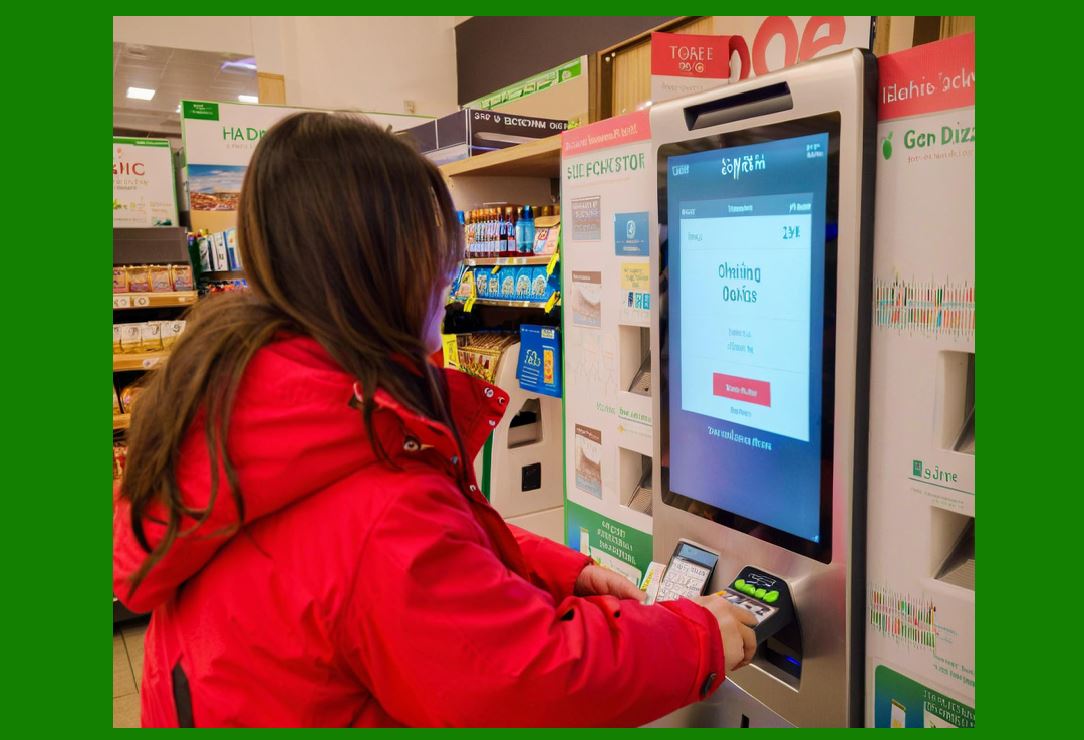
AI-Powered Checkout Systems: The checkout process in unmanned stores relies heavily on AI to detect and process the items a customer selects. AI algorithms can identify products even when they are picked up and returned, preventing mistakes and ensuring that the customer's final purchase is accurate. |
Personalized Shopping Experience: Machine learning can be used to understand a customer's preferences and predict their future needs. For example, the store might offer personalized recommendations based on past purchases, real-time interactions, or even environmental cues, such as the time of day or weather. |
Customer Behavior Analytics: By analyzing data collected through sensors, cameras, and mobile apps, AI can predict patterns and trends. This helps stores adjust inventory, pricing, and promotions dynamically to optimize customer experience and sales. |
|
6. Data Analytics and Cloud Computing |
Unmanned stores generate a massive amount of data, from customer interactions to inventory levels, and effective data analytics is key to managing this information. |
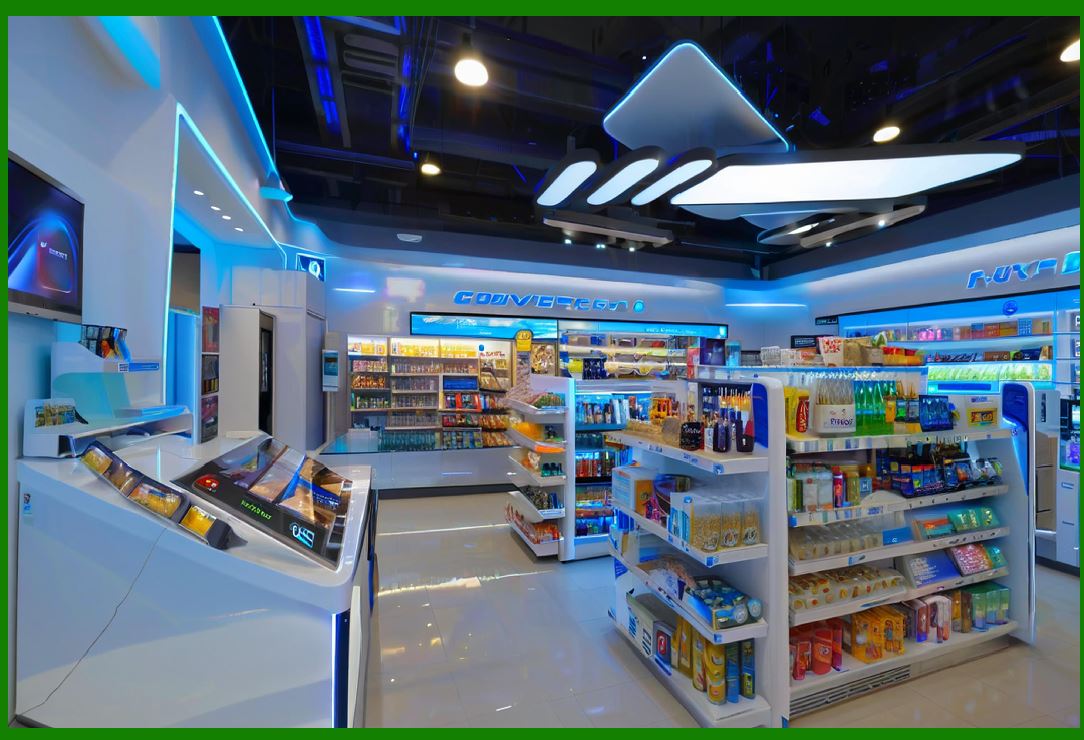
Real-Time Analytics: Cloud computing platforms store and process data in real-time, providing instant insights into store operations. Data collected from RFID, video cameras, and sensors is sent to the cloud, where it can be analyzed for various purposes, such as stock levels, customer behavior, and sales trends. |
Predictive Analytics: Leveraging historical data, predictive analytics helps businesses anticipate demand for certain products, optimize supply chains, and adjust pricing strategies accordingly. This allows unmanned stores to improve profitability while enhancing customer satisfaction. |
Cloud-Based Management Systems: Store owners and operators can remotely monitor and manage various aspects of their stores via cloud platforms. This includes tracking inventory, adjusting prices, receiving alerts about potential issues (e.g., stockouts), and even analyzing customer satisfaction data. |
|
7. Smart Shelves and Interactive Displays |
Smart shelves and digital displays play a crucial role in creating an engaging and efficient shopping experience in unmanned stores. |
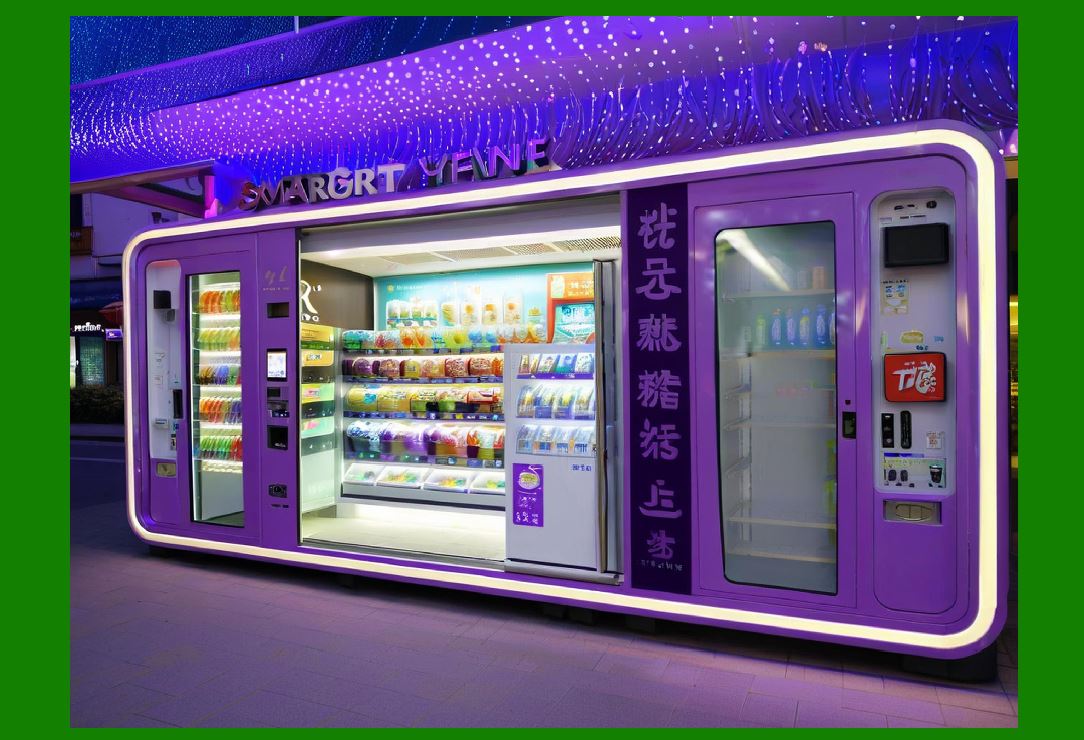
Digital Price Tags: Smart shelves often feature digital price tags that can be automatically updated based on inventory levels or promotional changes. These tags use e-paper or LED technology to display pricing and product information. |
Interactive Screens: Some unmanned stores feature interactive displays that provide customers with more detailed information about products. Customers can use these screens to find alternative products, read reviews, or receive promotional offers. |
|
8. Security and Loss Prevention |
With the lack of traditional human staff, ensuring the security of the store is a critical concern. |
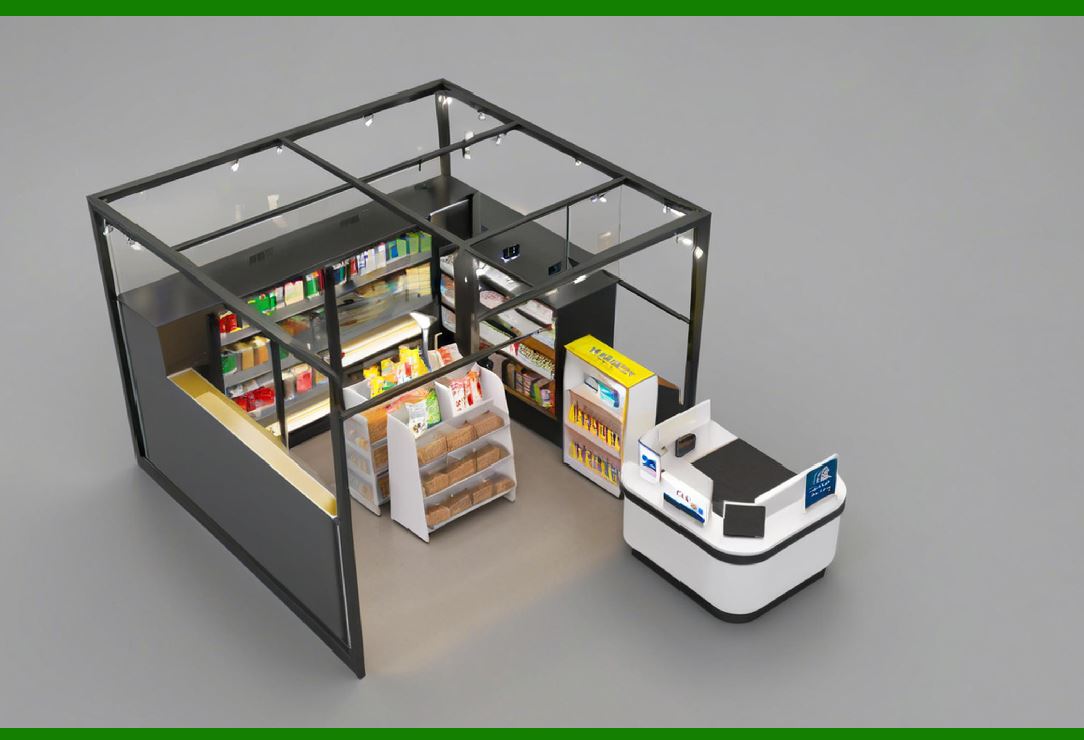
Surveillance Systems: High-definition cameras, along with computer vision algorithms, monitor the entire store in real-time. These cameras not only help in tracking customer behavior but also serve as a deterrent against theft. |
AI for Theft Prevention: AI models are trained to detect suspicious activities, such as customers trying to steal items or engage in fraudulent transactions. Alerts can be generated to notify the store's back-end systems or security personnel if any irregularities are detected. |
Access Control: Many unmanned stores use biometrics (like facial recognition) or smartphones to control access to the store. Customers may need to scan a QR code or authenticate themselves before entering. These measures enhance security by ensuring that only registered customers can enter the store. |
|
9. Supply Chain and Inventory Management |
Unmanned stores rely on an efficient supply chain system to keep shelves stocked and ensure a smooth customer experience. |
Automated Restocking: Using data from IoT sensors and inventory management systems, unmanned stores can automatically place orders when stock levels reach a threshold. This reduces the chances of running out of popular products and enhances the efficiency of restocking. |
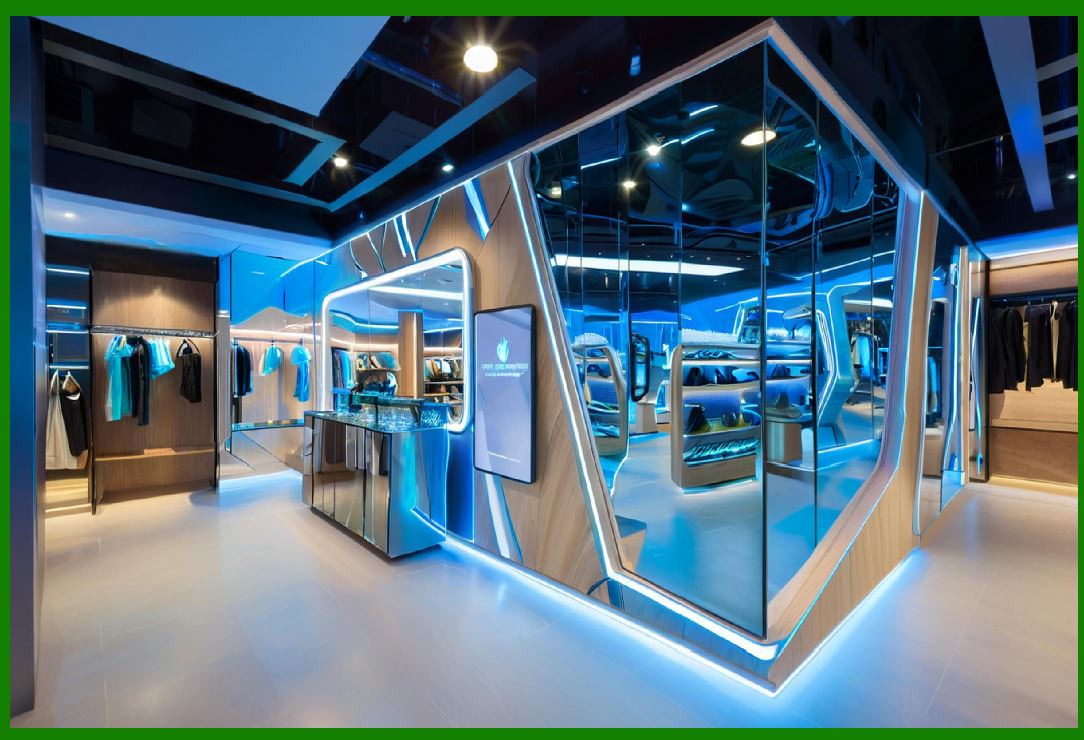
Real-Time Inventory Tracking: Combining RFID, IoT, and cloud systems, unmanned stores can track products in real-time from the warehouse to the shelves. This technology ensures that the store always has an up-to-date inventory and helps avoid situations where customers cannot find products they are looking for. |
|
10. Customer Experience and Engagement |
One of the most significant benefits of unmanned stores is the improvement in customer experience. By reducing friction points, such as long checkout lines and difficult product searches, customers can enjoy a smoother shopping experience. |
Self-Service Options: Customers can shop at their own pace without the need for assistance from store employees. This is particularly beneficial in environments where customers prefer privacy or a more autonomous experience. |
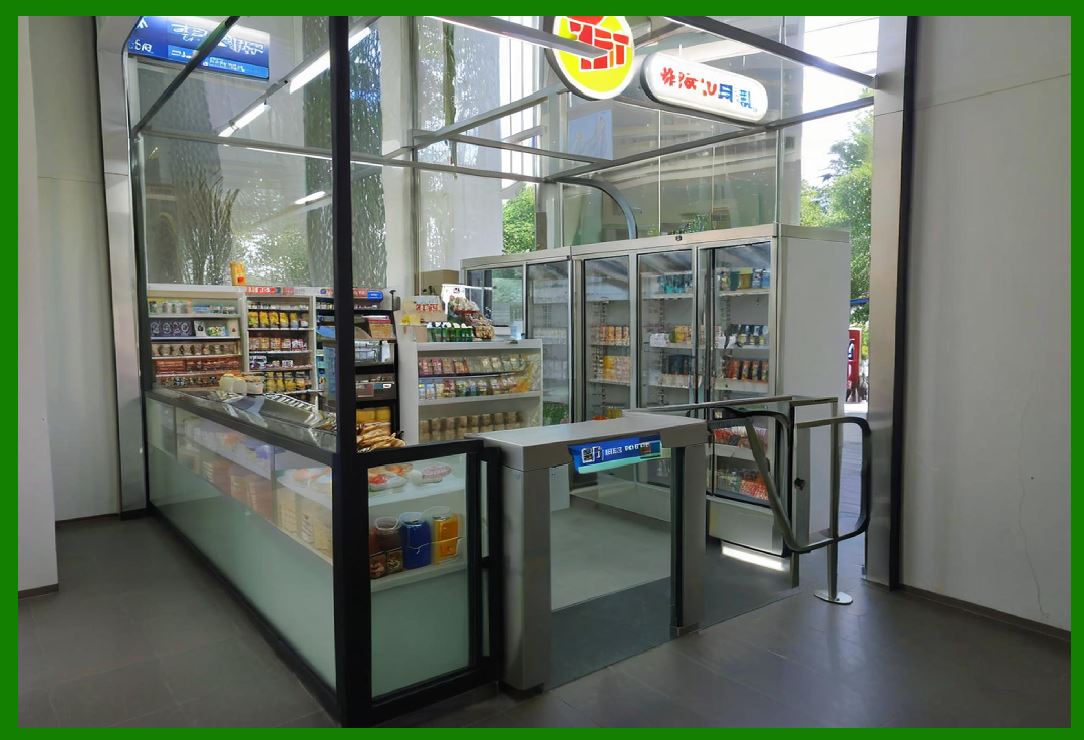
Loyalty Programs: Through integration with mobile apps and other digital systems, unmanned stores can offer personalized loyalty programs. Customers can receive discounts, rewards, or points based on their purchases, encouraging repeat business. |
|
11. Facial Recognition and Biometric Systems |
As part of the push toward a fully automated, self-service environment, facial recognition and biometric systems are becoming increasingly common in unmanned stores. These technologies offer a blend of security and convenience for customers and store operators alike. |
Facial Recognition for Store Entry and Payment |
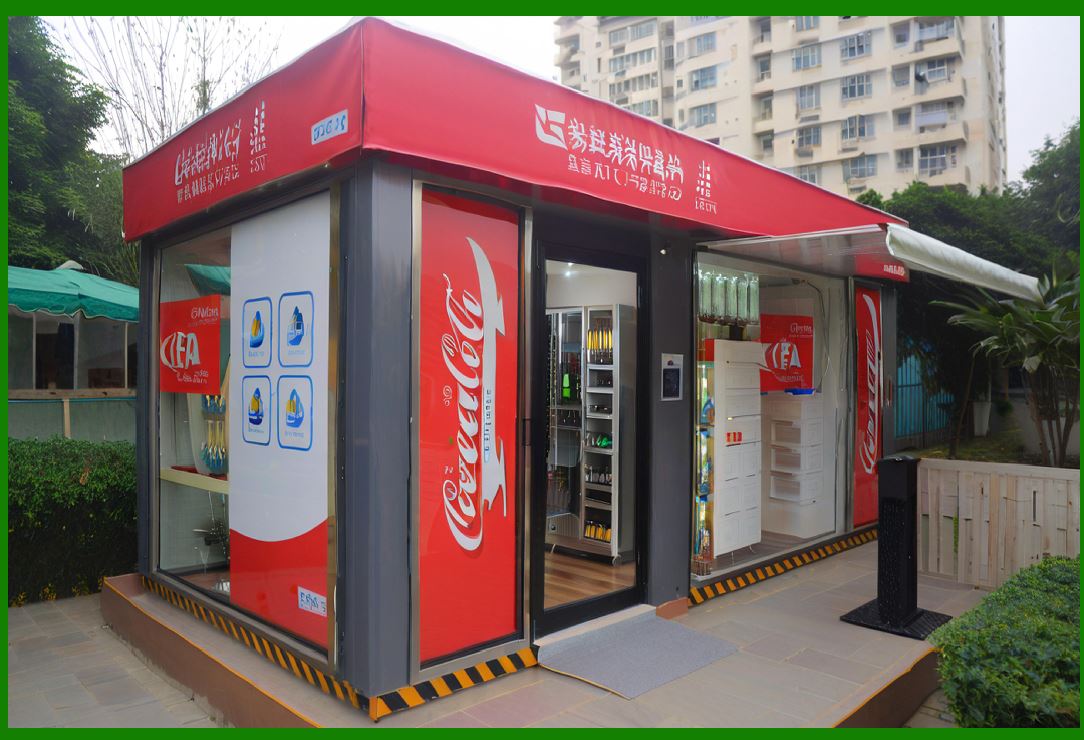
Customer Identification: Customers can enter unmanned stores using facial recognition technology, which ties their identity to a digital profile. Upon entry, the store can authenticate the individual, allowing them to shop without the need for a physical card or password. This can also enable personalized shopping experiences based on customer data (e.g., suggesting products based on past purchases). |
Payment Authentication: In some systems, facial recognition is also used for making payments. Once the customer selects their items, their face is scanned to verify their identity and initiate payment via pre-registered accounts or wallets. This removes the need for cash, cards, or mobile devices at checkout. |
Biometric Access Control |
Enhanced Security: In addition to facial recognition, other biometric systems such as fingerprint scanning or retina scanning can be used to restrict access to certain areas of the store. For example, alcoholic beverages or restricted products might require biometric authentication for purchase, ensuring compliance with legal regulations. |
Customer Experience Enhancement |
Personalization: With customer consent, stores can track an individual's preferences and tailor offers, product suggestions, or promotions based on the data derived from facial recognition and biometric systems. This data can also help stores identify frequent customers and reward them with loyalty benefits. |
|
12. Voice Interaction and Smart Assistants |
Voice recognition technology has gained considerable traction in various retail and smart home applications. In unmanned stores, voice interactions can create a hands-free shopping experience. |
Voice-Powered Product Search |
Finding Products: Customers can use voice commands to search for products, ask for recommendations, or inquire about product details. For instance, customers may say, 'Where are the gluten-free snacks?' or 'Show me the latest smartphones.' Smart assistants, integrated with the store's inventory database, can respond and guide the shopper to the correct aisle or shelf. |
Voice-Activated Payments: Some unmanned stores are beginning to experiment with voice-activated payments. Once the customer has completed their selection, they can confirm their purchase with a voice command. The system recognizes their voice and processes payment, further simplifying the checkout process. |
In-Store Virtual Assistants |
Smart Chatbots: Virtual assistants or chatbots, powered by natural language processing (NLP), can be embedded in kiosks, interactive screens, or mobile apps. These AI assistants can help customers navigate the store, explain promotions, check out, and provide recommendations based on real-time data. |
Customer Assistance: Even in a fully automated store, customers may encounter issues or have questions. Voice assistants can help resolve problems such as finding a specific item, locating missing products, or providing additional product information. Some systems might even offer support in multiple languages. |
|
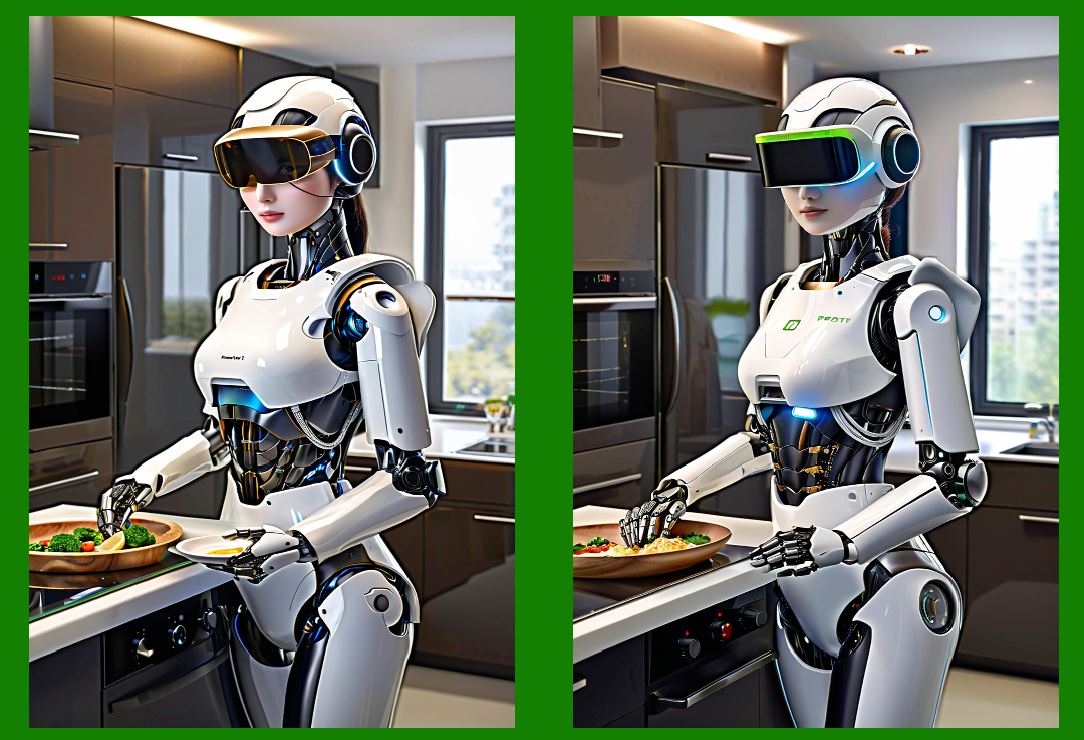
13. Robotic Assistance |
Robots are becoming an integral part of unmanned stores, helping with inventory management, cleaning, and even assisting customers. |
Inventory Management Robots |
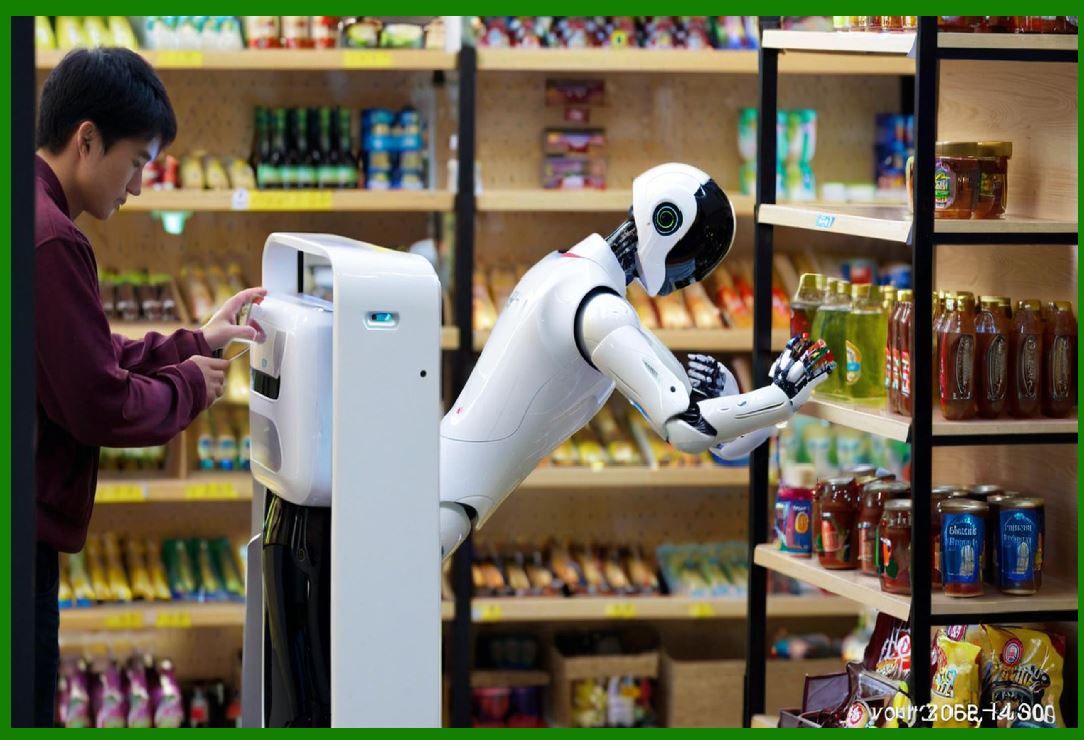
Stock Replenishment: Robots equipped with cameras, sensors, and AI algorithms can roam the store, scanning shelves to identify low-stock or misplaced items. These robots can notify the central system about product shortages or need for restocking, and in some advanced systems, they can even assist with the replenishment process by placing new stock on the shelves. |
Stock Auditing: Robots can also be used for stock auditing, where they continuously track product movements and verify that inventory is accurately accounted for. By comparing real-time stock data with inventory records, these robots help maintain up-to-date and precise stock levels. |
Customer Assistance Robots |
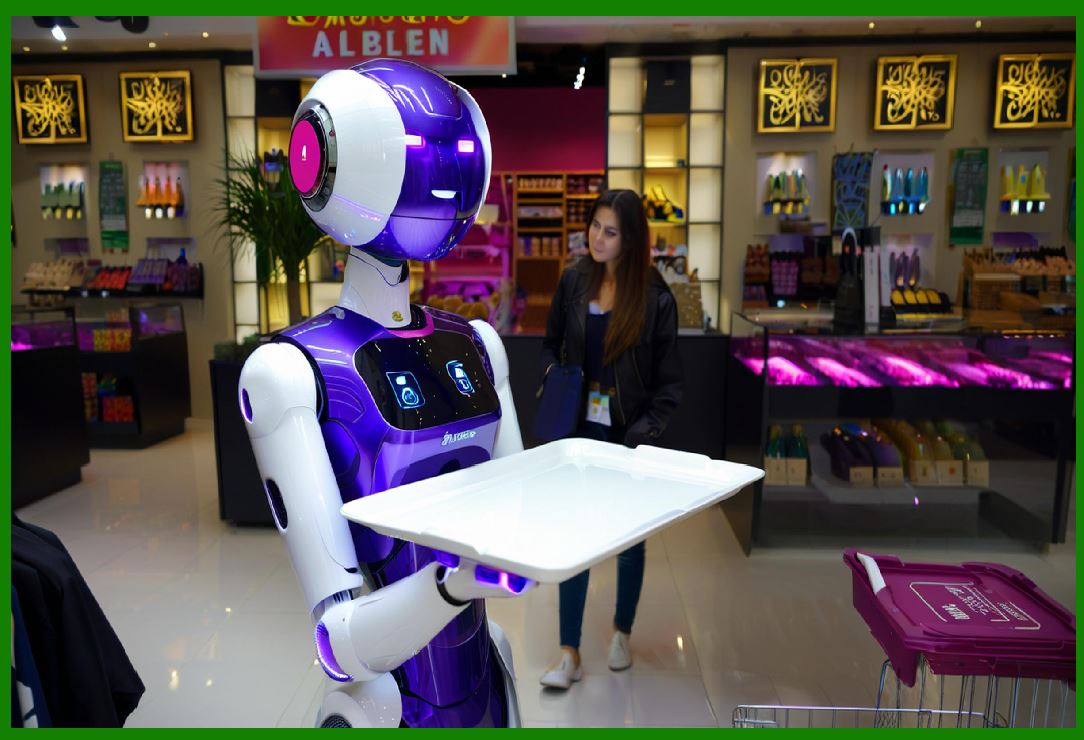
Guiding Customers: Some unmanned stores deploy robots to act as guides, helping customers navigate the store. These robots can use speech recognition to interact with customers, answering questions about product locations or store layout. |
Personal Shopping Assistants: Advanced robots can assist customers in selecting products by showing them items based on their preferences or even using AI to suggest products that might be suitable based on previous purchases. |
Cleaning Robots |
Autonomous Cleaning: Keeping a store clean is crucial, even in an unmanned environment. Autonomous robots can clean the floors, sanitize surfaces, and maintain hygiene standards throughout the store. These robots typically use sensors to detect dirt or spills and can autonomously navigate around obstacles. |
|
14. Augmented Reality (AR) and Virtual Reality (VR) |
AR and VR technologies are increasingly being adopted by unmanned stores to enhance the shopping experience, making it more interactive, engaging, and informative. |
Augmented Reality (AR) for Product Visualization |
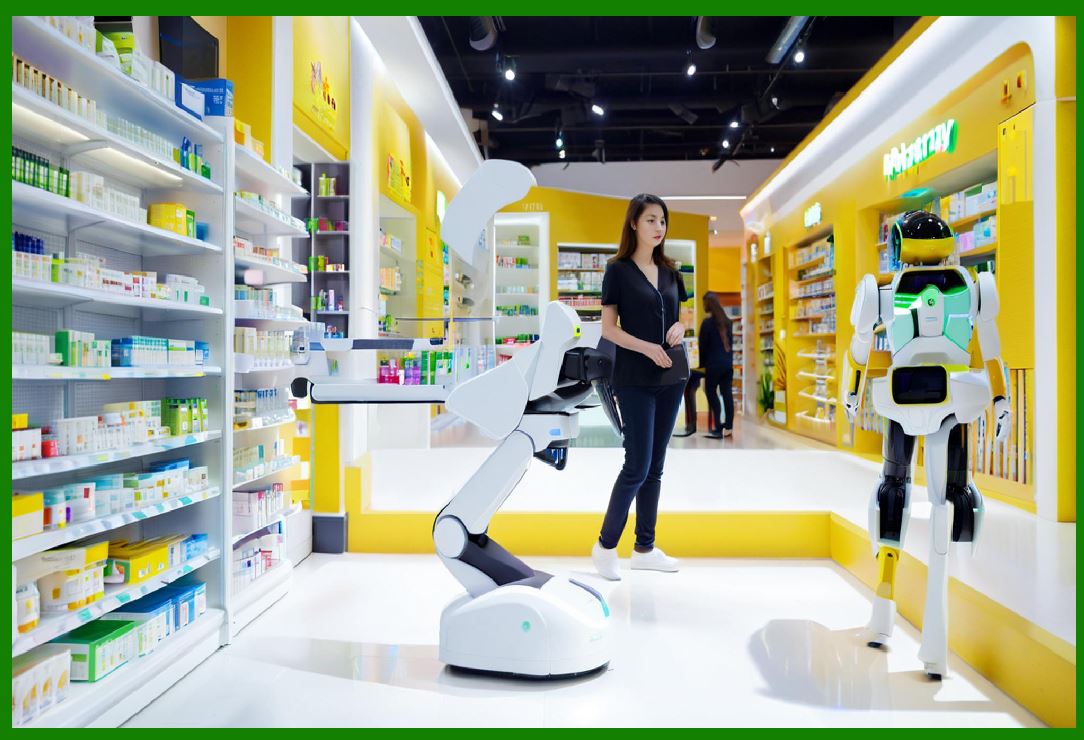
Virtual Try-Ons: AR technology allows customers to virtually try on clothes, shoes, accessories, or even makeup, without needing to physically interact with products. For instance, customers can use a mobile app or AR glasses to visualize how an item would look on them. |
Product Information Overlays: AR can provide interactive overlays of product information when customers point their devices at an item. This could include details such as price, specifications, customer reviews, or even additional suggestions for similar products. |
Virtual Reality (VR) for Immersive Shopping |
Virtual Store Tours: VR can simulate a shopping environment, where customers can explore the store remotely or experience immersive shopping experiences from their homes. This is particularly useful for flagship stores or luxury retailers who want to provide an enhanced customer experience without the physical presence of a store. |
Product Demos: In certain product categories, such as electronics or automobiles, VR can provide customers with detailed demonstrations or immersive experiences. For example, a customer can experience a car's features in a virtual environment, helping them make a more informed purchasing decision. |
|
15. Blockchain for Supply Chain Transparency |
Blockchain technology is emerging as a solution to enhance transparency, traceability, and trust in the supply chain of unmanned stores. |
Product Authentication |
Tracking Product Origins: Blockchain allows customers to track the full journey of a product from its origin to the store shelf. By scanning a QR code or accessing product information via the store's app, customers can learn about the manufacturing process, sustainability practices, and even the product's carbon footprint. |
Secure Transactions |
Blockchain Payment Systems: Blockchain offers a secure, transparent, and decentralized method for processing transactions. By using cryptocurrencies or blockchain-based payment systems, unmanned stores can reduce transaction fees, enhance security, and ensure that payment records are tamper-proof. |
Supply Chain Efficiency |
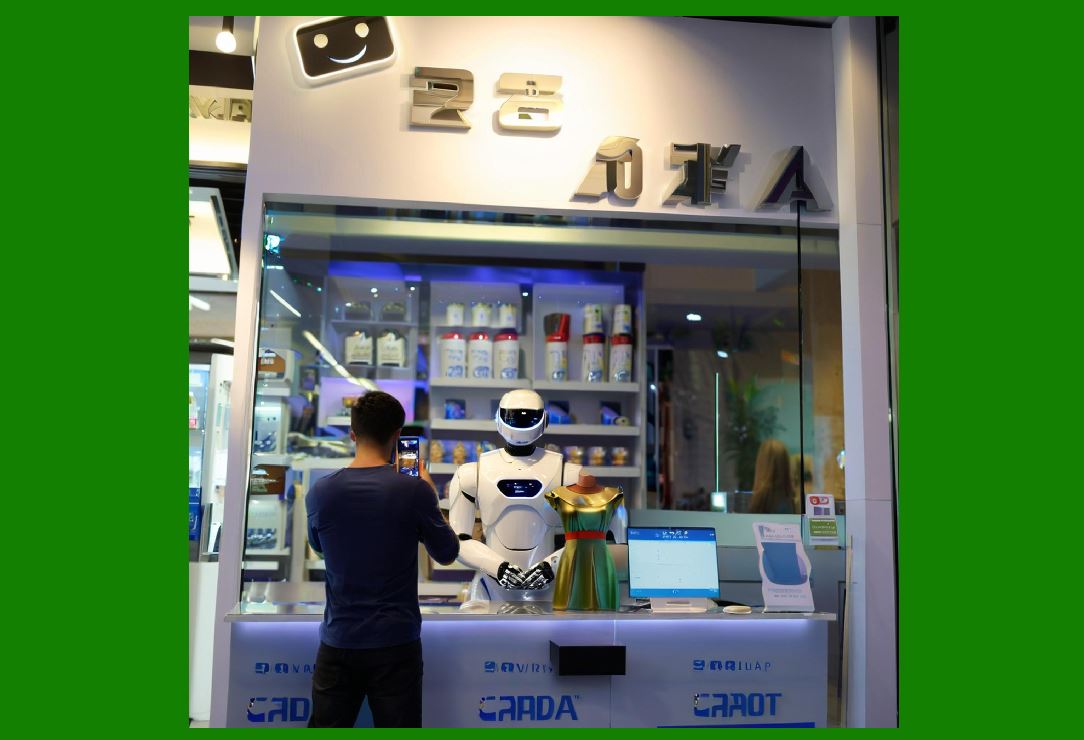
Smart Contracts: Blockchain can automate various supply chain processes through the use of smart contracts. These self-executing contracts automatically execute predefined actions when specific conditions are met, such as triggering a restock order when inventory levels drop below a set threshold. |
|
16. Energy Efficiency and Sustainability |
Sustainability and energy efficiency are becoming more important as retailers strive to minimize their environmental impact. |
Energy-Efficient Store Design |
Smart Lighting and HVAC: Unmanned stores are designed with energy-efficient systems, such as smart lighting that adjusts based on the time of day or customer traffic, and intelligent heating, ventilation, and air conditioning (HVAC) systems that optimize energy consumption. |
Solar Power and Green Energy: Many unmanned stores are adopting renewable energy sources, such as solar panels, to reduce their reliance on conventional energy grids and lower their carbon footprint. Energy-efficient appliances and equipment further contribute to sustainability goals. |
Waste Reduction |
Waste Tracking and Management: IoT sensors can be used to track waste levels, ensuring that products are disposed of or recycled properly. Automated systems can identify expired or unsellable products and initiate processes to remove them from the shelves and prevent unnecessary waste. |
|
17. Challenges and Future Trends |
While unmanned stores offer numerous advantages, several challenges need to be addressed for widespread adoption. |
Challenges |
Technical Limitations: While RFID, AI, and other technologies have made significant progress, challenges such as sensor accuracy, data privacy, and system integration remain significant hurdles. |
Consumer Trust: Building trust in unmanned systems is essential. Customers must feel confident in the security of their payments, the accuracy of product tracking, and the privacy of their personal data. |
Regulatory and Legal Issues: Many countries have regulations related to consumer protection, data security, and labor laws that can impact the rollout of unmanned stores. Compliance with these regulations is crucial for retailers. |
Future Trends |
Wider Adoption of AI: As AI technology evolves, we can expect even more intelligent systems in unmanned stores. AI will play a more prominent role in predicting consumer behavior, automating tasks, and personalizing shopping experiences. |
Hyper-Personalization: Future unmanned stores may use advanced data analytics to deliver highly personalized experiences, such as dynamic pricing based on customer profiles or real-time suggestions based on browsing habits. |
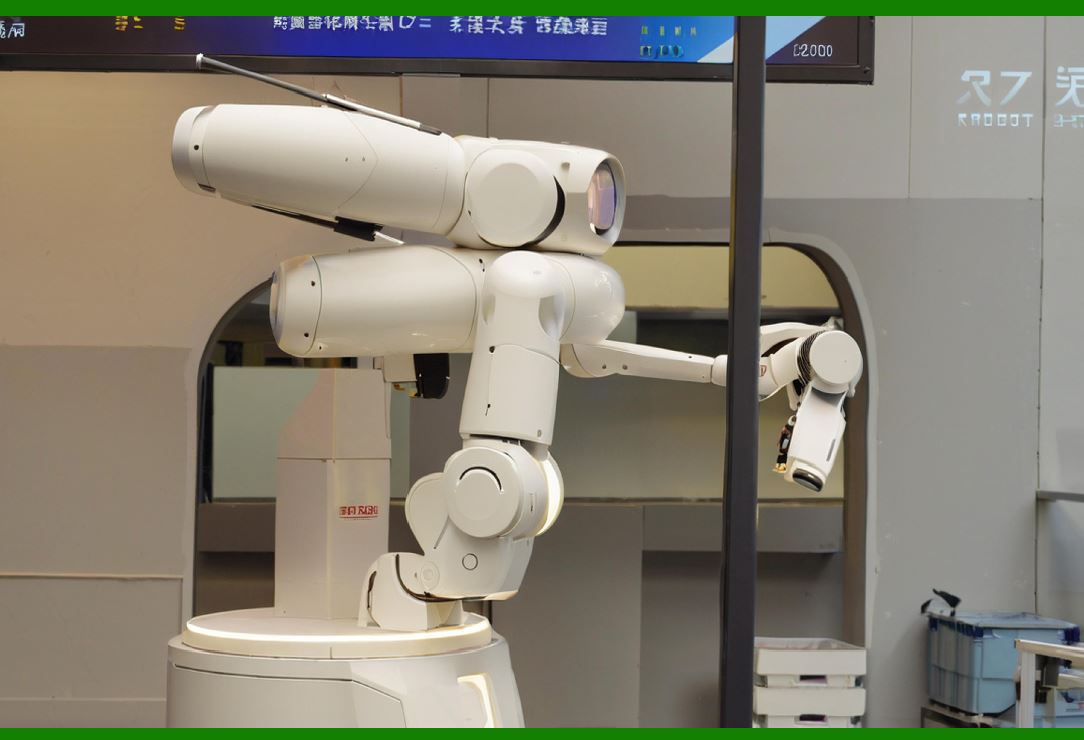
Integration with Smart Cities: Unmanned stores could be integrated into smart city ecosystems, offering seamless experiences for customers across various locations. |
|
18. Customer Experience and Engagement (Expanded) |
Seamless Shopping Journey |
Entry and Exit without Friction: In an unmanned store, customers can typically enter by scanning a QR code or using a facial recognition system, enabling them to enter seamlessly without waiting in line or interacting with staff. When they exit, the store automatically processes payment, eliminating the checkout process altogether. |
Personalized In-Store Environment: As customers enter the store, systems may detect their presence via facial recognition or mobile apps, allowing the store to personalize the environment. For example, lighting, music, or even product recommendations might adapt to the preferences or purchasing history of the individual. |
Targeted Marketing and Dynamic Promotions |
Context-Aware Advertising: Through sensors and cameras, unmanned stores can identify a customer's movements, gestures, and gaze, enabling context-aware marketing. For example, if a customer is browsing a particular aisle, digital signage or in-app notifications can offer discounts on similar or complementary products in real time. |
Location-Based Promotions: By analyzing customer behavior within the store (e.g., time spent in specific sections), the system can trigger location-based promotions, sending personalized offers to a customer's phone once they are near a particular product. |
Improving Accessibility |
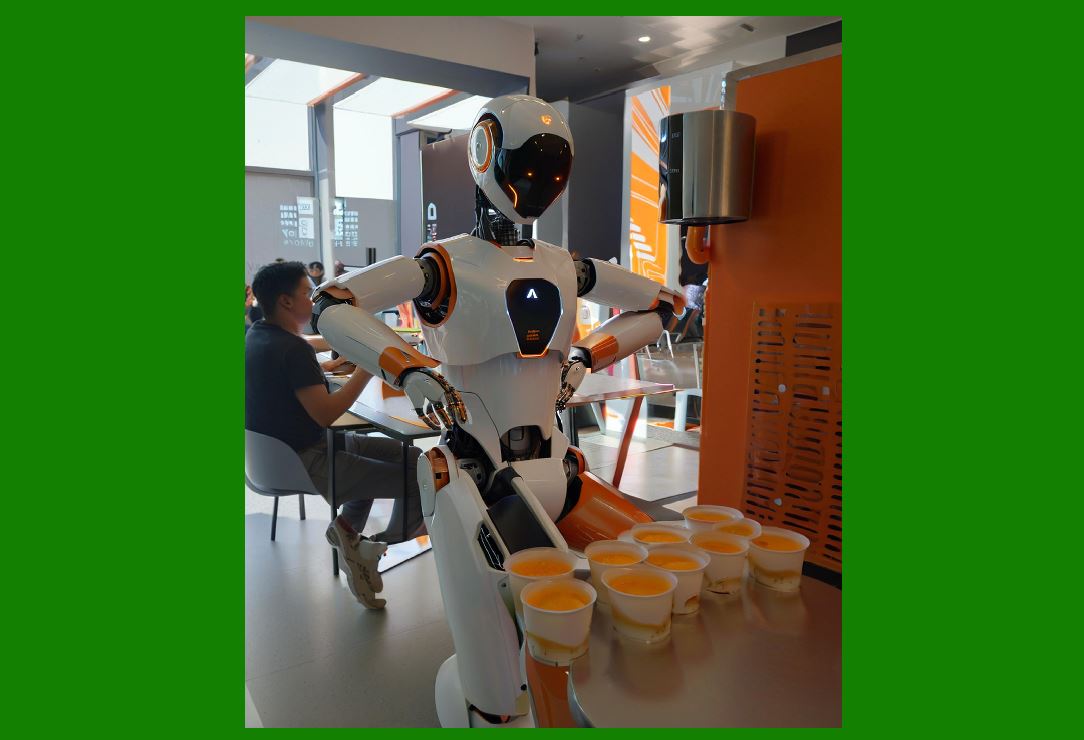
Assistance for Disabled Customers: In line with inclusivity, unmanned stores can integrate technologies such as voice assistants, augmented reality, or even haptic feedback for visually impaired customers. For example, audio cues can guide blind customers to specific sections of the store or announce promotions as they approach relevant shelves. |
Multilingual Support: Global unmanned stores are likely to use AI-driven multilingual support, allowing customers to shop in their native language. Customers could interact with in-store kiosks or mobile apps in a seamless, multi-language interface, ensuring accessibility for international visitors. |
|
19. Advanced Robotics and Automation (Expanded) |
Robotic Inventory Management (RIM) |
Automated Stock Counting: Advanced robots can navigate aisles and scan products to perform real-time stock audits, ensuring inventory is accurately tracked. These robots use sophisticated machine vision technology to read barcodes or QR codes on items and compare them with the store's digital records. |
Restocking and Shelving Robots: The future of unmanned stores includes robots that assist with restocking shelves. For instance, a robot could autonomously pick up products from the storage area and place them on shelves. This could extend to robots that interact with other robots or systems in a 'collaborative robot' (cobot) setup, streamlining logistics. |
Shelf Scanning for Customer Assistance: These robots don't just monitor inventory'they can also respond to customer needs. A robot might assist a customer in locating a product on a shelf, or in a grocery setting, a robot could guide the customer to ingredients needed for specific recipes. |
Robotic Checkout Assistance |
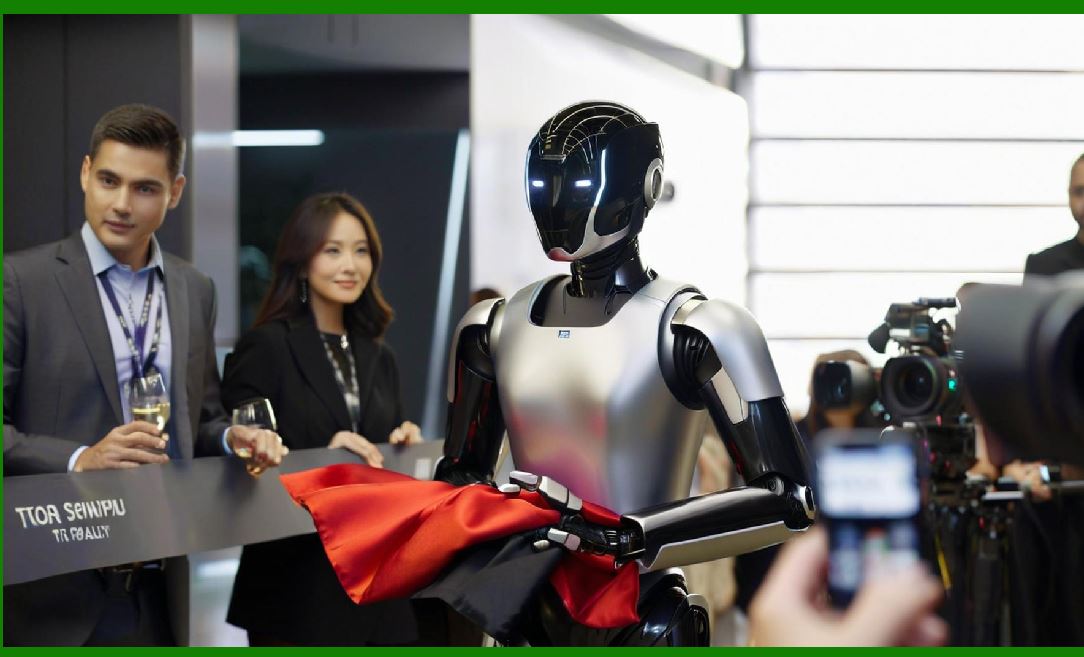
Autonomous Checkout Robots: While traditional unmanned stores rely on sensors and cameras for automated checkout, future stores might incorporate robots that directly handle the checkout process. These robots could scan, pack, and even complete payment for customers, taking human-like roles within the store and interacting with the customer. |
|
20. Energy Efficiency and Sustainability (Expanded) |
Smart Energy Management |
IoT-Enabled Systems: Smart IoT systems are vital for monitoring and managing energy consumption within unmanned stores. These systems use real-time data to adjust lighting, heating, and cooling according to customer traffic, time of day, and external environmental factors. For instance, the store could dim lights during off-peak hours or automatically adjust HVAC systems based on the number of customers inside. |
Automated Energy Savings: Integrating AI with energy management systems allows for the prediction and optimization of energy use. Over time, machine learning algorithms can analyze energy consumption patterns and provide recommendations or automatically adjust systems to reduce waste and lower utility costs. |
Sustainable Packaging and Recycling Systems |
Biodegradable Packaging: Many unmanned stores are incorporating biodegradable or compostable packaging for products, aiming to reduce plastic waste. Some stores are exploring the use of edible packaging materials for specific products, like food, to enhance sustainability. |
Smart Recycling Stations: To reduce waste, unmanned stores are experimenting with smart recycling bins that can sort different types of materials. Customers could drop packaging or containers into these bins, and AI-powered systems would separate recyclable materials for proper disposal, ensuring that a high percentage of waste is reused or recycled. |
Carbon Footprint Tracking and Offset Programs |
Tracking Emissions: Unmanned stores could track the carbon footprint of products in real time, allowing customers to see the environmental impact of their purchases directly. Some systems might even provide incentives for customers to choose lower-carbon products, supporting sustainability goals. |
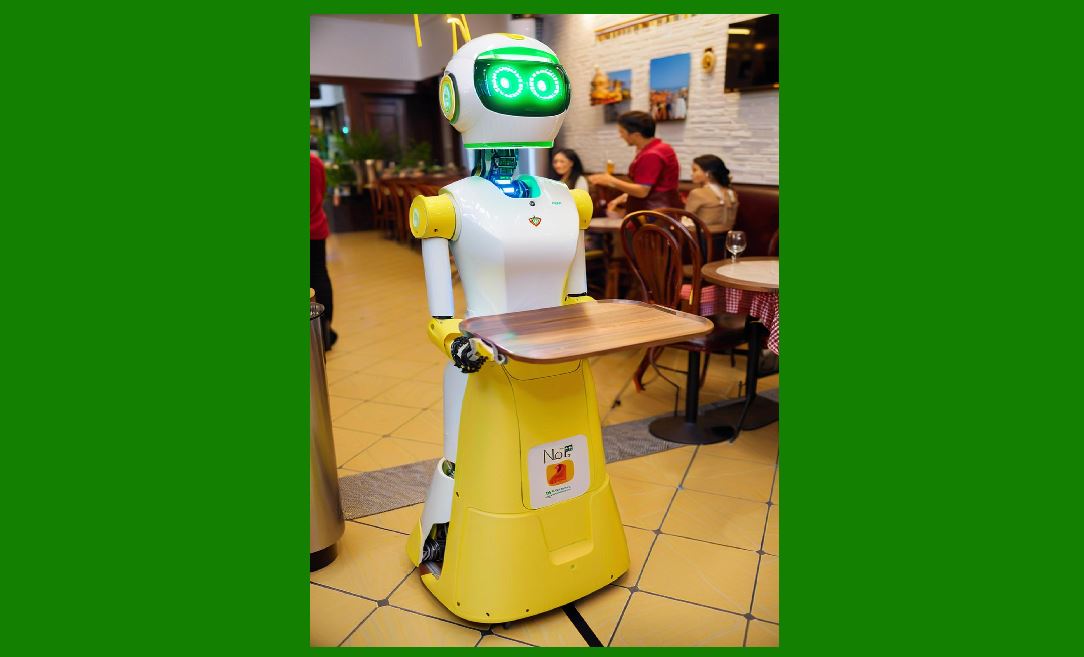
Carbon Offsetting Options: Through partnerships with carbon offset programs, unmanned stores might offer customers the option to offset their purchases' carbon footprint. This could be integrated into the checkout process, giving customers a simple way to contribute to environmental initiatives. |
|
21. Security and Fraud Prevention (Expanded) |
AI-Driven Surveillance and Behavior Recognition |
Advanced Surveillance Cameras: Using AI-powered cameras, unmanned stores can identify suspicious behavior or unauthorized product removal. Machine learning algorithms are trained to recognize specific patterns, such as when a customer tries to place an item in their bag without properly checking it out. |
Predictive Behavior Modeling: AI can predict potential theft by analyzing real-time data and detecting anomalies. For example, a customer may linger too long in one area or interact with multiple products at once in a suspicious manner. When these behaviors are identified, the system can alert store operators or even trigger a discreet response to prevent loss. |
Preventing Fraudulent Payments |
Multi-Layered Payment Authentication: Unmanned stores often employ multi-layered fraud prevention mechanisms. While facial recognition or biometric scans may serve as the primary authentication method, secondary verification methods such as smartphone-based apps or OTP (one-time password) systems are used to further confirm identity before processing payment. |
Blockchain for Secure Transactions: Blockchain can offer a tamper-proof ledger for payments and transactions, reducing the risk of fraud and making the entire payment process transparent. Every transaction would be verified and recorded, providing an additional layer of security. |
Real-Time Monitoring and Alerts |
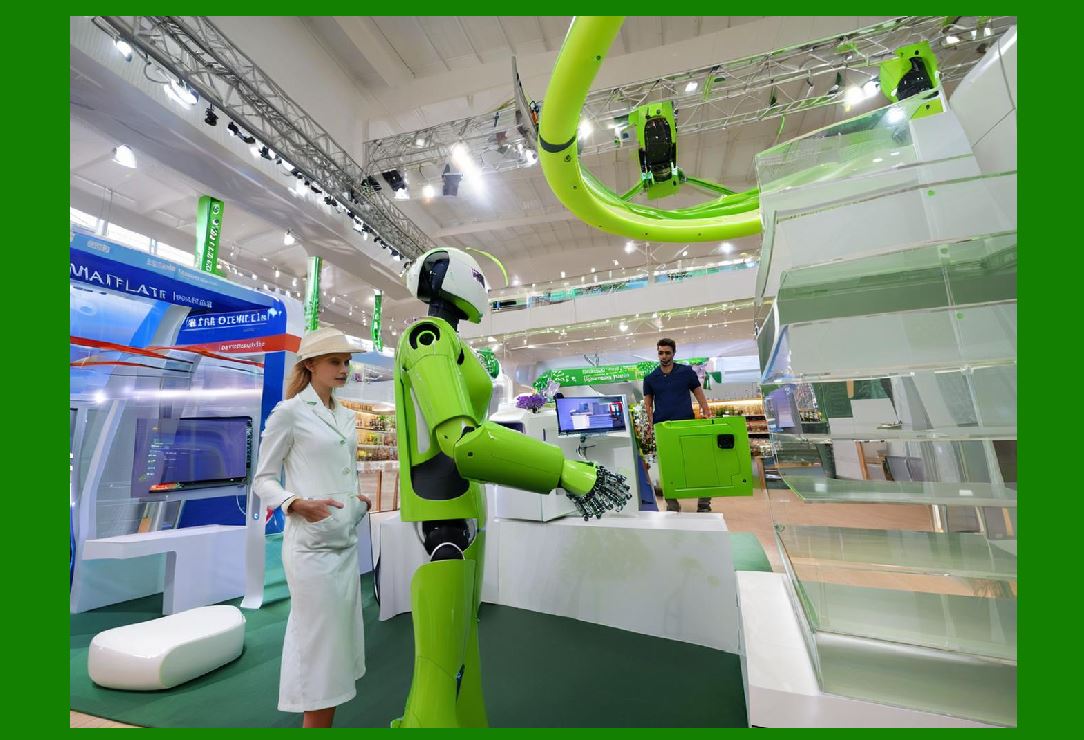
Remote Monitoring Systems: Store operators or security personnel can monitor all activity in real time through centralized control systems. These systems can alert staff if unusual activity is detected, such as multiple items being taken without scanning or if customers are trying to manipulate the sensors. |
|
22. Supply Chain Automation and Efficiency (Expanded) |
Automated Order Fulfillment |
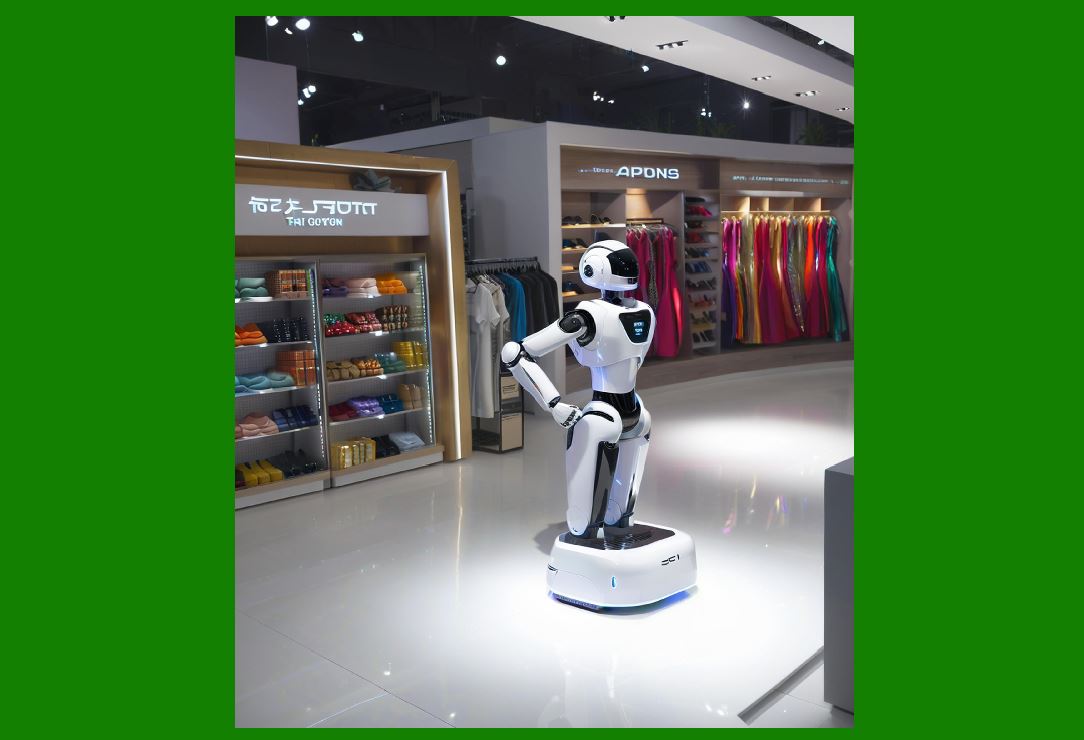
Robotics for Picking and Packing: Advanced robots can automate the picking and packing process in the warehouse or stockroom. These robots can identify products, pick them from shelves or bins, and package them for delivery. They also communicate in real time with the store's inventory system to ensure stock levels are updated, reducing the risk of overstock or stockouts. |
Just-in-Time Restocking: Unmanned stores can utilize AI and machine learning to implement just-in-time restocking systems. Based on customer demand and predictive analytics, the store can reorder products in real time, ensuring minimal excess inventory and faster stock replenishment. |
Smart Supply Chain Visibility |
End-to-End Tracking: Blockchain, coupled with RFID and IoT, allows for end-to-end visibility of products from manufacturer to store. Store operators can track the entire journey of a product, gaining insight into potential delays, quality checks, and even sustainability practices of suppliers. |
AI-Driven Demand Forecasting: Machine learning models analyze historical data to forecast future demand accurately. This allows the store to optimize inventory, prevent overstocking or understocking, and respond faster to shifts in consumer preferences. |
|
23. Future Possibilities and Innovations |
Looking ahead, unmanned stores will continue to evolve with cutting-edge technologies, offering entirely new ways of shopping. |
Fully Autonomous Stores |
Fully Autonomous Retail Operations: Future unmanned stores could evolve into entirely autonomous retail environments, where human intervention is minimal. From the moment a customer enters the store to the completion of their purchase, every process could be automated'inventory management, product detection, checkout, and payment'resulting in a fully frictionless retail experience. |
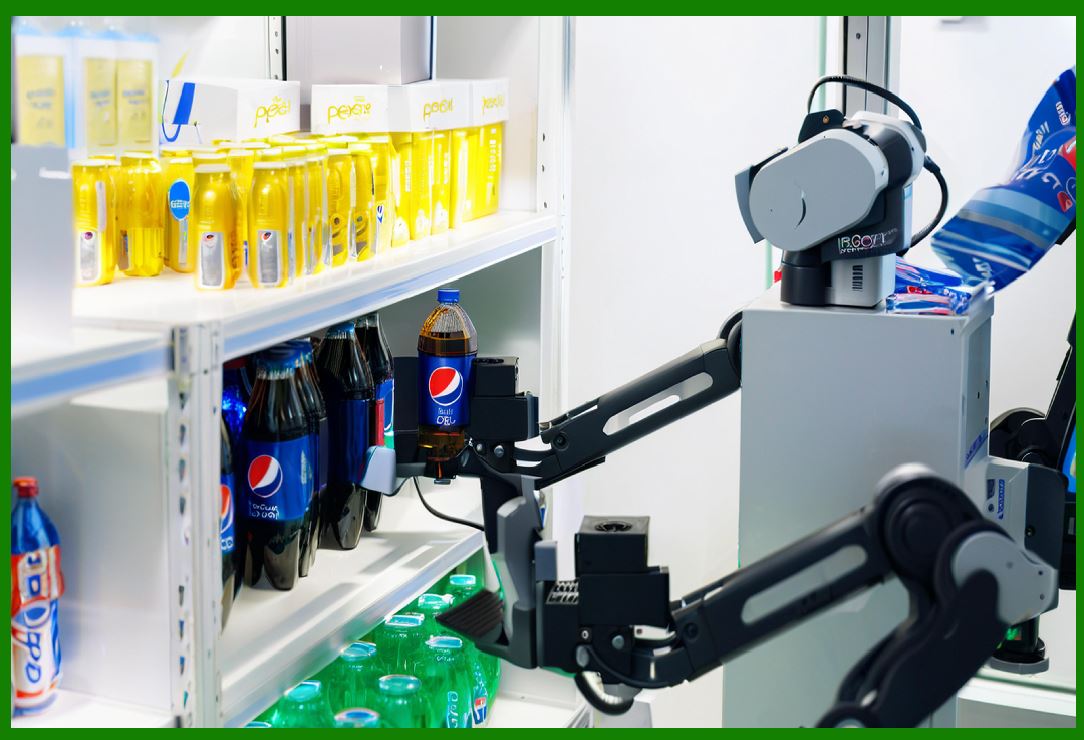
Advanced AI and Robotics Integration: As AI and robotics continue to advance, we could see robots that not only restock shelves but also interact with customers on a deeper level, offering real-time recommendations, providing product demonstrations, and even completing complex tasks like assembling products. |
Augmented Shopping Experiences |
Personalized Digital Avatars: In the near future, customers could have personalized digital avatars that help them navigate unmanned stores, offering tailored shopping experiences. These avatars could be powered by AI and could interact with customers through voice, chat, or augmented reality interfaces. |
Seamless Integration with Smart Devices: Unmanned stores may eventually become integrated with smart home devices. For instance, a customer could add items to their shopping list using voice commands on their smart speaker at home, and the unmanned store could automatically pull up these items for pickup or delivery once the customer enters the store. |
|
The role of barcode technology in unmanned stores |
Barcode technology plays a pivotal role in the operation of unmanned stores, enhancing automation, streamlining processes, and ensuring a seamless and efficient customer experience. In the context of unmanned stores, barcodes are used in conjunction with other technologies (such as RFID, computer vision, and AI) to handle various tasks, from inventory management to customer checkout. Here's a comprehensive look at how barcode technology contributes to unmanned stores: |
1. Product Identification and Tracking |
Barcodes are primarily used to identify products and track them throughout the store. They allow the system to precisely know what items are on the shelves, being purchased, or removed from stock. |
Barcode Labels on Products |
Identification and Cataloging: Each product in the store is typically assigned a unique barcode (often a 1D or 2D barcode, such as QR codes or DataMatrix codes), which contains information such as the product's ID, price, and other relevant details. This allows store systems to track and identify the product automatically when scanned or detected. |
Shelf Scanning: Barcode scanners, integrated with computer vision and IoT, can scan products on shelves to update inventory in real time. For example, when a customer picks up an item, the barcode is detected by an overhead or shelf-mounted scanner. This interaction automatically triggers a stock update, confirming that the item has been moved or removed from the shelf. |
Real-Time Inventory Management |
Stock Monitoring: As products are scanned by customers or store systems (e.g., RFID readers), barcodes help maintain an up-to-date inventory count. This integration ensures that the store's system can manage stock levels in real time, preventing out-of-stock situations and allowing for automatic restocking alerts. |
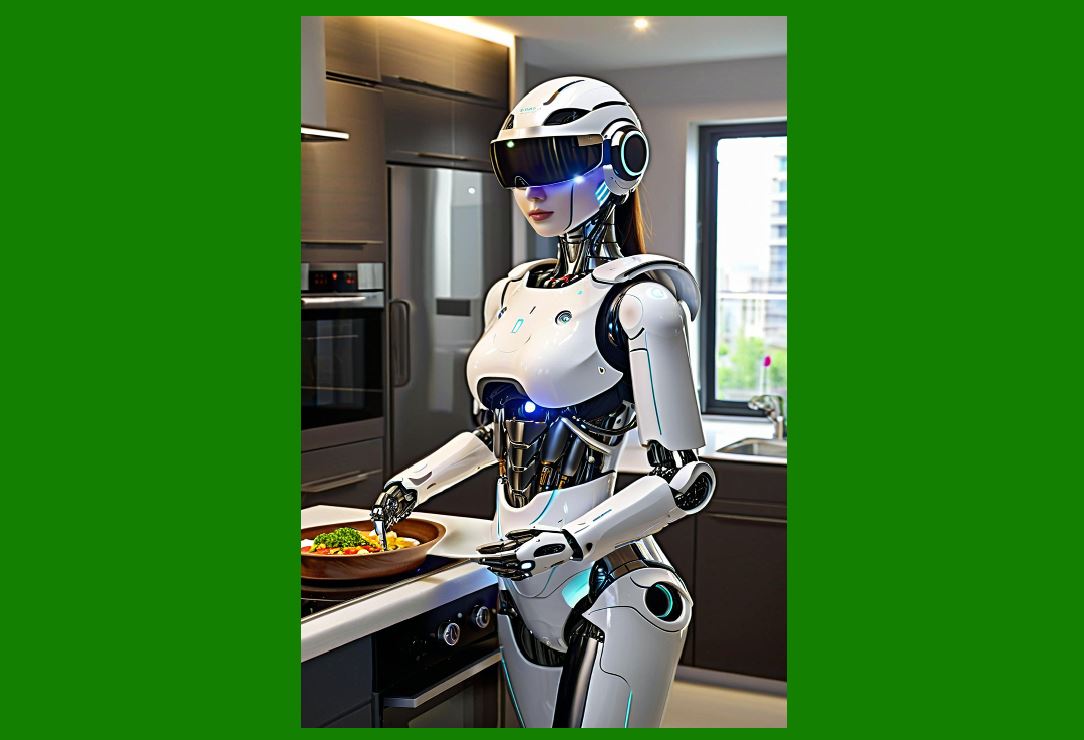
Inventory Audits: In large unmanned stores, barcodes help perform automated audits by scanning products placed on shelves. This data can be used to compare actual stock with system records, ensuring accuracy and reducing discrepancies. |
|
2. Checkout Process in Unmanned Stores |
Barcodes are essential in ensuring a smooth, automated checkout process, which is a key feature of unmanned stores. |
Barcode Scanning for Automated Checkout |
Single-Item Scanning: In unmanned stores that employ traditional barcode technology, customers may use self-checkout kiosks or mobile apps to scan the barcode of each item they wish to purchase. The system immediately recognizes the product and displays the price on the screen. The customer then confirms the purchase and proceeds to payment (e.g., through a mobile wallet or other digital payment methods). |
Visual Barcode Recognition: Many unmanned stores use visual recognition technologies such as computer vision, where cameras detect and decode barcodes on products. When customers pick items, the barcode is automatically recognized and added to the cart without any manual scanning required. This method reduces checkout time significantly and eliminates the need for manual human intervention. |
Mobile Payment Integration |
QR Code for Payment: Barcodes, especially QR codes, are frequently used for payment purposes. Once a customer has selected their items, a QR code may be generated on a digital screen, in the mobile app, or on the customer's smart device. By scanning the QR code with their mobile device or scanning the payment code displayed on the store system, the transaction is completed automatically, linking to a digital wallet or payment app. |
NFC Integration with Barcodes: In some unmanned stores, Near-Field Communication (NFC) technology works alongside barcode scanning systems. For instance, NFC-enabled barcodes may be used for customers to quickly scan products or even confirm their purchases through mobile apps, with the payment system being linked directly to the barcode data. |
|
3. Loss Prevention and Security |
Barcodes play an integral role in ensuring the security and integrity of the store by preventing theft and unauthorized product removal. |
Surveillance and Theft Prevention |
Barcode Scanning for Theft Detection: Surveillance cameras in unmanned stores can detect when a product is removed from the shelf and whether its corresponding barcode is scanned. If a product is taken without being scanned, the system flags it as a potential theft, prompting an alert or intervention by security. |
Security Gate Integration: In some unmanned stores, barcode data is used in combination with gate sensors at the store exit. The system will check if the barcode of a product has been scanned or if the item has been purchased. If an item with an unsanctioned barcode or no barcode is detected, the store will prevent the customer from leaving, triggering an alarm. |
Anti-Theft Features |
Unique Barcodes for Anti-Theft Tags: Some stores use barcodes that are embedded in anti-theft tags. These tags can only be removed or deactivated at the point of sale, ensuring that any item that leaves the store without proper checkout is immediately flagged as stolen. |
|
4. Product Data and Analytics |
Barcodes provide valuable data that can be used for operational analysis, improving store management, and customer satisfaction. |
Sales Data and Analytics |
Sales Tracking: Barcode technology enables stores to collect detailed data on each item purchased. By analyzing this data, store operators can gain insights into which products are most popular, which items are frequently bought together, and how often restocking is necessary. |
Promotions and Dynamic Pricing: By linking barcodes with real-time pricing systems, unmanned stores can dynamically adjust prices based on demand or promotional events. For instance, when a product with a specific barcode is part of a flash sale or discount, the barcode will automatically reflect the updated price when scanned. |
Customer Preferences and Behavior |
Loyalty Programs: In some unmanned stores, barcodes are used to link purchases with customer loyalty programs. By scanning a barcode, a customer's loyalty points are automatically recorded, and they can receive personalized discounts or offers based on previous purchases. |
Behavioral Insights: Barcode scanning data allows unmanned stores to track how often a customer interacts with a specific product. This can be useful for understanding customer preferences and behavior, helping the store tailor its inventory and offerings based on real-time feedback. |
|
5. Integration with Other Technologies |
Barcodes serve as a foundational element that can integrate seamlessly with other emerging technologies in unmanned stores, further enhancing automation and operational efficiency. |
Barcode and RFID Integration |
RFID and Barcode Hybrid Systems: While RFID offers real-time, automatic product detection, barcodes are often used in hybrid systems where RFID tags provide broad product tracking (such as in stockrooms or larger store areas), while barcode scanning provides precise, individual product verification at checkout. The combination allows for a more robust and flexible system for both inventory management and checkout processes. |
Inventory Accuracy with Barcode Scanning: In warehouses or on shelves, RFID might be used for large-scale item tracking, but when precise product identification is needed, barcodes are scanned. For example, if a customer picks up a product in an unmanned store, the system uses the barcode to match the product and verify its price. |
Computer Vision and Barcode Recognition |
Enhanced Checkout via Computer Vision: Computer vision technology, paired with barcode scanning, allows the system to automatically recognize products in the cart. Cameras can capture images of the product's barcode or packaging and transmit this data to the checkout system. This ensures that items are correctly identified, and the checkout process is fully automated, reducing friction for customers. |
Object and Barcode Recognition Combined: In some advanced unmanned stores, barcodes are used in conjunction with object recognition systems to identify products. This is especially useful when items might be placed in the wrong position or if they are stacked or placed in an unusual manner, as the system can use both visual cues and barcode data to track products accurately. |
|
6. Customer Interaction with Barcodes |
Barcodes also facilitate customer interaction, not just for checkout but for enhancing the overall shopping experience. |
Customer-Driven Barcode Scanning |
Product Information Lookup: Customers can use their smartphones or in-store kiosks to scan barcodes on products to access detailed information such as product specifications, ingredient lists (for food), or user reviews. This provides customers with greater transparency and helps them make more informed purchasing decisions. |
Barcode-Triggered Promotions: Unmanned stores can also offer barcode-triggered promotions. For example, when a customer scans a product's barcode, the system might recognize that the item is part of a promotion, offering a discount or deal instantly through the mobile app or in-store interface. |
QR Codes for Engagement |
Interactive Experiences: QR codes placed on product packaging can also link to interactive or augmented reality experiences. For example, scanning a product's barcode could unlock an augmented reality feature, such as a 360-degree view of the item or detailed visualizations of how the product works. |
|
Conclusion |
Barcode technology remains an essential and versatile tool in unmanned stores. It enables the identification, tracking, and management of products, facilitates smooth and secure checkout experiences, helps prevent theft, and provides valuable data analytics. As unmanned stores continue to evolve, barcode technology will likely become even more integrated with other advanced technologies, contributing to the increasingly seamless and efficient shopping experience. |
 cs@easiersoft.com