1. Introduction to Barcode Labels |
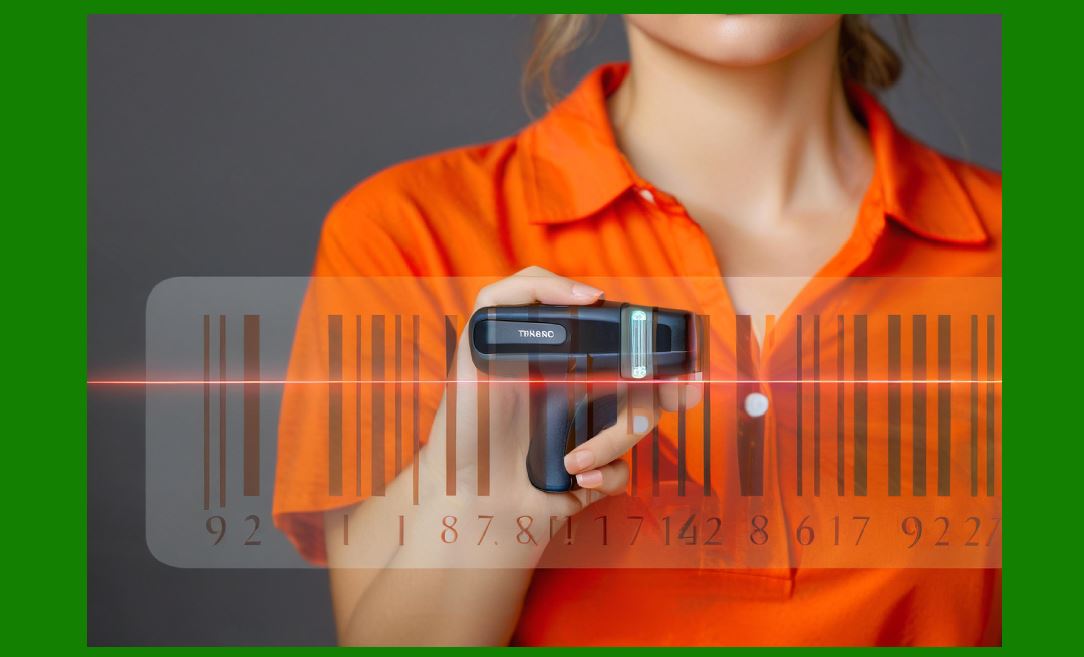
1.1 Barcode labels are one of the most important tools in modern logistics, retail, healthcare, manufacturing, warehousing, libraries, and even personal asset management. A barcode label is not just a printed sticker with lines or dots; it represents a structured encoding of information into a machine-readable symbol that can be rapidly scanned and decoded by a barcode reader or a camera-based system. |
1.2 Making barcode labels involves a combination of data encoding, label design, printing technology, and material selection. To create effective barcode labels, one must understand the types of barcodes, the encoding rules, the standards that govern them, and the technical considerations of producing physical labels that can withstand handling, storage, and scanning environments. |
1.3 The process of making barcode labels can be broken down into several stages: |
Deciding the purpose and type of barcode. |
Choosing the appropriate barcode symbology (linear, 2D, stacked, composite). |
Designing the barcode data structure according to standards (e.g., GS1, internal codes). |
Selecting the software or label generation system. |
Choosing the label size, layout, and human-readable elements. |
Selecting the printer type and ribbon/ink/toner system. |
Selecting the label material and adhesive type. |
Printing and testing the barcode for readability. |
Applying the barcode to the product, package, or asset. |
|
2. Understanding Barcode Symbologies Before Making Labels |
2.1 Barcode labels are only as effective as the symbology chosen for them. Each symbology defines how data is represented visually and how scanners interpret it. |
2.2 1D (linear) barcodes include symbologies such as: |
UPC-A (used in retail worldwide for product identification). |
EAN-13 (European Article Number, widely used internationally). |
Code 39 (used in industrial and non-retail settings). |
Code 128 (compact, dense encoding, often used in logistics and shipping). |
Interleaved 2 of 5 (ITF, used in carton labeling). |
2.3 2D barcodes include: |
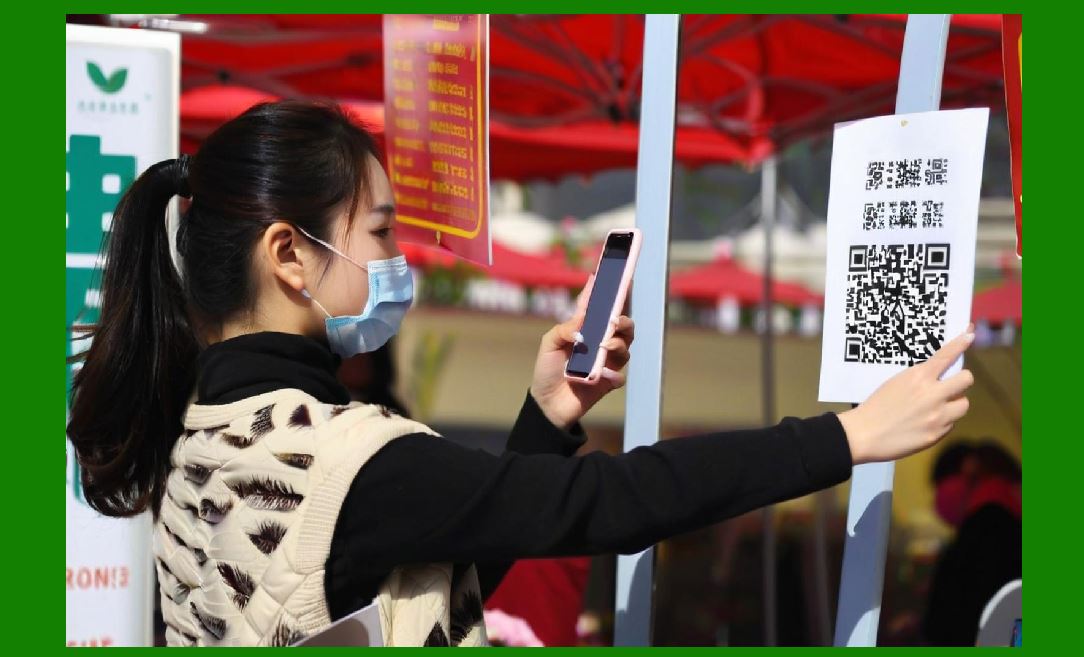
QR Code (quick response, consumer applications and payments). |
Data Matrix (high-density, used in electronics, aerospace, medical devices). |
PDF417 (stacked linear symbology used in identification cards and transport). |
Aztec Code (used in transport tickets, boarding passes). |
2.4 When making barcode labels, the symbology selection depends on: |
Data length (shorter data fits into 1D, long data may require 2D). |
Application environment (warehouse vs. retail vs. healthcare). |
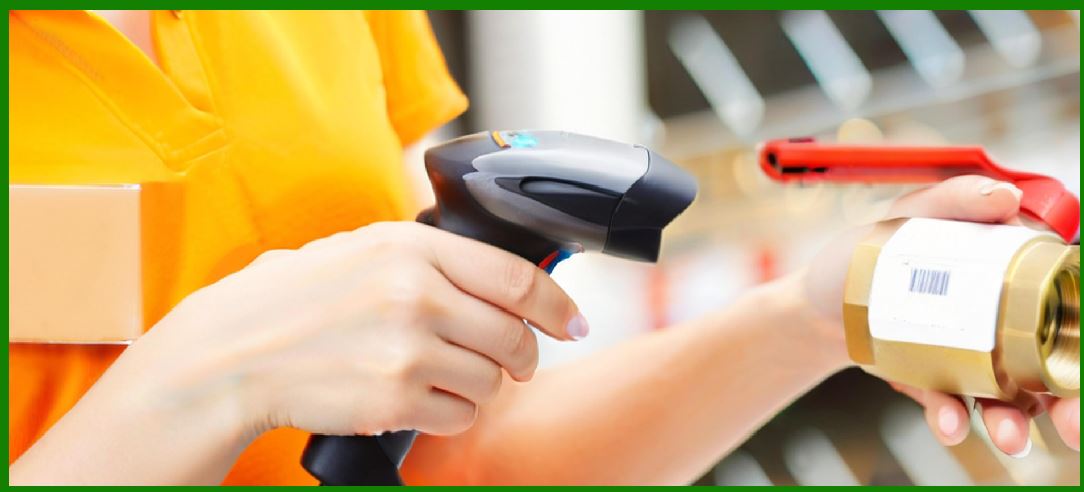
Required durability (laser scanners vs. camera scanners). |
Regulatory requirements (GS1 standards for retail and healthcare). |
|
3. Standards Governing Barcode Label Creation |
3.1 To make usable barcode labels, one must comply with global or industry-specific standards. |
3.2 GS1 Standards regulate retail and supply chain labels, including GTIN (Global Trade Item Number), SSCC (Serial Shipping Container Code), and GS1 DataMatrix. |
3.3 ISO/IEC Standards define symbologies and print quality testing methods (e.g., ISO/IEC 15416 for linear barcodes, ISO/IEC 15415 for 2D). |
3.4 Industry-specific standards include: |
UDI (Unique Device Identification) for medical devices. |
UID (Unique Identification) for U.S. Department of Defense assets. |
Postal barcode standards (Intelligent Mail Barcode, RM4SCC, etc.). |
3.5 A barcode label that does not conform to standards may not be accepted by retailers, warehouses, hospitals, or regulators, making compliance a critical part of the label-making process. |
|
4. Tools Required to Make Barcode Labels |
4.1 Barcode Label Design Software: Specialized software is needed to generate barcodes with correct encoding and to design label layouts. Examples include BarTender, NiceLabel, ZebraDesigner, and open-source options like Zint or online generators. |
4.2 Barcode Fonts: For simple barcodes (like Code 39 or Code 128), barcode fonts can be used in word processors or spreadsheets. However, fonts are less reliable than professional software. |
4.3 Label Printers: Thermal transfer, direct thermal, inkjet, or laser printers can be used. Industrial-grade thermal transfer printers are most common for high-volume production. |
4.4 Printing Materials: Labels require the correct combination of face stock (paper, polyester, polypropylene), adhesive (removable, permanent, high-temperature), and protective coatings (laminates, varnishes). |
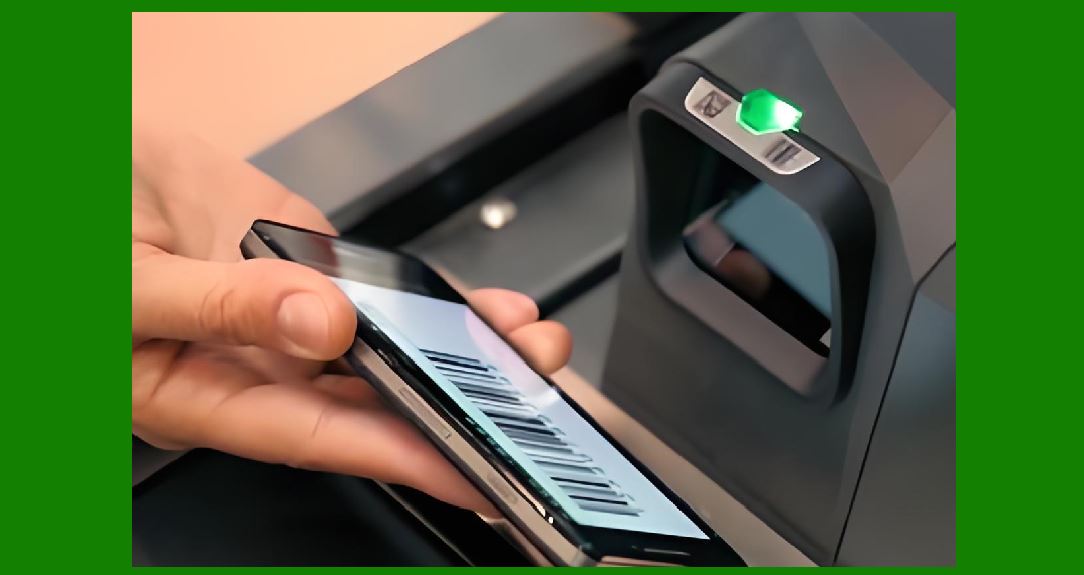
4.5 Scanners and Verifiers: To test the readability and quality of the printed barcode, scanners and ISO-grade verifiers are used. |
|
5. Designing the Barcode Label Layout |
5.1 A barcode label is not only the symbol itself but also includes human-readable text, brand logos, compliance markings, and layout considerations. |
5.2 The label design typically includes: |
The barcode symbol itself. |
Human-readable interpretation of the code. |
Product name or description. |
Lot number, serial number, or expiration date. |
Company logo or regulatory icons. |
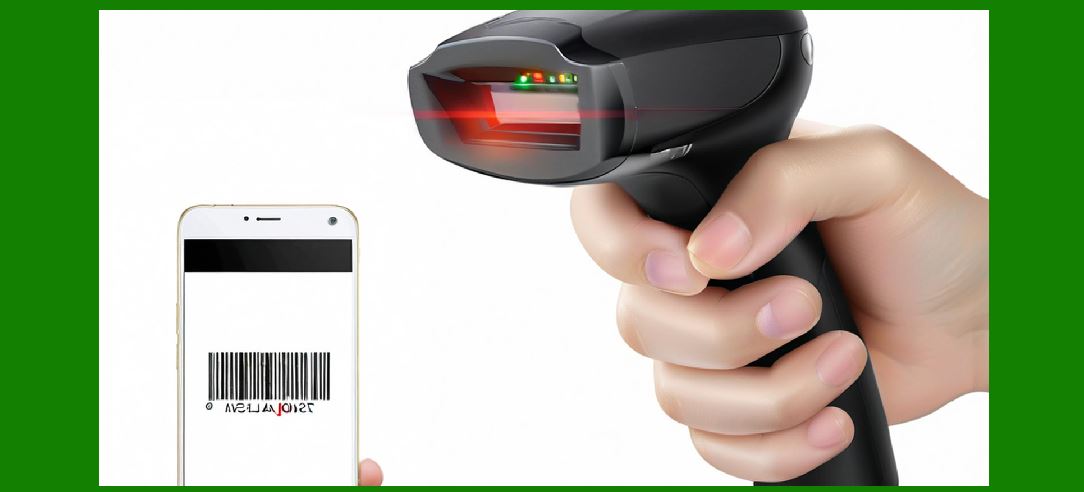
5.3 Proper quiet zones (blank spaces around the barcode) must be maintained for scanners to read the code reliably. |
5.4 Font size for human-readable text should be clear enough without interfering with the barcode area. |
5.5 Label orientation must be considered for the packaging line (pick vertical or horizontal placement depending on scanning orientation). |
|
6. Choosing the Label Printing Method |
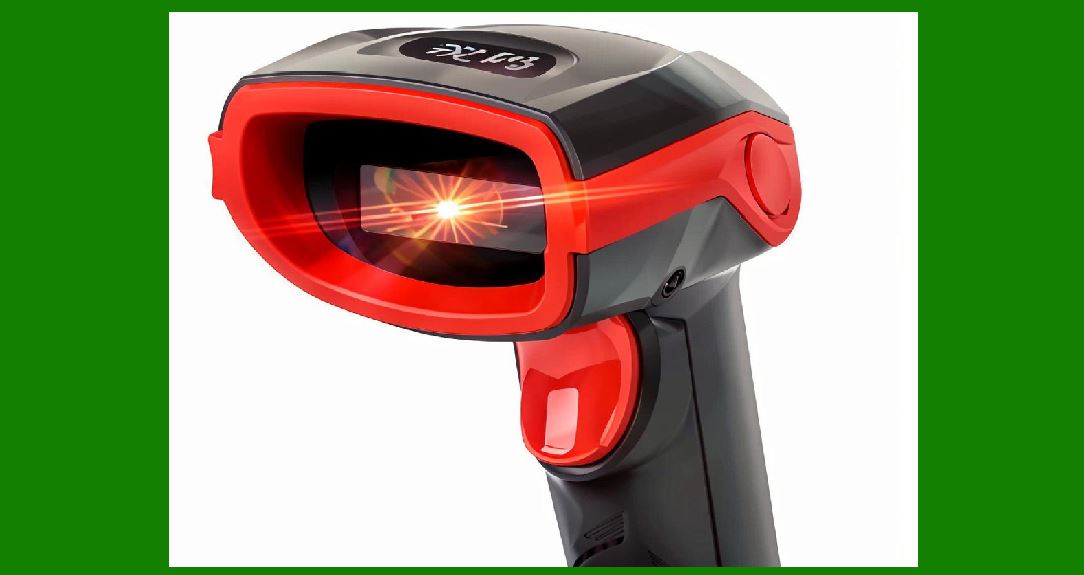
6.1 Direct Thermal Printing: Uses heat-sensitive paper, low-cost, best for short-life labels (shipping labels, receipts). Not suitable for long-term labeling because the print fades with heat, light, or abrasion. |
6.2 Thermal Transfer Printing: Uses a ribbon to transfer ink onto labels, producing durable and long-lasting prints. Suitable for harsh environments, warehouse labels, asset tags, compliance labels. |
6.3 Laser Printing: Good for office-style sheet labels, batch printing, and retail product packaging. However, not as durable for industrial environments. |
6.4 Inkjet Printing: High-quality prints, often used for color labels, but requires coated media for durability. |
6.5 The choice of printing method depends on: |
Label lifespan. |
Environmental conditions (humidity, temperature, chemical exposure). |
Print volume. |
Cost constraints. |
|
7. Label Materials and Adhesives |
7.1 Face Stock: |
Paper (economical, general-purpose). |
Polyester (durable, resistant to chemicals and abrasion). |
Polypropylene (flexible, resistant to moisture). |
Vinyl (durable outdoor use). |
7.2 Adhesives: |
Permanent (strong bond, cannot be removed easily). |
Removable (designed for temporary labeling). |
High-tack (for rough surfaces). |
Specialty adhesives (freezer-grade, high-temperature, chemical-resistant). |
7.3 Protective Layers: Laminates or varnishes can protect the label from scratches, moisture, and UV light. |

|
8. Step-by-Step Workflow for Making Barcode Labels |
8.1 Step 1 – Define the Purpose: Decide whether the label is for retail, inventory, asset management, shipping, or compliance. |
8.2 Step 2 – Select the Barcode Symbology: Choose UPC, Code 128, QR Code, Data Matrix, etc., depending on data and application. |
8.3 Step 3 – Encode the Data: Generate the numeric or alphanumeric sequence to be encoded, ensuring it follows standards. |
8.4 Step 4 – Design the Label Layout: Use label software to create the design, adding barcode, text, and graphics. |
8.5 Step 5 – Select Label Size and Material: Determine the label dimensions and select the right stock and adhesive. |
8.6 Step 6 – Choose the Printer and Print Settings: Calibrate print density, resolution, and speed for high-quality output. |
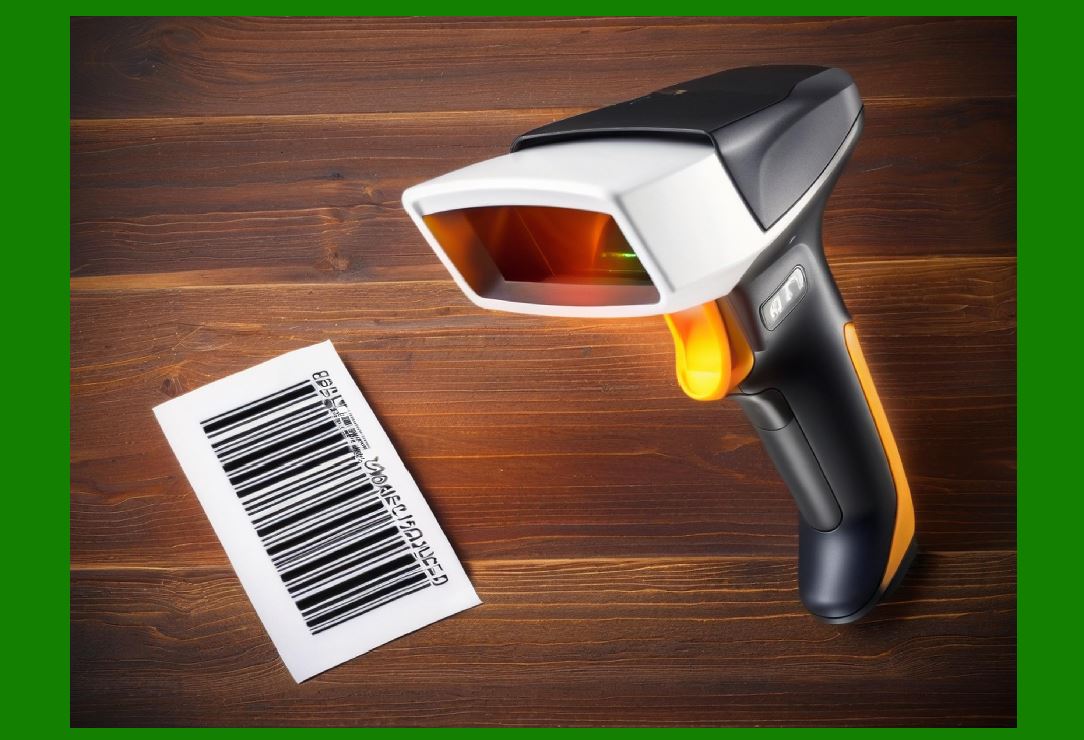
8.7 Step 7 – Print Test Labels: Print a small batch to check alignment, clarity, and scanner readability. |
8.8 Step 8 – Verify Barcode Quality: Use a verifier to ensure compliance with ISO/IEC standards. |
8.9 Step 9 – Apply Labels to Products: Ensure labels are applied consistently, flat, and in correct orientation. |
8.10 Step 10 – Monitor Performance: Check labels under actual conditions (warehouse, retail shelf, scanning at POS). |
|
9. Barcode Verification and Quality Control |
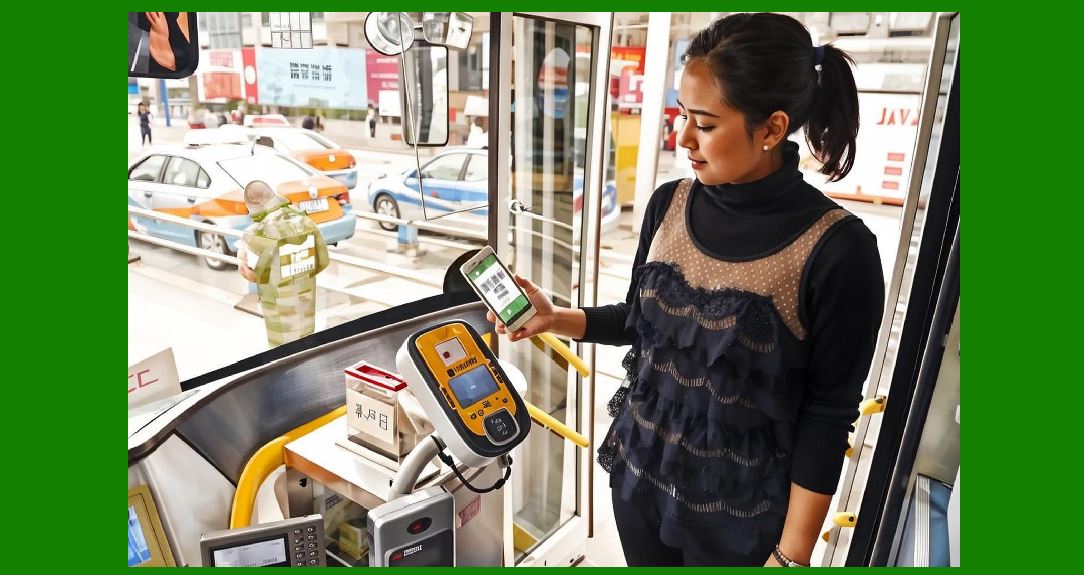
9.1 Barcode readability is essential. Poorly printed or damaged labels can cause scanning errors, delays, or rejections in supply chains. |
9.2 Quality control involves: |
Checking print contrast (dark bars vs. light spaces). |
Ensuring proper quiet zones. |
Verifying symbol dimensions. |
Testing labels under actual scanners. |
9.3 Advanced verification uses ISO-compliant grading equipment that measures parameters such as edge contrast, modulation, defects, and decodability. |
|
10. Data Preparation for Barcode Labels |
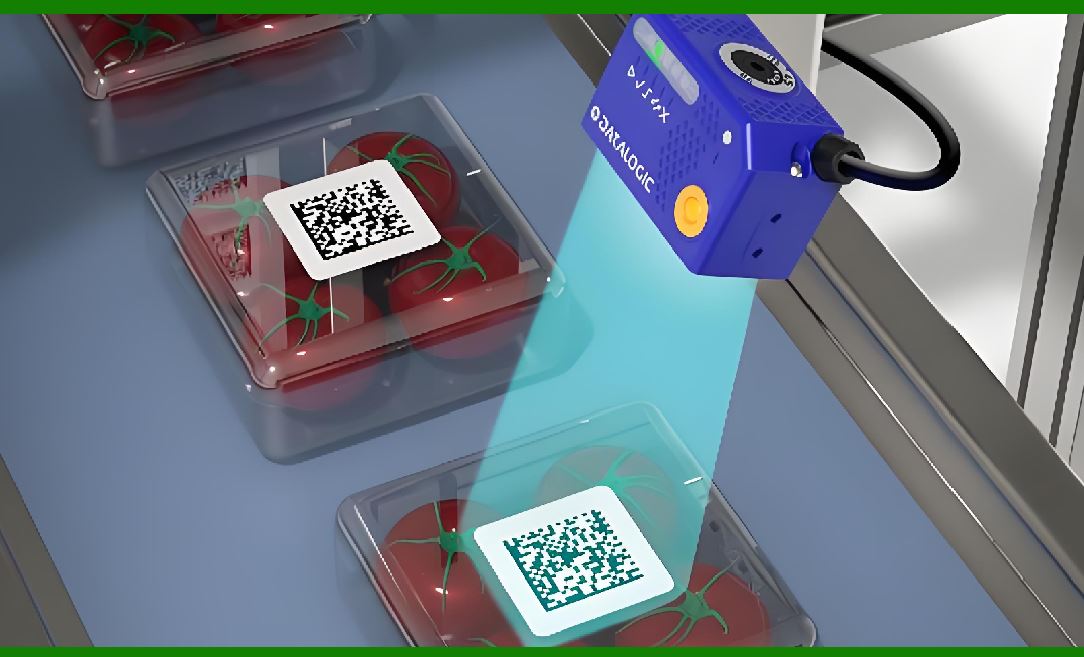
10.1 Every barcode label starts with data. If the data is wrong, incomplete, or improperly formatted, the resulting label will not function correctly. Data preparation requires coordination between IT systems, inventory databases, and industry standards. |
10.2 Sources of Data: |
Product databases (SKU, UPC, EAN, GTIN). |
Warehouse management systems (location codes, pallet IDs). |
Enterprise resource planning (ERP) systems (purchase orders, shipments). |
Healthcare systems (lot numbers, expiration dates, UDI identifiers). |
10.3 Data Integrity Checks: Before generating a barcode, it is necessary to confirm: |
Uniqueness (no duplicate codes). |
Correct length (UPC requires 12 digits, EAN-13 requires 13 digits, etc.). |
Valid check digits (many barcode symbologies require a calculated checksum digit). |
10.4 Data Formatting Rules: |
Numeric-only codes (UPC, EAN, ITF). |
Alphanumeric codes (Code 39, Code 128). |
Extended data with application identifiers (GS1-128, GS1 DataMatrix). |
10.5 Automated Data Generation: For large-scale labeling, companies often use automated scripts or ERP-integrated tools to generate sequential codes, serial numbers, or batch identifiers. |
|
11. Encoding Process: Turning Data into Barcodes |
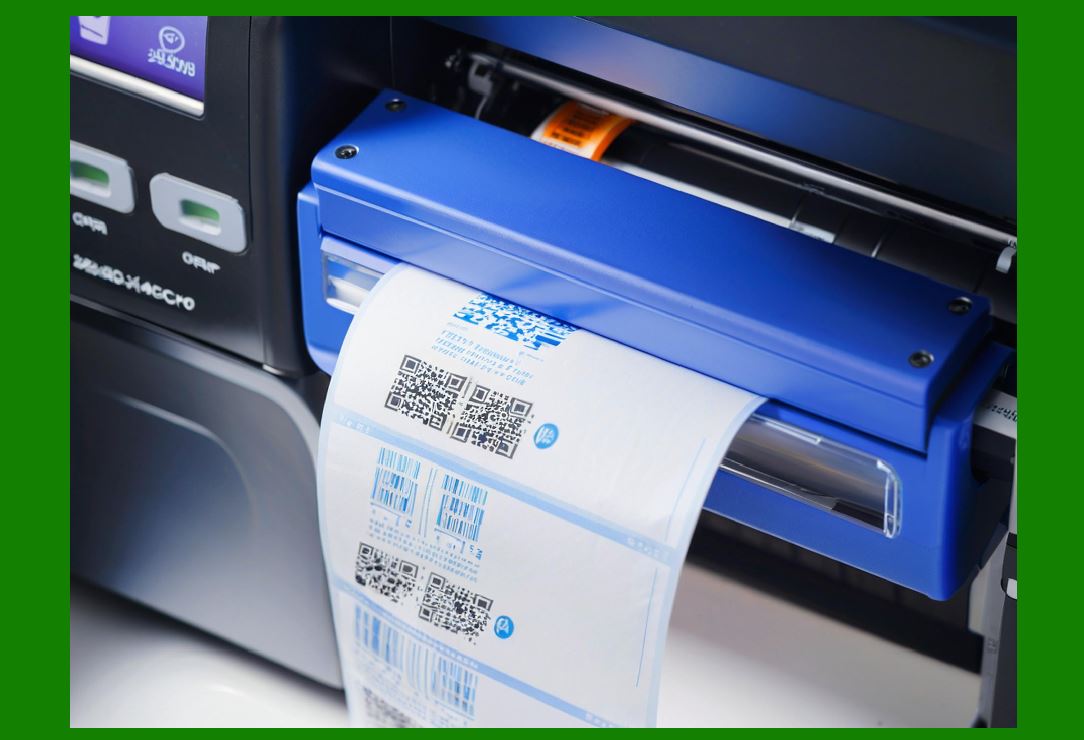
11.1 Encoding Basics: A barcode translates human-readable data into machine-readable form by encoding characters into bars, spaces, dots, or modules. |
11.2 1D Barcode Encoding: |
Each digit or character corresponds to a specific pattern of bars and spaces. |
A check digit is often appended for error detection. |
The width of bars and spaces is proportional, typically using narrow and wide elements. |
11.3 2D Barcode Encoding: |
Information is stored in two dimensions using square or hexagonal modules. |
Error correction algorithms (e.g., Reed-Solomon) allow recovery even when the barcode is partially damaged. |
Data capacity is significantly higher than 1D codes. |
11.4 Human-Readable Text: While scanners read the symbol, human operators often need to verify the code visually, so labels usually include printed numbers below the barcode. |
11.5 Symbology-Specific Rules: |
UPC-A encodes 12 digits with a fixed structure (manufacturer code + product code + check digit). |
Code 128 uses three subsets (A, B, C) to optimize encoding efficiency. |
QR Code allows binary data, URLs, and structured messages. |
Data Matrix supports extremely small printing sizes for electronics and micro-labeling. |
|
12. Barcode Label Design Software in Detail |
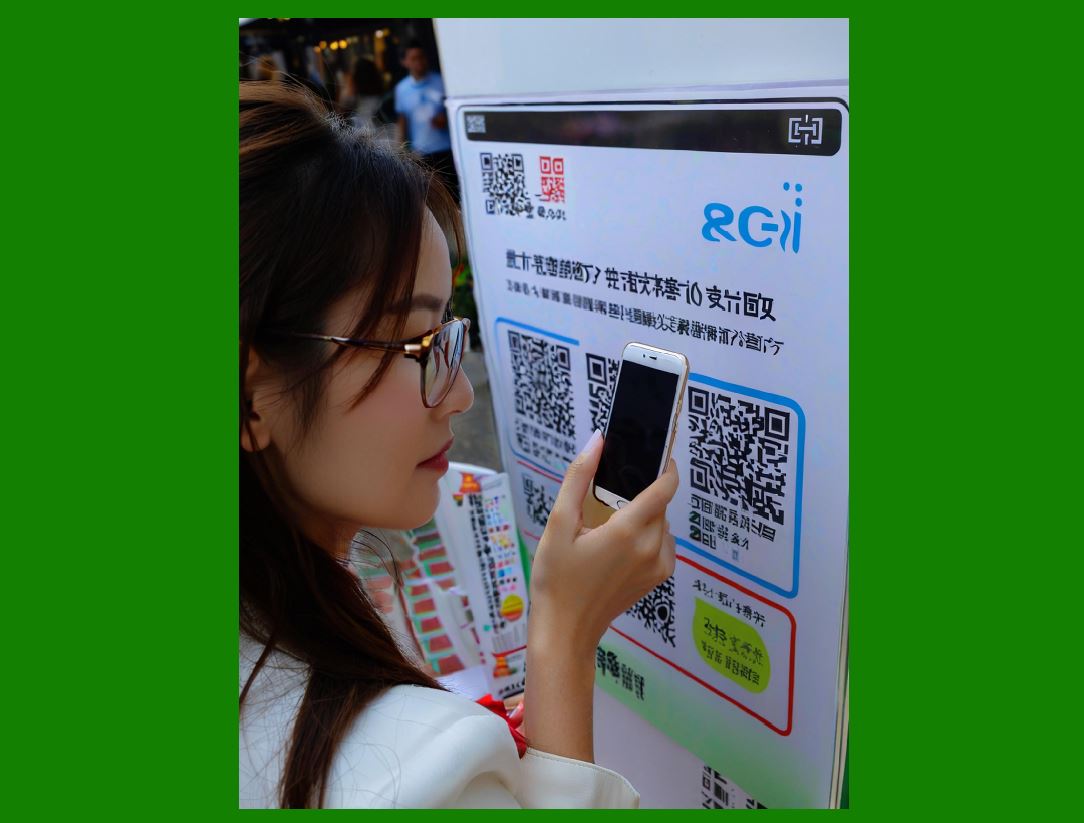
12.1 Professional barcode label software goes beyond simple barcode generation. It integrates with databases, supports variable data printing, and ensures compliance with standards. |
12.2 Key Features of Label Software: |
Multiple symbology support (UPC, EAN, Code 128, Data Matrix, QR). |
Database connectivity (linking Excel, Access, SQL, ERP). |
Batch printing and serialization. |
Compliance templates (GS1, FDA UDI, shipping labels). |
Graphic design elements (logos, text formatting, shapes). |
WYSIWYG (what you see is what you get) preview. |
12.3 Examples of Professional Software: |
BarTender by Seagull Scientific: Widely used in logistics and healthcare. |
NiceLabel by Loftware: Strong in enterprise integration. |
ZebraDesigner: Free software for Zebra printers. |
Open-source alternatives: Zint, LibreBarcode, online generators. |
12.4 Integration with Automation: Many systems allow automatic printing triggered by ERP transactions. For example, when a purchase order is created, labels for inbound shipments can be generated automatically. |
12.5 Design Considerations: The designer must balance clarity, compliance, and aesthetic presentation. Labels must be functional above all, but they should also align with brand identity. |
|
13. Printers for Barcode Labels: Expanded Technical Review |
13.1 Thermal Transfer Printers: |
Widely used for industrial barcode labels. |
Uses a ribbon coated with wax, resin, or wax-resin blend. |
Produces highly durable labels resistant to smudges and chemicals. |
Suitable for long-term applications (asset labels, compliance tags). |
13.2 Direct Thermal Printers: |
Prints directly onto heat-sensitive paper. |
No ribbon required, lower cost. |
Print fades over time, not suitable for archival purposes. |
Ideal for shipping labels, receipts, temporary tags. |
13.3 Laser Printers: |
Uses toner on sheet labels (A4 or Letter size). |
Good for office-style printing of multiple labels on sheets. |
Less durable than thermal transfer for harsh environments. |
13.4 Inkjet Printers: |
Excellent for full-color labels. |
Requires coated media for smudge resistance. |
Higher per-label cost but useful for branding. |
13.5 Industrial Printing Systems: |
High-speed applicators and inline printing on packaging lines. |
Combine label printing with automatic application. |
13.6 Resolution Considerations: |
Standard: 203 dpi (dots per inch). |
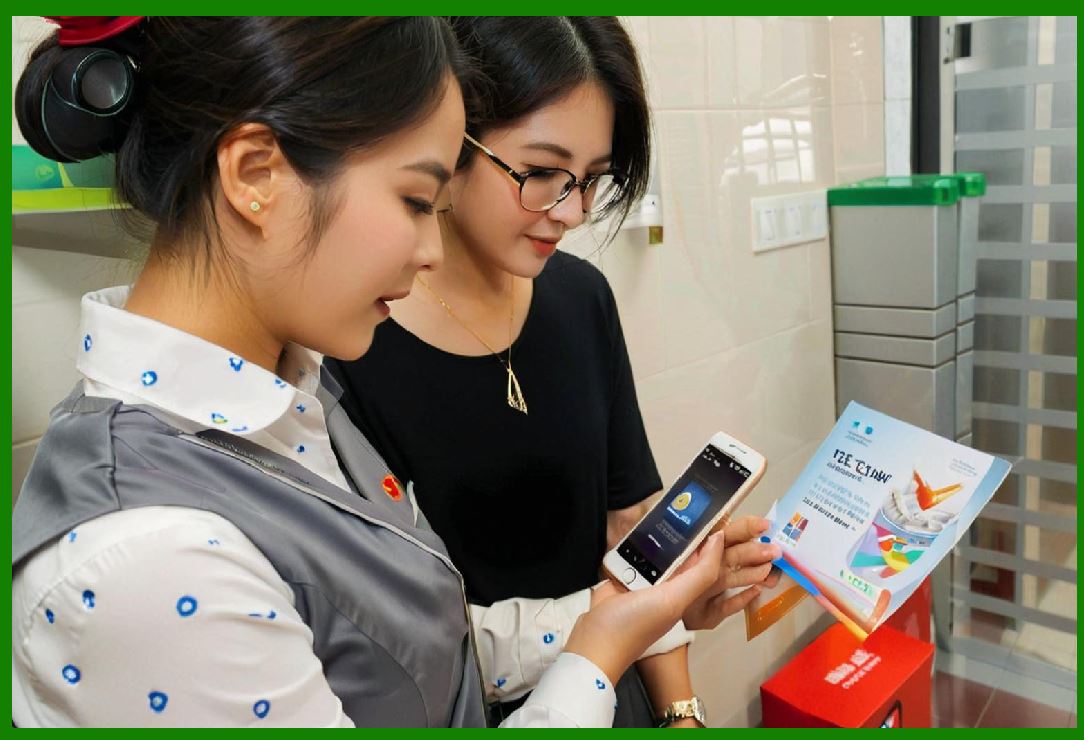
Higher quality: 300 dpi or 600 dpi (required for small Data Matrix codes). |
Resolution directly affects scannability of small barcodes. |
|
14. Label Materials: Science of Durability |
14.1 Paper Labels: |
Cost-effective, used for retail, logistics, and consumer packaging. |
Vulnerable to moisture, abrasion, and tearing. |
Often laminated for added protection. |
14.2 Synthetic Labels: |
Polyester (PET): Extremely durable, resistant to heat and chemicals. |
Polypropylene (PP): Flexible, moisture-resistant, good for outdoor use. |
Vinyl: Heavy-duty, UV-resistant, used for outdoor and industrial labeling. |
14.3 Specialty Labels: |
Tamper-evident labels (leave residue when removed). |
Security hologram labels (anti-counterfeiting). |
Freezer labels (adhesive works in subzero temperatures). |
Heat-resistant labels (survive in ovens or sterilization environments). |
14.4 Adhesives: |
Permanent: Creates a long-lasting bond. |
Removable: Allows easy peel without residue. |
Repositionable: Temporary placement before permanent adhesion. |
Specialty adhesives: Designed for wood, metal, fabric, or plastics. |
|
15. Barcode Label Application in Industries (Part I) |
15.1 Retail: |
UPC/EAN barcodes required on every consumer product. |
Shelf labels, price tags, and promotional labels. |
POS (point-of-sale) scanning requires high readability. |
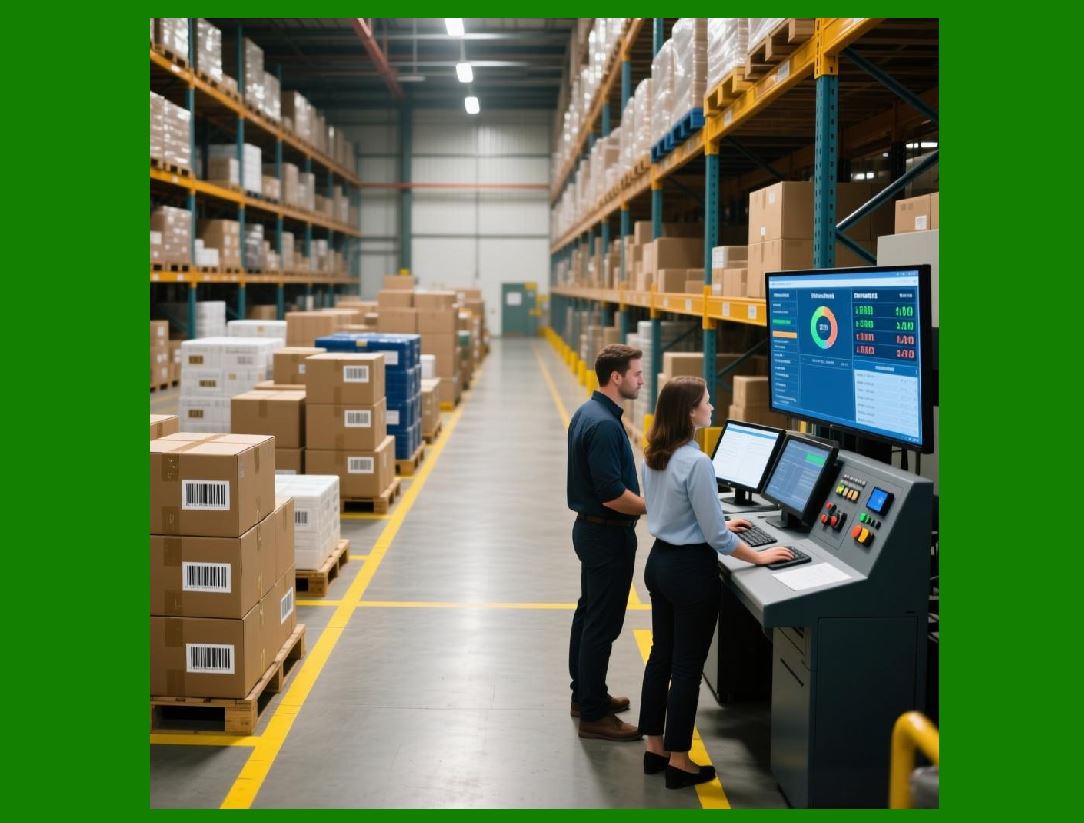
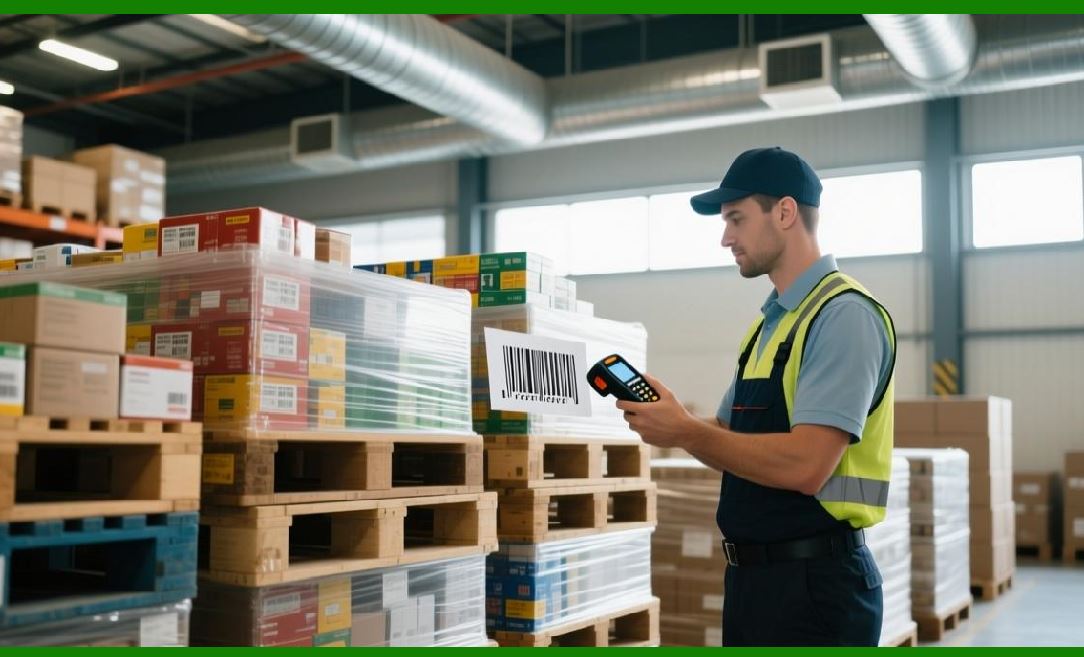
15.2 Logistics and Warehousing: |
Shipping labels (Code 128, GS1-128, SSCC). |
Pallet labels with serial container codes. |
Rack location labels for warehouse management. |
15.3 Healthcare: |
UDI-compliant labels on medical devices. |
Barcode labels on patient wristbands. |
Medication labeling with lot and expiration information. |
15.4 Manufacturing: |
Work-in-progress (WIP) tracking with barcodes. |
Component identification in electronics. |
Tool and equipment asset tagging. |
15.5 Libraries and Education: |
Barcode labels on books, CDs, and student IDs. |
Integration with catalog management systems. |
15.6 Government and Defense: |
UID (Unique Identification) labels for military equipment. |
Compliance with DoD MIL-STD-130 standards. |
|
16. Workflow Automation in Barcode Label Production |
16.1 Modern businesses rarely create barcode labels one at a time. Instead, they integrate printing into automated workflows. |
16.2 ERP Integration: ERP systems such as SAP, Oracle, or Microsoft Dynamics can generate barcodes based on transaction triggers. |
16.3 Database Integration: Labels can be linked to product databases, ensuring each printed barcode corresponds to actual inventory. |
16.4 Batch Printing: Thousands of labels can be generated in one run, using sequential numbering or database-driven codes. |
16.5 On-Demand Printing: Mobile printers allow workers to print labels on the spot (e.g., relabeling shelves, printing replacement tags). |
16.6 Cloud-Based Labeling: Software as a Service (SaaS) solutions allow distributed teams and suppliers to use a centralized label template. |

|
17. Common Problems and Troubleshooting in Barcode Label Making |
17.1 Poor Print Quality: |
Caused by low resolution, incorrect ribbon selection, or dirty printheads. |
Solution: Clean printer, adjust heat/density settings, select proper ribbon. |
17.2 Unreadable Barcode: |
Causes include inadequate quiet zone, wrong size, or poor contrast. |
Solution: Redesign label layout, ensure black on white, verify scanner compatibility. |
17.3 Label Peeling Off: |
Adhesive not suitable for the surface. |
Solution: Choose adhesive designed for the material/environment. |
17.4 Data Errors: |
Incorrect encoding or missing check digits. |
Solution: Automate data entry, implement validation checks. |
17.5 Environmental Damage: |
Fading, smudging, chemical exposure. |
Solution: Use durable synthetic labels with protective coating. |

|
18. Barcode Verification and Compliance Testing in Depth |
18.1 Barcode verification ensures that printed labels meet required standards and can be scanned universally. |
18.2 Verification Equipment: Specialized devices measure reflectance, edge contrast, and defect levels. |
18.3 Grading System: ISO/IEC 15416 and 15415 standards use grades (A, B, C, D, F) to rate barcode quality. |
18.4 Key Parameters Tested: |
Symbol contrast. |
Modulation. |
Decodability. |
Defects and spots. |
Quiet zone violations. |
18.5 Compliance Importance: Without compliant barcodes, suppliers may face shipment rejections, financial penalties, or loss of contracts. |

|
19. Making UPC-A and EAN-13 Barcode Labels |
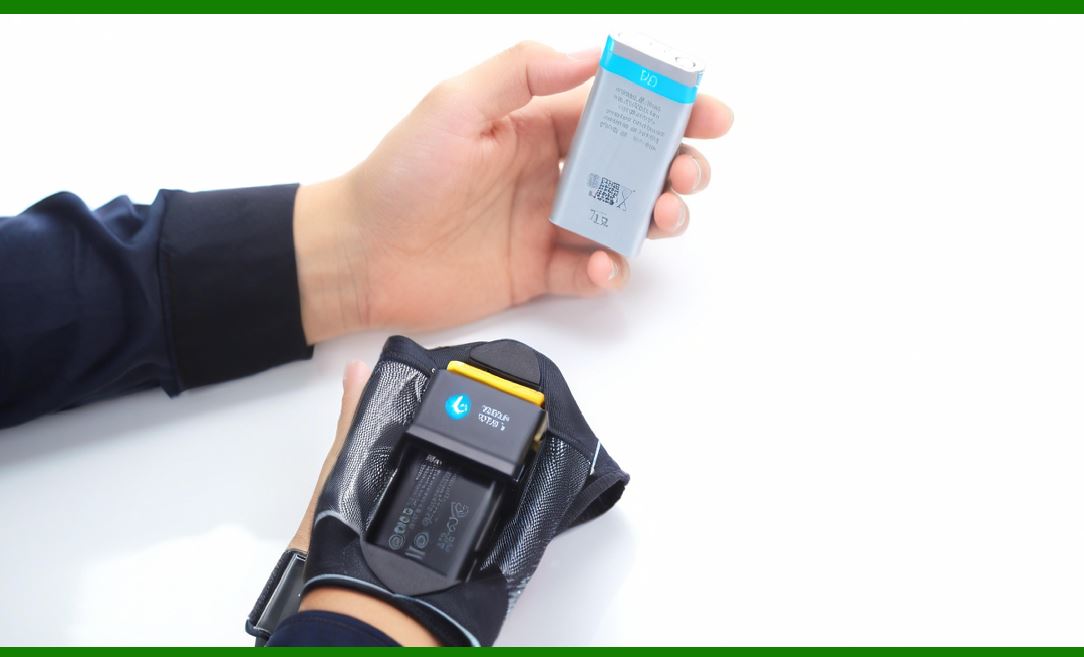
19.1 Overview: UPC-A (Universal Product Code) and EAN-13 (European Article Number) are the most widely recognized retail barcode symbologies. Almost every product in a supermarket or retail store carries one. They are governed by GS1 and require strict formatting. |
19.2 Data Structure: |
UPC-A encodes 12 digits: manufacturer prefix + product number + check digit. |
EAN-13 encodes 13 digits: GS1 prefix + manufacturer code + product code + check digit. |
19.3 Check Digit Calculation: |
Both UPC-A and EAN-13 use a modulo 10 check digit, calculated by alternating multiplication of digits by 1 and 3, summing, and subtracting from 10. |
19.4 Label Design Considerations: |
UPC/EAN must be printed at specific magnification ranges (80% to 200% of nominal size). |
Quiet zones of at least 9x the narrowest bar width must be maintained. |
Human-readable numbers are required below the code. |
19.5 Printing Requirements: |
Retail scanners expect high print contrast (typically black bars on white background). |
Thermal transfer printing is common for product packaging; laser printing is used for mass retail packaging. |
19.6 Applications: |
Retail point-of-sale scanning. |
Supply chain logistics. |
Inventory management. |
19.7 Steps to Make UPC/EAN Labels: |
Obtain a GS1 company prefix. |
Assign product numbers. |
Calculate check digit. |
Generate barcode in software. |
Design label layout with product name and branding. |
Print on appropriate material. |
Verify barcode size and readability. |
|
20. Making Code 39 Barcode Labels |
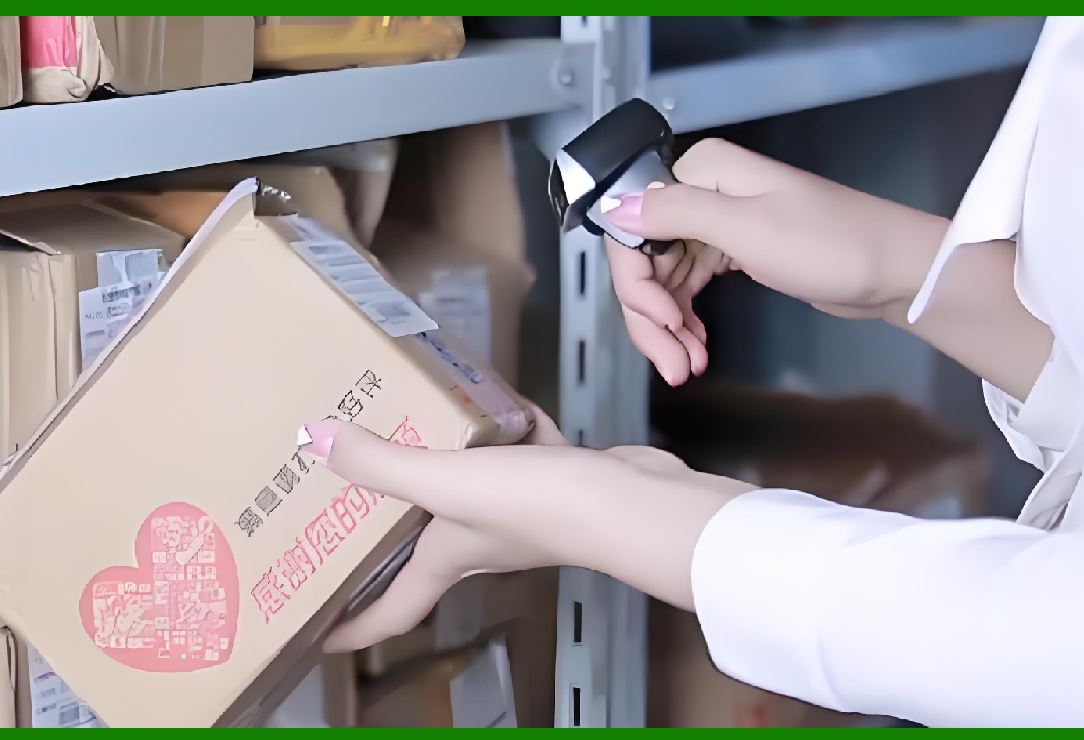
20.1 Overview: Code 39 is one of the oldest alphanumeric barcodes. It encodes uppercase letters, numbers, and a few symbols. It is widely used in industrial and military applications. |
20.2 Data Structure: |
Encodes data using 9 elements (5 bars and 4 spaces) per character. |
Includes a start and stop character (“*”). |
20.3 Label Design Considerations: |
Self-checking, so no check digit is mandatory, though a modulo 43 check digit may be added. |
Requires larger label size compared to Code 128 for the same data. |
20.4 Applications: |
Automotive industry. |
Defense and government asset labeling. |
Library cards and industrial tools. |
20.5 Steps to Make Code 39 Labels: |
Define the dataset (alphanumeric). |
Add start/stop characters. |
Generate barcode using software or font. |
Print with sufficient resolution. |
Verify readability. |
|
21. Making Code 128 Barcode Labels |
21.1 Overview: Code 128 is a high-density, versatile symbology capable of encoding all 128 ASCII characters. It is widely used in logistics, shipping, and healthcare. |
21.2 Data Structure: |
Three subsets: Code Set A (uppercase + control chars), Code Set B (uppercase + lowercase), Code Set C (numeric pairs for compact encoding). |
Requires a modulo 103 check character. |
21.3 Advantages: |
Compact, dense encoding. |
Variable length, no fixed number of characters. |
Suitable for GS1-128 applications with application identifiers. |
21.4 Label Design Considerations: |
Requires precise printing to ensure narrow bars are distinguishable. |
Often combined with human-readable text like SSCC (Serial Shipping Container Codes). |
21.5 Applications: |
Shipping labels (FedEx, UPS). |
GS1-128 logistics labels. |
Healthcare asset labeling. |
21.6 Steps to Make Code 128 Labels: |
Determine the dataset. |
Select the best code subset (A, B, C). |
Generate the barcode with check character. |
Design label with compliance templates (if GS1). |
Print using thermal transfer or laser. |
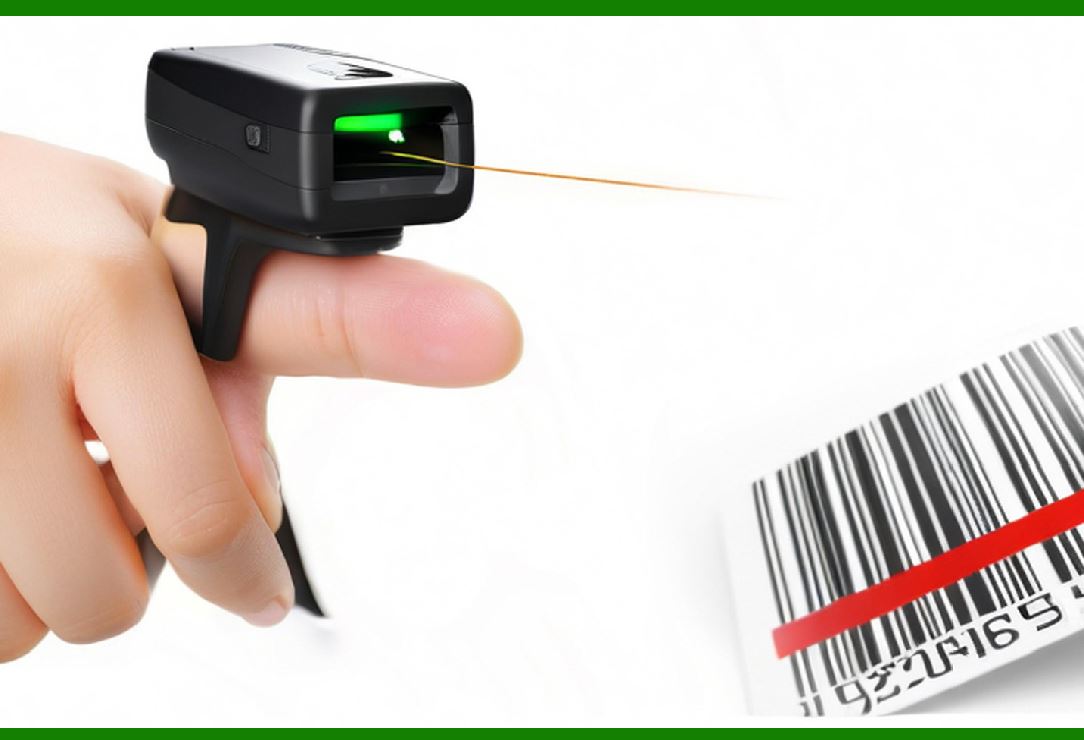
Test with multiple scanners. |
|
22. Making Interleaved 2 of 5 (ITF) Labels |
22.1 Overview: ITF (Interleaved 2 of 5) is a numeric-only barcode, compact and efficient for printing on corrugated packaging. |
22.2 Data Structure: |
Encodes digits in pairs, interleaving bars and spaces from two digits. |
Requires an even number of digits (odd-length data padded with a zero). |
22.3 Label Design Considerations: |
Often printed with a bearer bar (frame) to ensure full scanner sweep. |
Requires high-contrast printing. |
22.4 Applications: |
Carton labeling in warehouses. |
Pallet labels for logistics. |
22.5 Steps to Make ITF Labels: |
Format numeric data in pairs. |
Add check digit if required by system. |
Generate barcode with bearer bars. |
Print large size suitable for carton scanning. |
Verify with industrial-grade scanners. |
23. Making PDF417 Barcode Labels |
23.1 Overview: PDF417 is a stacked linear 2D barcode that can encode large amounts of data, including text and binary. |
23.2 Data Capacity: |
Up to ~1.1 KB of data. |
Supports error correction (Levels 0–8). |
23.3 Applications: |
Identification cards and driver’s licenses. |
Boarding passes. |
Shipping labels. |
U.S. postal services. |
23.4 Label Design Considerations: |
Requires sufficient resolution for readability. |
Error correction allows for partial damage tolerance. |
23.5 Steps to Make PDF417 Labels: |
Define dataset (alphanumeric or binary). |
Select error correction level. |
Generate barcode using compliant software. |
Print at high resolution (≥300 dpi). |
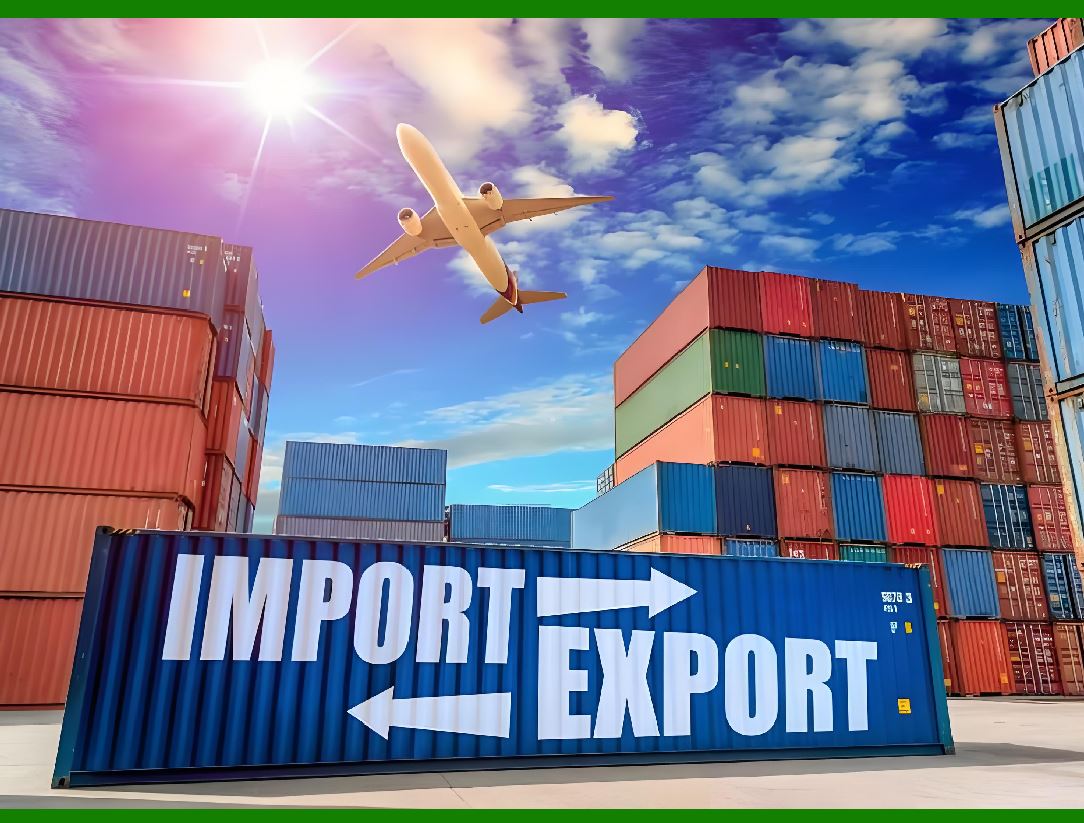
Test with 2D scanners. |
|
24. Making QR Code Labels |
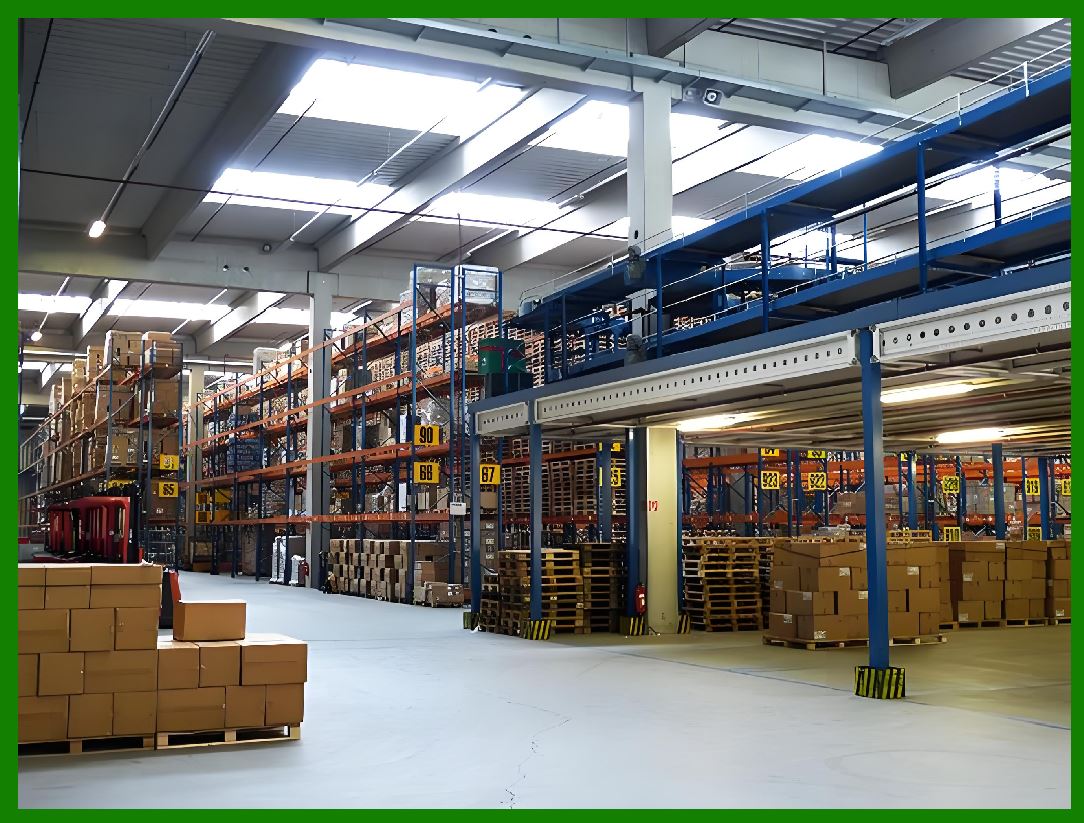
24.1 Overview: QR (Quick Response) Code is one of the most popular 2D barcodes, supporting URLs, text, payments, and structured data. |
24.2 Data Structure: |
Up to ~7,089 numeric characters or 4,296 alphanumeric characters. |
Includes Reed-Solomon error correction (Levels L, M, Q, H). |
24.3 Applications: |
Mobile payments. |
Marketing campaigns. |
Inventory and asset tracking. |
Event tickets and boarding passes. |
24.4 Label Design Considerations: |
Requires a quiet zone of 4 modules minimum. |
Error correction allows embedding logos, but care must be taken not to distort structure. |
24.5 Steps to Make QR Labels: |
Define data (URL, text, product info). |
Select error correction level. |
Generate QR Code with software. |
Design label with appropriate size (minimum 2 cm for reliable scanning). |
Print at ≥300 dpi for small QR Codes. |
Test with smartphone and industrial scanners. |
|
25. Making Data Matrix Labels |
25.1 Overview: Data Matrix is a 2D barcode capable of storing high-density data in a small space, widely used in healthcare, aerospace, and electronics. |
25.2 Data Structure: |
Square or rectangular modules. |
Reed-Solomon error correction. |
25.3 Applications: |
UDI labeling for medical devices. |
Micro-labels in electronics. |
Aerospace parts marking. |
25.4 Label Design Considerations: |
Very small print sizes possible (down to 2–3 mm). |
Requires high-resolution printing (≥600 dpi for micro Data Matrix). |
25.5 Steps to Make Data Matrix Labels: |
Define dataset. |
Choose ECC200 standard (most widely used). |
Generate barcode using compliant software. |
Print with high-resolution printer. |
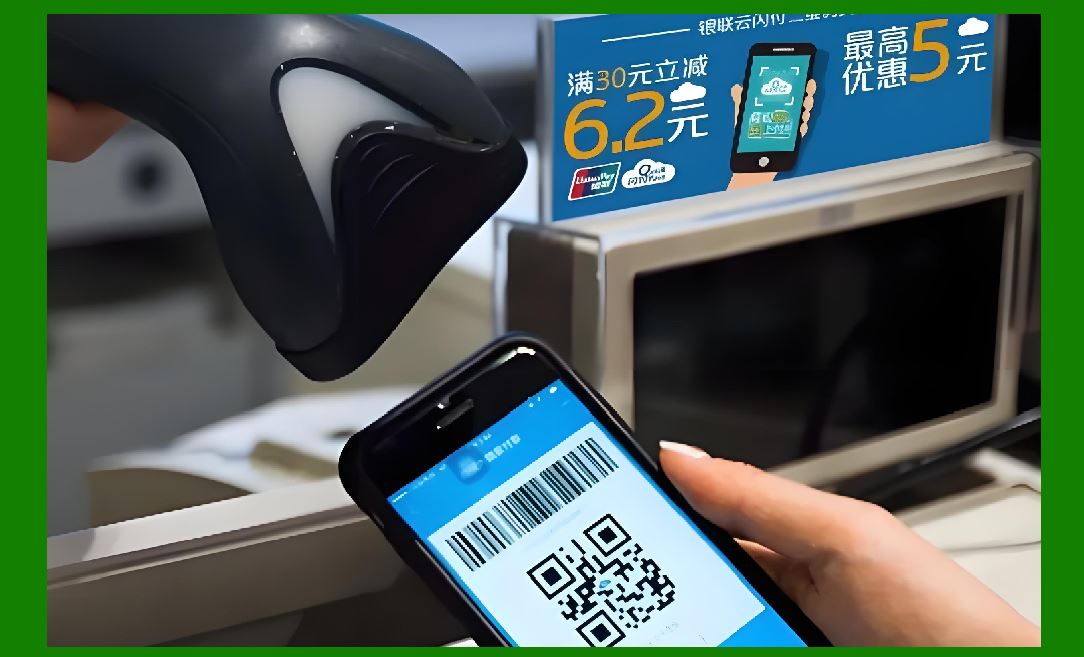
Verify using 2D verifiers. |
|
26. Making Aztec Code Labels |
26.1 Overview: Aztec Code is a 2D barcode optimized for space efficiency, widely used in transport (boarding passes, train tickets). |
26.2 Data Structure: |
Central “bullseye” finder pattern. |
High data density in small space. |
Error correction included. |
26.3 Applications: |
Airline boarding passes. |
Train tickets. |
Payment systems. |
26.4 Label Design Considerations: |
Compact size allows printing on small tickets. |
Works well even when printed with low contrast. |
26.5 Steps to Make Aztec Labels: |
Define dataset. |
Generate barcode with software. |
Print at required size. |
Verify with transport scanning equipment. |

|
27. Making GS1-128 (Logistics) Labels |
27.1 Overview: GS1-128 (based on Code 128) is used in logistics to encode application identifiers (AIs) such as SSCC, batch numbers, and expiration dates. |
27.2 Applications: |
Pallet labels in warehouses. |
Global supply chain tracking. |
27.3 Label Design Considerations: |
Strict GS1 compliance required. |
Must include human-readable text for each AI. |
Typically printed on 4” x 6” labels. |
27.4 Steps to Make GS1-128 Labels: |
Define application identifiers (e.g., (01) GTIN, (10) batch). |
Encode data into Code 128 format. |
Use GS1-compliant label design software. |
Print at high quality (thermal transfer preferred). |
Verify compliance with GS1 standards. |
|
19. Advanced Software Features for Barcode Label Creation |
When moving beyond basic barcode label generation, professionals often require advanced software features that offer more flexibility, automation, and precision in design and printing. These features are particularly useful in enterprise environments, where efficiency and accuracy are paramount. |
19.1 One advanced feature is dynamic data integration. Barcode label software often connects to databases such as Microsoft SQL Server, Oracle, MySQL, or even simple Excel files. This allows labels to automatically pull product names, prices, serial numbers, or batch codes directly from a central data source. With this integration, companies can avoid manual entry errors and ensure real-time accuracy across all printed labels. |
19.2 Serialization tools within barcode software allow automatic generation of sequential numbers or alphanumeric codes. This is particularly useful for asset tracking, product serialization, or regulatory compliance where every item must carry a unique identifier. For example, pharmaceutical manufacturers often use serialization to meet international regulations on drug traceability. |
19.3 Conditional printing logic is another advanced feature. This enables the software to apply rules that determine which data, graphics, or barcodes appear on a label. For instance, if a product belongs to a hazardous category, the label may automatically include a warning symbol. This saves time by ensuring the correct elements appear without manual adjustments. |
19.4 Multi-language support is increasingly important for global businesses. Barcode label software often includes Unicode compatibility, allowing labels to be printed in multiple languages, such as English, Chinese, Arabic, or Cyrillic scripts. This ensures compliance with local regulations and improves consumer understanding in different markets. |
19.5 Template standardization is a powerful feature for companies with multiple facilities or distribution centers. By using a master template, businesses can ensure consistent design across all labels, reducing brand inconsistency and compliance issues. Updates to a master template can automatically propagate to all connected locations, maintaining uniformity. |
19.6 Security features are also included in high-end barcode software. These might include role-based access control (restricting who can design or print labels), digital signatures to prevent tampering, and encryption for sensitive data. In industries such as healthcare, finance, or defense, these features help protect against counterfeiting and unauthorized use. |
19.7 Another advanced option is automated batch printing, where the system can generate thousands of labels at once, each unique and tied to specific product or shipment data. This is critical for companies with high-volume manufacturing or distribution processes. |
19.8 Finally, cloud-based barcode label software has become increasingly popular. With cloud solutions, labels can be designed and managed from anywhere, and print jobs can be sent to printers in remote facilities. This flexibility allows global enterprises to standardize label production while maintaining operational agility. |
|
20. Printing Environments and Their Considerations |
Printing barcode labels is not only about choosing the right printer and software. The environment in which the labels are produced also plays a critical role in the final quality and usability of the labels. |
20.1 In office environments, barcode labels are often printed in small batches, typically using desktop label printers. These environments prioritize user-friendly interfaces and compact designs. Labels here are often used for asset tracking, file organization, or inventory tagging. |
20.2 In manufacturing environments, durability and speed are key. Printers must withstand dust, temperature fluctuations, and heavy workloads. Industrial printers with metal casings, high duty cycles, and advanced connectivity are commonly used. Labels must be able to resist harsh chemicals, oils, and mechanical abrasion. |
20.3 In retail environments, speed and integration matter most. Printers are often connected directly to the point-of-sale (POS) system to generate product or price labels in real time. Compact, high-resolution printers that fit behind counters are typical in retail setups. |
20.4 Healthcare environments require barcode printers that produce labels safe for medical use. For example, wristband labels for patients must resist water and alcohol-based disinfectants, while lab sample labels must remain legible at extremely low freezer temperatures. Thermal transfer printers with specialized ribbons are common here. |
20.5 Warehouse and logistics environments rely heavily on barcode labeling for shipping, pallet identification, and cross-docking operations. Labels must be large, easy to scan from a distance, and printed in high volume. Industrial-grade printers with fast print speeds and rugged construction are the standard. |
20.6 In field environments, such as service or repair work, portable barcode printers are often needed. These mobile printers must be battery-powered, lightweight, and able to connect wirelessly to handheld devices. The labels produced must withstand outdoor conditions, including rain and sunlight. |
20.7 Finally, in government and regulatory environments, compliance is paramount. Printers must be certified to meet strict guidelines, such as those from the FDA (Food and Drug Administration), DoD (Department of Defense), or international trade organizations. Any deviation in label quality or barcode readability can result in serious legal or financial consequences. |
|
21. Common Problems in Barcode Label Printing and Their Solutions |
Despite advancements in software and hardware, businesses often encounter common issues when creating barcode labels. Knowing how to troubleshoot these problems is essential for smooth operations. |
21.1 Blurry or faint print is often caused by worn-out printer heads, low-quality ribbons, or incorrect heat settings in thermal printers. The solution usually involves cleaning the print head, adjusting the print temperature, or replacing consumables. |
21.2 Barcode too dense to scan occurs when a barcode is printed at too high a resolution for the scanner being used, or when the physical size is too small. Increasing the barcode’s size or lowering the density can solve the issue. |
21.3 Label peeling or smudging happens when adhesives or print materials are not suited to the environment. Switching to more durable label stock, such as polyester or polypropylene, can prevent these problems. |
21.4 Printer misalignment can result in barcodes or text being cut off. Regular calibration and using label stock that matches the printer’s specifications usually resolves alignment issues. |
21.5 Data mismatch errors occur when the wrong information is pulled from databases or entered manually. The solution is to establish validation rules, database checks, and preview functions before final printing. |
21.6 Ribbon wrinkles in thermal transfer printing lead to uneven printing and unreadable barcodes. Ensuring proper ribbon tension and using high-quality ribbons usually eliminates the problem. |
21.7 Environmental interference can also affect barcode readability. For example, condensation or dust can obscure the label. Solutions include using protective overlays, laminates, or moving to a cleaner printing environment. |
21.8 Software compatibility issues arise when barcode label software does not integrate smoothly with enterprise systems. Choosing a standards-compliant software package that supports APIs, drivers, and middleware reduces these risks. |
|
22. Compliance Standards and Legal Requirements |
Barcode labels are not just technical items; they are subject to strict compliance requirements in many industries. Failure to comply can result in fines, legal issues, or rejection of products in the supply chain. |
22.1 GS1 Standards are the most widely recognized for product identification. GS1 defines formats for barcodes such as UPC, EAN, GS1-128, and DataMatrix. Retailers and manufacturers around the globe follow GS1 rules to ensure interoperability. |
22.2 In the pharmaceutical industry, compliance with regulations such as the U.S. Drug Supply Chain Security Act (DSCSA) and the European Falsified Medicines Directive (FMD) requires serialization and tamper-evident packaging. Barcode labels must include lot numbers, expiration dates, and serial identifiers. |
22.3 In the food industry, regulations such as the Food Safety Modernization Act (FSMA) require traceability from farm to consumer. Barcodes must often include batch numbers and origin details to support recalls and safety monitoring. |
22.4 The Department of Defense (DoD) in the United States has strict requirements for barcode labels, particularly for military logistics. MIL-STD-129 specifies label content, format, and placement for items shipped to the DoD. |
22.5 In automotive manufacturing, compliance with standards like AIAG (Automotive Industry Action Group) ensures that suppliers use consistent barcode formats for parts. Labels must be scannable at various points in the supply chain. |
22.6 Medical device labeling regulations, such as the FDA’s Unique Device Identification (UDI) rule, require barcodes on all medical devices. These must include manufacturer details, model identifiers, and expiration dates. |
22.7 In aviation, barcodes are often governed by ATA (Air Transport Association) specifications for parts tracking. This ensures safety and traceability in aircraft maintenance. |
22.8 Across all industries, failure to meet compliance standards can result in delays, fines, or even bans on product distribution. Thus, designing barcode labels with compliance in mind is not optional but essential. |
23. Industry-Specific Barcode Label Design |
Different industries have unique requirements when it comes to barcode labels. Designing labels for each sector involves understanding not just the barcode format, but also environmental durability, compliance standards, and usability. |
23.1 Retail industry barcode labels typically use UPC (in North America) or EAN (internationally). The design usually includes a product description, brand logo, and sometimes a price. Labels must be small enough to fit packaging yet large enough for fast POS scanning. |
23.2 Pharmaceutical barcode labels require extra detail, such as batch numbers, expiration dates, and serial numbers. Labels often use GS1 DataMatrix codes due to their ability to store large amounts of information in small spaces. The material must also withstand extreme conditions like refrigeration. |
23.3 Food industry barcode labels must balance branding with regulatory information. They often include nutrition facts, allergen information, and origin details. Labels for frozen food must be moisture-resistant, while those for fresh produce may require direct-thermal removable labels. |
23.4 Automotive barcode labels are often exposed to oil, grease, and heat. Therefore, durable synthetic labels with thermal transfer printing are common. Standards such as AIAG ensure consistent labeling for parts traceability. |
23.5 Logistics and warehouse labels are designed for easy scanning at a distance. Large-format barcodes like Code 128 or ITF-14 are common for pallets and cartons. Labels often include human-readable text for redundancy. |
23.6 Healthcare barcode labels must be extremely precise. Labels for patient wristbands, lab samples, and medication doses require sharp printing and durable adhesives. Any misread could endanger patient safety, so high-resolution printing and strict validation are required. |
23.7 Electronics industry labels often need anti-counterfeiting features. Holograms, microtext, or hidden identifiers may be included alongside barcodes. Labels must also resist heat during soldering or component assembly. |
23.8 Government and defense barcode labels follow strict regulations, such as MIL-STD-129 in the U.S. defense sector. These labels often require specific formats, multiple barcodes, and high durability against environmental extremes. |
|
24. Specialized Barcode Types in Label Design |
Not all barcodes are the same. Choosing the right barcode symbology is essential depending on the application. |
24.1 UPC-A and EAN-13 are the most common for retail, as they are globally recognized by POS systems. They are simple numeric codes tied to GS1 databases. |
24.2 Code 128 is highly versatile, capable of encoding alphanumeric data compactly. It’s commonly used in logistics, shipping, and asset management labels. |
24.3 ITF-14 is used for printing on corrugated boxes. It has thick bars and wide spaces, making it ideal for rough printing surfaces and long-distance scanning. |
24.4 QR Codes are increasingly used on labels for consumer interaction, such as linking to websites, digital manuals, or promotional campaigns. They can store large amounts of information, including text, URLs, and contact data. |
24.5 DataMatrix codes are widely used in healthcare and electronics because they pack large data into very small spaces, making them suitable for tiny product labels. |
24.6 PDF417 is a stacked 2D barcode capable of holding large amounts of data. It is used in transport, identification cards, and government documentation. |
24.7 GS1 DataBar is used in retail for items too small to fit a UPC, such as fresh produce or pharmaceuticals. It allows encoding of additional attributes like expiration dates. |
24.8 Specialized barcodes for postal services, such as Intelligent Mail (U.S.) or RM4SCC (UK), are used to streamline mail handling. Designing these requires following postal authority specifications closely. |
25. Label Size, Shape, and Layout Considerations |
The physical characteristics of barcode labels impact readability, aesthetics, and compliance. |
25.1 Label size must accommodate the barcode symbology chosen. For example, UPC codes require a minimum size to remain scannable. Oversized labels may waste space, while undersized labels risk poor readability. |
25.2 Label shape may be rectangular, square, or circular depending on the product surface. For cylindrical objects like bottles, curved labels must account for distortion to ensure the barcode remains scannable. |
25.3 Label orientation matters for scanning efficiency. Barcodes can be printed horizontally (picket fence) or vertically (ladder orientation). The choice often depends on available space and print method. |
25.4 White space or quiet zones around a barcode are critical for readability. Software and templates must ensure that these margins are respected. |
25.5 Human-readable text is often added below or beside the barcode. This ensures the information can still be read if the barcode is damaged or scanners fail. |
25.6 Graphics and logos must not interfere with barcode readability. Transparent overlays or separate design zones are often used to combine branding with functionality. |
25.7 Color contrast is essential. Barcodes must have dark bars on a light background. Some brands use colored labels, but the barcode itself should always maintain high contrast to ensure scanning reliability. |
25.8 Batch-specific customization is common. For example, a company might print one standard label template but customize it with batch numbers, dates, or serials during each print run. |
|
26. Barcode Label Materials and Adhesives |
Choosing the right label material and adhesive ensures barcode labels remain legible and attached throughout their intended lifecycle. |
26.1 Paper labels are inexpensive and suitable for indoor applications with minimal handling. They are common in retail but not ideal for harsh conditions. |
26.2 Synthetic labels made from polyester, polypropylene, or vinyl are durable and resistant to moisture, chemicals, and abrasion. They are widely used in industrial, healthcare, and outdoor applications. |
26.3 Specialty labels include tamper-evident labels (which show damage when removed), freezer-grade labels (for sub-zero storage), and high-temperature labels (for electronics manufacturing). |
26.4 Removable adhesives allow labels to be peeled off cleanly without residue, ideal for retail pricing or temporary tracking. |
26.5 Permanent adhesives ensure long-lasting attachment, suitable for logistics, industrial, and compliance labeling. |
26.6 Ultra-aggressive adhesives are used in applications where labels must stick to rough, dirty, or oily surfaces, such as in construction or heavy manufacturing. |
26.7 Water-soluble adhesives are designed for applications where labels must be easily washed away, such as in reusable containers or laboratory glassware. |
26.8 Laminates and coatings can be applied to labels to increase durability. Gloss coatings improve aesthetics, while matte coatings reduce glare and improve scanner performance. |
|
27. Printing Technologies for Barcode Labels |
Different printing methods are available for producing barcode labels, each with its own strengths and limitations. |
27.1 Thermal transfer printing uses a ribbon to transfer ink onto the label. It produces durable labels that can withstand heat, chemicals, and abrasion. Ideal for long-term or outdoor use. |
27.2 Direct thermal printing uses heat-sensitive labels without ribbons. It is cheaper and simpler but less durable, as labels fade with time, light, and heat. Common in shipping and retail. |
27.3 Laser printing is used for sheet labels, especially in office settings. It provides sharp quality but is not efficient for high-volume, on-demand printing. |
27.4 Inkjet printing can produce full-color labels, useful for branding or marketing. However, durability may be an issue without special coatings. |
27.5 Digital printing combines flexibility and speed, making it popular for short-run or customized labels. It can integrate both barcodes and high-resolution graphics. |
27.6 Industrial-scale flexographic printing is used for very large production runs, such as when labels are mass-produced before being applied to packaging. |
27.7 Mobile printing is increasingly popular, with compact portable printers allowing barcode labels to be generated in the field, directly at the point of need. |
27.8 Hybrid approaches are also common, where pre-printed labels (with logos, color designs, etc.) are combined with on-demand variable data printing for barcodes and text. |
|
28. Software Automation and Integration in Labeling |
Automation is a major driver of efficiency in barcode label creation. Integrating labeling with enterprise systems ensures data consistency and reduces errors. |
28.1 ERP integration allows barcode labels to be generated automatically based on product master data, purchase orders, or sales orders. This reduces manual data entry. |
28.2 WMS integration ensures warehouse operations like picking, packing, and shipping are supported with real-time label printing. Labels may include location codes, batch details, or handling instructions. |
28.3 MES integration in manufacturing ensures that product labels include batch numbers, process IDs, and quality assurance data. This supports traceability and compliance. |
28.4 API support in label software allows custom business applications to trigger label printing automatically, ensuring seamless workflows. |
28.5 Cloud integration allows labels to be designed centrally and printed remotely. This supports global enterprises with distributed manufacturing and logistics centers. |
28.6 Barcode verification systems can be integrated to automatically check that printed barcodes meet quality standards before use. |
28.7 IoT connectivity is emerging, where printers are connected to smart sensors and networks. Labels can be triggered by real-time data, such as a product leaving a production line. |
28.8 Artificial intelligence applications are also beginning to influence labeling, such as predictive maintenance for printers, dynamic label optimization, and fraud detection in labeling processes. |
|
29. Barcode Verification and Quality Control |
Barcode labels are only valuable if they can be scanned accurately. To guarantee reliability, businesses must implement strict verification and quality control processes. |
29.1 Barcode verification equipment is specifically designed to test printed barcodes against international standards, such as ISO/IEC 15415 for 2D barcodes and ISO/IEC 15416 for 1D barcodes. These verifiers use calibrated scanners and lighting to evaluate quality. |
29.2 Print quality grading is essential. Barcodes are graded from A to F (or 4 to 0, depending on the standard). Grades assess attributes such as symbol contrast, modulation, edge determination, and quiet zones. Many industries require minimum grade thresholds for compliance. |
29.3 Scanning performance tests should be conducted using multiple scanner models to ensure cross-compatibility. A barcode that works with one scanner may not be readable by another, particularly if print quality is marginal. |
29.4 Environmental durability testing involves exposing labels to real-world conditions, such as humidity, abrasion, heat, and chemicals. This ensures the barcode remains scannable over its expected lifetime. |
29.5 Batch sampling inspection is often used in mass label production. A percentage of printed labels are tested for compliance before the entire batch is approved. This method balances quality assurance with production efficiency. |
29.6 Automated inline verification systems can be integrated into label printers or production lines. These systems use cameras to check each label in real time, rejecting faulty ones before they reach packaging. |
29.7 Human-readable redundancy provides an additional safety layer. Even if a barcode becomes unreadable, operators can use the printed numbers below it to recover information manually. |
29.8 Corrective actions must be in place when quality issues are detected. This may involve adjusting printer settings, replacing consumables, or retraining staff in proper handling techniques. |
|
30. Cost Optimization in Barcode Label Creation |
Creating barcode labels is not only a technical process but also a financial consideration. Businesses must manage costs without compromising quality or compliance. |
30.1 Printer selection impacts long-term costs. While direct thermal printers are cheaper initially, thermal transfer printers may reduce total cost of ownership due to longer-lasting labels. |
30.2 Consumable management is critical. Ribbons, labels, and printheads all add to operating expenses. Purchasing in bulk, negotiating supplier contracts, and monitoring usage patterns help reduce costs. |
30.3 Avoiding waste through accurate print runs is essential. Software automation can prevent unnecessary reprints by ensuring data accuracy before printing begins. |
30.4 Energy efficiency is increasingly a factor. Newer printers consume less electricity, especially when used in high-volume environments. Companies may also benefit from eco-certifications when using energy-efficient equipment. |
30.5 Outsourcing vs. in-house printing is a cost decision. Small businesses may find outsourcing label production more affordable, while large enterprises benefit from owning industrial printers. |
30.6 Standardizing label designs across products reduces complexity and cost. For example, one template with variable fields is cheaper to manage than dozens of unique label layouts. |
30.7 Maintenance planning lowers costs. Regular cleaning of printheads and proper storage of consumables extends equipment life and reduces replacement expenses. |
30.8 Software licensing models also affect cost. Some barcode software requires per-printer licensing, while others use subscription or enterprise-wide agreements. Selecting the right model can save significant expenses over time. |
|
31. Eco-Friendly and Sustainable Labeling Practices |
With growing environmental awareness, businesses are turning to sustainable methods for barcode label creation. |
31.1 Recyclable label materials such as paper with eco-friendly coatings or biodegradable films help reduce environmental impact. These are particularly important in consumer-facing industries. |
31.2 Soy-based and water-based inks are less harmful than traditional petroleum-based inks. They provide good print quality while reducing volatile organic compound (VOC) emissions. |
31.3 Linerless labels eliminate the need for backing paper, reducing waste. They also allow more labels per roll, reducing shipping and storage needs. |
31.4 Energy-efficient printers not only lower costs but also reduce carbon footprints. Companies can achieve sustainability certifications by investing in greener technology. |
31.5 Optimizing label size prevents material waste. Printing labels larger than necessary wastes resources, while carefully designed templates conserve materials. |
31.6 Reuse of containers with removable labels reduces single-use waste. In logistics and healthcare, removable or washable labels are increasingly popular. |
31.7 Circular economy approaches encourage suppliers to reclaim and recycle used label liners and ribbons. Some companies even offer closed-loop recycling services for consumables. |
31.8 Regulatory and consumer demand for sustainable labeling is growing. Brands that adopt eco-friendly labels not only comply with regulations but also enhance their public image. |
|
32. Future Innovations in Barcode Label Production |
The barcode label industry continues to evolve with technological advancements and new business requirements. |
32.1 RFID integration is a major trend. While RFID tags are not barcodes, hybrid labels often combine both, allowing visual scanning and wireless data reading. |
32.2 Smart labels with embedded sensors are being developed. These can monitor temperature, humidity, or product integrity, transmitting data alongside the barcode. |
32.3 Augmented reality (AR) labels allow consumers to scan a barcode or QR code and access interactive digital experiences, such as product demonstrations or authenticity checks. |
32.4 Blockchain-enabled labeling ties barcodes to immutable digital records. This is particularly useful in supply chains where authenticity and traceability are critical. |
32.5 On-demand color barcode printing is gaining traction. This allows full branding on variable data labels, merging marketing and compliance requirements into one design. |
32.6 3D barcode labels are being tested for anti-counterfeiting. These rely on micro-engraved or holographic surfaces combined with traditional barcodes. |
32.7 AI-driven label optimization is emerging. Artificial intelligence can analyze scanning performance across environments and automatically adjust label design for maximum readability. |
32.8 Sustainability-driven innovations will dominate the future. Expect advancements in biodegradable materials, recyclable adhesives, and carbon-neutral printing technologies. |
|
33. Step-by-Step Guide: How to Make Barcode Labels in Practice |
After exploring theory, standards, and innovations, it’s useful to outline a practical step-by-step workflow for making barcode labels. |
33.1 Define the purpose of the barcode. Is it for retail, logistics, healthcare, or internal tracking? This determines the symbology and label format. |
33.2 Choose the right symbology based on requirements. UPC for retail, Code 128 for logistics, DataMatrix for pharmaceuticals, etc. |
33.3 Select software that supports your needs, whether a simple online generator for small projects or an enterprise-grade solution for integration. |
33.4 Design the template by combining barcode, text, and optional graphics. Ensure quiet zones, correct sizing, and proper orientation. |
33.5 Choose label materials and adhesives suited to the application environment (indoor, outdoor, freezer, chemical exposure, etc.). |
33.6 Select a printer (thermal transfer, direct thermal, inkjet, or industrial) depending on volume, durability, and budget. |
33.7 Print a sample label and test it with different scanners. Check readability, contrast, and compliance with standards. |
33.8 Implement quality control by verifying barcode grades and testing labels under expected environmental conditions. |
33.9 Scale production by connecting printers to databases or enterprise systems, enabling automated, high-volume label generation. |
33.10 Monitor performance and adjust as needed. Regularly check for issues like printhead wear, fading, or adhesive failures. |
 cs@easiersoft.com