Detailed Description of Radio Frequency Identification (RFID) |
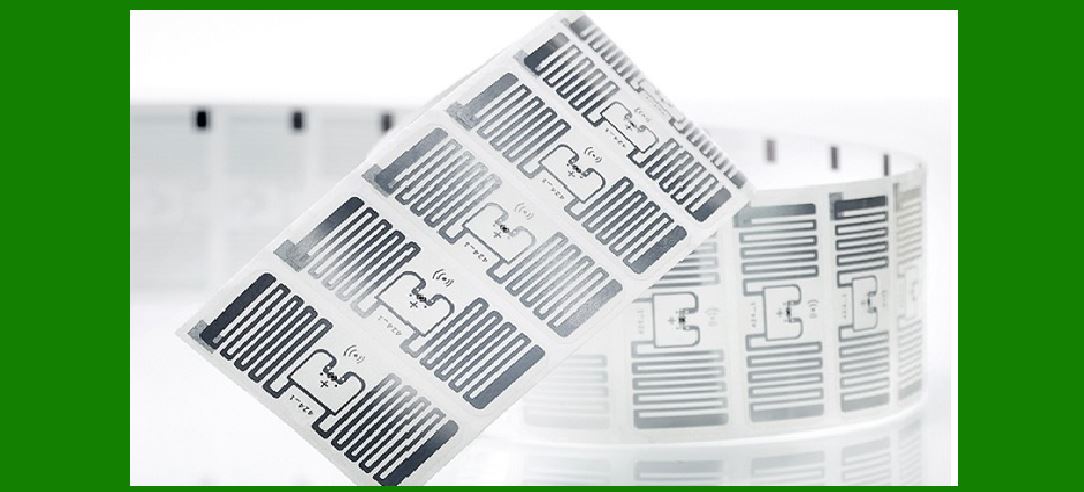
1.Introduction to RFID Technology Radio Frequency Identification (RFID) is a form of wireless communication that utilizes electromagnetic fields to identify and track tags attached to objects automatically. The technology involves a system that includes three main components: an RFID tag (or transponder), an RFID reader (or interrogator), and an antenna. RFID is used across various industries for asset tracking, inventory management, authentication, and more. |
|
2.Components of RFID System |
RFID Tag: RFID tags consist of an integrated circuit and an antenna. They can be categorized into three types: active, passive, and semi-passive. Active Tags: These have their own power source, typically a battery, allowing them to transmit signals over long distances (up to 100 meters). Passive Tags: These do not have a battery and rely on the reader's electromagnetic field to power the chip and send back information. Their range is shorter, usually up to 25 meters. Semi-Passive Tags: These have a small battery to power the chip but rely on the reader to communicate. RFID Reader: The reader is a device that emits radio waves and receives signals back from the RFID tags. It can be a fixed or mobile device and typically includes an antenna, a transceiver, and a processor to decode the tag's data. Antenna: The antenna facilitates communication between the tag and the reader. It can be embedded within the reader or installed separately. |

|
3.How RFID Works The RFID system operates through the following process: |
The reader emits a radio frequency signal via the antenna. The signal activates the RFID tag, which is within the electromagnetic field. The tag's integrated circuit uses the energy from the reader to send back a signal containing its unique identification and possibly other stored data. The reader captures the signal and decodes the data, which is then processed by the backend system. |

|
4.Frequency Bands and Their Uses RFID systems operate in different frequency ranges, each suited for specific applications: |
Low Frequency (LF): 30-300 kHz, typically around 125-134 kHz. Used for animal tracking, access control, and anti-theft systems. Limited range and slower data transfer. High Frequency (HF): 3-30 MHz, typically 13.56 MHz. Used for smart cards, library books, and ticketing systems. Moderate range and data transfer rate. Ultra High Frequency (UHF): 300 MHz to 3 GHz, typically around 860-960 MHz. Used for supply chain management, retail inventory, and vehicle identification. Longer range and faster data transfer. Microwave: Above 3 GHz, typically 2.45 GHz or 5.8 GHz. Used in specialized applications requiring high-speed data transfer. |
|
5.Applications of RFID Technology |
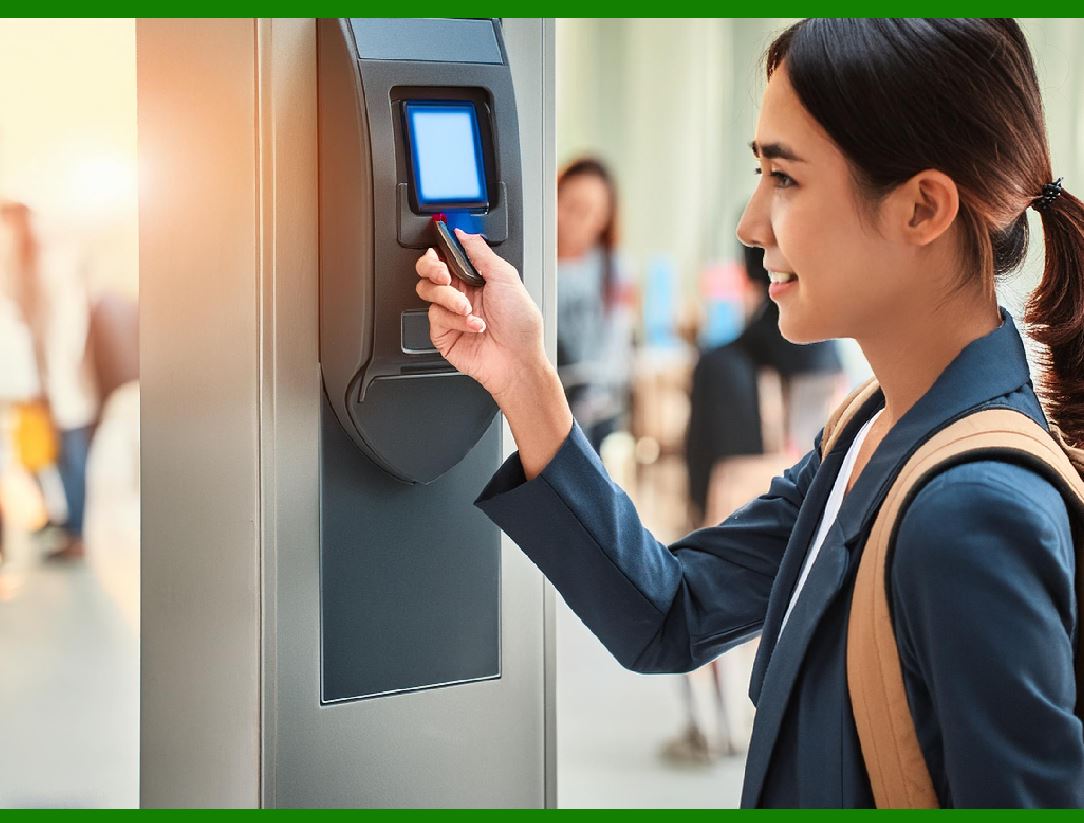
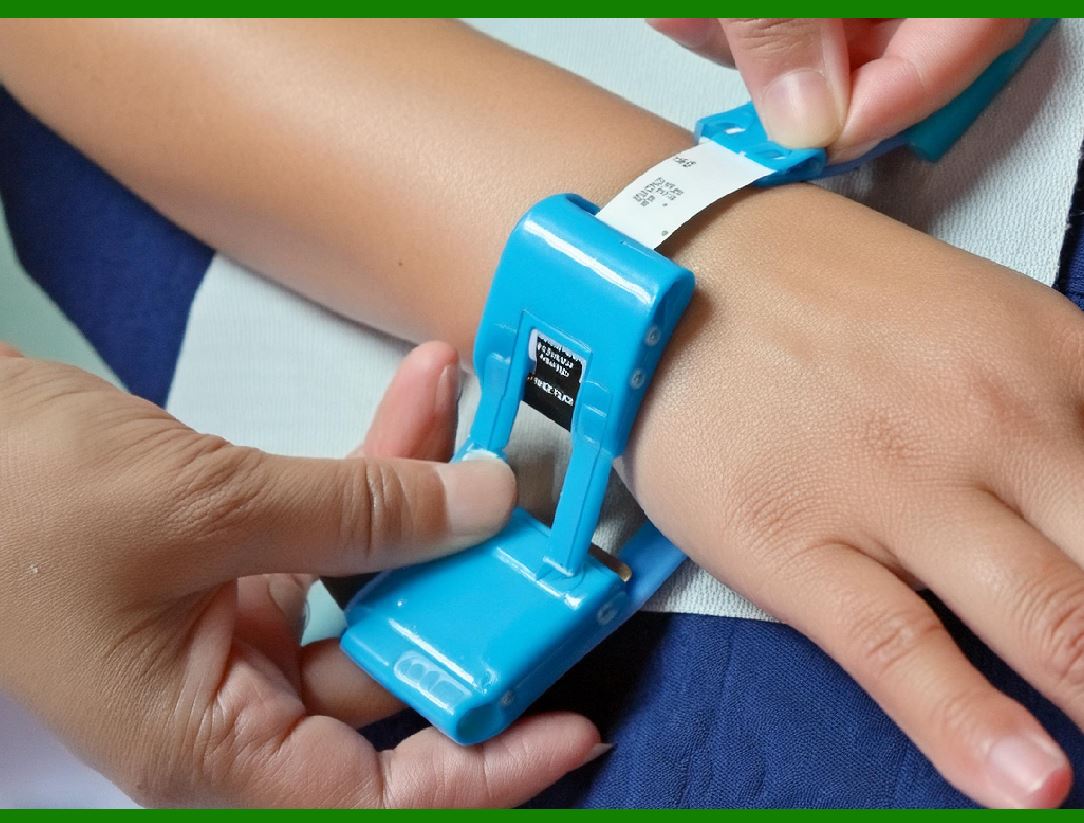
Retail and Supply Chain Management: RFID tags are used to track inventory, reduce theft, and streamline logistics. For example, retail giants like Walmart use RFID to improve stock accuracy and visibility. Asset Tracking: Hospitals use RFID to track medical equipment and ensure availability. Companies use RFID to manage office assets like laptops and projectors. Access Control and Security: RFID-enabled access cards are common in offices and secure facilities. These cards allow entry to authorized personnel while logging entry times. Transportation and Logistics: RFID tags are used in toll collection systems (e.g., EZ Pass), vehicle tracking, and shipping container monitoring. Healthcare: RFID tags help track patients, medical supplies, and pharmaceuticals, ensuring proper medication administration and reducing errors. Animal Tracking: Pets and livestock are often tagged with RFID for identification and tracking purposes. |

|
6.Advantages of RFID |
Non-Line-of-Sight Reading: Unlike barcodes, RFID tags do not need to be in the line of sight of the reader, allowing for faster and more efficient scanning. Durability: RFID tags are more durable and can withstand harsh environmental conditions, making them suitable for outdoor and industrial applications. Data Capacity: RFID tags can store more information than traditional barcodes, allowing for detailed tracking and management of items. Automation: RFID systems can automate data collection processes, reducing human error and improving operational efficiency. Real-Time Tracking: Provides real-time visibility into the location and status of items, enhancing inventory management and security. |

|
7.Challenges and Limitations of RFID |
Cost: RFID tags and readers are generally more expensive than barcodes, which can be a barrier for some organizations. Interference: Metal objects and liquids can interfere with RFID signals, potentially reducing accuracy and read range. Privacy Concerns: The ability to track items and individuals raises privacy issues. There is a need for secure systems to prevent unauthorized access to RFID data. Standardization: Different industries and regions may use varying RFID standards, leading to compatibility issues. |

|
8.Examples of RFID Implementations |
Retail Example: Zara, a global fashion retailer, implemented RFID to improve inventory accuracy and enhance the shopping experience. RFID tags are attached to clothing items, allowing staff to quickly locate products and manage stock levels efficiently. Healthcare Example: NewYork-Presbyterian Hospital uses RFID to track surgical instruments and ensure their availability and sterilization. This reduces the risk of surgical delays and improves patient safety. Transportation Example: The Hong Kong Octopus card is a contactless smart card using RFID technology for public transportation payments, retail purchases, and access control. It provides a seamless and convenient user experience. |

|
9.Future Trends in RFID Technology |
Increased Adoption in IoT: As the Internet of Things (IoT) continues to grow, RFID will play a crucial role in connecting and tracking various devices and assets in real time. Advancements in UHF and Microwave RFID: Higher frequency RFID systems will become more prevalent due to their longer range and faster data transfer capabilities. Integration with Blockchain: Combining RFID with blockchain technology can enhance supply chain transparency and security, ensuring data integrity and traceability. Miniaturization and Flexibility: Ongoing advancements will lead to smaller, more flexible RFID tags that can be embedded into a wider range of products and materials. |
|
10.Conclusion RFID technology is a powerful tool that enhances efficiency, accuracy, and visibility across various industries. Despite challenges like cost and interference, the benefits of RFID-such as non-line-of-sight reading, durability, and data capacity-make it a valuable asset in modern supply chain management, healthcare, transportation, and beyond. As technology continues to evolve, RFID will play an increasingly integral role in the interconnected world of the Internet of Things and beyond. |
 cs@easiersoft.com