1. Introduction to RFID Technology |
1.1 Overview of RFID |
Radio Frequency Identification (RFID) is a technology that uses radio waves to automatically identify and track objects, animals, or people. RFID systems consist of three main components: RFID tags, RFID readers, and a backend system for processing data. |
RFID Tags: These are small electronic devices that store data. They come in two main types: Active Tags: Equipped with a battery that powers the tag and allows it to broadcast signals over a longer range. Passive Tags: Do not have a battery; instead, they rely on the energy from the RFID reader's signal to transmit data. They are generally cheaper and have a shorter range compared to active tags. RFID Readers: Devices that emit radio waves and receive signals from RFID tags. Readers can be stationary or mobile, depending on the application. Backend Systems: These include databases and software that process the data received from the RFID readers to provide actionable insights. |
1.2 Importance of RFID in Real-Time Tracking |
RFID's ability to provide real-time data is transformative for various industries. Real-time tracking refers to the continuous, immediate monitoring of assets or entities, providing up-to-date information. This capability is vital for optimizing operations, enhancing efficiency, and making informed decisions based on the latest data. |

|
2. RFID in Smart Cities |
2.1 Traffic Flow Management |
In smart cities, RFID can play a pivotal role in managing traffic flow. Here's how: |
Vehicle Tagging: RFID tags are embedded in vehicle license plates or affixed to vehicles. RFID readers placed on roads or at traffic lights can capture data from these tags. This information helps monitor traffic density, average vehicle speed, and congestion levels. Dynamic Traffic Management: By analyzing the data collected, city planners can adjust traffic signals in real-time to alleviate congestion. For example, if a particular route is experiencing heavy traffic, traffic lights can be programmed to favor less congested routes, thus balancing the traffic flow. Example: In a pilot project in Singapore, RFID technology was used to monitor vehicle movements and manage traffic in real-time. The system successfully reduced traffic congestion and improved overall traffic efficiency. |
2.2 Parking Management |
RFID can also streamline parking management in urban environments: |
Automated Parking Systems: RFID tags in vehicles and RFID readers in parking lots enable automated entry and exit. Vehicles can be recognized and granted access without requiring manual intervention, reducing wait times and improving the user experience. Parking Space Monitoring: RFID tags on parking spaces can indicate their availability. Real-time data on parking space occupancy helps drivers find available spots quickly and reduces the time spent searching for parking. Example: In Los Angeles, RFID technology has been implemented in some parking garages to automate payment and access. This system has reduced the time drivers spend parking and improved revenue collection for parking operators. |
|
3. RFID in Agriculture |
3.1 Livestock Tracking |
RFID is revolutionizing livestock management by providing detailed information about each animal: |
Health Monitoring: RFID tags attached to livestock can monitor various health metrics, such as body temperature and activity levels. This data helps in early detection of illnesses and management of herd health. Location Tracking: RFID tags enable the tracking of individual animals' locations within large farms. This helps farmers monitor grazing patterns, prevent livestock from straying, and manage pasture usage more effectively. Example: In New Zealand, farmers use RFID tags to track the health and location of dairy cows. The data collected helps in optimizing feed management and improving milk production. |
3.2 Crop Management |
RFID can also be used in agriculture for crop management: |
Field Monitoring: RFID tags can be used to monitor the conditions of crops in real-time, including soil moisture levels and temperature. This data helps farmers make informed decisions about irrigation and fertilization. Harvest Management: During harvest, RFID tags on containers can track the movement of produce from the field to storage or processing facilities, ensuring proper handling and reducing spoilage. Example: In the Netherlands, RFID technology is used to monitor the conditions of greenhouse crops. This real-time data helps optimize growing conditions and improve yield quality. |

|
4. RFID in Logistics and Supply Chain Management |
4.1 Inventory Management |
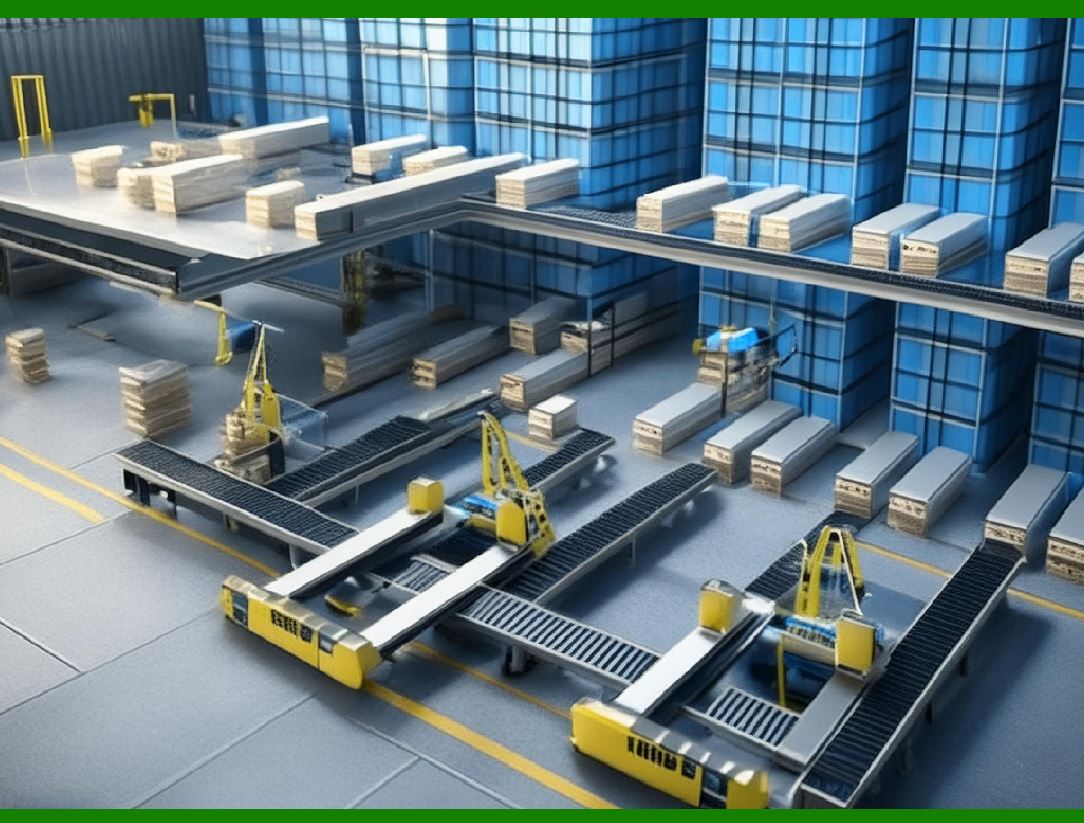
RFID technology enhances inventory management by providing real-time data on stock levels: |
Automated Inventory Tracking: RFID tags on products or pallets allow for automatic and accurate inventory tracking. RFID readers installed at various points in the supply chain can capture data as items move, reducing the need for manual counting. Reduced Stockouts and Overstocks: Real-time inventory data helps in predicting demand more accurately, reducing instances of stockouts (when items are out of stock) and overstocks (when there is excess inventory). Example: Walmart utilizes RFID technology to manage its inventory in real-time, resulting in improved stock accuracy and reduced inventory carrying costs. |
4.2 Asset Tracking |
RFID is also used for tracking high-value assets and equipment: |
Real-Time Location Tracking: RFID tags on assets enable their real-time location tracking, preventing loss and theft. This is particularly useful in industries where expensive equipment needs to be monitored closely. Maintenance Management: RFID tags can store maintenance records for equipment, providing valuable information for scheduling preventive maintenance and ensuring equipment longevity. Example: In the aviation industry, RFID tags are used to track aircraft parts and tools, ensuring they are properly maintained and available when needed. |

|
5. Challenges and Considerations in RFID Implementation |
5.1 Data Security and Privacy |
RFID systems must address data security and privacy concerns: |
Data Encryption: To protect sensitive information, RFID data should be encrypted. This prevents unauthorized access and ensures that only authorized parties can read the data. Privacy Concerns: The use of RFID for tracking individuals or items raises privacy concerns. It is crucial to implement measures to ensure that data is used ethically and in compliance with privacy regulations. |
5.2 Cost and Integration |
Implementing RFID technology can be costly: |
Initial Investment: The cost of RFID tags, readers, and backend systems can be significant. Organizations must consider the return on investment and long-term benefits when evaluating RFID solutions. Integration with Existing Systems: Integrating RFID technology with existing systems and processes can be complex. Organizations need to ensure compatibility and proper configuration to achieve the desired results. |

|
6. Future Trends and Developments in RFID Technology |
6.1 Advancements in RFID Technology |
Future developments in RFID technology are likely to focus on: |
Enhanced Performance: Improvements in tag design, reader technology, and data processing will enhance the performance of RFID systems, increasing their efficiency and accuracy. Integration with IoT: RFID technology will continue to integrate with the Internet of Things (IoT), enabling more sophisticated tracking and management solutions. This integration will lead to smarter systems and better data analytics. |
6.2 Emerging Applications |
RFID is expected to find new applications in various fields: |
Healthcare: RFID will be used to track medical equipment, manage patient information, and ensure the safety of medications. Retail: In retail, RFID will enhance inventory management, enable automated checkout systems, and improve the overall customer experience. Environmental Monitoring: RFID tags will be used to monitor environmental conditions, track pollution levels, and support sustainability initiatives. |
|
7. Conclusion |
RFID technology's real-time tracking capabilities offer significant benefits across various sectors, from smart cities and agriculture to logistics and supply chain management. By providing up-to-date information and enabling automated processes, RFID helps optimize operations, enhance efficiency, and make informed decisions. Despite challenges related to cost, security, and integration, the ongoing advancements in RFID technology and its integration with IoT promise to unlock new opportunities and applications, driving further innovation and improvement in real-time tracking and management. |
|
 cs@easiersoft.com