1. Introduction |
Code128 barcode is a high-density barcode symbol system, which is widely used in many industries, especially in logistics, manufacturing, retail and other fields. It can encode more information in a limited space, so it has become one of the most efficient barcode technologies. Code128 barcode supports the encoding of numbers, letters and other symbols, and has the characteristics of high fault tolerance, high density and strong adaptability. |
This article will deeply analyze the encoding method, character set, verification mechanism and specific application of Code128 barcode. |

|
2. Basic structure of Code128 barcode |
Code128 barcode uses a method of alternating lines and spaces to represent character information. Its symbol structure consists of multiple bars and spaces. Each character is represented by a combination of three bars and three spaces, and different characters are distinguished by the different widths between adjacent spaces and bars. |
2.1 Character Encoding |
Code128 barcode has 128 encodable characters, including all ASCII characters, i.e., character sets from 0 to 127. Each character can be represented by a 7-bit binary code, and the width of the bar and space is represented by different combinations to represent each character. |
2.2 Start and End Characters |
Each symbol of Code128 barcode has a dedicated start and end character to mark the beginning and end of the encoding. These symbols help the decoder to accurately identify and parse the data. |
Start Character: Code128 barcode has three start characters (Start A, Start B, Start C), which determine the use of the next character set (i.e., whether to use the A, B or C character set). |
End Character: Code128 barcode has an end character (Stop), which indicates the end of the data. The function of the end character is to inform the barcode scanning device that the data input has been completed. |
2.3 Verification Mechanism |
Code128 barcode uses verification characters to ensure the accuracy of the data. The check character is calculated based on the encoded data content, which helps the decoder verify the integrity of the data. The calculation process of the check character is based on the previous character and ensures that it can be verified by mathematical methods when decoding. |

|
3. Code128 barcode encoding method |
Code128 barcode encoding method uses three character sets (A, B, C), each character set defines different character ranges and encoding rules. Specifically, character sets A, B, and C encode different types of characters respectively, and their selection directly affects the final output of the barcode. |
3.1 Character set A |
Character set A includes control characters and uppercase letters and numeric characters. It can encode the following characters: |
0-9: Numbers |
A-Z: Uppercase letters |
Control characters: Control characters from ASCII code values ??0 to 31 |
Special symbols: For example, the 'space' character (ASCII 32) |
3.2 Character set B |
Character set B is the most commonly used character set, which includes uppercase letters, numbers, lowercase letters and some common symbols. Character set B can encode: |
0-9: numbers |
A-Z: uppercase letters |
a-z: lowercase letters |
Special symbols: common symbols such as !, ', , $, % and so on |
3.3 Character set C |
Character set C is specially designed for digital pairs (combinations of two digits), which can effectively reduce the encoding space and improve the density of the barcode. Character set C only allows the encoding of numeric characters, which can efficiently represent a large amount of digital data. The main features of character set C are: |
Only supports numbers (0-9) |
Each two numbers are encoded as a character pair |
3.4 Select character set |
In actual applications, Code128 barcodes will automatically select the most suitable character set according to the encoded content. When selecting a character set, the choice of the start character plays a decisive role. By selecting different character sets, Code128 barcodes can optimize the encoding space, reduce the bar width, and improve scanning efficiency. |
|
4. Code128 barcode character encoding and symbol set |
Code128 barcode character encoding is represented by a combination of bars and spaces. In each bar symbol, the width of the bar and the width of the space determine the different characters in the character set. |
4.1 Encoding rules |
Code128 barcode uses an alternating method of bars and spaces. Each character is represented by three different widths of bars and spaces, which are 1, 2 and 3 units wide. Specifically, each bar symbol is represented by a combination of 7 units, while the space units between characters use the same width combination. |
4.2 Bars and Spaces |
In Code128 barcodes, the width of each bar and space is distinguished by setting different 'values'. The width changes of bars and spaces reflect the differences in the encoded characters. For example, the character 'A' may be represented as a set of 1, 2, 3 width combinations, while the character 'B' is represented by a combination of 2, 3, 1. |
4.3 Encoding of checksum characters |
The checksum character is part of the Code128 barcode, which is formed by a combination of bars and spaces. The calculation of the checksum character is based on the encoding of the previous characters, which can check and verify whether the data is correct. |
|
5. Calculation process of checksum characters |
Code128 barcode uses a specific algorithm to calculate the checksum character to ensure the accuracy of information during data transmission. The calculation rules of the checksum character are very precise and complex, mainly relying on a weighted accumulation algorithm. |
5.1 Calculation steps of checksum characters |
The process of calculating the checksum character is as follows: |
1. Starting from the start character, encode each character in sequence. |
2. For each character, assign a weight value according to its position in the encoding table. |
3. The weight value is calculated as: the position of the current character ?the weight of the current character. |
4. Add up the weighted values ??of all characters to get a sum. |
5. Perform a modulo 103 operation on the sum, and the result is the checksum character. |
5.2 Modulo 103 Operation |
Modulo 103 operation is the core calculation method in Code 128 barcode. This operation requires taking the modulo 103 of the accumulated sum, and the result is the value of the check character. The check character can be a number (0-9), a letter (A-Z) or a symbol (a symbol in a specific character set). |
5.3 Function of the check character |
The check character can help the scanner verify the integrity of the information when reading the barcode. If the check character does not match, the scanner will issue a warning, indicating that the data may be wrong. This can effectively improve the reliability of the barcode. |

|
6. Application of Code 128 barcode |
Code 128 barcode is widely used in different fields due to its high density, high fault tolerance and scalability. The following are several typical application scenarios of Code 128 barcode: |
6.1 Logistics and supply chain management |
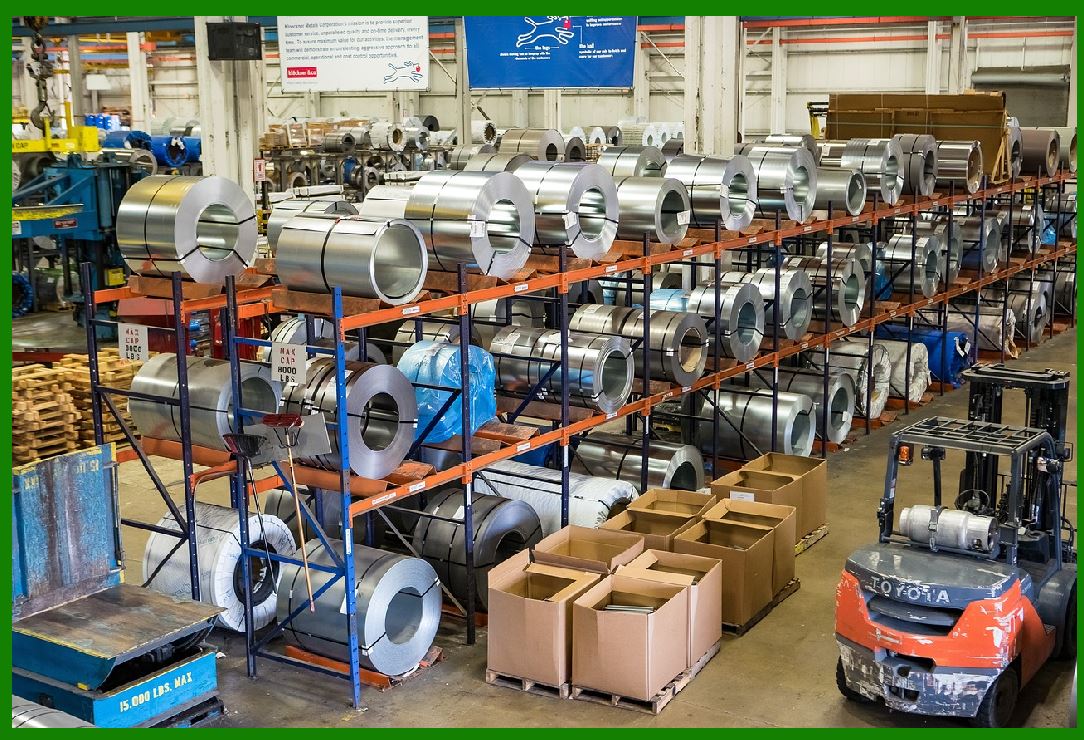
In the logistics industry, Code 128 barcode is widely used for cargo tracking, inventory management and cargo transportation. Since it supports encoding of large amounts of data, detailed information of goods (such as production date, batch number, supplier information, etc.) can be encoded into the barcode, thus achieving efficient logistics management. |
6.2 Manufacturing Industry |
In the manufacturing industry, Code128 barcodes are often used for product tracking and management. For example, on the production line, Code128 barcodes can be used to track the manufacturing process and quality control information of each product to ensure product quality and production efficiency. |
6.3 Retail Industry |
In the retail industry, Code128 barcodes are also used for product identification and scanning. Stores, supermarkets and other retail formats use Code128 barcodes to quickly scan and settle goods, saving time and improving customer experience. |
6.4 Medical Industry |
In the medical industry, Code128 barcodes are used to manage materials such as drugs and equipment, as well as to track patient information. For example, hospitals can use Code128 barcodes to manage drugs to ensure the correct distribution and accurate delivery of drugs. |
|
7. Summary |
Code128 barcode is a very efficient, flexible and fault-tolerant barcode technology, which is widely used in many industries. Its high density allows it to effectively encode a large amount of information under limited space, and it has strong adaptability and scalability. By using different character sets, symbols and checksum mechanisms, Code128 barcodes can ensure data accuracy and improve scanning efficiency. Therefore, Code128 barcodes are increasingly used in modern business, logistics, medical and other fields, and have become an important tool in data management and information exchange. |

|
Example of Code128 barcode checksum mechanism |
Code128 barcode checksum mechanism is one of its core parts, ensuring that barcode data remains accurate during scanning and transmission. The checksum is obtained by mathematical calculation of the data content, which can effectively check whether the barcode is damaged or erroneous. |
Below I will explain the checksum calculation process of Code128 barcode through a simple example. |
1. Overview of the calculation steps of the check code |
The check code of the Code128 barcode is calculated based on all the characters in the barcode (including the start character). The calculation process of the check code is as follows: |
1. Select the start character: Code128 barcode has three start characters (Start A, Start B, Start C), each of which corresponds to a different character set. |
2. Calculate the weight of each character: Each character in the barcode is multiplied by a weight value according to its position (the position starts from 0). |
3. Weighted sum: Add the weighted values ??of all characters. |
4. Modulo 103 operation: Divide the weighted sum by 103, and the remainder is the check code. |
5. Get the check character: According to the calculation result, convert the remainder to the corresponding character. |

|
2. Example: Calculate the check code of the Code128 barcode |
Suppose we want to encode a set of data: ABCD, and we choose Start B as the start character. We will calculate its check code step by step. |
Step 1: Select the start character |
Assume that we use Start B as the start character. The value of Start B is 104. |
Step 2: Determine the character set and its corresponding value |
Code128 barcode supports the ASCII character set (from 0 to 127). For character set B, the encoding values ??of characters A, B, C, and D are as follows: |
Character A: value is 33 |
Character B: value is 34 |
Character C: value is 35 |
Character D: value is 36 |
Step 3: Calculate the weighted value of each character |
Code128 checksum calculation involves weighting the position of each character. Each character is weighted according to its position in the data string: |
The weight of Start B is 0 (the weight of the start character starts from 0). |
A is at position 1 in the data, the value of character A is 33, and the weight is 1: 33 * 1 = 33 |
B is at position 2 in the data, the value of character B is 34, and the weight is 2: 34 * 2 = 68 |
C is at position 3 in the data, the value of character C is 35, and the weight is 3: 35 * 3 = 105 |
D is at position 4 in the data, the value of character D is 36, and the weight is 4: 36 * 4 = 144 |
Step 4: Calculate the weighted sum |
Add the weighted values ??of all characters together: |
Weighted sum = 0 + 33 + 68 + 105 + 144 = 350\text{Weighted sum} = 0 + 33 + 68 + 105 + 144 = 350Weighted sum = 0 + 33 + 68 + 105 + 144 = 350 |
Step 5: Modulo 103 operation |
Divide the weighted sum 350 by 103, and the remainder is: |
350?03=3 remainder 41350 \div 103 = 3 \text{remainder} 41350?03=3 remainder 41 |
The remainder 41 is the check code. |
Step 6: Convert to the corresponding character |
According to the rules of the Code128 character set, the character corresponding to the remainder 41 is K. Therefore, the check code is K. |

|
3. Complete Code128 barcode |
Therefore, for data ABCD, its complete Code128 barcode will include: |
Start B (starting character): 104 |
Character A: 33 |
Character B: 34 |
Character C: 35 |
Character D: 36 |
Check character K: 41 |
Stop (ending character) |
The final Code128 barcode is represented as: 104 33 34 35 36 41. |

|
4. Code example description |
Through the above steps, we have successfully calculated the check code of the Code128 barcode. The check code is the key to ensure the integrity and accuracy of the barcode data when it is scanned. When the barcode scanner scans the barcode, it will verify whether the data is correct based on the calculated check code. If the scanned data does not match, the scanner will issue an error prompt. |
This verification mechanism can effectively avoid errors that may occur during barcode printing and scanning, ensuring the correct transmission of information. |
 cs@easiersoft.com