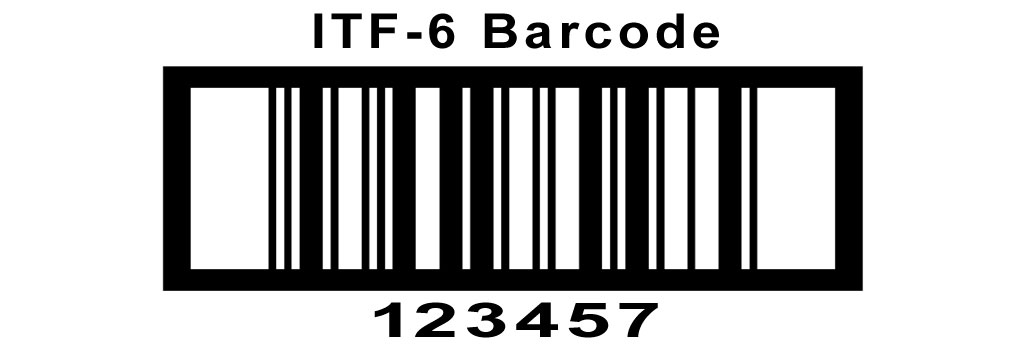
The ITF-6 barcode, also known as Interleaved 2 of 5, is a widely used linear barcode primarily designed for encoding numeric-only data. It is commonly employed in logistics, shipping, and product identification applications where space efficiency and high-density packing are essential. In this detailed description, we will delve into the components and structures of the ITF-6 barcode, covering its format, encoding rules, applications, and considerations for implementation. |
|
Components of ITF-6 Barcode |
The ITF-6 barcode consists of several key components that collectively enable it to encode and represent numeric data efficiently: |
1.Start Code: The ITF-6 barcode begins with a start code, which is represented by two narrow bars followed by two narrow spaces. 2.Data Characters: The data characters in ITF-6 consist of numeric digits (0-9) only. Each pair of digits is encoded using five bars and five spaces interleaved together, hence the name 'Interleaved 2 of 5.' 3.Inter-character Gap: An inter-character gap separates each pair of encoded digits within the barcode. This gap is typically one narrow space wide. 4.Stop Code: The barcode ends with a stop code, which is represented by two narrow bars followed by a wide bar. This pattern indicates the end of the barcode. |

|
Structure of ITF-6 Barcode |
The structure of an ITF-6 barcode is defined by its width, height, and the ratio between the narrow and wide elements. Here's a breakdown of its structural components: |
Barcode Width: The overall width of an ITF-6 barcode is determined by the number of data characters encoded within it. Each pair of digits occupies a specific width based on the bar and space elements. Barcode Height: The height of an ITF-6 barcode depends on the printing resolution and the scanner's ability to read the barcode accurately. Typically, the minimum recommended height ensures readability and scanning reliability. Ratio: The ratio between the narrow and wide elements within an ITF-6 barcode is crucial for proper scanning and decoding. This ratio is standardized to ensure compatibility across different scanning devices and environments. |
|
Encoding Rules of ITF-6 Barcode |
Encoding data into an ITF-6 barcode follows specific rules to ensure accuracy and readability: |
1.Numeric-only Data: ITF-6 can only encode numeric digits (0-9). Other characters, such as letters or special symbols, cannot be encoded within an ITF-6 barcode. 2.Pairing and Interleaving: Each pair of digits is encoded using five bars and five spaces, interleaved together. This interleaving helps in compactly representing numeric data within the barcode. 3.Start and Stop Codes: The start code and stop code are fixed patterns that indicate the beginning and end of the barcode. These codes are essential for proper scanning and decoding of the barcode data. 4.Check Digit: In some applications, an optional check digit may be appended to the end of the numeric data to verify the accuracy of the encoded information. The check digit calculation follows specific algorithms depending on the application requirements. |
|
Applications of ITF-6 Barcode |
ITF-6 barcodes find widespread application in various industries and sectors, including: |
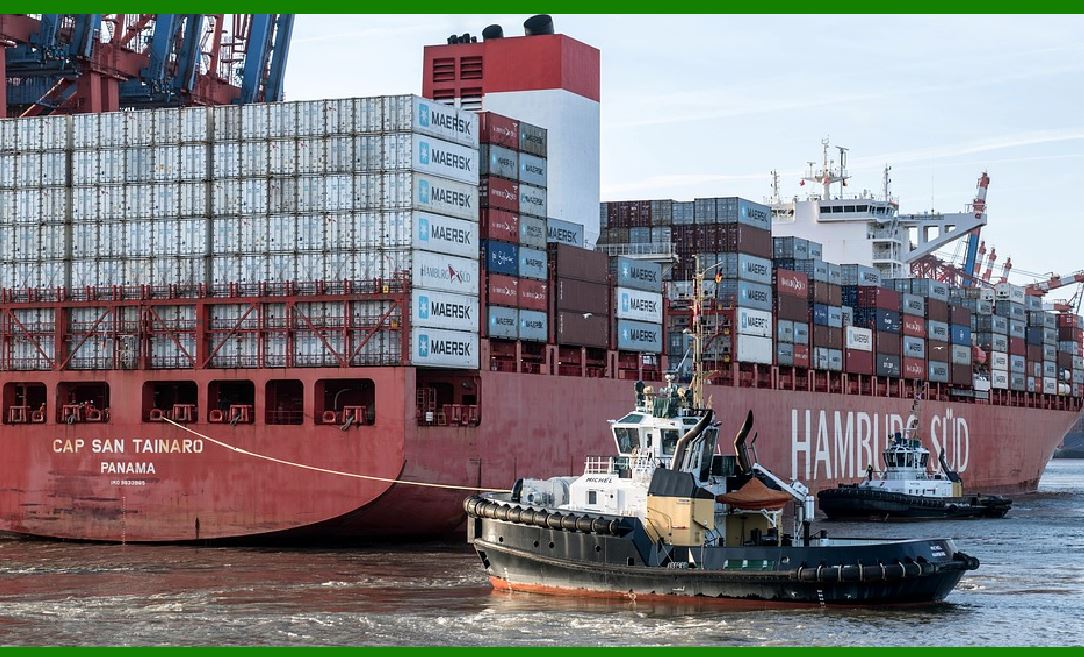
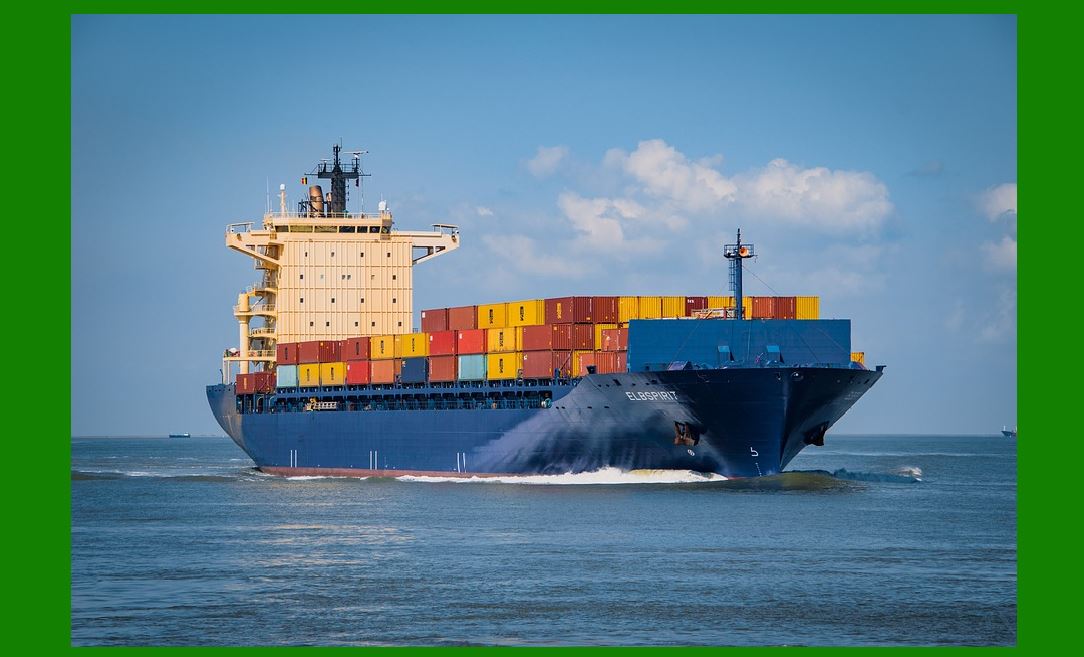
Logistics and Shipping: ITF-6 barcodes are used extensively in logistics and shipping for labeling cartons, pallets, and containers. They facilitate automated tracking and inventory management processes. Retail and Consumer Goods: In retail environments, ITF-6 barcodes are used to encode product information, such as item numbers, for inventory control and point-of-sale transactions. Distribution and Warehousing: ITF-6 barcodes streamline operations in distribution centers and warehouses by enabling quick identification and sorting of goods. Healthcare: In healthcare settings, ITF-6 barcodes may be utilized for tracking medical supplies, equipment, and pharmaceuticals to improve inventory management and regulatory compliance. Automotive and Manufacturing: ITF-6 barcodes are employed in automotive and manufacturing industries for parts identification, traceability, and supply chain management. |

|
Considerations for Implementing ITF-6 Barcode |
When implementing ITF-6 barcodes, several factors should be considered to ensure optimal performance and compatibility: |
1.Printing and Resolution: Ensure that ITF-6 barcodes are printed at a resolution that meets industry standards and scanner requirements to ensure reliable scanning and decoding. 2.Label Placement: Proper placement of ITF-6 barcodes on products or packaging is essential for efficient scanning and readability. Labels should be applied flat on clean, smooth surfaces. 3.Scanning Environment: Consider the scanning environment, including lighting conditions and scanning equipment compatibility, to optimize barcode readability and scanning speed. 4.Data Integration: Integrate ITF-6 barcode data seamlessly with existing inventory management or enterprise resource planning (ERP) systems to leverage barcode data for operational efficiency. 5.Compliance and Standards: Adhere to industry and regulatory standards for barcode labeling and data encoding to ensure compliance and interoperability with supply chain partners. |

|
Conclusion |
The ITF-6 barcode is a versatile and efficient encoding solution for numeric data, widely used across industries for logistics, shipping, and product identification purposes. Its structured format, encoding rules, and applications make it indispensable in modern supply chain and inventory management systems. Understanding the components, structure, encoding rules, and considerations for implementing ITF-6 barcodes is crucial for leveraging their benefits in enhancing operational efficiency and accuracy in data management. |
 cs@easiersoft.com