Barcode Technology

Barcode History

Barcode Label Paper

Barcode Printer

Barcode Application

Inventory Management

AI Barcode QRCode

Barcode Scanner

Barcode Software

Barcode Software B

Barcode Software C

Barcode Software D

Barcode Software E

New Technology A

New Technology B

Robot Technology

Barcode Types

Barcode Types B

Barcode Types C

Barcode Types D

Barcode Types E

Barcode Types F

Electronic Technology

Psychology at Work

Barcode Technology and Barcode Software Related   <<< Back to Directory <<<

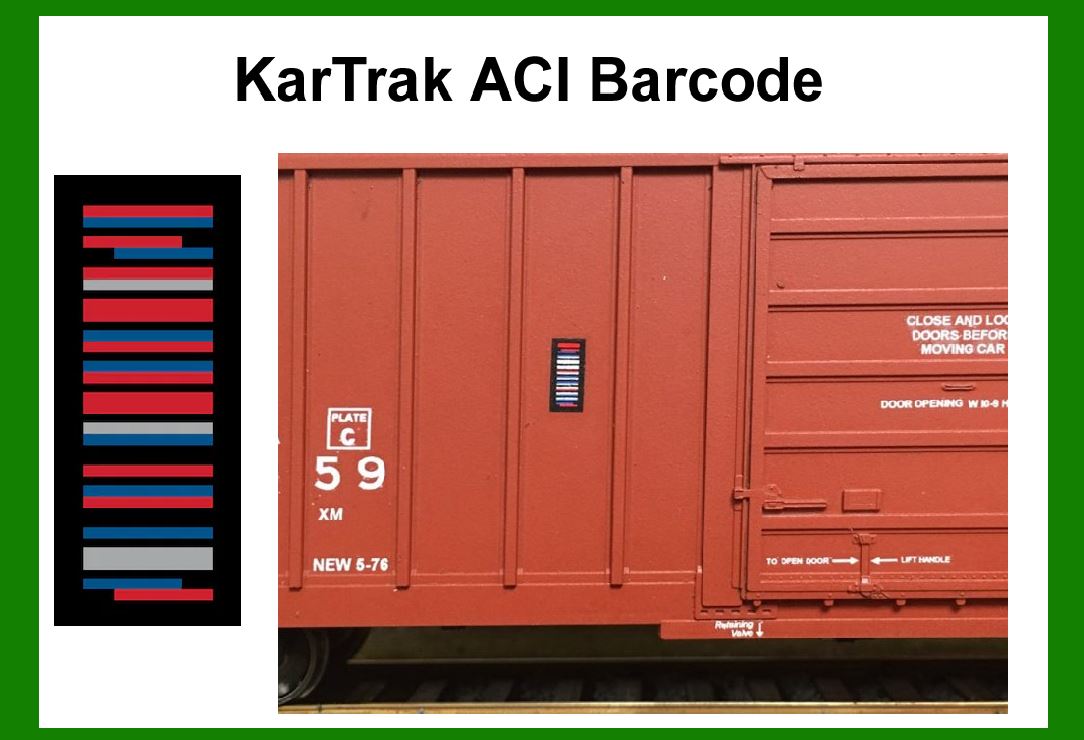
KarTrak ACI barcode

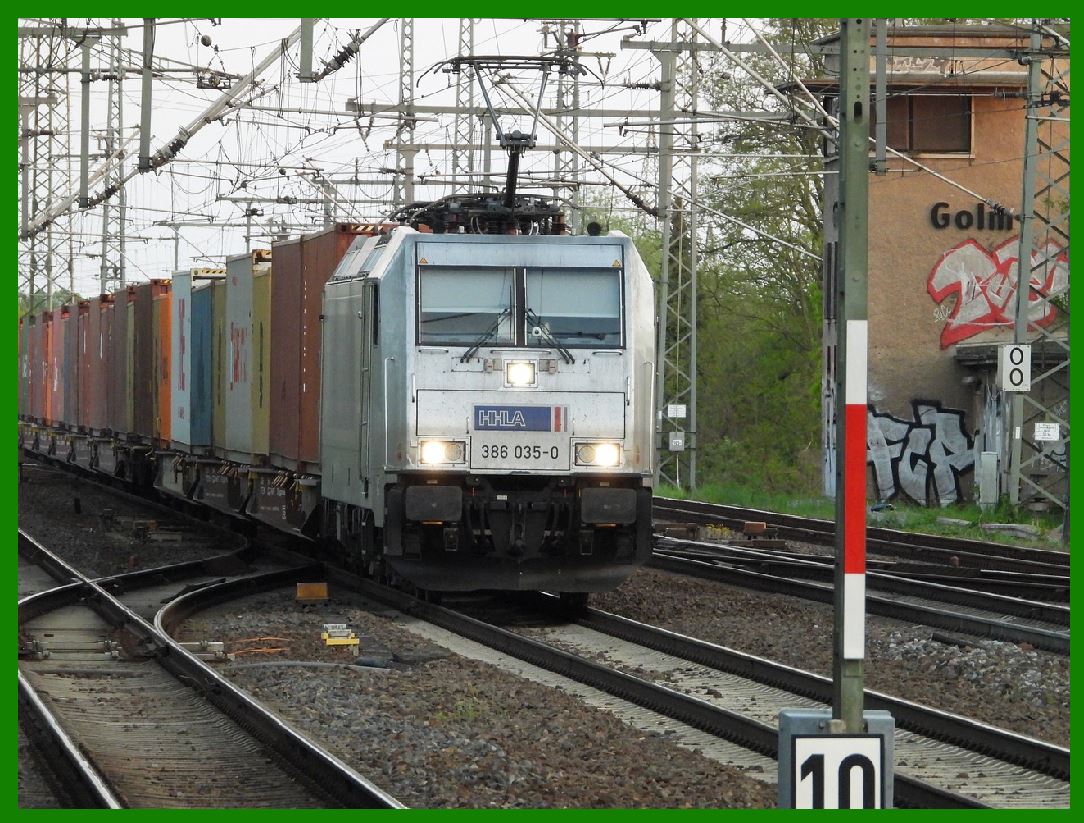
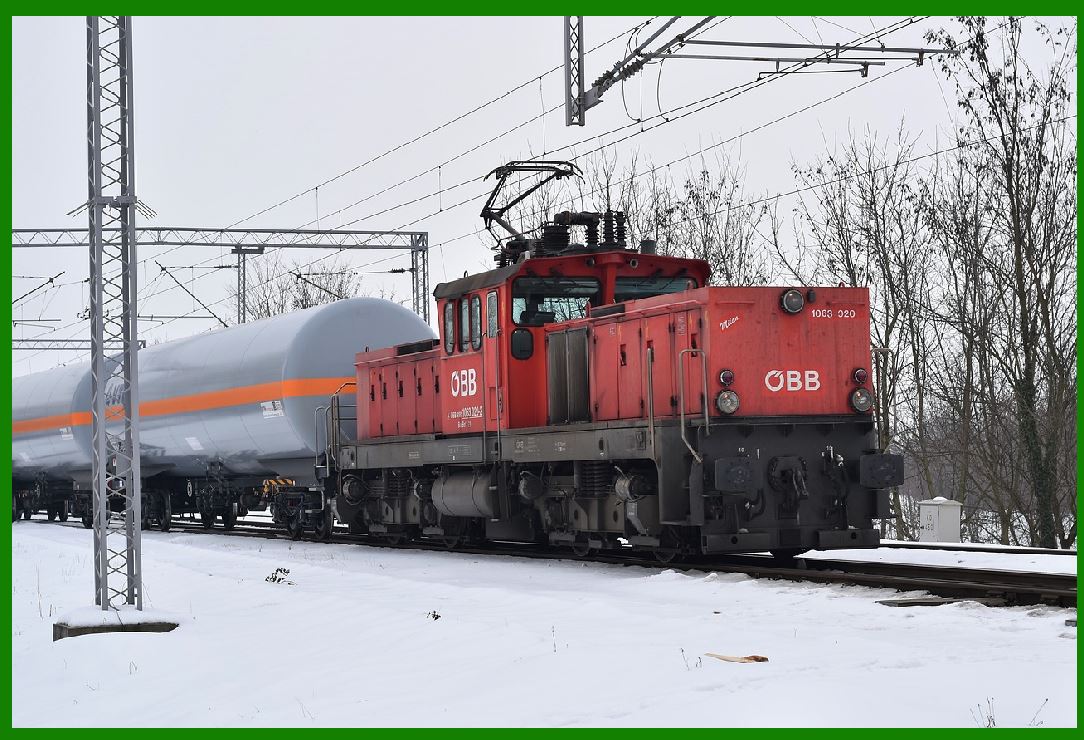
The KarTrak Automatic Car Identification (ACI) system was a pioneering barcode technology used extensively in North America for identifying and tracking railroad rolling stock.

Developed in the 1960s, KarTrak ACI barcodes played a crucial role in automating and improving the efficiency of freight car management across the railway industry. Here's a detailed exploration of the KarTrak ACI barcode system:

1. Introduction to KarTrak ACI Barcode System

The KarTrak ACI system was developed by the Association of American Railroads (AAR) and introduced in the mid-1960s. Its primary purpose was to automate the identification and tracking of railroad rolling equipment, such as freight cars and locomotives. This system aimed to replace the labor-intensive manual methods of identification with automated data capture using barcodes.

2. Barcode Technology Used

The KarTrak ACI system utilized a specific type of barcode technology designed to withstand the harsh environmental conditions typical of railroad operations. The barcodes were typically printed on metal plates or tags that were affixed to the rolling stock.

3. Structure and Encoding

The barcode structure of KarTrak ACI typically consisted of a series of vertical bars of varying widths. Each barcode represented a unique identifier for a specific piece of rolling stock. The encoding scheme was designed to ensure robustness and reliability in the challenging conditions of railroad operations, including exposure to weather, dirt, and mechanical wear.

4. Deployment and Implementation

KarTrak ACI barcodes were deployed extensively across North American railways, including major freight carriers and rail yards. The system required the installation of barcode readers at strategic points along rail networks, such as classification yards, interchange points, and maintenance facilities.

5. Functionality and Data Capture

The primary function of the KarTrak ACI system was to automatically identify and track railroad rolling stock as they moved through the rail network. When a barcode-equipped freight car or locomotive passed a barcode reader, the system would capture the unique identifier encoded in the barcode. This information was then transmitted to centralized computer systems for real-time tracking and management.

6. Advantages of KarTrak ACI

Automation: Reduced reliance on manual record-keeping and identification processes, leading to improved operational efficiency.

Accuracy: Enhanced accuracy in tracking and managing rolling stock, minimizing errors associated with manual data entry.

Cost Efficiency: Lowered operational costs by streamlining logistics and inventory management processes.

Interoperability: Standardized system adopted across multiple railroads, facilitating seamless interchange of rolling stock.

7. Challenges and Limitations

Maintenance: Required regular maintenance of barcode readers and tags due to exposure to harsh environmental conditions.

Compatibility: Ensuring compatibility and interoperability across different generations of barcode readers and equipment.

Data Security: Addressing concerns related to data security and integrity, particularly with the transition to digital systems.

8. Legacy and Transition

Over time, advancements in technology and logistics management led to the evolution of railroad asset tracking systems beyond KarTrak ACI. Modern systems now integrate RFID (Radio Frequency Identification) and GPS (Global Positioning System) technologies for enhanced real-time tracking and data analytics capabilities.

9. Conclusion

The KarTrak ACI barcode system represented a significant advancement in the automation of railroad rolling stock identification and tracking. It revolutionized the efficiency and reliability of freight car management across North American railways, setting a precedent for subsequent developments in logistics and supply chain management technologies.

By leveraging barcode technology, the KarTrak ACI system contributed to the modernization of railroad operations, improving safety, efficiency, and service reliability in the transportation of goods by rail.

This detailed overview highlights the foundational role of KarTrak ACI barcodes in the history of railroad logistics and underscores their enduring legacy in the evolution of transportation technologies.


EasierSoft Barcode Label Design & Bulk Printing Software

---- Use Excel Data to Batch Print Barcodes on Label Sheets or Roll Labels  

---- How to use this barcode software

Download:  Free Barcode Software + Barcode Label Designer

Download Free Barcode Software at Softonic

     Download at CNET

Once you obtain a GS1/UPC/EAN barcode, or other barcode type and QR code, you can use our free software to batch print barcode labels onto Roll label paper using a professional label printer, or to batch print barcodes onto Avery 5160 label sheets using a regular laser or inkjet printer. Our software has free and paid versions.

The free version fully meets your needs for batch printing GS1/UPC/EAN barcodes. The paid version can import data from Excel and databases to batch print barcode labels with different values.

How to Start

Input Data

Import Excel Data

Print Barcode

Barcode Format

Label Designer

All Screen Shot

Export Barcode Image

Save Template

Output Word Excel

How to Use & FAQ:

Save settings

Serial number generator

The supported barcode types

Load Excel data (pro)

Manually copy data from Excel files

Filter some data for printing

Edit imported barcode data

Input data (Pro)

Label Designer

Edit data in Label designer

Label Designer - Add new label

Label Designer - Printing

Set the barcode label format to be printed

Other Barcode Label Format Settings

Barcode types supported by this program

Barcode Label Font Settings

Configuring the Barcode Print Rotation

Text Alignment for Barcode Labels

Automatically Adjusting Barcode Width

Text Beneath the Barcode

Configuring Barcode Size

Auto Calculate the Barcode Size

Export Barcode images

Export Barcode Image Format

File Names for Exported Barcode

Resolution of Exported Barcode Images

Fixed Folder for Exporting Barcode

Default Barcode Image Export Format

Print bulk barcodes quickly

Print barcodes to Avery 5160 label

How to bulk Barcode Printing

Sample - Avery 5162 (2x7) Label Sheet

Example: Print barcodes to 5*3cm roll

Example: Print barcodes to 5161 label

Example: Print barcodes to 5162 label

Example: Print barcodes to 5163 label

Example: Print barcodes to 5164 label

Example: Print portrait orientation 5164

Example: Print barcodes to 5167 label

Example: Print barcodes to 5168 label

Example: Print portrait orientation 5168

Example: Print barcodes to 5169 label

Example: Print barcodes to 5660 label

Example: Print barcodes to 5661 label

Example: Print barcodes to 5662 label

Example: Print barcodes to 5663 label

Example: Print barcodes to 5664 label

Example: Print portrait orientation 5664

Example: Print barcodes to 5873 label

Example: Print barcodes to 5874 label

Highlights

Excel integration: Import data directly from Excel to generate and print barcodes in bulk.

Label designer: Create complex labels with multiple barcodes, text, logos, and shapes.

Batch printing: Print thousands of barcodes at once using standard inkjet/laser printers or professional barcode printers.


Flexible editions:

Standard Edition: Simple batch printing with Excel data.

Professional Edition: Adds command-line automation for workflow integration.

Label Designer Edition: Advanced design features for complex labels.


Why Choose Our Barcode Solutions?

Cost-effective: Free online generator and permanent free desktop version available.

Easy to use: No technical expertise required—just input data and print.

Versatile: Supports nearly all 1D and 2D barcode types, including QR codes.

Trusted: Recommended by CNET and widely downloaded by users worldwide.


Suitable Use Cases

Small businesses and startups needing quick barcode labels for products.

Retailers and online sellers managing inventory with batch barcode printing.

Manufacturers requiring sequential or custom barcode labels for packaging.

Educational and testing environments where barcodes are used for tracking.


CONTACT

cs@easiersoft.com

If you have any question, please feel free to email us.


https://free-barcode.com


<<< Back to Directory <<<     Barcode Generator     Barcode Freeware     Privacy Policy