Code 39, also known as USD-3, 3 of 9 Code, or Type 39, is a widely used linear barcode symbology capable of encoding alphanumeric characters. It was developed in 1974 by Dr. David Allais and Raymond Stevens at Intermec, and its simplicity and versatility have made it popular across various industries including manufacturing, healthcare, and logistics. This detailed description will cover the components and structures of the Code 39 barcode system comprehensively. |
|
1. Basic Structure and Components |
a. Barcode Elements |
Code 39 consists of several key elements that together form the barcode: |
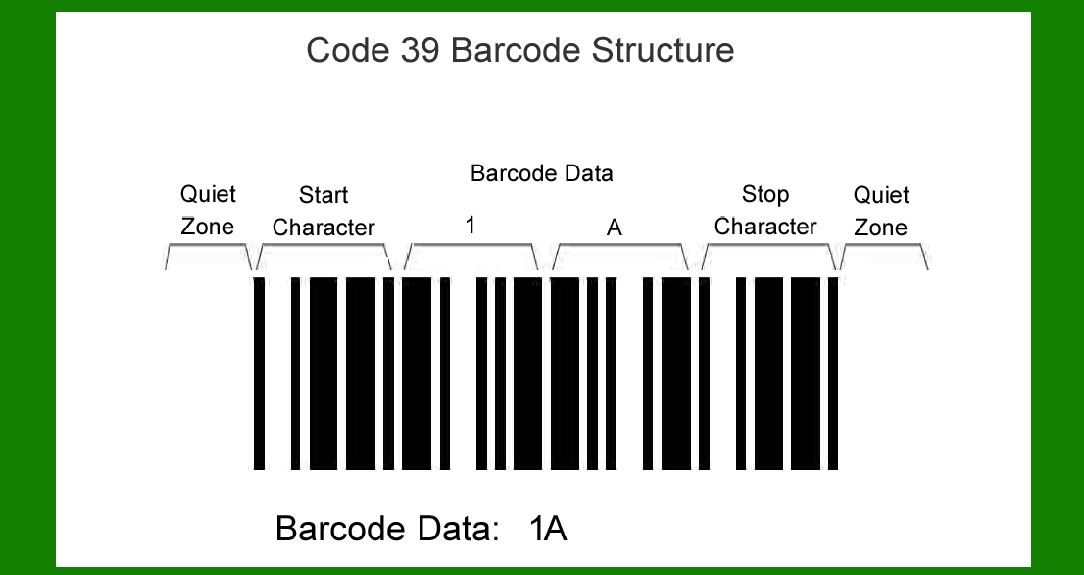
Start and Stop Characters: These are special characters that indicate the beginning and end of the barcode. In Code 39, the asterisk (*) character serves as both the start and stop character. Data Characters: These are the alphanumeric characters (0-9, A-Z, space, and a few special characters like hyphen and period) that actually encode the information being conveyed. Check Character (Optional): A modulo-43 checksum character may optionally be included for enhanced data integrity, ensuring accuracy in data transmission and scanning. |
b. Character Set |
The standard Code 39 character set includes: |
Numeric digits (0-9) Uppercase letters (A-Z) Seven special characters (-, ., $, /, +, %, and space) Asterisk (*) as the start/stop character |
|
2. Encoding Scheme |
a. Binary Representation Each character in Code 39 is represented by a specific pattern of bars and spaces, encoded using binary digits (0s and 1s). A wide bar is represented by a binary '1' and a narrow bar by '0'. This binary sequence is translated into a pattern of bars and spaces that are readable by barcode scanners. |
b. Character Mapping Code 39 uses five bars and four spaces to represent each character. A full Code 39 barcode typically consists of a series of bars and spaces that encode a sequence of characters. Each character in the barcode is represented by a unique pattern of bars and spaces. |
3. Physical Structure |
a. Module Width The module width in a Code 39 barcode refers to the width of the narrowest element (either a bar or a space). This width is used as a basis for determining the overall size of the barcode and ensuring readability by different types of barcode scanners. |
b. Quiet Zones Quiet zones are the clear areas on either side of the barcode that ensure reliable scanning. They are essential for preventing scanner misreads caused by nearby text, graphics, or other barcodes. The minimum recommended width for each quiet zone is typically ten times the width of the narrowest element in the barcode. |

|
4. Technical Specifications |
a. Resolution The resolution of a Code 39 barcode refers to the minimum size at which it can be reliably printed and scanned. Higher resolution ensures that the barcode remains scannable even when printed at smaller sizes. |
b. Dimensions Code 39 barcodes can vary in size depending on the application and the amount of data being encoded. The overall length of the barcode is determined by the number of characters it contains, while the height is typically specified based on the scanning equipment being used. |
5. Applications and Usage |
a. Industry Applications Code 39 barcodes are widely used in various industries including: |
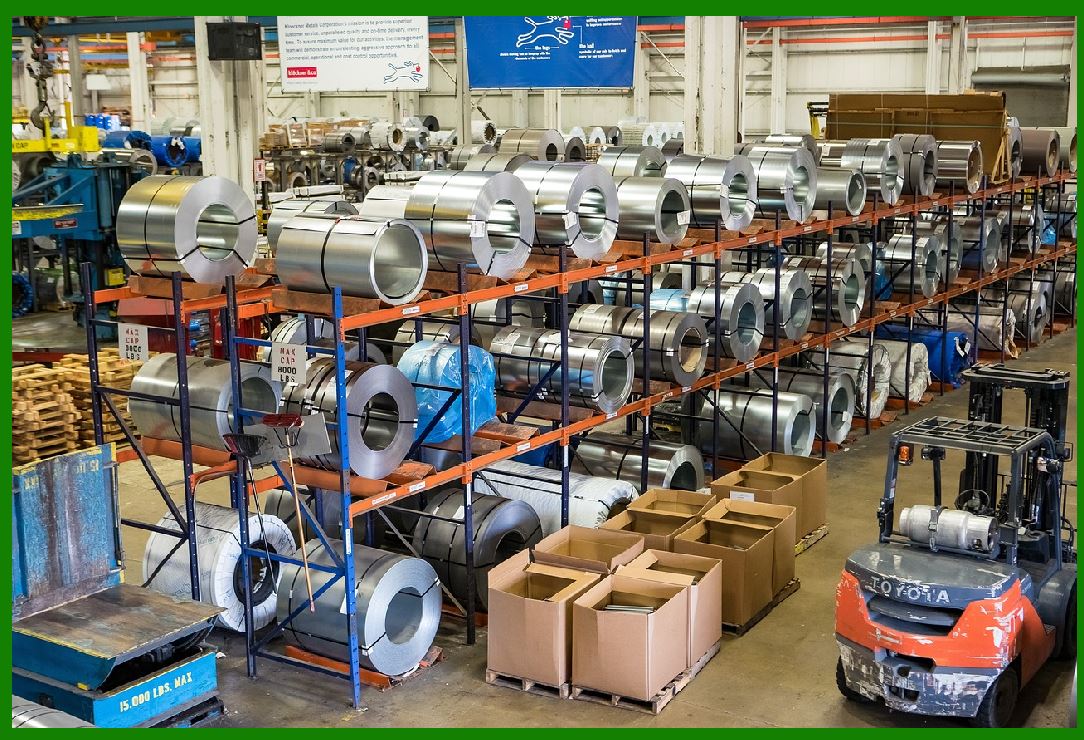
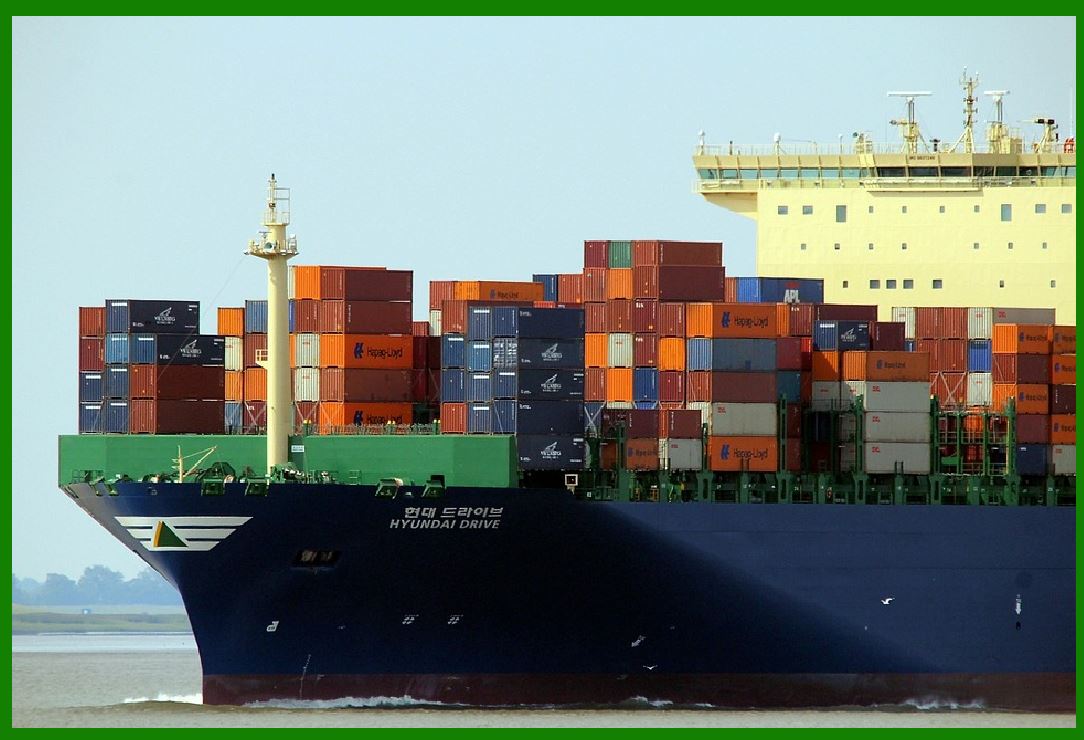
Manufacturing: for tracking inventory and production processes Healthcare: for patient identification and medication tracking Retail: for inventory management and point-of-sale transactions Logistics and Distribution: for tracking shipments and managing supply chains |
b. Compatibility Code 39 barcodes are compatible with most barcode scanners and are supported by many software systems for generating and reading barcodes. This compatibility makes them versatile for use in different environments and applications. |

|
6. Advantages and Limitations |
a. Advantages |
Versatility: Can encode alphanumeric characters and a variety of special symbols. Ease of Printing: Can be printed using standard printers on various surfaces. Widely Supported: Compatible with most barcode scanners and software systems. |
b. Limitations |
Data Density: Compared to some 2D barcodes, Code 39 has lower data density and cannot store as much information in a given space. Error Correction: While it can include a checksum for error detection, Code 39 does not have built-in error correction capabilities. |
7. Security and Usage Considerations |
a. Security Features Code 39 barcodes do not inherently include security features such as encryption or authentication. Additional measures may be required to secure sensitive data encoded in barcodes. |
b. Regulatory Compliance In some industries, such as healthcare and retail, regulatory standards may specify the use of specific barcode formats or require additional information to be encoded (e.g., lot numbers or expiration dates). |
|
8. Future Trends |
a. Integration with Mobile Technology As mobile devices become more prevalent for scanning barcodes, there is a trend towards integrating barcode scanning capabilities into mobile apps and devices. This trend could expand the use of Code 39 and other barcode formats in new applications and industries. |
b. Enhanced Data Integration Advancements in barcode technology may lead to improved data integration capabilities, allowing barcodes to be more seamlessly integrated with other systems and technologies. |

|
Conclusion |
Code 39 barcodes remain a fundamental tool for encoding alphanumeric data in various industries due to their simplicity, versatility, and widespread compatibility. Understanding its components, encoding scheme, physical structure, and applications provides a comprehensive overview of how Code 39 functions as an essential technology for data encoding and tracking purposes. |
 cs@easiersoft.com