The Matrix Unleashed: A Technical Deep-Dive into QR Codes and Their Multispectral Industrial Applications |
Chapter 1 | Introduction - The 2D Renaissance |
Once dismissed as a niche inventory tracker, the Quick Response (QR) code has become a universal data conduit. This article dissects its engineering, error-correction armor, and 40+ industry-specific deployments. |
Chapter 2 | Core Anatomy - Modules and Quiet Zone |
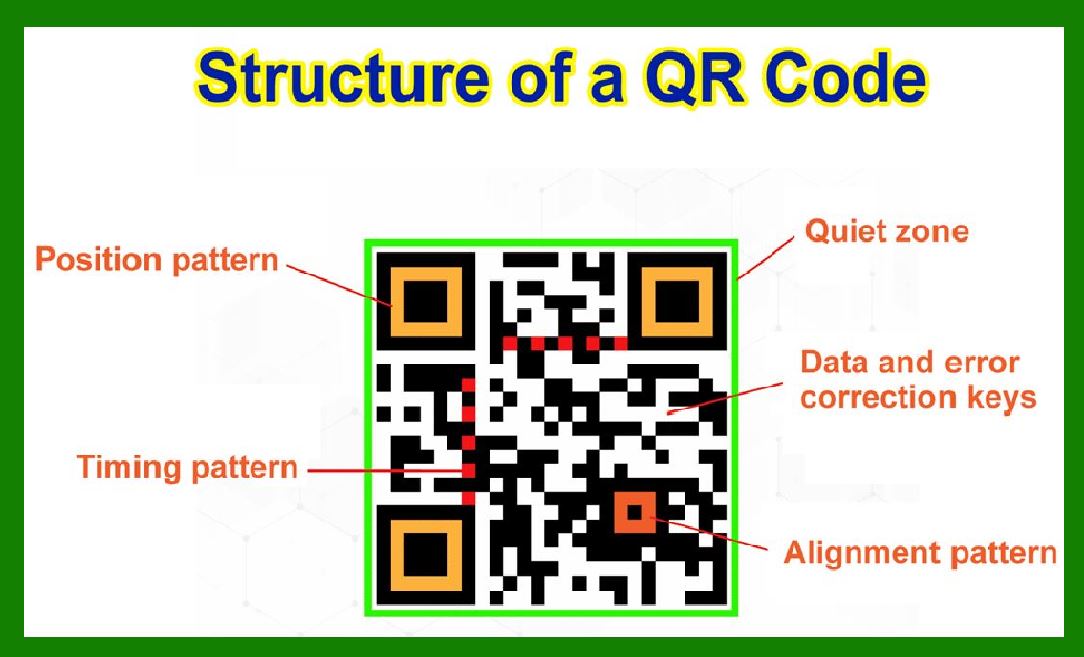
A QR code is a matrix of black/white modules. The quiet zone (blank margin) is mandatory---without it, no decoder can locate the pattern. |
Chapter 3 | Versioning - From 1 to 40 |
Version 1 (21*21 modules) holds 25 alphanumeric chars; Version 40 (177*177) holds up to 4,296 alphanumeric chars. Each version adds 4 modules per side. |
Chapter 4 | Error Correction - The Reed-Solomon Engine |
Four levels: L (7% recovery), M (15%), Q (25%), H (30%). Higher levels allow scanning through damage, logos, or partial occlusion. |
Chapter 5 | Masking - Breaking Destructive Patterns |
A data mask (XOR with predefined patterns) prevents long runs of identical modules that confuse scanners. Eight masks are standard. |
|
Chapter 6 | Format & Version Information - The Map Readers |
Format bits encode error level and mask; version bits (for V>=7) appear near the top-right. These are decoded first. |
Chapter 7 | Alignment Patterns - Distortion Warriors |
For versions >=2, alignment patterns (e.g., 3*3 blocks) correct perspective skew from angled scanning---critical for mobile cameras. |
Chapter 8 | Timing Patterns - The Grid Synchronizer |
Alternating black/white rows/columns between finder patterns enable clock recovery, even with low-resolution sensors. |
Chapter 9 | Data Encoding Modes - Numeric, Alphanumeric, Byte, Kanji |
Numeric compacts 3 digits into 10 bits; alphanumeric (0-9, A-Z, space, $%*+-./:) uses 11 bits per 2 chars; Byte supports UTF-8; Kanji uses 13 bits per character. |
Chapter 10 | Structured Append - Chaining Large Payloads |
Up to 16 QR codes can be concatenated to store >7 KB, used in shipping manifests and medical records. |

|
Chapter 11 | Micro QR - The Tiny Cousin |
Smaller footprint (11*11 to 17*17), only one alignment pattern, used for PCB tracking and small electronics. |
Chapter 12 | Decoding Pipeline - From Image to Bits |
Step: grayscale --> binarization --> finder pattern detection --> perspective correction --> grid sampling --> unmasking --> Reed-Solomon --> output. |
Chapter 13 | Scanner Physics - CMOS vs. Laser |
CMOS imagers decode in any orientation; laser scanners require reflective contrast---hence QR's preference for matte finishes. |
Chapter 14 | Industry 1 - Retail & Point-of-Sale |
Dynamic QR on price tags links to product videos, reviews, and real-time stock. Self-checkout uses QR for loyalty redemption---reducing queue time by 40%. |
Chapter 15 | Industry 2 - Healthcare - Patient Wristbands |
QR encodes medication schedules and allergy alerts with H-level error correction, readable even after sanitization wipes. |

|
Chapter 16 | Industry 3 - Pharmaceutical Anti-Counterfeiting |
Each blister pack has a unique QR with encrypted batch info; scanned at dispensing to verify provenance via blockchain. |
Chapter 17 | Industry 4 - Automotive - Parts Traceability |
Engine components carry laser-etched QR (high-temperature ceramic ink) storing production date, torque specs, and serial---enabling recall precision. |
Chapter 18 | Industry 5 - Aerospace - Maintenance Logs |
QR on aircraft panels links to digital maintenance records; mechanics scan with AR glasses to overlay repair histories. |
Chapter 19 | Industry 6 - Logistics - Smart Parcels |
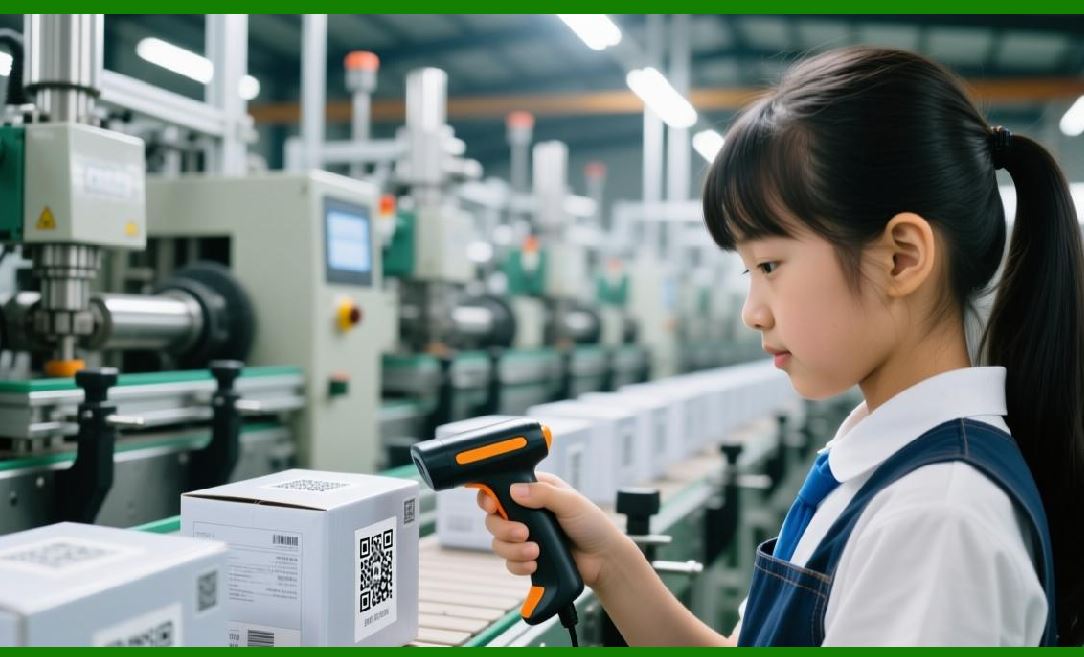
QR replaces paper waybills; sorting hubs read 10,000 codes/minute, routing packages with 99.99% accuracy. |
Chapter 20 | Industry 7 - Food & Beverage - Farm-to-Fork |
QR on produce packs shows harvest GPS, pesticide use, and transit temperature---consumer-facing transparency. |

|
Chapter 21 | Industry 8 - Hospitality - Contactless Menus |
Restaurants use QR for digital menus, with real-time updates on allergens and daily specials---reducing printing waste. |
Chapter 22 | Industry 9 - Events & Ticketing |
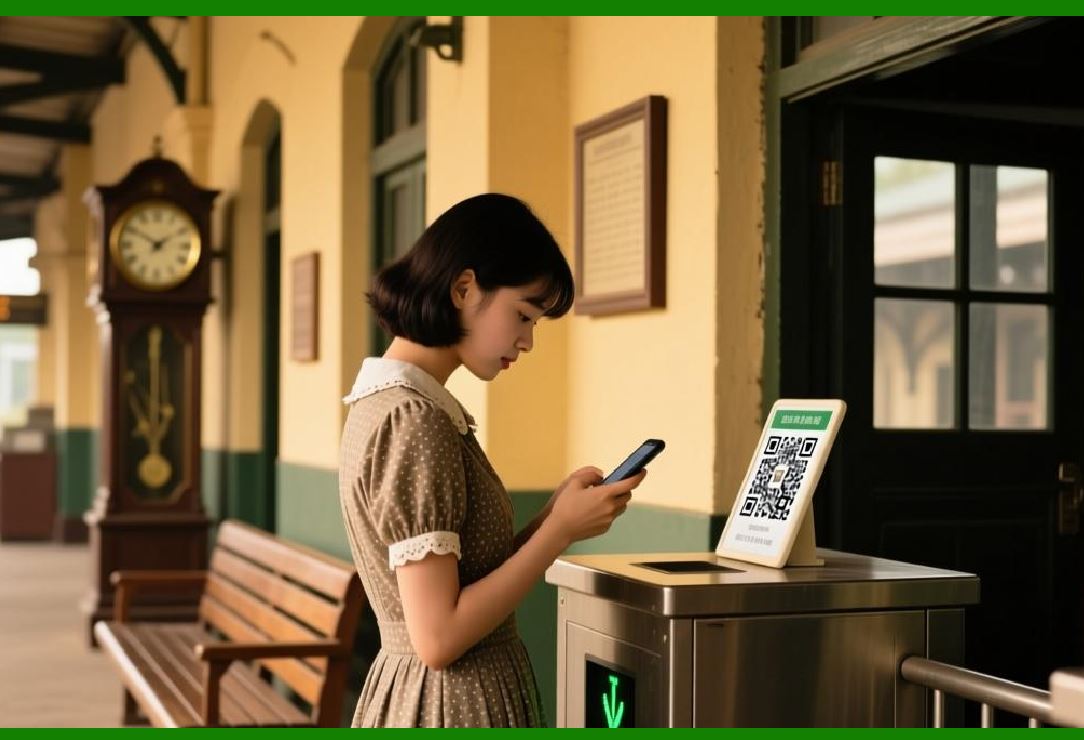
Event QR codes contain encrypted seat and attendee ID; dynamic refresh every 60 seconds prevents screenshot fraud. |
Chapter 23 | Industry 10 - Banking - Secure Peer-to-Peer Payments |
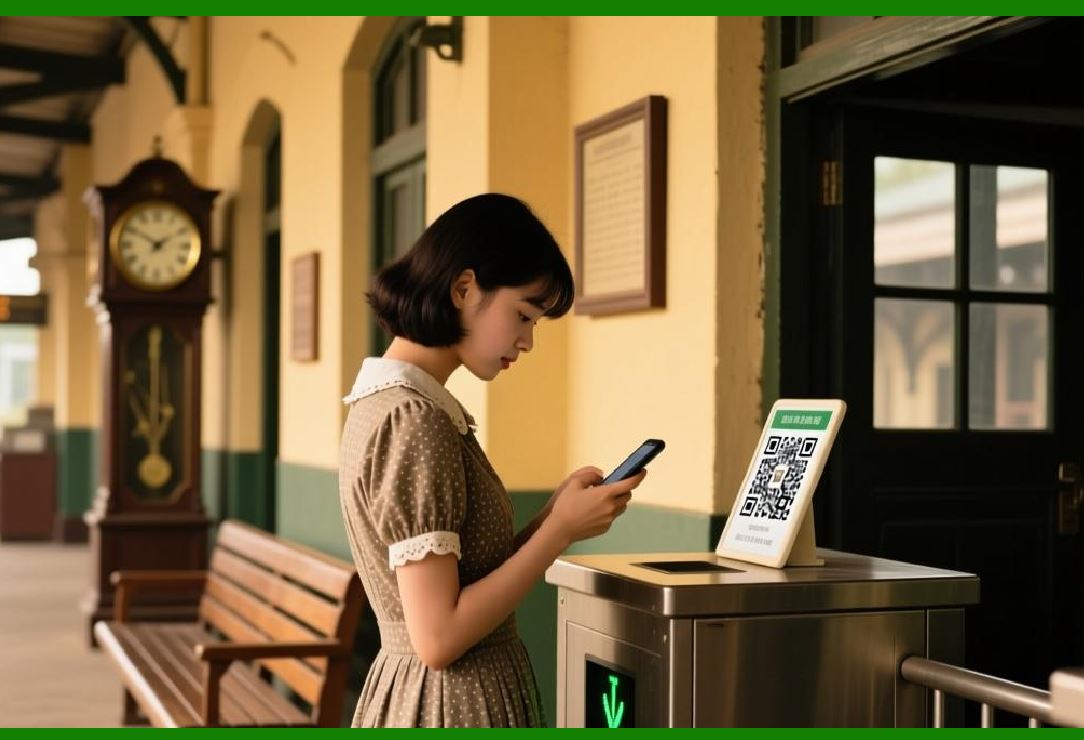
EMVCo-standard QR encodes merchant ID, amount, and currency; offline-capable via cryptograms (e.g., UPI and Alipay). |
Chapter 24 | Industry 11 - Insurance - Claims Processing |
Windshield QR links to policy number and accident location; adjusters scan to auto-populate claim forms. |
Chapter 25 | Industry 12 - Education - Interactive Textbooks |
QR beside diagrams launches 3D animations or quizzes; attendance scanning automates lecture roll calls. |
|
Chapter 26 | Industry 13 - Museums & Galleries - Audio Guides |
QR next to exhibits streams curator narratives in 12 languages---no dedicated hardware required. |
Chapter 27 | Industry 14 - Real Estate - Virtual Tours |
QR on 'For Sale' signs opens AR walkthroughs with floor plans and mortgage calculators. |
Chapter 28 | Industry 15 - Construction - Equipment Check-in |
Heavy machinery QR stores service intervals and operator certifications; daily scans enforce safety compliance. |
Chapter 29 | Industry 16 - Utilities - Meter Reading |
Water/gas meters with QR (weatherproof labels) allow inspectors to scan and upload readings directly to billing systems. |
Chapter 30 | Industry 17 - Waste Management - Bins Tracking |
QR on recycling bins identifies household ID and weight; incentive programs credit points per scan. |
|
Chapter 31 | Industry 18 - Postal Services - E-commerce Returns |
Prepaid return QR eliminates printers---couriers scan and generate shipping labels on the spot. |
Chapter 32 | Industry 19 - Agriculture - Livestock ID |
Ear-tag QR stores vaccination records and breed data; handheld scanners update cloud databases in remote paddocks. |
Chapter 33 | Industry 20 - Railways - Predictive Maintenance |
QR on rail joints links to ultrasonic test reports; maintenance crews scan and log new inspection timestamps. |
Chapter 34 | Industry 21 - Maritime - Container Seals |
QR on container locks carries seal number and loading port; tampering alerts if the code is physically damaged. |
Chapter 35 | Industry 22 - Smart Home - Device Pairing |
Wi-Fi QR (SSID+password) enables one-tap IoT onboarding---used by routers, cameras, and smart bulbs. |

|
Chapter 36 | Industry 23 - Government - Digital IDs |
National ID cards feature QR with signed public key; verification apps read and validate without central database lookup. |
Chapter 37 | Industry 24 - Voting Systems - Voter Verification |
Polling stations use QR on voter slips to match biometric tokens, reducing impersonation. |
Chapter 38 | Industry 25 - Library - Self-Checkout |
Book QR encodes Dewey Decimal and RFID fallback; patrons scan to borrow/return without staff intervention. |
Chapter 39 | Industry 26 - Fitness - Equipment Instructions |
Gym machines display QR linking to video tutorials and personalized workout logs. |
Chapter 40 | Industry 27 - Tourism - Smart Signage |
City-wide QR on bus stops shows real-time arrivals and nearby attractions---offline cached version available. |

|
Chapter 41 | Industry 28 - Fashion - Care Label Digitalization |
Garment QR provides washing instructions, fabric origin, and sustainability score---replacing sewn-in tags. |
Chapter 42 | Industry 29 - Automotive Aftermarket - Parts Authentication |
QR on spare parts compares hologram overlay and encrypted serial to detect counterfeits in secondary markets. |
Chapter 43 | Industry 30 - Telecom - SIM Activation |
QR on SIM card packaging contains ICCID and activation token; users scan to port numbers instantly. |
Chapter 44 | Industry 31 - Legal - Document Signing |
QR on contracts encodes SHA-256 hash of the PDF; scanning verifies document integrity against tampering. |
Chapter 45 | Industry 32 - HR - Onboarding Kits |
New hire welcome packs include QR to pre-fill tax forms and upload ID photos securely. |

|
Chapter 46 | Industry 33 - Emergency Services - Evacuation Maps |
Fire escape route signs carry QR with dynamic floorplan and muster point updates---refreshed via local network. |
Chapter 47 | Industry 34 - Gaming - Toy-to-Life |
Action figures have QR under bases; mobile games unlock exclusive characters and mini-games. |
Chapter 48 | Industry 35 - Environmental Monitoring - Sensor Calibration |
Field sensors expose QR with last calibration date and offset values; technicians scan before deployment. |
Chapter 49 | Industry 36 - Cryptocurrency - Cold Storage Addresses |
Paper wallets display QR of public/private keys (encrypted with passphrase); offline transactions via camera. |
Chapter 50 | Security & Privacy - The Double-Edged Sword |
QR itself carries no executable code---but URL redirection risks phishing. Best practice: use short-lived tokens, domain allowlists, and visual indicators (e.g., color-coded borders per organization). |
|
Chapter 51 | Future - Color QR & High-Capacity |
Multicolor QR (e.g., 4-color CMYK) increases data density by 4*; currently under ISO standardization for vaccine passports and high-resolution medical imaging. |
Chapter 52 | Conclusion - The Ubiquitous Carrier |
Forty versions, four error levels, eight masks, and forty-plus industries---QR's genius lies in simplicity + redundancy. It is not a technology of the past; it is the silent operating system of the physical-digital interface. |
 cs@easiersoft.com