Chapter 55: The Data Bridge - The Role of the Database |
Summary |
In the world of automatic identification, the physical label is only half the story. A barcode or RFID tag is, at its core, a data bridge. The barcode is often a 'license plate' or 'key' to a database. The RFID tag can carry a larger 'license plate' or a richer set of data. The choice depends on whether you need the data on the tag (for offline use) or in the cloud. This chapter explores how these technologies act as keys to unlock information stored elsewhere and the practical implications of this architectural decision across various industries, with a special focus on the enduring legacy and specific technical characteristics of the Code 39 symbology. |

|
1. The Fundamental Concept: The Key and The Lock |
Imagine a library. Each book has a unique call number on its spine. This call number is a simple identifier, much like a barcode. By itself, the call number tells you nothing about the book's plot, its author, or its genre. It is a key. When you take that key to the library's card catalog (or, more likely today, its computer database), it unlocks a wealth of information. You discover the book's title, author, publication date, availability, and even its location on the shelf. |
This is the foundational concept behind the vast majority of barcode and RFID applications. The physical tag, be it a linear barcode or a simple RFID chip, serves as a 'license plate' or a 'key.' Its primary purpose is not to hold all the information about the item it is attached to, but to provide a unique identifier that can be used to retrieve that information from a central database. This is the 'Data Bridge' concept. |
|
1.1 Why a Key |
There are several compelling reasons why this key-to-database model is so prevalent: |
1. Data Capacity: Barcodes, particularly older one-dimensional (1D) symbologies, have a very limited data capacity. A Code 39 barcode, for example, can only reliably hold about 20 to 23 alphanumeric characters . This is enough for a serial number or a product code, but not for a product description, price, manufacturing date, and supplier information. By using a key, the amount of data that can be associated with an item is virtually limitless, constrained only by the size of the database. |
2. Data Centralization and Management: When information is stored in a central database, it can be easily updated. If a product's price changes, the database is updated once, and every scan of that product's barcode across the entire enterprise will instantly reflect the new price. If the data were stored on the tag itself, each individual tag would need to be updated, a logistical nightmare. |
3. Security and Access Control: A central database allows for complex security protocols. You can control who has access to what data, and you can track every query. The key itself can be a simple, non-sensitive number, while the associated data in the database can be a tightly guarded secret. |
4. Network Effects: As discussed in other sections, the true power of track-and-trace systems emerges when data from many points is aggregated. A simple barcode scan at a warehouse, a distribution center, and a retail store can build a comprehensive history of an item's journey. This intelligence is impossible with isolated data on a tag. |
|
2. The Two Branches of the Data Bridge |
While the key-to-database model is predominant, it is not the only model. It represents one end of a spectrum. At the other end is the 'data-on-tag' model. The choice between these two models is a crucial architectural decision that depends on the specific application. |
2.1 The 'License Plate' Approach: Key to Database |
This is the classic barcode model. The tag carries a unique identifier, and the system is reliant on a network connection to a database to make sense of it. |
* How it works: A scanner reads the barcode (e.g., a Code 39 value like 'ABC123'). The scanner or a connected terminal sends that value to a central computer system. The system queries a database and returns all the relevant information associated with 'ABC123'---its description, location, owner, status, etc. |
* When to use: This model is ideal for applications where: |
* A network connection is available at the point of scanning. |
* The cost of the tag must be extremely low. |
* The information is dynamic and needs to be centrally managed. |
* The volume of data is large and variable. |
* Advantages: Extremely low cost per tag (a printed label is pennies or less), centralized management, unlimited data capacity, easy to update information. |
* Disadvantages: Requires a network connection, slower processing time (due to database lookups), the system is useless without the network. |

|
2.2 The 'Data-Carrier' Approach: Data on the Tag |
This is more common with high-capacity 2D barcodes and RFID tags. The tag itself carries a significant portion of the item's information. |
* How it works: A scanner or reader interrogates the tag. The tag responds with its payload of data---perhaps a product name, serial number, lot code, and manufacturing date. The reading device can display this information immediately without needing to query a database. |
* When to use: This model is essential for applications where: |
* Network connectivity is unreliable or unavailable (e.g., in a remote field location, inside a shipping container, or within a hospital operating room). |
* Speed is paramount; a database lookup would introduce an unacceptable delay. |
* The item needs to be 'intelligent' and function autonomously. |
* Advantages: No network dependency, fast read speeds, self-contained, can carry static information like a bill of materials or expiry date. |
* Disadvantages: Higher cost per tag (especially for RFID), limited data capacity compared to a database, data cannot be easily updated once printed or encoded. |
|
2.3 A Hybrid Model |
In modern systems, the lines are often blurred. For instance, an RFID tag may carry a unique serial number (acting as a key) but also have user memory that stores a timestamp or a temperature reading from its environment (acting as a data carrier). The system can then use the serial number to look up product information while simultaneously reading the sensor data directly from the tag. |
This hybrid approach is powerful. It combines the massive data management capabilities of the cloud with the real-time, on-the-ground intelligence of edge devices. This is particularly relevant in the Internet of Things (IoT) and Industry 4.0 paradigms. |
2.4 The Deciding Factor: Online vs. Offline |
The fundamental question in designing an identification system is: 'Will this item need to be understood in a disconnected environment' |
If the answer is yes, or if latency is a critical factor, then encoding data directly on the tag is necessary. For example, an airline baggage tag must be read by sorting machines that may not have a real-time connection to a global database. Therefore, the tag holds the flight number, destination, and passenger details. In retail, however, at the point-of-sale, the system is almost always online. A simple UPC (Universal Product Code) is all that's needed to look up the price, which can be changed and managed centrally. |
|
3. The Workhorse of the Data Bridge: A Deep Dive into Code 39 |
To truly understand the data bridge, we must examine one of its most durable and widely used keys: the Code 39 barcode. This symbology, developed in 1974, wasn't just another barcode; it was a paradigm shift. |
3.1 Why Code 39A Historical Context |
Before Code 39, barcodes were largely numerical. They could encode digits but not letters, severely limiting their utility. They were fine for supermarket checkout, but not much else. Code 39 was revolutionary because it was the first alphanumeric barcode symbology . It could encode numbers (0-9), uppercase letters (A-Z), and several special characters like the dash, period, space, dollar sign, slash, plus, and percent sign . |
This ability to encode letters made it incredibly versatile. For the first time, an item could be tagged with its own model number, a person's initials, a location code, or any meaningful alphanumeric string. This was a game-changer for industries that needed to track complex assets, not just generic retail items. |
Its adoption skyrocketed when it was selected as the standard by the U.S. Department of Defense for the LOGMARS (Logistics Applications of Automated Marking and Reading Symbols) system . For a symbology to be chosen for military logistics, it had to be robust, reliable, and simple. Code 39 met all these criteria and more, cementing its place in industrial history. |
|
3.2 Technical Characteristics and Their Impact |
The technical design of Code 39 dictates its strengths, weaknesses, and, consequently, its suitability for various applications. |
The 'Three of Nine' Principle |
The name 'Code 39' comes from its encoding method. Each character is represented by a pattern of nine elements: five bars and four spaces . Of these nine elements, exactly three are wide and the remaining six are narrow . Hence, 'Code 3 of 9.' A barcode scanner recognizes a character by the unique pattern of its three wide bars and spaces. This is a discrete symbology, meaning there is a gap between characters (the intercharacter gap), making it less susceptible to certain types of printing errors. |
The Self-Checking Property |
One of Code 39's most celebrated features is that it is self-checking . This means that if a single printing defect were to change a wide bar into a narrow one (or vice versa), the resulting pattern would likely be invalid, and the scanner would reject it rather than decode it as a different character. |
This property provides a significant advantage. Because the code is self-checking, a checksum digit is not required . This simplifies the encoding process and reduces the length of the barcode. However, for critical applications, an optional Modulo 43 check digit is often recommended to provide an extra layer of data integrity . |
Low Data Density: The Price of Simplicity |
The primary drawback of Code 39 is its low data density . Because each character requires nine elements, and because it uses wide/narrow encoding, the resulting barcode can become physically very long. As a general rule, a Code 39 barcode is significantly wider than a Code 128 barcode containing the same information . |
The practical implication is that Code 39 is not suitable for applications where label space is limited or where a large amount of data needs to be encoded . It is a license plate, not a document. Its purpose is to carry a short key, not a long paragraph. For applications requiring more data in a smaller space, newer symbologies like Code 128 or 2D codes are preferred. |
Character Set and the 'Extended' Version |
The standard Code 39 character set is limited to 43 characters: digits 0-9, uppercase A-Z, and seven special characters . This is sufficient for many applications but cannot encode lowercase letters or many common punctuation marks. |
To overcome this, the Code 39 Extended (or Code 39 Full ASCII) symbology was developed . It uses two-character combinations of the base Code 39 set to represent the full 128-character ASCII set. For example, a lowercase 'a' is encoded as '+A' . While this allows Code 39 to encode any character, it comes at the cost of even lower data density, as a single ASCII character can now require two Code 39 characters to represent. |
|
3.3 Code 39 in Action: Industry Applications |
Despite its age and limitations, Code 39 remains one of the most widely used barcodes in the world, particularly in non-retail environments . Its longevity is a testament to its robustness, simplicity, and the fact that virtually every barcode scanner on the planet can read it . Let's look at how its technical characteristics influence its application in specific sectors. |
1. Defense and Government (LOGMARS) |
The U.S. Department of Defense's LOGMARS system is perhaps the most famous application of Code 39 . It standardized the use of Code 39 for marking military shipments, equipment, and assets. |
The Key's Job: A Code 39 barcode on a piece of military equipment serves as its unique National Stock Number (NSN) or a serial number. It is a pure key. |
The Database: The connected database contains a comprehensive history of that asset: its maintenance records, deployment history, test results, and configuration details. |
Why Code 39The military needed a symbology that was robust, reliable, and could be printed on a variety of surfaces using different methods. Code 39's self-checking property and wide scanner compatibility were critical. The limited data capacity was not an issue, as the barcode only needed to be a key to the vast military logistics databases that hold all the important information. The ability to encode alphanumerics was key for using existing military identification numbers. The data is almost entirely online, managed from a central command. |
|
2. Automotive Industry (AIAG) |
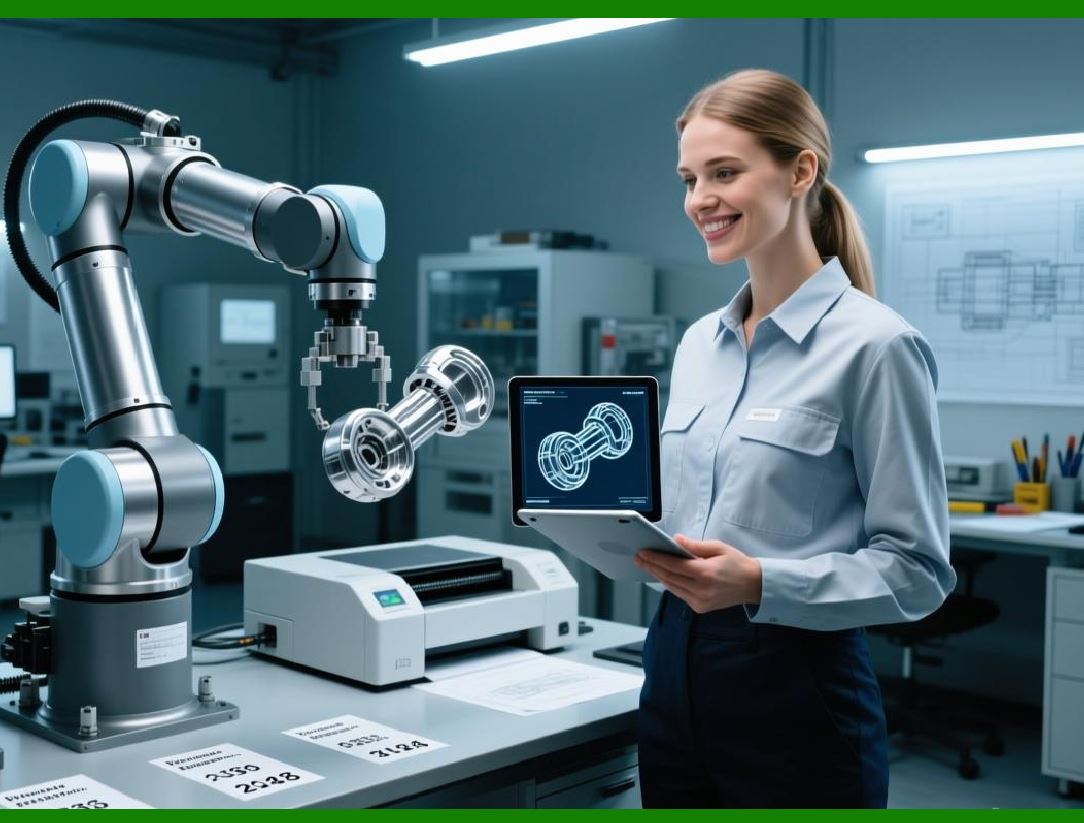
The Automotive Industry Action Group (AIAG) has long used Code 39 as a standard for parts identification and labeling . From a tiny bolt to a complex engine block, parts moving through the automotive supply chain are often labeled with Code 39. |
The Key's Job: The barcode identifies the specific part number, supplier, and batch/lot code. |
The Database: When a part is scanned at a factory, the system pulls up its specifications, bill of materials, inspection data, and shipping history. |
Why Code 39The automotive supply chain is highly distributed, with parts being manufactured by hundreds of suppliers and assembled by a handful of OEMs. Code 39 was chosen for its widespread compatibility. A supplier in Japan, a logistics provider in Mexico, and an assembly plant in the US could all read the same Code 39 label with their standard scanning equipment. The fact that it can be printed on durable, industrial labels for harsh environments is also a plus. The system is generally online, relying on databases to track inventory in real-time, preventing assembly line stoppages . |
|
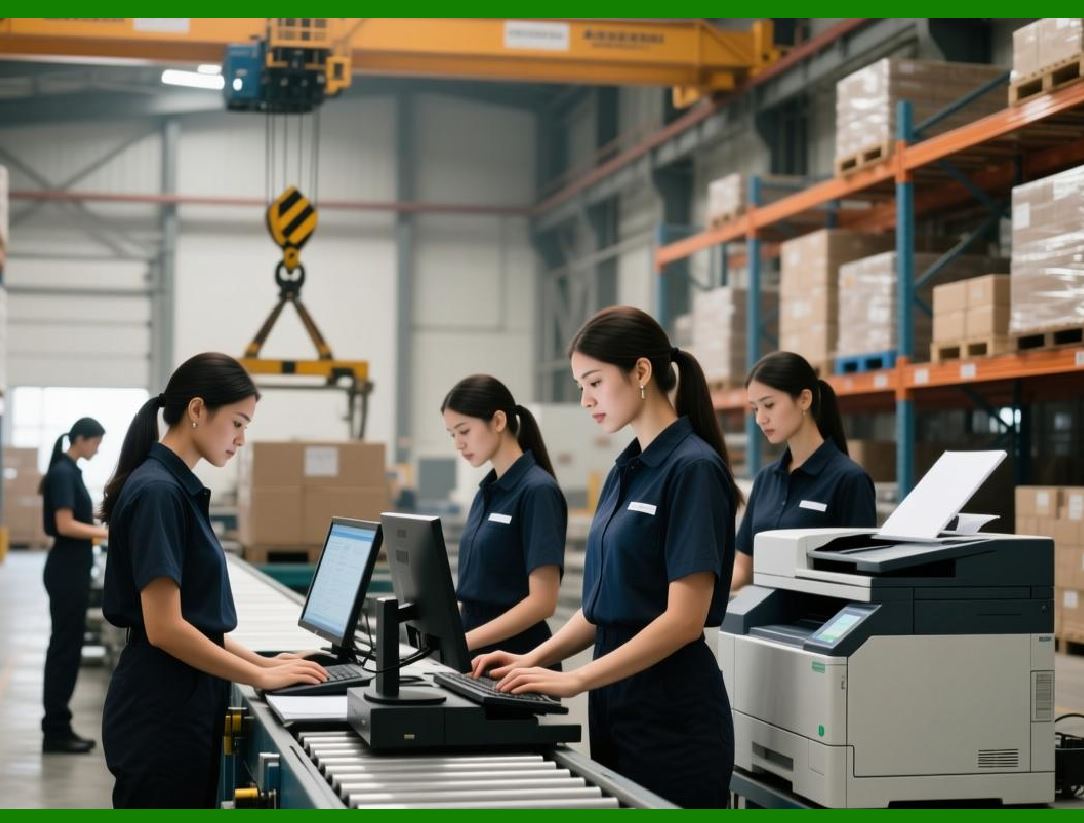
3. Healthcare |
In the medical field, patient safety is paramount, and track-and-trace systems are critical. Code 39, along with HIBC (Health Industry Business Communications Council) standards, has been a cornerstone of medical device tracking . |
The Key's Job: A Code 39 label on a medical device packaging serves as a key to a database that contains device details, expiration dates, and sterilization data. In some patient identification wristbands, Code 39 encodes the patient's medical record number. |
The Database: The hospital's central system links the patient ID to their medical history, allergies, and current treatment plan. For implants, the database holds the manufacturer's specifications and recall data. |
Why Code 39The healthcare environment, like the military, values reliability and universality. Older hospital equipment may only have readers capable of scanning Code 39. Its simplicity and ability to encode letters made it suitable for patient records. However, the industry is now rapidly transitioning to 2D barcodes (like Data Matrix) and RFID for Device Identification (UDI) due to their higher density, allowing more data to be stored on the tag itself for 'offline' safety in emergency or operating room settings where network access may be unreliable . |
|
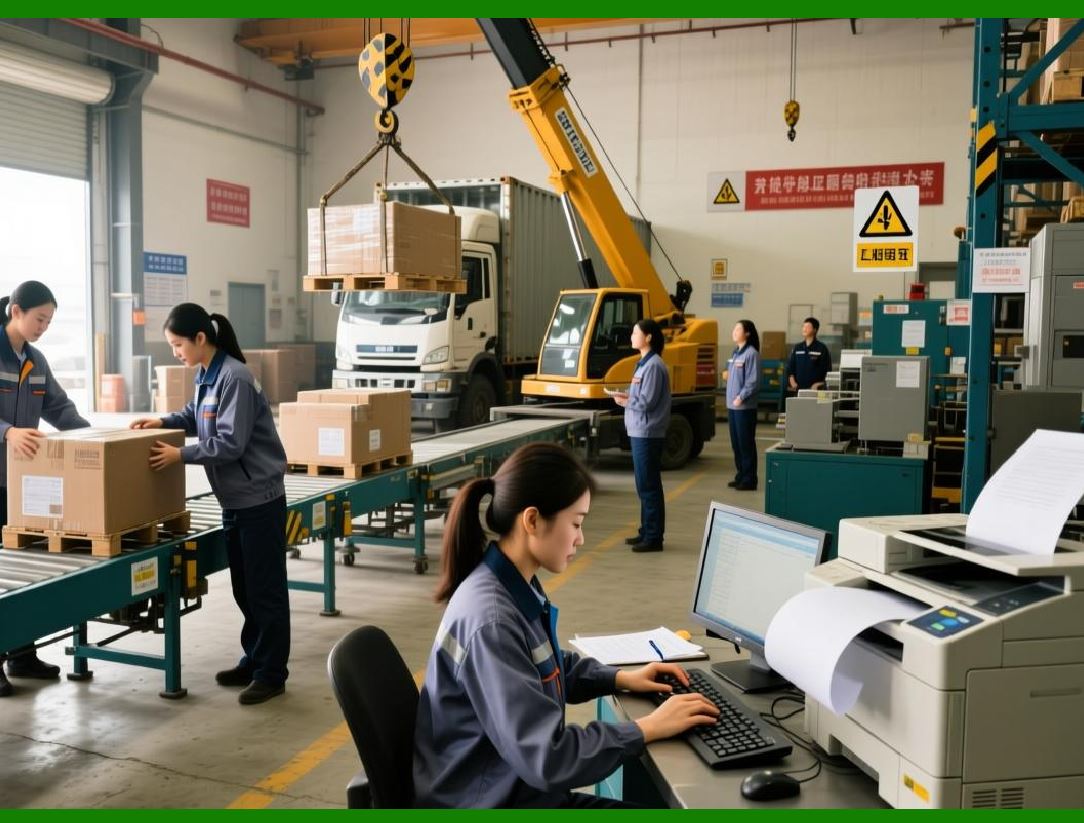
4. Electronics Manufacturing |
In electronics, tracking components through a highly complex and iterative manufacturing process is essential for quality control. |
The Key's Job: A Code 39 label on a printed circuit board (PCB) or a component reel contains a batch number or work-in-process (WIP) tracking number. |
The Database: The system tracks the component through each step of the assembly line---soldering, testing, and final assembly. If a particular batch of chips is found to be faulty, the database can identify exactly which finished products contain those chips. |
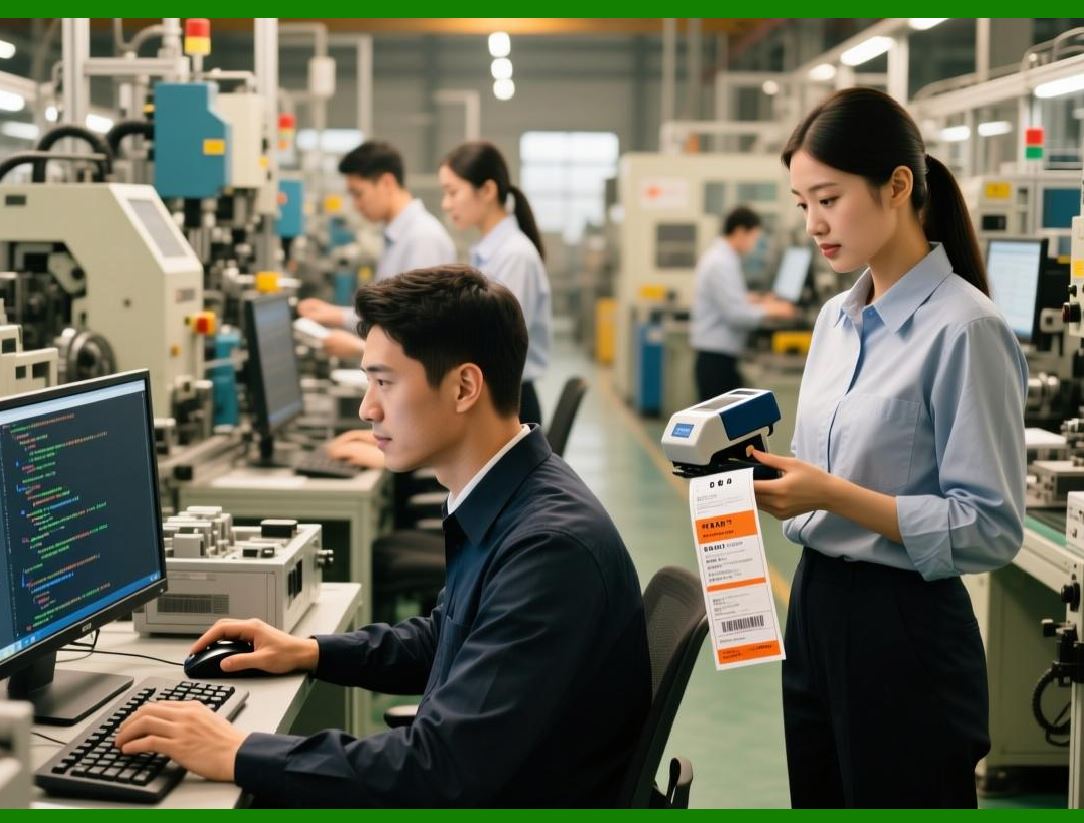
Why Code 39It is simple to generate and easy for basic barcode scanners used on the manufacturing floor to read. The code is used in an online environment where workers are scanning items at fixed stations on a network. The low-density is not an issue because the code is short and the labels are printed on a standard, static-free label. |
|
5. Libraries and Document Management |
Libraries were some of the earliest adopters of Code 39 for tracking books and other media . |
The Key's Job: The barcode on the back of a book is its accession number or ISBN (International Standard Book Number). |
The Database: The library's catalog system links this key to the book's title, author, publication date, and, most importantly, its circulation status (available, checked out, on hold, etc.). |
Why Code 39A library is the perfect environment for the key-to-database model. Every checkout and return is performed at a terminal with a network connection. The database is the 'brain' of the library. Code 39's ability to encode alphanumerics is useful for encoding ISBNs which contain both letters and numbers, and its low cost is ideal for a system that may need to label hundreds of thousands of items. |
|
4. Case Studies: The Data Bridge in Action |
To see these concepts in practice, let's examine a few real-world scenarios that demonstrate the power of the data bridge. |
4.1 Healthcare: Enhancing Medical Device Traceability |
In a modern catheterization laboratory, a patient is about to undergo a complex cardiovascular procedure that requires the use of numerous disposable medical devices like stents, catheters, and balloons. Tracking these high-value, single-use devices is critical for patient safety, particularly in the event of a product recall . |
The System: This lab has implemented a sophisticated integration of GS1 barcodes (which can be Code 39 or Code 128-based) and RFID technology . |
The Data Bridge in Action: |
1. Arrival: When medical devices arrive at the hospital, staff use a reader to scan the GS1 barcode on the product's packaging. This barcode acts as a key. The system queries the hospital's medical device master database, pulling up the product name, description, lot number, and expiration date. |
2. Enrichment: The system then writes this rich data onto a new RFID tag which is physically attached to the individual device packaging. The RFID tag now acts as a data-carrier for the procedure, storing the lot number and expiration date onboard. |
3. In the Lab: During the procedure, as the clinician uses each device, they simply wave the packaged item near an RFID reader. Because the tag holds the key data, the system can instantly log its usage in real-time without needing a line-of-sight scan or a time-consuming database query for every item. This speed and accuracy are critical in a sterile, fast-paced environment. The data is then automatically added to the patient's medical record and the hospital's inventory system. |
Why this matters: This hybrid model is the epitome of the data bridge. It uses the barcode (the key) to populate the RFID tag with the necessary data. During the procedure, the RFID tag acts as a self-contained data carrier, enabling fast, reliable, offline use in a critical environment. The system showed a mean Kendall's rank correlation coefficient of 0.95 in capturing the order of device usage, demonstrating high accuracy . |

|
4.2 Retail Apparel: Achieving Inventory Nirvana |
Perry Ellis International, a global fashion brand, faced a common retail problem: inaccurate inventory . They didn't know what was actually in their stores, leading to lost sales from out-of-stock items and inefficient operations. |
The System: They deployed a comprehensive RFID solution integrated with their ERP system. |
The Data Bridge in Action: |
1. Tagging: Every item of clothing is tagged at the source with an RFID tag. This tag has a unique Electronic Product Code (EPC), which is a key. |
2. The Database: The brand's central system links this EPC to a rich set of data: the product's SKU, style, color, size, and location in the supply chain. |
3. In the Store: Store associates use handheld RFID readers to perform inventory cycle counts. Instead of laboriously scanning individual barcodes, they can sweep the reader across a rack and instantly read dozens of EPCs. This data is sent to the cloud-based database, which instantly updates the inventory counts. |
The Outcome: The store counts went from once a year to once a week, achieving near-perfect real-time inventory accuracy . This allowed for better omnichannel fulfillment (knowing if an item is in-store to fulfill an online order), reduced out-of-stocks, and empowered store associates with immediate information to help customers. |

|
4.3 Retail Grocery: Tackling Food Waste |
Food waste is a massive global problem. Walmart identified that RFID technology, while excellent for apparel, struggled in the chilled, moist environments of meat cases, bakeries, and delis . |
The System: Walmart and Avery Dennison collaborated on a new sensor-enabled RFID label that could withstand these harsh conditions . The labels are printed with both 2D barcodes and RFID. |
The Data Bridge in Action: |
1. Intelligent Tagging: Each RFID tag is serialized with a unique identification number. This number isn't just a product code; it can encode an expiration date. The tag itself holds a key piece of critical data (the 'best by' date). |
2. The Database: The RFID tag's serial number is linked to a database that knows when the product was packaged, which facility it came from, and its expected shelf life. |
3. In the Store: An associate with a handheld reader can take inventory of the entire dairy section in seconds. More importantly, because the RFID tag can potentially communicate real-time data about its condition, or because the system knows which specific 'use-by' dates are on the floor, the store can identify which items are about to expire. This allows them to 'pick and rotate' stock, apply dynamic markdowns to move items before they spoil, and drastically reduce waste . |
Why this matters: This case shows the evolution of the data bridge. The RFID tag is both a key (for the database) and a data carrier (holding the expiry date). It allows for granular tracking at the item level, which is a game-changer for perishable goods. Walmart is working to achieve a 50 percent reduction in operational food waste by the decade's end, with this technology being a key driver . |

|
4.4 Warehouse Logistics: The Paperless Revolution |
In a high-volume third-party logistics (3PL) warehouse, speed and accuracy are everything . Traditionally, workers used paper pick lists and manually recorded inventory movements, leading to errors and delays. |
The System: The warehouse modernized by deploying rugged handheld PDAs (like the Winmate MC432) and integrated them with Electronic Shelf Labels (ESL). |
The Data Bridge in Action: |
1. Receiving: A delivery arrives. The worker scans the barcode on the incoming cartons using the PDA. This key is sent to the Warehouse Management System (WMS) database. |
2. The Database: The WMS instantly verifies the goods against the expected shipment (ASN) and assigns a storage location. |
3. Put-away: The worker scans the location barcode to confirm the shelf. The ESL updates automatically to show the new item count and SKU. |
4. Picking: An order is received. The WMS sends a task to the worker's PDA, guiding them to the correct shelf. The ESL at that location flashes to help them find it instantly. They scan the item's barcode to verify they have the right product, confirming the pick. |
5. Real-Time Updates: Every scan instantly updates the WMS. Inventory is always accurate. There is no paperwork to lose, transcribe, or interpret. All data is seamlessly captured in the digital bridge, enabling real-time visibility for the 3PL and its clients. |
Why this matters: This demonstrates the pure 'key-to-database' model at its finest. It is entirely online, incredibly fast, and uses the barcode as a simple, reliable key to trigger complex, automated actions in a central system. It eliminates data latency, the gap between the physical action and the digital record, which was the bane of paper-based systems. |
|
5. Detailed Summary |
The data bridge is the invisible architecture that makes automated identification systems valuable. It is the conceptual link between the physical world of atoms and the digital world of bits. |
5.1 Core Principles Recap |
1. The Key: A barcode (like Code 39) or an RFID tag's primary function is often to serve as a unique identifier. |
2. The Database: The identifier unlocks a treasure trove of information stored in a computer database. This model is called the 'license plate' approach. |
3. Online vs. Offline: The choice between storing data on the tag or in the cloud is determined by the application's need for offline access. 'Online' systems rely on a network connection for every scan, while 'offline' systems encode data directly onto the tag. |
4. The Hybrid Model: The most advanced systems combine both approaches, using a simple key for cloud-based management while encoding critical, dynamic data (like sensor readings or expiry dates) on the tag itself. |

|
5.2 The Distinct Role of Code 39 |
Code 39 is the veteran of the barcode world. Its technical characteristics have shaped its application landscape for over five decades. It is a robust, self-checking, alphanumeric 'license plate.' |
Strengths: Simple, reliable, universally compatible with all scanners, self-checking, and can encode alphanumeric characters. |
Weaknesses: Low data density, resulting in large barcodes; cannot encode lowercase letters or the full ASCII set without a less efficient 'Extended' version. |
Impact on Industries: |
In Defense (LOGMARS) and Automotive (AIAG): Its reliability and alphanumeric capability made it a standard for identifying complex assets in online systems that rely on vast back-end databases. |
In Healthcare: It provided a simple, universal standard for patient ID and device tracking but is now being supplanted by higher-density symbologies and RFID for more complex, safety-critical applications. |
In Libraries and Electronics: Its simplicity and low cost make it ideal for high-volume, low-information tracking in online systems. |

|
5.3 The Future of the Data Bridge |
The core principle of the data bridge---using a physical mark as a key to digital information---is as relevant as ever. However, the technology is evolving in several key directions: |
1. The Rise of 2D Barcodes: QR codes and Data Matrix are becoming increasingly prevalent. They can be scanned by smartphones, store significantly more data (can function as a data carrier), and are more robust in harsh environments. They are becoming the new standard for everything from consumer marketing (QR codes linking to websites) to medical device UDI requirements. |
2. RFID Expansion: As the cases of Perry Ellis and Walmart show, RFID is moving beyond apparel and into general retail, food, and logistics. Its 'batch read' capability and line-of-sight independence make it a superior data bridge in many high-volume or obscured-item applications. The next wave includes sensor-enabled RFID that can report on the environmental history of the tag, turning it into an intelligent data bridge that reports on condition, not just identity. |
3. AI and Cloud Integration: Data bridges are becoming smarter. The information they unlock is no longer just static records. With Generative AI, a scan can now generate a report, trigger a predictive maintenance alert, or provide a real-time recommendation to a worker based on historical patterns . The database is no longer just a repository; it is an intelligence engine. |
4. Unified Identification Standards: Standards like GS1 are creating a global language for the data bridge. By ensuring that identifiers are unique and data structures are consistent, they are enabling unprecedented visibility and interoperability across global supply chains, from a farm in Brazil to a retail store in Japan. |
|
In conclusion, the data bridge is the brain of the automatic identification industry. Whether it's a simple Code 39 barcode acting as a cheap and reliable key for a library book or a sophisticated RFID tag carrying an electronic pedigree for a medical implant, the principle is the same: bridging the gap between the physical object and its digital identity. As technology evolves, this bridge will only become more robust, intelligent, and essential to the functioning of our modern world. |
 cs@easiersoft.com