Chapter 79: The Evolution of Reader Technology - Solid-State LiDAR |
Summary for the Busy Reader |
This chapter examines the next frontier in barcode reading: the integration of solid-state LiDAR (Light Detection and Ranging) technology. Unlike traditional readers that capture a 2D image, a LiDAR-based reader generates a three-dimensional point cloud of the target surface. This capability allows the reader to 'see' the geometry of a barcode, enabling it to accurately decode symbols printed on curved, warped, or uneven surfaces - a task that often challenges conventional imaging. The chapter explores the fundamental shift from 2D imaging to 3D surface reconstruction, anchors these advancements within the context of the enduring Code 39 symbology, and provides a detailed survey of real-world applications across multiple industries, from logistics to healthcare. The goal is to demonstrate how this evolution promises to make barcode reading more robust, reliable, and versatile in the face of complex real-world conditions. |
|
1. Introduction: The Limitations of a Flat View |
For decades, the humble barcode has been the silent workhorse of global commerce and industry. From the moment a cashier scans a can of soup to the complex tracking of a jet engine component, these linear patterns of black and white have provided a simple, reliable method for identifying objects. The underlying principle is straightforward: a reader shines a light on the code, and a sensor detects the reflected light intensity, translating the pattern of bars and spaces into data. |
However, this traditional method has a fundamental limitation: it relies on a 2D, planar interpretation of the world. The reader assumes the code is flat and printed on a flat surface. When a barcode is wrapped around a curved cylinder, printed on a wrinkled package, or stamped onto an uneven piece of metal, the simple 'flat view' breaks down. The distortion makes the code difficult or impossible for a conventional scanner to read, leading to bottlenecks, manual intervention, and operational inefficiencies. |
This is where the next generation of reader technology steps in. By moving from a flat, camera-like perspective to a full three-dimensional understanding of the barcode's surface, we are on the cusp of a revolution in automatic identification. This chapter explores one of the most promising technologies leading this charge: Solid-State LiDAR. |

|
2. The Fundamentals of LiDAR in Barcode Reading |
2.1. What is LiDAR |
LiDAR, which stands for Light Detection and Ranging, is a remote sensing technology that measures distance by illuminating a target with a laser and analyzing the reflected light. Think of it as radar, but using light waves instead of radio waves. A LiDAR system emits rapid pulses of laser light. These pulses travel outward, hit an object, and bounce back to a sensor. By precisely measuring the time it takes for the light to return, the system can calculate the exact distance to the object. |
This simple principle is not new. It has been used for decades in applications like topographic mapping, autonomous vehicle navigation, and atmospheric studies. However, recent advancements in technology have made LiDAR systems smaller, cheaper, and more robust - paving the way for their integration into industrial barcode readers. |
2.2. Solid-State LiDAR: The Game Changer |
Historically, LiDAR systems were large, expensive, and mechanically complex. They relied on spinning mirrors and rotating assemblies to scan a laser beam across a scene. While effective, these mechanical parts are susceptible to wear and tear, making them less suitable for a rugged, high-volume industrial environment. |
Solid-state LiDAR represents a paradigm shift. As the name suggests, this technology has no moving parts. Instead, it uses advanced micro-electromechanical systems (MEMS) or optical phased arrays to steer the laser beam electronically. The benefits are profound: |
* Durability: With no moving parts, solid-state LiDAR is inherently more robust and less likely to fail in harsh industrial settings. |
* Size and Cost: These systems are much smaller and cheaper to manufacture, making them commercially viable for widespread deployment. |
* Speed: The electronic steering of the beam allows for incredibly fast scanning, generating dense 3D data in milliseconds. |
2.3. From 2D Pixels to a 3D Point Cloud |
The key output of a solid-state LiDAR system is a point cloud. Imagine throwing a handful of tiny, glowing confetti at an object. Each piece of confetti would hit the surface at a specific point. If you measured the exact three-dimensional coordinates of every single piece of confetti, you would have a point cloud. |
In the context of barcode reading, a point cloud is a dense, three-dimensional map of the barcode's surface. It not only records the 'black' and 'white' areas (the reflectivity data) but also captures the physical shape and contour of the label, the package, and the product itself. This is a monumental leap forward from the traditional 2D image, which is essentially just a flat grid of colored pixels. |

|
3. The Core Advantage: Reading the Unreadable |
The primary reason for adopting solid-state LiDAR in readers is its ability to handle what we might call 'problematic' barcodes - the ones that fail or frustrate traditional scanners. The point cloud data allows the reader to reconstruct the true geometry of the code on a three-dimensional surface. |
3.1. Decoding Warped and Curved Surfaces |
Imagine a barcode on a cylindrical can of food. When a traditional scanner looks at the can, it sees the central bars clearly, but the bars near the edges are distorted. They appear curved and compressed because the 2D sensor is trying to flatten a curved surface. |
A LiDAR reader, however, doesn't need to flatten the can. It builds a 3D point cloud of the surface, effectively creating a 'digital replica' of the barcode in all its cylindrical glory. The software can then 'unwrap' this 3D model - mathematically projecting the points onto a flat plane to restore the code to its original design . The result is a clean, undistorted image of the barcode that can be decoded perfectly, regardless of the label's curvature. |
3.2. Handling Uneven and Damaged Surfaces |
The same principle applies to other common problem scenarios. A package might have a wrinkled label, or the code might be embossed, meaning it has raised or recessed characters . In these cases, the surface is not flat, but a 3D map can be used to 'flatten' the material or extract the pattern of raised areas. This makes point cloud decoding particularly useful for reading codes that are not printed but are physically embossed or stamped directly onto metal or plastic parts . |
|
4. The Enduring Workhorse: Code 39 in Context |
Before we delve into the exciting applications of 3D readers, it is essential to understand the symbology they are often tasked with reading. While new symbologies like Data Matrix and QR codes are increasingly common, the 1D barcode, and specifically Code 39, remains a global standard. |
4.1. A Brief History and Technical Profile |
Developed in 1974 by Intermec Corporation, Code 39, also known as Code 3 of 9, was a revolutionary symbology because it was the first to encode both numbers and letters . Its name comes from its basic structure: each character is represented by a pattern of nine elements (five bars and four spaces), three of which are wide and the other six are narrow . |
Its core technical features are: |
* Alphanumeric Character Set: Code 39 can encode 43 characters, including digits 0-9, uppercase letters A-Z, and several special characters like space, period, and dash . A variant, Code 39 Extended, can encode the full ASCII character set, though it does so by using two-character pairs, which significantly reduces data density . |
* Self-Checking Property: One of Code 39's most robust features is that it is self-checking. The way the bars and spaces are designed makes it highly unlikely for a single printing error to change one valid character into another . If a bar is too thick or thin, the decoder will recognize it as an invalid pattern and reject it, rather than misreading it as a different character. |
* Variable Length: Code 39 barcodes can be any length, making them flexible for different needs . |
* Optional Checksum: While not required, a Modulo 43 check digit can be added to provide an extra layer of security against reading errors . |
|
4.2. Strengths and Limitations |
The primary strength of Code 39 is its simplicity and widespread adoption . It is universally supported by virtually every barcode reader ever made. This ubiquity is its superpower. |
However, its core technical strengths also define its weaknesses. |
* Low Data Density: Because each character uses a fixed pattern of nine elements and requires a gap between characters, Code 39 is inefficient. A Code 39 barcode is much longer than a Code 128 barcode encoding the same information . |
* Space Consumption: This low density means that as you add more data, the barcode becomes increasingly long, which can be a problem when space on a label is limited . |
|
4.3. Legacy and Persistence in Industry |
Despite its limitations, Code 39 is deeply entrenched in many industries for specific, and often mandated, purposes. |
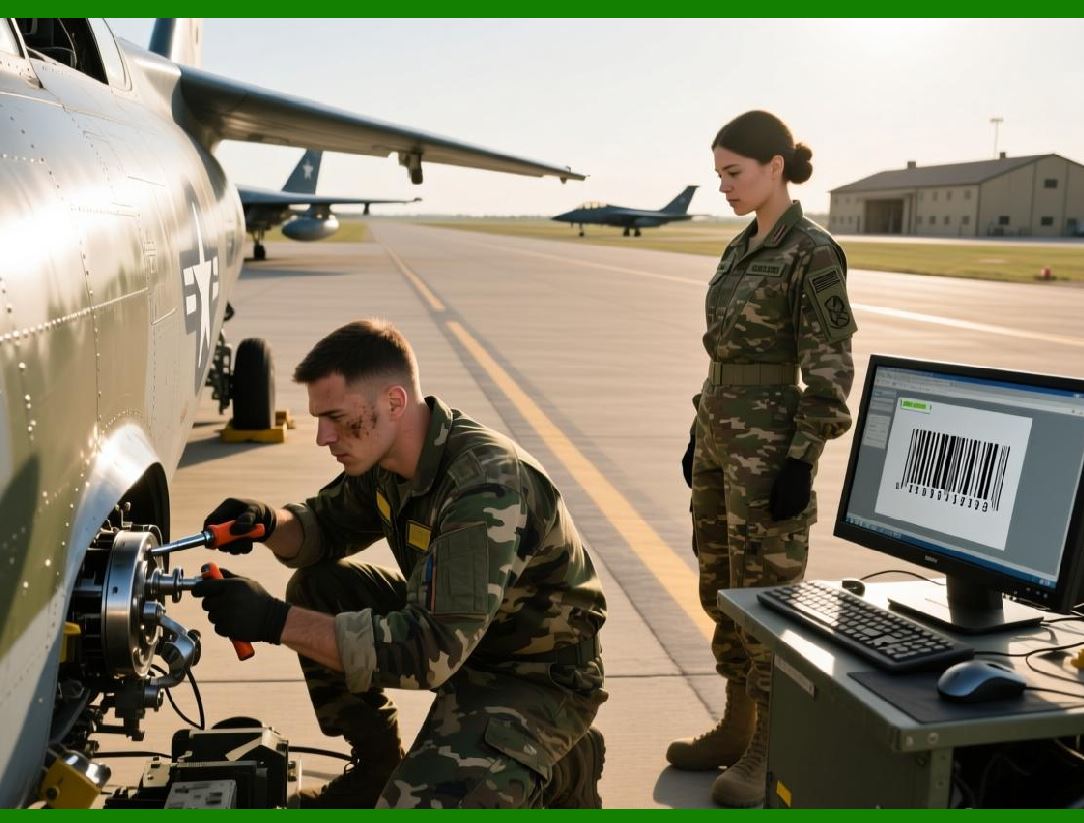
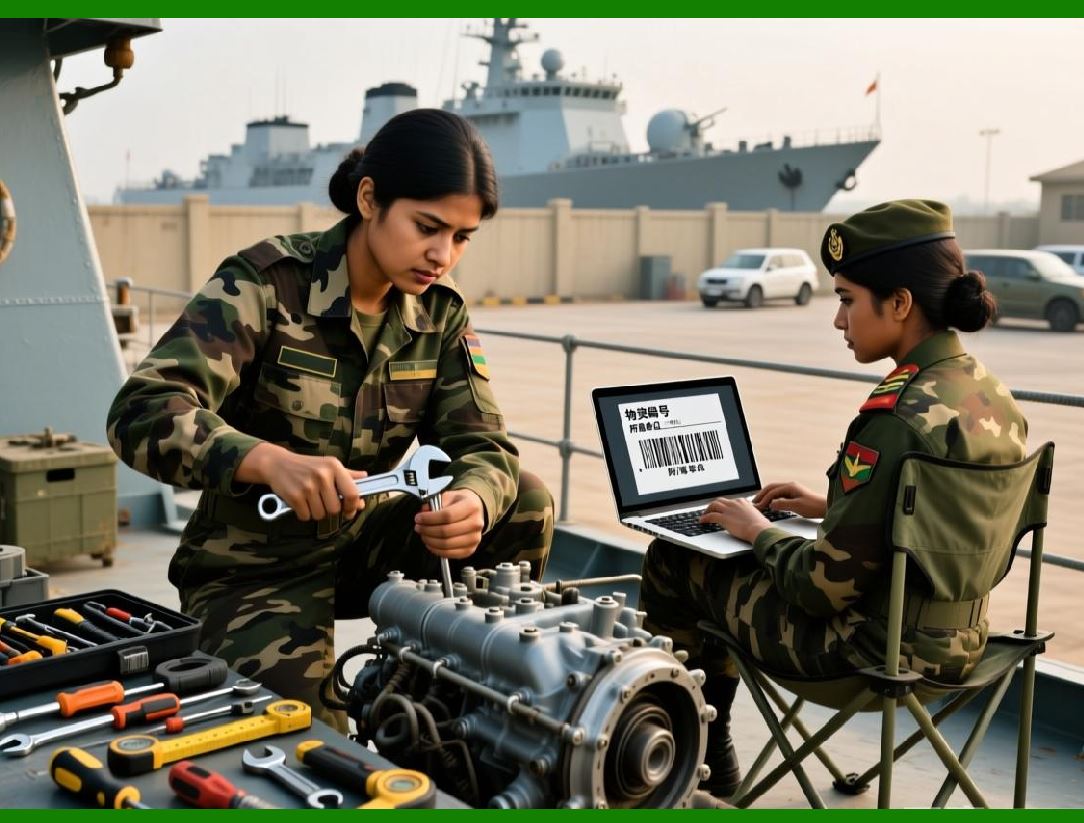
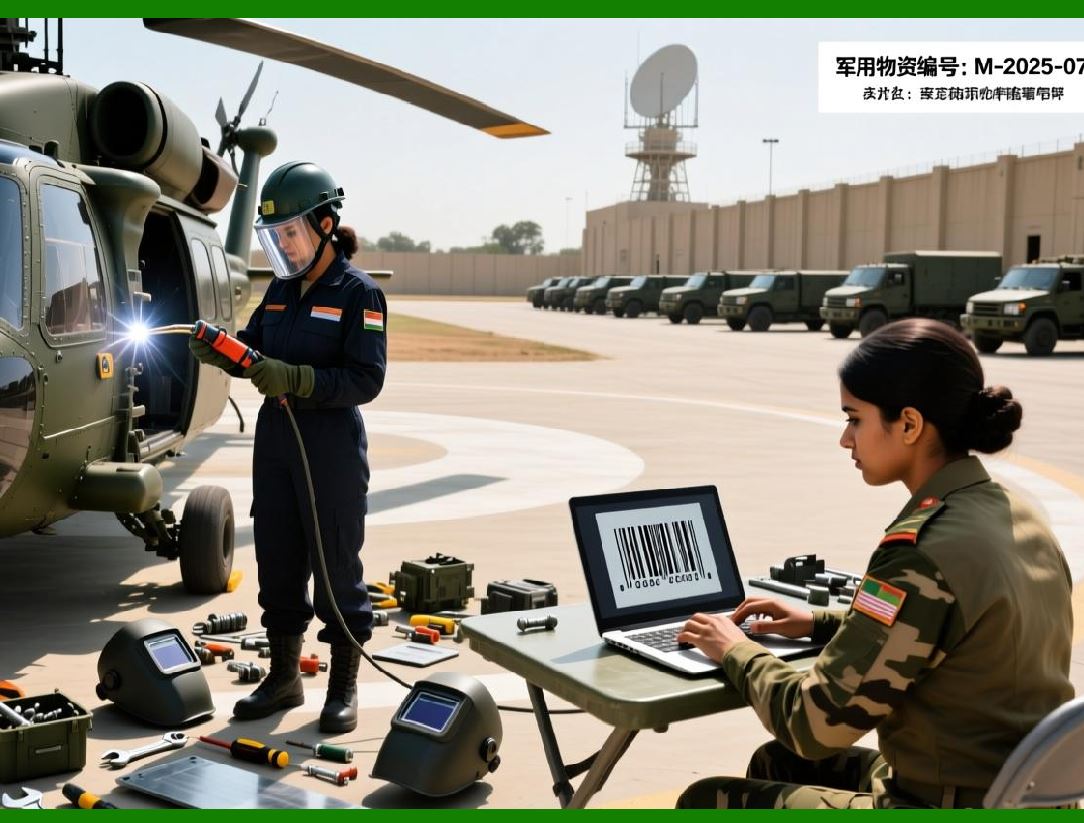
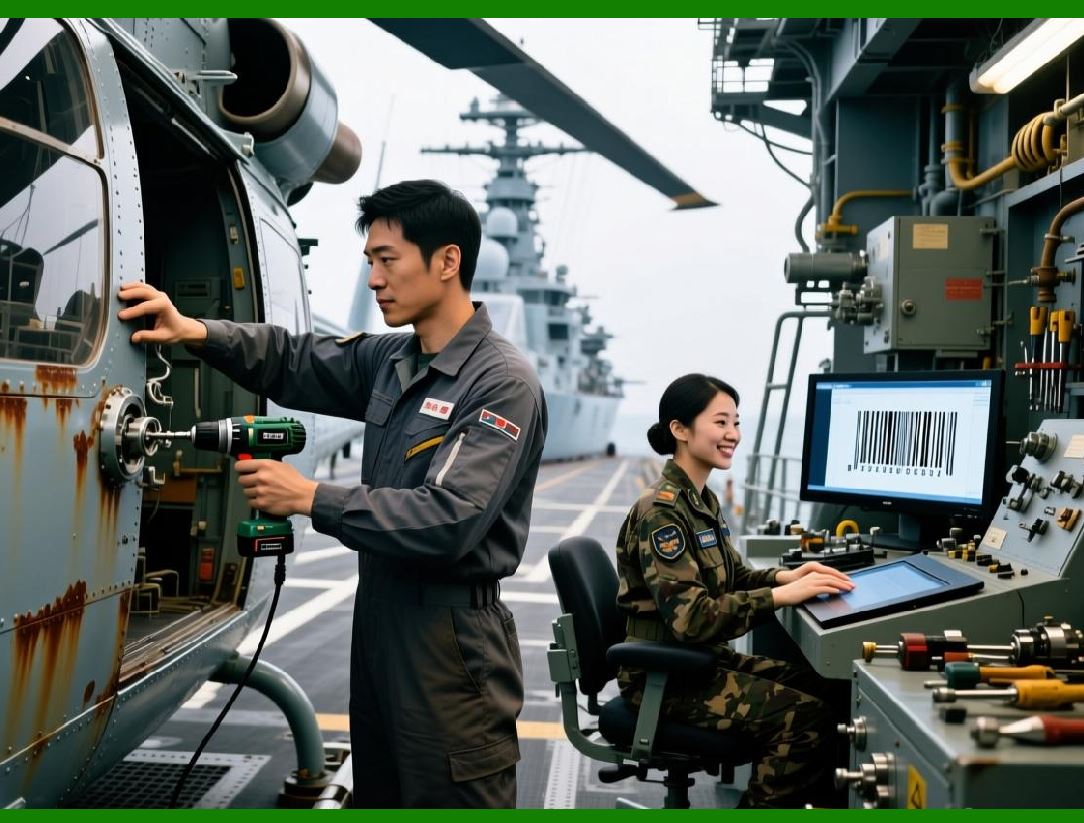
* Military and Defense: The US Department of Defense uses Code 39 in its LOGMARS (Logistics Applications of Automated Marking and Reading Symbols) system for marking and tracking all government property and supplies . This is a significant driver of its continued use. |
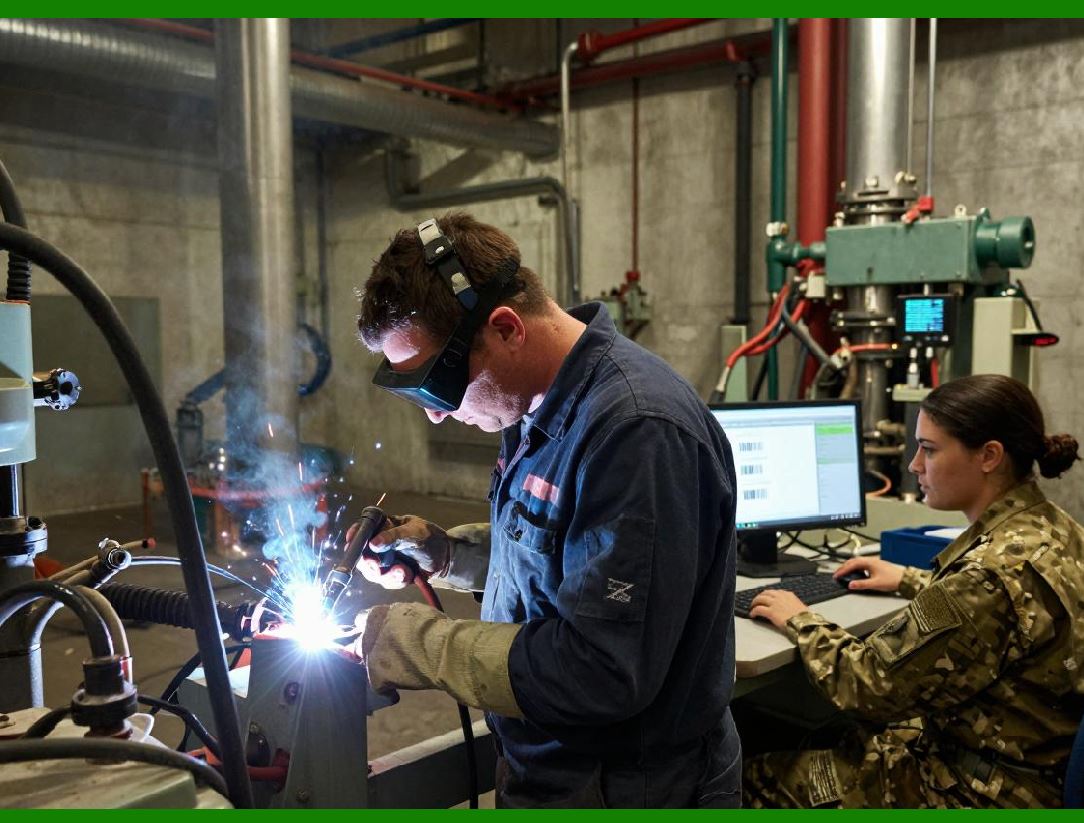
* Automotive: The automotive industry has standardized on Code 39 for identifying parts and materials, primarily through the AIAG (Automotive Industry Action Group) standards. Nearly every engine, transmission, and major component carries a Code 39 label . |
* Healthcare: The Health Industry Bar Code (HIBC) standard is built upon Code 39 for labeling medical devices and pharmaceuticals, ensuring traceability and patient safety . A patent for an in-vitro diagnostic device specifically mentions using a Code 39 barcode on a test strip to encode patient data, lot numbers, and expiration dates . |
|
5. Industry Applications: Practical Scenarios for 3D Reading |
The combination of solid-state LiDAR's 3D capabilities and the widespread use of Code 39 opens up a world of possibilities. Below are some real-world scenarios where this technology is already providing solutions or is poised to revolutionize operations. |
5.1. Logistics and Warehousing: The Unruly Parcel |
This is the most intuitive application. In a modern warehouse, packages of every shape and size move along high-speed conveyor belts. A barcode on a cylindrical tube of caulking, a padded envelope, or a plastic-wrapped pallet can be difficult for a traditional fixed-mount scanner to read. |
With a solid-state LiDAR reader, the system can capture the 3D surface of each package as it passes. It can 'unwrap' the curved label on the tube and decode it in a split second. The point cloud data can also be used for more than just reading the code. The system can calculate the exact volume of the package - a crucial piece of data for shipping costs and efficient loading of shipping containers. It can even check for damage, by identifying dents or tears in the package's surface. |
This integration of identification (the barcode) and measurement (the LiDAR point cloud) is central to creating a truly intelligent logistics hub. By enabling this faster and more accurate reading, bottlenecks are reduced, and packages that were previously delayed for manual scanning can now flow through the system seamlessly. |
|
5.2. Automotive and Heavy Manufacturing: The Stamped Code |
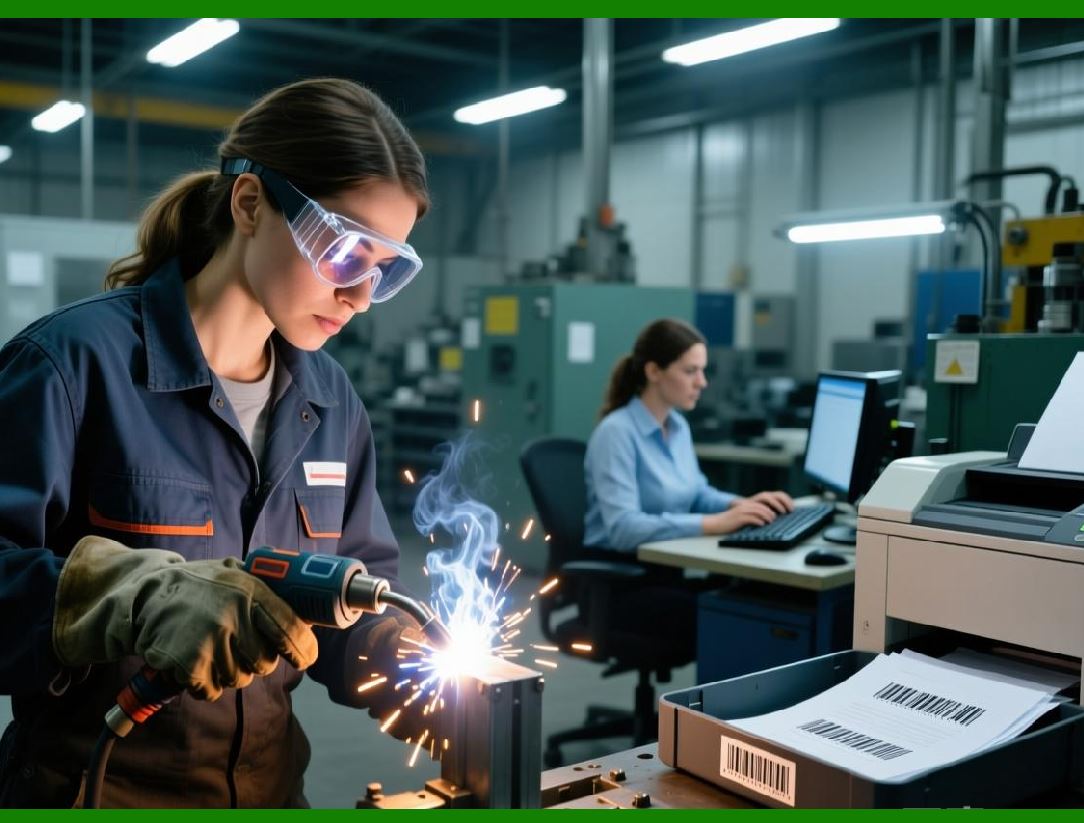
In the automotive industry, tracing parts is essential for quality control and safety recalls. An engine block is not typically labeled with a paper sticker. Instead, the part is often marked with a Data Matrix code or even a Code 39 code that is etched or stamped directly into the metal. This creates a raised or embossed pattern on a rough, uneven surface. |
Traditional 2D cameras, which rely on contrast between black and white, often struggle with these embossed codes because the lighting has to be just right to create shadows that the camera can see. This is where 3D LiDAR shines . |
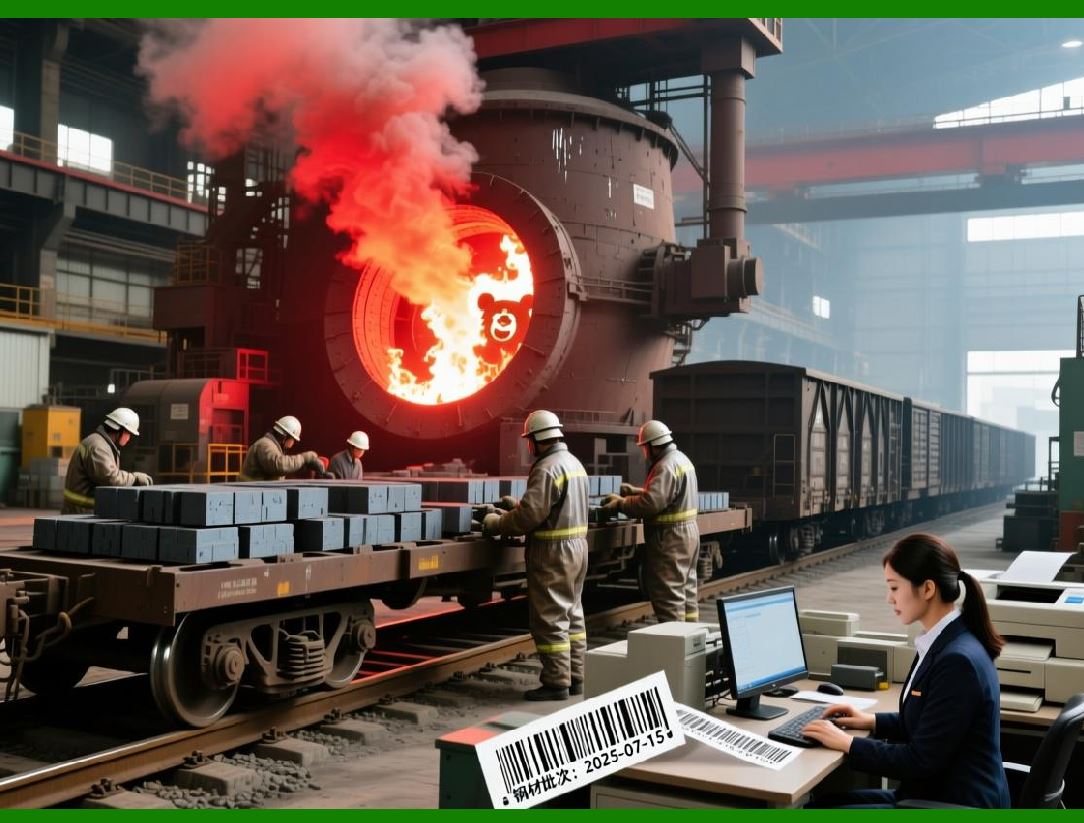
By scanning the part, the reader creates a 3D point cloud of the area. It measures the height differences between the raised 'bars' of the code and the background of the part, identifying them by their geometry, not just their color. This allows the system to read codes that would be invisible to a conventional camera, ensuring that every part is traceable from the foundry to the assembly line . |
|
5.3. Timber and Sawmill Operations: Matching Logs to Boards |
This is a fascinating and less obvious application of barcode technology. At a sawmill, a log enters the mill and is scanned to create a 3D profile. The mill uses this data to decide how to cut the log for maximum yield. Boards are then cut and sent down various conveyor lines. |
The problem is, how do you trace a finished board back to the specific log it came fromA barcode is not applied directly to the rough surfaces of the logs or boards. Instead, a research project described using LiDAR and 'barcodes' in a different way . |
The researchers used LiDAR point clouds to capture the natural, unique surface features of the log, like the patterns of bark and knots. They turned this unique 'fingerprint' into a virtual 2D 'barcode' image. Later, when the boards emerge from the saw, their surfaces are scanned. By matching the unique 'barcode' of the board to the 'barcode' of the log it came from, the mill can trace every piece of lumber. This is a brilliant example of how the *concept* of a 3D scan and barcode identification can be applied to create traceability where it was previously impossible, highlighting the true potential of point cloud data. |

|
5.4. Point-of-Sale (POS) and Retail: Optimizing Throughput |
In a fast-paced retail environment, speed is everything. While most items have flat labels, solid-state LiDAR is also making inroads into POS systems for a different reason: optimizing throughput and detecting motion . |
While a traditional scanner might require a cashier to orient a product perfectly, a 3D LiDAR-equipped scanner can read codes from any angle. The LiDAR not only reads the code but also tracks the speed and motion of the item as it passes through the scanner . This information is fed back to the system to adjust the exposure and scanning parameters on the fly, leading to a much higher read rate and faster checkout times . By making the process less reliant on the cashier's skill, the system helps to standardize performance and reduce training time. |

|
5.5. Healthcare and Medical Devices: Reliability in Point-of-Care |
In healthcare, a misread barcode can have life-or-death consequences. This is why traceability is so critical. Code 39 is a standard in this industry, and the ability of 3D LiDAR to read codes on curved ampoules, syringes, and small test strips is a key advantage . |
A patent application describes using a Code 39 barcode on a diagnostic test strip cartridge. The barcode encodes the lot number, expiration date, and even a reference intensity value needed to calibrate the test . If this test strip is stored in a cold, damp environment, the paper label might warp or wrinkle. A 3D reader could 'flatten' the label in its software and accurately decode the critical calibration and identification data, ensuring the test results are accurate and the device hasn't expired. The reliability and self-checking nature of Code 39, combined with the robust read capabilities of 3D LiDAR, makes a powerful combination for a field where accuracy is paramount . |

|
5.6. Construction and Site Surveillance: The Long-Distance Read |
Large-scale construction sites are a chaotic mix of moving people, vehicles, and materials. Tracking where everything is can be a Herculean task. |
A report from the National Institute of Standards and Technology (NIST) explored using LiDAR to read barcodes from great distances to identify objects like large pipes or pre-fabricated structures on a construction site . The idea is that a scanner could be set up on a tripod and, using its laser, find and read a large Code 39 label attached to a shipment of steel beams from over 100 meters away. The point cloud generated by the LiDAR would help the system pinpoint the barcode in the cluttered environment. |
While initial attempts were challenging due to the low resolution of early LiDAR systems at long distances, the principle is sound . A solid-state LiDAR system, with its ability to rapidly build a dense point cloud from a distance, would be able to not only identify the object but also locate it on the 3D map of the job site. This would revolutionize inventory management and security on massive construction projects, answering questions like, 'Is that shipment of beams in position A or B' |

|
6. Summary and Conclusion |
The journey from the simple black-and-white lines of a Code 39 barcode to a sophisticated 3D point cloud captured by a solid-state LiDAR represents a significant technological leap. |
The State of Code 39: |
Code 39 remains a cornerstone of automatic identification due to its simplicity, its self-checking property, and its deep penetration into specific industries through rigorous standards . Its technical characteristics---specifically its low data density and requirement for a checksum---define its strengths (reliability) and its weaknesses (size). Yet, its ubiquity, especially in defense, automotive, and healthcare, means it will be around for decades to come . |
The Promise of Solid-State LiDAR: |
Solid-state LiDAR addresses the key weaknesses of traditional 2D barcode readers. By creating a 3D point cloud, it can: |
1. Read curved codes: Accurately decode barcodes wrapped around cylinders or other curved surfaces . |
2. Decode warped and damaged labels: See through wrinkles and distortions, effectively flattening the code in software. |
3. Read embossed codes: Accurately read stamped or engraved codes based on their geometry rather than just contrast . |
4. Enable multi-functionality: Simultaneously identify a product and measure its dimensions, orientation, and speed . |
|
The Future is 3D: |
We are moving toward a world where readers are not just passive cameras but active sensors that understand the physical world around them. The convergence of these technologies is happening today. Smart cameras are now available that can both read 2D barcodes and decode Data Matrix codes directly from 3D point cloud data . The ability to read barcodes based on their physical structure (height maps) rather than their color (2D intensity) is solving problems that have plagued logistics and manufacturing for decades . |
In the coming years, we can expect solid-state LiDAR to become a standard feature in high-end barcode readers. Its integration will drive efficiencies in logistics, manufacturing, healthcare, and beyond, ensuring that the humble barcode continues to evolve and remain relevant in a world that is increasingly complex and three-dimensional. |
 cs@easiersoft.com