A Comprehensive Technical Guide to Barcodes: From 1D to 2D, RFID, and the Future of Machine Vision |
Part I: Foundations and the Dawn of 1D Barcodes |
Chapter 1: The Pre-Barcode World |
Before barcodes, retail and logistics relied on manual data entry. This was slow, error-prone, and expensive. The need for automated, fast, and accurate data capture was the catalyst for the barcode revolution. The primary driver was the grocery industry's need to speed up checkout lines and manage inventory. |
Chapter 2: The Birth of an Idea |
The concept of a barcode was first patented in 1949 by Norman Joseph Woodland and Bernard Silver. Their initial design was a circular 'bull's eye' pattern of concentric circles, inspired by Morse code. This design allowed scanning from any direction but was difficult to print reliably. |

|
Chapter 3: The First Linear Barcode (1D) - The Universal Product Code (UPC) |
The UPC, introduced in 1974, is the grandfather of modern barcodes. It's a 12-digit numerical code, representing the manufacturer and product. Its first commercial scan was a pack of Wrigley's gum in Ohio. The UPC is simple, robust, and remains the standard for retail in North America. |
Chapter 4: Technical Details of UPC-A |
UPC-A encodes 12 numeric digits. It uses four bar widths and has a fixed length. The left half encodes digits using odd parity, the right half uses even parity, and a central guard pattern separates them. This design allows for bidirectional scanning and error checking via a checksum digit. |
Chapter 5: The European Equivalent - EAN-13 |
The EAN-13 (European Article Number) is the global standard. It is a 13-digit extension of the UPC (adding a leading country code). It is technically similar to UPC-A but with a different number system. EAN-13 dominates retail outside of North America. |

|
Chapter 6: The Code 39 Symbology (1974) |
Developed by David Allais, Code 39 is the first alphanumeric barcode. It can encode letters, numbers, and a few symbols. It's self-checking, meaning a single error cannot be misread as another valid character. Its simplicity made it the workhorse for early industrial and military applications. |
Chapter 7: Code 39 in the Automotive Industry |
In the late 1970s, the U.S. automotive industry (notably General Motors) mandated Code 39 for parts identification (the AIAG standard). This was a massive early application, enabling just-in-time manufacturing and efficient supply chain tracking. Its drawback: low data density. |
Chapter 8: Code 39's Limitations |
Code 39 requires a 'quiet zone' (a blank margin) and encodes each character with five bars and four spaces, where three are wide. This makes it very wide. As data needs grew, Code 39's low density became a major problem. |

|
Chapter 9: The Rise of Interleaved 2 of 5 (ITF) |
ITF encodes pairs of digits, interleaving their patterns. This makes it more compact than Code 39. It is widely used in logistics for tracking corrugated cardboard boxes. Its primary application was for warehouse sorting and distribution. |
Chapter 10: ITF in the Shipping Industry |
In the 1980s, UPS heavily used ITF for package tracking. The barcode was printed on shipping labels, allowing automated sorting centers. Its advantage: high print tolerance (it could be printed on low-quality surfaces). Its disadvantage: it only encodes numbers and can be prone to partial scans. |
Chapter 11: The Birth of Code 128 (1981) |
Code 128 is a high-density alphanumeric symbology. It encodes all 128 ASCII characters. It uses three start codes to shift between character sets, making it the most flexible 1D code. It was a significant step forward in data capacity. |
|
Chapter 12: Code 128 in the Healthcare Sector |
Hospitals began using Code 128 to track patient wristbands, medication administration, and laboratory samples. The ability to encode a patient ID, drug code, and dose in a single, compact barcode drastically reduced medication errors. |
Chapter 13: Code 128's Technical Innovation |
Code 128 uses a 'Code C' mode that doubles the density when encoding digits. This made it perfect for shipping labels (like the GS1-128 standard), which contain product, lot, and expiration dates. |
Chapter 14: The GS1-128 Standard |
GS1-128 is an application standard that uses Code 128 with Application Identifiers (AIs). The AIs are prefixes (e.g., (01) for GTIN, (10) for batch/lot, (17) for expiration date) that define the data's meaning. This enabled global supply chain standardization. |
|
Chapter 15: The Postal Codes - PostNET and Planet |
The U.S. Postal Service used PostNET (5, 9, or 11 digits) to sort mail. It had a tall bar for '1' and short bar for '0'. Its successor, PLANET, was similar but used for tracking. Both were eventually replaced by Intelligent Mail Barcode (IMB), a 4-state barcode. |
Chapter 16: The Defunct 1D - Codabar |
Codabar was developed for libraries and blood banks in the 1970s. It was self-checking and could be printed by dot-matrix printers. However, its low density and limited character set led to its decline. It is now almost obsolete, replaced by Code 128. |
Chapter 17: The Defunct 1D - MSI Plessey |
MSI Plessey was used primarily in supermarket shelf labels. It was vulnerable to misreads due to its binary encoding. Its lack of error correction and the rise of UPC/EAN made it extinct in retail. It is rarely seen today. |

|
Chapter 18: Why 1D Barcodes Are Not Enough |
1D barcodes are limited. They can only hold 20-30 characters in a reasonable space. They are also line-of-sight, require careful alignment, and can't be read if damaged. The rising need for more information (e.g., URLs, patient records, batch numbers) in a smaller footprint drove the need for 2D codes. |
Chapter 19: The Need for Error Correction |
1D barcodes have simple checksums. They are easily destroyed by a single scratch. A torn label could ruin the entire scan. This fragility in harsh environments (factories, outdoor logistics) was a major problem. |
Chapter 20: Enter the 2D Barcode - The Matrix Concept |
2D barcodes store data in both horizontal and vertical dimensions. This allows them to hold hundreds of characters. They also have built-in error correction (Reed-Solomon), meaning they can be read even if up to 30% of the symbol is damaged. |

|
Part II: The World of 2D Barcodes |
Chapter 21: The First 2D Code - Vericode (1980s) |
Vericode was an early 2D matrix code. It was used for very small items, like electronic components. It could store more data than a 1D code in a tiny area, but it didn't gain widespread adoption due to the cost of imaging scanners. |
Chapter 22: The Introduction of Data Matrix (1989) |
Invented by RVSI Acuity CiMatrix, Data Matrix is the most ubiquitous 2D code for industrial applications. It's a square or rectangular matrix of black and white modules, with an 'L' shaped finder pattern on two sides, and alternating timing patterns on the other two. |
Chapter 23: Data Matrix in the Electronics Industry |
Data Matrix was quickly adopted by the electronics industry to mark tiny printed circuit boards (PCBs). The code can be etched or laser-marked onto the board, carrying the board's serial number, revision, and test data through the assembly line. |

|
Chapter 24: Data Matrix in Aerospace and Defense |
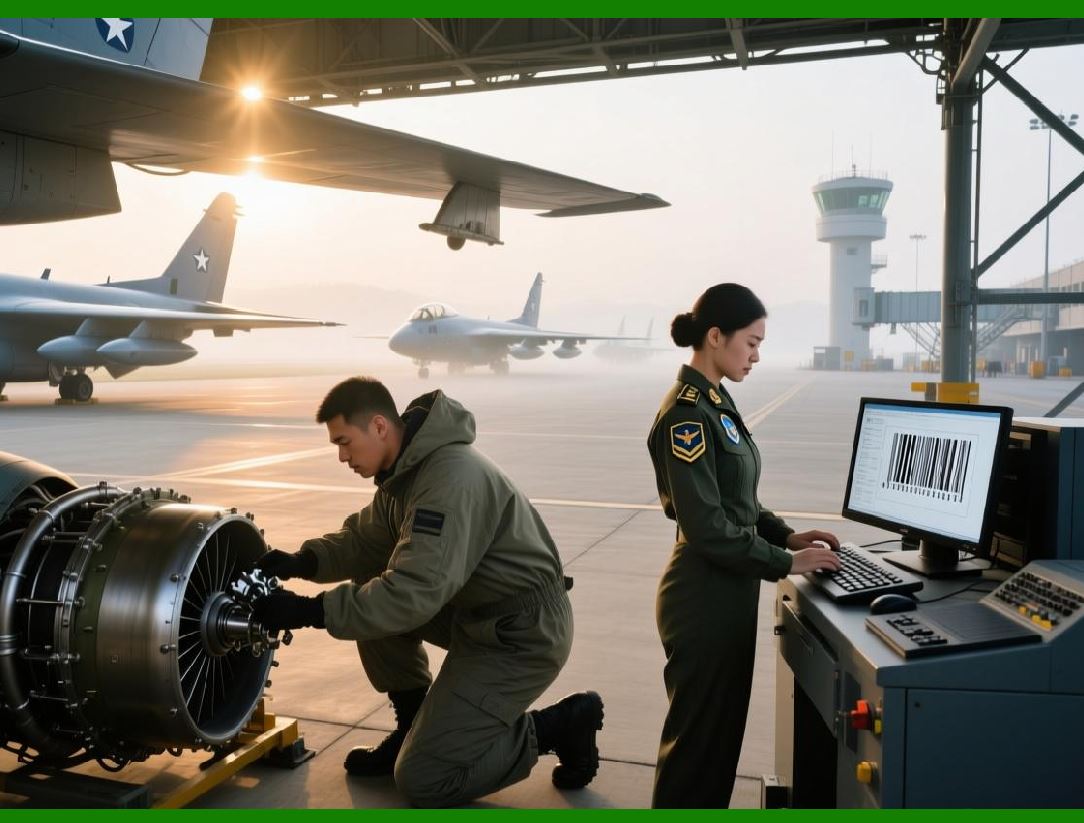
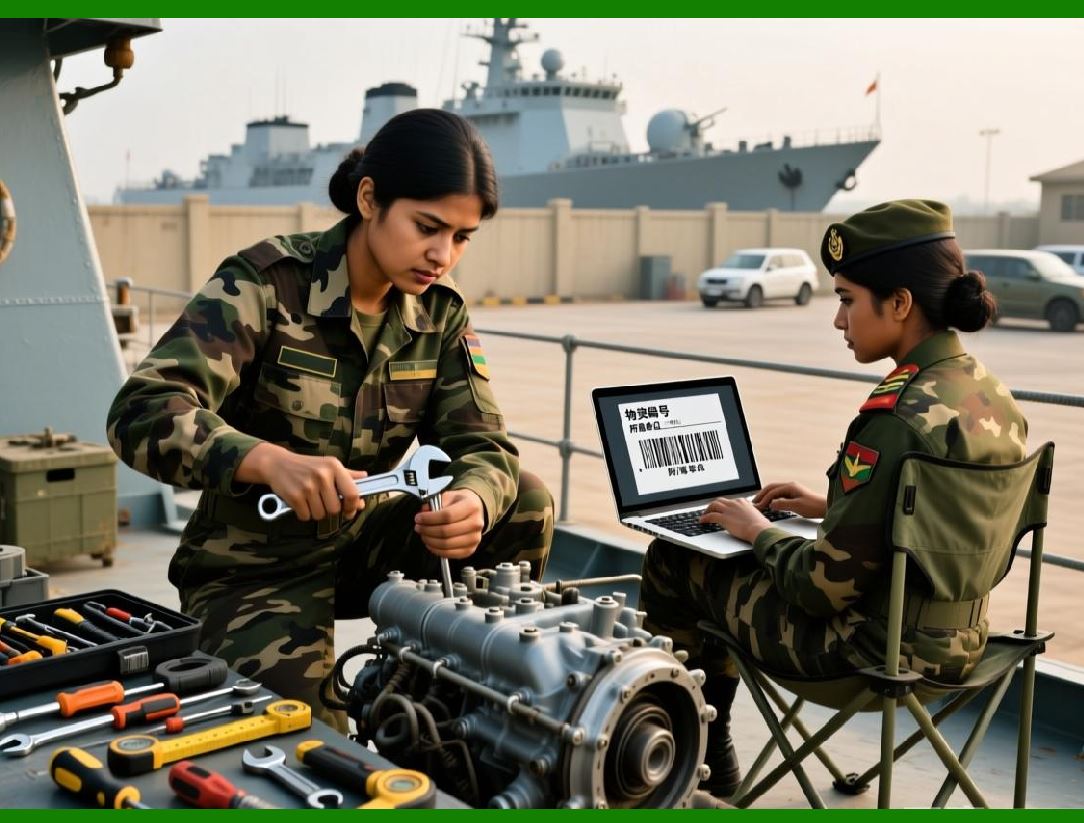
The U.S. Department of Defense mandated Data Matrix (under the UID program) for all permanent items. This ensured that every asset, from a bolt to a jet engine, could be uniquely identified and tracked throughout its life cycle. |
Chapter 25: Technical Depth of Data Matrix - ECC200 |
Data Matrix ECC200 uses Reed-Solomon error correction. The code is available in various sizes, from 10x10 to 144x144 modules. The number of data modules and error correction modules are carefully balanced. It can encode up to 2,335 alphanumeric characters. |
Chapter 26: The QR Code (Quick Response) - 1994 |
Invented by Denso Wave, a Toyota subsidiary, for tracking automotive parts. Unlike Data Matrix, QR Code was designed to be scanned quickly using a camera phone. The Japanese automotive industry used it to speed up assembly line scanning. |
|
Chapter 27: QR Code's Strategic Design |
QR Code has three large position detection patterns in the corners, making it omnidirectional. It also has alignment patterns for distortion correction and a structured layout that allows for fast decoding. Its speed and error correction made it a breakthrough. |
Chapter 28: QR Code's Technical Capacity |
QR Code can store up to 7,089 numeric, 4,296 alphanumeric, or 2,953 bytes of binary data. It supports four error correction levels (L, M, Q, H), allowing up to 30% data recovery. This makes it robust for public-facing applications where the code might be dirty or distorted. |
Chapter 29: The First Use of QR Code in Automotive Logistics |
Toyota used QR Codes to track parts as they moved through the production line. The code replaced the earlier, slower Data Matrix variants, allowing workers to quickly scan and confirm the correct part for each vehicle model. |
|
Chapter 30: The Rise of the Aztec Code (1995) |
Invented by Andrew Longacre at Welch Allyn, the Aztec Code has a distinctive square bull's-eye pattern in the center. It doesn't require a quiet zone, saving space. It is highly efficient and often used for digital boarding passes and electronic ticketing. |
Chapter 31: Aztec Code in the Rail Industry |
European rail companies adopted Aztec for mobile ticketing. The code's high data density and error correction allow it to encode passenger name, train number, seat, and a secure signature. It was a direct replacement for magnetic stripe tickets. |
Chapter 32: The PDF417 Symbology (1991) |
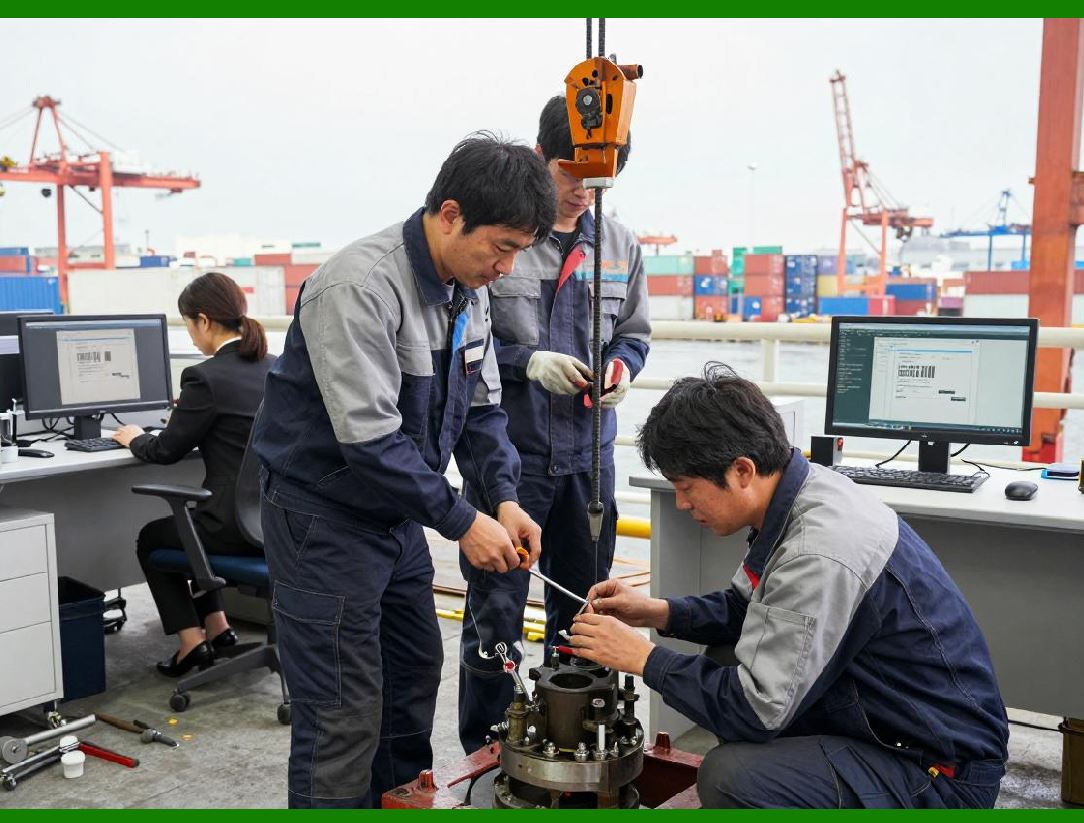
Developed by Symbol Technologies, PDF417 is a stacked linear barcode. It's not a matrix; it's a series of short 1D rows stacked vertically. It can hold up to 1.8 kilobytes. It's a 'public domain' standard and the most widely used 2D code in government applications. |
|
Chapter 33: PDF417's Technical Structure |
Each row in PDF417 has a start/stop pattern, and data is encoded in codewords. It uses error correction. Its height can be adjusted, making it easier to print on certain media. It supports all ASCII characters. |
Chapter 34: PDF417 in the Transportation Industry |
The U.S. Department of Transportation used PDF417 on driver's licenses in many states. The code encodes the driver's name, address, date of birth, and physical characteristics. This allowed police to quickly verify identity and credentials. |
Chapter 35: PDF417 vs. QR Code - A Comparison |
PDF417 is better for larger documents (e.g., a page of medical records) and has a wider field of view for scanning, but it's larger and slower to decode. QR Code is faster, more compact, and has a much higher tolerance for damage, making it better for mobile consumers. |
|
Chapter 36: The MaxiCode (1992) |
Developed by UPS, MaxiCode is a matrix code with a circular pattern of hexagonal modules and a central bull's-eye. It was specifically designed for high-speed sorting of packages on conveyor belts. |
Chapter 37: MaxiCode in Package Sorting |
UPS implemented MaxiCode on all its packages. The code encodes the destination zip code, package weight, and tracking number. The central bull's-eye allows for omnidirectional reading at high speeds, even on moving packages. It was revolutionary for logistics. |
Chapter 38: The Dot Code and Micro QR |
For extremely small items (e.g., medical implants, microelectronics), micro-codes like Dot Code or Micro QR are used. These are tiny matrix codes that sacrifice data capacity for minimal footprint. They are laser-etched onto surgical instruments for traceability. |
|
Chapter 39: The Health Industry Bar Code (HIBC) - A Standard |
The Health Industry Bar Code (HIBC) is a labeling standard that uses Code 39, Code 128, and Data Matrix. It specifies how to encode primary and secondary labels for medical devices, drugs, and blood products. It's mandated by the FDA for UDI (Unique Device Identification). |
Chapter 40: Why 2D Codes Overtook 1D |
2D codes have several advantages: they hold more data, have error correction, are readable from any angle (omni-directional), and can be very small. Their ability to encode URLs, serial numbers, and batch data in one scan made them essential for Industry 4.0 and mobile marketing. |
|
Part III: Comparative Analysis, Failures, and the RFid Link |
Chapter 41: The Failure of Code 49 |
Code 49 was an early 2D stacked code, but it was complex to print and read. It was quickly superseded by PDF417, which was more robust and supported by better scanners. Code 49 is now a historical footnote. |
Chapter 42: The Failure of Code 16K |
Another early 2D stacked code, Code 16K, suffered from limited error correction and poor printing tolerance. It failed to gain traction because it was proprietary and less flexible than the open standards of PDF417. |
Chapter 43: The Obsolete - Standard Code 93 |
Code 93 was designed to be a compact, higher-density alternative to Code 39, but it never achieved widespread adoption. It was used briefly in logistics, but Code 128 and PDF417 offered superior density and flexibility, making it redundant. |
|
Chapter 44: The Obsolete - CPC Binary |
Used briefly in the postal industry, this was a 2D code that required specialized scanners. Its lack of standardization and poor performance against Aztec and PDF417 led to its rapid disappearance. |
Chapter 45: Why Symbologies Die - A Summary |
Barcodes die for many reasons: 1) Low data density, 2) Lack of error correction, 3) Proprietary nature, 4) Poor print contrast, 5) The emergence of a superior standard, and 6) High scanner cost. |
Chapter 46: The Rise of RFID - A Complementary Technology |
RFID (Radio Frequency Identification) uses radio waves to transmit data. It does not require line-of-sight, can be read through materials, and can store significantly more data than a barcode. Multiple tags can be read simultaneously. |
|
Chapter 47: The Price Barrier of RFID |
RFID tags used to cost over $1 each, making them too expensive for low-cost items. Barcodes cost fractions of a cent. This economic barrier meant RFID was initially only used for high-value assets or reusable containers. |
Chapter 48: The Barcode-RFID Integration - Why Together |
The integration is about 'best of both worlds.' Barcodes are cheap, human-readable, and don't require batteries (passive). RFID is fast, long-range, and doesn't need line-of-sight. Retailers use both: barcodes on individual items, RFID on pallets and cases to speed up receiving. |
Chapter 49: Early Integration in Retail - Walmart's Mandate |
In 2004, Walmart mandated that its top 100 suppliers put RFID tags on pallets and cases. Barcodes were still on individual items. This forced the industry to develop hybrid systems where barcodes were used for POS (Point of Sale) and RFID for inventory management. |
|
Chapter 50: Integration in Logistics - The Dual-Label |
Modern shipping labels often contain both a 2D barcode (like a GS1-128 or Data Matrix) and an RFID inlay. The barcode is used for manual checks or backup, while the RFID is used for automatic tunnel reads at warehouse doors. |
Chapter 51: RFID's Read/Write Capability vs. Barcodes |
Barcodes are read-only. RFID tags can be read-write, meaning data (like temperature history or repair records) can be written to the tag. This is invaluable in cold chain and pharmaceutical logistics. |
Chapter 52: RFID's Challenge - Interference and Materials |
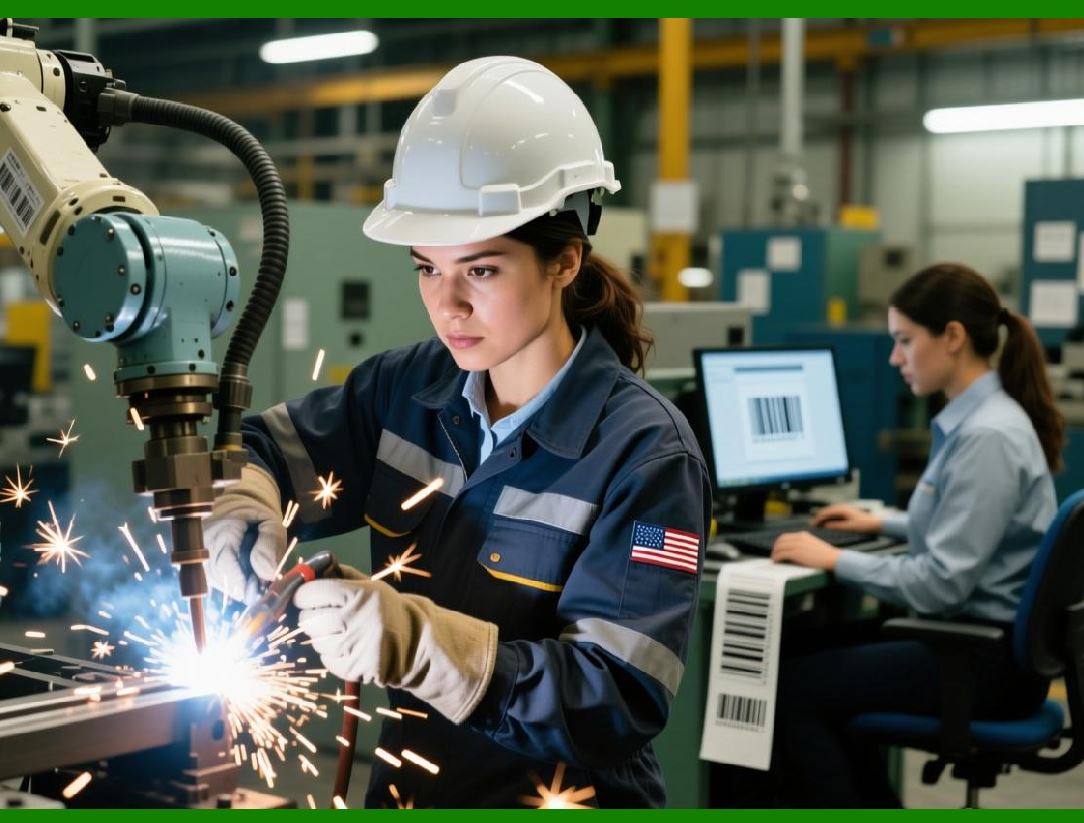
RFID can be blocked by metal and water. Barcodes are unaffected by these materials. Therefore, in a factory setting, barcodes are still used on metal parts, while RFID tags are placed on plastic pallets or crates. |

|
Chapter 53: The 'Smart Label' - Combining Technologies |
A 'smart label' is a paper label with an embedded RFID inlay and a printed barcode. This allows a supply chain to use RFID for fast automation and barcodes for global compatibility (since not all countries have RFID readers). |
Chapter 54: The Cost Coalescence - RFID Gets Cheaper |
As RFID chip prices dropped to a few cents, the integration became more seamless. Today, many retailers use RFID for apparel, tracking each garment from factory to store, with a barcode still used for checkout. |
Chapter 55: The Data Bridge - The Role of the Database |
The barcode is often a 'license plate' or 'key' to a database. The RFID tag can carry a larger 'license plate' or a richer set of data. The choice depends on whether you need the data on the tag (for offline use) or in the cloud. |
|
Part IV: The Future - Machine Vision and Beyond |
Chapter 56: The End of the Laser Scanner |
Traditional laser scanners read 1D barcodes by detecting the width of bars. They cannot read 2D codes. The shift to 2D codes is driving the replacement of lasers with image-based readers (cameras). |
Chapter 57: Machine Vision - Defined |
Machine Vision is the use of cameras, processors, and algorithms to capture and interpret images for automated inspection and guidance. In barcoding, it means using cameras to read any symbology, regardless of orientation, distortion, or lighting. |
Chapter 58: The Core of Machine Vision - Image Processing |
Instead of decoding a waveform, a camera captures an image. Algorithms use thresholding (converting to black and white), edge detection, and morphology to locate the code. Advanced algorithms handle perspective distortion (skew) and uneven lighting. |

|
Chapter 59: The Benefits of Camera-Based Readers |
They can read 1D, 2D, and even OCR (optical character recognition) text simultaneously. They can read codes at extreme angles or in motion. They can also capture images for proof-of-delivery or quality assurance. |
Chapter 60: The Rise of Deep Learning in Barcode Reading |
Traditional algorithms can fail on damaged, blurry, or poorly printed barcodes. Deep learning models (Convolutional Neural Networks - CNNs) can be trained on millions of examples to 'understand' what a code should look like and can decode it even when it's severely degraded. |
Chapter 61: Deep Learning in Logistics - The 'Tunnel Vision' |
In high-speed sorting centers, deep learning-based vision systems can read barcodes on packages that are tumbling at high speed, with dust, tears, and reflections. They can locate the best code among many on a package (e.g., multiple shipping labels). |

|
Chapter 62: Artificial Intelligence - Beyond Decoding |
AI isn't just reading the code; it's interpreting the entire scene. It can check if the right product is in the right box, verify the presence of a label, and assess the quality of the print, all in a single image capture. |
Chapter 63: The 'Code-less' Future - Visual Recognition |
The ultimate machine vision may not rely on codes at all. AI can identify a product by its shape, color, and texture. This is called 'visual similarity' or 'instance-level recognition.' It could eliminate the need for labels entirely for some applications. |
Chapter 64: The Role of Hyperspectral Imaging |
Hyperspectral cameras can see beyond the visible spectrum. They can distinguish between materials (e.g., plastic vs. cardboard) and can read barcodes that are printed with invisible inks or on complex backgrounds. This is a niche but growing field. |

|
Chapter 65: Miniaturization - Barcode Readers on Chips |
Machine vision is being miniaturized. We have barcode scanning chips (SoCs) that can fit in a mobile phone. In the future, these will be integrated into AR glasses, smart watches, and even contact lenses for real-time identification. |
Chapter 66: The Augmented Reality (AR) Overlay |
In a factory of the future, a worker wearing AR glasses will look at a product. The machine vision system in the glasses will read the barcode, fetch the data from the cloud, and overlay the product's specifications, maintenance history, and instructions directly onto the worker's field of view. |
Chapter 67: Real-Time Object Tracking |
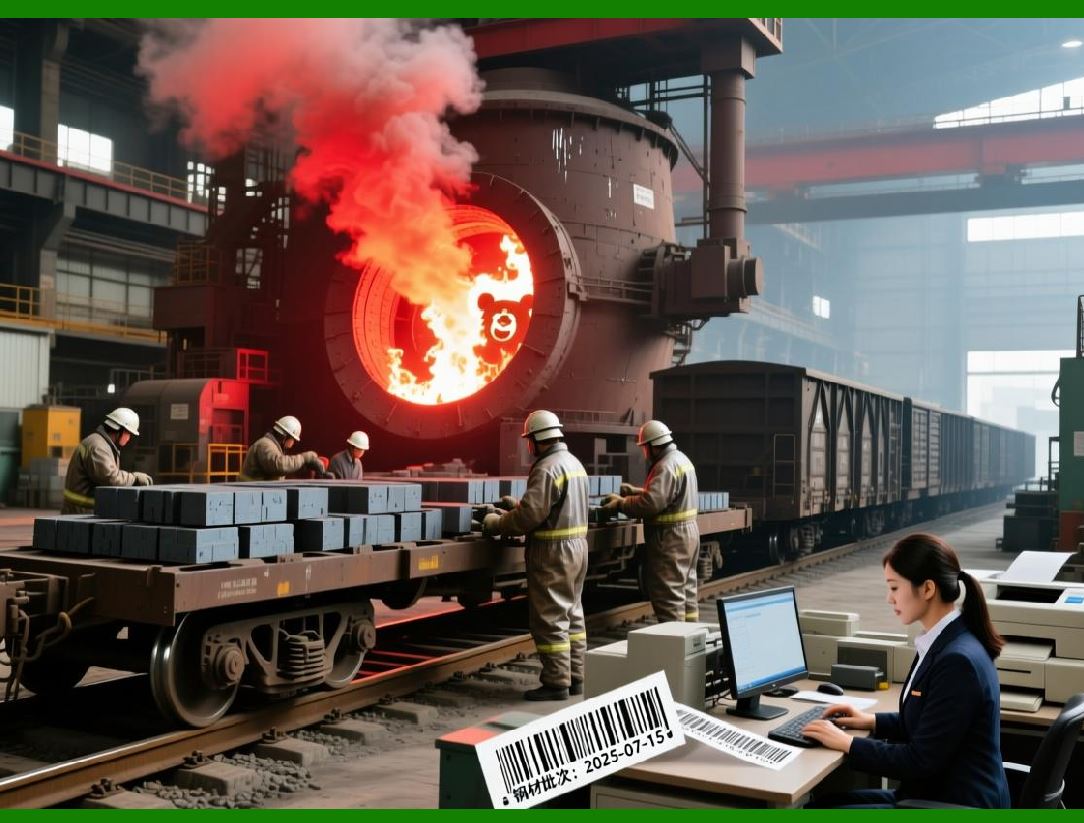
Machine vision is combined with SLAM (Simultaneous Localization and Mapping) to track the exact 3D position of items in a warehouse. Instead of just reading a code, the system knows where every item is on the shelf, creating a 'digital twin' of the warehouse. |
|
Chapter 68: The 'Unreadable' Becomes Readable |
Future machine vision systems will use photometric stereo and 3D reconstruction to read barcodes that are embossed, etched, or even painted onto rough surfaces. They will not be limited by print contrast. |
Chapter 69: Blockchain and Barcodes - The Audit Trail |
Future barcodes (especially 2D) may not just carry a URL. They could carry a cryptographic hash. Scanning the code will allow you to verify the product's authenticity by checking it against a blockchain. This is a defense against counterfeiting. |
Chapter 70: The Internet of Things (IoT) Sensor Fusion |
The barcode reader of the future will be part of a sensor network. It will combine the barcode data with data from temperature, humidity, vibration, and shock sensors. For example, a scanned item will automatically log its environmental history at that precise moment. |

|
Chapter 71: The End of the 'Checkout Lane' |
In retail, machine vision + RFID will lead to 'frictionless checkout.' Cameras will identify the products (via barcodes or visual recognition) as you put them in a cart, and your account will be automatically charged. Amazon Go is a precursor. |
Chapter 72: Dynamic Barcodes - E-Ink and Digital Displays |
Instead of static printed labels, future 'barcodes' will be on electronic paper (E-Ink) or small displays. They can change dynamically to reflect updated pricing, inventory status, or expiration dates. Machine vision will read these changing codes in real-time. |
Chapter 73: The 'Steganographic' Barcode |
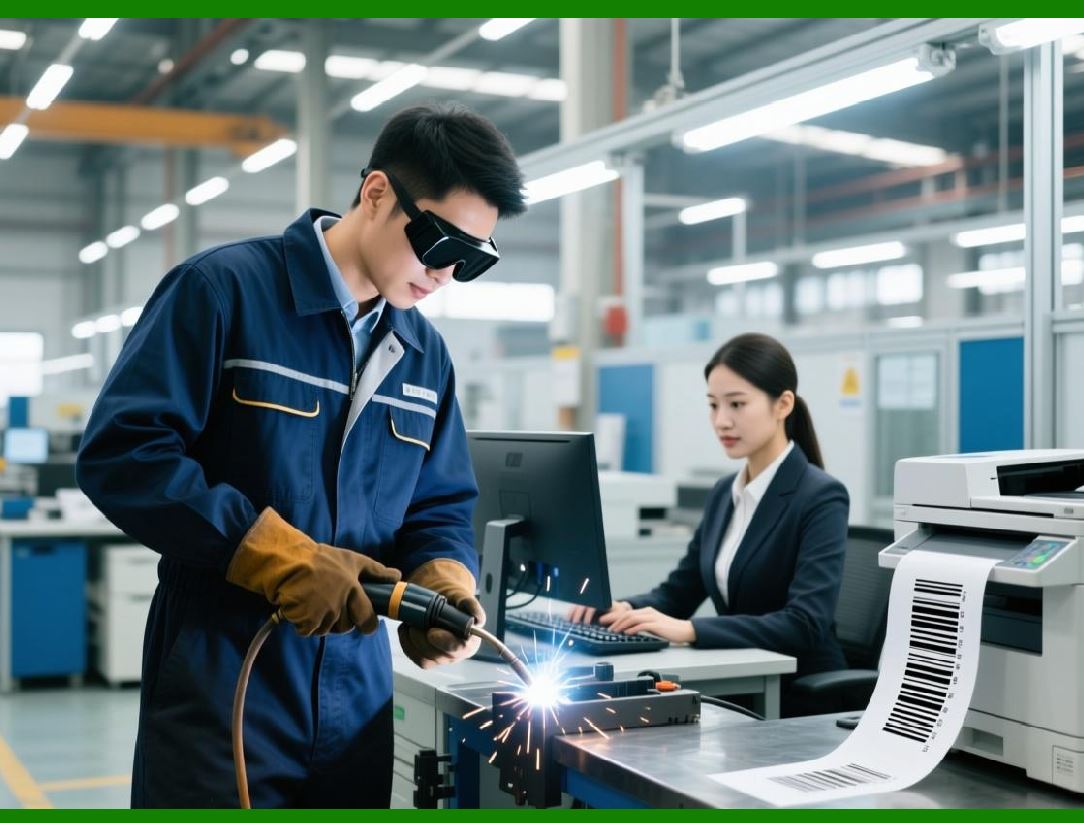
To improve aesthetics or security, barcodes will be embedded into product artwork. Machine vision using neural networks will be able to locate and decode these hidden codes without detracting from the visual design. This is already happening with some QR codes. |
|
Chapter 74: The Resilience of Simple 1D Codes |
Despite all this, 1D codes like UPC and EAN will not disappear. They are too entrenched in legacy systems and too cheap to print. They will be phased out only in applications where data capacity is critical, but they will persist in grocery stores for decades. |
Chapter 75: Standardization Wars - GS1's Role |
GS1 (Global Standards One) will continue to be the central authority. They are already working on a 'next-generation' barcode standard that is likely a hybrid of 2D codes (like QR) used at the Point of Sale, allowing for much more consumer-facing information (e.g., recipes, recycling info). |
Chapter 76: The 'One Code to Rule Them All' Scenario |
The industry is moving towards using a single 2D code (likely QR or Data Matrix) for all applications. This code will be scanned by both warehouse scanners and consumer phones. The data will be application-specific, decoded by the context of the scan. |
|
Chapter 77: Environmental Considerations - Sustainable Barcodes |
The future of barcoding includes sustainability. We will see barcodes printed with eco-friendly, water-based inks on recyclable substrates. Machine vision systems will be designed to work with these lower-contrast, environmentally friendly materials. |
Chapter 78: The Security Challenge - Barcode Phishing |
As 2D codes become ubiquitous for marketing, the risk of 'QRishing' (QR code phishing) grows. Future machine vision systems will integrate security features, such as URL reputation checking, before a user is redirected, adding a layer of protection at the scanning layer. |
Chapter 79: The Evolution of Reader Technology - Solid-State LiDAR |
Future readers will use solid-state LiDAR (Light Detection and Ranging) to create a 3D point cloud. This will allow for a more accurate reconstruction of the barcode's surface, reading it even if it's warped or curved around a cylindrical object. |
|
Chapter 80: Conclusion - The Era of Invisible Data |
The barcode is no longer just a pattern of black and white lines. It is a data portal. The future of machine vision is not about reading a code, but about interpreting the entire visual scene. The barcode will become a trigger - a seamless, invisible handshake between the physical and digital worlds. The integration of 1D, 2D, RFID, and AI-driven machine vision will create an ecosystem where data is captured instantly, accurately, and without friction, driving efficiency, security, and intelligence across every industry from retail to healthcare to logistics. The humble barcode, born in the 1970s, has evolved into a cornerstone of the digital transformation, and its journey is far from over. |
 cs@easiersoft.com