DataMatrix Decoded: A Technical Deep-Dive |
Executive Summary |
In transfusion medicine, a single error in patient-blood matching can be fatal. In the United States, approximately one in 600,000 blood transfusions results in death due to misidentification of the patient, the blood sample, or the blood container . With an estimated 12 million transfusions performed annually, this means roughly 20 patients die each year from preventable identification errors . DataMatrix codes have emerged as a critical technology to eliminate these tragedies, enabling rapid, accurate, and error-proof patient-to-blood-bag matching at the point of care. |
Blood bags in the United States and globally are labeled using the ISBT 128 standard, a global information standard for blood and transplant products . This standard specifies how a DataMatrix 2D symbol can encode all key information---donor identification number, ABO/Rh blood group, product code, collection date, expiration date, and special testing results---into a single scannable code . When a nurse or clinician scans this 2D symbol and the patient's wristband (also encoded with a DataMatrix or other 2D code), the system instantly verifies compatibility, preventing incompatible transfusions. |
Beyond patient safety, DataMatrix-enabled blood tracking offers significant operational benefits. Hospitals have achieved scanning compliance rates as high as 96% and 100% in some units , reduced blood wastage, and enabled near real-time hemovigilance---the monitoring of transfusion-related adverse events . This article explores the technical implementation of DataMatrix on blood bags, the ISBT 128 standard, and real-world American applications that demonstrate how this tiny code is saving lives. |

|
Part One: Technical Foundations of Blood Bag Labeling |
Chapter 1: The Critical Need for Positive Patient Identification |
Blood transfusion is one of the most common hospital procedures, but the consequences of error are catastrophic. ABO-incompatible transfusion is classified as a 'never event'---a preventable medical error so serious that it should never occur . The vast majority of these errors occur on nursing units, not in laboratories, where nurses must manually verify patient identity and blood bag compatibility before starting a transfusion . |
Traditional visual verification relies on matching a patient's wristband with the blood bag label, a process susceptible to human error due to fatigue, distraction, or look-alike patient names. Barcode-enabled systems eliminate this human factor by requiring electronic matching before the transfusion can proceed . DataMatrix codes, with their capacity to encode a full set of identification data in a small space, make this electronic verification practical and efficient. |

|
Chapter 2: The ISBT 128 Standard for Blood Product Labeling |
ISBT 128 is the international standard for the labeling of blood, cellular therapy, and tissue products, developed by the International Council for Commonality in Blood Banking Automation (ICCBBA) . The standard defines data structures, coding formats, and label layouts to ensure consistency across blood banks, hospitals, and national borders. |
The standard covers multiple data elements : |
Donation Identification Number (Data Structure 001): A unique identifier for each donation, combining a facility identification number and a sequential donation number |
Product Code (Data Structure 003): Identifies the specific blood component (e.g., E0311V00 for Red Blood Cells, Adenine-Saline AS-1 Added, Leukocytes Reduced) |
ABO/RhD Blood Group: The donor's blood type |
Collection Date and Time (Data Structure 031): Flexible date and time format |
Expiration Date and Time |
Special Testing (Data Structure 030): Information such as red cell antigen testing history and cytomegalovirus (CMV) status |

|
Chapter 3: Incorporating DataMatrix 2D Symbols |
While ISBT 128 traditionally used linear barcodes (Code 128) to encode individual data elements, the standard now incorporates 2D DataMatrix symbols as a more efficient and comprehensive solution . A single DataMatrix symbol on a blood bag label can encode all the information contained in multiple linear barcodes, dramatically improving scanning efficiency . |
The DataMatrix symbol on a blood bag label includes the Donation Identification Number, Product Code, Expiration Date, Collection Date, and additional data such as patient hospital identification number and patient date of birth . This 'all-in-one' approach means healthcare staff can capture the complete dataset with a single scan, rather than scanning multiple individual barcodes . |
The ICCBBA has issued specific implementation guidelines for the use of DataMatrix symbols with ISBT 128, including IG-014 'Use of Data Matrix Symbols with ISBT 128' . This guidance covers encoding rules, symbology specifications, and best practices for label design and printing. |

|
Chapter 4: Encoding Structure for Blood Product Data |
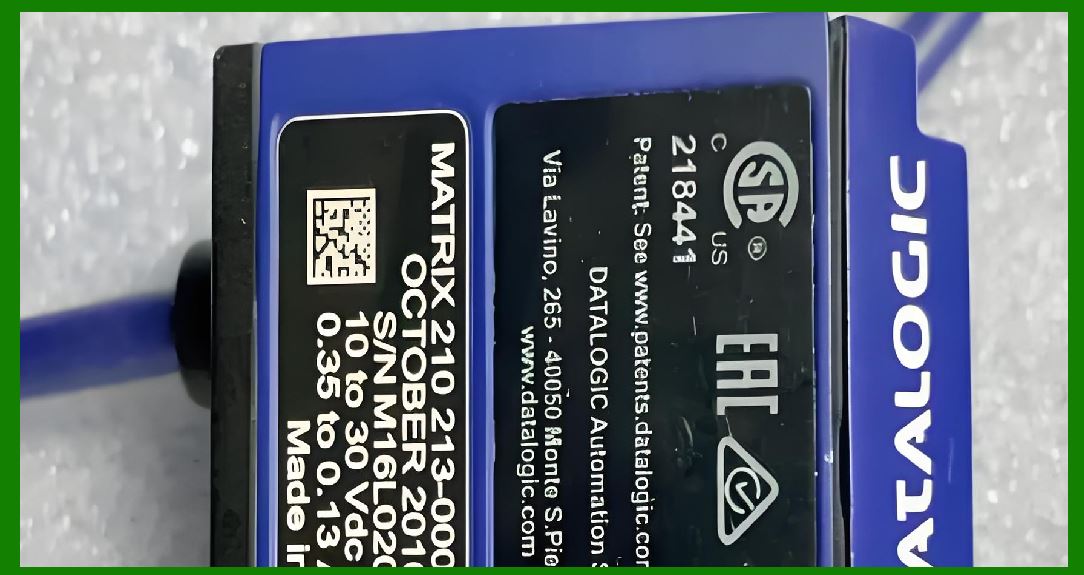
The DataMatrix symbol on a blood bag label uses standard 2D symbology encoding with ISBT 128 data structures. The symbol contains a concatenated string of data elements, each identified by its ISBT 128 data structure code . When scanned, the decoding software parses the string, extracting each data element for display and verification. |
This approach allows a single DataMatrix symbol to encode significantly more information than was previously possible with linear barcodes. For example, red cell antigen testing history---information critical for patients with antibodies---can now be encoded directly on the label, reducing the need for separate documentation and manual lookup . |
|
Chapter 5: Reading Blood Bag DataMatrix Codes in Clinical Settings |
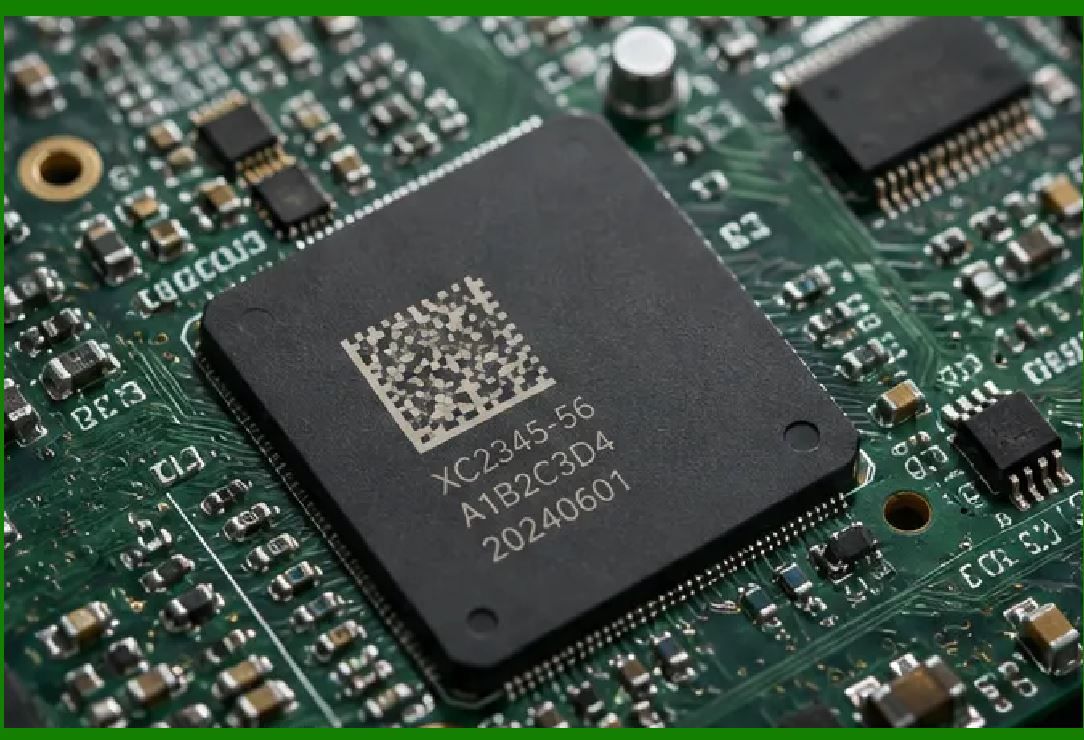
Blood bag DataMatrix codes are typically read using handheld 2D imagers integrated with hospital Electronic Health Record (EHR) systems . These scanners capture the DataMatrix symbol and transmit the decoded data to the EHR for verification against the patient's wristband. |
In advanced workflows, scanners are configured to read both the DataMatrix symbol and a separate barcode on the patient wristband, performing a cross-check that ensures the correct blood is being administered to the correct patient . Some systems use a 'two-scan' protocol where the nurse first scans their own ID badge, then the patient wristband, and finally the blood bag code---creating an electronic record of who administered the blood to whom . |
|
Part Two: Regulatory and Quality Frameworks |
Chapter 6: ISBT 128 in the United States |
The United States has fully adopted ISBT 128 for blood product labeling. The US Consensus Standard for the Uniform Labeling of Blood and Blood Components Using ISBT 128 (IG-002) provides the comprehensive framework for US blood banks . The Cellular Therapy Consensus Standard (IG-003) extends this labeling approach to cellular therapy products . |
The FDA Center for Biologics Evaluation and Research (CBER) regulates whole blood and blood components used for transfusion . Through the Biologics Effectiveness and Safety (BEST) Initiative, CBER is building a national hemovigilance system that relies on ISBT 128 codes captured from electronic health records . This demonstrates the critical role that standardized DataMatrix encoding plays in national safety surveillance. |

|
Chapter 7: The BEST Initiative and Hemovigilance |
The Biologics Effectiveness and Safety Initiative, a component of the FDA's Sentinel Program, aims to monitor transfusion-related adverse events at a national level . The initiative uses a common data model that incorporates ISBT 128 codes, enabling the analysis of EHR data from geographically diverse healthcare systems . |
A recent study under the BEST Initiative demonstrated the feasibility of this approach. Using ISBT 128 codes from three healthcare systems, researchers identified 577,822 red blood cell units transfused among 112,705 patients between 2012 and 2018 . The study showed that ISBT 128 codes linked to EHR provide a feasible source for hemovigilance activities, enabling unit-level and patient-level analysis of transfusion patterns . |

|
Chapter 8: ISBT 128 and Unique Device Identification |
For medical devices used in blood collection and processing, GS1 DataMatrix codes are also used to encode Unique Device Identification (UDI) information . The UDI system, required by the FDA, uses a Device Identifier (DI) to identify the product model and a Production Identifier (PI) for variable data such as serial number, lot number, and expiration date . This is encoded in GS1 DataMatrix or GS1-128 barcodes . |
The blood bag itself, as a medical device, may carry UDI information encoded in a GS1 DataMatrix code in addition to the ISBT 128 code on the label . This dual-level traceability ensures that both the blood product and the collection device are fully identifiable and traceable. |

|
Part Three: American Applications in Action |
Chapter 9: Mount Sinai Morningside - From 69% to 96% Scanning Compliance |
A quality improvement project at Mount Sinai Morningside, a 495-bed hospital in New York City, demonstrates the impact of systematic improvements in blood product scanning . The project, published in the journal Patient Safety, used the Plan-Do-Check-Act (PDCA) cycle to address a persistent problem: nurses were bypassing barcode scanning for blood products due to difficulties with scanner performance . |
Initial baseline data showed that blood product scanning compliance in January 2021 was only 69% . The hospital's EHR system, Epic, supports barcode technology for blood product administration and provides real-time feedback. However, the existing scanners were failing to read barcodes consistently, leading to manual overrides and bypassing of safety checks . |
The breakthrough came when the hospital's informatics team consulted with the scanner equipment vendor (Derive Technologies) and manufacturer (Zebra Technologies) . The manufacturer revealed that the scanners required recalibration using a specific QR code. After recalibrating with the correct QR code, the results were dramatic: scanning compliance in the pilot unit reached 100% in May 2021---a 43% increase from January 2021 . |
The solution was expanded to over 20 patient care units, including the emergency department and post-anesthesia care unit. New recalibration cards with the correct QR code and a visible date were distributed to streamline future recalibration . By May 2021, overall hospital scanning compliance had increased from 69% to 96% . |
This case study illustrates that DataMatrix scanning is not just a technical capability but a system that requires proper calibration, training, and maintenance. When the scanners work reliably, nurses are more likely to use them, and patient safety improves . |

|
Chapter 10: Georgetown University Hospital - A Prototype BC-POC System |
Georgetown University Hospital in Washington, D.C., partnered with Bridge Medical to evaluate a prototype barcode-enabled point-of-care (BC-POC) transfusion system . The evaluation, published by American Nurse Journal, focused on reducing the risk of human error in blood transfusions. |
The prototype system included bar-coded wristbands, a handheld barcode scanner, a portable blood sample label printer, and a bar-code-enabled fully automated blood bank analyzer . When a physician ordered a blood transfusion, the process began with the nurse printing a bar-coded wristband for the recipient using data from the hospital information system. The wristband contained three identifiers: first and last name, medical record number, and date of birth . |
The three-step procedure for sample collection and transfusion verification consisted of the nurse scanning their ID tag (electronic signature), scanning the patient's wristband, and then beaming the information to a portable label printer . The bar-code-labeled tubes and order forms were delivered to the blood bank, where blood components were matched and labeled with a bar-coded crossmatch label designating a particular blood container for a specific patient . |
Before starting the transfusion, the nurse performed visual identification and verification steps. Then a second nurse performed a barcode-facilitated identification check by scanning their ID, the patient's wristband, and the blood container . If an electronic match existed, the screen signaled to start the transfusion. If not, an alarm sounded. |
Evaluation after 100 transfusions led to software modifications to match the hospital's patient-identification routine. Nurses reported that the barcode-enabled transfusions were easier and more efficiently administered . The project demonstrated that BC-POC systems can substantially reduce the risk of misidentification errors in blood transfusion. |

|
Chapter 11: University Hospitals Coventry - Patient Wristband DataMatrix Implementation |
While based in the UK, the implementation at University Hospitals Coventry and Warwickshire NHS Trust provides valuable insights applicable to US healthcare . The Trust implemented a blood tracking system in 2006, upgraded in 2012 to include patient wristbands, and further enhanced in 2014 to comply with the ISB 1077 standard for 2D barcodes on wristbands . |
The ISB 1077 standard, similar to US standards, defines how to encode patient identifiers into a GS1 DataMatrix symbol on wristbands. The Trust worked with Rivendale to implement a GS1-certified printing solution for wristbands, producing all patient wristbands on standard A4 stationery . |
The results were significant: blood wastage was reduced to 4.1%, and blood stock management was enhanced . Compliance with patients wearing wristbands increased from approximately 83% prior to implementation to 100% after implementation . The new system is used by 2,800 staff across the Trust, with an average of 700 blood transfusions performed weekly, all involving wristband scanning . |
A hospital leader noted: 'With the introduction of the GS1 DataMatrix wristband and blood transfusion personal digital assistants, patients have reported feeling reassured when we scan their wristband and then scan the bag of blood. They know that if there is any error with either the blood or the wristband the error will be detected. This is a crucial step in reducing risk with blood transfusion' . |

|
Chapter 12: RFID and 2D Barcode Integration in OR Workflows |
Major healthcare systems are integrating RFID armbands with 2D barcode scanning for blood product administration in operating rooms . This approach addresses a key challenge: in the OR, patients are draped, and traditional line-of-sight barcode scanners may be impeded by surgical drapes and equipment. |
The solution uses RFID (Radio Frequency Identification) armbands that can be read without line of sight. Each patient going into the OR receives an RFID armband . The RFID scanner uses radio waves to read information from a distance without physical contact. The scanner has two buttons: the top button scans RFID tags (the armband), while the bottom button accommodates 2D barcodes for specimen collection or blood bag labels . |
This hybrid approach demonstrates the practical integration of multiple identification technologies in the demanding OR environment. It ensures that blood products and patient identification are correctly matched even when the patient is draped and traditional line-of-sight scanning is impossible. |

|
Chapter 13: The AABB Annual Meeting - Implementation of 2D Symbols |
Recent presentations at the AABB Annual Meeting, the premier event for blood banking and transfusion medicine, highlight the growing adoption of 2D DataMatrix symbols in blood banking . A 2025 session, 'Advances in Labeling: Practical Applications of 2-D Data Matrix Symbols with ISBT 128,' reported on implementation efforts in the USA and Denmark . |
The session described how DataMatrix symbols enable electronic data transfer and receipt of products into inventory more efficiently than linear barcodes . The ability to encode data such as red cell antigen testing history directly on the label reduces manual data entry and improves accuracy. Implementation challenges---including scanner calibration, label printing quality, and staff training---were also addressed, demonstrating the ongoing maturation of this technology . |

|
Detailed Summary |
DataMatrix codes have become an essential technology in transfusion medicine, enabling rapid, accurate, and error-proof patient-to-blood-bag matching at the point of care. Blood bags in the United States and globally are labeled using the ISBT 128 standard, which specifies how a DataMatrix 2D symbol can encode all key information---donor identification number, ABO/Rh blood group, product code, collection date, expiration date, and special testing results---into a single scannable code . When this DataMatrix symbol is scanned alongside the patient's 2D-coded wristband, the healthcare system instantly verifies compatibility, preventing the catastrophic consequences of ABO-incompatible transfusion. |
The technical implementation of DataMatrix on blood bags is governed by a comprehensive standards framework. ISBT 128 defines the data structures and label formats , with specific implementation guidelines for DataMatrix symbols . The FDA's BEST Initiative relies on ISBT 128 codes captured from electronic health records to build a national hemovigilance system, demonstrating the critical role that standardized DataMatrix encoding plays in national safety surveillance . |
Real-world American applications demonstrate the transformative impact of DataMatrix-enabled blood tracking. At Mount Sinai Morningside in New York, a quality improvement project increased blood product scanning compliance from 69% to 96% through systematic scanner recalibration and workflow improvement . Georgetown University Hospital's evaluation of a prototype barcode-enabled point-of-care transfusion system demonstrated that BC-POC systems can substantially reduce the risk of misidentification errors . The integration of RFID armbands with 2D barcode scanning ensures patient-blood matching even in the demanding OR environment . |
The benefits extend beyond patient safety. Blood wastage can be reduced, inventory management enhanced, and hemovigilance made more comprehensive . The incorporation of more data into the DataMatrix symbol---such as red cell antigen testing history---enables more informed transfusion decisions . |

|
With approximately 12 million transfusions performed annually in the United States and roughly 20 deaths each year from transfusion errors, DataMatrix-based blood tracking represents a vital patient safety intervention . The technology has moved from prototype to standard practice, with a growing body of evidence demonstrating its ability to save lives. As the technology continues to mature, with more comprehensive encoding and more sophisticated integration with EHR systems, DataMatrix will remain the silent sentinel that ensures every patient receives the right blood, every time. |
 cs@easiersoft.com