DataMatrix Decoded: A Technical Deep-Dive |
Executive Summary |
In the world of modern medicine, the ability to identify a medical implant quickly and accurately can mean the difference between life and death. The U.S. Food and Drug Administration (FDA) has mandated that all medical devices, including implants like hip stems, pacemaker cases, and dental screws, must carry a Unique Device Identifier (UDI) . This UDI consists of a Device Identifier (DI) that identifies the specific model and a Production Identifier (PI) that includes dynamic information such as lot number, serial number, and expiration date . For devices that are implanted in the body, these codes must be permanently marked directly on the device itself using a process called Direct Part Marking (DPM) . |
The technology of choice for this permanent, machine-readable identification is the GS1 DataMatrix . Laser marking, which creates high-contrast, durable marks without compromising the structural integrity of the implant, is the preferred method for applying these codes to materials like titanium and stainless steel . This combination of regulation and technology enables post-sale tracking, rapid recall response, and critical functions like ensuring MRI safety by linking the device to its digital documentation . As Georg Keller of B.Braun demonstrated, this process involves marking directly on the device with a GS1 DataMatrix barcode . |

|
Chapter 1: The FDA UDI Mandate - A Regulatory Imperative |
The foundational driver for DataMatrix marking on medical implants is the FDA's Unique Device Identification (UDI) system, established under 21 CFR Part 830 . This regulation requires that every medical device sold in the United States be identified with a unique identifier. The UDI system aims to enhance patient safety by allowing for more effective post-market surveillance, accurate recall management, and improved integration with electronic health records . |
The UDI is not a single number but a two-part code. The first part is the Device Identifier (DI), a fixed number that identifies the specific version or model of the device and the labeler (usually the manufacturer) . The second part is the Production Identifier (PI), a variable code that can include a lot or batch number, serial number, expiration date, or manufacturing date . The PI data allows healthcare providers to track a specific implant to its exact production batch . |
This information must be presented on the device label in both Human Readable Interpretation (HRI) and a machine-readable format using Automatic Identification and Data Capture (AIDC) technology . While labels are sufficient for many devices, the regulation has a specific requirement for implants. |

|
Chapter 2: Direct Part Marking - The Only Option for Implants |
The FDA recognizes that for certain devices, particularly those that are reusable and reprocessed, a simple label is not sufficient. For implants placed inside the human body, the identification mark must be on the device itself, not on packaging that will be discarded. This is known as Direct Part Marking (DPM) . |
The FDA mandates that if a device is intended to be reprocessed (e.g., surgical instruments) or if the device is to be implanted, the UDI must be marked directly on the device unless it is technically infeasible or would compromise the device's safety or effectiveness . This requirement ensures that the implant remains identifiable throughout its entire lifecycle, which could span decades inside the patient . |

|
Chapter 3: The Technology of Choice - GS1 DataMatrix |
For DPM, the GS1 DataMatrix code has become the industry standard . Unlike traditional linear barcodes, a DataMatrix is a two-dimensional code that can store a large amount of information in a very small space. This is crucial for implants, where the marking area is often extremely limited . |
The GS1 DataMatrix follows the GS1 General Specifications, which dictate how the UDI data is structured . It uses GS1 Application Identifiers (AIs) to identify each data element. For example, AI (01) is used for the GTIN (which serves as the DI), and AI (10) for the batch/lot number, AI (17) for expiration date, and AI (21) for serial number . This standardized structure allows any compliant scanner to interpret the code data automatically. |
The GS1 Healthcare community recommends GS1 DataMatrix as the preferred data carrier for healthcare products, and it is the standard for UDI implementation by many manufacturers . |

|
Chapter 4: The Laser Marking Process - Precision and Permanence |
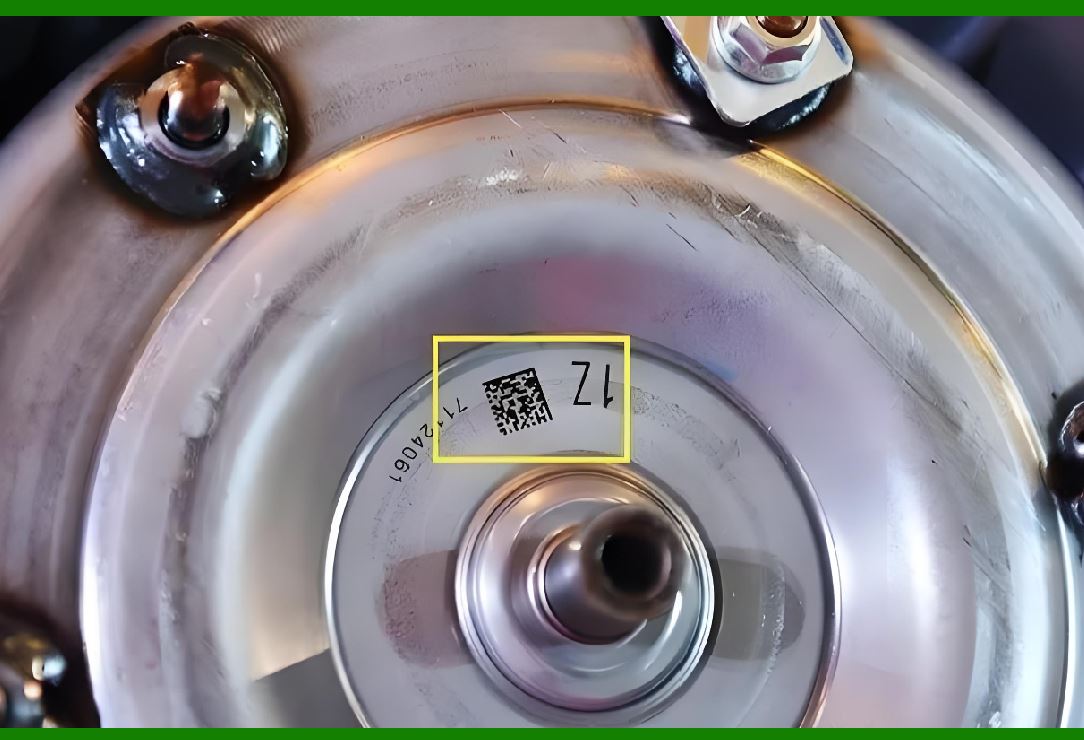
Applying a DataMatrix code to a medical implant requires a process that is both precise and permanent. Laser marking has emerged as the superior method for this task . It uses a focused beam of light to alter the surface of the material, creating a durable mark that is highly resistant to wear, chemicals, and repeated sterilization cycles . |
There are several key reasons why laser marking is preferred for implants: |
Permanence: The mark is virtually indestructible. It cannot be peeled off, smeared, or washed away. This is essential for an item that will be inside a patient for life . |
Precision: Modern fiber lasers can create extremely small, high-quality DataMatrix codes. A mark can be as small as 0.5 mm by 0.5 mm, fitting even the smallest implant surfaces . |
Material Integrity: Laser marking can be performed using a process called 'annealing,' which heats the surface of metals like titanium without ablating the material. This is crucial as it creates a high-contrast mark without damaging the implant's structural integrity or creating micro-cracks where bacteria could colonize . |
No Consumables: Unlike inkjet or chemical etching, laser marking requires no inks or chemicals, making it an economical and environmentally friendly long-term solution . |
There are different types of lasers used, such as fiber lasers and UV lasers, chosen based on the material being marked . The key is that the marking must meet strict quality standards, verified using tools like ISO/IEC 15415 for 2D symbols and ISO/IEC 29158 for DPM, to ensure it is always readable . |
|
Chapter 5: UDI Compliance in Action: American Applications |
5.1 Post-Sale Tracking and Recall Management |
The primary benefit of DataMatrix marking is the ability to track an implant after it has been placed in a patient. If a manufacturing defect is discovered, the manufacturer can quickly use the UDI database to identify which hospitals and patients received the affected units . This allows for a rapid, targeted recall, minimizing risk and cost. |
5.2 MRI Safety |
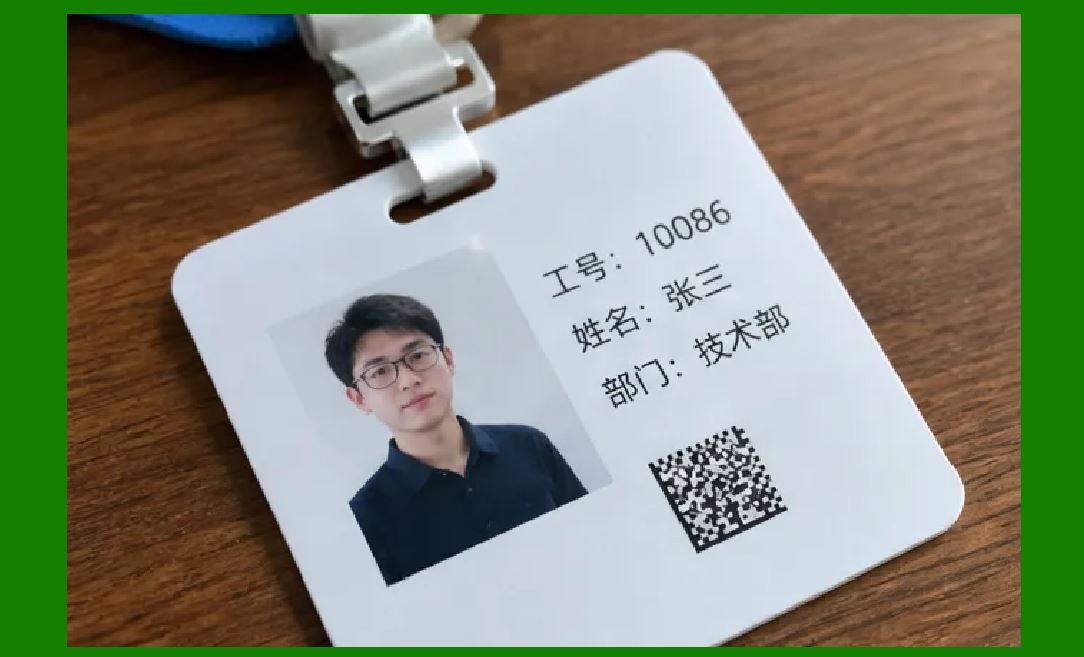
One of the most critical safety applications of the UDI system is ensuring MRI compatibility. The UDI links the physical implant to its digital documentation, which includes its MRI Safety Information . When a patient with an implant requires an MRI, a healthcare provider can scan the DataMatrix on the implant (if accessible) or its medical records to check its MRI safety status (e.g., 'MR Safe,' 'MR Conditional,' or 'MR Unsafe'). This quick access to information is vital in an emergency situation and helps to prevent severe injuries or death caused by unsafe scanning. |
|
5.3 Post-Market Surveillance and GUDID |
Every UDI (DI) must be submitted to the FDA's Global Unique Device Identification Database (GUDID) . This publicly accessible database acts as a central repository for identifying information on all devices with UDIs. When coupled with electronic health records, UDI scanning enables a robust National Evaluation System for active surveillance. The FDA can collect data on devices during routine clinical care, allowing them to monitor device performance, identify adverse events early, and ensure the safety and effectiveness of medical devices on the market . |
5.4 Surgical Workflow and Inventory Management |
Beyond regulatory compliance, the use of DataMatrix codes on implants and surgical instruments streamlines hospital operations. When a surgical instrument tray arrives at the operating room, it can be scanned to instantly verify its contents against a surgical pick list, ensuring that the correct implants and tools are available for the procedure . The same scanning can automatically update the hospital's inventory system, reducing manual entry errors and improving efficiency. |
5.5 Medical Implant Traceability |
For implants like 3D printed titanium hips, manufacturers utilize advanced marking and tracking systems. Traceability ensures a complete history of the device, from raw materials and manufacturing to patient use . This is particularly important for implants manufactured using advanced processes, where the source material and specific fabrication data are critical for quality and safety. Laser marking ensures that the UDI code remains on the implant for its lifetime, providing an unbroken link to its digital history . |

|
Summary |
The FDA's UDI regulation has made the identification and traceability of medical implants a non-negotiable aspect of healthcare. The requirements of the regulation, particularly the mandate for Direct Part Marking on reusable and implantable devices, have elevated the GS1 DataMatrix from a simple barcode to a critical patient safety tool . This compact, error-correcting symbol, applied via high-precision laser marking, serves as a permanent digital link between the physical implant and its entire history . |
This link is far more than just a compliance checkbox. It enables a healthcare ecosystem that is safer, more efficient, and more transparent. It allows for rapid and accurate recall management, prevents life-threatening MRI errors by enabling instant verification of safety data, and supports the FDA's efforts to monitor and improve device performance through national surveillance systems . |
From the surgical suite to the patient's medical record, the DataMatrix code on an implant ensures that the right device is used for the right patient, and that the device can be tracked for the rest of the patient's life. As technology and regulations continue to evolve, the DataMatrix mark will remain the silent, durable guardian of patient safety in the world of medical implants. |
 cs@easiersoft.com