DataMatrix Decoded: A Technical Deep-Dive |
Executive Summary |
In the rapidly evolving landscape of additive manufacturing, known widely as 3D printing, a revolutionary approach to part identification has emerged. Instead of applying a label or engraving a code after production, manufacturers are now embedding DataMatrix symbols directly into the digital design of a part before it is even printed . The code becomes an integral, permanent part of the component's physical structure, inseparable from the object itself. This technique, often called Direct Part Marking (DPM) in the context of additive manufacturing, involves projecting a machine-readable matrix pattern onto a selected surface of the CAD model . The 3D printer then uses this modified model to fabricate the part with the DataMatrix code as a surface texture. |
This process offers profound advantages for traceability, quality control, and lifecycle management, particularly in industries like aerospace, medical devices, and automotive where parts are highly customized or mission-critical. By merging the digital design with a physical identifier, companies can create an immutable 'digital twin' link, ensuring that each unique 3D printed component carries its identity and history with it throughout its entire service life . This article explores the technical foundations of embedding DataMatrix codes in 3D printed parts and the real-world applications driving this innovation. |

|
Part One: Technical Foundations of Embedding Codes in AM |
Chapter 1: The Concept of Integrated Identification |
In traditional manufacturing, identification is an afterthought. A part is made, and then a label is applied, a barcode is printed, or a code is laser-etched onto it. With 3D printing, the manufacturing process itself can be used to create the identifier. The key advantage is that the identifier and the part are created simultaneously, making them inseparable. The code is not a surface marking that can wear off, but a feature of the part's geometry. |
The integration is achieved by modifying the Computer-Aided Design (CAD) model of the part. A matrix pattern---a DataMatrix code---is incorporated into a selected surface of the model . This is not a simple image overlay; it is a true 3D modification. The code is projected onto the surface, and the 3D printer interprets this as a pattern of elevated and recessed areas . The result is a physical, three-dimensional DataMatrix code that can be read by optical scanners. |

|
Chapter 2: The Challenge of Creating Contrast |
One of the biggest challenges in 3D printing a DataMatrix code is creating sufficient contrast. A standard DataMatrix code relies on a sharp contrast between dark and light modules. In a monolithic 3D printed part, where the entire object is made of the same material, achieving this contrast is not straightforward. Simply adding a code pattern with flat, level surfaces will not create readable contrast if the entire code and the base material are the same color . |
To overcome this, several innovative techniques have been developed. These methods are described in patents and research focused on integrating identification features into additive manufacturing processes. |

|
Chapter 2.1: Texture-Based Contrast |
A primary method for creating readable contrast is to use surface texture rather than color. The CAD model is designed so that the 'dark' and 'light' modules of the DataMatrix code have different surface textures . These textures interact with light differently. For example, one area might be smooth and shiny (specular), reflecting light directly back to a reader, while another area might be rough and matte, scattering light away. This creates a contrast that an optical scanner can detect, even though the two areas are made of the same material and have the same nominal color. |
Chapter 2.2: Topographical Contrast |
Another approach relies on topography, or the physical depth of the code. The design can feature 'wells' and 'textured zones' that are at different depths . When light hits the part, deeper 'well zones' may appear darker due to shadows, while elevated 'textured zones' may appear brighter because they reflect more light . This geometric variation creates the necessary contrast for machine reading. This method is particularly useful for creating contrast on mono-colored parts. |
Chapter 2.3: Infill Variations |
A related technique involves varying the infill density beneath the code's surface. The 'infill' is the internal lattice structure of a 3D printed part. By designing different infill patterns or densities under the code's modules, the surface finish can be subtly altered, potentially affecting how light is reflected and thus enhancing contrast . |

|
Chapter 3: Scanning and Decoding Challenges |
Reading a DataMatrix code that has been integrated into a 3D printed part presents its own set of challenges. The code is often low-contrast, meaning the difference between the dark and light modules is much less than on a printed label. The code may also be on a curved surface, making it difficult for a scanner to capture a clear image. |
Research, such as a 2023 study on polymer-based Selective Laser Sintering (SLS) parts, has tackled this problem. The study developed a deep-learning approach to first locate the code (achieving 97.38% mean average precision) and then decode it . The approach uses an image encoding network that transforms the low-contrast code image into a standard, readable DataMatrix code . This work is significant because it shows that with the right algorithms, even challenging, low-contrast codes can be reliably decoded, and the process can run on mobile devices for easy field use . |

|
Part Two: Materials and Methods for DPM in AM |
Chapter 4: Metal Additive Manufacturing |
Embedding DataMatrix codes in metal 3D printed parts is a particularly valuable application, especially in high-performance sectors like aerospace and automotive. The processes and challenges differ depending on the material and AM technology used. |
Chapter 4.1: Laser Engraving Post-Processing |
While the focus of this article is on embedding codes *during* the printing process, laser marking is often used as a complementary post-processing step . For 3D printed metal parts, laser engraving can create a very high-contrast, durable permanent mark . This method is highly flexible and can be applied to a wide range of metal alloys. However, unlike an embedded code, a laser marking is still a surface treatment that could potentially be damaged. |
Chapter 4.2: LENS and Laser Bonding |
NASA's handbook provides insight into marking technologies used in demanding applications. One method, Laser Engineered Net Shaping (LENS), is an additive process where a laser melts metal powder as it is deposited. LENS can be used to *add* material to a surface to create a DataMatrix symbol . The deposited material can be different from the part, allowing for contrast. This process is compatible with many common alloys . |
Laser bonding, another method cited by NASA, involves fusing a material (like a glass-frit powder or metal oxide) to the surface of a part using a laser . This creates a marking that is resistant to heat and chemicals . While often a post-processing step, it represents the type of durable marking required for aerospace parts. |

|
Chapter 5: Polymer Additive Manufacturing (SLS) |
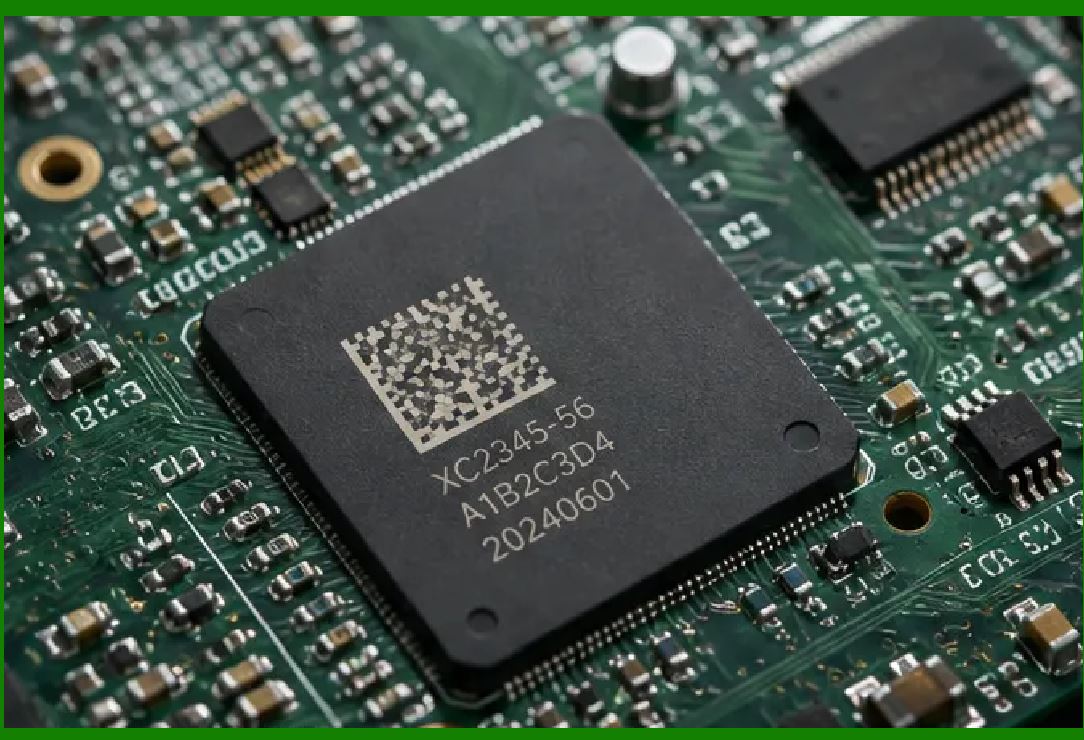
Selective Laser Sintering (SLS) is a popular 3D printing technology for creating functional polymer parts. However, the parts are typically a single color and have a slightly porous surface, making it very difficult to print a high-contrast code directly into the part. |
As mentioned earlier, a study on reading DataMatrix codes on SLS parts highlights the challenges of low contrast . The solution was not in the printing itself, but in the decoding. The researchers used a deep learning-based approach to 'see' the code, even when the contrast was poor. This involved first locating the code using an AI model, and then using an image encoding network to transform the low-quality image into a decodable one . This approach is a clear example of how advanced software can compensate for the physical limitations of a 3D printed material, making embedded identification more practical. |
|
Part Three: Real-World Applications |
Chapter 6: The Role of Additive Marking and PASS-X |
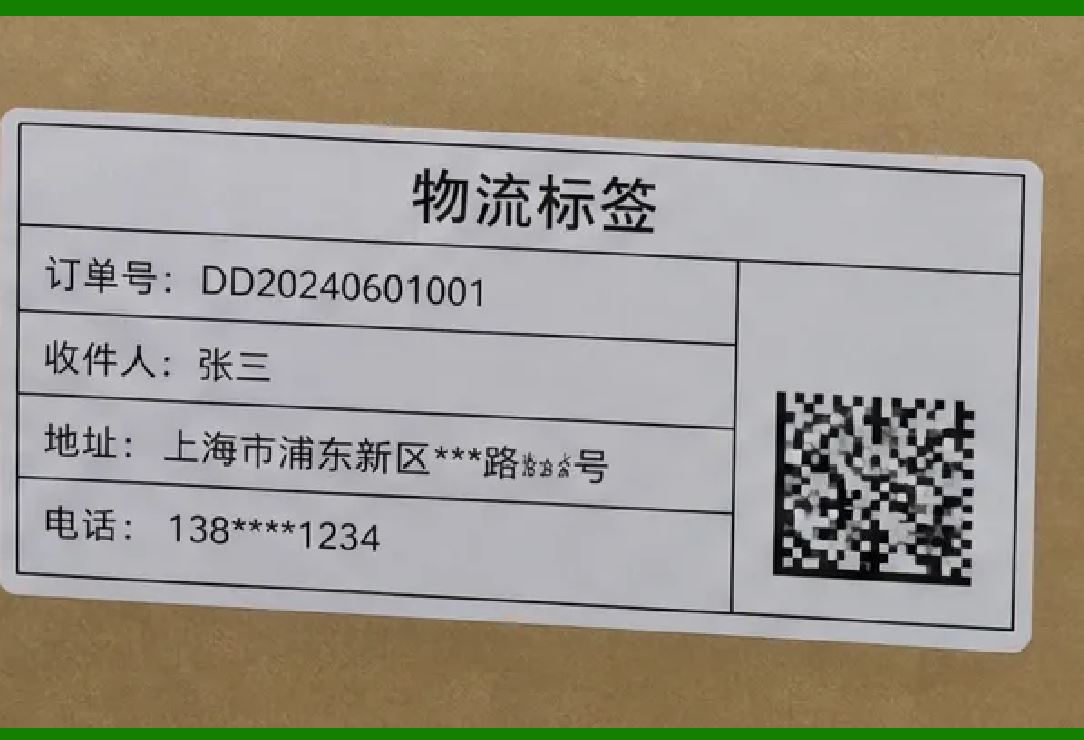
The commercial potential of embedded identification has led to the creation of specialized platforms. A company called Additive Marking has developed software that integrates machine-readable codes directly into a component during the 3D printing process . This system creates a 'digital twin' link that is established at the moment of manufacturing, eliminating the 'media disruption' that can occur when a part's physical identity and its digital record are managed separately . |
The platform is designed to be GS1-compliant, allowing DataMatrix codes to be used for standardized supply chain tracking . It also offers a product data management platform (PASS-X), which helps companies manage product-related data and implement digital product passports for emerging regulations like the EU's ESPR . This shows that the integration of DataMatrix codes into 3D printing is not just a technical novelty but is being developed as a mature solution for industrial traceability. |
|
Chapter 7: Aerospace Parts |
The aerospace industry is a primary driver for this technology. The need for traceability of every component, particularly in engines and safety-critical systems, is absolute. 3D printing is increasingly used to create complex, lightweight parts for aircraft. These parts are often made from expensive alloys and are designed for specific, mission-critical functions. |
Embedding a DataMatrix code directly into the part's geometry ensures that the part can be identified even if its label is lost or its surface is damaged. The use of LENS and laser bonding, as mentioned in NASA's standards, demonstrates the industry's commitment to creating permanent, readable marks on parts that will be subject to extreme conditions . A permanent, integrated code ensures that the part's manufacturing history, material certifications, and inspection records are always accessible. |

|
Chapter 8: Medical Implants and Devices |
The medical device industry, like aerospace, requires absolute traceability. 3D printing is widely used to create patient-specific implants like hip stems, cranial plates, and dental screws. Each implant is unique to a patient, making batch-level traceability insufficient; each individual implant must be identifiable. |
Embedding a DataMatrix code into the implant's design allows it to be traced from its raw material to its placement in a specific patient. The code can serve as the link to its digital record, which would contain data about its design, the material used, the printer that made it, and the sterilization cycle it underwent. As the code is an integral part of the implant, it cannot be removed or falsified, enhancing patient safety and regulatory compliance. |

|
Chapter 9: Additive Manufacturing in Automotive |
The automotive industry is using 3D printing for prototyping, tooling, and increasingly for production of complex, low-volume parts. For high-value components, traceability is essential. Integration of DataMatrix codes provides a method for tracking parts through a production line, even when those parts are custom-manufactured. As one industry source notes, the combination of 3D printing and durable marking ensures that each customized component has a complete and verifiable history . |
|
Detailed Summary |
The integration of DataMatrix codes into 3D printed parts represents a significant evolution in manufacturing and traceability. By embedding a unique identifier directly into the digital design of a part, manufacturers can ensure that the code is inseparable from the physical object, creating an immutable link to its digital history. This is achieved by modifying the CAD model to include a three-dimensional representation of the DataMatrix pattern, which is then printed as a surface texture . |
The primary challenge---creating sufficient optical contrast on a monolithic, single-material part---has been overcome through innovative design techniques. These include using variations in surface texture (specular versus matte) and topography (wells and textured zones) to create machine-readable contrast without relying on pigments . When these inherent contrast methods are insufficient, advanced deep-learning decoding algorithms can compensate by locating and transforming low-contrast images into readable codes, as demonstrated in polymer SLS applications . |
This technology has profound implications across industries. In aerospace, it ensures that mission-critical parts, often made using advanced LENS or laser bonding techniques, carry a permanent identifier . In medical devices, it allows for the unique traceability of patient-specific implants. In automotive and general manufacturing, it provides a method to link each customized component to its digital twin . |

|
Commercial platforms like Additive Marking are already implementing this technology, moving it from theoretical research to practical industrial solutions . The ability to create, manage, and read these integrated codes using standard smartphones and GS1-compliant systems means that the full traceability of 3D printed parts is now achievable, making the supply chain more transparent and resilient. The marriage of additive manufacturing and DataMatrix codes ensures that the digital and physical worlds are linked from the very moment of a part's creation. |
 cs@easiersoft.com