DataMatrix Decoded: A Technical Deep-Dive |
Executive Summary |
In event ticketing, the DataMatrix code has emerged as a powerful tool for secure entry validation and anti-counterfeiting. Unlike traditional paper tickets with simple barcodes, DataMatrix symbols can encode a large amount of data---including seat information, purchaser identity, and cryptographic signatures---in a compact, scannable format . Because DataMatrix codes use Reed-Solomon error correction, they remain readable even if the ticket is crumpled, folded, or partially damaged. This makes them ideal for mobile ticketing applications, where codes are displayed on smartphone screens of varying brightness and resolution. |
The anti-counterfeiting value of DataMatrix is substantial. Each code can be uniquely serialized and cryptographically signed, making it nearly impossible to forge a valid ticket . When combined with Copy Detection Patterns (CDPs)---subtle, pseudo-random patterns that are easy to print but difficult to copy---the system creates a robust defense against ticket fraud . At event gates, high-speed scanners validate the DataMatrix code against a central database, often in offline mode, verifying both authenticity and validity in a fraction of a second . This article explores the technical implementation of DataMatrix in event ticketing, the security mechanisms that prevent fraud, and real-world applications across the United States and globally. |

|
Part One: Technical Foundations of DataMatrix Ticketing |
Chapter 1: Why DataMatrix for Event Ticketing |
Event organizers face two primary challenges: validating entry efficiently and preventing ticket counterfeiting. Traditional paper tickets are vulnerable to forgery, and manual validation is slow and error-prone. DataMatrix codes address both issues. A single code can encode up to 2,335 alphanumeric characters---enough to store ticket data, purchaser information, event details, seat assignments, and a cryptographic signature . The code can be displayed on a mobile phone screen or printed on a paper ticket. |
DataMatrix codes are ideal for mobile ticketing because they are designed to be read even under challenging conditions. The Reed-Solomon error correction can recover the data even if the code is partially obscured, scratched, or displayed on a low-contrast screen . This robustness is essential in the event environment, where attendees may present tickets that are crumpled, folded, or displayed on phones with cracked screens or low brightness. |

|
Chapter 2: DataMatrix vs. QR Codes for Mobile Ticketing |
While QR codes are also used for mobile ticketing, DataMatrix offers some distinct advantages. DataMatrix codes are typically more compact than QR codes for the same data payload, requiring less screen space . They also have a smaller quiet zone requirement, making them easier to display on small screens. DataMatrix codes are particularly suitable for encoding structured data with error correction. |
One 2013 study from researchers at San Jose State University developed a DataMatrix-based validation system specifically for mobile ticketing, demonstrating that the symbology is well-suited for mobile commerce applications . The system allowed mobile devices with cameras to act as both ticket displays and validation tools. |

|
Chapter 3: Security Through Cryptographic Signatures |
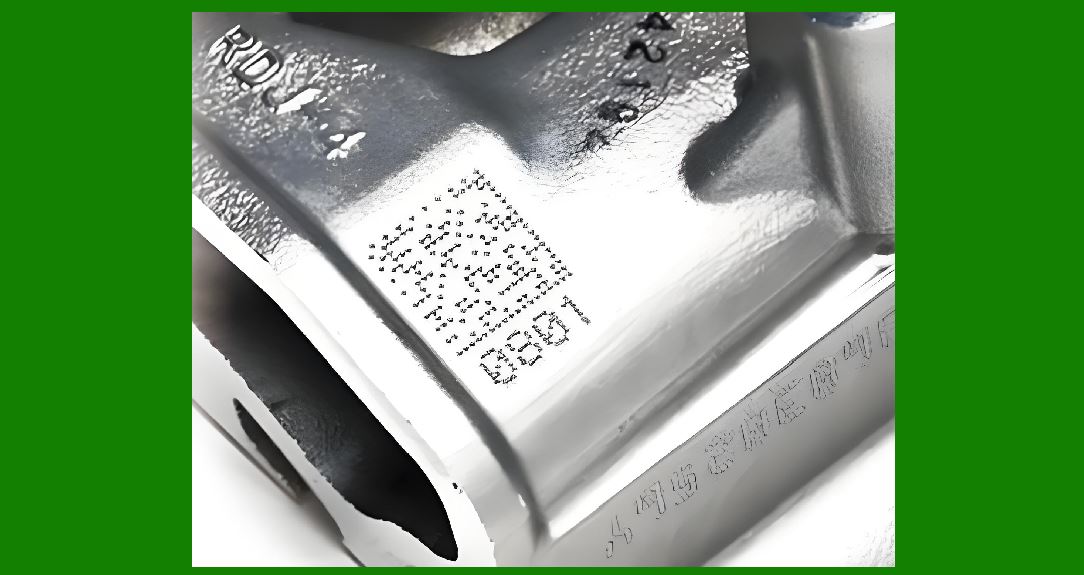
A fundamental weakness of simple barcodes is that they can be copied. If a ticket code is just a number, anyone with the number can create a duplicate. To prevent this, the DataMatrix code on a ticket must include a cryptographic signature that can be verified by the gate scanner . |
The signature is generated using a private key held by the ticket issuer. When the gate scanner reads the DataMatrix code, it uses the corresponding public key to verify that the signature is valid and that the data has not been tampered with . An elliptic curve cryptography (ECC) algorithm is often used because it offers strong security with shorter key lengths, which is important given the limited data capacity of the DataMatrix code . This approach ensures that only tickets generated by the authorized issuer are accepted. |
|
Chapter 4: Copy Detection Patterns (CDPs) |
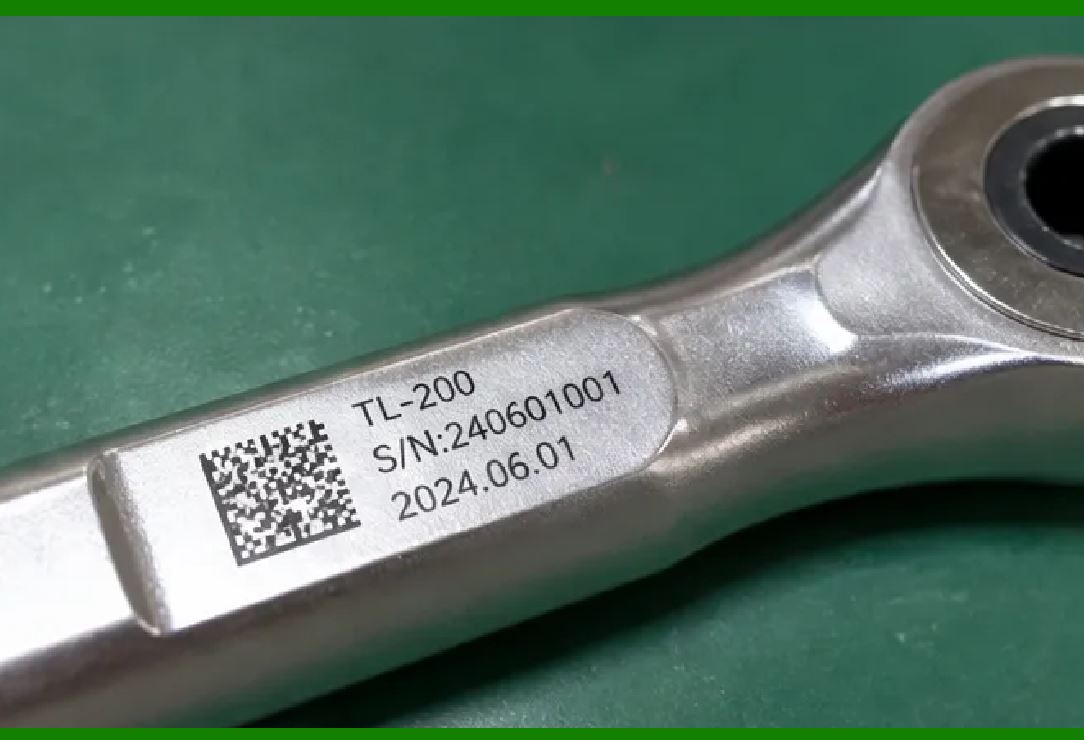
In addition to cryptographic signatures, a physical layer of protection can be added to paper tickets: Copy Detection Patterns (CDPs) . A CDP is a pseudo-random pattern that is integrated into the ticket design. These patterns are extremely difficult to copy with a standard printer or scanner because of the inherent loss of fidelity in the copying process . |
The CDP is generated using a cryptographic key, and each ticket can have a unique pattern. When the ticket is scanned at the gate, the scanner captures an image of the CDP and analyzes it to determine if it is an original or a copy . This technology is also used in currency and pharmaceutical packaging to prevent counterfeiting . For a DataMatrix ticketing system, the CDP can be overlaid with the DataMatrix code itself without interfering with its readability, providing dual-layer security. |
|
Chapter 5: Offline Verification |
In large venues, network connectivity can be unreliable due to the density of mobile devices and the physical structure of the building. To ensure entry is not disrupted, ticket verification systems must operate in offline mode . |
Offline verification works by storing ticket validation data locally on the scanning device. The DataMatrix code contains a unique ticket identifier. The scanner checks this identifier against a pre-loaded list of valid tickets stored in its memory . If the ticket is on the list and has not already been scanned, it is validated. Once the device reconnects to the network, it syncs the entry records with the central server. This approach is common in systems developed for international trade fairs and events, where 40 different code types are supported . |

|
Chapter 6: Types of Ticket Media |
DataMatrix codes can be deployed on multiple media types, each suited to different event needs: |
Mobile Tickets: The code is displayed on a smartphone screen via SMS, email, or a mobile wallet. The user simply holds their phone up to the scanner. This is the most common approach for modern events . |
Paper Tickets: Printed on standard paper or cardstock, incorporating CDPs and other anti-counterfeiting features. |
Wristbands: The DataMatrix code can be printed on a durable wristband, which is ideal for multi-day festivals or events where attendees come and go . |
Plastic/RFID Cards: For season passes or premium access, the code can be printed on a plastic card. |
Part Two: American and Global Applications |

|
Chapter 7: The Beep! Mobile Ticketing Platform (Netherlands) |
While not American, the Beep! mobile ticketing platform in the Netherlands is a landmark implementation of DataMatrix for mobile ticketing and is a benchmark for U.S. events . Beep!, a market leader in mobile ticketing, sends tickets to consumers' mobile phones via SMS. The SMS contains a DataMatrix 2D barcode that is displayed on the phone's screen . |
The system is designed for mass-market use for events like cinemas, concerts, and amusement parks. DataMatrix was chosen because it can encode a large amount of data, including ticket details and security information, and can be displayed on a wide range of current mobile phone models . Event organizers benefit from drastically lowered transaction costs and the elimination of the possibility of fake tickets, as each DataMatrix code is unique and verified against the system . |
|
Chapter 8: Olympic Games Ticketing Systems |
The 2008 Beijing Olympics used DataMatrix codes on its ticketing system, and the application has been widely studied in technical literature . The research demonstrates how DataMatrix 2D barcodes can be used to redesign the entire venue ticketing system, providing a framework for fast, automatic, and accurate validation . |
The Olympics system stored seat information, date, and event data in the DataMatrix code. Scanners at the venue gates automatically read the code, verified it against the system, and allowed entry. This automated process was far more efficient than manually checking paper tickets, and the high data density allowed for a greater volume of information to be stored on each ticket. |

|
Chapter 9: Smart Gate Systems for Stadiums and Theme Parks |
Companies like SKIDATA provide integrated access control solutions for large venues worldwide, and their systems are a key reference for U.S. implementations . The Flex.Gate automatic authentication machine from SKIDATA supports a wide range of data media, including DataMatrix, QR, and PDF417 barcodes . |
These gate systems are typically deployed at sports stadiums, theme parks, and amusement parks. They support both online and offline ticket validation, can integrate with Apple Wallet and Google Wallet, and are built with an IP54 waterproof and dustproof rating for outdoor use . The SKIDATA system at the National Stadium in Japan, for example, has 144 automatic authentication machines at each gate, capable of processing approximately 1,200 entries per hour per unit during events with up to 50,000 guests . |

|
Chapter 10: Custom Ticketing Apps for Trade Fairs |
Event organizers for large trade fairs often require custom ticketing applications that can handle a high volume of attendees and complex ticketing rules. A case study from Softeq, a software development company, details the creation of a client-server ticketing application for a client providing digital solutions for international trade fairs . |
The application is installed on custom handheld Android devices and scans over 40 types of access codes, including DataMatrix and QR . It supports both online and offline verification. If the device loses its network connection, the app checks the ticket data locally using a precompiled library containing an algorithm for code verification . The system also features a multilingual UI, ticket cancellation options, and background data syncing. This app was successfully tested at an international event in Cologne, Germany . |
|
Chapter 11: Mobile Validation System for Movie Ticketing |
A 2011 study from San Jose State University built a prototype mobile ticketing system using DataMatrix 2D barcodes . This academic work laid the foundation for the widespread adoption of mobile barcode-based ticketing. |
The system allowed users to purchase movie tickets on their mobile phones, receive a DataMatrix code as proof of purchase, and present the code to a validation device at the theater entrance . The study emphasized that 2D barcodes like DataMatrix are a popular and effective method to present mobile data, supporting new interactive approaches between mobile customers and wireless application systems . |

|
Chapter 12: Mobile Scanner Apps |
For smaller events, simple, low-cost solutions are available. The LoMag Ticket Scanner app on the Google Play store enables event organizers to use their smartphones to scan tickets . It supports both DataMatrix and QR code scanning and allows organizers to upload a list of valid barcodes from an Excel or text file . |
The app can block duplicate scans, provides sound and vibration feedback on successful scans, and generates statistics that can be emailed or saved to the cloud . This type of app demonstrates how DataMatrix technology is accessible even to small event organizers. |

|
Detailed Summary |
DataMatrix codes have become a foundational technology for modern event ticketing, enabling secure, efficient, and automated entry validation at scale. Their compact size, high data capacity, and robust error correction make them the ideal symbology for both paper and mobile ticketing. When combined with cryptographic signatures, DataMatrix codes ensure ticket authenticity by making it nearly impossible to forge a valid code without the issuer's private key. Physical security features like Copy Detection Patterns provide an additional layer of anti-counterfeiting, making it difficult to copy a valid ticket using a standard printer. |
The systems that read these DataMatrix codes are equally sophisticated. High-speed gate scanners can validate thousands of attendees per hour, verifying tickets online or offline against a central database in real-time . These systems are deployed at major events worldwide, including the Olympics and World Cup, as well as in major American stadiums and theme parks. For smaller events, mobile apps that read DataMatrix codes on a smartphone provide an accessible alternative. |
The security of DataMatrix ticketing is multi-layered. The code itself contains encrypted or signed data. The scanning hardware or app can verify this signature offline. The system can be configured to prevent a code from being scanned twice, effectively invalidating a duplicate. And the physical CDP provides a visual security check that is difficult to defeat. |

|
From the Beep! mobile ticketing platform in the Netherlands to the National Stadium in Japan and the 2008 Beijing Olympics, DataMatrix has proven its value across the globe. As mobile ticketing becomes the norm and event organizers seek more robust anti-counterfeiting measures, DataMatrix codes will remain a central technology for secure access management. Their ability to encode large amounts of data in a compact, scannable, and secure format makes them the 'digital key' for the events of the future. |
 cs@easiersoft.com