Chapter 16: The 1990s - Rail and Livestock | Summary | The 1990s was the decade when RFID stopped being a laboratory curiosity and became a working tool in the mud, dust, and weather of the real world. Two industries led the way: railroads and livestock farming. Railroads needed to know where their freight cars were, sometimes across entire continents, and they used RFID tags bolted to the sides of cars and readers beside the tracks to do it. Farmers needed to know which animals were which, where they had been, and whether they were healthy, and they used RFID tags implanted under the skin or clipped to the ear to do it. These two stories are different in almost every way, but they share one important thing: they both proved that a small, cheap, rugged tag could survive years of hard use and still answer a simple question. Where have you been, and where are you nowThis chapter tells the story of how railroads and livestock farmers in the 1990s turned RFID from a promise into a practice, and how their example opened the door for the hundreds of other uses that followed. | 
| The Railroad Problem | To understand why railroads were among the first big users of RFID, you have to understand a simple fact about trains. A single train can be more than a mile long, and it is made of many cars that do not stay together. Cars are added and removed at yards along the route. A car that leaves Chicago full of grain may arrive in Kansas empty, then be sent to Texas, then to California, then back to the Midwest. At any moment, a railroad may own or manage tens of thousands of cars, and it needs to know where every single one of them is. This is not a small bookkeeping problem. It is a problem that, before RFID, was solved by human beings walking along tracks in all kinds of weather, writing down car numbers by hand, and hoping they did not make mistakes. | The old way of tracking rail cars was called 'car accounting,' and it worked roughly like this. At each yard, a clerk would walk the length of a train with a clipboard and a list of car numbers. He would read the number painted on the side of each car, usually a long string of letters and digits, and write it down. Then he would send the list to a central office, where someone would type it into a computer. The process was slow, expensive, and full of errors. A single misread digit could send a car to the wrong place, or make it disappear from the system entirely. In bad weather, in darkness, or when cars were dirty, the numbers were almost impossible to read. And because trains move constantly, the information was always out of date by the time it reached the office. | Railroads tried many ways to automate this. One early attempt used colored stripes and reflective tape, read by optical sensors beside the track. Another used magnetic stripes, like the ones on the back of a credit card. Neither worked well. Stripes got dirty, faded, or covered with snow. Magnetic stripes lost their data in the presence of strong electrical fields, which are common around railroads. What railroads needed was a tag that could survive being hit by rocks, covered in ice, baked in the sun, and read from a distance without anyone touching it. That is exactly what RFID offered. | 
| The Birth of the Rail Tag | The first serious RFID system for railroads was developed in the 1970s, but it was not until the 1980s and 1990s that it became common. The basic idea was simple. Each rail car got a small, rugged tag, about the size of a thick paperback book, mounted on the side of the car. The tag contained a unique identification number and a small radio transmitter and receiver. Beside the track, at key points like yards and junctions, railroads installed readers. When a train passed, the reader sent out a radio signal, the tag woke up, and the tag sent back its number. The reader recorded the number and the time, and sent the information to a central computer. No human being had to touch anything. | The tags had to be tough. A rail car spends its life outdoors, in temperatures from well below freezing to well above one hundred degrees Fahrenheit. It is hit by rain, snow, hail, and dust. It is banged around in yards, sometimes with force that would crush a laptop. The tag had to keep working anyway. Early tags used a battery, which lasted several years, but batteries run out and must be replaced, which is expensive when the tag is on a car that might be anywhere in the country. Later tags were 'passive,' meaning they had no battery at all. They drew their power from the reader's radio signal, which is a much better design for something that has to sit on a rail car for a decade. | The readers were just as important as the tags. A reader beside a track has to work in the same conditions as the tag, and it has to read tags on cars moving at speed. A train might pass a reader at forty or fifty miles per hour, which means the reader has only a fraction of a second to wake up each tag, receive its number, and record it. The reader also has to ignore tags on cars on nearby tracks, and it has to deal with the fact that rail cars are made of steel, which reflects radio waves and can create confusing echoes. Engineers spent years solving these problems, and by the 1990s they had a system that worked reliably in almost all conditions. | 
| What the Railroads Did With It | Once railroads had reliable RFID, they could do things that were previously impossible. The most important was simply knowing where every car was, in real time. A central computer could show a dispatcher a map of the whole railroad, with every car's location and status. If a customer called to ask where a shipment was, the railroad could answer immediately, instead of sending a clerk to look through paper records. If a car was delayed, the railroad could see where it was and why. If a car was missing, the railroad could find it. This sounds simple, but it changed the way railroads did business. | One of the biggest users of rail RFID was the Association of American Railroads, which set a standard for the tags and readers so that different railroads could read each other's cars. This was essential, because a rail car might travel on tracks owned by half a dozen different companies during a single trip. If each company used its own system, the car would disappear every time it crossed a boundary. The standard, called AEI for Automatic Equipment Identification, was adopted in the early 1990s, and it is still in use today. It is one of the earliest examples of a large industry agreeing on a common RFID standard, and it paved the way for the many standards that followed. | Railroads also used RFID for maintenance. A tag on a car can store information about when the car was last inspected, what repairs it needs, and what parts it has. When the car passes a reader, the system can automatically schedule maintenance, order parts, and warn mechanics about known problems. This saves time and money, and it makes the railroad safer. A car with a bad wheel bearing, for example, can be flagged and pulled from service before it causes an accident. | Another use was in intermodal shipping, where containers are moved between trains, trucks, and ships. A container with an RFID tag can be tracked from the factory to the store, across multiple modes of transport, without anyone opening a box or reading a label. This is the beginning of what we now call supply chain visibility, and railroads were among the first to make it work at scale. | 
| The Livestock Problem | While railroads were solving the problem of tracking steel boxes, farmers were solving a very different problem: tracking animals. A cow is not a rail car. It moves on its own, it gets sick, it gives birth, and it eats and drinks. A farmer with a herd of hundreds or thousands of animals needs to know which animal is which, where it came from, what it has been fed, what medicines it has received, and whether it is healthy. Before RFID, this was done with ear tags, brands, and paper records, all of which had problems. Ear tags fall off. Brands are painful and permanent. Paper records get lost, and they are hard to search. | The need for better animal identification became urgent in the 1980s and 1990s because of disease. A disease like mad cow disease, foot and mouth disease, or swine fever can spread quickly through a herd, and once it is found, officials need to know where the animal came from, what other animals it contacted, and where its meat went. Without good records, this is almost impossible. A single sick cow can lead to the destruction of thousands of animals, and the loss of millions of dollars. Farmers and governments both wanted a system that could trace an animal from birth to slaughter, and RFID was the obvious answer. | The first animal RFID tags were simple. A small glass capsule, about the size of a grain of rice, was injected under the skin of the animal, usually behind the ear or in the neck. The capsule contained a microchip with a unique number and a tiny antenna. When a reader was brought close, the chip sent back its number. The reader could be handheld, or it could be built into a chute or a feeding station, so that animals were read automatically as they passed. The tag had no battery, so it lasted for the life of the animal, which is usually several years. | Later tags were clipped to the ear, like a traditional ear tag, but with an RFID chip inside. These were easier to apply and easier to see, and they became the most common type for cattle. Some tags combined RFID with a visual number, so a farmer could read the number with his eyes or with a reader. Some tags also included a temperature sensor, so the system could tell if an animal had a fever, which is an early sign of disease. | 
| What Farmers Did With It | The first big use of livestock RFID was simply identifying animals. A farmer with a reader could walk through a herd and know exactly which animal was which, without relying on a visual tag that might be missing or dirty. This made record keeping much easier. If a cow was treated with medicine, the farmer could record it with a scan. If a cow was sold, the buyer could scan it and know its history. If a cow was sick, the farmer could look up its records and see what it had been exposed to. | The second big use was disease control. When an animal is found to have a serious disease, officials need to find every animal that might have been in contact with it. With RFID, this is possible. The system can show where the animal was born, where it has been, and what other animals were in the same place at the same time. This allows officials to quarantine and test only the animals at risk, instead of destroying an entire herd or an entire region. This saves animals, money, and time. | A third use was in milk production. A dairy cow with an RFID tag can be recognized by an automatic feeder, which gives her exactly the right amount of food. The same tag can be used by a milking robot, which knows which cow is being milked and records how much milk she gives. This kind of precision farming was new in the 1990s, and it has since become common on large dairy farms around the world. | A fourth use was in meat traceability. When an animal is slaughtered, its RFID tag can be read and linked to the meat that comes from it. This means that a package of beef in a store can be traced back to the farm where the animal was raised. If there is a problem, the store can tell customers exactly which farm the meat came from, and the farm can tell the store exactly which animals were involved. This is important for food safety, and it is also important for consumer confidence. Many countries now require some form of animal identification for exactly this reason. | 
| Other Industries in the 1990s | Railroads and livestock were the leaders, but they were not alone. The 1990s saw RFID spread into many other industries, each with its own problems and its own solutions. A few examples show how versatile the technology was becoming. | In toll collection, highways began using RFID tags on cars to let drivers pay without stopping. The tag on the windshield was read by a reader at the toll booth, and the driver's account was charged automatically. This was one of the first consumer uses of RFID, and it made the technology familiar to millions of people. It also showed that RFID could work at high speed, with cars moving at highway speeds, and that it could handle millions of transactions per day. | In access control, buildings and offices began using RFID cards instead of keys. The card was waved near a reader, the door unlocked, and the system recorded who went in and out. This was more secure than keys, because a lost card could be canceled, and it was more convenient, because no one had to carry a key ring. It also allowed building managers to control who had access to which areas, and to keep a record of who entered and when. | In libraries, RFID tags replaced barcodes on books. A tag inside the book could be read by a reader at the checkout desk, and the book could be checked out and checked in automatically. The same tag could be used by a security gate to prevent theft, and by a shelf reader to take inventory. This made libraries more efficient, and it made it easier for patrons to find books. It also showed that RFID could work with small, cheap tags on items that are handled by the public every day. | In manufacturing, RFID tags were placed on parts and pallets to track them through the production process. A car factory, for example, could use a tag on each engine to record which station it had passed, what tests it had passed, and what parts it needed. This made it possible to build cars to order, with each car getting exactly the options the customer wanted, without slowing down the line. It also made it easier to find problems, because the system could show exactly where a defect was introduced. | In retail, RFID began to be used for inventory. A tag on each item could be read by a handheld reader, so a store clerk could take inventory in minutes instead of hours. The same tag could be used at the checkout, and at the loading dock, and in the warehouse. This was the beginning of the modern idea of the 'smart shelf,' where the store knows what it has and what it needs, and can reorder automatically. It took another decade for this to become common, but the foundation was laid in the 1990s. | In logistics, RFID tags were placed on packages and pallets to track them from sender to receiver. A package with a tag could be read at every step of its journey, so the sender and the receiver could see exactly where it was. This was especially important for companies that shipped high value goods, like electronics or medicine, where a lost package is expensive. It also made it possible to automate sorting, because a conveyor belt with a reader could send a package to the right truck without any human help. | In aviation, RFID tags were used to track parts and baggage. A tag on a bag could be read at check in, at security, at the gate, and at the destination, so the airline could tell the passenger where the bag was. A tag on a part could be read by a mechanic, so the airline could keep track of when the part was installed, when it was inspected, and when it needed to be replaced. This made flying safer and more efficient, and it showed that RFID could work in the most demanding environments. | In healthcare, RFID tags were used to track patients, equipment, and medicines. A tag on a patient's wrist could be read by a nurse, so the right medicine could be given to the right person at the right time. A tag on a wheelchair or a pump could be read by a scanner, so the equipment could be found when it was needed. A tag on a bottle of medicine could be read by a pharmacist, so the medicine could be tracked from the factory to the patient. This saved lives, and it saved money, and it showed that RFID could be used in sensitive situations where privacy and accuracy are critical. | In agriculture, beyond livestock, RFID was used to track crops, trees, and even fish. A tag on a pallet of fruit could be read at the farm, at the packing house, at the truck, and at the store, so the fruit could be kept fresh and sold at the right time. A tag on a tree could be read by a forester, so the forest could be managed more carefully. A tag on a fish could be read by a scientist, so the fish could be studied as it swam. This showed that RFID could work with living things, not just with boxes and cars. | 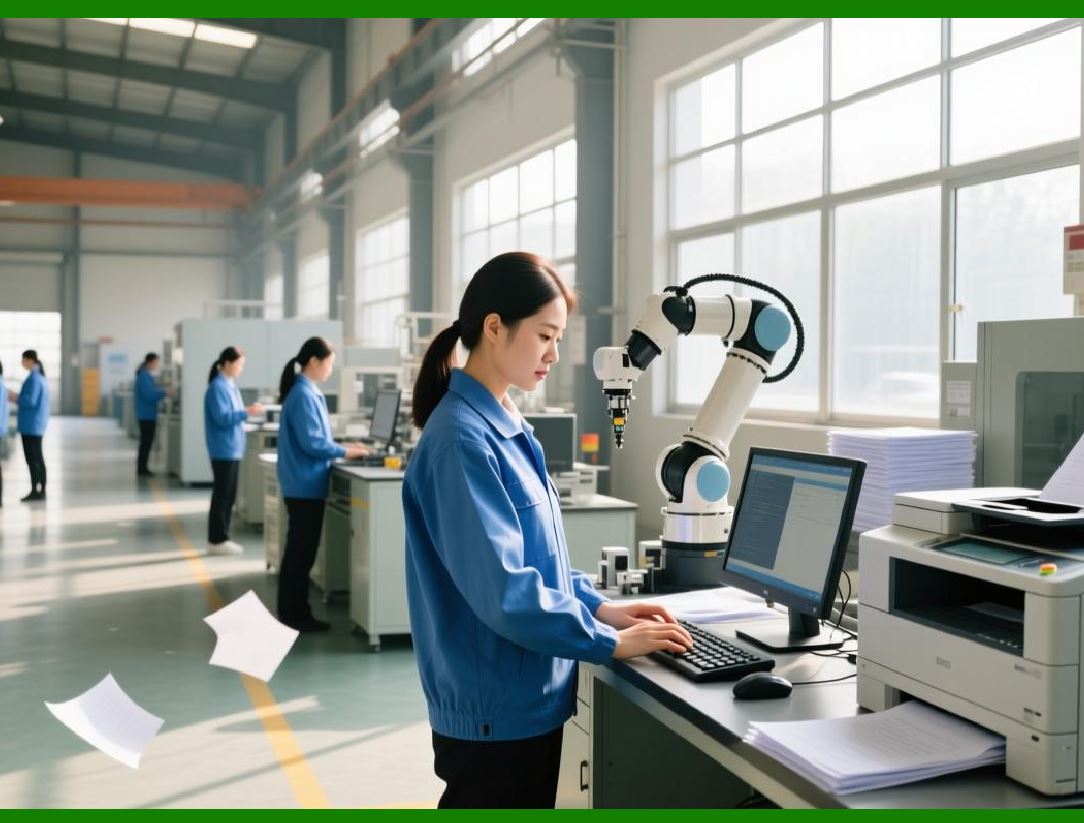
| Why the 1990s Mattered | The 1990s were a turning point for RFID, not because the technology was new, but because it finally became cheap enough and reliable enough to use in the real world. Several things came together at once. Microchips got smaller and cheaper. Radio components got better and cheaper. Standards were developed, so that tags and readers from different companies could work together. And industries like railroads and livestock farming proved that the technology could solve real problems, and that the benefits were worth the cost. | The railroads showed that RFID could work at a distance, in harsh conditions, with no human intervention. A tag on a rail car has to survive years of weather and abuse, and it has to be read by a reader that never touches it. If RFID can work there, it can work almost anywhere. The livestock industry showed that RFID could work with living things, that it could be implanted in an animal and last for years, and that it could be used to protect public health. If RFID can work there, it can work in any situation where identity and history matter. | Together, these two industries created a model that others could follow. The model has three parts. First, put a small, cheap, rugged tag on the thing you want to track. Second, put readers where the thing will pass, so that the tag is read automatically. Third, connect the readers to a computer that can store and use the information. This model is the same whether the thing is a rail car, a cow, a book, a package, or a patient. The 1990s were when this model was proven, and when the world began to see what it could do. | 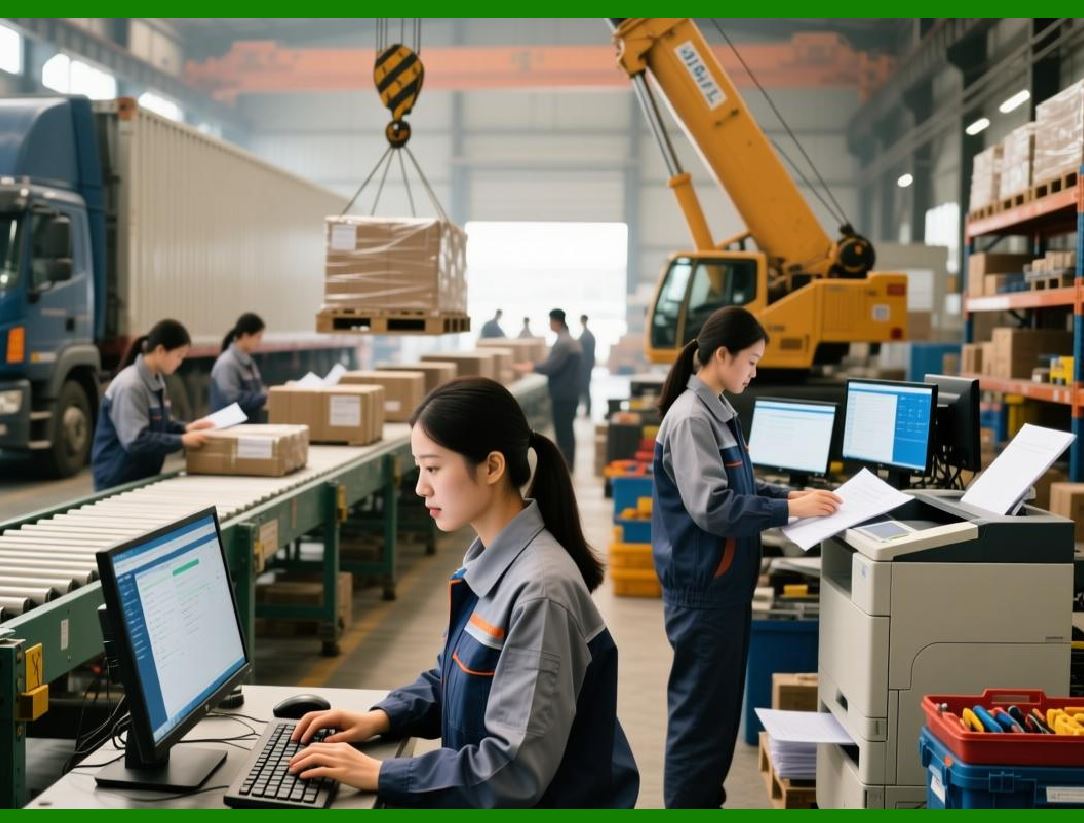
| The Challenges of the 1990s | It would be wrong to say that everything worked perfectly in the 1990s. There were many problems, and some of them took years to solve. One problem was cost. A tag in the 1990s might cost several dollars, which is fine for a rail car but too much for a single item in a store. It took another decade of research and mass production to bring the cost down to a few cents, which is what made retail RFID possible. Another problem was standards. Different industries used different frequencies, different protocols, and different data formats, so a tag from one company might not work with a reader from another. This was slowly solved by international organizations, but the process was slow and sometimes political. | A third problem was privacy. When a tag is on a car or a cow, no one worries much about who reads it. But when a tag is on a person, or on something a person carries, there are questions about who can read it and what they can do with the information. These questions were first raised in the 1990s, and they are still being debated today. A fourth problem was interference. Radio waves do not always behave the way engineers want them to. Metal reflects them, water absorbs them, and other radios can drown them out. Solving these problems required careful design and a lot of testing, and it is still an active area of research. | A fifth problem was data. A system with thousands of readers and millions of tags produces an enormous amount of information. Storing it, searching it, and making sense of it is not easy. In the 1990s, computers were much slower and storage was much more expensive than it is today, so companies had to be careful about what they collected and how they used it. This problem has only gotten bigger as RFID has spread, and it is one of the reasons that modern RFID systems rely so heavily on cloud computing and data analytics. | 
| The Legacy of the 1990s | The 1990s set the stage for everything that came after. The standards developed for railroads and livestock became the basis for the standards used in retail and logistics. The tags developed for animals became the basis for the tags used in healthcare. The readers developed for toll booths became the basis for the readers used in stores. The idea that a tag could be read automatically, without human intervention, became the idea that drives the Internet of Things, where billions of objects are connected to the internet and can report their status without anyone asking. | It is also worth noting that the 1990s were when RFID became a global technology. Railroads in North America, Europe, and Asia all adopted similar systems. Livestock farmers in Australia, New Zealand, Canada, and Europe all began using tags. Toll systems in Europe and Asia followed the American example. This global spread meant that companies could sell tags and readers around the world, which brought prices down and improved quality. It also meant that standards had to be international, which is why organizations like ISO became so important. | Finally, the 1990s were when RFID became a normal part of life, even if most people did not know it. A driver passing through a toll booth, a farmer scanning a cow, a librarian checking out a book, a factory worker tracking a part, all of them were using RFID. They did not call it RFID. They called it 'the toll tag,' 'the ear tag,' 'the library system,' 'the tracking system.' But it was all the same technology, and it was all made possible by the work done in the 1990s. | 
| Detailed Summary | The 1990s were the decade when RFID grew up. It moved from experiments and pilot projects into everyday use in a wide range of industries, and it proved that it could solve real problems in the real world. The two leading industries were railroads and livestock farming, but many others followed, and together they created the foundation for the RFID systems we use today. | Railroads were the first big user. They needed to track freight cars across long distances, in all kinds of weather, without relying on human beings to read numbers by hand. RFID tags mounted on the sides of cars, and readers beside the tracks, allowed them to do this automatically. The tags had to be rugged, because a rail car lives outdoors and is treated roughly. The readers had to be fast, because trains pass at speed. The system had to be standardized, because cars travel on many different railroads. By the mid 1990s, these problems were solved, and rail RFID became a normal part of railroad operations. It improved customer service, reduced costs, and made the railroad safer. | Livestock farming was the second big user. Farmers needed to identify animals, track their health and history, and control disease. RFID tags implanted under the skin, or clipped to the ear, allowed them to do this. The tags had to be safe for the animal, and they had to last for years. The readers had to work in barns and fields, often with animals moving around. The system had to be linked to records, so that an animal's history could be traced from birth to slaughter. By the late 1990s, these problems were solved, and livestock RFID became common in many countries. It improved food safety, helped control disease, and made farming more efficient. | 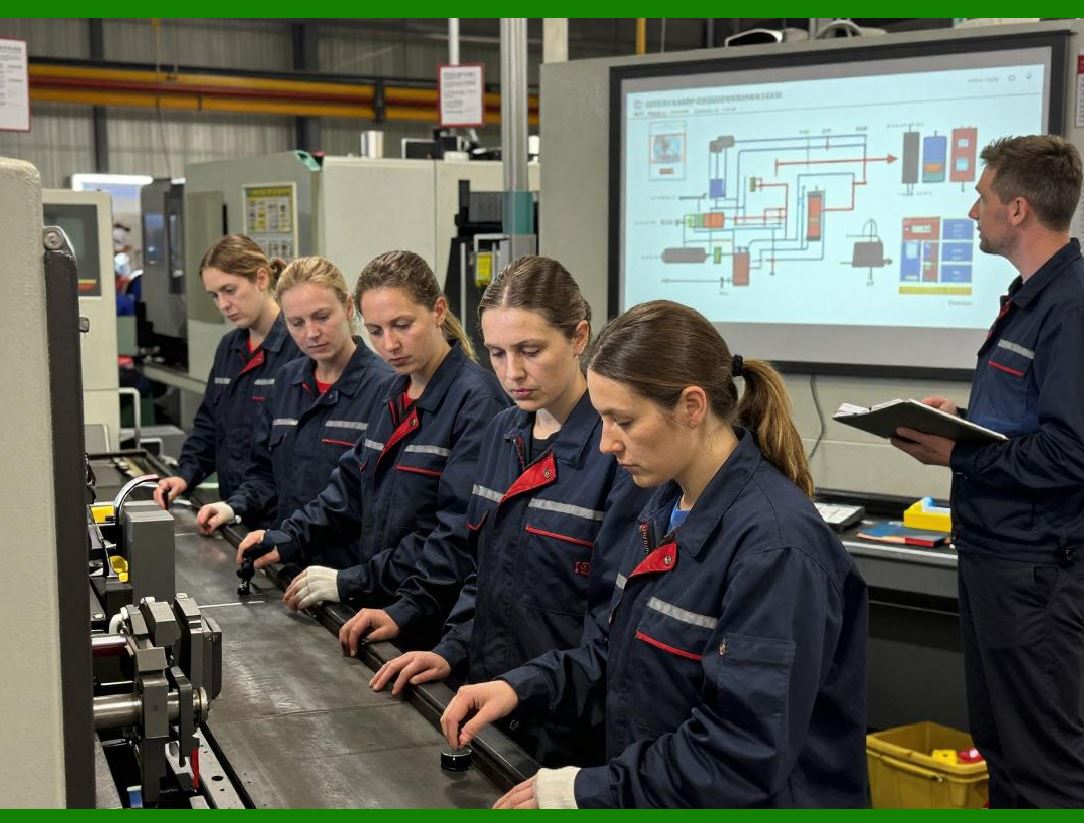
| Other industries followed. Toll collection used RFID to let cars pay without stopping. Access control used RFID cards instead of keys. Libraries used RFID tags instead of barcodes. Manufacturing used RFID to track parts and pallets. Retail used RFID for inventory. Logistics used RFID to track packages. Aviation used RFID for baggage and parts. Healthcare used RFID for patients, equipment, and medicines. Agriculture used RFID for crops, trees, and fish. Each of these uses had its own challenges, but they all shared the same basic idea: put a small tag on the thing, put a reader where the thing will pass, and connect the reader to a computer that can use the information. | The 1990s also saw the development of important standards, especially the AEI standard for railroads and the ISO standards for animal identification. These standards made it possible for tags and readers from different companies to work together, which is essential for any technology that wants to be used widely. They also made it possible for industries to share data, which is essential for tracking things that move from one company to another. | The 1990s also saw the beginning of public debate about privacy. When RFID is used on cars and cows, few people object. When it is used on people, or on things people carry, there are questions about who can read the tag and what they can do with the information. These questions were first raised in the 1990s, and they are still being discussed today. They are an important part of the story, because they remind us that technology is not just about what is possible, but also about what is right. | The legacy of the 1990s is everywhere. The toll tag on your windshield, the access card at your office, the tag on your library book, the tag on your package, the tag on your pet, all of these trace their roots to the work done in the 1990s. The standards, the tags, the readers, the software, the business models, all of them were developed or proven in that decade. The 1990s were when RFID became invisible, in the sense that it became part of everyday life, and when it became indispensable, in the sense that modern supply chains and modern farming could not work without it. | 
| For the story of the silent network, the 1990s are the bridge between the early experiments and the modern world. Before the 1990s, RFID was a promising idea. After the 1990s, it was a working technology. Railroads and livestock led the way, and the rest of the world followed. It is a story of engineers solving hard problems, of industries agreeing on standards, and of a simple idea, that a tag can talk to a reader without anyone touching it, that turned out to be one of the most useful ideas of the twentieth century. |
|
 cs@easiersoft.com