The Silent Network: How RFID and Barcodes Together Map the Physical World |
A Technical Popular Science Article |
Part I: The Invisible Whisper - What RFID Is |
1. The Fundamental Question |
How does a physical object 'talk' to a computer without being seen or touched |
2. The Core Principle |
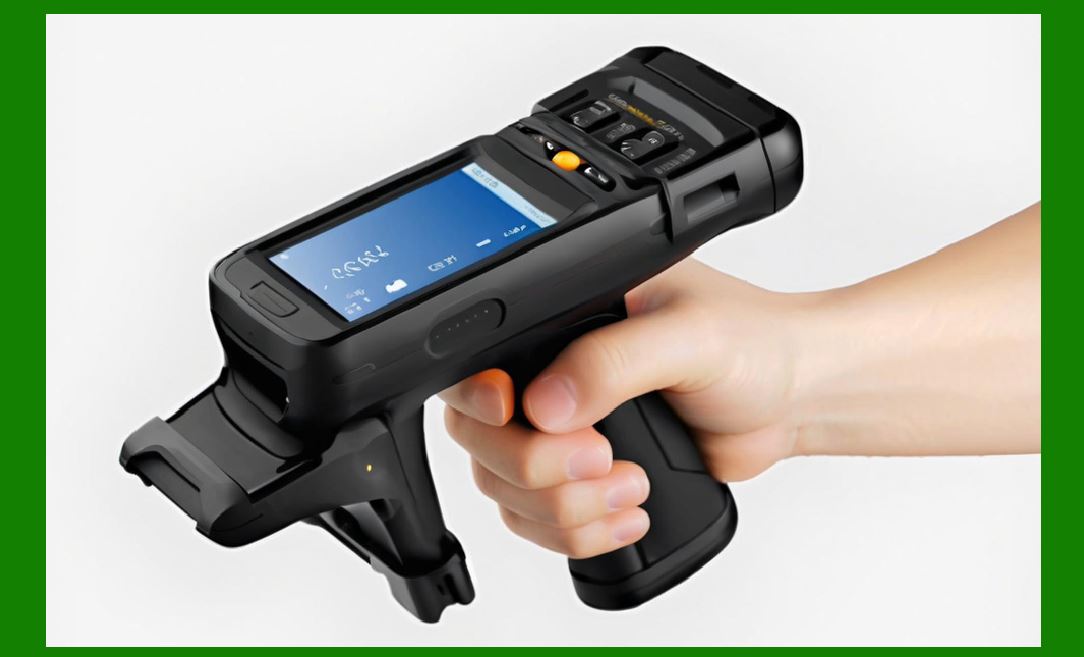
Radio Frequency Identification (RFID) is a wireless system that uses electromagnetic fields to automatically identify and track tags attached to objects. |
3. The Three Components |
Every RFID system consists of three parts: a tag (transponder), a reader (interrogator), and a backend database. |
|
4. The Tag's Anatomy |
The tag contains an integrated circuit (chip) for storing data and an antenna for receiving and transmitting radio signals. |
5. Passive vs. Active |
Passive tags have no internal battery; they harvest energy from the reader's signal. Active tags have their own power source and broadcast independently. |
6. The Frequency Spectrum |
Low Frequency (LF, ~125 kHz) is short-range and penetrates liquids well. High Frequency (HF, 13.56 MHz) is medium-range, used in NFC. Ultra-High Frequency (UHF, 860-960 MHz) offers long range and high speed. |
|
7. The Physics of Backscatter |
A passive tag modulates the reader's reflected signal---a technique called backscatter modulation---to send its unique ID back. |
8. The Anti-Collision Algorithm |
Readers use slotted Aloha or tree-walking protocols to read hundreds of tags per second without data collision. |
9. Memory Banks |
RFID chips have reserved memory for the unique identifier (TID), user data, and kill/password protection. |
|
10. Read Range Variability |
Range depends on frequency, power output, tag orientation, and environmental materials (metal and water absorb RF energy). |
Part II: The Historical Arc - From Espionage to Everyday |
11. The Wartime Ancestor |
The IFF (Identification Friend or Foe) system used in WWII radar is the conceptual grandfather of RFID. |
12. The 1948 Breakthrough |
Harry Stockman's paper 'Communication by Means of Reflected Power' laid the theoretical foundation. |

|
13. The 1960s - The Passive Dream |
The first passive RFID experiments emerged, but they were bulky and power-inefficient. |
14. The 1973 Patent |
Mario Cardullo filed the first true RFID patent, covering a passive, read-write memory tag. |
15. The 1980s - Toll Collection |
The first major commercial use: electronic toll collection in Norway and the US (E-ZPass), reducing highway congestion. |

|
16. The 1990s - Rail and Livestock |
Railroads used RFID to track freight cars; farmers implanted tags in cattle for disease control. |
17. The 2000s - The Retail Spark |
Walmart and the US Department of Defense mandated RFID for pallet-level supply chain tracking, driving mass adoption. |
18. The 2003 EPCglobal Standard |
The Electronic Product Code (EPC) was created as a universal numbering scheme, analogous to the barcode's UPC. |

|
19. The 2010s - NFC Goes Consumer |
Near Field Communication (a subset of HF RFID) enabled contactless payments and smartphone tag reading. |
20. The 2020s - Sensor Integration |
RFID now integrates with temperature, humidity, and motion sensors for cold-chain monitoring. |
Part III: The Old Reliable - Barcode Technology |
21. The Linear Code |
A barcode is an optical, machine-readable representation of data using parallel lines of varying widths. |

|
22. The 1974 First Scan |
The first UPC barcode was scanned on a pack of Wrigley's chewing gum in Ohio---a historic 69-cent transaction. |
23. The 2D Evolution |
QR codes and Data Matrix are two-dimensional, storing hundreds of times more data than linear barcodes. |
24. The Cost Advantage |
A printed barcode costs fractions of a cent; an RFID tag costs 5-20 cents (though dropping). |

|
25. The Line-of-Sight Requirement |
Barcodes require direct visual alignment with a laser or camera; RFID does not. |
26. The Durability Problem |
Barcodes are easily scratched, smudged, or torn; RFID tags can be encapsulated in rugged plastics. |
27. The Data Capacity |
A 1D barcode holds ~20 digits; a 2D code holds ~4,000 characters; an RFID chip can hold 2 KB or more. |

|
28. The Read Speed |
A barcode takes 1-2 seconds per scan; an RFID reader can scan 200+ tags per second. |
Part IV: Early Industry Applications - The Pioneers (Focus Area) |
29. Application 1 - Automotive Manufacturing (1980s) |
Ford and GM used RFID to track car bodies on paint shops, where barcodes would be destroyed by heat and solvents. |
30. Application 2 - Livestock Management (1990s) |
Ear-tag RFID in cattle allowed instant identification for health records, replacing visual ear tags and manual clipboards. |

|
31. Application 3 - Library Systems (1990s) |
The Singapore National Library deployed RFID for self-checkout and automated sorting---barcodes required line-of-sight for each book. |
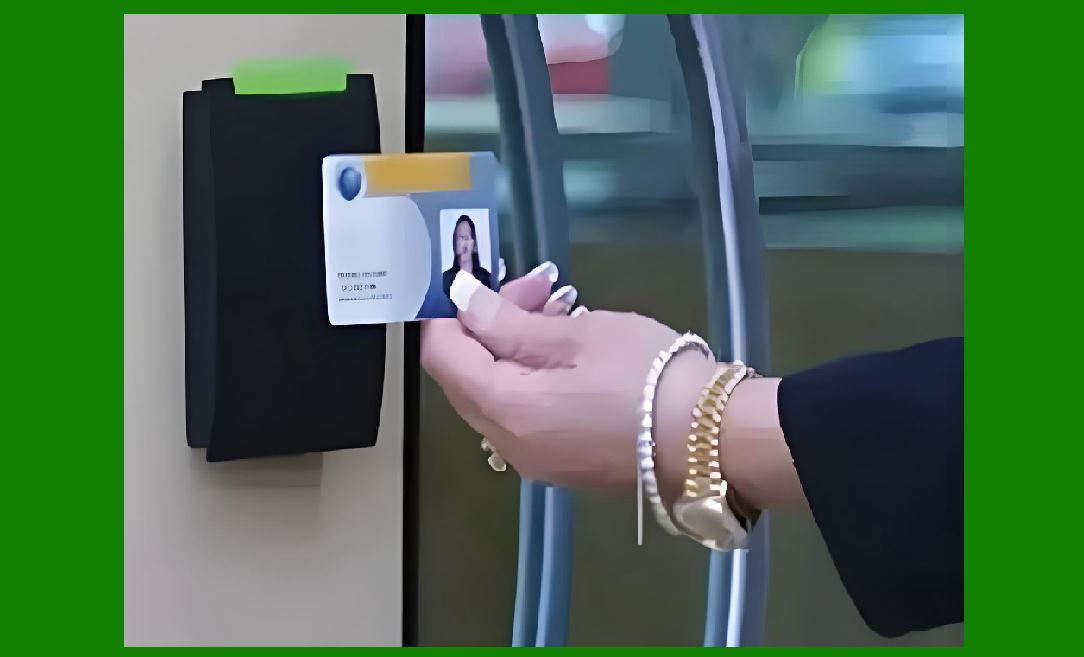
32. Application 4 - Access Control (1980s) |
Corporate buildings used LF RFID badges for secure door entry, far more secure than barcode-printed photo IDs. |
33. Application 5 - Laundry and Textiles (1990s) |
Hospitals used sew-in RFID tags to track surgical linens through industrial washers; barcodes would wash away. |

|
34. Application 6 - Airport Baggage (2000s) |
Hong Kong International Airport used UHF RFID to sort luggage, reducing misread rates from 20% (barcode) to under 3%. |
35. Application 7 - Pharmaceutical Tracking (2000s) |
Pfizer used RFID on Viagra bottles to combat counterfeiting---barcodes were too easy to duplicate. |
36. Application 8 - Tire Manufacturing (1990s) |
Embedded RFID in tire sidewalls tracked retreading cycles, where barcode labels peeled off under friction. |

|
37. Application 9 - Container Shipping (1990s) |
Maersk trialed RFID seals on cargo containers for tamper detection, replacing visual inspection of barcode stickers. |
38. Application 10 - Race Timing (1990s) |
ChampionChip used passive RFID in running shoes for marathon finish-line timing---barcodes could not be read at sprint speed. |
Part V: Head-to-Head - RFID vs. Barcode (Strengths & Weaknesses) |
39. RFID Advantage - Bulk Reading |
One reader captures an entire pallet of 500 items instantly; barcodes must be scanned one by one. |

|
40. RFID Advantage - Non-Line-of-Sight |
Tags inside boxes, under stacked goods, or in dirty environments are still readable. |
41. RFID Advantage - Rewritable Memory |
EPC data can be updated in the field (e.g., 'shipped' --> 'received') without reprinting. |
42. RFID Advantage - Security & Authentication |
Cryptographic features make cloning difficult; barcodes are trivial to copy. |

|
43. RFID Weakness - Cost |
Even at 5 cents, RFID is 50* more expensive than a printed barcode (0.1 cent). |
44. RFID Weakness - Interference |
Metal and water detune UHF antennas; barcodes are immune to RF environmental issues. |
45. RFID Weakness - Privacy Concerns |
Tags can be read surreptitiously; consumers fear tracking---a non-issue with barcodes. |

|
46. RFID Weakness - Standard Fragmentation |
UHF, HF, LF---different regions use different frequencies; barcodes are globally harmonized. |
47. Barcode Strength - Simplicity |
No batteries, no chips, no configuration---just ink and paper. |
48. Barcode Strength - Universal Adoption |
Every retailer, courier, and library has a scanner; RFID infrastructure is still patchy. |

|
49. Barcode Weakness - Manual Labor |
Each scan requires human intervention or precise robotic positioning. |
50. Barcode Weakness - Data Static |
Once printed, the data is fixed; you cannot add a 'use-by date' after production. |
Part VI: Why Integrate- The Symbiotic Strategy (Focus Area) |
51. The Economic Reality |
RFID is still too expensive for a 50-cent item; barcode remains the economical choice for low-margin goods. |

|
52. The Layered Approach |
Use barcode at point-of-sale (customer checkout) and RFID in the back-end warehouse for inventory counts. |
53. Item-Level vs. Case-Level |
RFID is cost-effective for cases and pallets; barcodes are used for individual candy bars and shampoo bottles. |
54. Redundancy & Failover |
If an RFID tag fails (e.g., detuned by moisture), the barcode on the package serves as a backup. |

|
55. The Data Handshake |
The barcode provides the static product master data (SKU, price); the RFID provides the dynamic instance data (serial number, expiry, batch). |
56. Consumer Facing vs. Backend |
Consumers scan barcodes with phone apps; RFID works invisibly in the supply chain---no user training required. |
57. Transitional Strategy |
Companies gradually move high-value items to RFID while keeping low-value items on barcodes, optimizing ROI. |

|
58. Hybrid Labels |
A single label can contain both a printed barcode and an embedded RFID inlay---one physical item, two identification technologies. |
59. Audit Trail |
Barcodes confirm delivery at the dock door; RFID confirms each box's location inside the warehouse---complementary granularities. |
60. The Universal Product Code (UPC) to EPC Bridge |
EPCglobal designed the SGTIN-96 standard to translate the legacy UPC barcode number into an RFID EPC number seamlessly. |
Part VII: Integrated Industry Solutions - Real-World Hybrid Deployments |
|
61. Retail - Walmart's Model |
High-value electronics use RFID for theft detection; grocery items use barcodes for checkout speed; both feed into the same inventory database. |
62. Healthcare - Blood Bags |
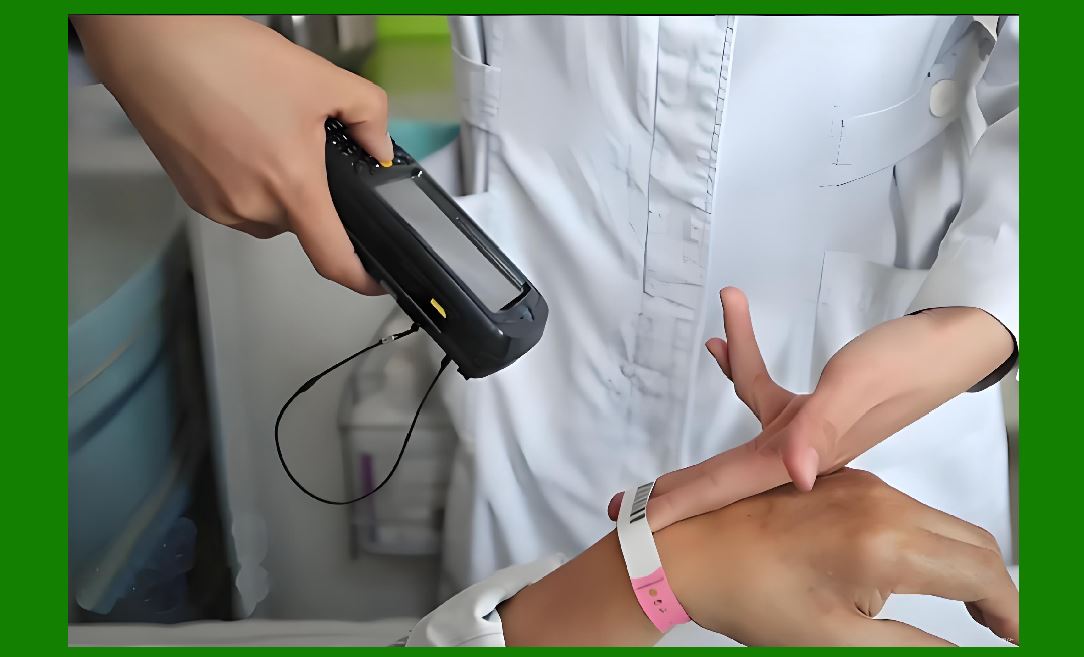
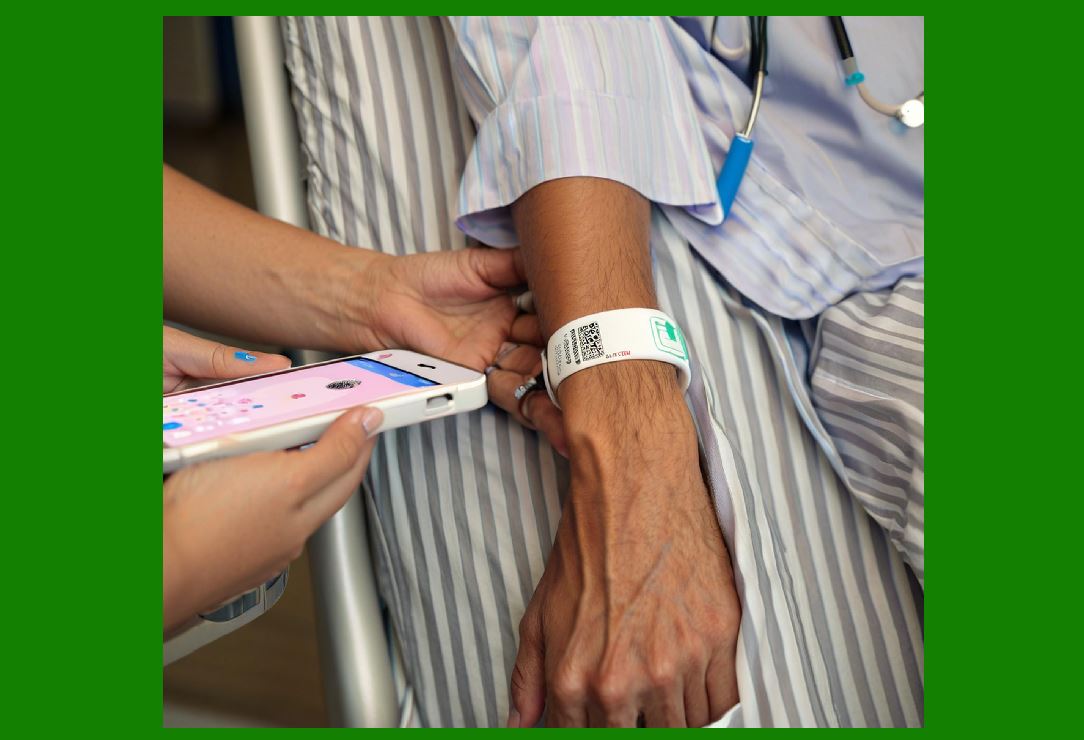
RFID tracks the bag's temperature history; the barcode on the bag provides the donor ID at the bedside---double validation. |
63. Aerospace - Aircraft Parts |
RFID tags on critical components store maintenance logs; barcodes on consumables (washers, nuts) track batch numbers. |

|
64. Postal Services - DHL & FedEx |
Sorting hubs use RFID on reusable containers; the final delivery label uses a barcode that couriers scan with handhelds. |
65. Apparel - Zara & Uniqlo |
RFID in the store changing room triggers interactive mirrors; the price tag still carries a barcode for the cashier. |
66. Automotive - Just-in-Time |
RFID on engine blocks guides assembly robots; barcodes on seat covers guide human pickers---cost optimized per component. |
Part VIII: The Future of Machine Identification - Beyond RFID & Barcodes |

|
67. The Next Frontier - Ambient Intelligence |
Identification will not be a separate act; objects will announce their presence continuously in an 'Internet of Things' environment. |
68. Printed Electronics |
Conductive inks will allow ultra-low-cost RFID antennas to be printed directly onto packaging, making RFID as cheap as barcodes. |
69. Chipless RFID |
Tags without silicon chips, using electromagnetic fingerprinting, could drop costs below 1 cent---a true barcode killer. |

|
70. AI-Powered Optical Recognition |
Computer vision will read barcodes, QR codes, and even plain text OCR without needing perfect alignment or lighting. |
71. Sensor-Fusion Tags |
Future tags will integrate temperature, humidity, shock, and location (via UWB) in a single chip, becoming 'data-loggers with identities.' |
72. Blockchain Integration |
Each RFID scan will write to a distributed ledger, creating an immutable provenance record from raw material to recycling. |

|
73. Energy Harvesting |
Tags will harvest not just RF energy but also solar, thermal, or vibration energy, enabling active sensing without batteries. |
74. Self-Healing Codes |
Optical codes will have redundant patterns that remain readable even if 30% of the surface is damaged. |
75. The End of 'Scanning' |
Instead of humans scanning, drones and fixed readers will create a 'digital twin' of every warehouse, store, and home in real-time---identification becomes ambient, continuous, and invisible. |

|
76. Convergence, Not Replacement |
The future is not RFID versus barcode. It is a layered ecosystem where each technology serves its economic niche. |
77. The Human Factor |
Ultimately, the best technology is the one that augments human workers---reducing errors, saving time, and enabling trust in the physical supply chain. |
78. The Ethical Horizon |
With great identification power comes great privacy responsibility. Future systems must balance utility with consumer consent and data anonymization. |
|
79. A Silent Revolution |
RFID and barcodes are not glamorous. But together, they form the nervous system of modern civilization---quietly, reliably, and persistently mapping every object that moves. |
80. Final Thought |
The next time you scan a barcode at checkout or tap your phone on a payment terminal, remember: you are participating in a 70-year evolution of machines learning to see and hear the physical world---one tag, one code, one whisper at a time. |
 cs@easiersoft.com