1. Introduction to Cauzin Softstrip 2D Barcode Technology |
1.1 Definition and Overview |
1.2 Historical Development and Evolution |
1.3 Purpose and Key Use Cases |
1.4 Benefits of Using Cauzin Softstrip 2D Barcode |
|
2. Technical Overview of Cauzin Softstrip 2D Barcode |
2.1 Basic Structure of the Barcode |
2.2 Encoding and Decoding Process |
2.3 Key Technologies Involved in Softstrip 2D Barcode |
2.4 Comparison with Other 2D Barcode Technologies |

|
3. Encoding Methods and Data Representation |
3.1 Data Types and Formats Supported by Softstrip 2D Barcode |
3.2 Error Detection and Correction Mechanisms |
3.3 How Information is Stored and Extracted |
3.4 Security Features and Encryption in Cauzin Softstrip Barcode |

|
4. Visual and Physical Characteristics |
4.1 Appearance and Design of Softstrip 2D Barcode |
4.2 Print Quality and Scanning Performance |
4.3 Adaptability to Different Materials and Environments |
4.4 Printing Methods: Flexibility in Production |

|
5. Scanning Technology and Performance |
5.1 Types of Scanners Compatible with Cauzin Softstrip |
5.2 Scanning Efficiency: Speed and Accuracy |
5.3 Robustness in Various Environments |
5.4 Integration with Mobile Devices and IoT |
|
6. Application Areas of Cauzin Softstrip 2D Barcode |
6.1 Usage in Retail and Consumer Goods |
6.2 Healthcare and Pharmaceutical Applications |
6.3 Logistics and Supply Chain Management |
6.4 Industrial and Manufacturing Applications |
6.5 Specialized Use Cases and Future Potential |
|
7. Industry Adoption and Standards |
7.1 Standardization Efforts for Cauzin Softstrip |
7.2 Global Adoption and Market Penetration |
7.3 Regulatory Considerations and Compliance |
7.4 Comparison with Other Barcode Standards (e.g., QR Codes, Data Matrix) |

|
8. Future Directions and Innovations |
8.1 Advancements in Softstrip 2D Barcode Technology |
8.2 Integration with New Technologies (e.g., AI, Blockchain, etc.) |
8.3 Potential for Use in Emerging Markets |
8.4 Research and Development Trends |

|
9. Case Studies and Real-World Examples |
9.1 Case Study 1: Retail and Consumer Goods Industry |
9.2 Case Study 2: Healthcare Sector |
9.3 Case Study 3: Logistics and Shipping |
9.4 Case Study 4: Industrial Manufacturing |
9.5 Future Prospects Based on Case Study Insights |

|
10. Conclusion |
10.1 Summary of Key Findings |
10.2 The Impact of Cauzin Softstrip 2D Barcode Technology on Industries |
10.3 Final Thoughts on the Future of Barcode Technology |

|
1. Introduction to Cauzin Softstrip 2D Barcode Technology |
1.1 Definition and Overview |
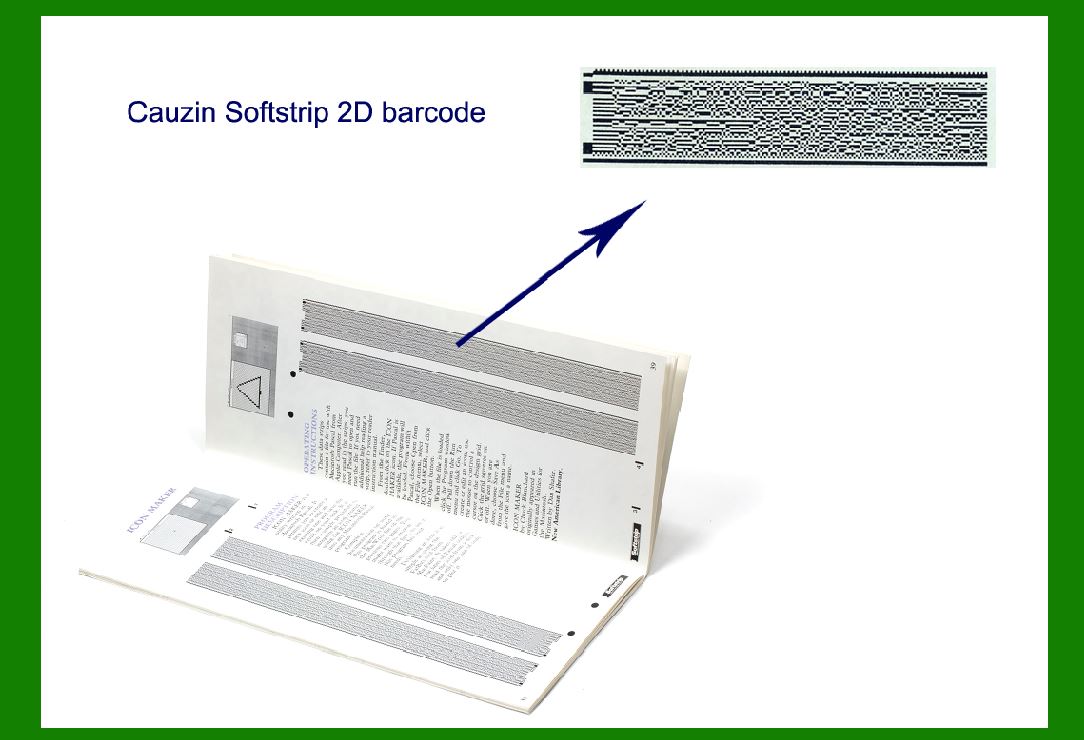
The Cauzin Softstrip 2D barcode is an advanced form of two-dimensional barcode technology, designed to store and encode more data than traditional linear barcodes, such as UPC or EAN. Unlike conventional barcodes that rely on vertical lines, the Softstrip 2D barcode uses a combination of geometric shapes and patterns arranged in a grid-like structure. This allows for the encoding of vast amounts of data, including alphanumeric characters, symbols, and binary data. It is often employed in scenarios where the storage of complex or voluminous data is required, but a small physical footprint is needed. |
A key feature of the Softstrip 2D barcode is its flexibility in encoding and decoding data at high efficiency. It leverages advanced algorithms for encoding information and uses error-correction techniques that enable robust readability even when the barcode is damaged or poorly printed. These features make it a powerful tool for industries such as retail, healthcare, logistics, and manufacturing. |

|
1.2 Historical Development and Evolution |
The development of the Cauzin Softstrip 2D barcode began as a response to the increasing need for more data storage capabilities within small, easy-to-scan formats. While traditional barcodes could only store a limited amount of data, advancements in two-dimensional barcode technology allowed for far greater data density. The Softstrip barcode was designed to be both space-efficient and highly readable, even when printed on flexible or curved surfaces, making it ideal for a wide range of applications. |
Cauzin Technology, the company behind Softstrip 2D barcodes, focused on combining the reliability of traditional barcode technology with the flexibility of newer 2D barcodes like QR Codes and Data Matrix. Initially, the barcode system was targeted at niche applications, such as high-end logistics and medical equipment tracking, where traditional barcodes were insufficient. Over time, as mobile devices and scanners became more sophisticated, the adoption of Softstrip expanded across various industries, especially for tasks that required tracking small objects, packaging, and inventory management. |

|
1.3 Purpose and Key Use Cases |
The primary purpose of the Cauzin Softstrip 2D barcode is to provide an efficient and scalable solution for storing and tracking detailed information. Some key use cases include: |
Retail and Consumer Goods: Softstrip 2D barcodes are often used in product labeling and packaging, where they can hold product identifiers, pricing, expiration dates, and promotional data. |
Healthcare: Hospitals and pharmacies use Softstrip 2D barcodes for tracking pharmaceuticals, patient records, medical devices, and other critical items. Their ability to be printed on flexible or deformable surfaces makes them especially valuable for labeling medical tools and equipment that require frequent sterilization or handling. |
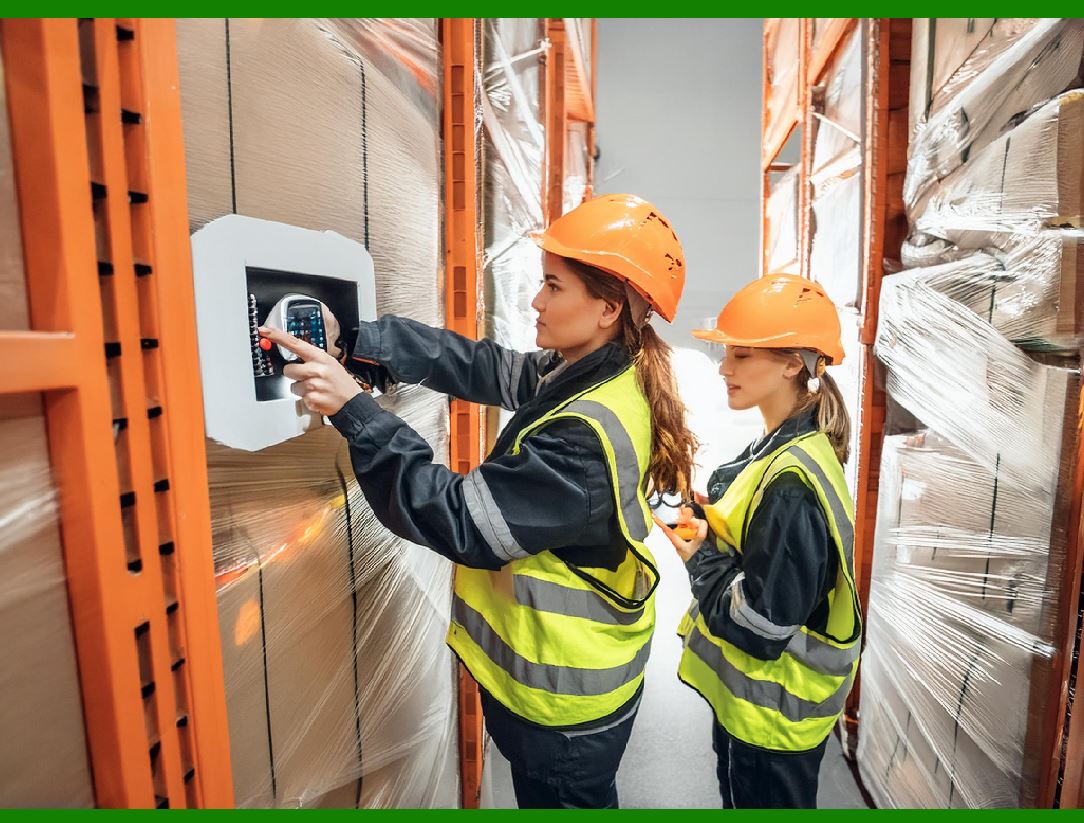
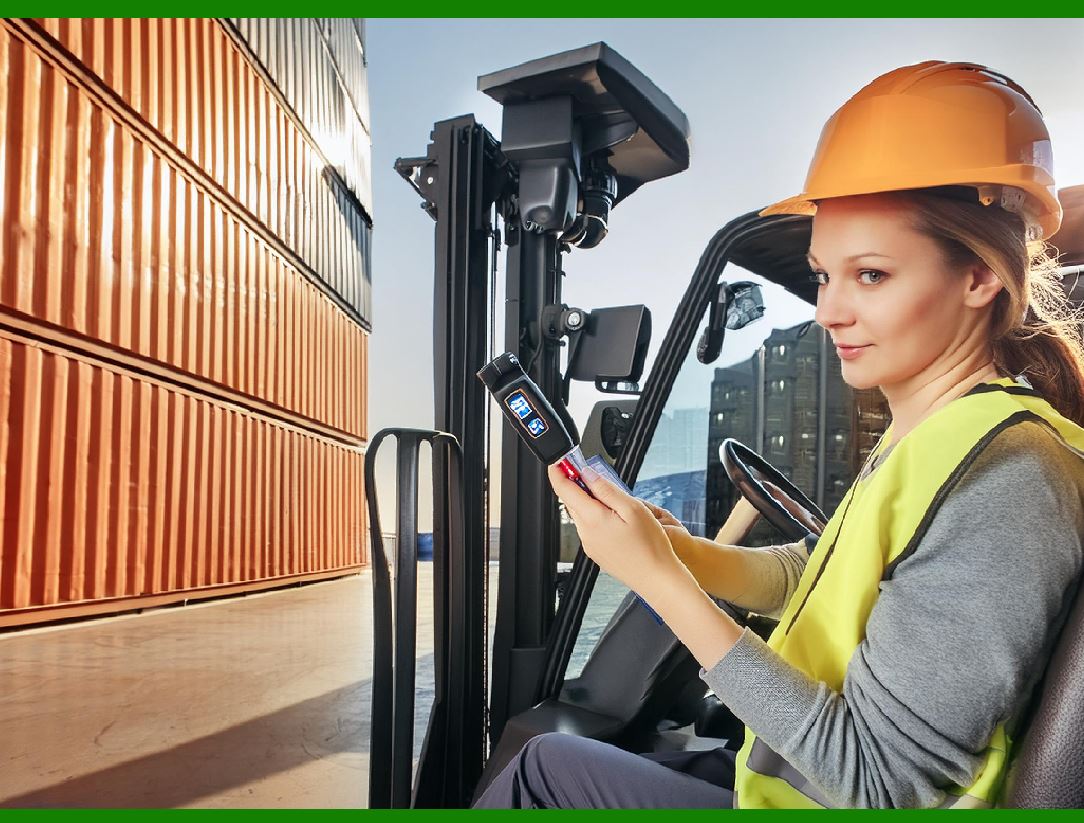
Logistics and Supply Chain: In logistics, Softstrip barcodes are employed for tracking packages, shipments, and inventory across the entire supply chain. Their durability and ability to hold larger datasets allow for seamless integration into modern logistics systems. |
Industrial and Manufacturing Applications: In industrial settings, where products might be exposed to harsh conditions, the Softstrip barcode is used for parts tracking, asset management, and quality control. |

|
1.4 Benefits of Using Cauzin Softstrip 2D Barcode |
The Cauzin Softstrip 2D barcode offers numerous benefits that make it a superior choice for many industries: |
High Data Density: Softstrip 2D barcodes can store significantly more information than traditional 1D barcodes. This makes them ideal for situations where more detailed product or transactional data needs to be encoded in a small, scannable format. |
Error Correction: The barcode utilizes built-in error correction codes that enable it to maintain functionality even when damaged or partially obscured. This is especially useful in environments where barcodes are subject to wear and tear, such as in warehouses or shipping. |
Small Form Factor: Despite its high data capacity, the Softstrip 2D barcode retains a small footprint, which allows it to be used on products and packaging where space is limited. |
Adaptability to Different Materials: The barcode is capable of being printed on a wide range of materials, including flexible and deformable surfaces, which adds to its versatility in various industries. It can also be used in extreme conditions where other barcode technologies might fail. |
Mobile and IoT Compatibility: The Cauzin Softstrip 2D barcode is fully compatible with modern mobile devices and Internet of Things (IoT) technologies. Smartphones and handheld scanners can easily read these barcodes, making them convenient for both retail and industrial applications. |

|
2. Technical Overview of Cauzin Softstrip 2D Barcode |
2.1 Basic Structure of the Barcode |
The Cauzin Softstrip 2D barcode is a two-dimensional (2D) symbology, meaning that it encodes information both horizontally and vertically. This allows it to store much more data than traditional linear barcodes, which only encode data in a single dimension. The structure of the barcode consists of a grid of squares or dots, often referred to as modules, arranged in a specific pattern. Each of these modules represents a piece of information, whether it is a bit or part of a character. |
A distinguishing feature of the Softstrip barcode is its layout flexibility. Unlike other standard 2D barcodes, the Softstrip can be printed in various orientations and on a variety of surfaces, including curved, flexible, or textured materials. The barcode itself consists of a series of small, closely spaced geometric elements that form a visual pattern. |
Grid Dimensions: The barcode typically consists of a matrix that can range from a small, compact grid to larger ones depending on the data density required. For example, it could have dimensions like 16x16 or 32x32 modules. This modular grid structure allows it to store large amounts of information in a very small area. |
Error Correction and Data Redundancy: The modules in a Softstrip 2D barcode are typically organized using specific algorithms that allow for error correction. Redundant information is included within the grid, enabling the barcode to be read accurately even if parts of the code are damaged, obscured, or poorly printed. This makes it highly resilient in various physical environments. |

|
2.2 Encoding and Decoding Process |
The Cauzin Softstrip 2D barcode uses an encoding scheme that converts alphanumeric characters or binary data into a specific pattern of modules within the grid. The encoding process involves several key steps: |
1.Data Conversion: The first step is to convert the information (such as product IDs, serial numbers, or other textual data) into a binary format. |
2.Error Correction: Once the data is converted into binary form, error correction codes are applied using algorithms like Reed-Solomon. This ensures that the barcode can still be read if it's partially damaged. |
3.Grid Generation: The binary data, along with error correction codes, is then mapped into a grid structure, with each binary digit (bit) being represented by a module in the grid. The modules are either black or white (or other contrasting colors), representing the binary data in a machine-readable form. |
4.Printing: After the grid is generated, it is ready to be printed. The barcode can be printed on paper, plastic, or even flexible materials using different types of printing technologies, such as inkjet, laser printing, or thermal transfer. |
|
For decoding, the process follows the reverse of encoding: |
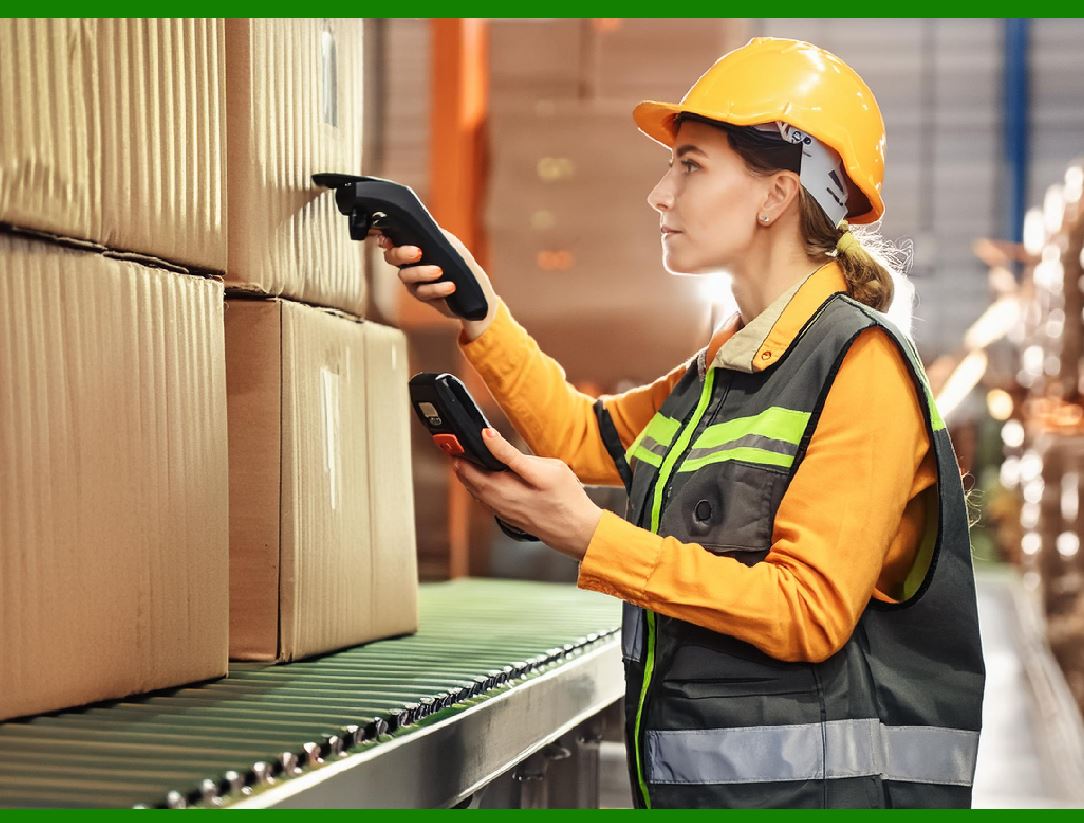
1.Scanning: A scanner captures the image of the barcode. The scanner can be a dedicated barcode reader or a smartphone camera using specialized software. |
2.Image Processing: The scanner software processes the captured image, identifying the modules within the barcode. The software identifies the grid and analyzes the pattern. |
3.Error Correction: If any damage or distortion is present, the error correction codes are used to reconstruct any missing or unreadable data. |
4.Data Extraction: After error correction, the binary data is extracted from the grid, and the original encoded information (such as a product ID or URL) is retrieved and displayed or used. |

|
2.3 Key Technologies Involved in Softstrip 2D Barcode |
The Cauzin Softstrip 2D barcode technology relies on several critical components that make it a powerful and adaptable solution. These include: |
Advanced Error Correction: The barcode employs error-correction algorithms like Reed-Solomon, which are highly effective at reconstructing damaged data. This means that even if parts of the barcode are obscured, the remaining information can still be used to recover the full data set. |
High-Density Encoding: Softstrip uses dense encoding techniques to ensure that the barcode can store a large amount of data in a small physical space. This is achieved by arranging the data in a compact grid that maximizes the use of available space. |
Pattern Recognition Algorithms: These algorithms are used by scanners to identify the barcode and extract the data, even from partially obscured or degraded barcodes. Softstrip barcodes are designed to be highly resistant to degradation caused by environmental factors like dirt, moisture, or fading. |
Mobile and IoT Integration: Modern Softstrip barcodes are designed to work seamlessly with mobile phones, tablets, and IoT devices. Dedicated apps and built-in smartphone scanners can easily decode these barcodes, integrating them into modern retail, logistics, and healthcare systems. |
Flexible Printing Technology: Softstrip barcodes can be printed on a variety of surfaces, including flexible materials such as fabrics, plastics, and even deformable substrates. This flexibility is due to the advanced printing technologies used in their creation, which accommodate different surface types without losing the integrity of the barcode. |
|
2.4 Comparison with Other 2D Barcode Technologies |
While the Cauzin Softstrip 2D barcode shares similarities with other 2D barcode technologies like QR Codes and Data Matrix, it has some distinct advantages: |
Size and Data Density: Compared to QR Codes, Softstrip barcodes are generally smaller in size while still supporting high data density. This makes them ideal for applications where space is at a premium. |
Durability: The error correction and robustness of the Softstrip 2D barcode often surpass that of other 2D barcodes like QR Codes or Aztec codes. It can withstand harsher conditions and is less likely to become unreadable due to physical damage, environmental factors, or poor printing. |
Flexibility: Softstrip barcodes excel in situations where the barcode must be printed on non-standard surfaces, such as flexible or curved materials. This makes them more versatile in industries like healthcare, pharmaceuticals, and manufacturing, where labels are often applied to non-flat objects. |
Scanning Speed and Accuracy: While QR Codes are widely used for general-purpose applications, the Softstrip 2D barcode can be read more efficiently in complex environments, such as warehouses or busy retail stores, thanks to its superior error correction and encoding methods. |
 cs@easiersoft.com