Barcode Technology

Barcode History

Barcode Label Paper

Barcode Printer

Barcode Application

Inventory Management

AI Barcode QRCode

Barcode Scanner

Barcode Software

Barcode Software B

Barcode Software C

Barcode Software D

Barcode Software E

New Technology A

New Technology B

Robot Technology

Barcode Types

Barcode Types B

Barcode Types C

Barcode Types D

Barcode Types E

Barcode Types F

Electronic Technology

Psychology at Work

Barcode Technology and Barcode Software Related   <<< Back to Directory <<<

Android and iOS devices natively scan QR codes

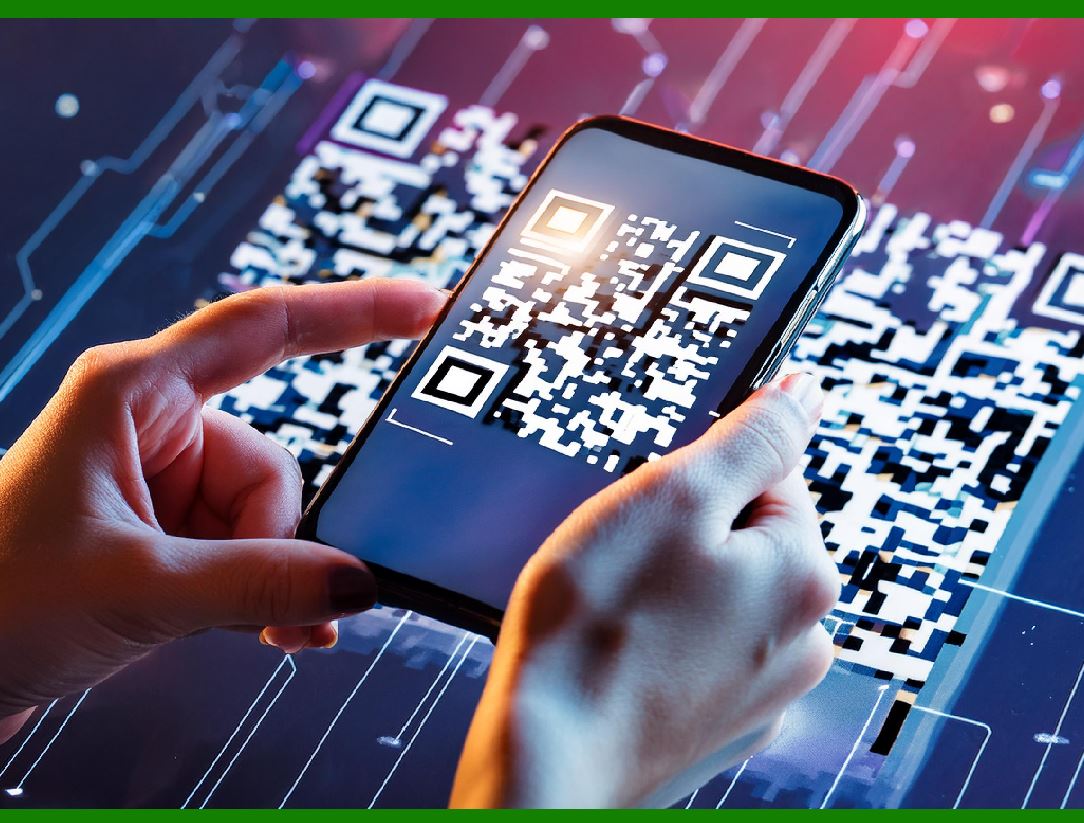
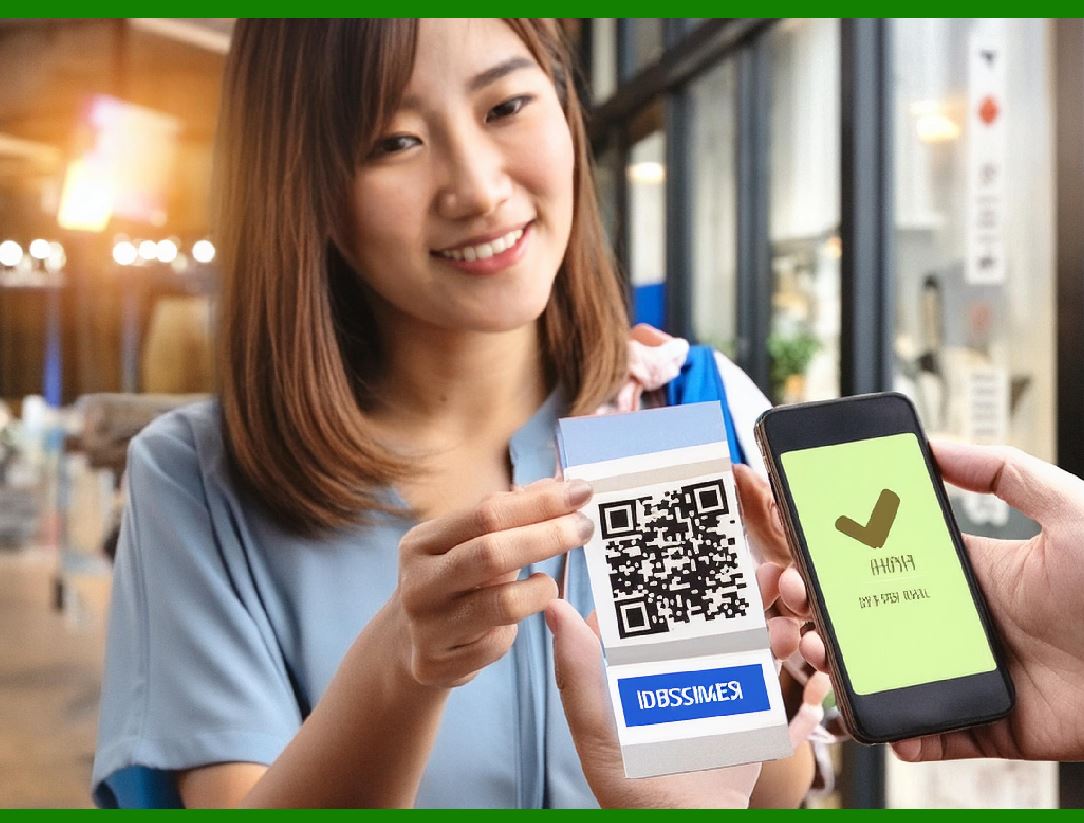
QR codes can be used on various mobile device operating systems. Both Android and iOS devices can natively scan QR codes without downloading an external app.

The camera app is able to scan and display the kind of QR code along with the link. These devices support URL redirection, which allows QR codes to send metadata to existing applications on the device. Many free apps are available with the ability to scan the codes and hard-link to an external URL.

Here is a detailed description of how QR codes can be used on various mobile device operating systems, focusing on Android and iOS:

QR Codes and Mobile Devices

Native QR Code Scanning

Android and iOS:

Built-in Camera App: Both Android and iOS devices have built-in camera apps that can natively scan QR codes without the need for additional applications. When the camera is pointed at a QR code, it automatically recognizes it and displays a notification with the decoded information.

iOS: On iOS devices, the native camera app has integrated QR code scanning since iOS 11. When a QR code is detected, a notification banner appears, prompting the user to take action based on the QR code's content (e.g., opening a URL in a web browser).

Android: Similarly, on Android devices, QR code scanning capabilities have been integrated into the native camera app in many versions, particularly from Android 9 (Pie) and onward. When the camera detects a QR code, it shows a notification or overlay with the content, allowing the user to interact with it.

Functionality and Features

QR Code Content Handling:

Link Display: When a QR code is scanned, the camera app will display the type of content and, in the case of URLs, provide a clickable link. This allows users to quickly visit websites, download apps, or access specific online content.

Metadata and URL Redirection: QR codes can encode various types of metadata and URLs. When scanned, these codes can redirect the user to different actions, such as opening a webpage, dialing a phone number, sending a message, or even triggering app-specific actions if the relevant app is installed on the device.

Application Integration: Devices support URL redirection, which allows QR codes to send metadata to existing applications. For example, a QR code for a location might open directly in Google Maps or Apple Maps if scanned. Similarly, a QR code with contact information can add a new contact to the address book.

Third-Party Applications

Additional Scanning Apps:

While the native camera apps on both platforms handle QR code scanning efficiently, there are numerous third-party applications available for free that offer advanced QR code scanning features. These apps may include additional functionalities such as:

History Tracking: Keeping a history of all scanned QR codes.

Enhanced Security: Checking URLs for safety before opening them.

Custom Actions: Allowing users to create custom actions for specific types of QR codes.

Batch Scanning: Scanning multiple QR codes at once.

Popular QR Code Scanning Apps:

Android: Google Lens, QR Code Reader, and Barcode Scanner.

iOS: QR Code Reader by Scan, QR Scanner, and Quick Scan.

Practical Uses of QR Codes

Common Use Cases:

Marketing and Advertising: QR codes in advertisements link to promotional websites, videos, or product pages.

Event Management: Event tickets often use QR codes for entry scanning.

Product Packaging: QR codes on packaging provide detailed product information, user manuals, or promotional offers.

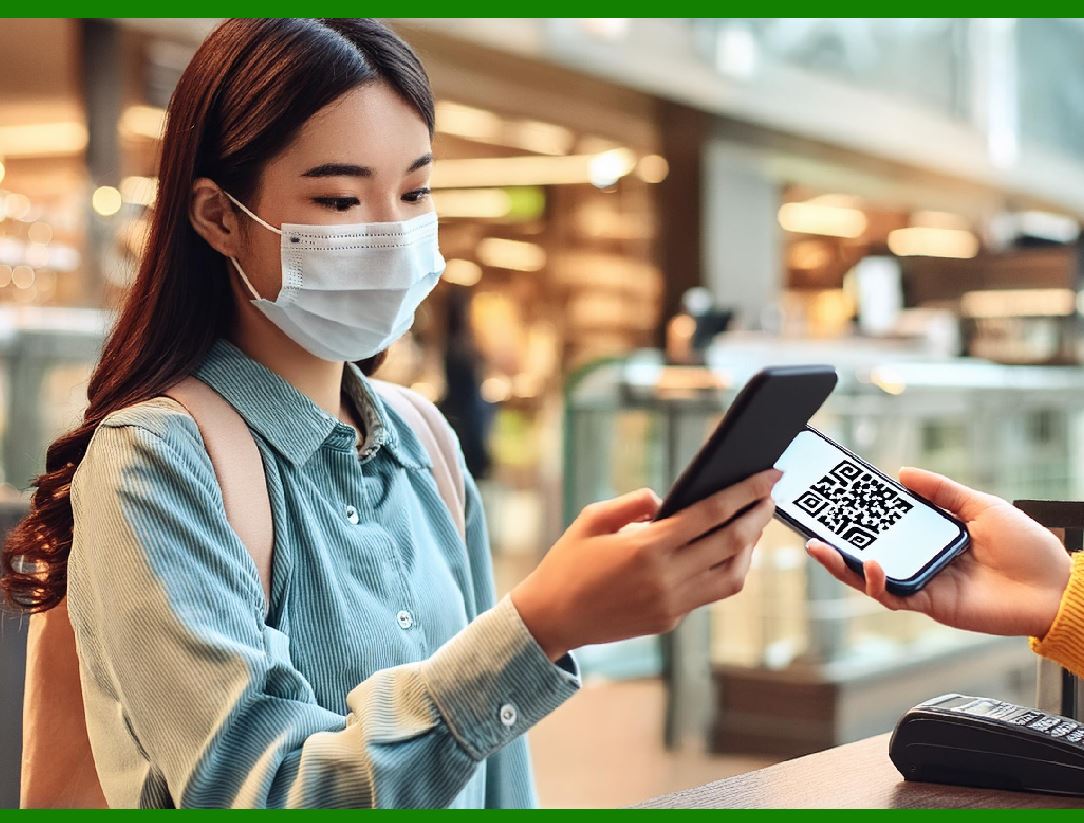
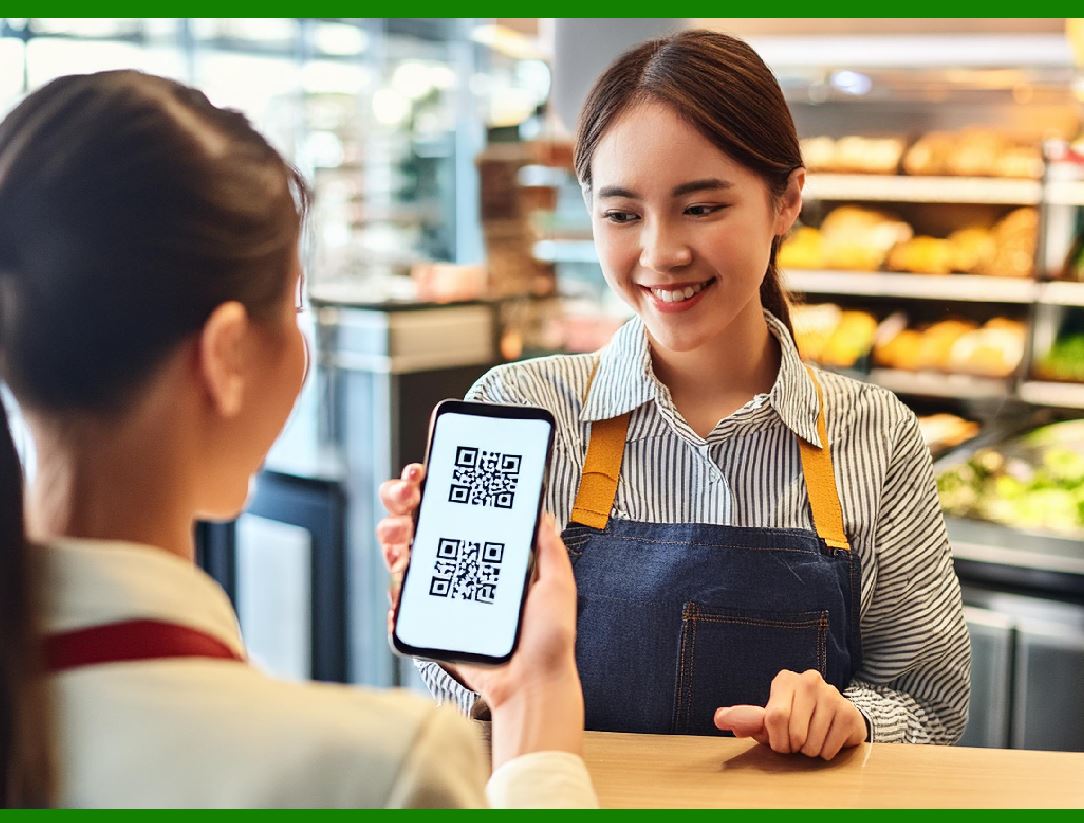
Contactless Payments: Many mobile payment systems use QR codes for transactions, enabling users to pay securely by scanning a code.

Advantages:

Convenience: Easy to scan and access information quickly.

Versatility: Can store various types of information, from URLs to contact details.

Integration: Seamlessly works with multiple apps and services on mobile devices.

Conclusion

QR codes offer a versatile and efficient way to convey information and connect users to digital content. With native support on both Android and iOS devices, users can easily scan QR codes using the built-in camera apps, enabling quick and convenient access to a wide range of services and information. Additionally, third-party apps provide enhanced functionalities, making QR code scanning an even more powerful tool for both consumers and businesses.


EasierSoft Barcode Label Design & Bulk Printing Software

---- Use Excel Data to Batch Print Barcodes on Label Sheets or Roll Labels  

---- How to use this barcode software

Download:  Free Barcode Software + Barcode Label Designer

Download Free Barcode Software at Softonic

     Download at CNET

Once you obtain a GS1/UPC/EAN barcode, or other barcode type and QR code, you can use our free software to batch print barcode labels onto Roll label paper using a professional label printer, or to batch print barcodes onto Avery 5160 label sheets using a regular laser or inkjet printer. Our software has free and paid versions.

The free version fully meets your needs for batch printing GS1/UPC/EAN barcodes. The paid version can import data from Excel and databases to batch print barcode labels with different values.

How to Start

Input Data

Import Excel Data

Print Barcode

Barcode Format

Label Designer

All Screen Shot

Export Barcode Image

Save Template

Output Word Excel

How to Use & FAQ:

Manually copy data from Excel files

Filter some data for printing

Edit imported barcode data

Input data (Pro)

Label Designer

Edit data in Label designer

Label Designer - Add new label

Label Designer - Printing

Set the barcode label format to be printed

Other Barcode Label Format Settings

Barcode types supported by this program

Barcode Label Font Settings

Configuring the Barcode Print Rotation

Text Alignment for Barcode Labels

Automatically Adjusting Barcode Width

Text Beneath the Barcode

Configuring Barcode Size

Auto Calculate the Barcode Size

Export Barcode images

Export Barcode Image Format

File Names for Exported Barcode

Resolution of Exported Barcode Images

Fixed Folder for Exporting Barcode

Default Barcode Image Export Format

Print bulk barcodes quickly

Print barcodes to Avery 5160 label

How to bulk Barcode Printing

Sample - Avery 5162 (2x7) Label Sheet

Example: Print barcodes to 5*3cm roll

Example: Print barcodes to 5161 label

Example: Print barcodes to 5162 label

Example: Print barcodes to 5163 label

Example: Print barcodes to 5164 label

Example: Print portrait orientation 5164

Example: Print barcodes to 5167 label

Example: Print barcodes to 5168 label

Example: Print portrait orientation 5168

Example: Print barcodes to 5169 label

Example: Print barcodes to 5660 label

Example: Print barcodes to 5661 label

Example: Print barcodes to 5662 label

Example: Print barcodes to 5663 label

Example: Print barcodes to 5664 label

Example: Print portrait orientation 5664

Example: Print barcodes to 5873 label

Example: Print barcodes to 5874 label

Two ways to import Excel data

Import Excel Data - Pro Edition

Import Excel Data - Std Edition

Import Data from Excel - Detail

Highlights

Excel integration: Import data directly from Excel to generate and print barcodes in bulk.

Label designer: Create complex labels with multiple barcodes, text, logos, and shapes.

Batch printing: Print thousands of barcodes at once using standard inkjet/laser printers or professional barcode printers.


Flexible editions:

Standard Edition: Simple batch printing with Excel data.

Professional Edition: Adds command-line automation for workflow integration.

Label Designer Edition: Advanced design features for complex labels.


Why Choose Our Barcode Solutions?

Cost-effective: Free online generator and permanent free desktop version available.

Easy to use: No technical expertise required—just input data and print.

Versatile: Supports nearly all 1D and 2D barcode types, including QR codes.

Trusted: Recommended by CNET and widely downloaded by users worldwide.


Suitable Use Cases

Small businesses and startups needing quick barcode labels for products.

Retailers and online sellers managing inventory with batch barcode printing.

Manufacturers requiring sequential or custom barcode labels for packaging.

Educational and testing environments where barcodes are used for tracking.


CONTACT

cs@easiersoft.com

If you have any question, please feel free to email us.


https://free-barcode.com


<<< Back to Directory <<<     Barcode Generator     Barcode Freeware     Privacy Policy