Understanding App Clip Codes |
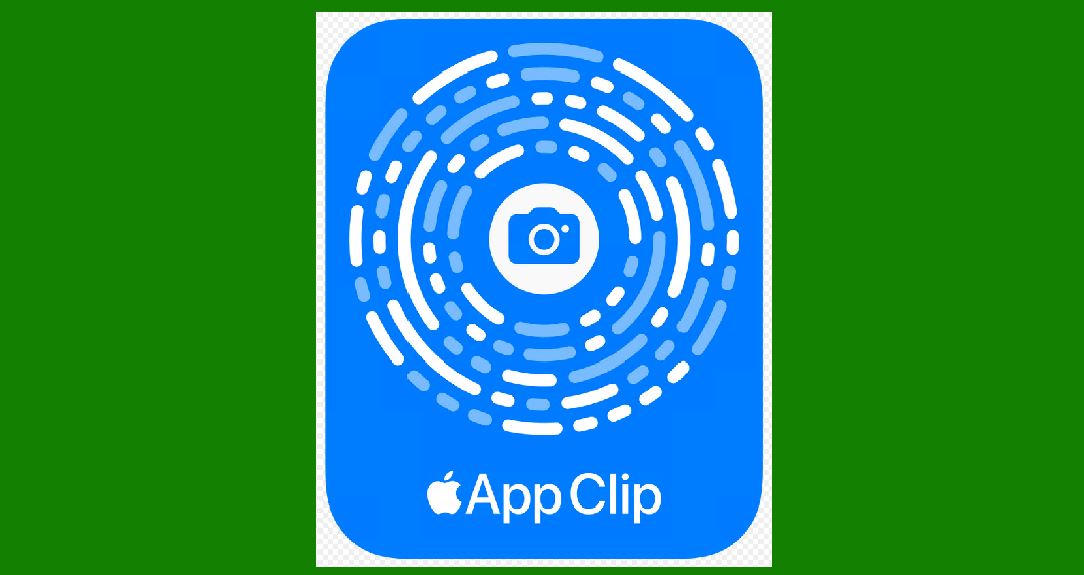
App Clip Codes are a feature introduced by Apple to facilitate quick and seamless access to specific parts of apps without the need to download the full app from the App Store. They are designed to enhance user convenience by allowing them to access relevant app functionalities at the moment they need them, often triggered by physical markers or digital prompts. |
|
Overview and Purpose |
App Clip Codes serve several purposes aimed at improving user experience and increasing engagement with apps: |
1.Instant Access: Users can quickly access specific app functionalities relevant to their current needs without downloading the entire app. 2.Lightweight: App Clips are lightweight and fast-loading, focusing on delivering specific tasks or content efficiently. 3.Discovery: They enable discovery of new apps or services through physical locations or digital triggers. 4.Seamless Integration: App Clip Codes integrate seamlessly with iOS devices, leveraging NFC (Near Field Communication) and QR codes for activation. |

|
Technical Implementation |
App Clip Codes rely on a combination of technologies to deliver their functionality: |
1.NFC (Near Field Communication): NFC tags embedded in physical locations or objects can trigger App Clips when an iPhone is brought near. 2.QR Codes: Scanning a QR code displayed physically or digitally can prompt the iPhone to load the corresponding App Clip. 3.App Clip Identifier: Each App Clip has a unique identifier associated with it, ensuring that the correct clip is loaded when triggered. |

|
Components of an App Clip |
An App Clip typically includes: |
1.User Interface: A simplified interface focused on the specific functionality or content relevant to the App Clip's purpose. 2.Functionality: Core features or actions that the App Clip provides, such as making a quick purchase, renting a bike, or accessing a specific menu item. 3.Integration with iOS: Seamless interaction with iOS features like Sign in with Apple, Apple Pay, and location services, depending on the App Clip's requirements. |

|
Use Cases |
Retail and Hospitality |
Contactless Payments: Restaurants and cafes can use App Clips for quick and easy payment without requiring customers to download a full app. Retail Stores: Instant access to loyalty programs, promotions, or product information by scanning App Clip Codes in-store. |
Transportation and Services |
Rental Services: Bike or scooter rental companies can use App Clips for quick rental initiation without needing users to install an app beforehand. Public Transport: Access to schedules, ticket purchasing, or real-time updates by scanning App Clip Codes at stations or stops. |
Events and Tourism |
Tourist Attractions: Museums, galleries, and landmarks can offer App Clips for guided tours, exhibit information, or ticketing. Events: Concerts, festivals, and conferences can utilize App Clips for event schedules, ticketing, and vendor interactions. |
Other Scenarios |
Advertisements: QR codes on posters or billboards can trigger App Clips for more information about products or services being advertised. Personal Use: Sharing specific app functionalities with friends or colleagues by simply sharing the App Clip Code. |

|
User Experience |
Activation |
Physical Triggers: Users activate App Clips by tapping their iPhone near NFC tags or scanning QR codes. Digital Triggers: App Clip Codes can also be activated through links in messages, emails, or on websites. |
Interface |
Simplified UI: App Clips present a focused interface tailored to the specific functionality they provide. Speed: Designed for fast loading and quick interactions, minimizing wait times and providing instant gratification. |
Transactions and Data |
Security: Utilizes iOS security features like Sign in with Apple and Apple Pay for secure transactions and data handling. Privacy: App Clips are designed to respect user privacy, with permissions required for accessing sensitive data or services. |

|
Development and Deployment |
Development Considerations |
Modularity: App Clips are built as part of the main app's development process, focusing on modular design and specific functionalities. Size and Performance: Emphasis on lightweight design and optimal performance to ensure fast loading times and smooth user experience. |
Deployment |
App Store Connect: Developers upload App Clip Codes through the App Store Connect platform, linking them to their corresponding app. Accessibility: App Clips are discoverable through physical locations, digital triggers, and integrations with iOS features like Maps and Safari. |

|
Challenges and Limitations |
Adoption and Awareness |
Educating Users: Ensuring users understand the benefits and functionality of App Clips to encourage adoption. Integration: Seamless integration with existing business processes and backend systems can pose technical challenges. |
User Experience |
Consistency: Ensuring a consistent and intuitive user experience across different App Clips and apps. Discoverability: Making App Clip Codes easily discoverable and accessible in relevant contexts without overwhelming users. |

|
Future Directions |
Expansion and Innovation |
Enhanced Functionality: Continued integration with new iOS features and services to expand App Clip capabilities. Industry Adoption: Increasing adoption across various industries beyond retail and hospitality. |
User Personalization |
Contextual Experiences: Leveraging user data and context to personalize App Clip interactions and recommendations. |
Technology Advancements |
AR Integration: Potential integration with augmented reality (AR) for enhanced user interactions and experiences. |

|
Conclusion |
App Clip Codes represent a significant advancement in mobile app interaction, focusing on convenience, speed, and context-aware functionality. By bridging the gap between physical and digital experiences, they offer businesses and developers a powerful tool to engage users effectively while maintaining a lightweight and user-centric approach. As Apple continues to innovate and expand the capabilities of App Clips, their role in shaping the future of mobile interactions and user engagement is poised to grow even further. |
 cs@easiersoft.com