DotCode is indeed utilized across various industries, with significant applications in sectors like tobacco, alcoholic and non-alcoholic beverages, pharmaceuticals, and groceries. |
Let's delve into a detailed exploration of its applications, focusing particularly on these industries. |
Introduction to DotCode |
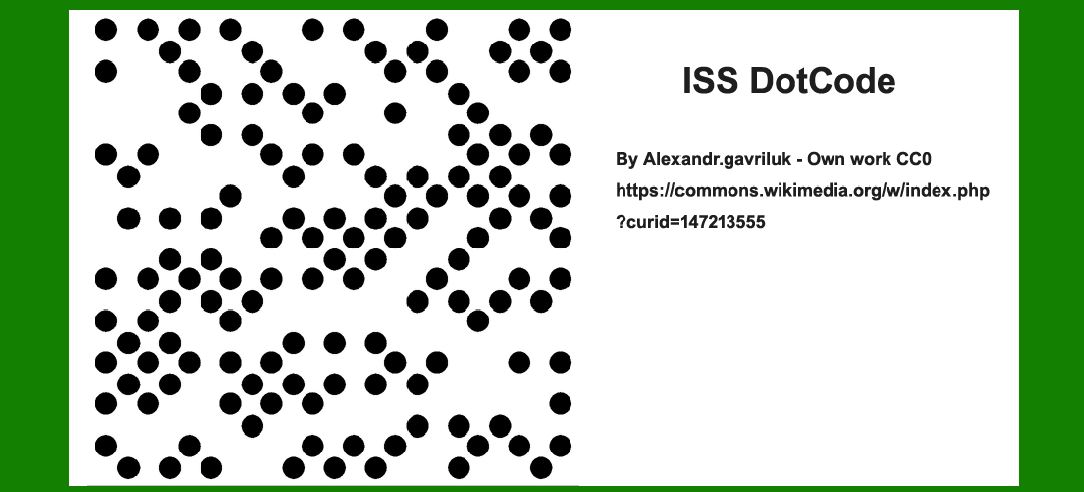
DotCode is a 2D barcode symbology designed for high-speed marking and reading applications. It consists of a grid of dots arranged in a circular or square pattern, allowing for efficient encoding and decoding of data. Initially developed by the AIM (Automatic Identification Manufacturers) Global consortium, DotCode was standardized as ISO/IEC 24778:2008 and is suitable for marking on various substrates, including packaging materials commonly used in industries like tobacco and pharmaceuticals. |
|
Application in the Tobacco Industry |
In the tobacco industry, DotCode plays a crucial role in complying with regulatory requirements and enhancing supply chain efficiency. Here are key applications: |
Regulatory Compliance: |
1.Track and Trace Systems: DotCode is extensively used in track and trace systems mandated by governments worldwide to combat illicit trade and ensure tax compliance. It helps in tracking individual cigarette packs throughout the supply chain, from manufacturing to distribution and retail. |
2.Product Authentication: DotCode enables manufacturers to authenticate genuine products, thereby reducing counterfeiting and ensuring consumer safety. |
3.Data Encoding: It encodes various data required by regulatory bodies, such as unique product identifiers, batch numbers, expiration dates, and production locations. |

|
Operational Efficiency: |
1.Inventory Management: DotCode facilitates real-time inventory management by providing accurate data on stock levels and movement within warehouses and retail outlets. |
2.Supply Chain Visibility: By integrating DotCode into supply chain processes, stakeholders gain visibility into the movement of products, improving logistics and reducing operational costs. |

|
Application in Alcoholic and Non-Alcoholic Beverage Industries |
DotCode finds application in beverage industries for similar reasons as in tobacco: |
1.Compliance and Traceability: Governments require alcoholic and non-alcoholic beverage manufacturers to implement track and trace systems similar to those in tobacco. DotCode helps in encoding product information, ensuring compliance with labeling and regulatory standards. |
2.Consumer Safety: It aids in authenticating products, preventing counterfeit beverages from entering the market and ensuring consumer safety. |

|
Application in the Pharmaceutical Industry |
DotCode is increasingly adopted in pharmaceuticals for enhancing patient safety and regulatory compliance: |
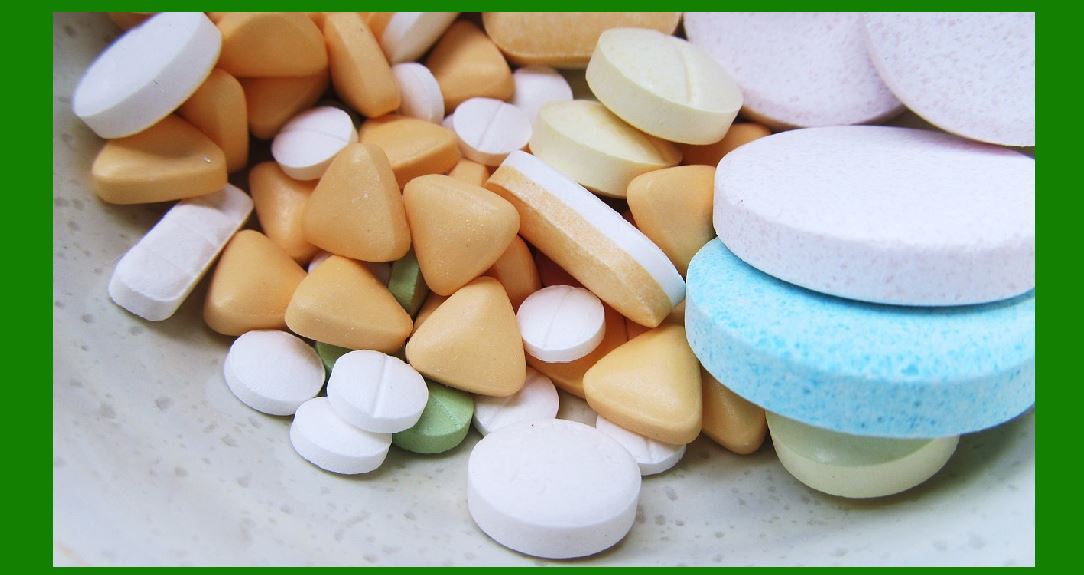
1.Serialization and Traceability: Pharmaceutical companies use DotCode to serialize individual drug packages, enabling traceability throughout the supply chain. It helps in complying with serialization requirements mandated by regulatory authorities to prevent counterfeit drugs. |
2.Anti-Counterfeiting: DotCode assists in anti-counterfeiting efforts by providing a secure method to authenticate pharmaceutical products. |
3.Inventory Control: By encoding batch numbers, expiration dates, and other critical information, DotCode supports efficient inventory control and recall management. |
|
Application in the Grocery Industry |
In the grocery sector, DotCode serves various purposes: |
1.Inventory and Stock Management: Grocery retailers utilize DotCode to manage inventory efficiently, ensuring products are replenished on time and minimizing out-of-stock situations. |
2.Product Information: DotCode encodes product details such as batch numbers, nutritional information, and pricing, facilitating accurate scanning at checkout counters. |
3.Supply Chain Optimization: It enhances supply chain visibility and efficiency by providing accurate data on product movements from distribution centers to retail stores. |

|
Technical Aspects of DotCode |
Encoding and Decoding: |
Data Capacity: DotCode can encode a significant amount of data, depending on the size and resolution of the code. Readability: It is designed to be readable even when printed on curved surfaces or when subject to minor distortions, making it suitable for various packaging types. |
Printing and Application: |
Printing Methods: DotCode can be applied using various printing technologies, including thermal transfer, laser marking, and inkjet printing. Substrates: It adheres well to different packaging materials like paper, cardboard, plastic, and metal, ensuring versatility in application. |
Standards and Regulations: |
ISO/IEC Standards: DotCode complies with ISO/IEC 24778:2008, which specifies the symbology, encoding rules, and decoding techniques. Industry Regulations: It meets industry-specific regulations and standards related to product labeling, traceability, and consumer safety. |

|
Future Trends and Innovations |
Looking ahead, DotCode continues to evolve with advancements in barcode technology: |
1.Integration with IoT and AI: Integration of DotCode data with IoT (Internet of Things) platforms and AI (Artificial Intelligence) for real-time analytics and predictive maintenance. 2.Enhanced Security Features: Development of advanced encryption and authentication mechanisms to strengthen product security against counterfeiting. 3.Improved Data Analytics: Utilization of DotCode data for enhanced supply chain analytics, improving efficiency and reducing operational costs. |

|
Conclusion |
DotCode barcode technology plays a pivotal role across various industries, from ensuring regulatory compliance and enhancing supply chain visibility to combating counterfeiting and improving consumer safety. Its versatility in encoding data and resilience in diverse printing and application environments make it a preferred choice for manufacturers seeking efficient and secure product identification solutions. As industries continue to adopt advanced technologies, DotCode barcode is poised to further streamline operations and meet evolving regulatory requirements globally. |
 cs@easiersoft.com