Barcode Technology

Barcode History

Barcode Label Paper

Barcode Printer

Barcode Application

Inventory Management

AI Barcode QRCode

Barcode Scanner

Barcode Software

Barcode Software B

Barcode Software C

Barcode Software D

Barcode Software E

New Technology A

New Technology B

Robot Technology

Barcode Types

Barcode Types B

Barcode Types C

Barcode Types D

Barcode Types E

Barcode Types F

Electronic Technology

Psychology at Work

Barcode Technology and Barcode Software Related   <<< Back to Directory <<<

The ASEAN Integrated QR Code Payment System

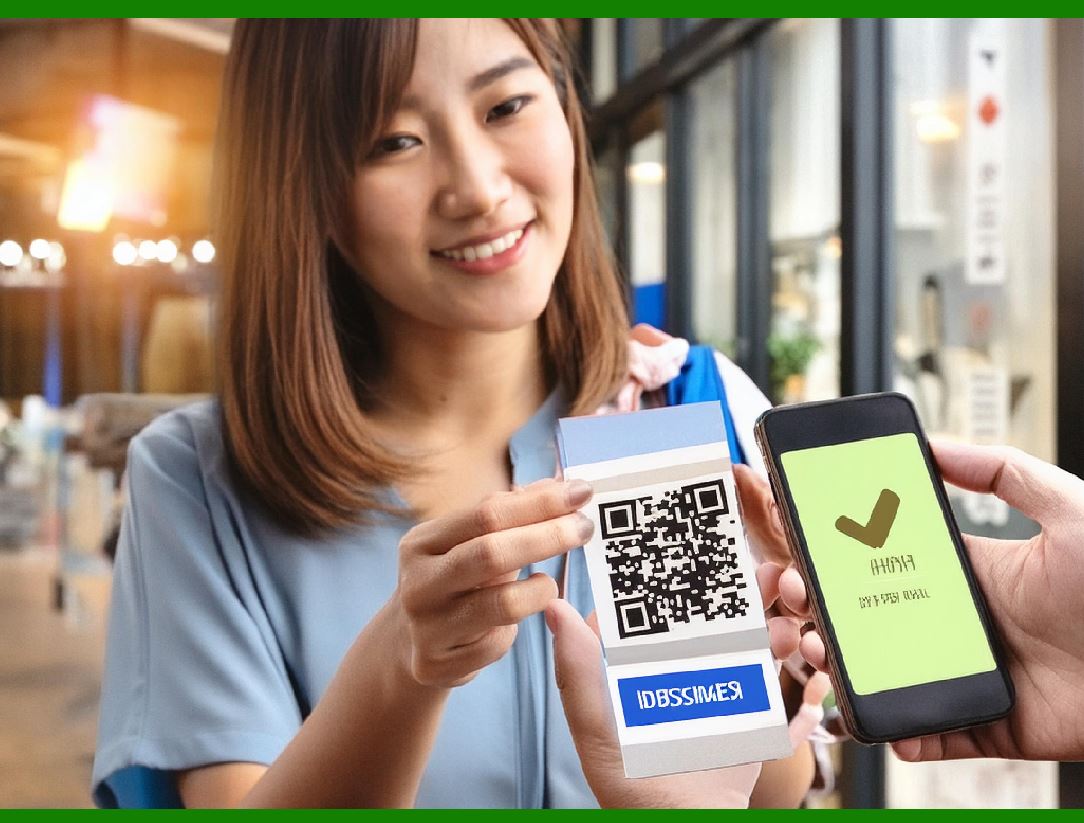
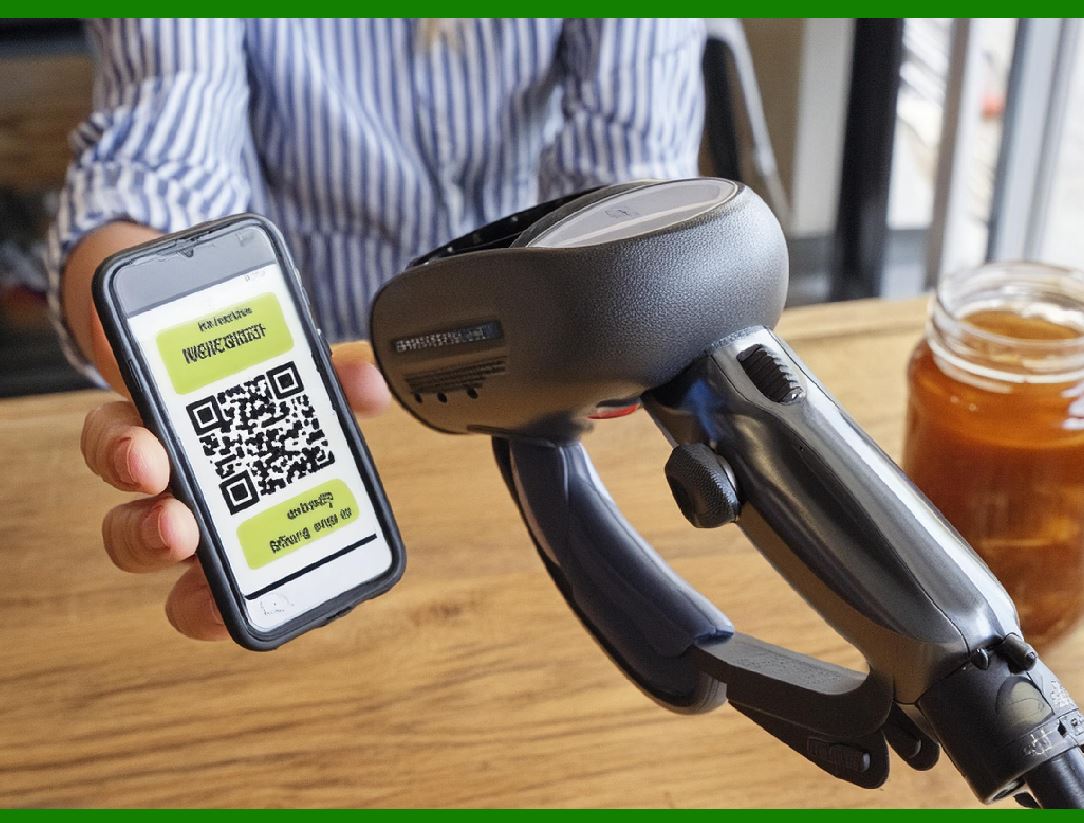
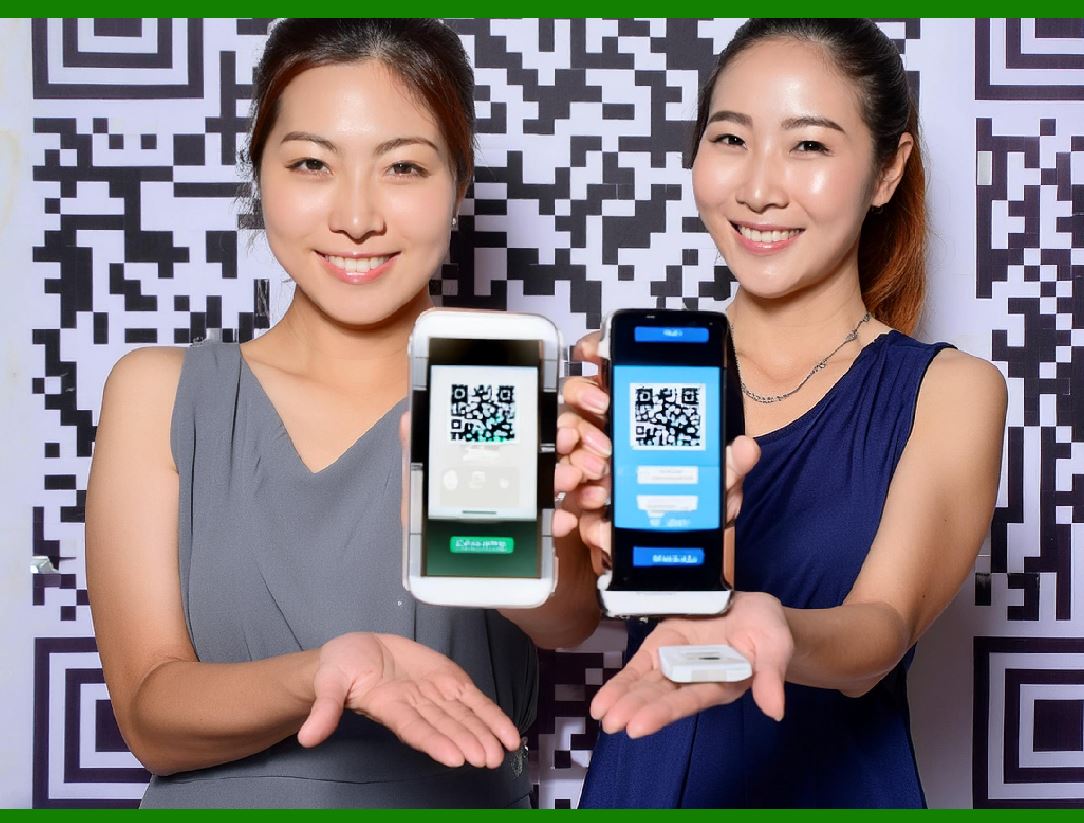
The ASEAN Integrated QR Code Payment System is a significant initiative aimed at facilitating seamless financial transactions across Southeast Asia. This integrated QR code payment system allows people to make transactions with banks or e-money that supports their local integrated QR code payment system in any of the participating countries, local currencies are used in these transactions.

Here's a detailed description of how it works and the current status:

Overview and Functionality

The ASEAN Integrated QR Code Payment System enables users to conduct transactions using QR codes that are interoperable across multiple ASEAN countries. This means that individuals can use a QR code from their local bank or e-money provider to make payments in another ASEAN member state, using the local currency of that country. The system eliminates the need for separate payment methods or currency conversions, streamlining cross-border transactions within the ASEAN region.

Current Integration Status

As of the latest updates:

1.Connected Systems: The QR code payment systems of Indonesia, Malaysia, and Thailand are currently integrated. This integration allows users from these countries to make payments seamlessly across each other's QR code platforms. For example, a user with an Indonesian payment app can use it to make payments directly in Thailand using Thai baht, with the conversion handled automatically.

2.Future Integrations: Singapore and the Philippines are also planning to integrate their QR payment systems into the ASEAN Integrated QR Code Payment System. Once implemented, this will further expand the reach and functionality of the system, encompassing more countries and increasing convenience for users traveling or doing business across ASEAN nations.

Participating QR Payment Systems

The following QR payment systems are currently part of or will soon be integrated into the ASEAN Integrated QR Code Payment System:

Indonesia: Known for its strong adoption of digital payments, Indonesia's QR code payment system is widely used through platforms like GoPay, OVO, and others.

Malaysia: Malaysian QR payment systems include providers like Touch 'n Go eWallet, Boost, and GrabPay, which are popular among local consumers.

Thailand: Thai QR payment systems such as PromptPay and others facilitate cashless transactions within the country and now across borders with ASEAN integration.

Singapore: The QR payment landscape in Singapore includes systems like PayNow and SGQR, which are widely used for various transactions within the city-state.

Philippines: Philippine QR payment systems are expected to integrate soon, enhancing financial connectivity across ASEAN.

Benefits and Impact

Convenience: Users benefit from the convenience of using a single QR code across multiple countries, reducing the need for multiple payment apps or currency exchanges.

Promotion of Digital Payments: Encourages further adoption of digital payments across ASEAN, fostering economic integration and growth.

Tourism and Business: Facilitates smoother transactions for tourists and businesses operating across ASEAN countries, promoting regional tourism and trade.

In conclusion, the ASEAN Integrated QR Code Payment System represents a significant step towards financial integration within Southeast Asia. As more countries join and more systems are integrated, it promises to enhance convenience, promote digital payments, and foster closer economic ties among ASEAN member states.


EasierSoft Barcode Label Design & Bulk Printing Software

---- Use Excel Data to Batch Print Barcodes on Label Sheets or Roll Labels  

---- How to use this barcode software

Download:  Free Barcode Software + Barcode Label Designer

Download Free Barcode Software at Softonic

     Download at CNET

Once you obtain a GS1/UPC/EAN barcode, or other barcode type and QR code, you can use our free software to batch print barcode labels onto Roll label paper using a professional label printer, or to batch print barcodes onto Avery 5160 label sheets using a regular laser or inkjet printer. Our software has free and paid versions.

The free version fully meets your needs for batch printing GS1/UPC/EAN barcodes. The paid version can import data from Excel and databases to batch print barcode labels with different values.

How to Start

Input Data

Import Excel Data

Print Barcode

Barcode Format

Label Designer

All Screen Shot

Export Barcode Image

Save Template

Output Word Excel

How to Use & FAQ:

Text Beneath the Barcode

Configuring Barcode Size

Auto Calculate the Barcode Size

Export Barcode images

Export Barcode Image Format

File Names for Exported Barcode

Resolution of Exported Barcode Images

Fixed Folder for Exporting Barcode

Default Barcode Image Export Format

Print bulk barcodes quickly

Print barcodes to Avery 5160 label

How to bulk Barcode Printing

Sample - Avery 5162 (2x7) Label Sheet

Example: Print barcodes to 5*3cm roll

Example: Print barcodes to 5161 label

Example: Print barcodes to 5162 label

Example: Print barcodes to 5163 label

Example: Print barcodes to 5164 label

Example: Print portrait orientation 5164

Example: Print barcodes to 5167 label

Example: Print barcodes to 5168 label

Example: Print portrait orientation 5168

Example: Print barcodes to 5169 label

Example: Print barcodes to 5660 label

Example: Print barcodes to 5661 label

Example: Print barcodes to 5662 label

Example: Print barcodes to 5663 label

Example: Print barcodes to 5664 label

Example: Print portrait orientation 5664

Example: Print barcodes to 5873 label

Example: Print barcodes to 5874 label

Two ways to import Excel data

Import Excel Data - Pro Edition

Import Excel Data - Std Edition

Import Data from Excel - Detail

Load Data From Excel File

Data Editing Table

Copy Data From Excel

Four ways to input barcode data

Add ASCII Key E

Input Multiple Lines of Text for Barcodes

Generates Sequential Serial Numbers

Import or copy data from Excel sheets

Special sequence number generation

Std Details: Simple Input Form

Std Details: Multiple Line Text Input

Details: Sequence Barcode Generator

Examples: Sequence Barcode Generator

Import Data From Excel Spreadsheet

Barcode Data Correspondence Diagram

Highlights

Excel integration: Import data directly from Excel to generate and print barcodes in bulk.

Label designer: Create complex labels with multiple barcodes, text, logos, and shapes.

Batch printing: Print thousands of barcodes at once using standard inkjet/laser printers or professional barcode printers.


Flexible editions:

Standard Edition: Simple batch printing with Excel data.

Professional Edition: Adds command-line automation for workflow integration.

Label Designer Edition: Advanced design features for complex labels.


Why Choose Our Barcode Solutions?

Cost-effective: Free online generator and permanent free desktop version available.

Easy to use: No technical expertise required—just input data and print.

Versatile: Supports nearly all 1D and 2D barcode types, including QR codes.

Trusted: Recommended by CNET and widely downloaded by users worldwide.


Suitable Use Cases

Small businesses and startups needing quick barcode labels for products.

Retailers and online sellers managing inventory with batch barcode printing.

Manufacturers requiring sequential or custom barcode labels for packaging.

Educational and testing environments where barcodes are used for tracking.


CONTACT

cs@easiersoft.com

If you have any question, please feel free to email us.


https://free-barcode.com


<<< Back to Directory <<<     Barcode Generator     Barcode Freeware     Privacy Policy