Benefits of Adding Control Characters to Barcodes |
In modern applications of barcodes, control characters are often incorporated into the data encoded into the barcode to ensure accuracy, integrity, and ease of interpretation. While the concept of barcodes itself is relatively straightforward-encoding information in a visual format that can be scanned and decoded-adding control characters enhances the utility and robustness of barcodes in several critical ways. The inclusion of control characters not only contributes to error detection and correction but also improves the efficiency of scanning systems, making them more reliable for various industries. In this detailed explanation, we will explore the benefits of adding control characters to barcodes, focusing on their impact on error handling, compatibility with different systems, enhanced security, and overall data management. |
1. Introduction to Control Characters in Barcodes |
Control characters in barcodes are special symbols or codes added to the data sequence that performs specific functions beyond simple information encoding. These characters are not part of the raw data itself but are used to control or modify the way the barcode is processed or interpreted. In barcode systems, control characters typically manage the flow of data, check the accuracy of scanned data, and can even provide instructions for how the information should be handled by the receiving system. |
Control characters may include things like start/stop characters, check digits, or other predefined codes that ensure the barcode data is correctly scanned and decoded. These characters are crucial in ensuring the effective management of data, preventing errors, and improving the overall functionality of the barcode in a commercial or industrial context. |
|
2. Error Detection and Correction |
One of the most significant advantages of including control characters in barcodes is the enhanced error detection and correction they provide. Barcodes are used in environments where quick and accurate data retrieval is critical. Errors in scanning, whether caused by damage to the barcode, environmental factors, or incorrect scanning angles, can lead to misinterpretation of the data. Control characters play a vital role in preventing or mitigating such errors. |
2.1. Check Digits |
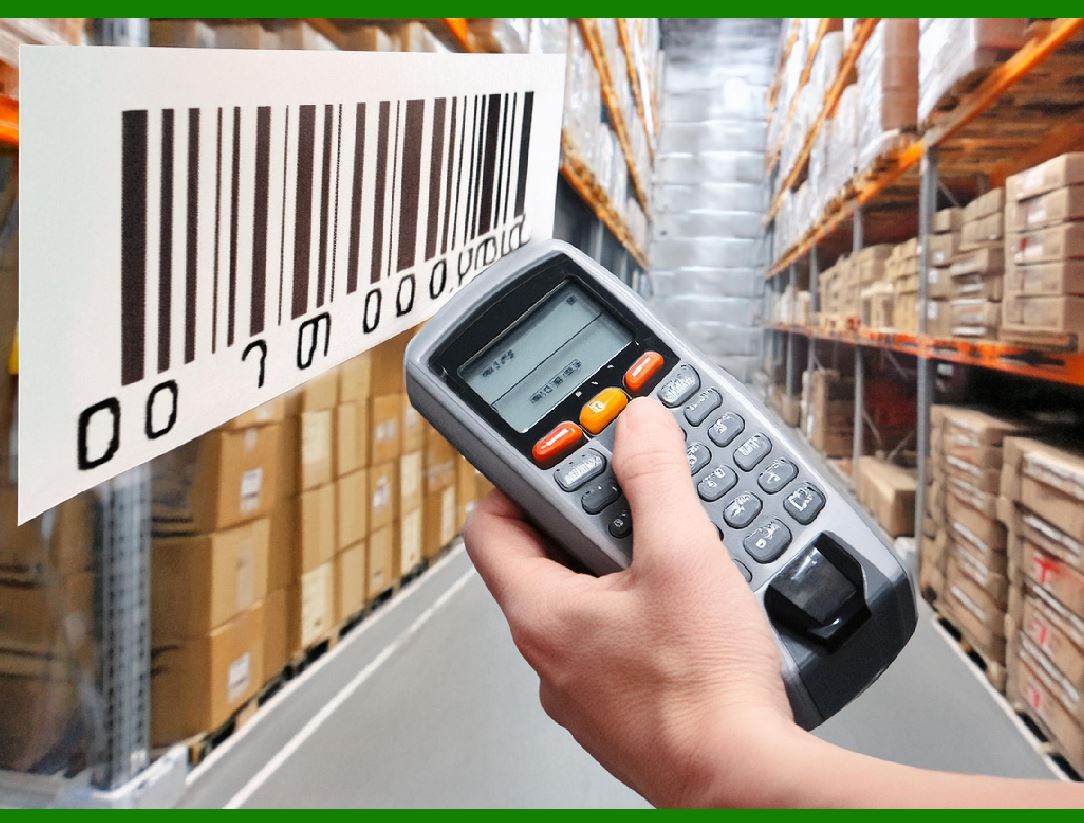
A common example of a control character used in barcodes is the check digit. This is an additional digit or character appended to the end of a barcode sequence. The check digit is mathematically derived from the other digits in the barcode. Its purpose is to validate that the scanned barcode is correct and free from errors. When the barcode is scanned, the system recalculates the check digit based on the data and compares it to the check digit in the barcode. If the two digits do not match, the system knows that there has been an error, and the scan can be rejected or flagged for review. |
The use of check digits helps to identify common errors such as digit transpositions or single-character misreads. In this way, control characters like check digits act as an internal error-checking mechanism, ensuring that the data is accurate before it is processed. |
2.2. Error Correction Algorithms |
Beyond simple error detection, control characters can also enable error correction in some barcode formats. Error correction algorithms, often used in more advanced barcode types such as QR codes, rely on control characters to detect and correct mistakes automatically. This ability to recover lost or corrupted data is particularly valuable in environments where barcodes might become damaged or degraded, such as in warehouses or retail settings where barcodes are frequently handled or exposed to harsh conditions. |
By including control characters that signal the need for correction, barcode systems can automatically adjust the data and recover from errors without requiring manual intervention. This reduces the risk of human error and minimizes the need for rescanning or manual data entry. |
|
3. Enhanced Data Integrity and Security |
Another significant benefit of adding control characters to barcodes is the improvement in data integrity and security. Barcodes are increasingly used to manage sensitive information, such as financial data, inventory, and personal identification. In these cases, ensuring the integrity and security of the barcode data is paramount. |
3.1. Preventing Data Tampering |
Control characters can serve as a form of protection against unauthorized tampering with the barcode data. By incorporating cryptographic control characters or checksums into the barcode, systems can detect any alterations made to the barcode data. For example, if an attacker attempts to change the encoded data in an effort to deceive the system (e.g., by changing product details in a retail setting), the control characters will likely reveal that the data has been modified. |
This added layer of security is particularly important in industries such as pharmaceuticals, where counterfeiting or data manipulation could have significant legal and safety implications. Using control characters to prevent unauthorized changes helps to safeguard the data and protect businesses from fraud and errors. |
3.2. Secure Data Transmission |
In cases where barcodes are used to transmit sensitive information between different systems, control characters can be used to ensure that the data is transmitted securely. Control characters can provide encryption or encoding functions that protect the integrity of the data during transfer. This means that even if the barcode is intercepted or scanned in a different context, the information encoded within it remains secure and cannot be easily tampered with. |
This is especially relevant in supply chain management, where barcodes are used to track goods and shipments between various parties. By incorporating control characters into barcodes, companies can ensure that their data is protected throughout the entire process, from production to delivery. |

|
4. Improved Scanning Efficiency and Compatibility |
Another key benefit of adding control characters to barcodes is the improvement in scanning efficiency and compatibility with various systems. Barcode scanners are essential tools in a wide range of industries, and ensuring that they can accurately read and interpret barcodes is critical for smooth operations. Control characters can help optimize the scanning process in several ways. |
4.1. Better Compatibility with Diverse Scanning Systems |
Barcodes are used in many different contexts and across many different industries. Different scanning systems may have varying levels of sophistication or unique requirements. Control characters can help to bridge these differences and ensure that the barcode can be correctly interpreted by a wide range of systems. |
For example, by using predefined control characters that are universally recognized, barcode data can be scanned and decoded by scanners from different manufacturers or designed for different types of software. This increases the flexibility of barcode usage and allows for more seamless integration into existing systems. |
4.2. Optimizing Barcode Symbologies |
Barcode symbologies vary depending on the specific use case, with some systems supporting one type of barcode, while others are designed for a different type. Control characters can be used to signal the type of barcode symbology being used and help ensure that the data is read in the correct context. For example, the start and stop characters in a barcode can indicate which type of barcode is being used, allowing the scanner to apply the appropriate decoding algorithm. |
This optimization improves the efficiency of the scanning process. Scanners can quickly identify the barcode type and apply the correct decoding, reducing the likelihood of scanning errors and improving the overall processing speed. |
|
5. Increased Flexibility in Data Encoding |
Control characters in barcodes also provide increased flexibility when it comes to encoding and structuring the data. By incorporating these characters, barcodes can be designed to carry additional information without sacrificing readability or efficiency. |
5.1. Flexible Data Structures |
Control characters allow barcodes to encode complex data structures without becoming overly complicated or difficult to read. For instance, certain control characters can signal the end of one data field and the start of another, allowing for structured encoding of different types of data (e.g., product ID, price, batch number, expiration date) within a single barcode. This is particularly useful in applications where multiple data points need to be encoded into a single barcode, such as in the case of multi-item shipments or detailed product tracking. |
This flexibility also makes barcodes more adaptable to a variety of different industries, as they can be customized to meet the specific needs of the business. Whether for tracking inventory, processing payments, or managing logistics, the use of control characters helps to create barcodes that can efficiently encode diverse types of information. |
5.2. Encoding Instructions for Processing |
In addition to encoding raw data, control characters can also be used to encode instructions for how the barcode data should be processed once scanned. For example, control characters might specify that the data should be cross-referenced with a particular database or trigger a specific action in the system, such as updating inventory levels or logging a transaction. This capability helps streamline processes and ensures that the data encoded in the barcode is used appropriately once it is read. |
|
6. Simplified Maintenance and Troubleshooting |
Including control characters in barcodes can also simplify maintenance and troubleshooting procedures. In the event of a scanning issue, the control characters can provide additional information that helps to diagnose and resolve the problem quickly. |
6.1. Error Logging and Diagnostics |
When a scanning error occurs, control characters can facilitate error logging and diagnostics. For example, a barcode system might include control characters that trigger error codes or store logs of scanning attempts. These logs can be reviewed to identify patterns in errors (e.g., frequent misreads or specific types of scanner malfunctions). By analyzing these logs, maintenance teams can address underlying issues in the scanning hardware or software more effectively, leading to faster resolution times. |
6.2. Facilitating System Updates |
As barcode technologies evolve, it's essential to ensure that existing systems remain compatible with new standards or symbologies. Control characters can help smooth the transition between older and newer systems by providing a standardized way to interpret barcode data across different generations of technology. This reduces the need for significant system overhauls and allows businesses to adopt new technologies without disrupting operations. |

|
7. Conclusion |
Adding control characters to barcodes provides a multitude of benefits, from improved error detection and correction to enhanced security and scanning efficiency. Control characters play a critical role in ensuring the integrity, accuracy, and flexibility of barcode systems, making them essential for businesses that rely on barcodes for inventory management, shipping, retail, and other applications. By incorporating these special characters, businesses can achieve higher levels of reliability, reduce errors, enhance security, and streamline their processes, resulting in more efficient and effective barcode systems overall. |
|
Practical examples |
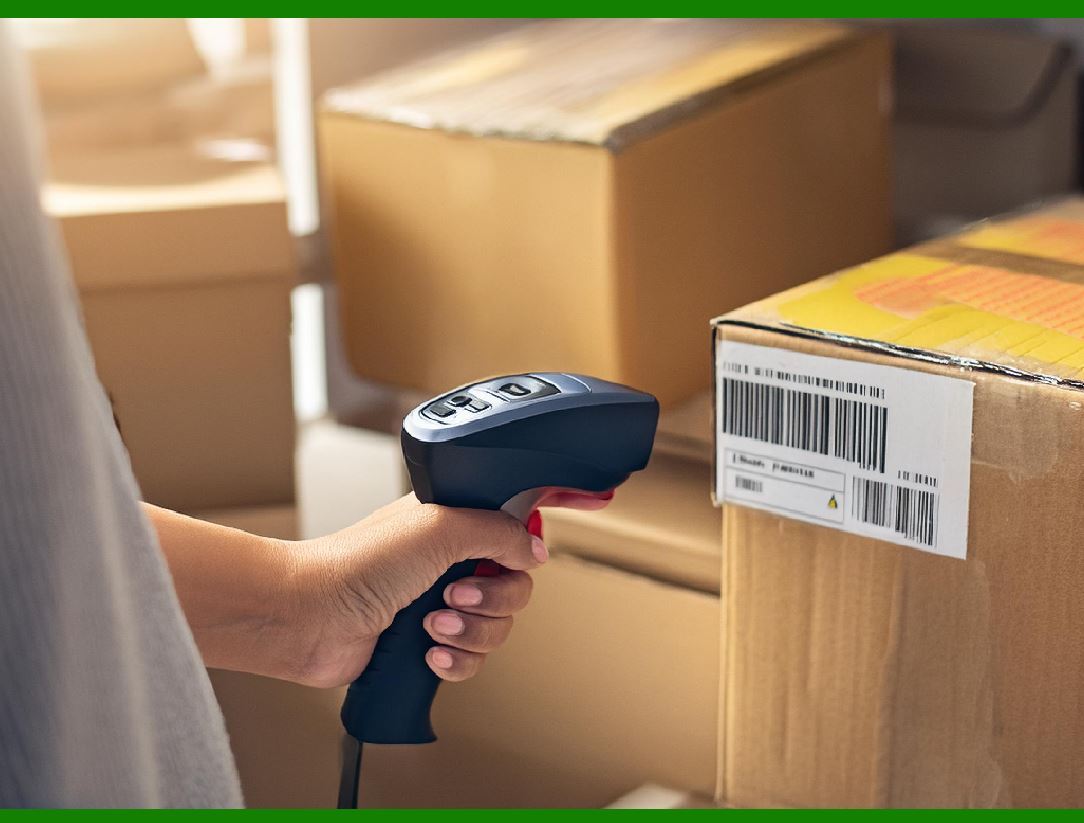
Here are some practical examples of how control characters are used in barcodes across various industries. These examples demonstrate the tangible benefits of adding control characters to barcodes, especially in terms of error detection, data management, and operational efficiency. |
1. Retail and Point-of-Sale (POS) Systems |
In retail environments, barcodes are an essential tool for tracking products and processing transactions at the checkout. Here, control characters-particularly check digits-are commonly used to ensure the accuracy of scanned data and prevent errors. |
Example: |
UPC (Universal Product Code): A typical UPC barcode used in retail contains 12 digits, the last of which is a check digit. The check digit is calculated using a modulus 10 algorithm and helps verify the integrity of the entire barcode. When the barcode is scanned, the POS system recalculates the check digit from the first 11 digits. If the calculated check digit does not match the one encoded in the barcode, the system will flag it as an error and may prompt the cashier to rescan the item or check the product. |
This use of control characters ensures that the product information is accurate and reduces the likelihood of scanning errors at checkout, preventing issues like charging the wrong price for an item or failing to record the sale. |
|
2. Pharmaceutical Industry |
In the pharmaceutical industry, barcodes are used to track medications, ensuring their authenticity and preventing counterfeiting. Control characters in the barcode help to verify the product's identity, batch number, and expiration date, as well as prevent fraudulent alterations. |
Example: |
GS1 DataBar (used for pharmaceutical packaging): This barcode type is often used for item-level tracking of medications. It can encode multiple data elements, including the National Drug Code (NDC), batch number, expiration date, and more. The inclusion of control characters, such as check digits or cryptographic codes, ensures that the scanned data is verified against the pharmaceutical database to confirm that the drug is legitimate and not counterfeit. If the barcode has been tampered with (e.g., someone tries to change the expiration date or product number), the control characters will flag the error, and the system will issue a warning. |
In this case, control characters help secure the supply chain, ensuring that customers receive authentic products and improving the overall safety of medications. |
|
3. Shipping and Logistics |
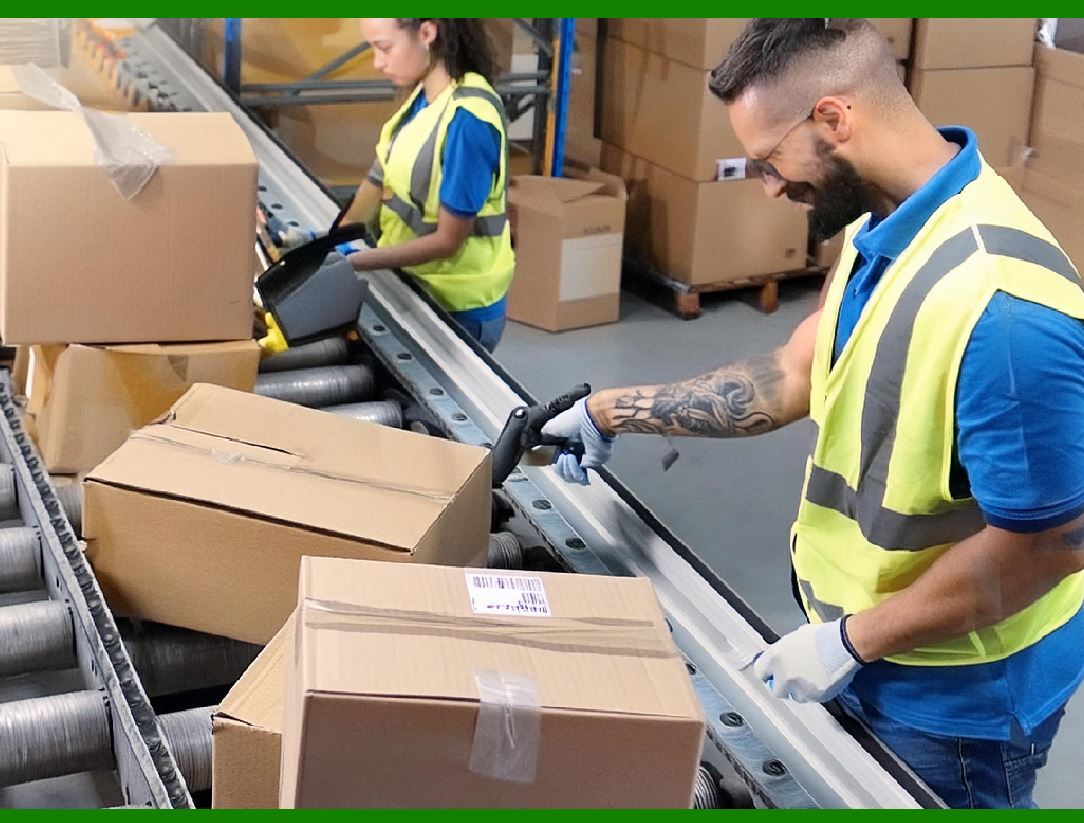
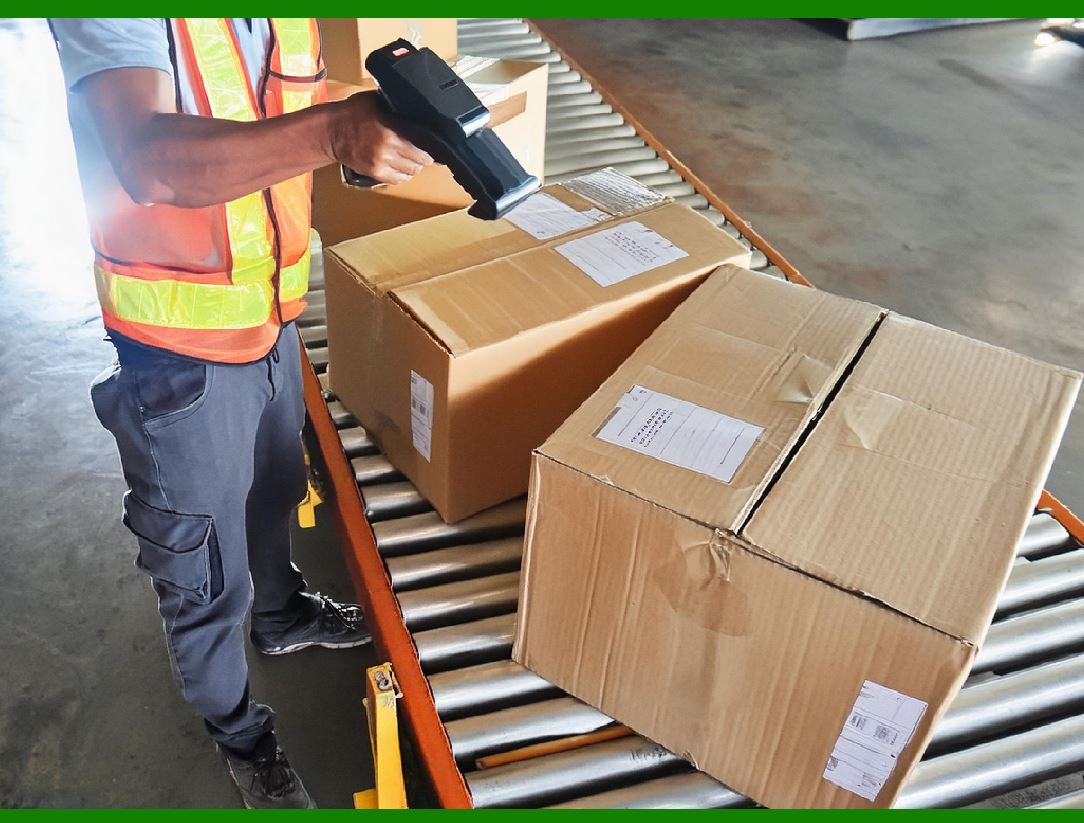
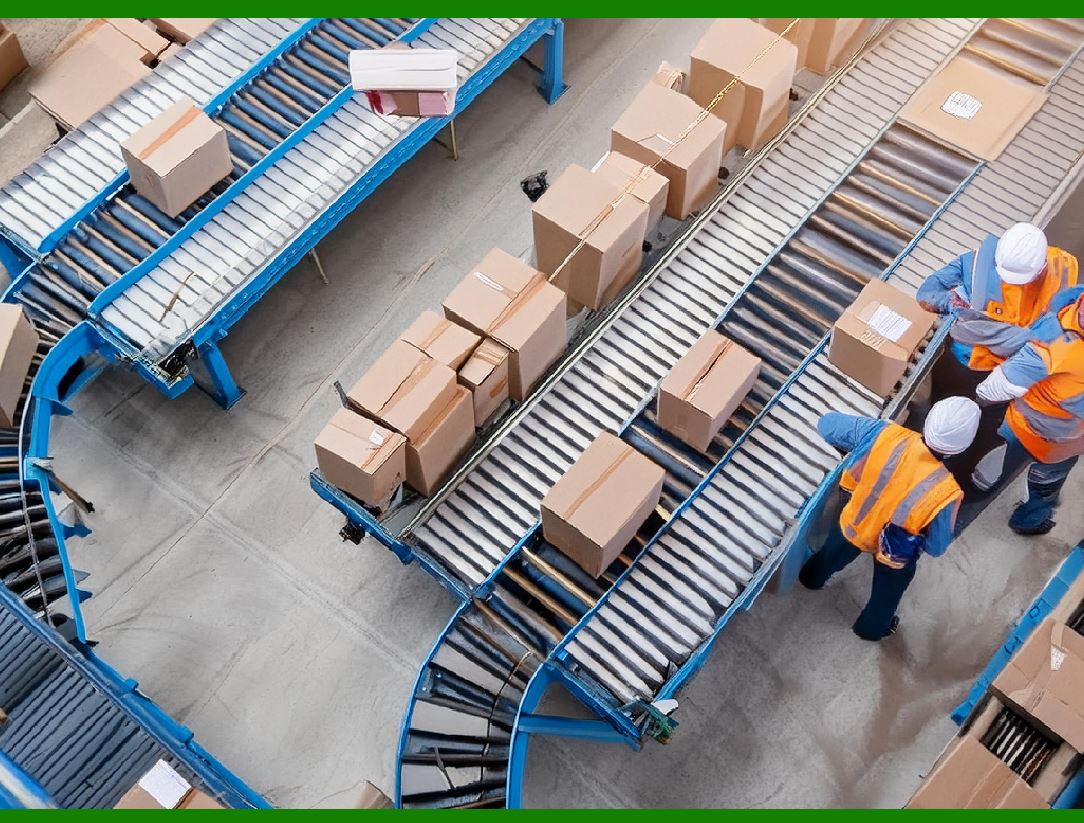
In the logistics and shipping industry, barcodes are used to track packages and shipments as they move through various stages of transportation. The integration of control characters can help ensure that all package data is accurate and consistent throughout the process. |
Example: |
Code 128 Barcode for Shipment Tracking: A Code 128 barcode can be used to encode detailed tracking information for packages, including the package's destination, shipping method, and contents. Control characters like the start/stop markers (which define the boundaries of the barcode data) and checksum characters ensure that the barcode is correctly read and decoded by scanners at various points in the supply chain. |
For instance, if a barcode includes a control character that signals a particular instruction (such as 'priority shipment' or 'fragile'), the scanning system can automatically trigger special handling processes in the warehouse or during delivery. Additionally, if the barcode is damaged or corrupted during transit, the control characters can help detect and correct errors, ensuring that the correct shipment is delivered. |

|
4. Library Management Systems |
Libraries use barcodes to manage book checkouts and returns. Control characters help ensure that the correct book is being checked in or out by the user and reduce the chances of human error. |
Example: |
ISBN Barcode with Check Digits: Barcodes on books often encode the ISBN (International Standard Book Number), which helps libraries and bookstores track the inventory. The ISBN barcode includes a check digit at the end of the code, which is calculated using a specific mathematical algorithm. When a librarian scans a book's barcode, the system recalculates the check digit and compares it to the one encoded in the barcode. If they do not match, the system will alert the librarian to an error, such as a misread barcode or an incorrect book being scanned. |
This use of control characters prevents errors in inventory management and ensures that the correct book is checked in or out, improving the accuracy of library transactions. |

|
5. Automotive Industry |
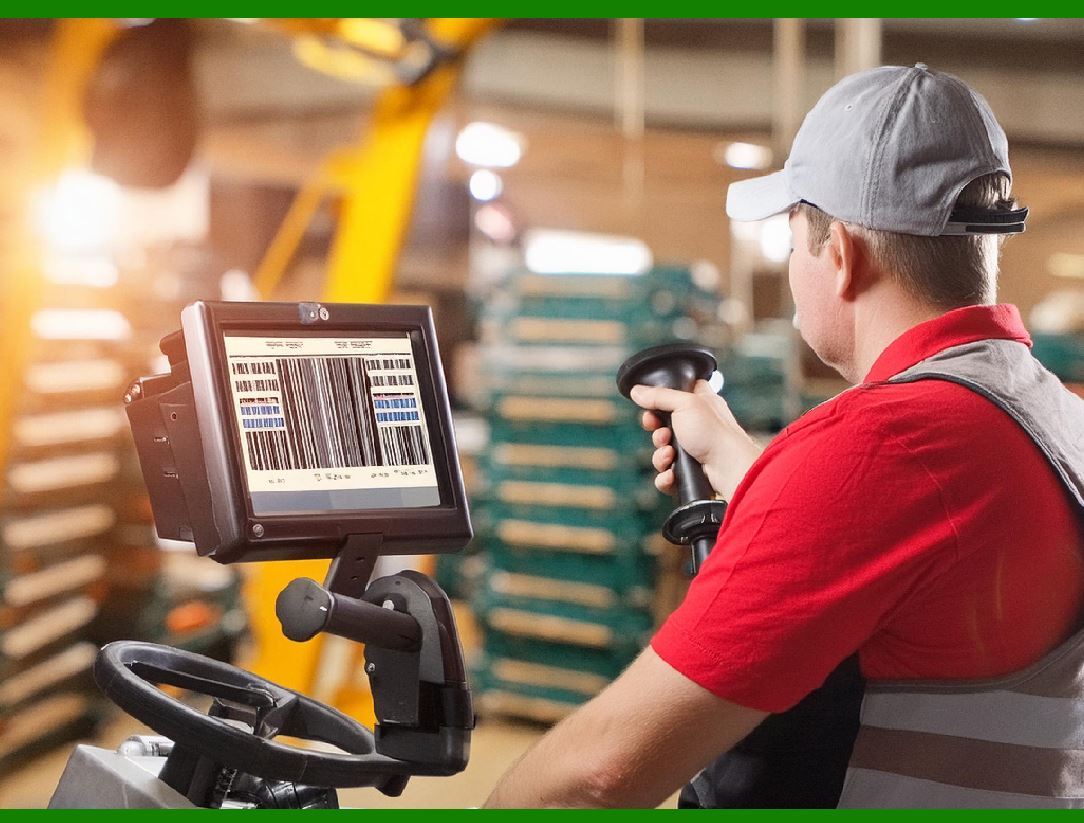
The automotive industry relies on barcodes to track parts, tools, and components during manufacturing and assembly. Control characters can help automate the tracking process and ensure the accuracy of the data being processed. |
Example: |
2D Data Matrix Barcodes for Parts Tracking: Many automotive manufacturers use 2D Data Matrix barcodes to track parts and tools on the assembly line. These barcodes may include control characters to manage the encoding of data fields such as part number, manufacturing date, and batch information. The barcode scanner can read the entire 2D matrix and verify the presence of control characters like a start/stop symbol or a checksum digit to ensure that the data is correct. |
Additionally, control characters can encode instructions for assembly robots, indicating which parts need to be used in the next stage of the assembly process. If the barcode is damaged or misread, the control characters help prevent the incorrect part from being used, reducing the chance of faulty assemblies or delays in the manufacturing process. |
|
6. Food Industry and Supply Chain Management |
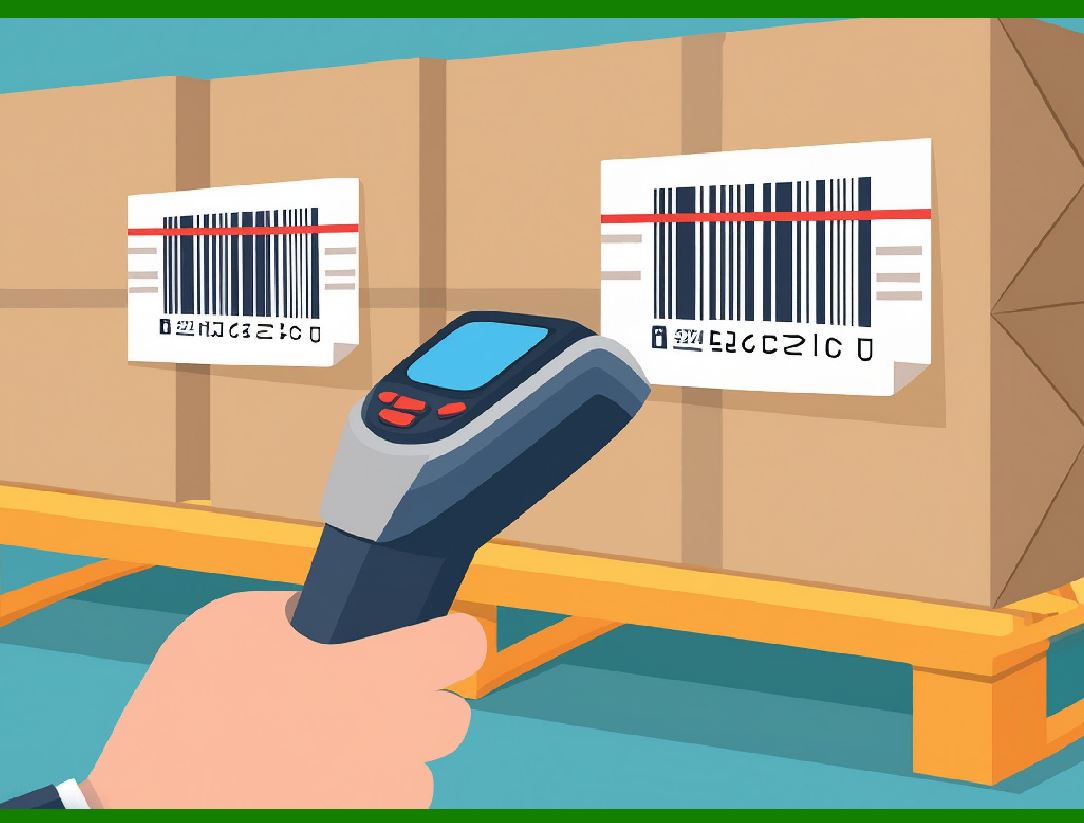
Control characters are used in food tracking systems to monitor the movement of products from farms to distributors and ultimately to retail stores. This helps with traceability, compliance with food safety regulations, and minimizing food waste. |
Example: |
EAN-13 Barcode for Food Products: An EAN-13 barcode on food products may encode essential data such as the product's name, weight, and expiration date. Control characters such as check digits are included in the barcode to verify the integrity of the encoded data. In addition, some food products may include cryptographic control characters that ensure the barcode hasn't been tampered with during transport, which is particularly important for high-value or perishable items. |
When products are scanned at various stages of the supply chain (from warehouses to grocery stores), the system uses control characters to confirm that the product is correctly identified and matches the shipment records. This improves traceability and reduces the risk of selling expired or misidentified products to customers. |
|
7. Hospital and Healthcare Applications |
In hospitals, barcodes are used to track patient information, medications, and medical equipment. Control characters can ensure that the right medication is administered to the right patient and that medical devices are functioning correctly. |
Example: |
Patient Wristbands with Barcodes: In many hospitals, patients are given wristbands with barcodes that encode their personal information, such as name, ID number, and room number. Control characters embedded in the barcode (e.g., checksum digits or specific start/stop codes) help ensure that the patient's information is scanned correctly when interacting with medical systems. For instance, when a nurse administers medication to a patient, the barcode on the medication packaging is scanned along with the patient's wristband barcode. If the check digit or control character doesn't match, the system can alert the nurse to a potential mismatch, reducing the risk of medication errors. |
Furthermore, control characters can be used to track medical equipment, ensuring that devices are properly sanitized, maintained, and calibrated before use in patient care. |
|
8. Event Ticketing Systems |
Control characters are also widely used in event ticketing systems to track admissions to venues and prevent counterfeit tickets from being used. |
Example: |
QR Codes for Event Tickets: Event organizers often use QR codes to encode ticket information. These QR codes include control characters like check digits to ensure the ticket's authenticity. When scanned, the QR code's control characters help validate that the ticket matches the event details, such as the date and location. If someone tries to alter the ticket information (for example, by changing the event date), the control characters will indicate that the ticket is invalid or tampered with. |
Additionally, control characters embedded in the barcode can prevent the same ticket from being used multiple times (i.e., preventing resale or duplication), ensuring that each ticket is unique and can only be scanned once. |
|
Conclusion |
These practical examples demonstrate how the inclusion of control characters in barcodes enhances data accuracy, security, and operational efficiency across various industries. From retail to pharmaceuticals, automotive manufacturing to healthcare, control characters like check digits, start/stop markers, and cryptographic codes play a vital role in ensuring the integrity of the data encoded in barcodes. The result is a more reliable and secure barcode system that reduces errors, prevents fraud, and streamlines operations, ultimately improving the customer experience and operational productivity. |
 cs@easiersoft.com