Code 1, also known as Code 1 barcode, is a symbology primarily used in specific industries such as healthcare for medicine labels and the recycling industry for encoding container content. |
This barcode format was developed to meet the unique requirements of these sectors, offering robustness, efficiency, and clarity in data encoding and decoding processes. |

|
Overview of Code 1 Barcode |
Code 1 barcode is designed to encode alphanumeric data efficiently within a compact format. It falls under the category of linear barcodes, where data is represented by varying widths and spacings of parallel lines. The specific characteristics and encoding rules of Code 1 make it suitable for applications requiring high reliability and readability, such as medicine labels and recycling container sorting. |

|
History and Development |
The development of Code 1 barcode can be traced back to the need for a reliable and efficient data encoding system in industries where clear and accurate information exchange is critical. While specific details about its inception may vary, the barcode's evolution has been driven by technological advancements and the growing demand for standardized information management in sectors like healthcare and recycling. |
|
Structure and Encoding |
Code 1 barcode structure is defined by its pattern of bars and spaces, which encode alphanumeric characters. Unlike some other barcode symbologies that encode data based on fixed patterns or ratios, Code 1 employs a more flexible approach to ensure efficient use of space while maintaining readability. |

|
Key Elements of Code 1 Barcode: |
1.Start and Stop Characters: These denote the beginning and end of the barcode, aiding in accurate scanning and decoding. 2.Data Characters: Alphanumeric characters (letters and digits) that represent the encoded information. The specific encoding rules ensure that data is accurately captured and interpreted by scanning devices. 3.Checksum Digit: A calculated digit used to verify the accuracy of the scanned data, ensuring minimal errors in data transmission and processing. |

|
Applications in Healthcare |
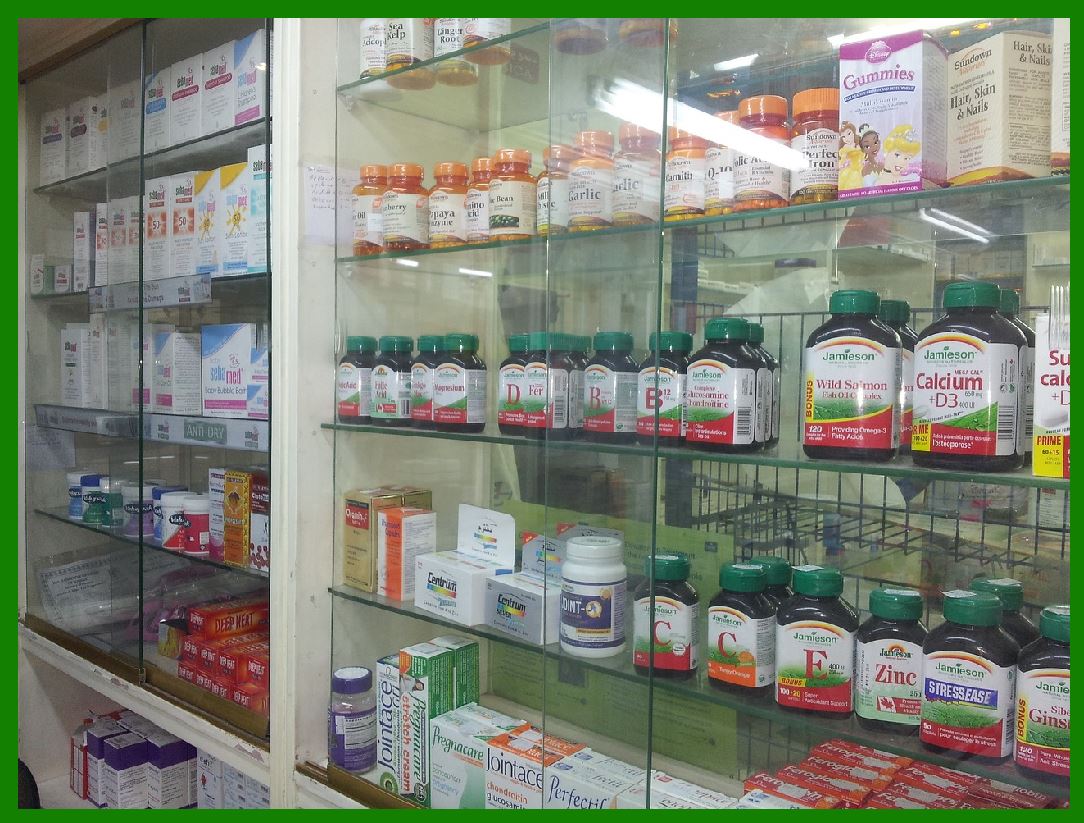
In the healthcare industry, Code 1 barcode plays a crucial role in labeling medicines and medical supplies. It enables healthcare providers to accurately track and manage inventory, ensure patient safety through medication verification, and streamline administrative processes. The barcode's ability to encode detailed information in a compact format supports efficient data management and compliance with regulatory requirements. |
Benefits in Healthcare: |
Patient Safety: Reduces medication errors by ensuring accurate identification and verification of medicines. Inventory Management: Facilitates real-time tracking of stock levels and expiration dates, optimizing supply chain efficiency. Data Integration: Enables seamless integration with electronic health records (EHR) and pharmacy management systems, enhancing operational workflows. |

|
Use Cases in Recycling Industry |
In the recycling industry, Code 1 barcode is utilized to encode information about container contents, such as material composition and recycling instructions. This facilitates automated sorting processes at recycling facilities, improving efficiency and reducing sorting errors. By standardizing data representation on containers, the barcode supports environmental sustainability efforts and enhances the recycling infrastructure. |
Advantages in Recycling: |
Sorting Efficiency: Automates the sorting of recyclable materials based on encoded data, minimizing manual intervention and optimizing processing speed. Quality Control: Ensures consistency in sorting criteria and enhances the quality of recycled materials extracted from containers. Traceability: Enables traceability of recycled materials throughout the supply chain, supporting transparency and accountability in recycling practices. |

|
Technical Specifications and Standards |
Code 1 barcode adheres to specific technical specifications and standards to ensure interoperability and compatibility with scanning equipment and software systems. These standards define parameters such as barcode dimensions, encoding rules, and error correction mechanisms, ensuring consistent performance across different applications and environments. |
Standardization Bodies: |
Healthcare Industry: Standards set by organizations like the FDA (Food and Drug Administration) and GS1 (Global Standards One) ensure compliance with regulatory requirements and interoperability with healthcare information systems. Recycling Industry: Standards may vary but often align with international barcode standards to ensure global compatibility and efficient data exchange in recycling operations. |

|
Implementation and Integration |
The implementation of Code 1 barcode involves several stages, including barcode generation, labeling, scanning, and data integration into existing information systems. Software tools and applications are used to generate and print Code 1 barcodes on labels or packaging, ensuring readability and compliance with industry standards. Integration with enterprise resource planning (ERP) systems and database management platforms enables seamless data flow and real-time information access across organizational functions. |
Integration Considerations: |
Data Compatibility: Ensuring compatibility with existing data formats and systems to facilitate smooth integration and data exchange. Hardware Requirements: Selecting barcode scanners and readers capable of decoding Code 1 barcodes accurately and efficiently. Training and Support: Providing training for personnel on barcode usage and troubleshooting support to address potential issues during implementation and operation. |

|
Future Trends and Innovations |
The evolution of Code 1 barcode continues with advancements in barcode technology and applications across industries. Future trends may include enhanced data encryption capabilities, integration with Internet of Things (IoT) devices for real-time data monitoring, and expanded use in emerging sectors such as smart packaging and digital supply chain management. Innovations in barcode design and decoding algorithms aim to further improve efficiency, security, and usability in diverse application scenarios. |
Emerging Technologies: |
Mobile Integration: Utilizing mobile devices for barcode scanning and data capture, enabling flexible and mobile-friendly barcode applications. Cloud-Based Solutions: Leveraging cloud computing for centralized barcode data management and analytics, supporting scalability and accessibility. Blockchain Integration: Exploring blockchain technology to enhance data transparency and traceability in supply chain management and product authentication. |

|
Conclusion |
Code 1 barcode represents a specialized symbology designed to meet the unique needs of the healthcare and recycling industries for efficient data encoding and management. Its structured approach to data representation, combined with robust standards compliance and integration capabilities, supports enhanced operational efficiency, data accuracy, and regulatory compliance across diverse application domains. As technology continues to evolve, Code 1 barcode remains a vital tool for organizations seeking to optimize processes, improve sustainability practices, and enhance overall operational performance in today's interconnected world. |
 cs@easiersoft.com