The Code 128 Barcode Standard: Detailed Description According to ISO/IEC 15417 |
1.Introduction to Code 128 Barcode Standard |
The Code 128 barcode is one of the most widely used linear barcodes, particularly in the fields of logistics, inventory control, and shipping. Defined by the ISO/IEC 15417 standard, this barcode is known for its high density, versatility, and ability to encode a wide variety of data types in a compact format. The Code 128 standard allows for the encoding of numeric, alphabetic, and control characters, making it suitable for diverse applications. |
ISO/IEC 15417 specifies the detailed structure, encoding rules, and usage guidelines for Code 128 barcodes. This includes encoding methods, character sets, error correction techniques, and considerations for barcode printing and scanning. |

|
2.Structure and Basic Principles of Code 128 |
Code 128 consists of a series of black and white bars that represent encoded data in a series of binary elements. The structure of the barcode is designed to allow efficient encoding of a large character set, including 128 possible characters, making it capable of encoding all ASCII characters. |
Symbology: Code 128 barcodes consist of a series of bars and spaces, which form distinct patterns representing data. The bars are typically narrow and wide, and the spaces between them vary in width as well. The data is encoded using combinations of these bars and spaces. |
Start and Stop Characters: Code 128 barcodes begin with a start character and end with a stop character. The start character identifies which of the three character sets (A, B, or C) the barcode uses, while the stop character indicates the end of the encoded data. The stop character is always represented by a distinct pattern, which helps scanners recognize the end of the barcode. |
Character Encoding: Each character in a Code 128 barcode is encoded using a unique combination of bars and spaces. The barcode can encode three different sets of characters: |
Code Set A: Includes uppercase letters, digits, control characters, and special symbols. |
Code Set B: Includes uppercase and lowercase letters, digits, punctuation marks, and a broader range of special symbols. |
Code Set C: Designed for numeric data, where each pair of digits is encoded as a single character, enabling efficient encoding of large numbers. |

|
3.Detailed Breakdown of Code 128 Components |
Code 128 barcodes consist of several components that work together to encode the data. These components include the start character, encoded data, checksum, and stop character. |
Start Character: The start character determines which character set the barcode will use. There are three possible start characters in Code 128: |
Start A: Indicates the use of Code Set A. |
Start B: Indicates the use of Code Set B. |
Start C: Indicates the use of Code Set C (for encoding pairs of digits). |
The choice of start character is crucial as it helps the scanner interpret the data correctly. The start character is a special symbol with a unique barcode pattern, different from the encoded data. |
Data Characters: Each character in the barcode is represented by a specific sequence of bars and spaces. These characters are drawn from one of the three character sets and are encoded according to the patterns defined in the Code 128 specification. For example: |
In Code Set A, characters include upper-case letters (A-Z), digits (0-9), and control characters like carriage return and line feed. |
In Code Set B, characters include both upper- and lower-case letters (A-Z, a-z), digits (0-9), punctuation marks, and additional symbols. |
Code Set C is designed for encoding pairs of digits efficiently (00-99), where two digits are encoded as a single character, reducing the space required for numeric data. |
Checksum: Code 128 includes a checksum for error detection, which ensures the integrity of the data. The checksum is calculated based on the data being encoded. It helps the system verify that the barcode data has been correctly read and interpreted by the scanner. The checksum is calculated by assigning a weight to each character in the data string and summing them up. The final checksum value is the modulo-103 of this sum. |
Stop Character: The stop character is a special symbol that marks the end of the barcode. It is distinct from the data characters and plays an essential role in enabling the scanner to recognize the end of the barcode and process the data correctly. The stop character is also encoded with a unique pattern of bars and spaces. |

|
4.Encoding Methods in Code 128 |
Code 128 allows for multiple ways of encoding data, depending on the type of information being encoded. The flexibility of the encoding system is one of the key reasons why Code 128 is so widely used in different applications. |
Numeric Encoding (Code Set C): For numeric data, Code Set C is the most efficient way to encode information. Code Set C uses a compact representation where each pair of digits (00-99) is encoded as a single character. This method allows for the efficient storage and scanning of large numeric values. |
Alphanumeric Encoding (Code Set A and B): Code Sets A and B are used for encoding alphanumeric data, such as letters and punctuation marks. Code Set A is typically used when there is a need to encode upper-case letters, digits, and control characters, while Code Set B is more appropriate when both upper- and lower-case letters, as well as a broader range of symbols, are required. |
Mixed Encoding: One of the strengths of Code 128 is its ability to switch between character sets. For example, a Code 128 barcode can begin by encoding some data in Code Set A, switch to Code Set B for part of the data, and then switch to Code Set C for numeric values. This mixed encoding allows for greater flexibility in data representation, optimizing the space and increasing the amount of data that can be encoded in a given barcode size. |
|
5.Error Checking and Correction in Code 128 |
The inclusion of a checksum in the Code 128 barcode ensures that the data is read correctly and reliably. The checksum is a form of error detection, but Code 128 does not include error correction in the same way some other standards (e.g., QR codes) do. This means that if a barcode is damaged or unreadable, a scanner may not be able to correctly interpret the data. |
The checksum is calculated using the modulo-103 algorithm. After encoding the data, the checksum is appended to the end of the barcode, before the stop character. The scanner uses the same algorithm to calculate the checksum value during the scanning process, and if the calculated checksum does not match the checksum in the barcode, the scanner will generate an error message. |

|
6.Advantages of Code 128 |
The Code 128 barcode standard has several notable advantages, which make it a popular choice for a wide variety of applications: |
Compact Size: Code 128 is known for its high density, meaning that it can store a large amount of data in a small physical space. This makes it ideal for applications where space is limited or where a large amount of information needs to be encoded in a compact format. |
Versatility: The ability to encode numbers, letters, and special characters in a single barcode makes Code 128 versatile. It can be used in a wide variety of industries, from retail to logistics to healthcare. |
Efficiency in Encoding Numeric Data: Code 128's ability to use Code Set C for encoding pairs of digits is a significant advantage when dealing with large numbers, as it reduces the amount of space required to store numeric values. |
Error Detection: The inclusion of a checksum adds a layer of reliability to Code 128 barcodes, as it ensures that the data has not been corrupted or misread during scanning. |
|
7.Applications of Code 128 |
The Code 128 barcode standard is widely used in a variety of industries. Some of the most common applications include: |
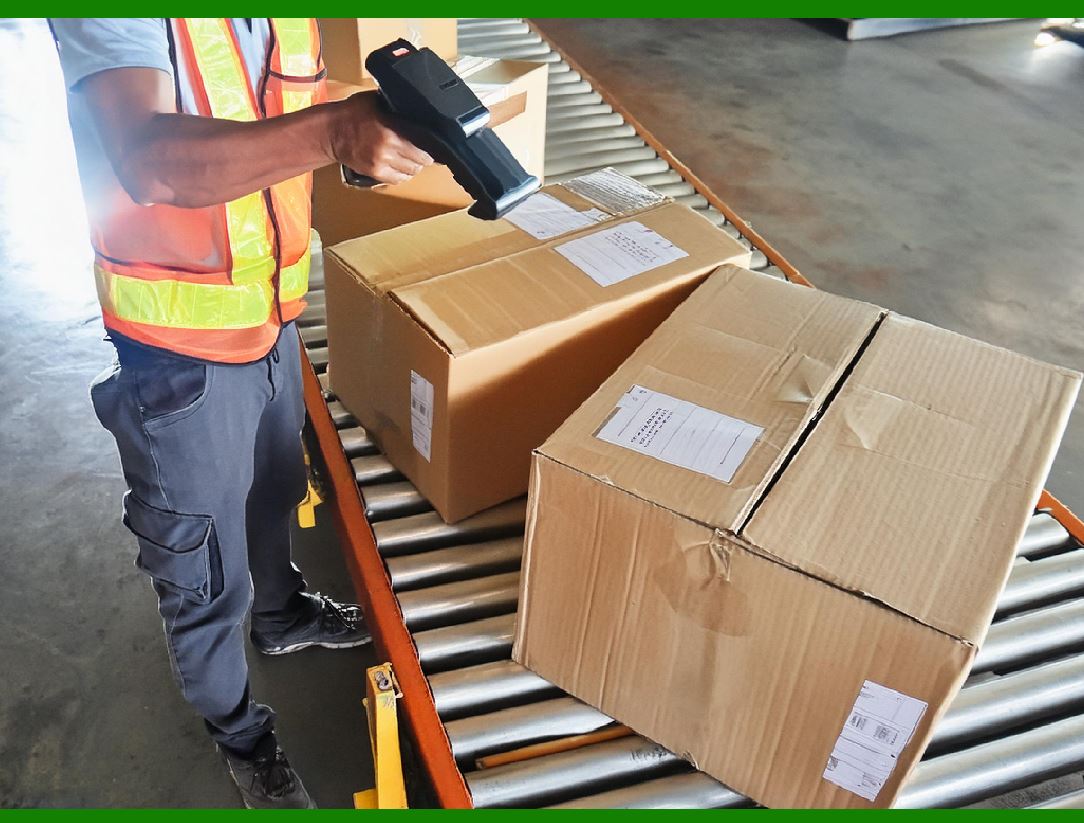
Shipping and Logistics: Code 128 is often used in the transportation and logistics industry for tracking shipments. The barcode's compact size and ability to store both numeric and alphanumeric data make it ideal for labeling packages, parcels, and pallets. |
Inventory Control: In retail and warehouse management, Code 128 is used to label products and inventory. The barcode can encode product IDs, batch numbers, and other relevant data, allowing businesses to track stock levels and manage inventory efficiently. |
Healthcare: Code 128 is also used in the healthcare industry for labeling medical equipment, pharmaceuticals, and patient records. The barcode's ability to store detailed information in a small format is crucial for managing medical supplies and ensuring patient safety. |
Asset Management: Many organizations use Code 128 barcodes for tracking assets such as computers, machinery, and tools. The barcode enables efficient asset tracking and helps to minimize losses and theft. |

|
8.Code 128 Barcode Scanning and Printing |
For successful use of Code 128 barcodes, the correct scanning and printing methods are essential. |
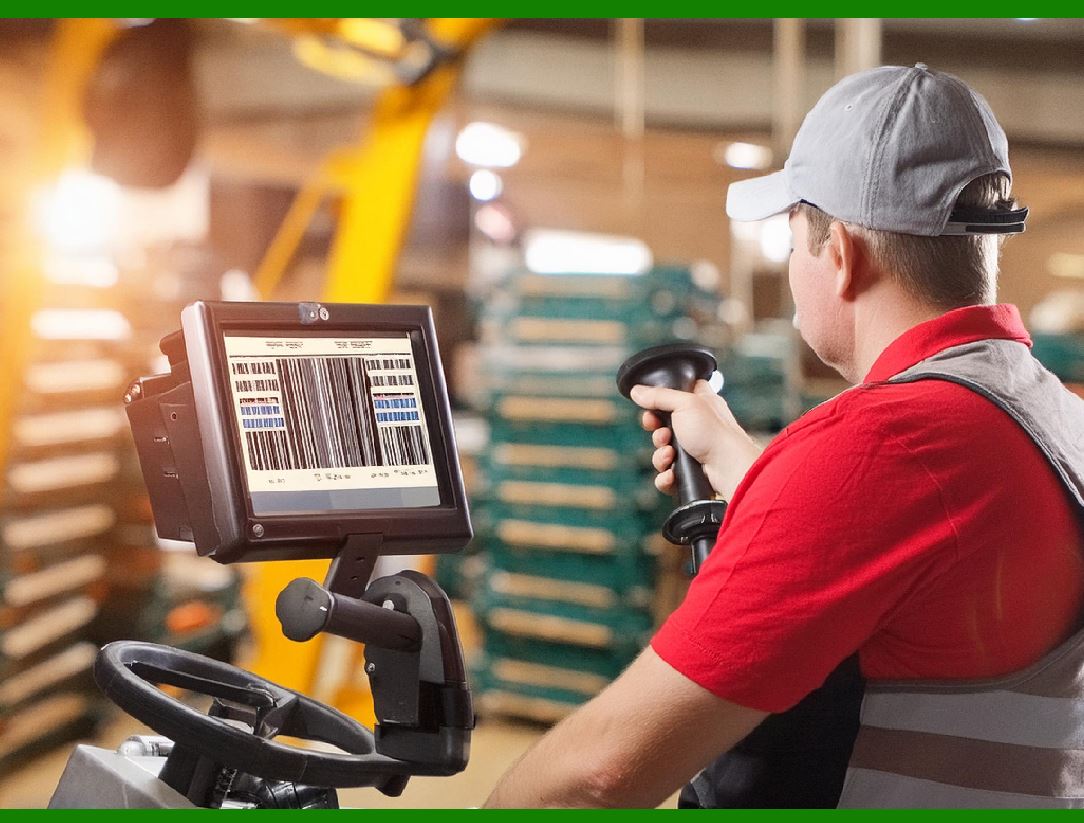
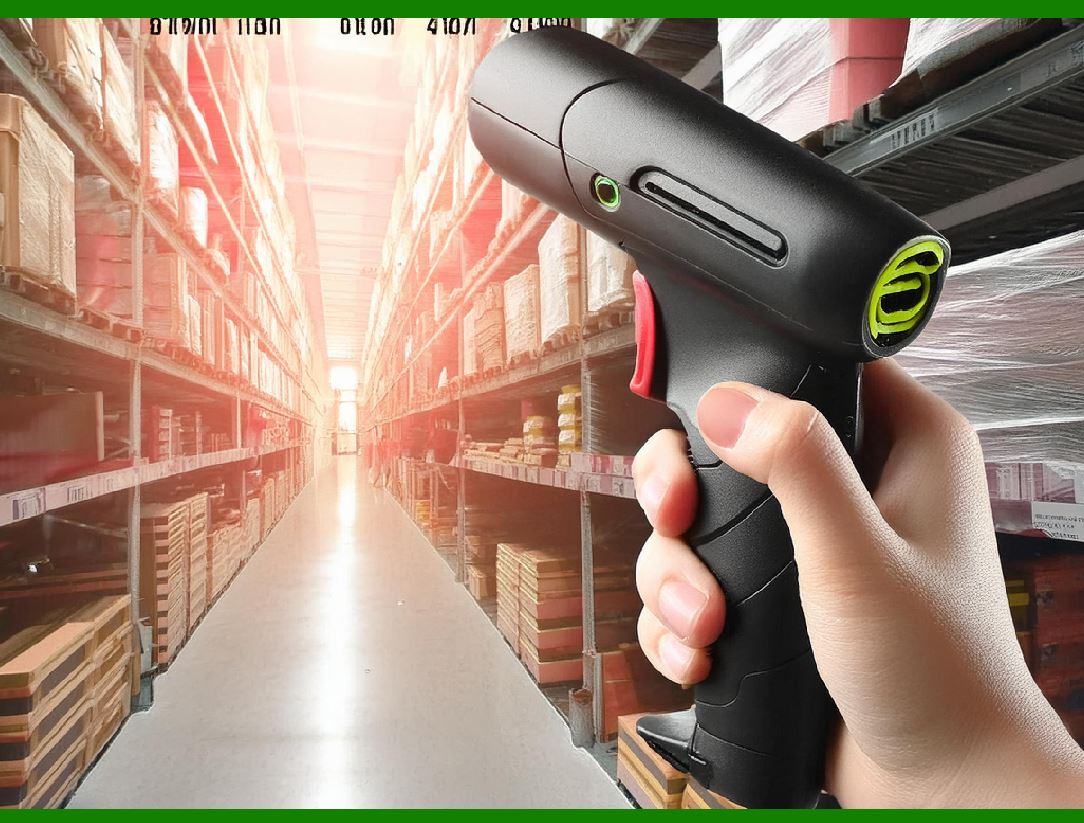
Scanning: Code 128 barcodes are scanned using optical scanners, which detect the pattern of bars and spaces and convert the data into a digital format. Many modern scanners are capable of auto-detecting the start character and switching between Code Sets A, B, and C based on the data being scanned. |
Printing: When printing Code 128 barcodes, it is essential to follow the guidelines for the minimum bar width and the correct print resolution. High-quality printing ensures that the bars are sufficiently clear for scanners to accurately detect and decode the barcode. Additionally, barcode labels should be printed with a quiet zone (a margin of blank space) on both sides of the barcode to ensure proper scanning. |
|
9.Conclusion |
The Code 128 barcode standard, as defined by ISO/IEC 15417, is a highly versatile and efficient encoding system that is widely used across various industries. It offers the ability to encode numeric, alphabetic, and special characters in a compact format, making it suitable for a broad range of applications, from shipping and logistics to healthcare and asset management. With its checksum for error detection and ability to handle mixed character sets, Code 128 ensures high reliability in data encoding and scanning. By adhering to the ISO/IEC 15417 guidelines, businesses can implement Code 128 barcodes effectively, improving data tracking, inventory management, and operational efficiency. |
 cs@easiersoft.com