Data Matrix Barcode Art: An Intersection of Technology and Creativity |
Data Matrix barcodes, a type of 2D barcode, have found intriguing applications beyond their conventional use in inventory management, product tracking, and industrial applications. These applications intersect with art and culture, transforming the mundane into the extraordinary. Two remarkable instances of this phenomenon are Bernd Hopfengartner's Data Matrix in a wheat field and K.A.R.L.'s animated tattoo, showcasing how technology and creativity can coalesce in innovative ways. |
|
Bernd Hopfengartner's Wheat Field Data Matrix |
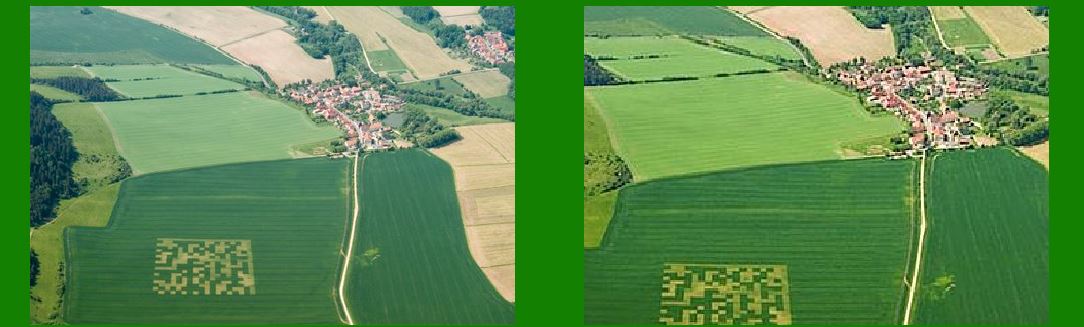
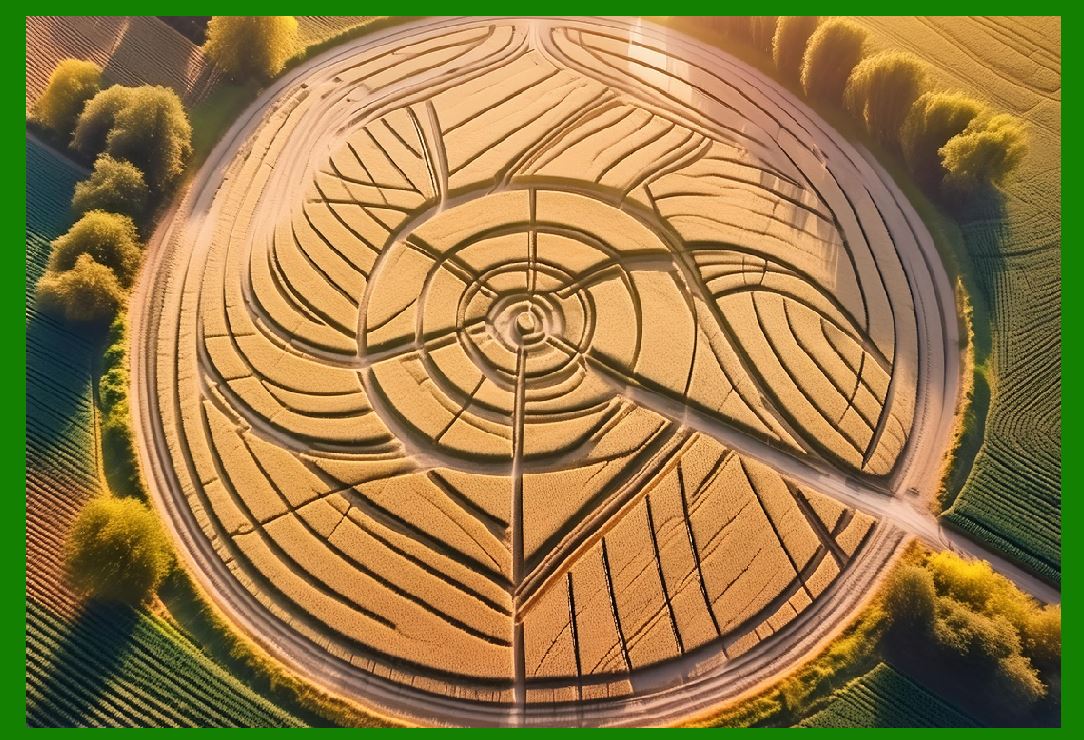
In May 2006, Bernd Hopfengartner, a German computer programmer, ventured into the realm of land art by creating a large-scale Data Matrix in a wheat field. This creation mirrored the mysterious allure of crop circles, blending agricultural landscapes with digital technology. The message embedded in this Data Matrix was a simple yet profound greeting: 'Hello, World!' |
|
Technical and Artistic Considerations |
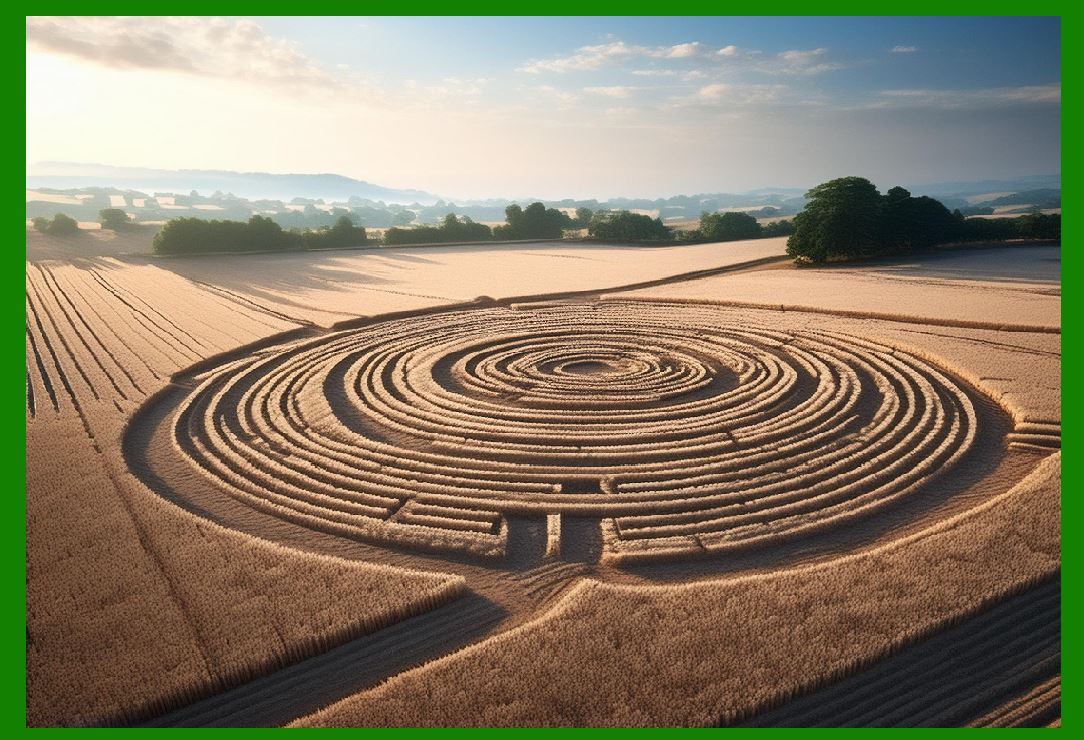
Creating a Data Matrix barcode in a wheat field involves meticulous planning and execution. Unlike traditional crop circles, which are often abstract or symbolic, a Data Matrix requires precise geometric shapes and specific spacing to ensure it is scannable. Here's an overview of the process: |
1.Design and Encoding: The first step involves designing the Data Matrix barcode. The message 'Hello, World!' is encoded using standard Data Matrix encoding algorithms, translating the text into a grid of black and white cells. |
2.Scaling and Mapping: The encoded Data Matrix is then scaled to fit the dimensions of the chosen wheat field. This requires mapping the grid onto the field with high precision to maintain the integrity of the barcode's structure. |
|
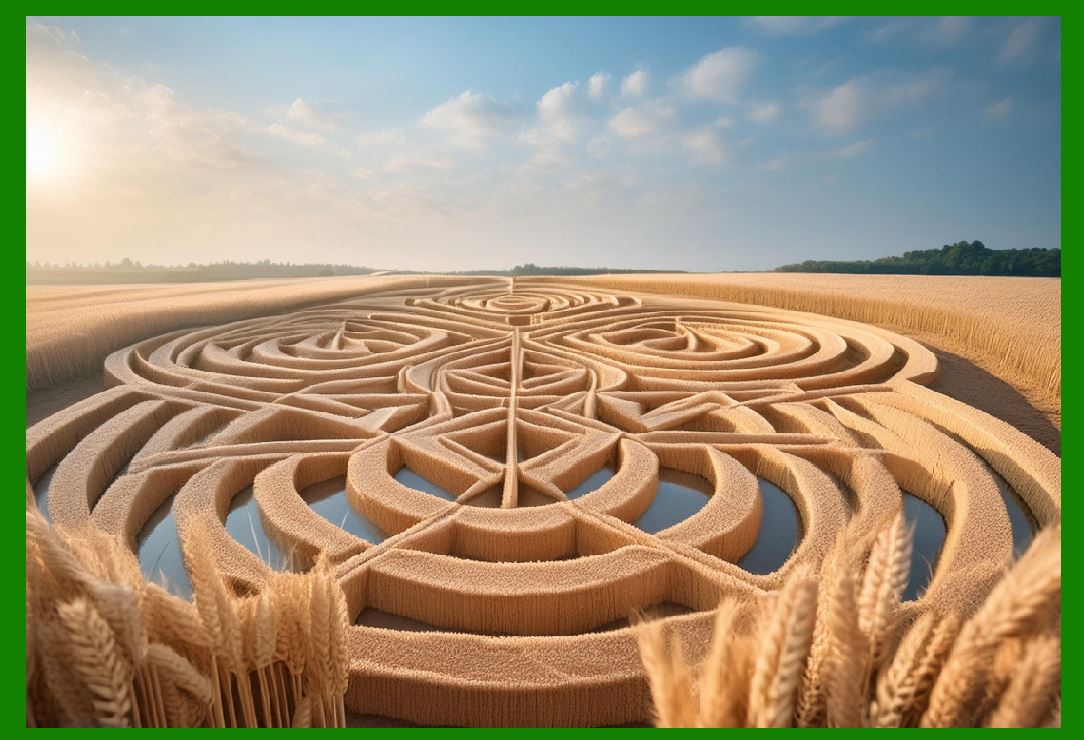
3.Execution: The physical creation of the Data Matrix involves selectively flattening or removing sections of wheat to create the black and white pattern. This could be achieved using machinery or manual labor, ensuring each cell of the Data Matrix is distinct and accurate. |
4.Verification: Once completed, the Data Matrix must be verified for scannability. This involves using a high-resolution camera or a drone to capture the barcode from an aerial perspective, ensuring it can be correctly interpreted by a scanner. |
|
Cultural Impact and Reception |
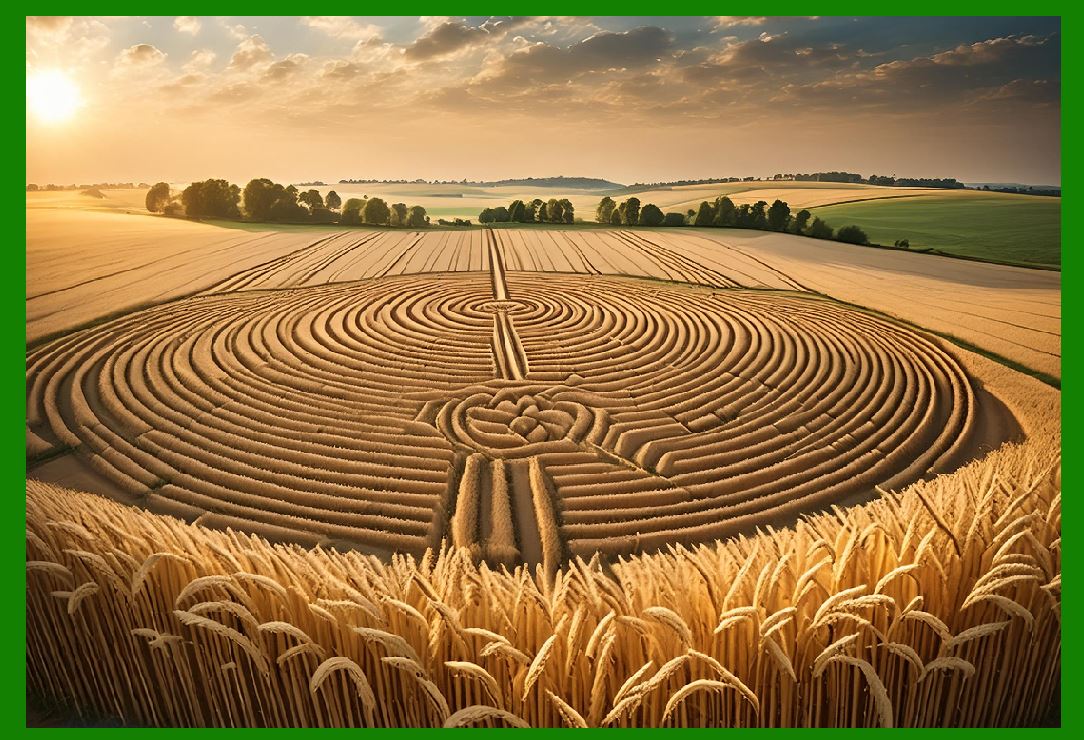
Hopfengartner's wheat field Data Matrix drew attention not only for its technical prowess but also for its cultural commentary. By juxtaposing a highly modern, digital symbol with a traditional, agrarian setting, the artwork highlighted the growing intersection between technology and everyday life. The simplicity of the message 'Hello, World!'-a nod to the classic first program written by novice programmers-added a layer of irony and accessibility to the piece. |
|
K.A.R.L.'s Animated Tattoo: Bridging Physical and Digital Art |
In June 2011, the Parisian tattoo artist K.A.R.L. undertook a groundbreaking project as part of a promotional campaign for Ballantine's scotch whisky. This project involved creating the world's first animated tattoo using a Data Matrix code, with the process streamed live on Facebook. This innovative endeavor fused body art, digital technology, and social media in a collaborative spectacle. |

|
Process and Execution |
Creating an animated tattoo with a Data Matrix code is a multi-faceted process involving several stages: |
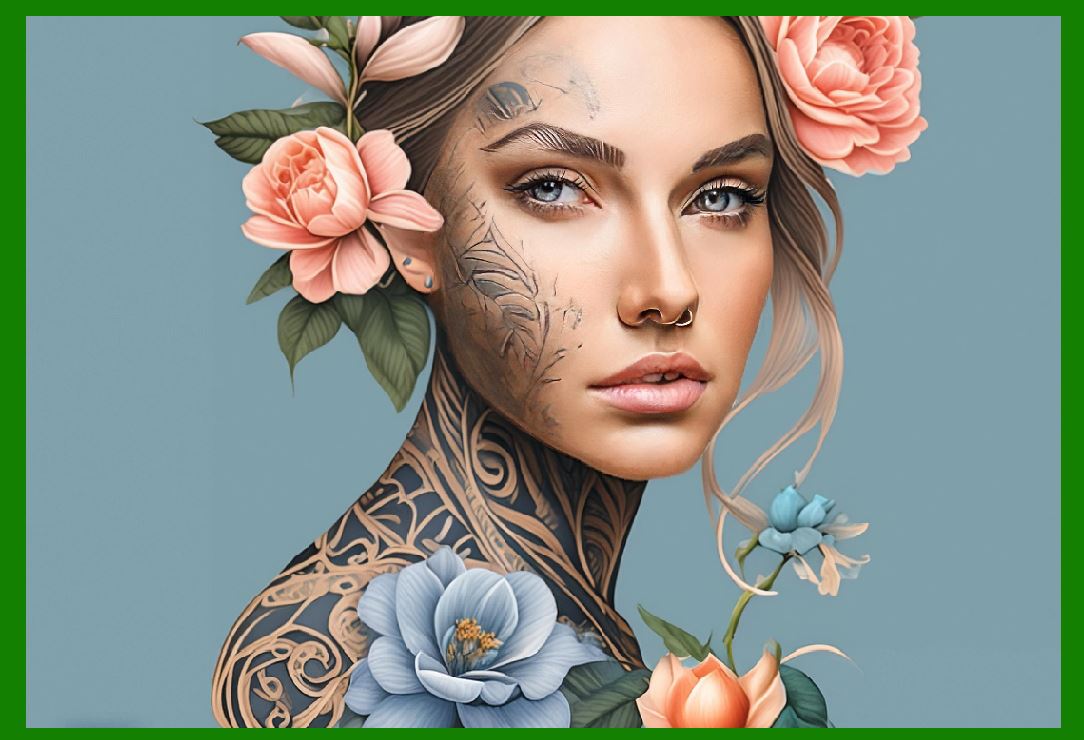
1.Design: The animated tattoo begins with designing the Data Matrix code, which must be precise and scannable. The code links to an animation or digital content that can be accessed via a scanning application on a smartphone or similar device. |
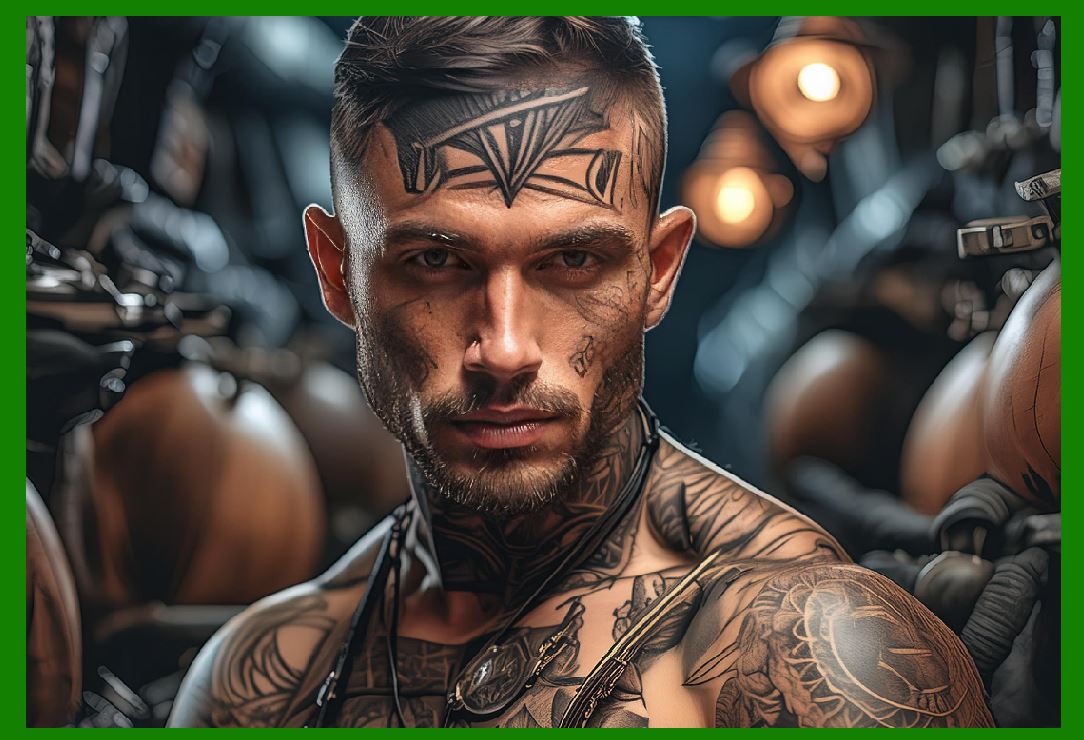
2.Tattooing: The Data Matrix code is then tattooed onto the skin. This requires exceptional precision from the tattoo artist to ensure the code remains scannable despite the complexities of the human skin, which can stretch and distort. |
|
3.Animation: The linked animation or digital content must be created to complement the tattoo. This animation could be anything from a simple moving graphic to a complex video, adding a dynamic element to the static tattoo. |
4.Verification and Interaction: Throughout the process, the tattoo is repeatedly scanned to verify its functionality. The interactive nature of the tattoo is demonstrated live, allowing viewers to see the real-time transformation of static ink into a living, digital experience. |
|
Cultural Significance and Impact |
K.A.R.L.'s animated tattoo project was revolutionary in its blending of physical and digital art forms. The live streaming aspect added a layer of interactivity and immediacy, engaging a global audience in the creation process. This project illustrated several key themes: |
Innovation in Art: By integrating Data Matrix technology, the tattoo transcended traditional body art, becoming a living, interactive piece. This highlighted the potential for technological innovation within artistic practices. Digital Identity and Expression: The animated tattoo exemplified how digital elements could enhance personal expression. Tattoos, often deeply personal, were augmented with a digital dimension, reflecting the increasingly digital nature of identity. Social Media as a Platform for Art: Streaming the tattooing process live on Facebook demonstrated the power of social media as a platform for art. It allowed for real-time audience engagement and participation, breaking down barriers between the artist and the global community. |

|
Conclusion |
The use of Data Matrix barcodes in art, as demonstrated by Bernd Hopfengartner and K.A.R.L., represents a fascinating convergence of technology and creativity. Hopfengartner's wheat field Data Matrix and K.A.R.L.'s animated tattoo are testaments to how traditional mediums can be transformed through digital innovation. These projects not only push the boundaries of artistic expression but also offer a glimpse into the future of interactive and technological art forms. By merging the physical and digital realms, they open new avenues for how we perceive and engage with art in the modern age. |
 cs@easiersoft.com