QR (Quick Response) codes are a type of two-dimensional barcode that can encode various forms of data efficiently. Their design and functionality are sophisticated, ensuring fast readability and error correction. |
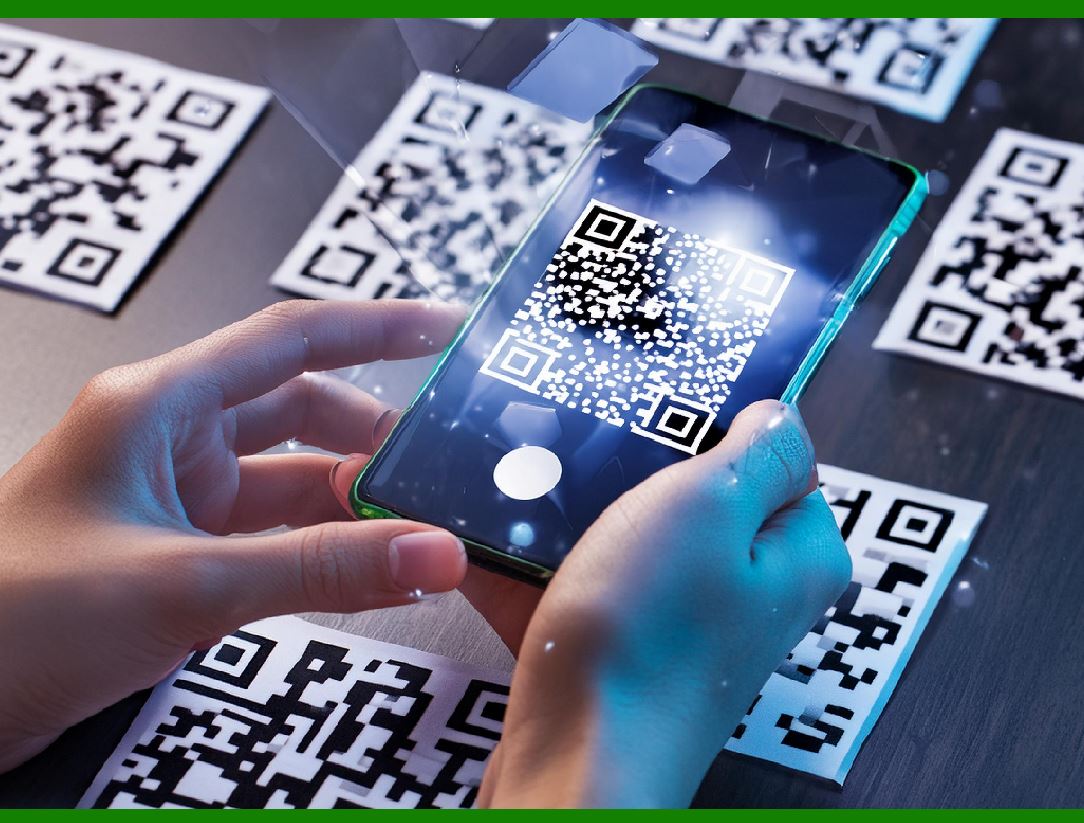
Unlike the older, one-dimensional barcodes that were designed to be mechanically scanned by a narrow beam of light, a QR code is detected by a 2-dimensional digital image sensor and then digitally analyzed by a programmed processor. |
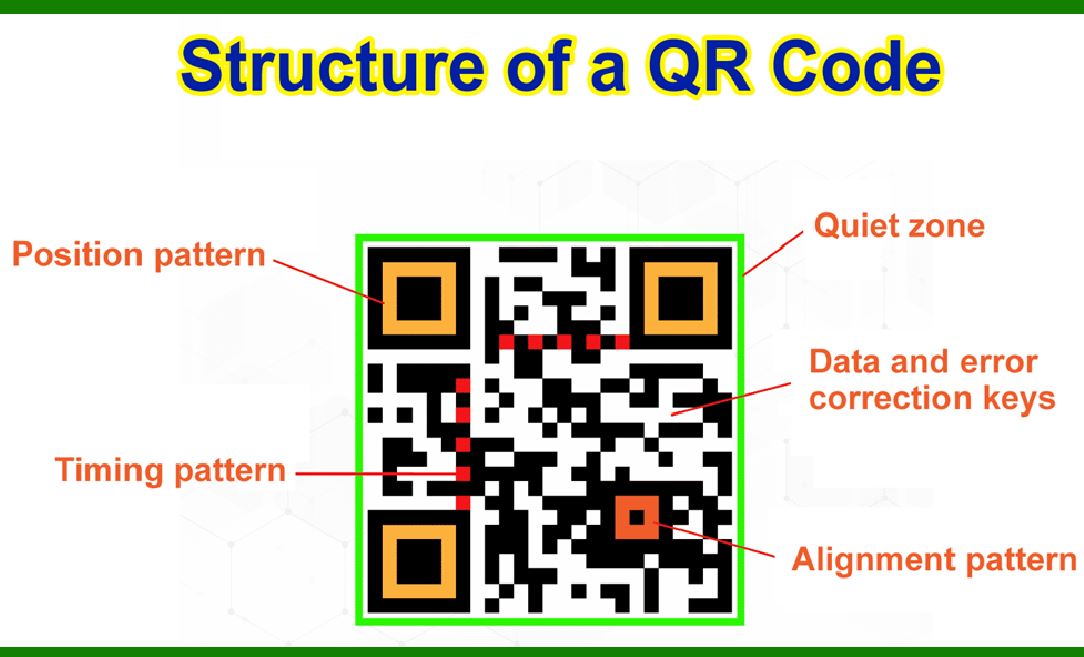
The processor locates the three distinctive squares at the corners of the QR code image, using a smaller square (or multiple squares) near the fourth corner to normalize the image for size, orientation, and angle of viewing. The small dots throughout the QR code are then converted to binary numbers and validated with an error-correcting algorithm. |
|
Here's a detailed breakdown of their design: |
1. Structure and Components |
A typical QR code consists of the following key components: |
1.Position Detection Patterns: Three Large Squares: Located at three of the four corners of the QR code (top-left, top-right, and bottom-left). These squares enable the QR code reader to detect the code's position, size, and orientation. Timing Patterns: A line of alternating black and white modules connecting the position detection patterns. These patterns help the reader determine the width of a single module. |
2.Alignment Patterns: Smaller squares located near the bottom-right corner and potentially at other locations depending on the code's version. They ensure the code can be read accurately even if it is distorted or skewed. |
3.Timing Patterns: A pattern of alternating black and white modules that runs horizontally and vertically between the position detection patterns. These patterns help the reader determine the size and the structure of the QR code. |
4.Format Information: Information about the error correction level and the mask pattern used in the QR code, located next to the position detection patterns. |
5.Version Information: Present in QR codes of version 7 and above. It indicates the version of the QR code and is located near the top-right and bottom-left position detection patterns. |
6.Data and Error Correction Codewords: The actual data encoded in the QR code, along with error correction codewords that enable the code to be read even if parts of it are damaged or obscured. This data is arranged in a specific pattern within the QR code. |
7.Quiet Zone: A margin of white space around the QR code that helps to distinguish it from other printed information. |

|
2. Data Encoding |
The data within a QR code is encoded using a binary system where each small dot or square (called a module) represents a binary digit (bit). |
Data Capacity: The amount of data a QR code can hold depends on its version (ranging from 1 to 40), which determines the number of modules in the code. Higher versions can encode more data. Character Modes: QR codes can encode data in different formats, including numeric, alphanumeric, byte/binary, and Kanji. The encoding method affects the data capacity. |

|
3. Error Correction |
QR codes use Reed-Solomon error correction to ensure data integrity. This method allows the QR code to be partially damaged or obscured and still be read accurately. Error Correction Levels: There are four levels of error correction (L, M, Q, H), with L being the lowest (can restore 7% of the code) and H being the highest (can restore 30% of the code). The choice of error correction level affects the amount of data that can be encoded. |

|
4. Normalization and Decoding Process |
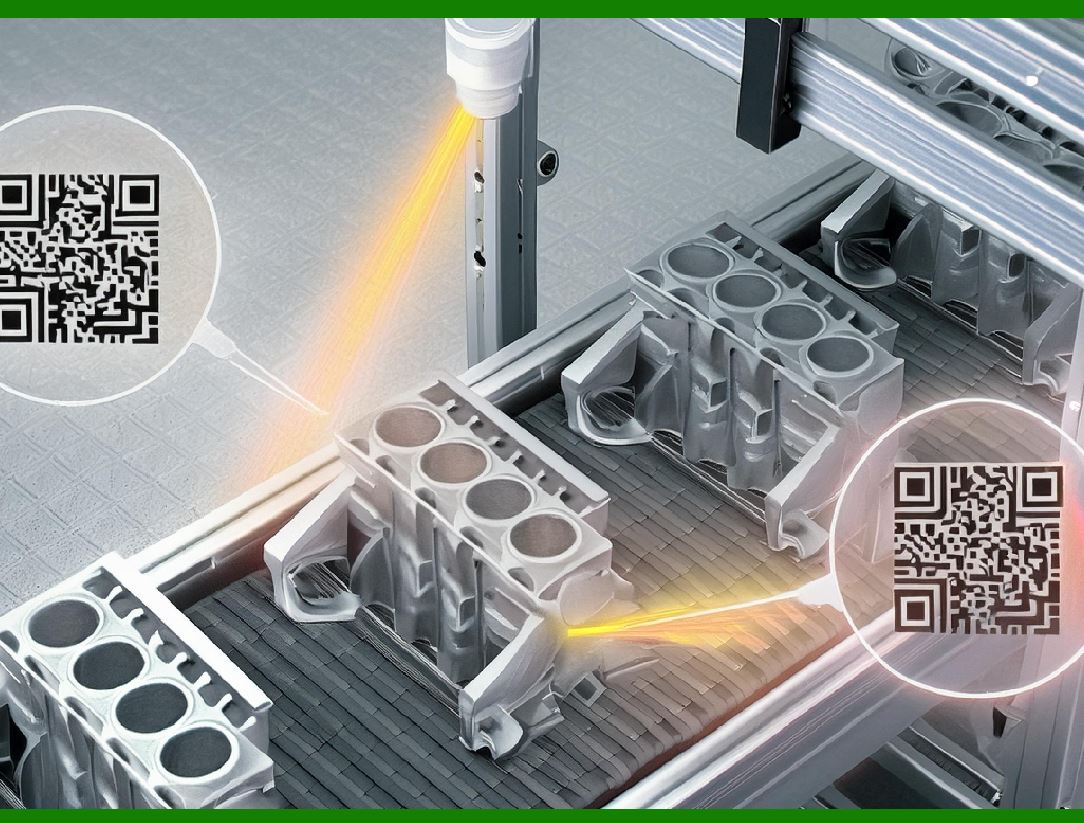
1.Detection: The digital image sensor scans the QR code, identifying the position detection patterns to locate the code within the image. 2.Orientation: The relative positions of the three large squares allow the reader to determine the code's orientation. 3.Alignment and Timing: Alignment patterns and timing patterns help correct any distortions or tilts. 4.Masking and Error Correction: The format information guides the reader on how to unmask and correct the data. 5.Data Extraction: The modules are read and converted into binary data. The error correction codewords are used to validate and, if necessary, correct the data. |
|
5. Masking |
To ensure the QR code is readable even when printed on backgrounds of varying colors and patterns, a masking pattern is applied. This pattern adjusts the QR code to improve its readability by balancing the distribution of black and white modules. |
|
Conclusion |
The design of QR codes is a sophisticated blend of geometry, error correction, and data encoding techniques. Each component of the QR code plays a crucial role in ensuring that the encoded data can be quickly and accurately retrieved, even in less-than-ideal conditions. This robustness and versatility make QR codes a widely used tool in various applications, from product tracking to mobile payments and beyond. |
 cs@easiersoft.com