Barcode Technology

Barcode History

Barcode Label Paper

Barcode Printer

Barcode Application

Inventory Management

AI Barcode QRCode

Barcode Scanner

Barcode Software

Barcode Software B

Barcode Software C

Barcode Software D

Barcode Software E

New Technology A

New Technology B

Robot Technology

Barcode Types

Barcode Types B

Barcode Types C

Barcode Types D

Barcode Types E

Barcode Types F

Electronic Technology

Psychology at Work

Barcode Technology and Barcode Software Related   <<< Back to Directory <<<

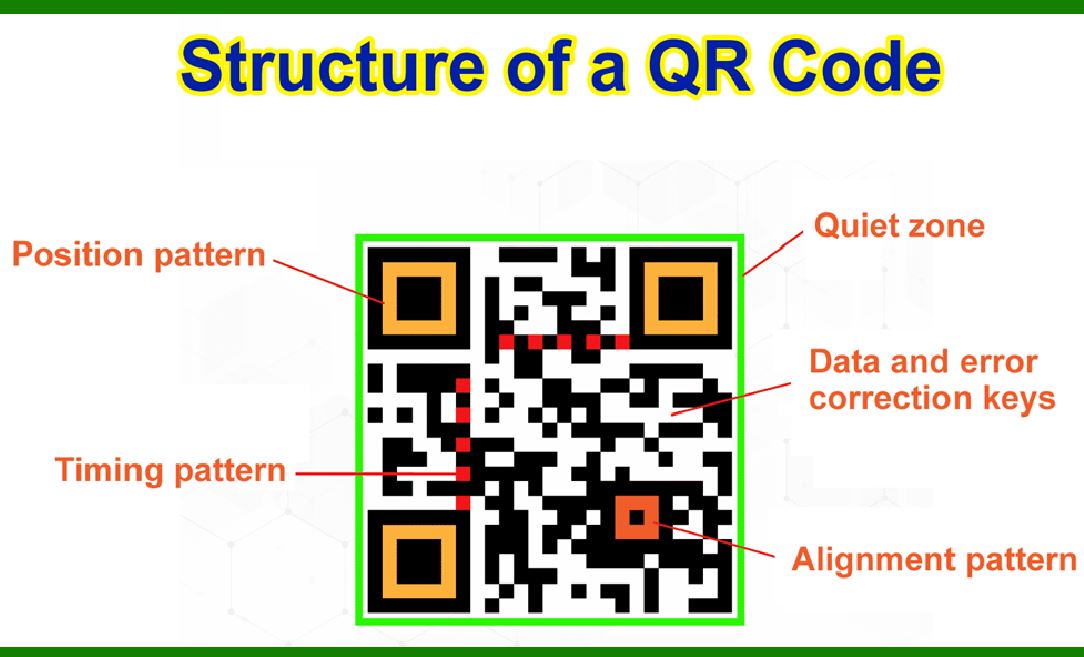
Error correction of QR code 3

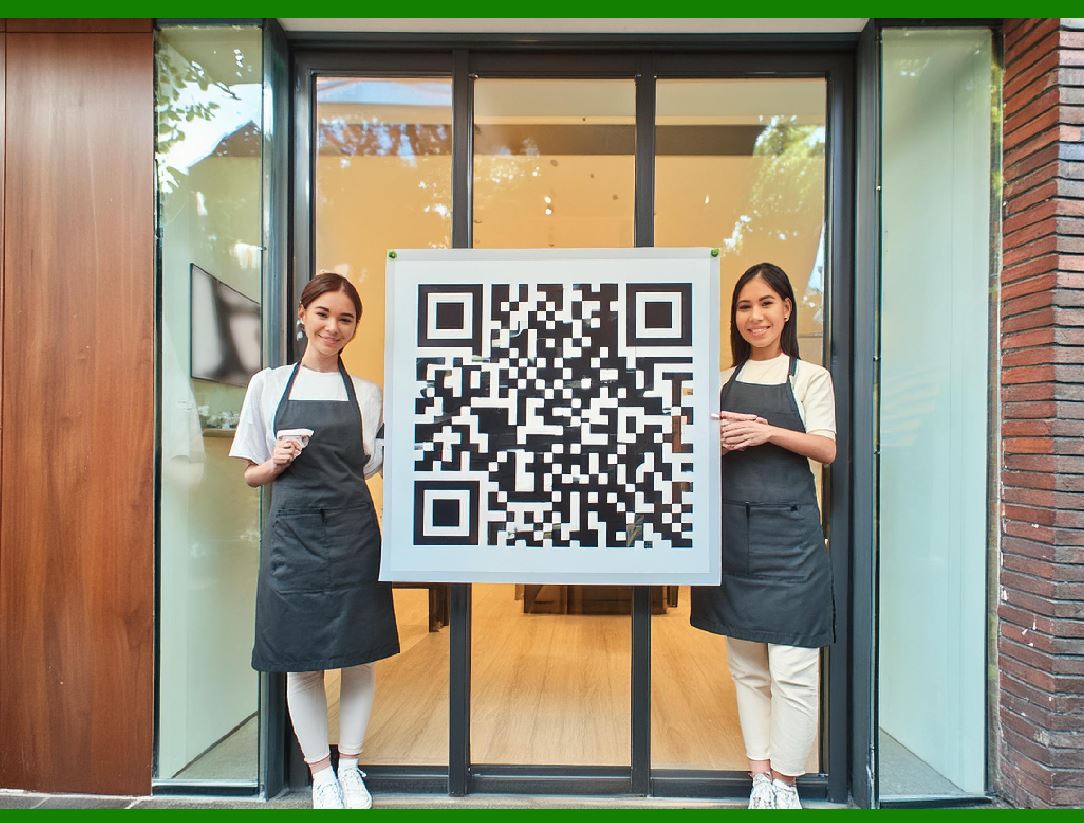
QR codes, or Quick Response codes, are two-dimensional barcodes that can store a variety of information, such as URLs, text, and contact details. They are widely used due to their fast readability and large storage capacity.

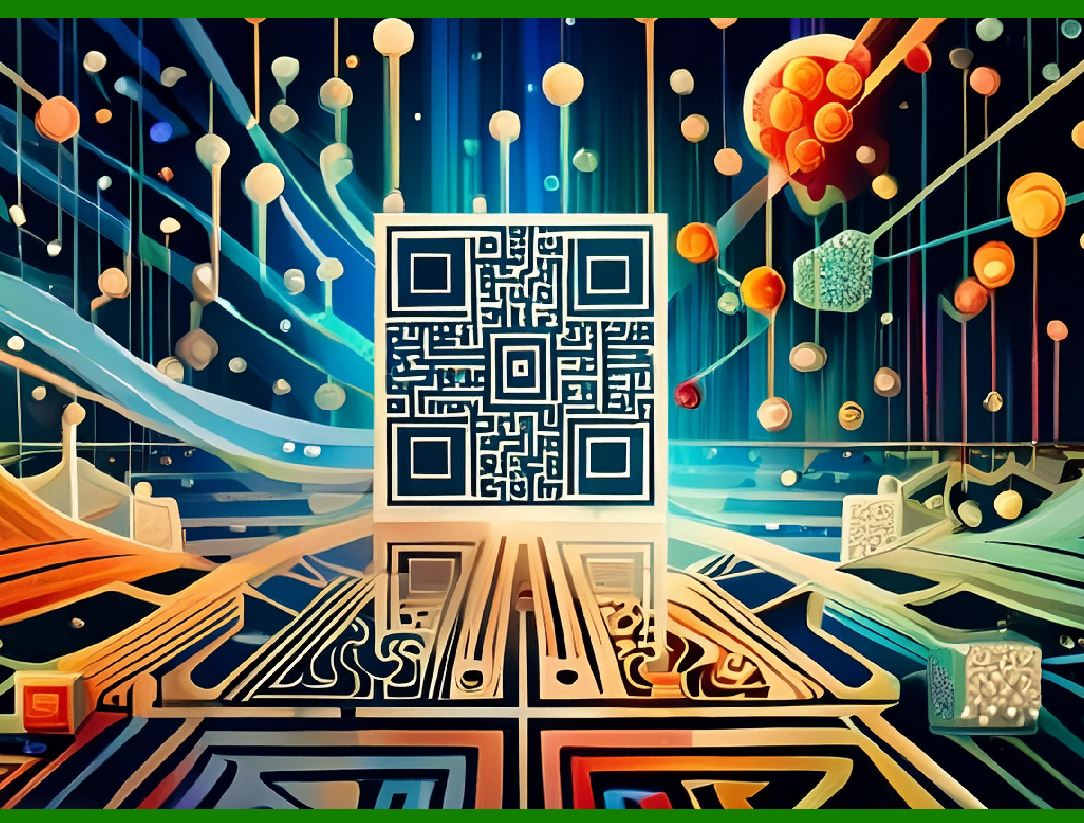
Due to error correction, it is possible to create artistic QR codes with embellishments to make them more readable or attractive to the human eye, and to incorporate colors, logos, and other features into the QR code block; the embellishments are treated as errors, but the codes still scan correctly. It is also possible to design artistic QR codes without reducing the error correction capacity by manipulating the underlying mathematical constructs. Image processing algorithms are also used to reduce errors in QR-code.

A unique feature of QR codes is their error correction capability, which allows them to be scanned correctly even if they are partially damaged or altered. This error correction feature also enables the creation of artistic QR codes with embellishments, colors, logos, and other design elements.

Error Correction in QR Codes

QR codes utilize Reed-Solomon error correction, which allows for the detection and correction of errors in the data. This error correction capability is divided into four levels:

1.Level L (Low): Recovers 7% of data.

2.Level M (Medium): Recovers 15% of data.

3.Level Q (Quartile): Recovers 25% of data.

4.Level H (High): Recovers 30% of data.

The higher the error correction level, the more robust the QR code is against damage or alterations. This robustness is what allows for artistic customization.

Creating Artistic QR Codes with Embellishments

When designing artistic QR codes, parts of the code can be modified to make the QR code more visually appealing while still retaining its functionality. The embellishments are effectively treated as 'errors' by the QR code scanner, but the data can still be retrieved correctly thanks to error correction. Common embellishments include:

Adding Logos or Images: A logo or image can be placed in the center or other parts of the QR code. The error correction level chosen should be high enough to compensate for the area covered by the image.

Changing Colors: QR codes are typically black and white, but they can be colored to match branding or aesthetic preferences. Care must be taken to maintain sufficient contrast between the foreground (QR code) and background.

Altering Patterns: The standard square modules of a QR code can be replaced with rounded corners, dots, or other shapes. As long as the overall structure is maintained, the QR code will still function.

Preserving Error Correction Capacity

To maintain or even enhance the error correction capacity while creating artistic QR codes, designers can manipulate the underlying mathematical constructs and use advanced image processing algorithms. This involves:

1.Selective Embellishment: Strategic placement of embellishments in areas that are less critical for data encoding. The peripheral areas and redundant data regions are typically used for this purpose.

2.Adaptive Error Correction: Modifying the error correction algorithm to adapt to specific design requirements, ensuring that the essential data remains intact despite the modifications.

3.Pre-distortion Techniques: Applying pre-distortion to the QR code image before printing or displaying it. This technique compensates for the distortions caused by artistic alterations, ensuring that the scanner reads the correct data.

4.Layered Designs: Creating layered QR codes where the artistic layer is overlaid on a base layer. The base layer retains all the necessary data while the top layer adds the visual appeal.

Image Processing Algorithms for Error Reduction

Image processing algorithms play a crucial role in enhancing the readability of artistic QR codes. These algorithms can:

Enhance Contrast: Ensure that the QR code maintains high contrast even with added colors or images.

Correct Distortions: Automatically correct any distortions or perspective changes introduced during the design process or due to scanning from an angle.

Noise Reduction: Filter out visual noise that might interfere with the QR code's readability.

Edge Detection: Highlight the edges of the QR code modules to improve scanner accuracy, even if the modules are artistically altered.

Practical Applications

Artistic QR codes are commonly used in marketing and branding, where the visual appeal of the code can enhance user engagement. Examples include:

Marketing Campaigns: Customized QR codes that align with brand colors and themes.

Event Tickets: QR codes embedded with logos or event-specific imagery.

Product Packaging: Aesthetically pleasing QR codes that blend seamlessly with the product design.

In conclusion, artistic QR codes leverage the error correction capabilities of QR technology, combined with advanced design techniques and image processing algorithms, to create visually appealing and functional QR codes. This blend of aesthetics and functionality makes QR codes versatile tools for modern digital interactions.


EasierSoft Barcode Label Design & Bulk Printing Software

---- Use Excel Data to Batch Print Barcodes on Label Sheets or Roll Labels  

---- How to use this barcode software

Download:  Free Barcode Software + Barcode Label Designer

Download Free Barcode Software at Softonic

     Download at CNET

Once you obtain a GS1/UPC/EAN barcode, or other barcode type and QR code, you can use our free software to batch print barcode labels onto Roll label paper using a professional label printer, or to batch print barcodes onto Avery 5160 label sheets using a regular laser or inkjet printer. Our software has free and paid versions.

The free version fully meets your needs for batch printing GS1/UPC/EAN barcodes. The paid version can import data from Excel and databases to batch print barcode labels with different values.

How to Start

Input Data

Import Excel Data

Print Barcode

Barcode Format

Label Designer

All Screen Shot

Export Barcode Image

Save Template

Output Word Excel

How to Use & FAQ:

Make barcode by command line

Export barcode image files

Barcode text font setting

Generate ISBN barcode

Predefined label templates

Printing setup

Save settings

Serial number generator

The supported barcode types

Load Excel data (pro)

Manually copy data from Excel files

Filter some data for printing

Edit imported barcode data

Input data (Pro)

Label Designer

Edit data in Label designer

Label Designer - Add new label

Label Designer - Printing

Set the barcode label format to be printed

Other Barcode Label Format Settings

Barcode types supported by this program

Barcode Label Font Settings

Configuring the Barcode Print Rotation

Text Alignment for Barcode Labels

Automatically Adjusting Barcode Width

Text Beneath the Barcode

Configuring Barcode Size

Auto Calculate the Barcode Size

Export Barcode images

Export Barcode Image Format

File Names for Exported Barcode

Resolution of Exported Barcode Images

Fixed Folder for Exporting Barcode

Default Barcode Image Export Format

Print bulk barcodes quickly

Print barcodes to Avery 5160 label

How to bulk Barcode Printing

Sample - Avery 5162 (2x7) Label Sheet

Example: Print barcodes to 5*3cm roll

Example: Print barcodes to 5161 label

Example: Print barcodes to 5162 label

Example: Print barcodes to 5163 label

Example: Print barcodes to 5164 label

Example: Print portrait orientation 5164

Example: Print barcodes to 5167 label

Example: Print barcodes to 5168 label

Example: Print portrait orientation 5168

Example: Print barcodes to 5169 label

Example: Print barcodes to 5660 label

Example: Print barcodes to 5661 label

Highlights

Excel integration: Import data directly from Excel to generate and print barcodes in bulk.

Label designer: Create complex labels with multiple barcodes, text, logos, and shapes.

Batch printing: Print thousands of barcodes at once using standard inkjet/laser printers or professional barcode printers.


Flexible editions:

Standard Edition: Simple batch printing with Excel data.

Professional Edition: Adds command-line automation for workflow integration.

Label Designer Edition: Advanced design features for complex labels.


Why Choose Our Barcode Solutions?

Cost-effective: Free online generator and permanent free desktop version available.

Easy to use: No technical expertise required—just input data and print.

Versatile: Supports nearly all 1D and 2D barcode types, including QR codes.

Trusted: Recommended by CNET and widely downloaded by users worldwide.


Suitable Use Cases

Small businesses and startups needing quick barcode labels for products.

Retailers and online sellers managing inventory with batch barcode printing.

Manufacturers requiring sequential or custom barcode labels for packaging.

Educational and testing environments where barcodes are used for tracking.


CONTACT

cs@easiersoft.com

If you have any question, please feel free to email us.


https://free-barcode.com


<<< Back to Directory <<<     Barcode Generator     Barcode Freeware     Privacy Policy