Common Reasons Why UPC Barcodes Cannot Be Read by Barcode Scanners |
UPC (Universal Product Code) barcodes are used globally in retail environments to facilitate the identification and tracking of products. These codes are essential for smooth operations, inventory management, and sales processing. However, there are instances when UPC barcodes fail to be recognized by barcode scanners. Understanding why this happens is crucial for ensuring the accuracy and efficiency of scanning processes. In this detailed explanation, we will explore various reasons why a UPC barcode might not be read by a scanner, focusing on common issues related to the barcode itself, the scanner, and the surrounding environment. |

|
1. Poor Print Quality of the Barcode |
One of the most common reasons why a UPC barcode fails to be scanned is poor print quality. If the barcode is not printed with sufficient contrast or clarity, the scanner may struggle to detect the individual bars and spaces that make up the code. Factors contributing to poor print quality include: |
1.Blurriness: This can occur if the printing process was not properly executed. The ink may be smudged, or the printer resolution may be too low. |
2.Faded or Smudged Ink: Over time, ink can fade due to exposure to light, humidity, or friction. Smudging can also happen if the ink was not allowed to dry fully before the product was handled. |
3.Incorrect Printer Settings: Low-quality printers or improperly adjusted printer settings can lead to misaligned or inconsistent barcode prints. |
4.Incorrect Sizing: A barcode that is printed too small or too large can become unreadable. The dimensions of a UPC barcode are standardized, and any deviation from these dimensions could make it difficult for the scanner to interpret the code. |
To avoid this, businesses should use high-quality printers, regularly check print quality, and ensure that barcodes are printed according to the correct specifications. |

|
2. Damaged Barcode |
Even if the UPC barcode is printed correctly, it can become damaged through handling or exposure to environmental factors. Damage to a barcode can include: |
1.Tears or Scratches: Physical damage to the barcode can cause parts of the code to be unreadable. Scratches, cuts, or abrasions on the surface can obscure some or all of the bars and spaces. |
2.Creases or Bends: Barcodes that are creased or bent can distort the code and prevent a scanner from reading it properly. This is especially common with items that are packaged in a way that exposes the barcode to physical stress. |
3.Water Damage: Barcodes exposed to water or moisture can blur the ink or cause the label to peel off, making the code unreadable. |
To mitigate damage, products should be carefully handled and stored in a way that protects the barcode from wear and tear. Additionally, using durable materials such as laminated or synthetic labels can help preserve barcode integrity. |

|
3. Barcode Alignment Issues |
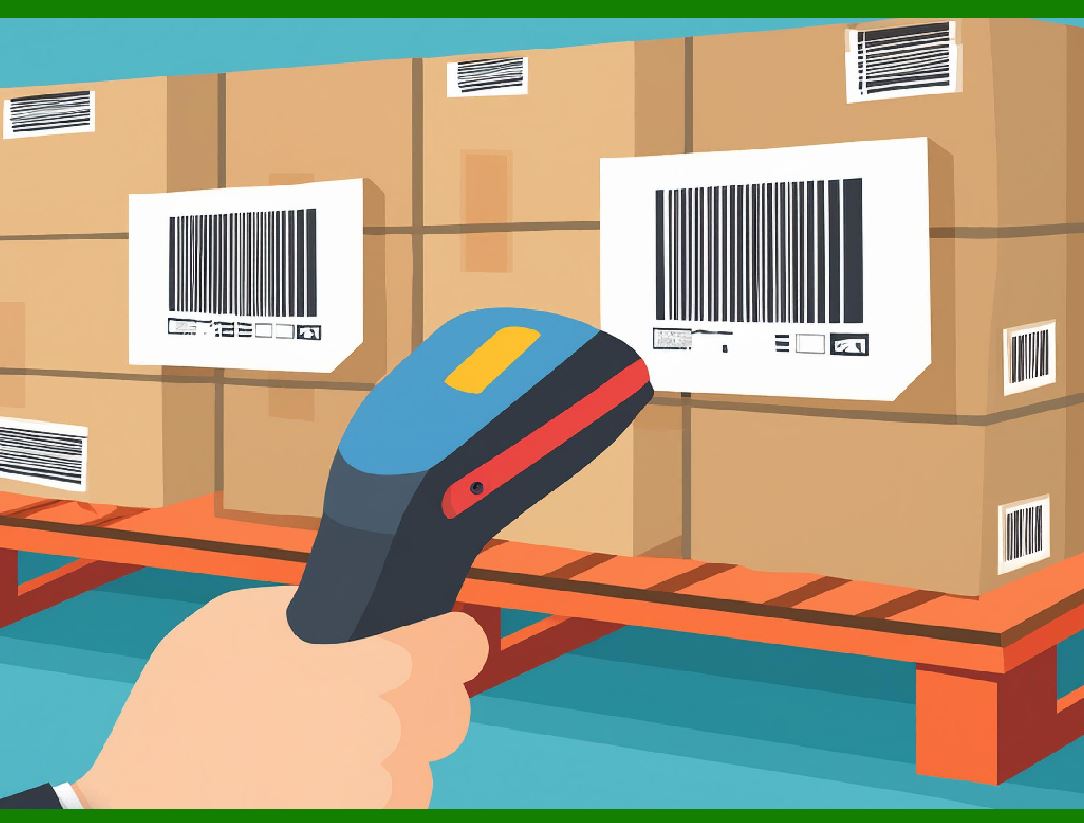
The way a barcode is positioned on a product or packaging can significantly impact whether it can be scanned. If the barcode is not aligned correctly relative to the scanner, it may not be detected. Possible alignment issues include: |
1.Incorrect Orientation: UPC barcodes are typically read horizontally, but if the barcode is rotated or printed at an odd angle, scanners might not be able to read it. |
2.Obstructed Barcodes: Barcodes can sometimes be covered by other labels, objects, or packaging materials, making them inaccessible to scanners. In such cases, even if the barcode is intact, it cannot be scanned because the scanner cannot 'see' it. |
3.Too Close or Too Far from the Scanner: When scanning, if the barcode is too close or too far from the scanner, it might not be read. Scanners often have specific focal ranges that must be adhered to. |
Proper placement of the barcode on the product or packaging, along with clear, unobstructed access, is essential for efficient scanning. Staff should be trained to ensure that barcodes are always oriented correctly. |
|
4. Insufficient Contrast Between Bars and Background |
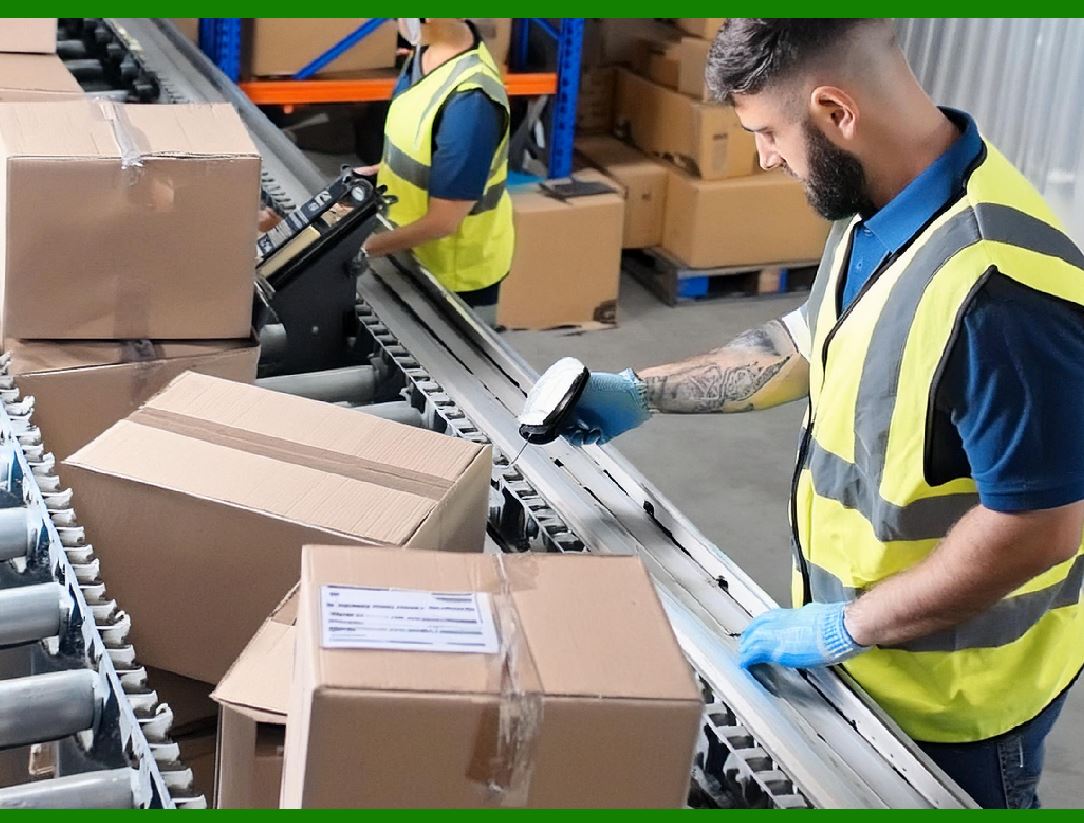
Another frequent issue is a lack of sufficient contrast between the dark bars and the white spaces in the UPC barcode. Barcode scanners rely on detecting the difference in light absorption between the dark bars and the light background. If this contrast is insufficient, the scanner may not be able to distinguish the bars and spaces effectively. |
Possible causes of poor contrast include: |
1.Low-quality printing materials: Using low-contrast printing materials or labels, such as faded paper or low-contrast ink, can affect barcode readability. |
2.Improper Background Colors: If the background of the barcode is a color similar to the bars themselves, it can confuse the scanner. |
3.Environmental Factors: Excessive light, glare, or shadows in the environment where the barcode is being scanned can interfere with the contrast. |
To solve this issue, ensure that barcodes are printed on high-quality, white labels, and that the ink is dark enough to create a clear contrast. Additionally, scanning environments should be controlled to minimize glare and excessive lighting. |
|
5. Scanner Malfunctions or Configuration Issues |
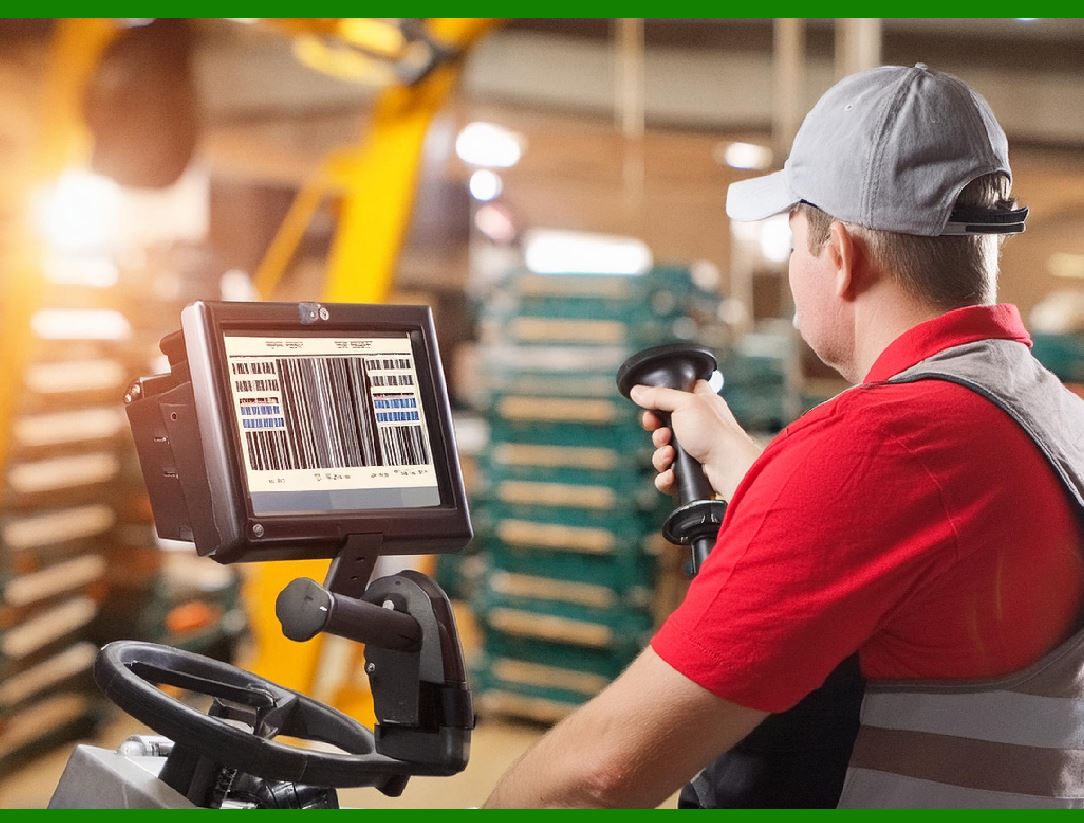
Barcode scanners themselves can sometimes be the cause of scanning issues. Even if the barcode is perfectly printed and positioned, the scanner may fail to read the code due to various technical problems: |
1.Outdated or Faulty Scanner Hardware: Older scanners or those with damaged components may have difficulty reading certain types of barcodes, especially if they are not well-calibrated or updated. |
2.Improper Scanner Settings: Barcode scanners can be configured to read specific types of barcodes or to operate in certain modes. If the scanner is set to read other barcode formats or is improperly calibrated, it might not recognize a UPC barcode. |
3.Scanner Resolution: Low-resolution scanners may not be able to accurately read smaller or more densely packed barcodes. Higher-resolution scanners are usually required for smaller or higher-density barcodes. |
It is important to maintain barcode scanners and periodically check their functionality. Ensuring that the devices are up-to-date and configured properly will help avoid scanning failures. |
|
6. Reflection or Surface Glare |
Reflective surfaces, such as glossy packaging, can cause light from the scanner's laser or LED to bounce off the surface and interfere with the scanner's ability to read the barcode. This is particularly problematic in retail environments where products may have glossy finishes or be packaged in shiny plastic. |
Possible solutions to this issue include: |
1.Matte Finishes: Opt for matte finishes on product packaging or labels to reduce reflections and improve scan reliability. |
2.Anti-glare Coatings: Some barcode labels come with anti-glare coatings, which can help reduce scanning errors caused by reflections. |
3.Scanner Settings: Adjusting the settings on the scanner, such as using a different wavelength or increasing the power of the scanner, may help improve performance in challenging lighting conditions. |

|
7. Environmental Factors |
The environment where barcode scanning takes place can also affect scanning performance. Factors such as lighting, temperature, and the presence of dust or dirt can impact a scanner's ability to read a barcode. Some common environmental issues include: |
1.Low or Poor Lighting: In dimly lit areas, barcode scanners may struggle to detect barcodes. Insufficient light can hinder the scanner's ability to contrast the black and white elements of the code. |
2.Excessive Ambient Light: On the other hand, excessive light, such as direct sunlight or bright artificial lighting, can create glare that interferes with the scanning process. |
3.Dirty or Dusty Barcodes: Dust, dirt, or grime on the barcode itself can obstruct the scanner's ability to read the code properly. Regular cleaning of both barcodes and scanners is essential for accurate scans. |
To address environmental factors, ensure that scanning occurs in well-lit, clean areas and that barcodes are regularly cleaned. |

|
8. Incorrect or Invalid Barcode Data |
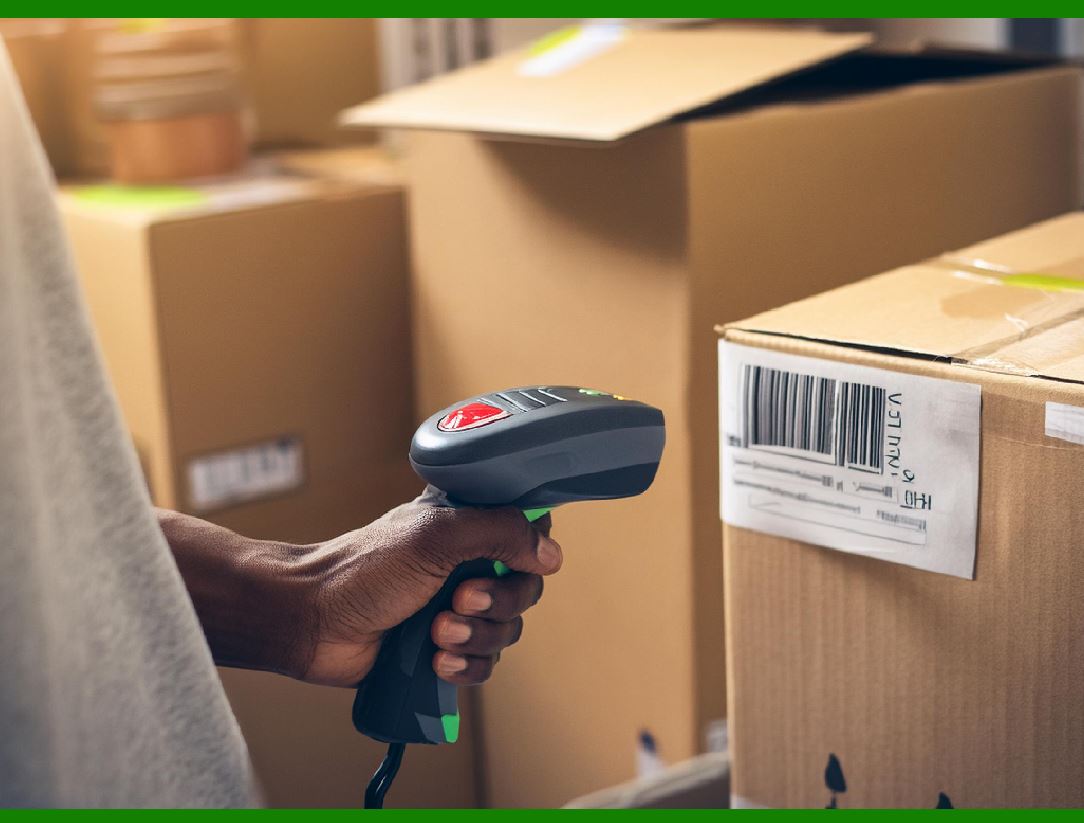
Occasionally, a UPC barcode may not scan because it is associated with incorrect or invalid data. This can happen when: |
1.Duplicate UPC Codes: If a product has been incorrectly assigned a duplicate UPC code, the barcode may not match the product database or cause conflicts in inventory systems. |
2.Incorrectly Generated Barcodes: If a barcode was generated incorrectly using software or a faulty database, it might not follow the proper standard for UPC barcodes, making it unrecognizable to the scanner. |
To prevent this issue, businesses should ensure that the barcode generation process adheres strictly to the UPC standards and regularly check their product databases for inconsistencies. |
|
Conclusion |
Understanding the common reasons why UPC barcodes may not be read by barcode scanners is essential for ensuring smooth operations and preventing disruptions in retail and inventory management. From poor print quality and damaged barcodes to scanner malfunctions and environmental issues, a wide range of factors can influence barcode scanning accuracy. By addressing these potential issues proactively, businesses can minimize scanning errors, improve inventory control, and enhance overall efficiency. |

|
How to improve the Print Quality of the Barcode? |
Improving the print quality of barcodes is essential for ensuring they can be reliably read by barcode scanners. Poor print quality can lead to misreads, delays, and errors, which can affect inventory management, sales processes, and overall efficiency in operations. Below are several ways to improve the print quality of barcodes, focusing on factors such as printer quality, materials used, and other print-related considerations. |
1. Use High-Quality Printers |
The type of printer used plays a significant role in the quality of the barcode print. Using a high-quality, professional-grade printer ensures that the barcode is printed with sharp, clear lines and the correct dimensions. There are different types of printers for barcode printing, and choosing the right one depends on the requirements of your printing environment. |
1.1 Thermal Printers |
Thermal printers are commonly used for barcode printing. These printers use heat to transfer ink onto a label, producing crisp and durable barcodes. Thermal printers can either be: |
Direct Thermal Printers: These printers apply heat directly to the label material (usually thermal paper), creating images without the need for ink. This method produces high-quality prints for short-term use but may fade over time if exposed to heat or sunlight. |
Thermal Transfer Printers: These printers use a heated ribbon to transfer ink onto the label, which results in more durable prints. Thermal transfer printers are ideal for creating long-lasting barcodes, especially in environments where labels will be exposed to harsh conditions. |
1.2 Laser Printers |
Laser printers are also capable of producing high-quality barcode prints, especially for large volumes. Laser printers use toner, which is fused to the label material, creating precise and clean prints. However, laser printers may not be as durable as thermal transfer printers when it comes to long-term label longevity. |
1.3 Inkjet Printers |
Inkjet printers are less commonly used for barcode printing, but they can still produce high-quality barcodes if the printer is configured properly. However, inkjet printers may not produce prints as durable as thermal or laser printers, especially in environments where barcodes are exposed to moisture or abrasion. |
1.4 Printer Resolution |
The resolution of the printer is critical when it comes to barcode printing. Higher resolution (measured in DPI-dots per inch) results in sharper and clearer barcodes. For most barcode applications, a printer with at least 300 DPI is recommended. Higher DPI settings, such as 600 DPI, will ensure that even the finest barcode lines and small text are clear and readable by scanners. |
|
2. Ensure Proper Label and Material Selection |
The choice of label material directly affects the quality of the barcode print. Using high-quality labels designed specifically for barcode printing ensures that the barcode is printed with the right contrast and clarity. Here are some considerations when choosing label materials: |
2.1 Use the Right Label Stock |
Paper Labels: Paper labels are the most common type for barcode printing. Choose high-quality, smooth paper that provides the best surface for ink or thermal transfer printing. Avoid rough or textured paper that may distort the barcode image. |
Synthetic Labels: For long-lasting and durable barcodes, synthetic labels made from materials like polyester or polypropylene are a better choice. These materials are resistant to moisture, abrasion, and UV light, which helps maintain barcode legibility over time. |
Adhesive Quality: Ensure the adhesive used on the label is strong enough to securely attach to the product but also suitable for removal if necessary. Labels that peel off or fail to stick can result in damaged or missing barcodes. |
2.2 Consider the Label Finish |
Matte vs. Glossy: For optimal readability, matte finishes are often preferred because they reduce glare and provide better contrast. Glossy finishes, while attractive, can lead to reflections that interfere with barcode scanning. Consider using matte or semi-gloss labels to improve barcode legibility. |
Anti-Glare Coating: If using glossy labels, choose ones with anti-glare coatings. This helps reduce the impact of reflection and glare on barcode readability, especially in environments with strong lighting. |

|
3. Ensure Correct Barcode Size and Scaling |
Barcode size is crucial to ensure the scanner can properly read the code. If the barcode is too small or too large, it can lead to scanning errors. To ensure the barcode is the correct size: |
3.1 Follow Barcode Standards |
Barcode sizes are standardized, and it is important to follow the specific guidelines for the type of barcode you are using (in this case, UPC). The minimum size for a UPC barcode is typically around 1.02 inches (26 mm) in width and 0.39 inches (10 mm) in height. However, the size may vary depending on factors such as the resolution of your printer, the size of the product, and the distance from the scanner. |
3.2 Avoid Over-scaling or Under-scaling |
Over-scaling: Enlarging the barcode beyond the standard size can distort the barcode, making it harder for scanners to read. |
Under-scaling: Printing a barcode too small can cause the lines and spaces to become too thin or crowded, leading to poor readability. |
When designing barcodes, make sure that the dimensions match the standards for UPC codes and that they fit properly on the product packaging. |
|
4. Improve Contrast Between Bars and Background |
The contrast between the black bars and the white spaces in the barcode is essential for scanner readability. A barcode with insufficient contrast can cause errors in scanning, as scanners rely on the light reflection between the dark bars and the light spaces. |
4.1 Use High-Quality Ink or Toner |
Ensure that the ink or toner used for printing the barcode is dark and high-quality. Low-quality ink may appear faded or uneven, reducing the contrast between bars and spaces. Dark black ink is recommended for optimal contrast. |
4.2 Choose High-Contrast Label Material |
The label material should be white or very light in color. Dark-colored labels with dark bars can make it difficult for the scanner to distinguish the barcode from the background, leading to errors. Avoid using colored or patterned label materials for barcodes. |
|
5. Maintain Printer Calibration and Maintenance |
Regular printer maintenance is crucial for ensuring consistent print quality. A poorly maintained printer can result in streaks, misaligned printing, or faded barcodes. To maintain your printer: |
5.1 Perform Regular Printer Cleaning |
Print Head Cleaning: The print head of the printer should be cleaned regularly to prevent dirt, dust, and residue buildup, which can cause blurred or faded barcodes. |
Label Path Cleaning: Clean the path that the label travels through the printer to remove debris that may affect print quality. |
Rollers Cleaning: Clean the rollers to ensure smooth feeding of labels and prevent misalignment during printing. |
5.2 Calibrate the Printer |
Ensure that your printer is properly calibrated to handle different label types and sizes. Calibration helps the printer align the print job correctly, preventing issues such as misalignment or inconsistent barcode printing. |
5.3 Replace Worn-Out Components |
Regularly check the printer's components, such as print heads, ribbons, and rollers, for signs of wear. Replace these parts when necessary to ensure consistent and high-quality barcode printing. |
|
6. Consider Environmental Factors During Printing |
Environmental factors can affect the quality of your barcode prints. Ensure that the printing environment is optimal for producing high-quality prints: |
6.1 Temperature and Humidity Control |
Extreme temperatures or high humidity can affect the ink or toner used in barcode printing. If the printing environment is too hot, cold, or humid, the ink or toner may smudge or fade more easily. Keep the printing environment within the recommended temperature range to prevent issues. |
6.2 Adequate Lighting |
Ensure that there is adequate lighting when printing barcodes to avoid shadows or dim areas, which can affect the printer's ability to produce clean, clear prints. |

|
7. Test and Validate Barcode Prints |
Once you've printed barcodes, it's crucial to test their readability before using them in a live environment. Use barcode scanners to verify that each barcode is properly scanned at various angles and distances. If you encounter issues, adjust your printer settings or print materials accordingly. |
7.1 Perform Quality Control Checks |
Regularly perform quality control checks to ensure that printed barcodes meet the necessary standards. Using specialized barcode verifiers can help detect problems such as poor print quality, incorrect sizing, or low contrast. |
7.2 Test Scanning Performance |
Test your barcodes under different lighting conditions and at various distances to ensure that they can be read easily by scanners. Adjust the print quality if any issues arise. |

|
Conclusion |
Improving the print quality of barcodes requires attention to detail in various areas, including the choice of printer, label material, print resolution, and barcode size. By using high-quality printers and materials, maintaining proper contrast, and regularly calibrating and cleaning equipment, businesses can ensure that their barcodes are consistently readable and durable. Additionally, performing regular quality checks and testing can help avoid issues and ensure smooth scanning and tracking of products throughout the supply chain. |

|
How can I prevent barcode labels from being damaged by handling or exposure to environmental factors? |
To prevent barcode labels from being damaged by handling or exposure to environmental factors, you need to focus on choosing the right materials, applying protective coatings, and taking measures to minimize physical stress on the labels. Barcode labels can be subjected to various conditions-such as abrasion, moisture, heat, and UV light-that may degrade their quality and make them unreadable. Below are several strategies and best practices to ensure the durability and longevity of barcode labels. |
1. Choose Durable Label Materials |
Selecting the right label material is crucial for ensuring that barcodes withstand wear and tear. The material should be suited to the environment in which the label will be used and exposed to. Consider the following: |
1.1 Synthetic Labels (Polyester, Polypropylene, Vinyl) |
Synthetic labels are highly durable and resistant to environmental factors such as moisture, abrasion, UV light, and chemicals. These materials are ideal for products exposed to harsh conditions, such as outdoor storage, high-humidity environments, or products that will be handled frequently. |
Polyester (PET): Known for its durability and resistance to moisture, heat, and chemicals. It is commonly used in applications where the barcode must last for long periods. |
Polypropylene (PP): This material is also resistant to moisture and tearing. It is commonly used for products that are handled frequently or exposed to rough conditions. |
Vinyl: Vinyl labels are resistant to abrasion, weather, and extreme temperatures, making them ideal for outdoor use. |
1.2 Paper Labels with Protective Coatings |
While paper labels are generally less durable than synthetic materials, they can still be used effectively if they are coated with a protective layer. These coatings can protect the ink and prevent wear, fading, and smudging. |
Coated Paper: Coated paper labels often come with a glossy or matte finish, providing additional protection against abrasion and moisture. |
Water-Resistant Paper: Some paper labels are treated to be water-resistant or waterproof, providing protection against humidity and liquid spills. |
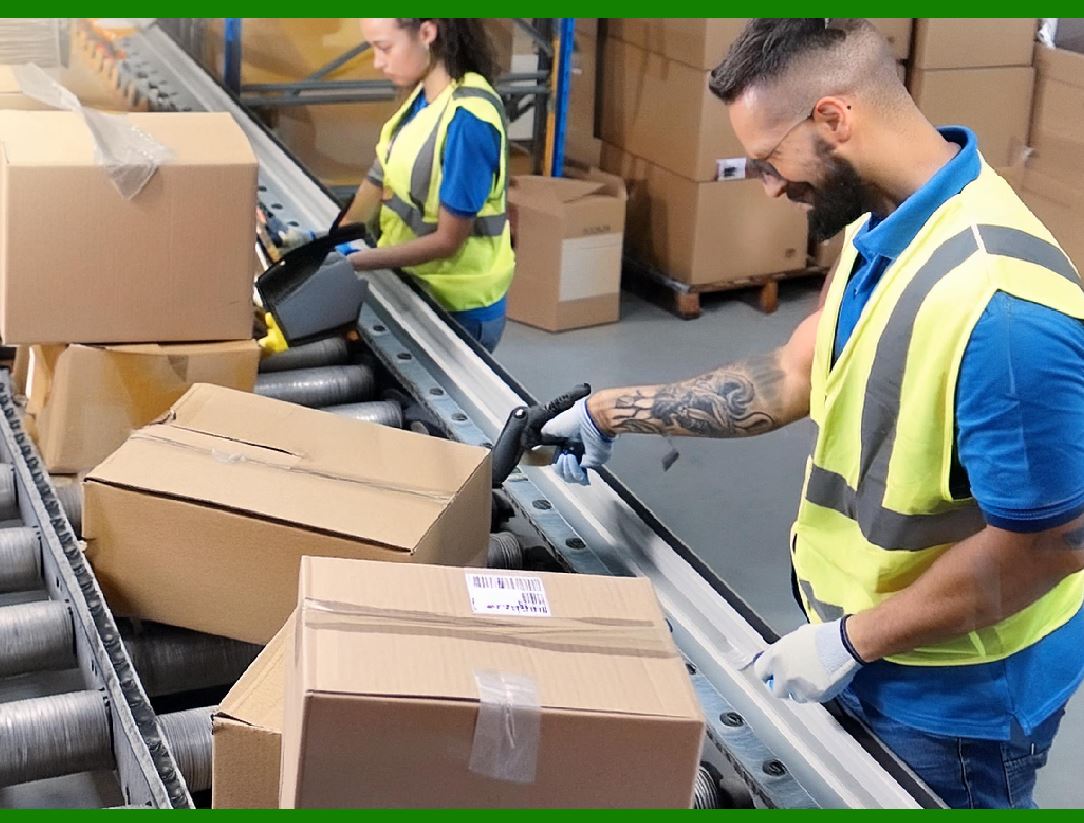
|
2. Use Laminated or Overlaminated Labels |
Applying a protective laminate layer over the barcode label adds an extra level of protection against abrasion, dirt, and exposure to environmental elements like water, oil, or chemicals. |
2.1 Lamination |
Laminated labels are encased in a thin layer of transparent plastic, which helps protect the label from damage while maintaining the barcode's visibility. Lamination improves resistance to: |
Abrasion: Prevents the label surface from being scratched or worn down. |
Moisture: Protects the label from water and humidity. |
UV light: Shields the label from sun damage and fading. |
2.2 UV Coating |
A UV coating is a clear protective layer that helps protect the label from the harmful effects of ultraviolet (UV) light. This coating is especially useful for products that will be exposed to sunlight or high-intensity artificial light for extended periods. UV coatings can extend the lifespan of labels by preventing fading and degradation. |

|
3. Ensure Proper Adhesive Selection |
The adhesive used on barcode labels is just as important as the material itself. A strong adhesive will ensure that the label remains securely attached to the product even under tough conditions. |
3.1 Permanent Adhesive |
For labels that need to stay in place permanently, choose a high-tack, permanent adhesive. These adhesives bond strongly to a variety of surfaces and resist peeling, even in harsh environments. |
3.2 Removable Adhesive |
For labels that may need to be removed later (without damaging the surface), use a removable adhesive. These adhesives are formulated to provide strong bonding but can be removed cleanly without leaving residue. However, keep in mind that removable adhesives may not be as durable as permanent adhesives and may peel off in environments with high moisture or heat. |
3.3 Specialty Adhesives |
For specific environments (e.g., outdoor exposure, extreme temperatures), there are specialty adhesives available, such as those that bond to low-energy surfaces (like plastics or rubber), are resistant to chemicals, or adhere well in high-temperature conditions. |
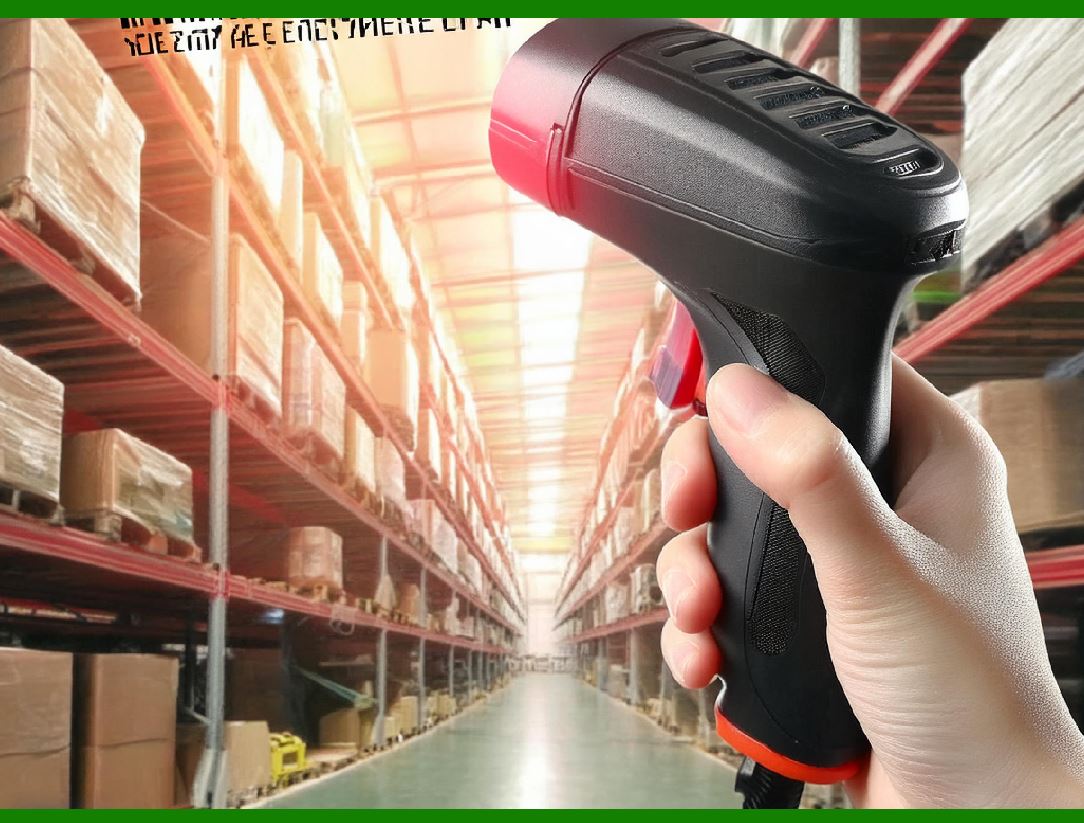
|
4. Protect Labels from Abrasive Surfaces and Physical Damage |
Frequent handling, abrasion, or rough surfaces can wear out barcodes quickly. Here are some strategies to minimize the risk of physical damage: |
4.1 Position Labels Carefully |
When applying labels to products, ensure that the barcode is placed in a location where it is less likely to be subjected to abrasion. For example, avoid placing barcodes on edges or corners where they might be scratched or rubbed off during handling. |
4.2 Use Protective Sleeves or Covers |
For items that are frequently handled or transported (e.g., tools, electronics, packages), consider placing the barcode labels inside protective covers or sleeves. These protective covers can shield the labels from direct abrasion, dirt, and moisture. |
4.3 Avoid Handling the Barcode Directly |
Minimize direct contact with the barcode, as oils, dirt, and moisture from hands can smudge or damage the print. Encourage workers to handle products by the sides or edges rather than touching the barcode directly. |

|
5. Control Environmental Factors |
Exposure to certain environmental factors, such as heat, humidity, and UV light, can deteriorate barcode labels over time. To reduce these risks, follow these guidelines: |
5.1 Temperature and Humidity Control |
Extreme temperatures and humidity levels can damage barcode labels. High temperatures can cause the adhesive to weaken, leading to labels peeling off. High humidity can cause paper labels to absorb moisture, which may result in smudging or fading of the barcode. |
Storage Conditions: Store products with barcodes in cool, dry environments with controlled humidity levels. Avoid storing barcoded items in direct sunlight or near sources of heat. |
Shipping and Handling: If shipping items with barcode labels, ensure that the packaging provides adequate protection against environmental factors like moisture or extreme temperatures. Consider using moisture-resistant packaging or adding silica gel packets to control humidity during transport. |
5.2 UV Protection |
Exposure to UV light can cause fading or discoloration of the barcode, making it unreadable. To protect the barcode from UV light: |
UV-Resistant Materials: Use materials that are inherently resistant to UV light, such as certain synthetic label stocks or labels with UV coatings. |
Packaging Protection: For products exposed to sunlight or fluorescent lighting for long periods (e.g., outdoor goods), use UV-resistant packaging or place the barcode on a part of the product that is less exposed to UV radiation. |
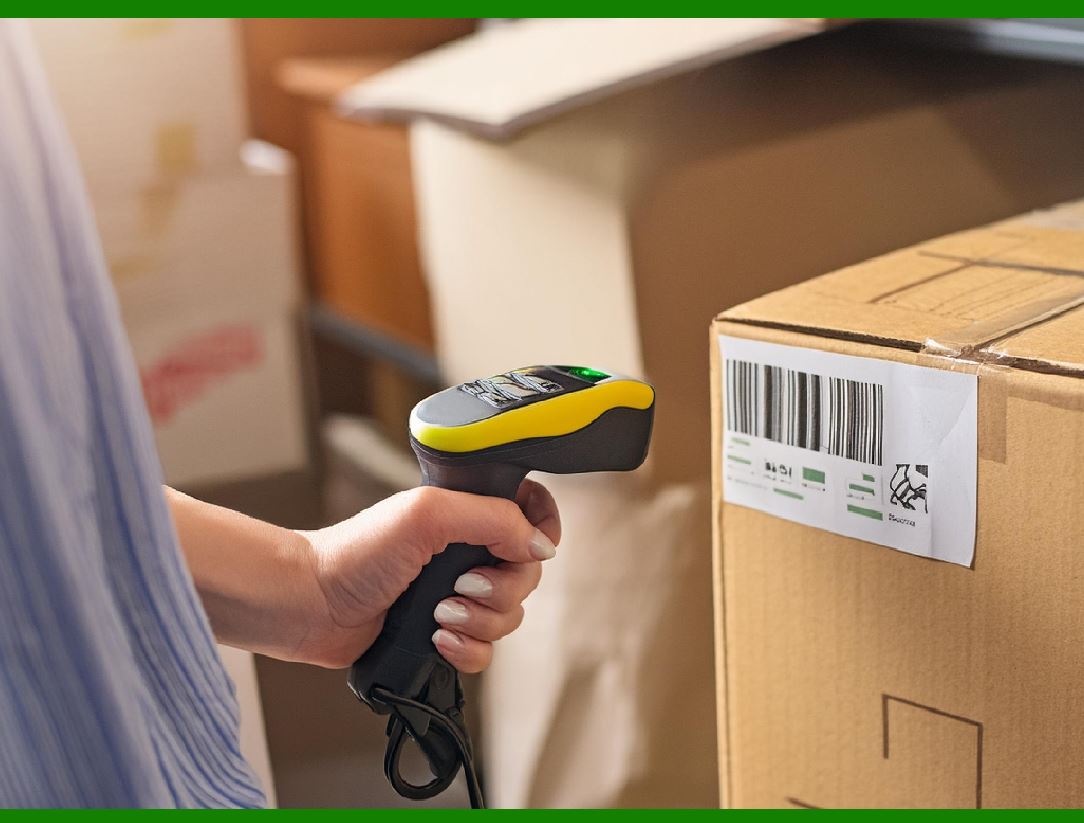
|
6. Regular Inspection and Maintenance |
Frequent inspection of barcode labels helps identify any damage early and replace damaged labels before they affect operations. Regularly check for the following: |
6.1 Monitor Barcode Condition |
Inspect the labels regularly for signs of fading, cracking, peeling, or any other visible damage. Pay special attention to barcodes on items that are frequently handled or exposed to challenging environments. |
6.2 Replace Damaged Labels |
If a barcode becomes damaged or unreadable, replace it as soon as possible to prevent scanning errors. It is especially important to monitor high-use areas where barcodes are more likely to degrade over time. |
6.3 Label Durability Testing |
Periodically test the durability of the barcode labels by exposing them to various environmental conditions (e.g., heat, cold, moisture, abrasion) and observing how well they withstand these conditions. Use this data to determine whether certain labels need more protection or better materials. |

|
7. Train Employees on Proper Label Handling |
Employee training is critical to ensuring that barcode labels are not damaged during handling, storage, or transport. Educate staff on: |
Proper Handling Techniques: Teach employees how to handle products with barcodes carefully, avoiding unnecessary rubbing or touching of the label area. |
Avoiding Label Contamination: Ensure workers understand the importance of keeping labels clean and free from oils, dirt, or moisture that could cause fading or smudging. |
Storing Products Properly: Train employees on how to store products in a way that protects barcodes from abrasion and environmental damage. |
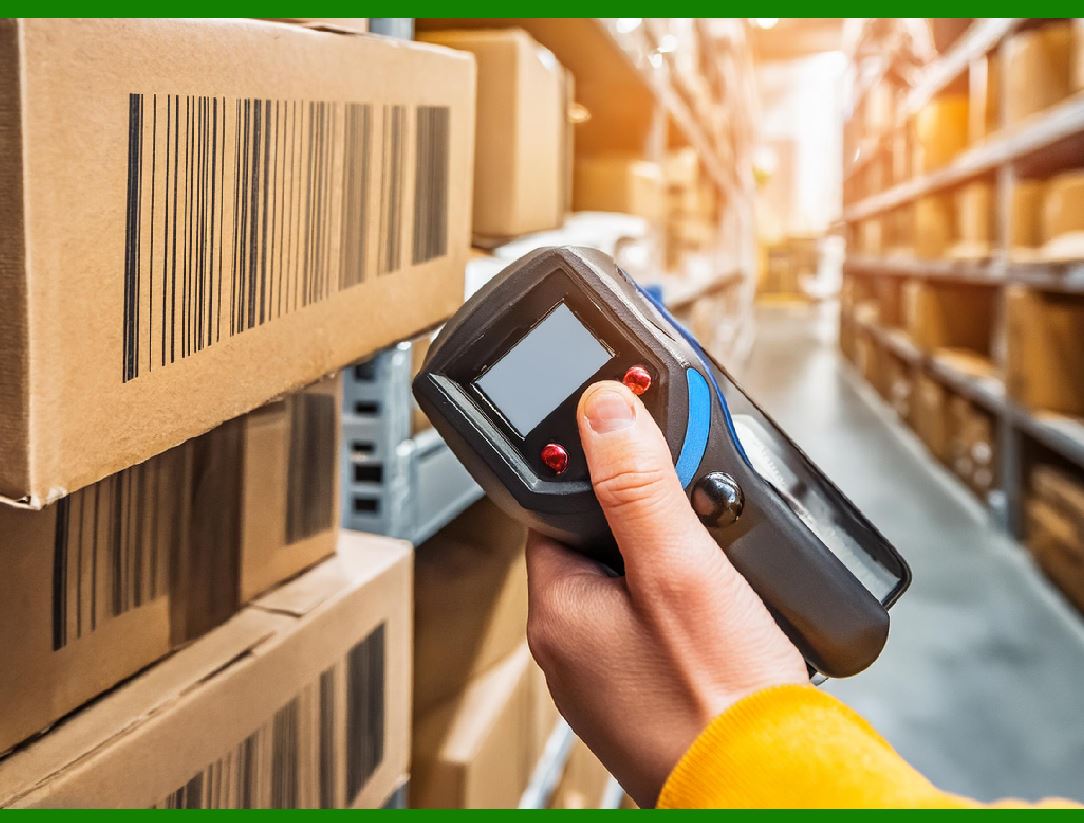
|
8. Use Barcode Protection Tools |
There are several tools and accessories available that can help protect barcode labels from damage: |
Barcode Label Protectors: Transparent adhesive protectors or covers can be applied directly over barcodes to shield them from physical damage and environmental exposure. |
Tamper-Evident Labels: These labels leave a visible mark if tampered with, providing a layer of protection from both physical handling and potential theft. |
|
Conclusion |
Preventing damage to barcode labels from handling or environmental factors requires a combination of selecting the right materials, applying protective coatings, managing environmental conditions, and ensuring that labels are properly maintained. By following these strategies-such as choosing durable synthetic materials, laminating labels, using UV-resistant coatings, and providing proper storage and handling protocols-businesses can significantly extend the lifespan of barcode labels and ensure that they remain readable throughout the product's lifecycle. Regular inspection and maintenance also play a key role in catching any issues early, preventing disruption to business operations. |
|
What should I do if the product is too small to fit on the UPC barcode label? Require: Describe as much detail as possible. |
Introduction |
UPC (Universal Product Code) barcodes are essential for product identification in retail and supply chain management. These barcodes store information about the product, such as its manufacturer, product type, and price. However, there are situations where a product is too small to accommodate a standard UPC barcode label. This can occur with tiny items, such as small electronics, miniature accessories, jewelry, or sample-sized products. When this happens, businesses need to find a solution to ensure the barcode is still present on the product without compromising the integrity or readability of the code. |
In this detailed guide, we will discuss various strategies that can help you navigate the challenge of fitting a UPC barcode label on a small product. These strategies focus on both technical solutions and practical considerations to ensure compliance with industry standards while maintaining barcode readability. We will cover the following points: |
1.Understanding the Importance of a UPC Barcode |
2.Challenges of Fitting UPC Barcodes on Small Products |
3.Technical Solutions for Small Product Barcodes |
4.Alternative Labeling Techniques |
5.Using Direct Part Marking (DPM) for Small Products |
6.Ensuring Barcode Quality and Scannability |
7.Testing and Validation |
8.Legal and Industry Compliance |
9.Best Practices for Barcode Labeling on Small Products |
|
1. Understanding the Importance of a UPC Barcode |
UPC barcodes serve several purposes, including inventory tracking, price scanning, and product identification. They provide a reliable and standardized method for retailers, warehouses, and manufacturers to track products as they move through the supply chain. These codes also enhance efficiency at checkout, streamline inventory management, and reduce human error. |
For these reasons, it's critical to have a UPC barcode on every product that is sold in retail stores, particularly in environments where barcodes are read by scanners to streamline the sales process. In most regions, having a UPC barcode is not just a convenience-it is often required by retailers, distributors, and e-commerce platforms. |
The UPC barcode consists of a series of black bars and white spaces arranged in a specific pattern. The minimum size for a standard UPC barcode is typically around 1.02 inches in width and 0.39 inches in height, although the exact dimensions can vary slightly depending on the printing requirements. These dimensions can pose challenges for very small products that have limited surface area for labeling. |
|
2. Challenges of Fitting UPC Barcodes on Small Products |
The primary challenge with small products is the lack of available space for a standard-sized UPC barcode. Many products, especially small ones, have limited real estate for applying labels without disrupting the product's aesthetics, packaging, or functionality. Some of the specific challenges include: |
2.1 Limited Surface Area |
Small products often lack large flat surfaces where a barcode can be applied. For example, small electronics may have only a tiny section where a barcode can be placed without obstructing critical components like buttons or displays. This limitation forces businesses to either shrink the size of the barcode or find creative ways to fit the code onto the packaging. |
2.2 Maintaining Barcode Readability |
Even if the space exists, the small size of the barcode can cause scanning problems. Barcodes that are too small can become difficult for scanners to read, leading to errors at checkout or during inventory management. The minimum size for a readable UPC barcode is essential to ensure accurate scanning, and fitting the barcode on a small product without reducing its size below the standard could lead to unreadable scans. |
2.3 Design and Aesthetic Issues |
A small product often requires careful design considerations, particularly for branding and labeling. Adding a UPC barcode may conflict with the product's packaging design, making it appear cluttered or unprofessional. This is especially true for products that prioritize clean and minimalistic packaging, such as premium consumer goods or luxury items. |
2.4 Cost and Production Considerations |
Another challenge is the added cost of customizing labels or using alternative marking techniques. For businesses that manufacture products in bulk, the cost of producing customized barcodes or applying direct part marking (DPM) could increase the overall production cost, making it less feasible for smaller companies with tight budgets. |
|
3. Technical Solutions for Small Product Barcodes |
To address the challenges of fitting a UPC barcode on a small product, businesses can consider several technical solutions that preserve the integrity of the barcode and ensure its readability. These include shrinking the barcode size, utilizing different barcode types, and employing high-quality printing techniques. |
3.1 Shrink the Barcode Size |
One option is to reduce the size of the UPC barcode while maintaining its scannability. This method should be approached with caution, as making the barcode too small may result in unreadable scans. |
Use High-Resolution Printers: When shrinking the barcode size, it's crucial to use high-resolution printers to ensure that the bars are sharp and clear. Printers with a resolution of at least 300 DPI (dots per inch) are recommended for maintaining high-quality prints, even at smaller sizes. |
Follow Minimum Size Guidelines: The minimum dimensions for a standard UPC barcode are 1.02 inches in width and 0.39 inches in height. However, it's possible to reduce the size slightly, provided that the bars and spaces remain distinct enough to be detected by barcode scanners. The width-to-height ratio must be maintained to avoid distortion. |
Test for Readability: Before using smaller barcodes on a large scale, perform thorough testing with barcode scanners to ensure that the reduced-size barcode is still readable from different angles and distances. |
3.2 Use a Different Barcode Format (e.g., 2D Barcodes) |
If a UPC barcode is too large for a small product, you can consider using a different type of barcode that is more space-efficient. |
QR Codes: QR codes are two-dimensional barcodes that can store significantly more information than a standard UPC barcode. QR codes can be much smaller than traditional barcodes, making them ideal for small products. They can be printed on compact surfaces without sacrificing data capacity. However, it's important to note that QR codes are not universally accepted in all retail environments and may require different scanning equipment. |
DataMatrix Codes: Another alternative is the DataMatrix barcode, a 2D matrix barcode that is commonly used for small products, including medical devices, electronics, and automotive parts. DataMatrix barcodes can be much smaller than traditional UPC barcodes while still containing the same amount of data. |
Using a 2D barcode format may require specific scanning equipment that is capable of reading these types of codes. Before transitioning to 2D barcodes, ensure that your retail partners, supply chain providers, and customers are equipped to read them. |
|
4. Alternative Labeling Techniques |
If shrinking the barcode or switching to a different barcode format isn't viable, there are alternative techniques you can use to ensure your product has a readable identifier while fitting within the constraints of a small product. |
4.1 Flexible Labeling Locations |
Sometimes, the problem isn't that the barcode is too large, but that the product's packaging or design is restrictive. Consider applying the barcode to other areas where space might be available. |
Back or Bottom of the Product: If the front of the product is too small, consider labeling the back or bottom where there might be more space. This is particularly common for small electronic devices, toys, or cosmetics, where the front display area is minimal. |
Packaging Instead of the Product: In some cases, placing the barcode on the packaging (instead of directly on the product itself) can be a viable option. This is especially useful for products sold in sets or multi-pack items, where the packaging can carry the barcode. |
4.2 Foldable Labels or Miniature Labels |
Using a foldable label or a miniature label can provide a solution to the space limitation. Foldable labels are designed to be compact and can be unfolded once they are placed on the product. These labels can store the full-size barcode while taking up less space when folded. Similarly, you can opt for miniature labels that are specifically designed for small items. |
4.3 Label Placement on Retail Shelf |
In certain situations, placing the barcode on the retail shelf or product tag (instead of directly on the product) is a possibility. This can be done in stores with digital inventory systems where a barcode scanner can read the product as it is scanned from the shelf or display. |
|
5. Using Direct Part Marking (DPM) for Small Products |
Direct Part Marking (DPM) is a technique used to mark small products directly with barcodes, text, or other identifiers. DPM is ideal for small products that don't have space for traditional labels. DPM methods include: |
5.1 Laser Etching |
Laser etching involves using a laser to engrave the barcode directly onto the surface of the product. This technique is highly durable and resistant to wear and environmental factors. Laser etching is particularly useful for products made of metal, plastic, or glass, where labels may be easily scratched off. |
5.2 Dot Peen Marking |
Dot peen marking is a mechanical process that uses a stylus to create a series of tiny dots that form the barcode. This method is particularly useful for hard materials like metals and is commonly used in the automotive and aerospace industries. Dot peen marking provides a high level of durability and is ideal for marking products with limited surface area. |
5.3 Inkjet Printing |
Inkjet printing allows for the direct printing of barcodes onto a product. The ink used in inkjet printing can be specially formulated to adhere to different surfaces, making it suitable for a variety of materials. While inkjet printing may not be as durable as laser etching or dot peen marking, it provides a cost-effective solution for marking small products. |
|
6. Ensuring Barcode Quality and Scannability |
Regardless of the method you choose, ensuring that the barcode is readable is critical. Poor-quality barcodes can lead to scanning errors, which can create delays in processing, shipping, and sales. Follow these steps to maintain barcode quality: |
6.1 Proper Printer Calibration |
If you are printing the barcodes yourself, ensure that your barcode printer is properly calibrated. Regularly test your printer and check the print quality, ensuring that the bars are crisp and clear. |
6.2 Testing with Scanners |
Before finalizing any batch of small products with barcodes, test the labels or markings with barcode scanners. This will ensure that the code is scannable from various angles and distances, and that it meets the minimum standards for readability. |
|
7. Testing and Validation |
Once the barcode is applied, it's essential to test it to ensure it functions as expected. Run a series of tests to check for: |
Scanning from Different Angles: Test the barcode with scanners from various angles to ensure that it can be read regardless of its position. |
Readability in Various Conditions: Ensure that the barcode remains readable in different lighting conditions, temperatures, and humidity levels. |
|
8. Legal and Industry Compliance |
In many regions, there are strict rules and regulations about barcode labeling for products. Ensure that your UPC barcode complies with industry standards set by organizations such as GS1. These standards often dictate the minimum size of the barcode, the quality of the print, and the location where the barcode should be applied. |
|
9. Best Practices for Barcode Labeling on Small Products |
9.1 Plan Early |
Before manufacturing, take into consideration the size and design of the product and how the barcode will be applied. Plan for optimal placement, size, and material to ensure that the barcode can be read effectively. |
9.2 Consult Barcode Experts |
If you're facing difficulties with barcode labeling for small products, consult a barcode expert or a labeling company. They can provide advice on the best materials, methods, and solutions for your product. |
9.3 Stay Consistent |
Maintain consistency across your product line by ensuring that all products are labeled according to the same standards. This consistency will make it easier for your team and your supply chain partners to work with the products. |
|
Conclusion |
While fitting a UPC barcode label on a small product presents challenges, there are several effective solutions. By considering alternative barcode formats, utilizing high-quality printing techniques, and exploring direct part marking methods, businesses can successfully label their products without sacrificing barcode readability or compliance with industry standards. With careful planning, the right tools, and regular testing, small products can still carry the essential UPC barcode for efficient inventory management and retail operations. |
 cs@easiersoft.com