Barcode Technology

Barcode History

Barcode Label Paper

Barcode Printer

Barcode Application

Inventory Management

AI Barcode QRCode

Barcode Scanner

Barcode Software

Barcode Software B

Barcode Software C

Barcode Software D

Barcode Software E

New Technology A

New Technology B

Robot Technology

Barcode Types

Barcode Types B

Barcode Types C

Barcode Types D

Barcode Types E

Barcode Types F

Electronic Technology

Psychology at Work

Barcode Technology and Barcode Software Related   <<< Back to Directory <<<

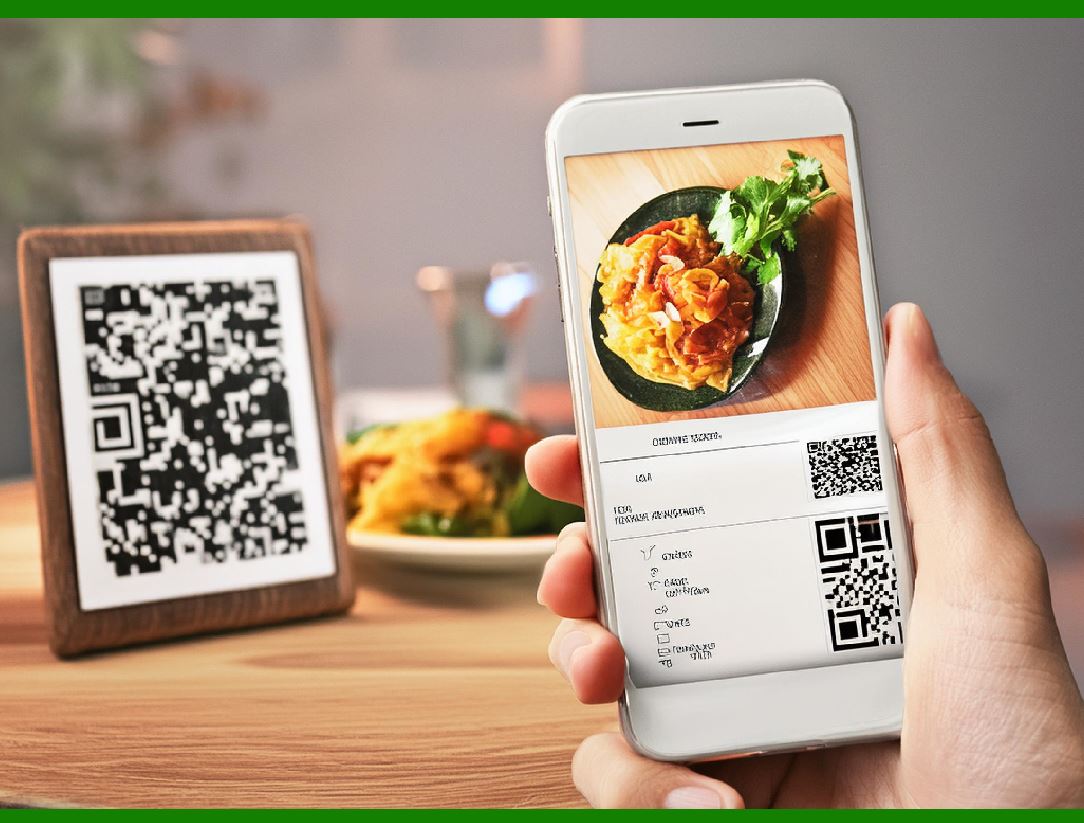
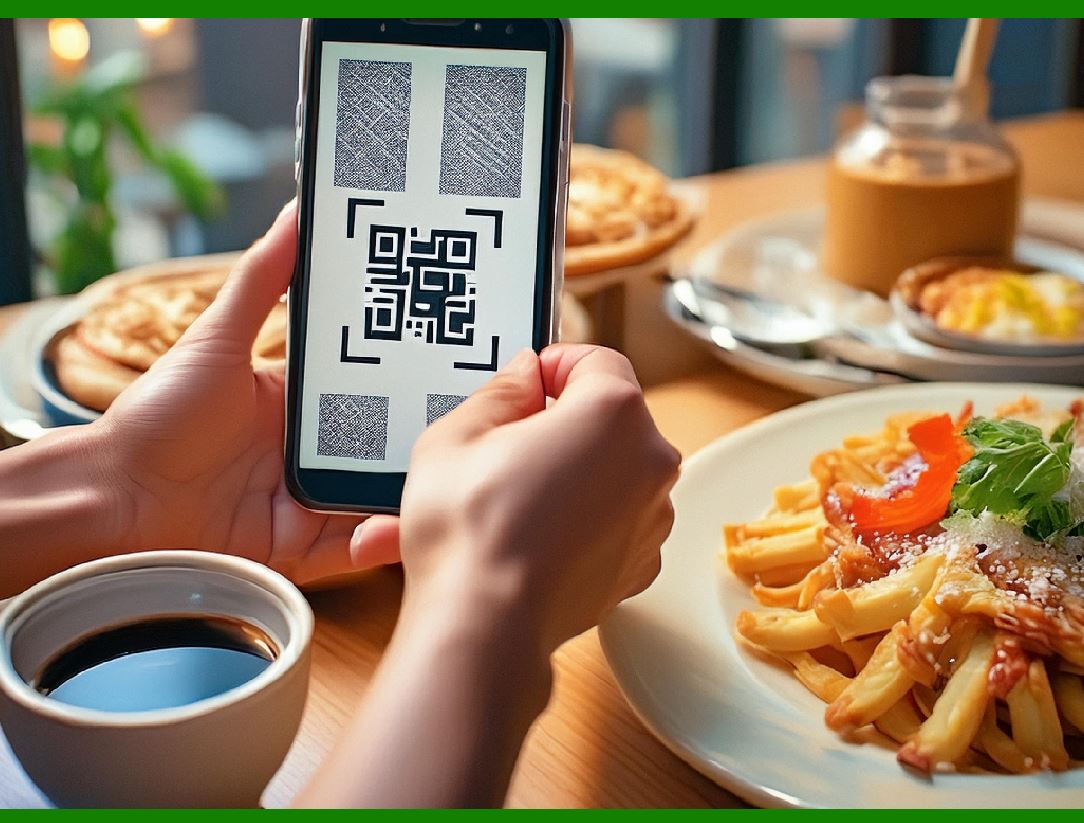
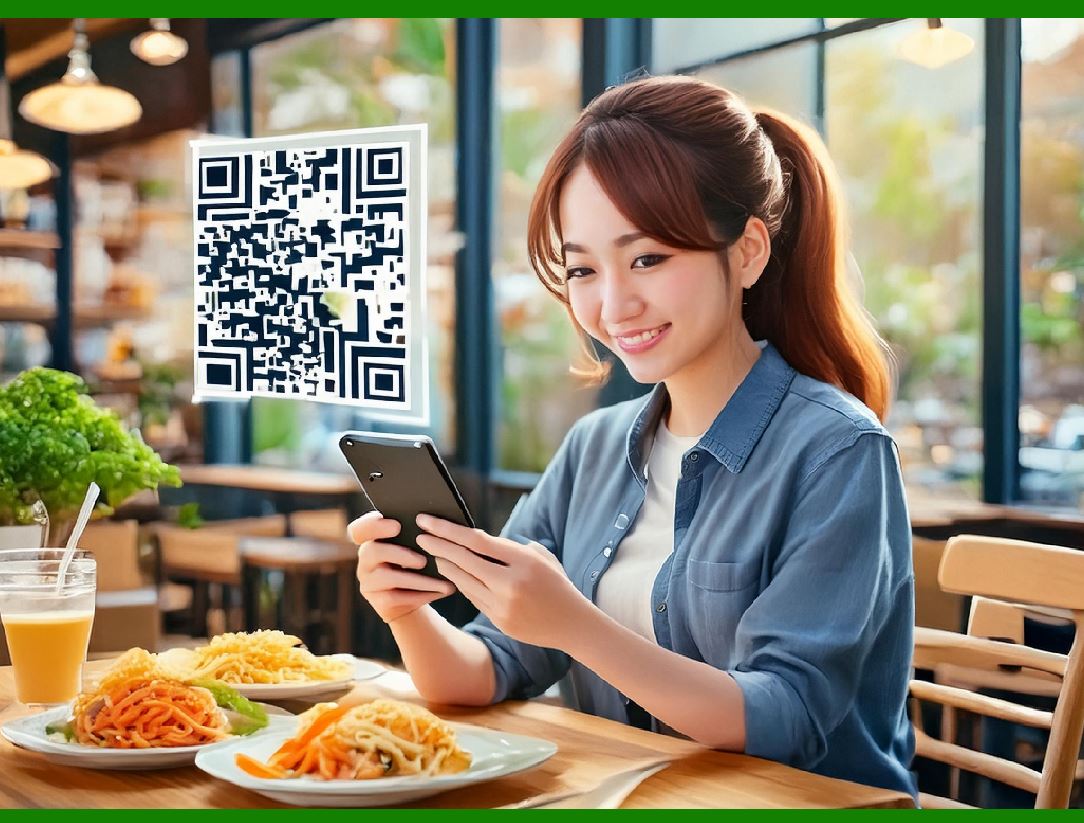
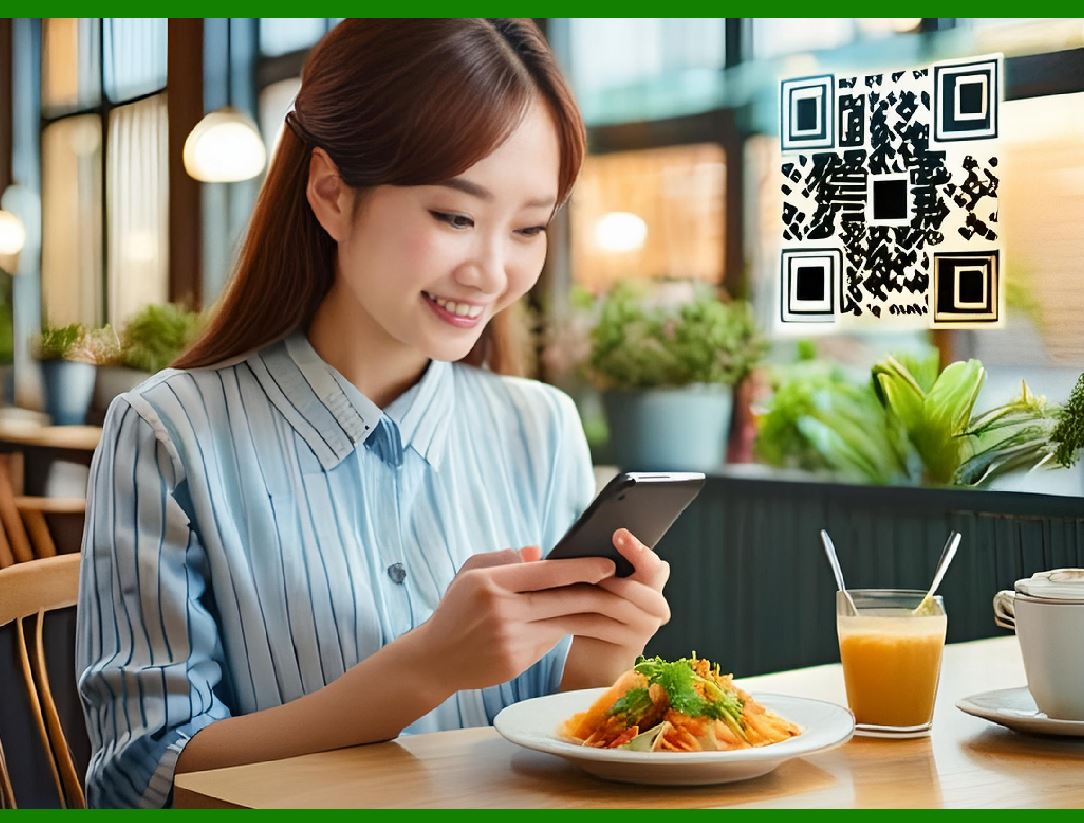
QR code for restaurant ordering

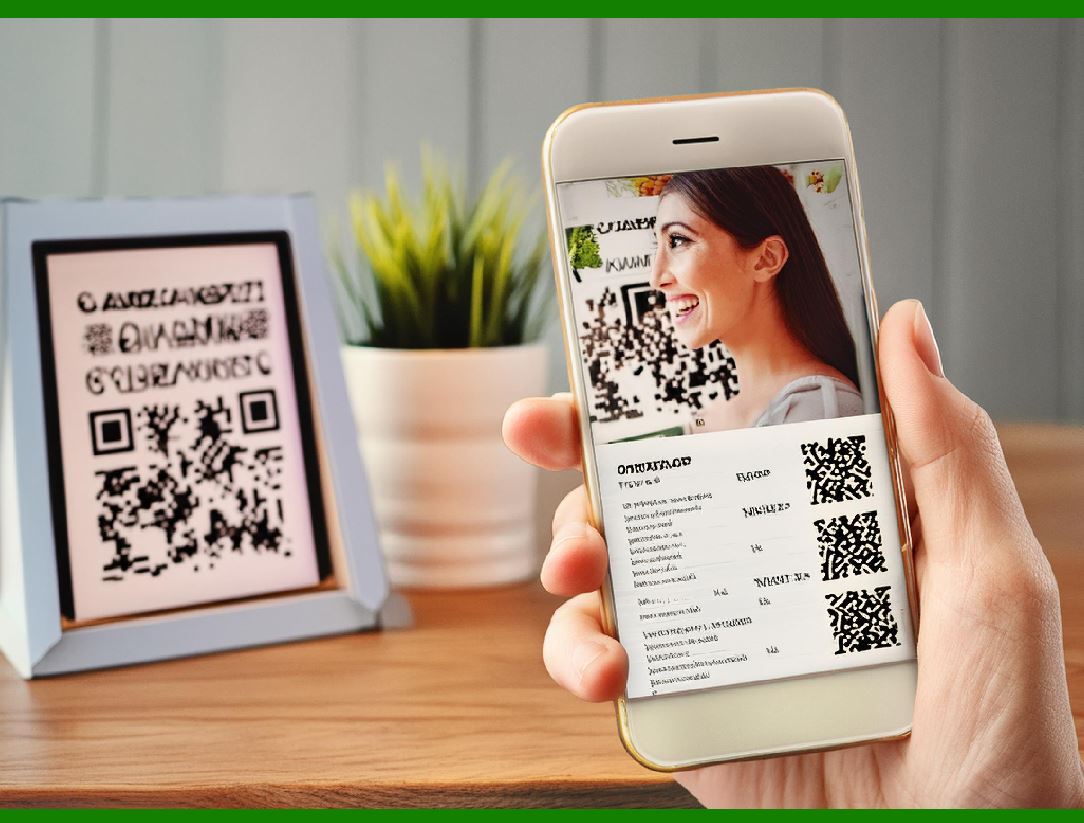
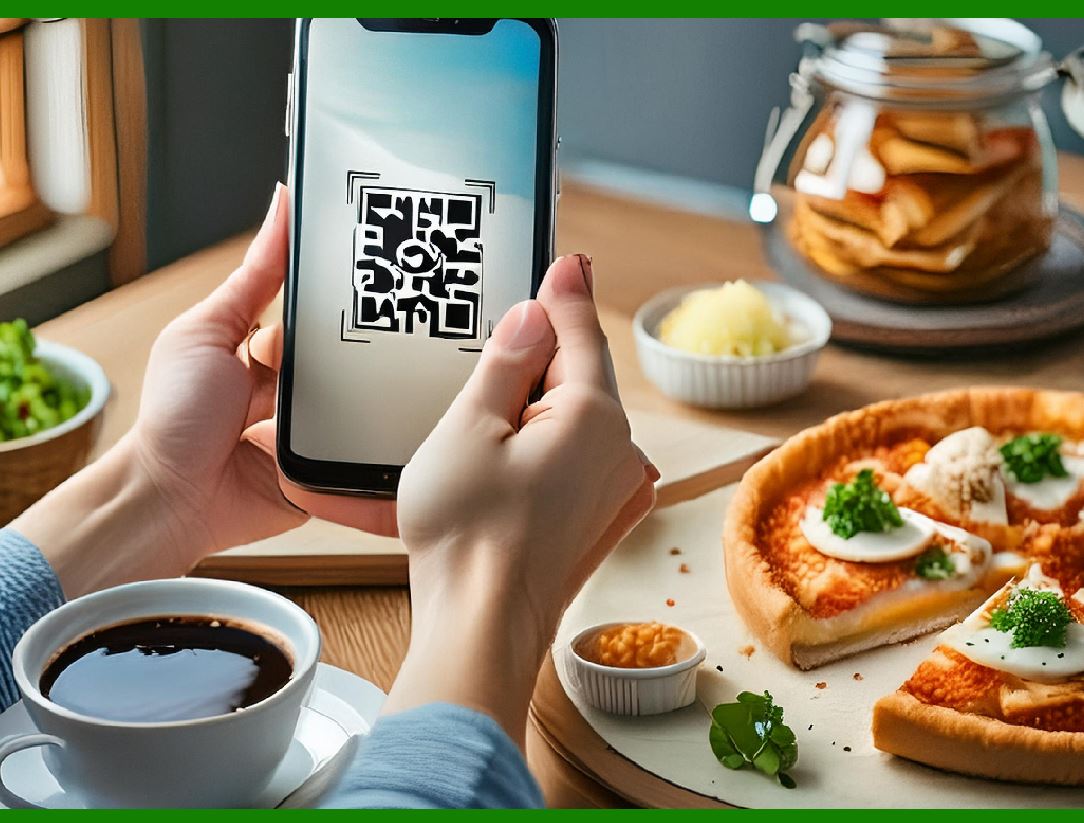
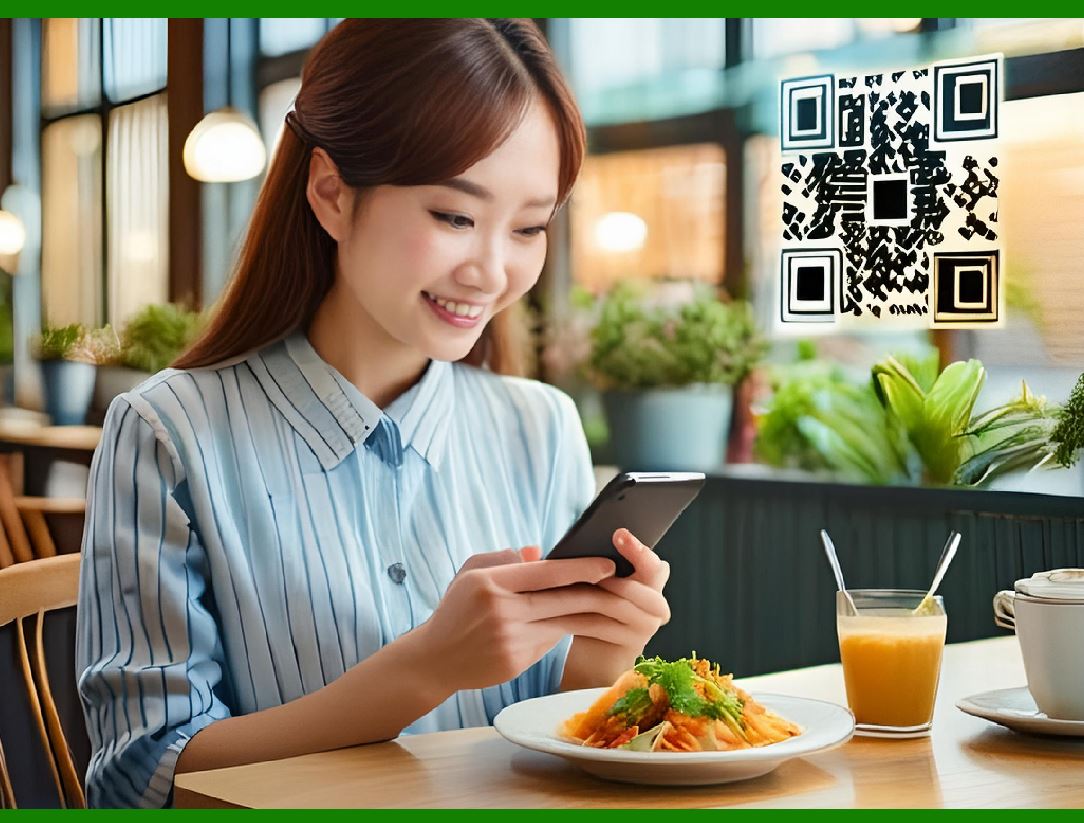
Restaurants can present a QR code near the front door or at the table allowing guests to view an online menu, or even redirect them to an online ordering website or app, allowing them to order and/or possibly pay for their meal without having to use a cashier or waiter.

Detailed Description of QR Code Use in Restaurants

Introduction

Restaurants have increasingly adopted QR codes to streamline various aspects of the dining experience. This technology offers numerous benefits including contactless interaction, convenience, and efficiency in updating menus and handling orders.

QR Codes for Online Menus and Ordering

1.Placement of QR Codes:

Entrance or Front Door: QR codes can be placed at the restaurant's entrance, allowing guests to scan the code as they enter.

Tabletop: QR codes can be positioned on the table, making it easy for seated guests to access the menu.

2.Accessing Menus:

Online Menu Viewing: Scanning the QR code redirects guests to an online menu, which can be a webpage or a PDF document.

Ordering Platform: Some QR codes link directly to an online ordering system where guests can place their orders digitally.

3.Payment Integration:

Contactless Payment: The QR code can also facilitate payment, allowing guests to settle their bill via a linked online payment gateway without interacting with a cashier or waiter.

Special Offers and Menu Updates

1.Dynamic Content:

Specials and Promotions: QR codes can link to dynamic content such as daily or weekly specials, ensuring guests are always informed about current offers that are not printed on the regular menu.

Menu Updates: Restaurants can update their entire menu instantly online without the need to print new physical copies, reducing both cost and waste.

Table Service Enhancements

1.Ordering at Table-Serve Restaurants:

Direct Ordering: Guests can order directly from their table by scanning the QR code, which includes the table number in its data.

Order Notification: The order, along with the table number, is sent to the kitchen and service staff, who then know exactly where to deliver the food.

2.Payment at the Table:

Seamless Payment: Guests can pay for their meals at the table through the QR code link, completing the dining experience without needing a waiter to process the payment.

Impact of COVID-19

1.Social Distancing and Reduced Contact:

The adoption of QR codes surged during the COVID-19 pandemic as restaurants sought to minimize physical contact between staff and customers to adhere to social distancing guidelines.

This technology helped maintain safety protocols by reducing the need for shared physical menus and minimizing interaction points.

Benefits of QR Code Integration

1.Efficiency:

Speeds up the ordering and payment processes.

Reduces waiting times for guests as they don't need to wait for a waiter to take orders or process payments.

2.Cost-Effectiveness:

Decreases the need for printed menus, saving on printing costs.

Allows for easy and instant updates to menu items and prices.

3.Customer Convenience:

Provides a seamless, contactless dining experience.

Enhances customer satisfaction by offering quick access to menus and faster service.

4.Flexibility for Restaurants:

Easily manage and update menu items and specials.

Adapt to changing health guidelines and customer preferences with minimal disruption.

Conclusion

The integration of QR codes in restaurants represents a significant advancement in the dining industry, driven by the need for enhanced hygiene and efficiency. By offering contactless access to menus, ordering, and payment options, QR codes improve the overall dining experience for customers while streamlining operations for restaurant staff.


EasierSoft Barcode Label Design & Bulk Printing Software

---- Use Excel Data to Batch Print Barcodes on Label Sheets or Roll Labels  

---- How to use this barcode software

Download:  Free Barcode Software + Barcode Label Designer

Download Free Barcode Software at Softonic

     Download at CNET

Once you obtain a GS1/UPC/EAN barcode, or other barcode type and QR code, you can use our free software to batch print barcode labels onto Roll label paper using a professional label printer, or to batch print barcodes onto Avery 5160 label sheets using a regular laser or inkjet printer. Our software has free and paid versions.

The free version fully meets your needs for batch printing GS1/UPC/EAN barcodes. The paid version can import data from Excel and databases to batch print barcode labels with different values.

How to Start

Input Data

Import Excel Data

Print Barcode

Barcode Format

Label Designer

All Screen Shot

Export Barcode Image

Save Template

Output Word Excel

How to Use & FAQ:

Export Barcode images

Export Barcode Image Format

File Names for Exported Barcode

Resolution of Exported Barcode Images

Fixed Folder for Exporting Barcode

Default Barcode Image Export Format

Print bulk barcodes quickly

Print barcodes to Avery 5160 label

How to bulk Barcode Printing

Sample - Avery 5162 (2x7) Label Sheet

Example: Print barcodes to 5*3cm roll

Example: Print barcodes to 5161 label

Example: Print barcodes to 5162 label

Example: Print barcodes to 5163 label

Example: Print barcodes to 5164 label

Example: Print portrait orientation 5164

Example: Print barcodes to 5167 label

Example: Print barcodes to 5168 label

Example: Print portrait orientation 5168

Example: Print barcodes to 5169 label

Example: Print barcodes to 5660 label

Example: Print barcodes to 5661 label

Example: Print barcodes to 5662 label

Example: Print barcodes to 5663 label

Example: Print barcodes to 5664 label

Example: Print portrait orientation 5664

Example: Print barcodes to 5873 label

Example: Print barcodes to 5874 label

Two ways to import Excel data

Import Excel Data - Pro Edition

Import Excel Data - Std Edition

Import Data from Excel - Detail

Load Data From Excel File

Data Editing Table

Copy Data From Excel

Four ways to input barcode data

Add ASCII Key E

Input Multiple Lines of Text for Barcodes

Generates Sequential Serial Numbers

Import or copy data from Excel sheets

Special sequence number generation

Std Details: Simple Input Form

Std Details: Multiple Line Text Input

Details: Sequence Barcode Generator

Examples: Sequence Barcode Generator

Import Data From Excel Spreadsheet

Barcode Data Correspondence Diagram

Data Editor

Editing a Single Row Data in Form

Batch Editing Multiple Rows of Data

Highlights

Excel integration: Import data directly from Excel to generate and print barcodes in bulk.

Label designer: Create complex labels with multiple barcodes, text, logos, and shapes.

Batch printing: Print thousands of barcodes at once using standard inkjet/laser printers or professional barcode printers.


Flexible editions:

Standard Edition: Simple batch printing with Excel data.

Professional Edition: Adds command-line automation for workflow integration.

Label Designer Edition: Advanced design features for complex labels.


Why Choose Our Barcode Solutions?

Cost-effective: Free online generator and permanent free desktop version available.

Easy to use: No technical expertise required—just input data and print.

Versatile: Supports nearly all 1D and 2D barcode types, including QR codes.

Trusted: Recommended by CNET and widely downloaded by users worldwide.


Suitable Use Cases

Small businesses and startups needing quick barcode labels for products.

Retailers and online sellers managing inventory with batch barcode printing.

Manufacturers requiring sequential or custom barcode labels for packaging.

Educational and testing environments where barcodes are used for tracking.


CONTACT

cs@easiersoft.com

If you have any question, please feel free to email us.


https://free-barcode.com


<<< Back to Directory <<<     Barcode Generator     Barcode Freeware     Privacy Policy