Barcode Technology

Barcode History

Barcode Label Paper

Barcode Printer

Barcode Application

Inventory Management

AI Barcode QRCode

Barcode Scanner

Barcode Software

Barcode Software B

Barcode Software C

Barcode Software D

Barcode Software E

New Technology A

New Technology B

Robot Technology

Barcode Types

Barcode Types B

Barcode Types C

Barcode Types D

Barcode Types E

Barcode Types F

Electronic Technology

Psychology at Work

Barcode Technology and Barcode Software Related   <<< Back to Directory <<<

QR code used in advertising strategies

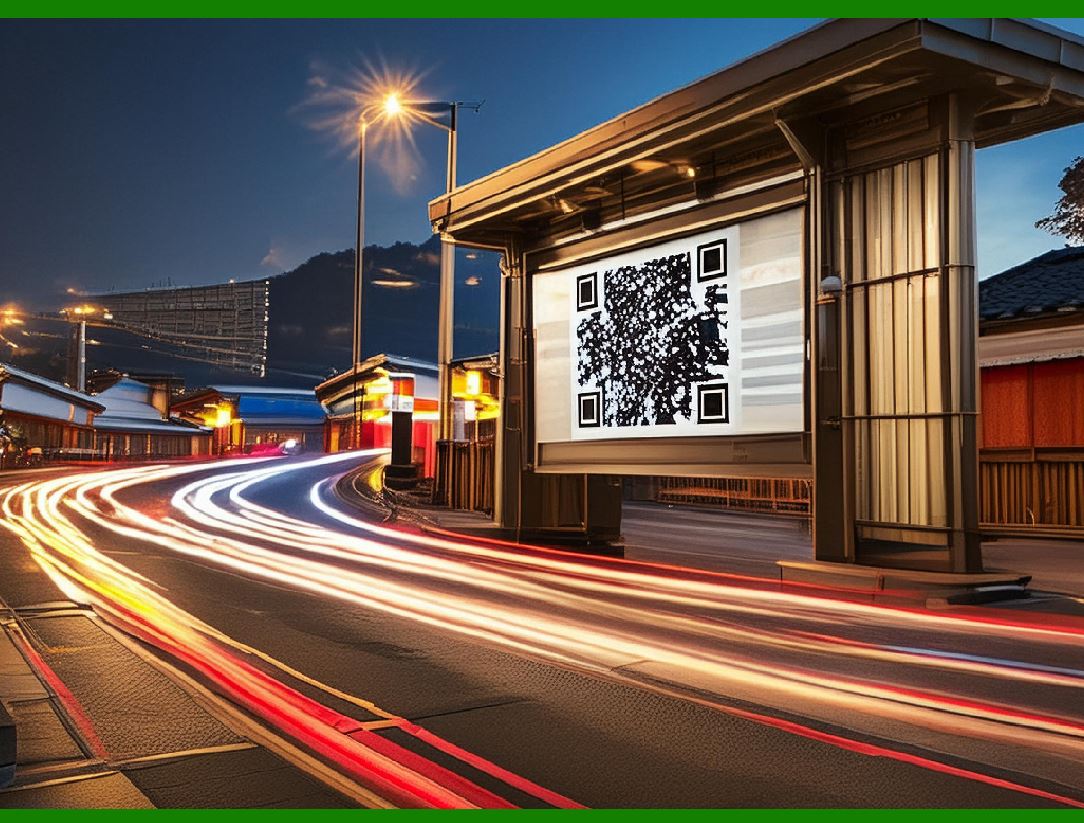
QR codes (Quick Response codes), commonly used in advertising strategies. QR codes are two-dimensional barcodes that can be scanned using a smartphone or other devices with a camera and a QR code reader app.

They encode information such as URLs, which allows users to access a brand's website quickly and conveniently.

Here's a detailed explanation of how QR codes enhance advertising strategies:

How QR Codes Work in Advertising

1.Convenience: QR codes provide a swift way for consumers to access a brand's website or specific landing pages without needing to manually type a URL. This is especially useful in physical advertisements (e.g., posters, flyers, product packaging) where the consumer can simply scan the code with their phone.

2.Increased Conversion Rates: The ease of accessing a website via QR code reduces friction in the consumer journey. When it's easier for a consumer to visit a site or promotional page, the likelihood of them engaging with the content and making a purchase increases. This seamless transition from offline to online interaction can significantly boost conversion rates.

3.Enhanced Tracking and Analytics: Marketers can track how many times a QR code is scanned, where it was scanned from, and the subsequent actions taken by the consumer. This data helps in understanding the effectiveness of the advertising campaign and consumer behavior.

4.Engagement and Interaction: QR codes can link to various forms of content, such as:

Promotional videos or product demos.

Special offers or discounts.

Contests or sweepstakes entry forms.

Social media pages for brand engagement.

Virtual experiences or augmented reality content.

5.Flexibility and Cost-Effectiveness: QR codes are easy to generate and can be printed on virtually any surface, from traditional print media to digital screens. This flexibility allows brands to incorporate QR codes into diverse advertising materials without significant additional costs.

Practical Applications

Retail: Stores use QR codes on product tags, in-store displays, and shopping bags to link to product information, customer reviews, or loyalty programs.

Events: Event organizers include QR codes on tickets or promotional materials to provide event details, schedules, or virtual event access.

Restaurants: Menus often feature QR codes for contactless ordering and payments.

Real Estate: Property listings and open house signs use QR codes to provide virtual tours or detailed property information.

Conclusion

The integration of QR codes into advertising strategies leverages the convenience of instant digital access to enhance consumer engagement and increase the chances of conversion. By bridging the gap between physical advertisements and digital interactions, QR codes serve as an effective tool for marketers to drive traffic, gather data, and ultimately boost sales.


EasierSoft Barcode Label Design & Bulk Printing Software

---- Use Excel Data to Batch Print Barcodes on Label Sheets or Roll Labels  

---- How to use this barcode software

Download:  Free Barcode Software + Barcode Label Designer

Download Free Barcode Software at Softonic

     Download at CNET

Once you obtain a GS1/UPC/EAN barcode, or other barcode type and QR code, you can use our free software to batch print barcode labels onto Roll label paper using a professional label printer, or to batch print barcodes onto Avery 5160 label sheets using a regular laser or inkjet printer. Our software has free and paid versions.

The free version fully meets your needs for batch printing GS1/UPC/EAN barcodes. The paid version can import data from Excel and databases to batch print barcode labels with different values.

How to Start

Input Data

Import Excel Data

Print Barcode

Barcode Format

Label Designer

All Screen Shot

Export Barcode Image

Save Template

Output Word Excel

How to Use & FAQ:

Edit imported barcode data

Input data (Pro)

Label Designer

Edit data in Label designer

Label Designer - Add new label

Label Designer - Printing

Set the barcode label format to be printed

Other Barcode Label Format Settings

Barcode types supported by this program

Barcode Label Font Settings

Configuring the Barcode Print Rotation

Text Alignment for Barcode Labels

Automatically Adjusting Barcode Width

Text Beneath the Barcode

Configuring Barcode Size

Auto Calculate the Barcode Size

Export Barcode images

Export Barcode Image Format

File Names for Exported Barcode

Resolution of Exported Barcode Images

Fixed Folder for Exporting Barcode

Default Barcode Image Export Format

Print bulk barcodes quickly

Print barcodes to Avery 5160 label

How to bulk Barcode Printing

Sample - Avery 5162 (2x7) Label Sheet

Example: Print barcodes to 5*3cm roll

Example: Print barcodes to 5161 label

Example: Print barcodes to 5162 label

Example: Print barcodes to 5163 label

Example: Print barcodes to 5164 label

Example: Print portrait orientation 5164

Example: Print barcodes to 5167 label

Example: Print barcodes to 5168 label

Example: Print portrait orientation 5168

Example: Print barcodes to 5169 label

Example: Print barcodes to 5660 label

Example: Print barcodes to 5661 label

Example: Print barcodes to 5662 label

Example: Print barcodes to 5663 label

Example: Print barcodes to 5664 label

Example: Print portrait orientation 5664

Example: Print barcodes to 5873 label

Example: Print barcodes to 5874 label

Two ways to import Excel data

Import Excel Data - Pro Edition

Import Excel Data - Std Edition

Import Data from Excel - Detail

Load Data From Excel File

Data Editing Table

Highlights

Excel integration: Import data directly from Excel to generate and print barcodes in bulk.

Label designer: Create complex labels with multiple barcodes, text, logos, and shapes.

Batch printing: Print thousands of barcodes at once using standard inkjet/laser printers or professional barcode printers.


Flexible editions:

Standard Edition: Simple batch printing with Excel data.

Professional Edition: Adds command-line automation for workflow integration.

Label Designer Edition: Advanced design features for complex labels.


Why Choose Our Barcode Solutions?

Cost-effective: Free online generator and permanent free desktop version available.

Easy to use: No technical expertise required—just input data and print.

Versatile: Supports nearly all 1D and 2D barcode types, including QR codes.

Trusted: Recommended by CNET and widely downloaded by users worldwide.


Suitable Use Cases

Small businesses and startups needing quick barcode labels for products.

Retailers and online sellers managing inventory with batch barcode printing.

Manufacturers requiring sequential or custom barcode labels for packaging.

Educational and testing environments where barcodes are used for tracking.


CONTACT

cs@easiersoft.com

If you have any question, please feel free to email us.


https://free-barcode.com


<<< Back to Directory <<<     Barcode Generator     Barcode Freeware     Privacy Policy