Barcode Technology

Barcode History

Barcode Label Paper

Barcode Printer

Barcode Application

Inventory Management

AI Barcode QRCode

Barcode Scanner

Barcode Software

Barcode Software B

Barcode Software C

Barcode Software D

Barcode Software E

New Technology A

New Technology B

Robot Technology

Barcode Types

Barcode Types B

Barcode Types C

Barcode Types D

Barcode Types E

Barcode Types F

Electronic Technology

Psychology at Work

Barcode Technology and Barcode Software Related   <<< Back to Directory <<<

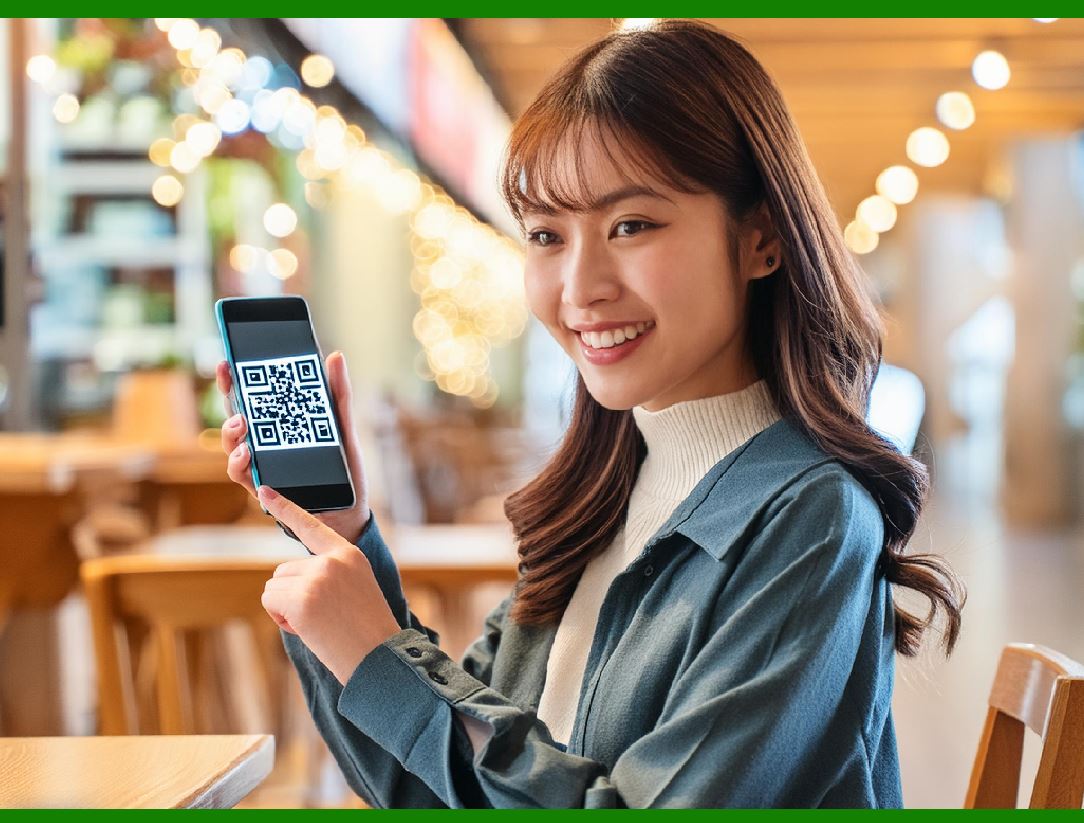
QR code payment in Singapore

In 2017, Singapore Monetary Authority of Singapore and Infocomm Media Development Authority to spearhead a system for e-payments using standardized QR code specifications. The dimensions are specialized for Singapore.

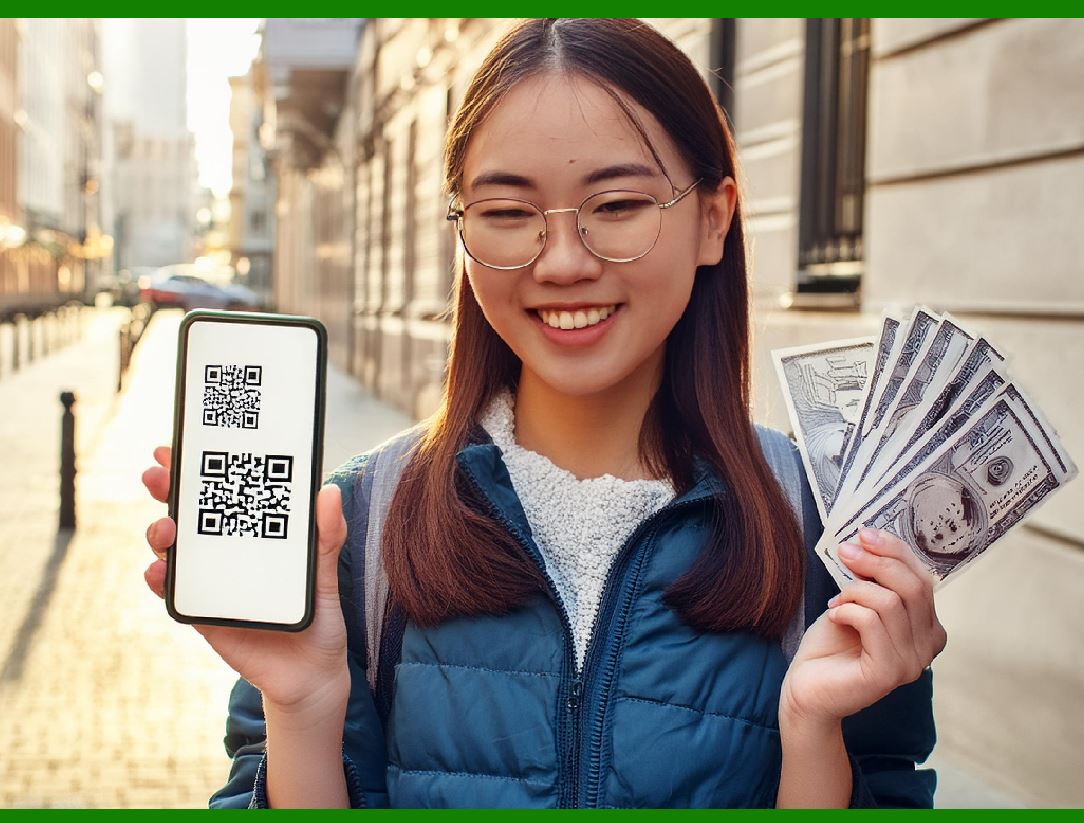
SGQR - The e-payment system, Singapore Quick Response Code, essentially merges various QR codes into one label that can be used by both parties in the payment system. This allows for various banking apps to facilitate payments between multiple customers and a merchant that displays the single QR code.

A single SDQR label contains e-payments and combines multiple payment options. People making purchases can scan the code and see which payment options the merchant accepts.

QR Code Payment in Singapore: Detailed Overview

Background and Taskforce Formation

In 2017, Singapore recognized the need to streamline and enhance its e-payment systems to facilitate seamless transactions between merchants and consumers. To achieve this, a taskforce was created comprising key government agencies, notably the Monetary Authority of Singapore (MAS) and the Infocomm Media Development Authority (IMDA). The primary objective was to develop a standardized system for QR code payments tailored specifically to Singapore's requirements.

Introduction of Singapore Quick Response Code (SGQR)

The outcome of the taskforce's efforts was the Singapore Quick Response Code (SGQR), a unified QR code payment system. The SGQR was designed to consolidate multiple payment QR codes into a single, comprehensive label. This innovation aimed to simplify the e-payment process for both consumers and merchants.

Key Features of SGQR

1.Consolidation of Multiple QR Codes: SGQR merges various QR codes from different payment providers into one label. Previously, merchants needed to display multiple QR codes for different payment services, which was cumbersome and confusing for consumers. SGQR eliminates this redundancy by integrating all options into a single code.

2.Integration with Banking Apps: The SGQR system is compatible with various banking and payment apps, facilitating easy and convenient transactions. Consumers can use their preferred banking app to scan the SGQR, which will then display the payment options accepted by the merchant.

3.Co-ownership and Management: The SGQR scheme is jointly owned and managed by MAS and IMDA, ensuring regulatory oversight and consistent standards across the system.

4.Simplified Payment Process: For consumers, making a payment involves scanning the SGQR with a banking app. The app will automatically recognize the merchant's details and show the available payment methods. The consumer can then select their preferred payment option and complete the transaction.

5.Enhanced Merchant Adoption: Merchants benefit from the simplified setup and management of QR code payments. With a single SGQR label, they can accept payments from multiple providers, reducing the need for multiple contracts and QR codes.

Technical Specifications

Standardization: The dimensions and specifications of the SGQR are standardized to ensure uniformity and compatibility across all payment platforms. This standardization helps in maintaining a consistent user experience and facilitates widespread adoption.

Security: SGQR incorporates robust security features to protect transaction data and prevent fraud. These measures include encryption and secure communication protocols.

Implementation and Impact

The implementation of SGQR has had a significant impact on Singapore's e-payment landscape. By simplifying the payment process and reducing the clutter of multiple QR codes, SGQR has enhanced the user experience and increased the adoption of e-payments among both consumers and merchants. The unified system has also fostered greater competition among payment service providers, ultimately benefiting the end users with more choices and better services.

Conclusion

Singapore's SGQR system represents a significant advancement in the country's e-payment infrastructure. By consolidating multiple QR codes into a single, standardized label, the SGQR simplifies transactions for consumers and merchants alike, promoting greater efficiency and convenience in everyday payments. Co-owned by MAS and IMDA, the SGQR system ensures regulatory compliance and security, making it a robust and user-friendly solution for the digital economy.


EasierSoft Barcode Label Design & Bulk Printing Software

---- Use Excel Data to Batch Print Barcodes on Label Sheets or Roll Labels  

---- How to use this barcode software

Download:  Free Barcode Software + Barcode Label Designer

Download Free Barcode Software at Softonic

     Download at CNET

Once you obtain a GS1/UPC/EAN barcode, or other barcode type and QR code, you can use our free software to batch print barcode labels onto Roll label paper using a professional label printer, or to batch print barcodes onto Avery 5160 label sheets using a regular laser or inkjet printer. Our software has free and paid versions.

The free version fully meets your needs for batch printing GS1/UPC/EAN barcodes. The paid version can import data from Excel and databases to batch print barcode labels with different values.

How to Start

Input Data

Import Excel Data

Print Barcode

Barcode Format

Label Designer

All Screen Shot

Export Barcode Image

Save Template

Output Word Excel

How to Use & FAQ:

Default Barcode Image Export Format

Print bulk barcodes quickly

Print barcodes to Avery 5160 label

How to bulk Barcode Printing

Sample - Avery 5162 (2x7) Label Sheet

Example: Print barcodes to 5*3cm roll

Example: Print barcodes to 5161 label

Example: Print barcodes to 5162 label

Example: Print barcodes to 5163 label

Example: Print barcodes to 5164 label

Example: Print portrait orientation 5164

Example: Print barcodes to 5167 label

Example: Print barcodes to 5168 label

Example: Print portrait orientation 5168

Example: Print barcodes to 5169 label

Example: Print barcodes to 5660 label

Example: Print barcodes to 5661 label

Example: Print barcodes to 5662 label

Example: Print barcodes to 5663 label

Example: Print barcodes to 5664 label

Example: Print portrait orientation 5664

Example: Print barcodes to 5873 label

Example: Print barcodes to 5874 label

Two ways to import Excel data

Import Excel Data - Pro Edition

Import Excel Data - Std Edition

Import Data from Excel - Detail

Load Data From Excel File

Data Editing Table

Copy Data From Excel

Four ways to input barcode data

Add ASCII Key E

Input Multiple Lines of Text for Barcodes

Generates Sequential Serial Numbers

Import or copy data from Excel sheets

Special sequence number generation

Std Details: Simple Input Form

Std Details: Multiple Line Text Input

Details: Sequence Barcode Generator

Examples: Sequence Barcode Generator

Import Data From Excel Spreadsheet

Barcode Data Correspondence Diagram

Data Editor

Editing a Single Row Data in Form

Batch Editing Multiple Rows of Data

Batch Data Editing - Example 2

Design & print complex barcode labels

Configuring Text Elements on Label

Configuring Barcode Elements on Label

Configuring Image Elements on Label

Highlights

Excel integration: Import data directly from Excel to generate and print barcodes in bulk.

Label designer: Create complex labels with multiple barcodes, text, logos, and shapes.

Batch printing: Print thousands of barcodes at once using standard inkjet/laser printers or professional barcode printers.


Flexible editions:

Standard Edition: Simple batch printing with Excel data.

Professional Edition: Adds command-line automation for workflow integration.

Label Designer Edition: Advanced design features for complex labels.


Why Choose Our Barcode Solutions?

Cost-effective: Free online generator and permanent free desktop version available.

Easy to use: No technical expertise required—just input data and print.

Versatile: Supports nearly all 1D and 2D barcode types, including QR codes.

Trusted: Recommended by CNET and widely downloaded by users worldwide.


Suitable Use Cases

Small businesses and startups needing quick barcode labels for products.

Retailers and online sellers managing inventory with batch barcode printing.

Manufacturers requiring sequential or custom barcode labels for packaging.

Educational and testing environments where barcodes are used for tracking.


CONTACT

cs@easiersoft.com

If you have any question, please feel free to email us.


https://free-barcode.com


<<< Back to Directory <<<     Barcode Generator     Barcode Freeware     Privacy Policy