QR codes can be used to store bank account information or credit card information, or they can be specifically designed to work with particular payment provider applications. |
There are several trial applications of QR code payments across the world.In developing countries including China, India and Bangladesh QR code payment is a very popular and convenient method of making payments. Since Alipay designed a QR code payment method in 2011, mobile payment has been quickly adopted in China. As of 2018, around 83% of all payments were made via mobile payment. |
|
QR Code Payment |
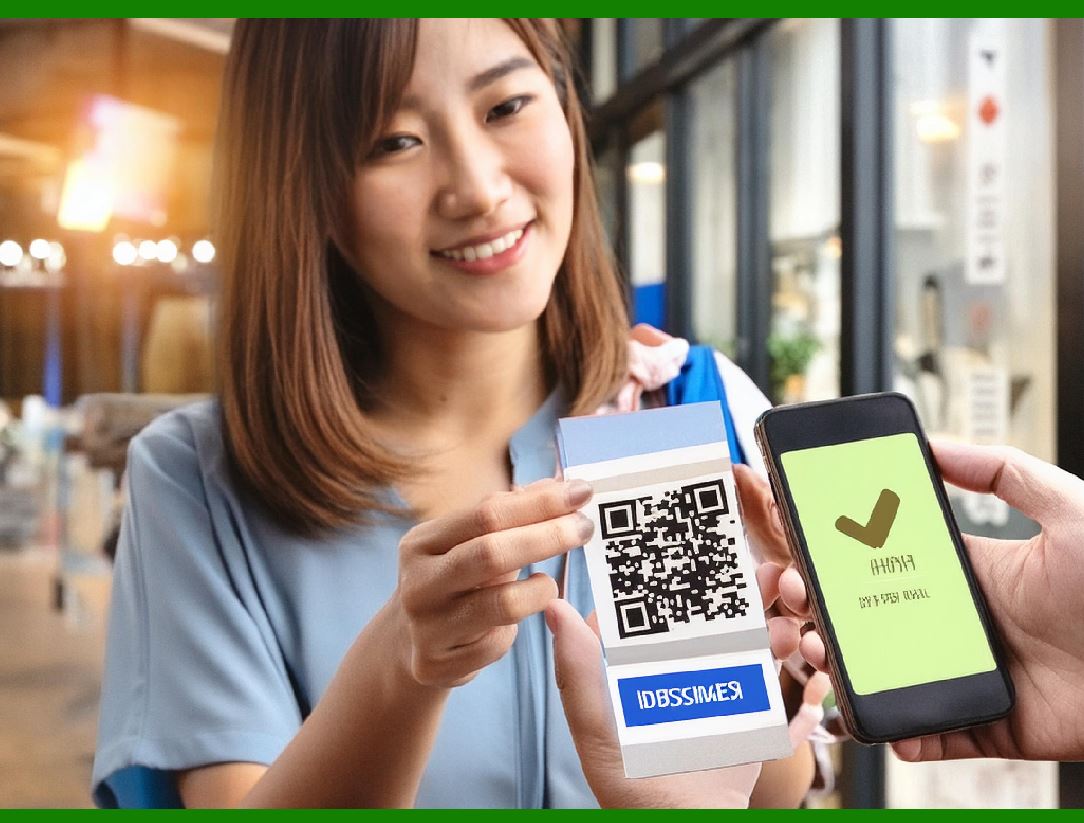
QR code payment is a contactless payment method where payment is performed by scanning a QR code from a mobile app. This method leverages the widespread use of smartphones and the simplicity of QR codes to facilitate transactions. |

|
How QR Code Payments Work |
1.Generation of QR Codes: Static QR Codes: These are pre-generated codes that do not change. They are typically used for single-use applications, like product tags or payment links. Dynamic QR Codes: These are generated in real-time and can include specific information for each transaction, such as the amount to be paid. They provide more flexibility and security. |
2.Encoding Information: QR codes can store various types of data, including: Bank account details Credit card information Links to specific payment provider applications Transaction-specific details (in the case of dynamic QR codes) |
3.Transaction Process: Merchant: The merchant generates a QR code containing the payment information. Customer: The customer scans the QR code using their mobile payment app. Authentication: The payment app verifies the transaction details and authenticates the user. Confirmation: Upon successful authentication, the payment is processed, and both parties receive confirmation. |

|
Global Adoption |
China Pioneers: Alipay, designed by Ant Financial (an affiliate of Alibaba Group), introduced QR code payments in 2011. Rapid Adoption: By 2018, about 83% of all payments in China were made via mobile payment, with QR codes being a primary method. Popularity: QR code payments are ubiquitous, used for everything from street vendors to large retailers. Platforms like WeChat Pay and Alipay dominate the market. |
India Government Initiatives: The Indian government promotes digital payments, and QR codes are a major part of this push. UPI Integration: Unified Payments Interface (UPI) supports QR code payments, enabling seamless transactions across various banks and payment platforms. |
Bangladesh Mobile Financial Services (MFS): Providers like bKash and Rocket integrate QR code payments to offer convenient services to their users. Accessibility: QR code payments are particularly valuable in rural and less developed areas where traditional banking infrastructure is limited. |

|
Advantages of QR Code Payments |
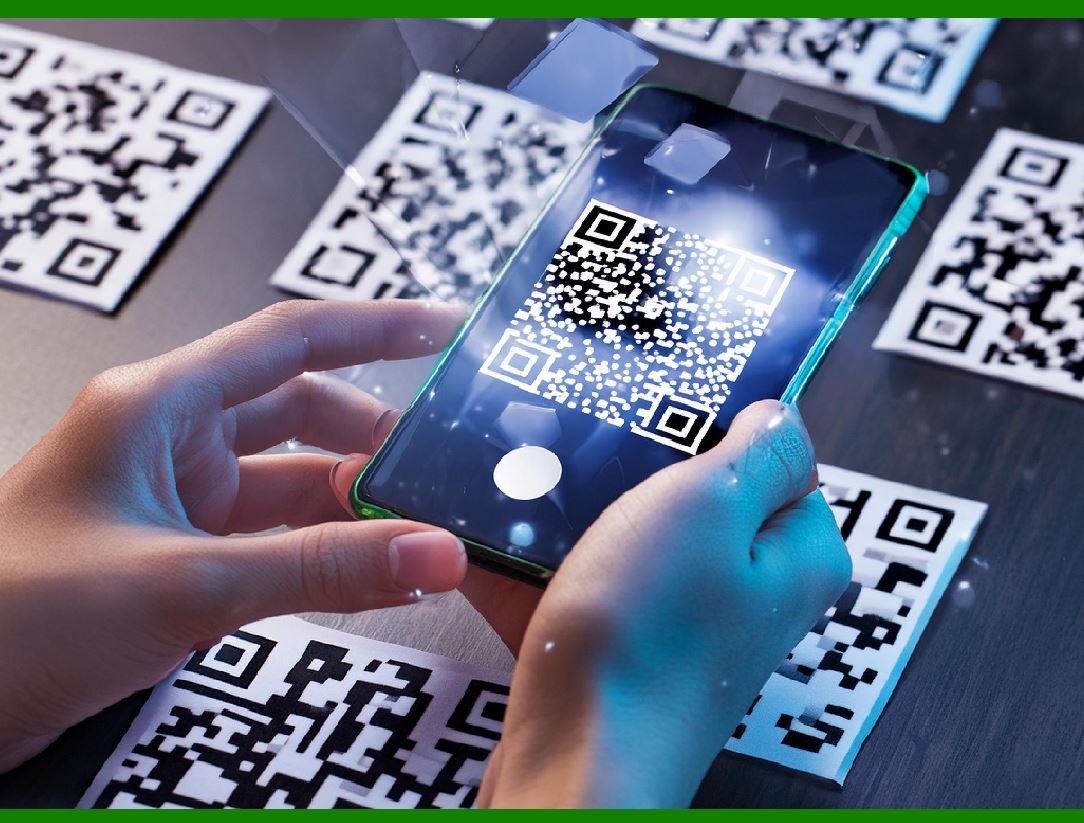
1.Convenience: Easy to use, requiring only a smartphone and a payment app. 2.Speed: Transactions are completed quickly, reducing wait times for customers and merchants. 3.Low Cost: Implementation costs are minimal compared to traditional POS systems. 4.Accessibility: Useful in areas with limited banking infrastructure; no need for physical cards or cash. 5.Security: Dynamic QR codes and encrypted transactions enhance security, reducing fraud risks. |
|
Applications |
Retail: QR codes are used at checkout counters in both small shops and large stores. Transportation: Many public transportation systems use QR codes for ticketing and payments. Online and Offline Integration: QR codes bridge the gap between digital and physical commerce, allowing for seamless integration of online and offline payment systems. Restaurants and Cafes: QR codes are used for menu access and payment processing, enhancing the dining experience. |

|
Future Trends |
Increased Adoption: As smartphone penetration continues to grow, especially in developing countries, the use of QR code payments is expected to rise. Technological Enhancements: Improvements in QR code technology, such as better encryption and integration with blockchain, will further enhance security and efficiency. Regulatory Support: Governments and financial institutions are likely to continue promoting digital payments, providing regulatory support for QR code transactions. |

|
In conclusion, QR code payments represent a significant advancement in the digital payment landscape, offering a simple, secure, and efficient method for conducting transactions globally. Their rapid adoption in countries like China, India, and Bangladesh highlights their potential to transform the way we handle payments, particularly in developing regions. |
 cs@easiersoft.com