Barcode Technology

Barcode History

Barcode Label Paper

Barcode Printer

Barcode Application

Inventory Management

AI Barcode QRCode

Barcode Scanner

Barcode Software

Barcode Software B

Barcode Software C

Barcode Software D

Barcode Software E

New Technology A

New Technology B

Robot Technology

Barcode Types

Barcode Types B

Barcode Types C

Barcode Types D

Barcode Types E

Barcode Types F

Electronic Technology

Psychology at Work

Barcode Technology and Barcode Software Related   <<< Back to Directory <<<

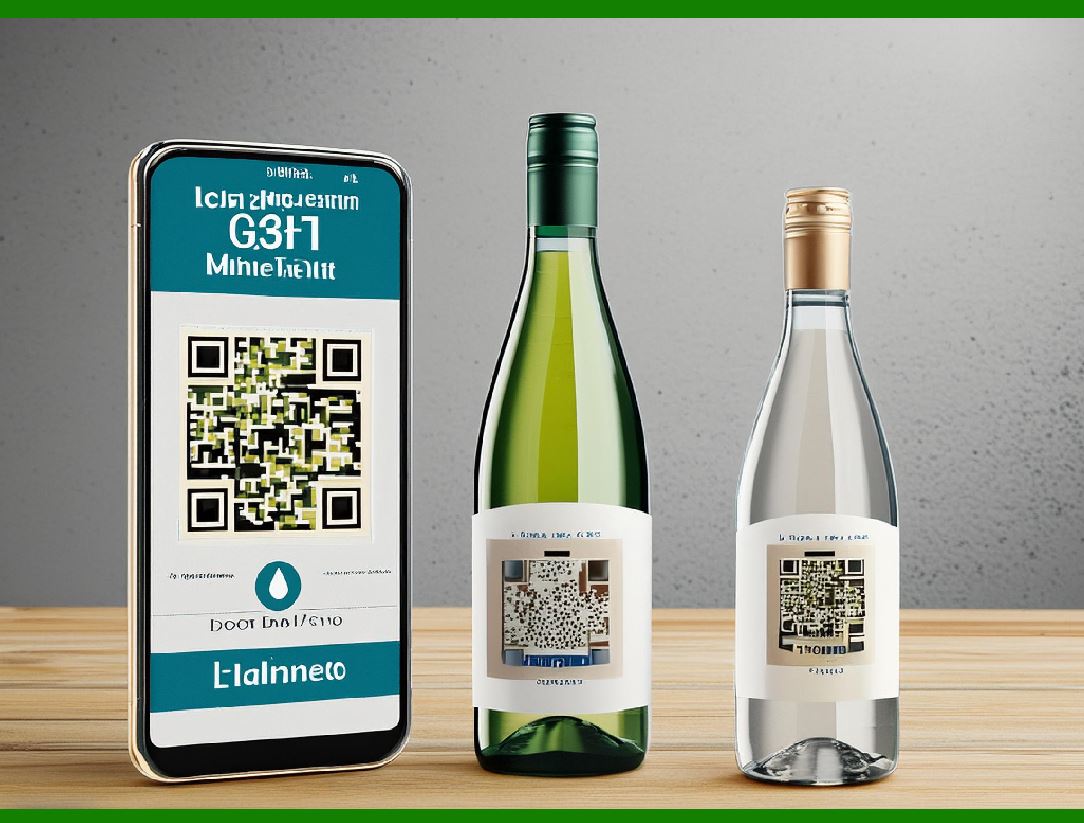
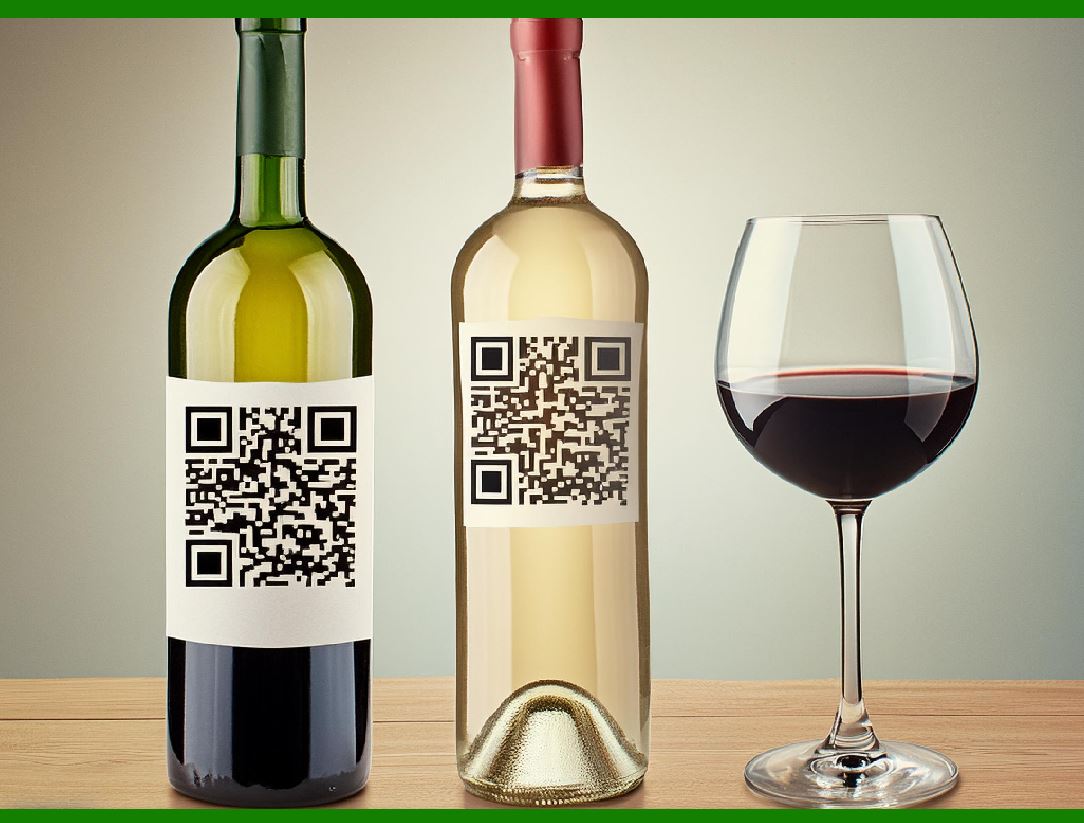
QR Code for product tracing

Product tracing, also known as traceability, is the ability to track the movement of a product and its components through the various stages of production, processing, and distribution.

It ensures that every step in the supply chain can be monitored and documented, which helps in managing and mitigating risks, ensuring product safety, and enhancing transparency. In the context of food products, traceability is crucial for maintaining food safety standards, identifying sources of contamination, and facilitating recalls when necessary.

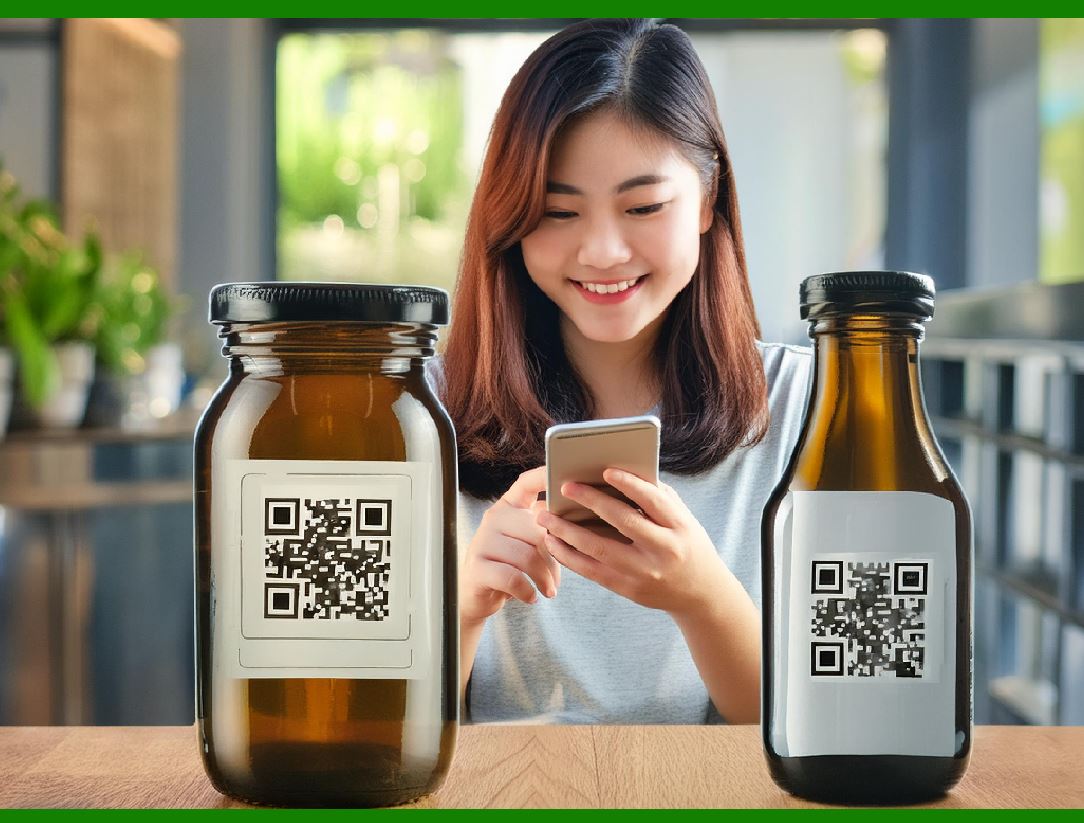
In a field experiment, it was found that when provided free access to a smartphone with QR code scanning app, 52.6% of participants would use it to access labelling information. A study made in South Korea showed that consumers appreciate QR code used in food traceability system, as they provide detailed information about food, as well as information that helps them in their purchasing decision. QR Codes in Food Traceability Systems

Overview

Quick Response (QR) codes are two-dimensional barcodes that can store a significant amount of information, which can be easily accessed using a smartphone or other QR code scanning devices. They have become a valuable tool in product tracing, particularly in the food industry, due to their ability to convey detailed information quickly and efficiently.

Field Experiment Findings

In a field experiment, it was observed that when participants were given free access to a smartphone equipped with a QR code scanning app, 52.6% of them utilized it to access labeling information. This indicates a significant level of consumer interest and willingness to use QR codes for obtaining product details.

Consumer Appreciation in South Korea

A study conducted in South Korea revealed that consumers greatly appreciate the use of QR codes in food traceability systems. The reasons for this appreciation include:

1.Detailed Information: QR codes provide comprehensive details about the food product, including ingredients, nutritional information, and other relevant data.

2.Purchasing Decisions: The detailed information accessed via QR codes aids consumers in making informed purchasing decisions, enhancing their overall shopping experience.

Serialized QR Codes

When QR codes are serialized, they can offer even more detailed and batch-specific information. Serialization involves assigning a unique identifier to each product or batch, which is encoded in the QR code. This allows consumers to:

1.Access Supply Chain Information: By scanning the QR code, consumers can visit a web page that shows the entire supply chain for each ingredient in the product.

2.Batch-Specific Information: Consumers can obtain information specific to each batch, such as the names of meat processors and manufacturers. This level of detail helps address consumer concerns regarding the origin and safety of their food.

Benefits of QR Code-Based Food Traceability Systems

1.Enhanced Transparency: Consumers can see where their food comes from, how it was processed, and who handled it, which builds trust.

2.Improved Food Safety: Traceability helps in quickly identifying and addressing contamination issues, thereby reducing the risk of foodborne illnesses.

3.Efficient Recalls: In case of a product recall, serialized QR codes enable pinpointing the affected batches, ensuring that only those products are removed from the market.

4.Consumer Engagement: QR codes engage tech-savvy consumers by providing them with interactive and easily accessible information.

5.Regulatory Compliance: QR codes can help food producers and distributors comply with traceability regulations and standards set by authorities.

Conclusion

The use of QR codes in food traceability systems is an effective means of providing detailed product information, enhancing consumer trust, and ensuring food safety. Studies and experiments indicate a positive reception from consumers, particularly when QR codes are used to provide comprehensive and batch-specific information. As technology continues to evolve, the role of QR codes in product tracing is likely to become even more significant, offering new ways to connect consumers with the origins and safety of their food.


EasierSoft Barcode Label Design & Bulk Printing Software

---- Use Excel Data to Batch Print Barcodes on Label Sheets or Roll Labels  

---- How to use this barcode software

Download:  Free Barcode Software + Barcode Label Designer

Download Free Barcode Software at Softonic

     Download at CNET

Once you obtain a GS1/UPC/EAN barcode, or other barcode type and QR code, you can use our free software to batch print barcode labels onto Roll label paper using a professional label printer, or to batch print barcodes onto Avery 5160 label sheets using a regular laser or inkjet printer. Our software has free and paid versions.

The free version fully meets your needs for batch printing GS1/UPC/EAN barcodes. The paid version can import data from Excel and databases to batch print barcode labels with different values.

How to Start

Input Data

Import Excel Data

Print Barcode

Barcode Format

Label Designer

All Screen Shot

Export Barcode Image

Save Template

Output Word Excel

How to Use & FAQ:

The supported barcode types

Load Excel data (pro)

Manually copy data from Excel files

Filter some data for printing

Edit imported barcode data

Input data (Pro)

Label Designer

Edit data in Label designer

Label Designer - Add new label

Label Designer - Printing

Set the barcode label format to be printed

Other Barcode Label Format Settings

Barcode types supported by this program

Barcode Label Font Settings

Configuring the Barcode Print Rotation

Text Alignment for Barcode Labels

Automatically Adjusting Barcode Width

Text Beneath the Barcode

Configuring Barcode Size

Auto Calculate the Barcode Size

Export Barcode images

Export Barcode Image Format

File Names for Exported Barcode

Resolution of Exported Barcode Images

Fixed Folder for Exporting Barcode

Default Barcode Image Export Format

Print bulk barcodes quickly

Print barcodes to Avery 5160 label

How to bulk Barcode Printing

Sample - Avery 5162 (2x7) Label Sheet

Example: Print barcodes to 5*3cm roll

Example: Print barcodes to 5161 label

Example: Print barcodes to 5162 label

Example: Print barcodes to 5163 label

Example: Print barcodes to 5164 label

Example: Print portrait orientation 5164

Example: Print barcodes to 5167 label

Example: Print barcodes to 5168 label

Example: Print portrait orientation 5168

Example: Print barcodes to 5169 label

Example: Print barcodes to 5660 label

Example: Print barcodes to 5661 label

Example: Print barcodes to 5662 label

Example: Print barcodes to 5663 label

Example: Print barcodes to 5664 label

Example: Print portrait orientation 5664

Example: Print barcodes to 5873 label

Example: Print barcodes to 5874 label

Two ways to import Excel data

Import Excel Data - Pro Edition

Highlights

Excel integration: Import data directly from Excel to generate and print barcodes in bulk.

Label designer: Create complex labels with multiple barcodes, text, logos, and shapes.

Batch printing: Print thousands of barcodes at once using standard inkjet/laser printers or professional barcode printers.


Flexible editions:

Standard Edition: Simple batch printing with Excel data.

Professional Edition: Adds command-line automation for workflow integration.

Label Designer Edition: Advanced design features for complex labels.


Why Choose Our Barcode Solutions?

Cost-effective: Free online generator and permanent free desktop version available.

Easy to use: No technical expertise required—just input data and print.

Versatile: Supports nearly all 1D and 2D barcode types, including QR codes.

Trusted: Recommended by CNET and widely downloaded by users worldwide.


Suitable Use Cases

Small businesses and startups needing quick barcode labels for products.

Retailers and online sellers managing inventory with batch barcode printing.

Manufacturers requiring sequential or custom barcode labels for packaging.

Educational and testing environments where barcodes are used for tracking.


CONTACT

cs@easiersoft.com

If you have any question, please feel free to email us.


https://free-barcode.com


<<< Back to Directory <<<     Barcode Generator     Barcode Freeware     Privacy Policy