Barcode Technology

Barcode History

Barcode Label Paper

Barcode Printer

Barcode Application

Inventory Management

AI Barcode QRCode

Barcode Scanner

Barcode Software

Barcode Software B

Barcode Software C

Barcode Software D

Barcode Software E

New Technology A

New Technology B

Robot Technology

Barcode Types

Barcode Types B

Barcode Types C

Barcode Types D

Barcode Types E

Barcode Types F

Electronic Technology

Psychology at Work

Barcode Technology and Barcode Software Related   <<< Back to Directory <<<

QR code - the most-used 2D barcode

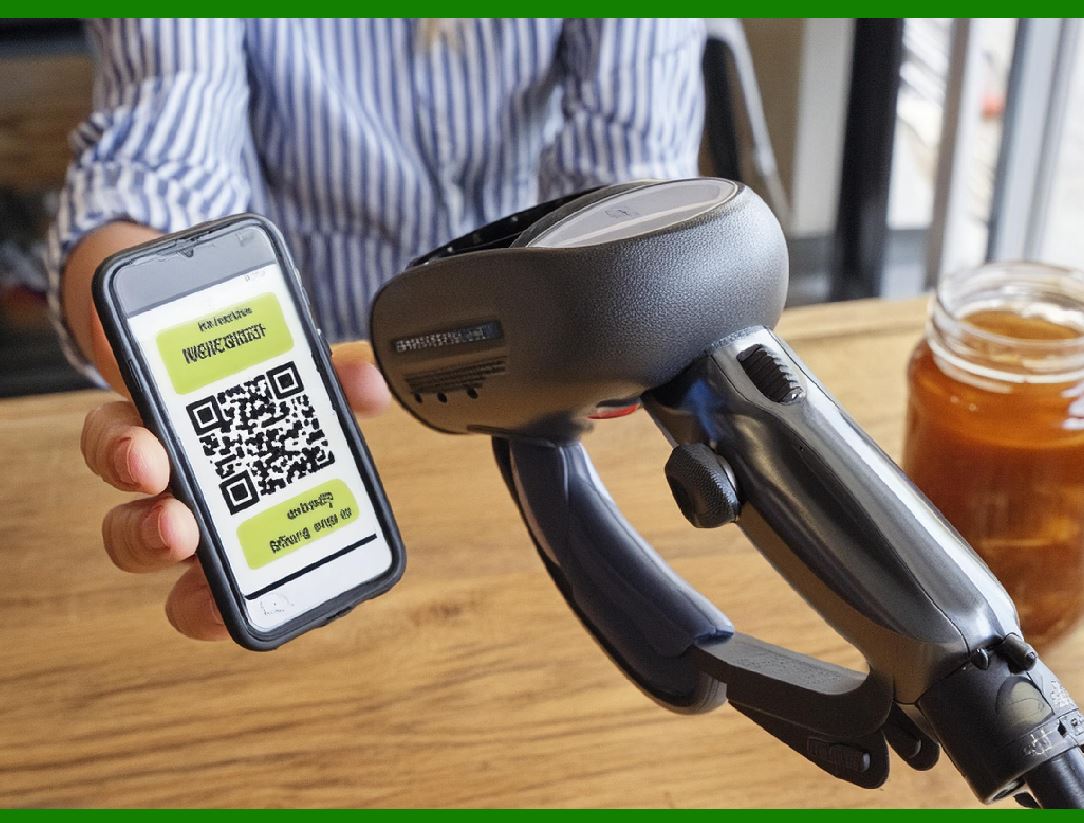
As of 2024, QR codes are used in a much broader context, including both commercial tracking applications and convenience-oriented applications aimed at mobile-phone users (termed mobile tagging). QR codes may be used to display text to the user, to open a webpage on the user's device, to add a vCard contact to the user's device, to open a Uniform Resource Identifier (URI), to connect to a wireless network, or to compose an email or text message. There are a great many QR code generators available as software or as online tools that are either free, or require a paid subscription.The QR code has become one of the most-used types of two-dimensional code.

During the month of June 2011, 14 million American mobile users scanned a QR code or a barcode. Some 58% of those users scanned a QR or barcode from their homes, while 39% scanned from retail stores; 53% of the 14 million users were men between the ages of 18 and 34.

In 2022, the usage of QR codes in the United States saw a significant increase, with 89 million people scanning QR codes using their mobile devices. This marked a 26 percent rise from the number of people who scanned QR codes in 2020. This growth highlights the expanding adoption and integration of QR codes into everyday activities and transactions.

Key Uses of QR Codes

1. Payments

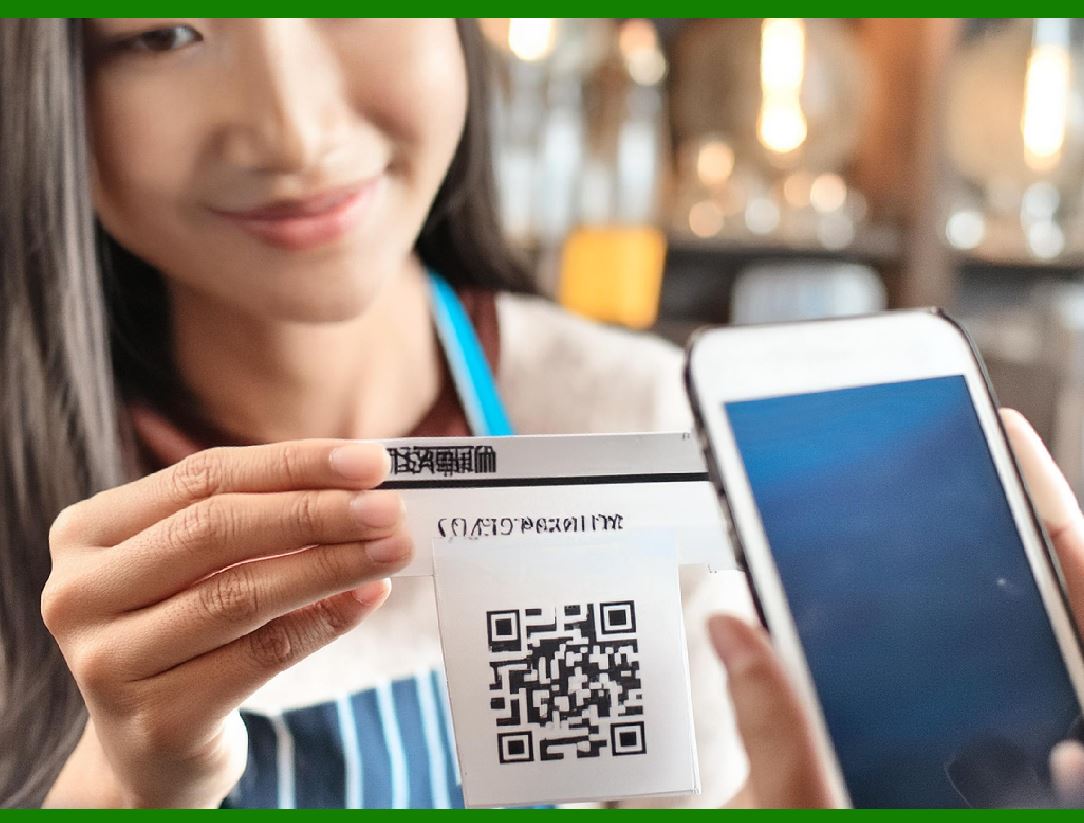
A substantial portion of QR code usage was attributed to making payments. This reflects a broader trend toward contactless and mobile payment solutions, driven in part by the COVID-19 pandemic which emphasized the need for hygienic, touch-free transaction methods. QR codes provide a convenient and secure way to facilitate payments without the need for physical cash or cards, enabling users to simply scan a code with their mobile devices to complete transactions.

2. Accessing Product Information

Many users scanned QR codes to access detailed product information. Retailers and manufacturers often include QR codes on packaging or promotional materials, allowing consumers to quickly learn more about a product's features, reviews, or specifications. This immediate access to information helps consumers make informed purchasing decisions while shopping.

3. Accessing Menu Information

In the hospitality industry, QR codes became particularly popular for accessing menus. Restaurants and cafes used QR codes to replace traditional printed menus, which not only reduced physical contact points but also allowed for easy updates to menu items and prices without reprinting. Customers could scan a QR code placed on tables or counters to view the menu on their smartphones.

Factors Driving Increased Adoption

Several factors contributed to the increased adoption of QR codes:

Pandemic-Driven Hygiene Concerns: The COVID-19 pandemic significantly accelerated the adoption of contactless technologies, including QR codes, as people sought to minimize physical contact with shared surfaces.

Technological Integration: Improvements in smartphone technology and the widespread integration of QR code scanning capabilities directly into mobile operating systems (iOS and Android) made it easier for users to scan codes without needing a separate app.

Convenience and Efficiency: QR codes provide a quick and efficient way to access information and services, appealing to consumers' preference for convenience and immediacy.

Conclusion

The significant rise in the use of QR codes in the United States from 2020 to 2022 reflects changing consumer behaviors and the increasing integration of digital solutions into everyday life. As QR codes continue to be used for payments, accessing product and menu information, and other purposes, they are likely to remain a vital tool in the evolving landscape of digital interactions and commerce.


EasierSoft Barcode Label Design & Bulk Printing Software

---- Use Excel Data to Batch Print Barcodes on Label Sheets or Roll Labels  

---- How to use this barcode software

Download:  Free Barcode Software + Barcode Label Designer

Download Free Barcode Software at Softonic

     Download at CNET

Once you obtain a GS1/UPC/EAN barcode, or other barcode type and QR code, you can use our free software to batch print barcode labels onto Roll label paper using a professional label printer, or to batch print barcodes onto Avery 5160 label sheets using a regular laser or inkjet printer. Our software has free and paid versions.

The free version fully meets your needs for batch printing GS1/UPC/EAN barcodes. The paid version can import data from Excel and databases to batch print barcode labels with different values.

How to Start

Input Data

Import Excel Data

Print Barcode

Barcode Format

Label Designer

All Screen Shot

Export Barcode Image

Save Template

Output Word Excel

How to Use & FAQ:

Example: Print barcodes to 5*3cm roll

Example: Print barcodes to 5161 label

Example: Print barcodes to 5162 label

Example: Print barcodes to 5163 label

Example: Print barcodes to 5164 label

Example: Print portrait orientation 5164

Example: Print barcodes to 5167 label

Example: Print barcodes to 5168 label

Example: Print portrait orientation 5168

Example: Print barcodes to 5169 label

Example: Print barcodes to 5660 label

Example: Print barcodes to 5661 label

Example: Print barcodes to 5662 label

Example: Print barcodes to 5663 label

Example: Print barcodes to 5664 label

Example: Print portrait orientation 5664

Example: Print barcodes to 5873 label

Example: Print barcodes to 5874 label

Two ways to import Excel data

Import Excel Data - Pro Edition

Import Excel Data - Std Edition

Import Data from Excel - Detail

Load Data From Excel File

Data Editing Table

Copy Data From Excel

Four ways to input barcode data

Add ASCII Key E

Input Multiple Lines of Text for Barcodes

Generates Sequential Serial Numbers

Import or copy data from Excel sheets

Special sequence number generation

Std Details: Simple Input Form

Std Details: Multiple Line Text Input

Details: Sequence Barcode Generator

Examples: Sequence Barcode Generator

Import Data From Excel Spreadsheet

Barcode Data Correspondence Diagram

Data Editor

Editing a Single Row Data in Form

Batch Editing Multiple Rows of Data

Batch Data Editing - Example 2

Design & print complex barcode labels

Configuring Text Elements on Label

Configuring Barcode Elements on Label

Configuring Image Elements on Label

Setting Line Elements on Label

Designing Labels for 5164 Sheet

Advanced Page Layout Settings

Add Barcode Elements to a Label

Configuring Parameters of a Barcode

Highlights

Excel integration: Import data directly from Excel to generate and print barcodes in bulk.

Label designer: Create complex labels with multiple barcodes, text, logos, and shapes.

Batch printing: Print thousands of barcodes at once using standard inkjet/laser printers or professional barcode printers.


Flexible editions:

Standard Edition: Simple batch printing with Excel data.

Professional Edition: Adds command-line automation for workflow integration.

Label Designer Edition: Advanced design features for complex labels.


Why Choose Our Barcode Solutions?

Cost-effective: Free online generator and permanent free desktop version available.

Easy to use: No technical expertise required—just input data and print.

Versatile: Supports nearly all 1D and 2D barcode types, including QR codes.

Trusted: Recommended by CNET and widely downloaded by users worldwide.


Suitable Use Cases

Small businesses and startups needing quick barcode labels for products.

Retailers and online sellers managing inventory with batch barcode printing.

Manufacturers requiring sequential or custom barcode labels for packaging.

Educational and testing environments where barcodes are used for tracking.


CONTACT

cs@easiersoft.com

If you have any question, please feel free to email us.


https://free-barcode.com


<<< Back to Directory <<<     Barcode Generator     Barcode Freeware     Privacy Policy