Barcode Technology

Barcode History

Barcode Label Paper

Barcode Printer

Barcode Application

Inventory Management

AI Barcode QRCode

Barcode Scanner

Barcode Software

Barcode Software B

Barcode Software C

Barcode Software D

Barcode Software E

New Technology A

New Technology B

Robot Technology

Barcode Types

Barcode Types B

Barcode Types C

Barcode Types D

Barcode Types E

Barcode Types F

Electronic Technology

Psychology at Work

Barcode Technology and Barcode Software Related   <<< Back to Directory <<<

QR Code virtual stores

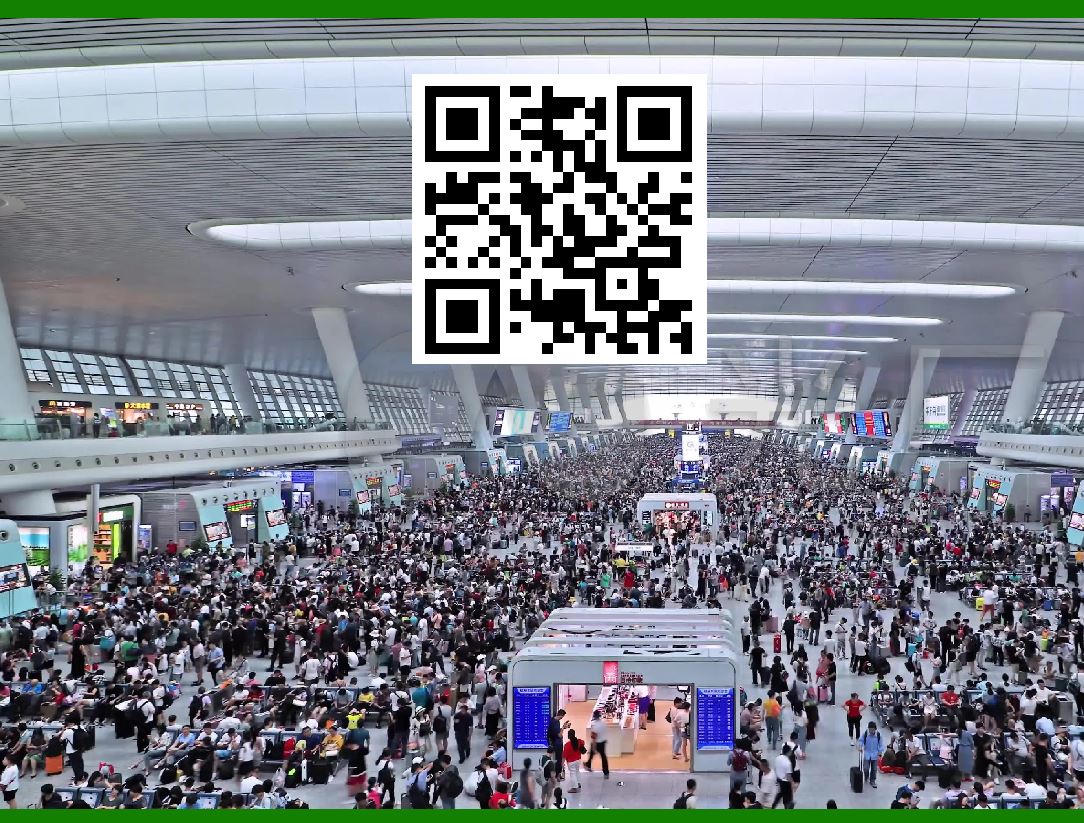
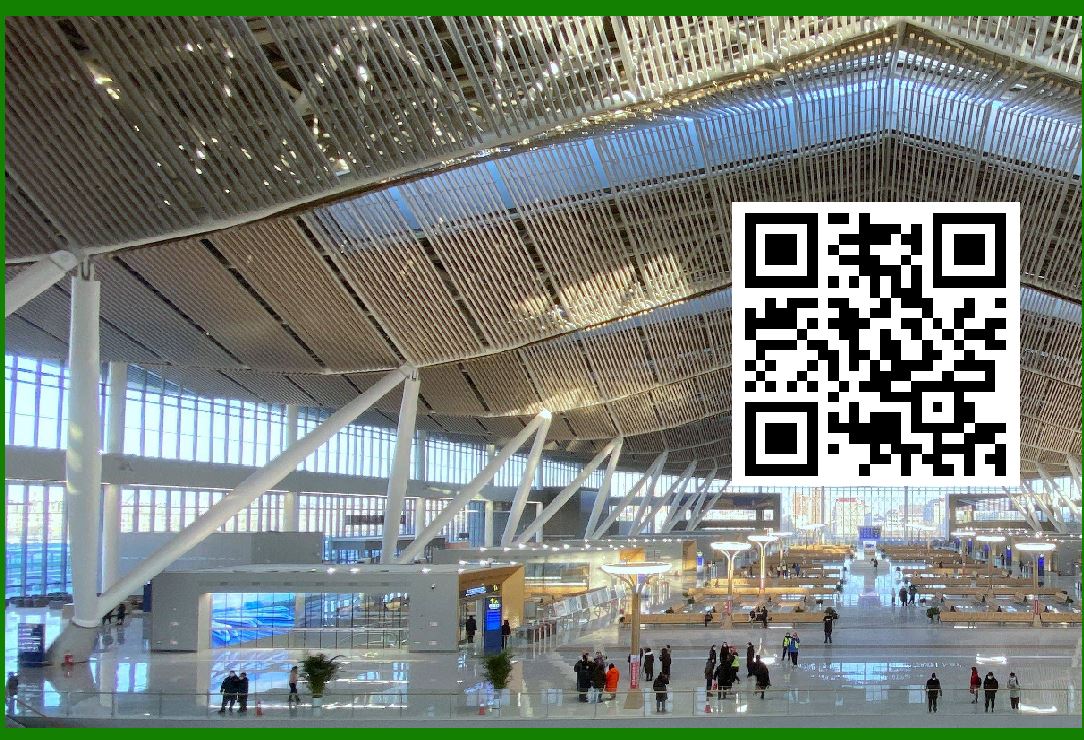
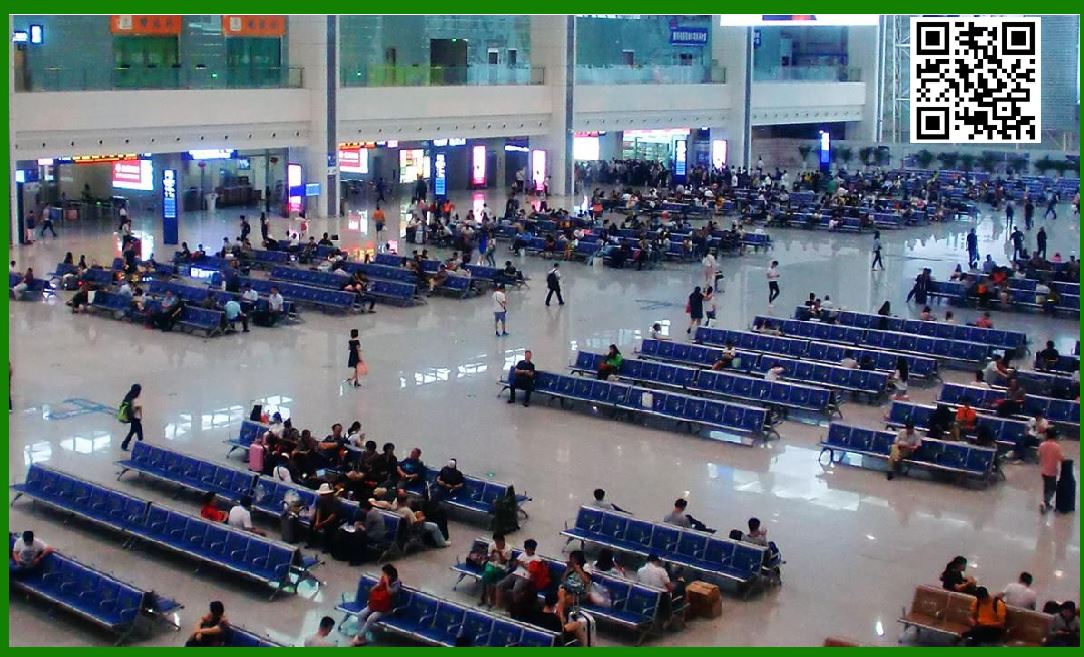
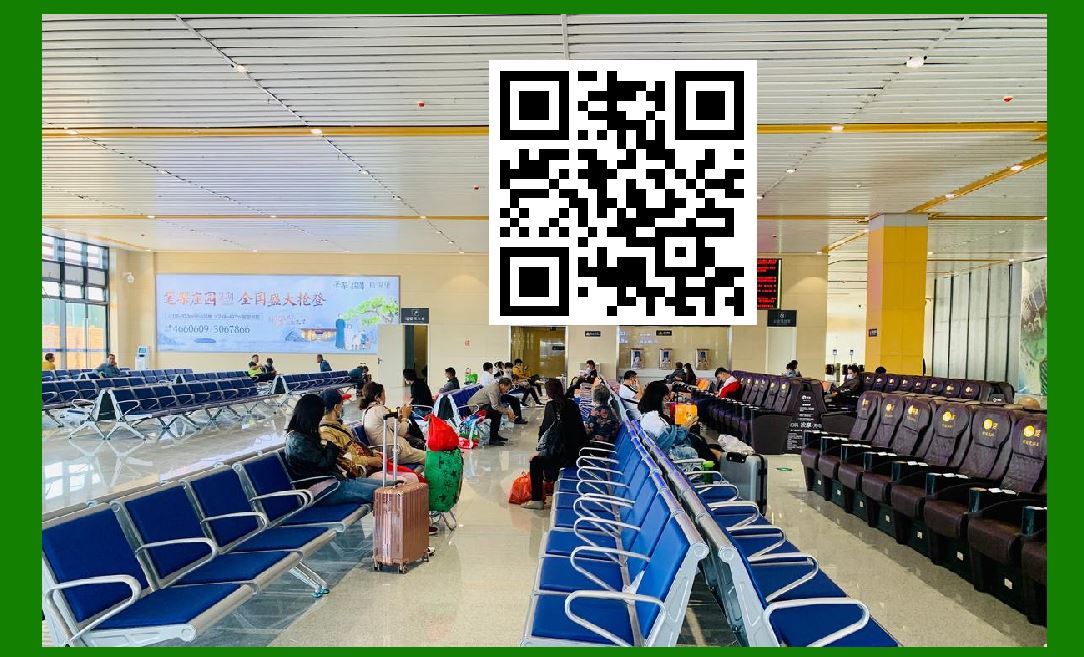
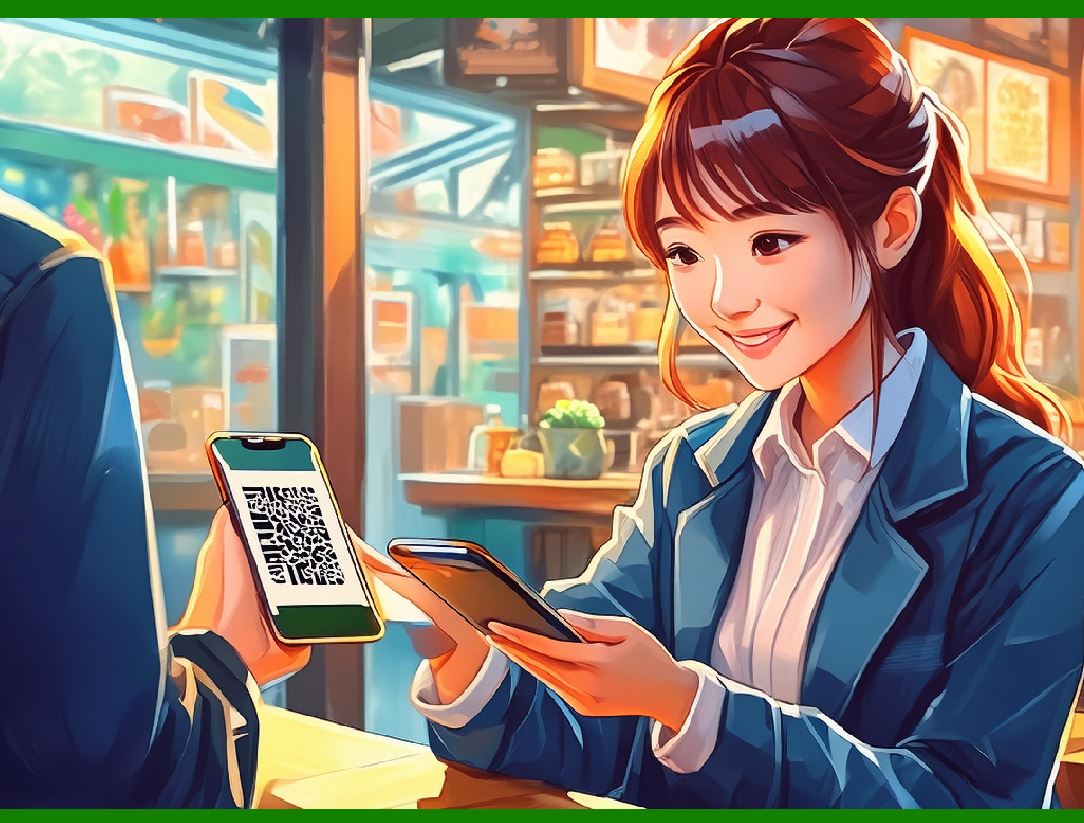
QR codes have been used to establish 'virtual stores', where a gallery of product information and QR codes is presented to the customer, e.g. on a train station wall. The customers scan the QR codes, and the products are delivered to their homes.

This use started in South Korea, and Argentina, but is currently expanding globally. Walmart, Procter & Gamble and Woolworths have already adopted the Virtual Store concept.

QR Codes and Virtual Stores:

A Detailed Overview

Concept and Implementation

Virtual Stores utilize QR codes to bridge the gap between online shopping and physical spaces. In this setup, companies create displays that mimic a store's layout on walls in public places such as train stations, bus stops, or even inside public transportation. These displays show images of products along with QR codes for each item. Customers can browse these 'virtual aisles,' scan the QR codes of the products they want, and complete their purchases online. The ordered products are then delivered to their homes, providing a seamless shopping experience without the need to visit a physical store.

Origins and Adoption

The concept of virtual stores using QR codes originated in South Korea and Argentina, and it has been gaining traction globally.

South Korea: One of the pioneering examples is Tesco's South Korean subsidiary, Homeplus, which launched virtual stores in subway stations in 2011. Commuters could scan QR codes on product images while waiting for their trains and have their groceries delivered by the time they got home.

Argentina: Similar implementations followed, leveraging the convenience and increasing smartphone penetration to cater to busy urban consumers.

Global Expansion

The success of virtual stores in these initial markets prompted several multinational corporations to adopt and adapt the concept for other regions.

Walmart: As a retail giant, Walmart has explored virtual stores to provide customers with a convenient shopping option, particularly in urban areas where physical space for large stores is limited.

Procter & Gamble (P&G): P&G has utilized virtual stores to enhance brand visibility and accessibility for their wide range of consumer products, leveraging QR codes to drive sales directly from public spaces.

Woolworths: In Australia, Woolworths has implemented virtual stores in high-traffic areas, allowing customers to shop for groceries and other items via QR codes, thus providing an innovative solution to meet the demands of busy city dwellers.

Advantages and Benefits

1.Convenience: Virtual stores offer unparalleled convenience, allowing customers to shop on the go without the need to visit a physical store.

2.Space Efficiency: These stores can be set up in any high-traffic area without the need for large physical retail space.

3.Time-Saving: Customers can make quick purchases during their daily commute or while waiting in line, optimizing their time.

4.Increased Reach: Retailers can reach a larger audience by placing virtual stores in various strategic locations.

5.Cost-Effective: Setting up a virtual store is significantly cheaper than establishing a new physical retail outlet.

Future Prospects

As smartphone usage continues to rise and technology becomes more integrated into daily life, the concept of virtual stores using QR codes is likely to expand further. Retailers can continuously innovate with augmented reality (AR) and enhanced mobile applications to make the virtual shopping experience even more immersive and interactive. This trend represents a significant shift in retail strategy, focusing on merging digital convenience with physical presence to meet modern consumer needs.


EasierSoft Barcode Label Design & Bulk Printing Software

---- Use Excel Data to Batch Print Barcodes on Label Sheets or Roll Labels  

---- How to use this barcode software

Download:  Free Barcode Software + Barcode Label Designer

Download Free Barcode Software at Softonic

     Download at CNET

Once you obtain a GS1/UPC/EAN barcode, or other barcode type and QR code, you can use our free software to batch print barcode labels onto Roll label paper using a professional label printer, or to batch print barcodes onto Avery 5160 label sheets using a regular laser or inkjet printer. Our software has free and paid versions.

The free version fully meets your needs for batch printing GS1/UPC/EAN barcodes. The paid version can import data from Excel and databases to batch print barcode labels with different values.

How to Start

Input Data

Import Excel Data

Print Barcode

Barcode Format

Label Designer

All Screen Shot

Export Barcode Image

Save Template

Output Word Excel

How to Use & FAQ:

Export Barcode images

Export Barcode Image Format

File Names for Exported Barcode

Resolution of Exported Barcode Images

Fixed Folder for Exporting Barcode

Default Barcode Image Export Format

Print bulk barcodes quickly

Print barcodes to Avery 5160 label

How to bulk Barcode Printing

Sample - Avery 5162 (2x7) Label Sheet

Example: Print barcodes to 5*3cm roll

Example: Print barcodes to 5161 label

Example: Print barcodes to 5162 label

Example: Print barcodes to 5163 label

Example: Print barcodes to 5164 label

Example: Print portrait orientation 5164

Example: Print barcodes to 5167 label

Example: Print barcodes to 5168 label

Example: Print portrait orientation 5168

Example: Print barcodes to 5169 label

Example: Print barcodes to 5660 label

Example: Print barcodes to 5661 label

Example: Print barcodes to 5662 label

Example: Print barcodes to 5663 label

Example: Print barcodes to 5664 label

Example: Print portrait orientation 5664

Example: Print barcodes to 5873 label

Example: Print barcodes to 5874 label

Two ways to import Excel data

Import Excel Data - Pro Edition

Import Excel Data - Std Edition

Import Data from Excel - Detail

Load Data From Excel File

Data Editing Table

Copy Data From Excel

Four ways to input barcode data

Add ASCII Key E

Input Multiple Lines of Text for Barcodes

Generates Sequential Serial Numbers

Import or copy data from Excel sheets

Special sequence number generation

Std Details: Simple Input Form

Std Details: Multiple Line Text Input

Details: Sequence Barcode Generator

Examples: Sequence Barcode Generator

Import Data From Excel Spreadsheet

Barcode Data Correspondence Diagram

Data Editor

Editing a Single Row Data in Form

Batch Editing Multiple Rows of Data

Highlights

Excel integration: Import data directly from Excel to generate and print barcodes in bulk.

Label designer: Create complex labels with multiple barcodes, text, logos, and shapes.

Batch printing: Print thousands of barcodes at once using standard inkjet/laser printers or professional barcode printers.


Flexible editions:

Standard Edition: Simple batch printing with Excel data.

Professional Edition: Adds command-line automation for workflow integration.

Label Designer Edition: Advanced design features for complex labels.


Why Choose Our Barcode Solutions?

Cost-effective: Free online generator and permanent free desktop version available.

Easy to use: No technical expertise required—just input data and print.

Versatile: Supports nearly all 1D and 2D barcode types, including QR codes.

Trusted: Recommended by CNET and widely downloaded by users worldwide.


Suitable Use Cases

Small businesses and startups needing quick barcode labels for products.

Retailers and online sellers managing inventory with batch barcode printing.

Manufacturers requiring sequential or custom barcode labels for packaging.

Educational and testing environments where barcodes are used for tracking.


CONTACT

cs@easiersoft.com

If you have any question, please feel free to email us.


https://free-barcode.com


<<< Back to Directory <<<     Barcode Generator     Barcode Freeware     Privacy Policy