Barcode Technology

Barcode History

Barcode Label Paper

Barcode Printer

Barcode Application

Inventory Management

AI Barcode QRCode

Barcode Scanner

Barcode Software

Barcode Software B

Barcode Software C

Barcode Software D

Barcode Software E

New Technology A

New Technology B

Robot Technology

Barcode Types

Barcode Types B

Barcode Types C

Barcode Types D

Barcode Types E

Barcode Types F

Electronic Technology

Psychology at Work

Barcode Technology and Barcode Software Related   <<< Back to Directory <<<

QR Codes in COVID-19 pandemic

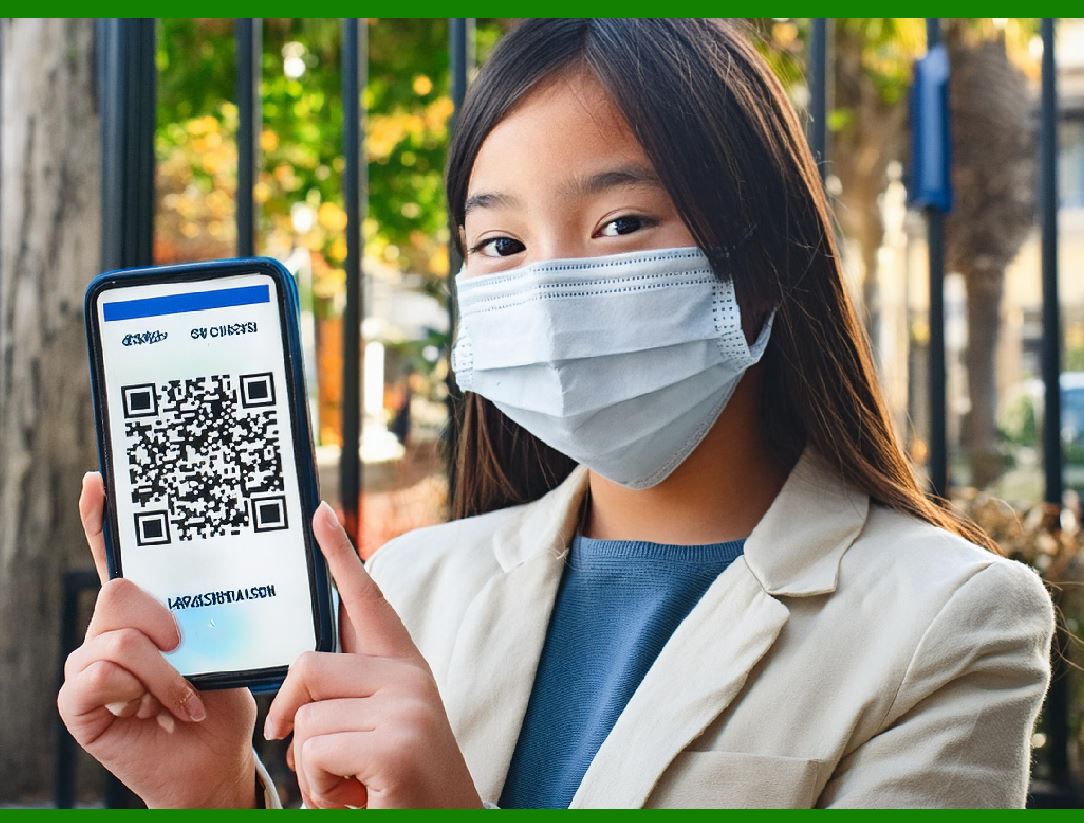
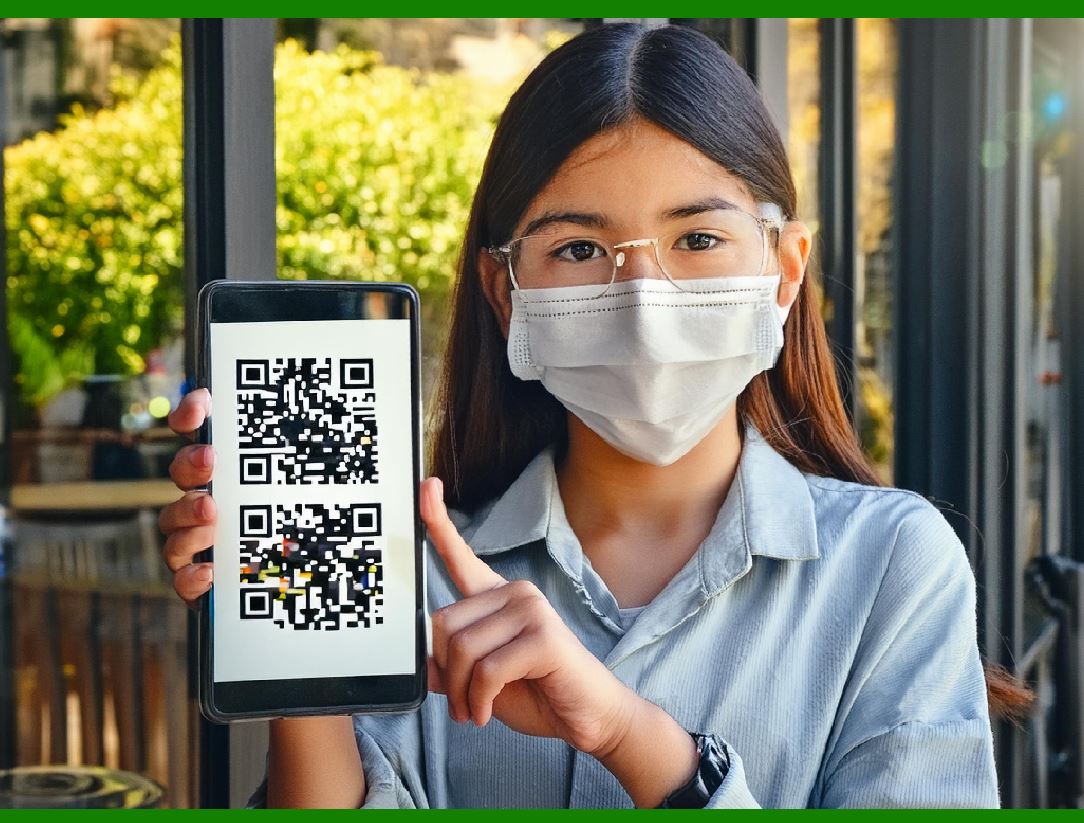
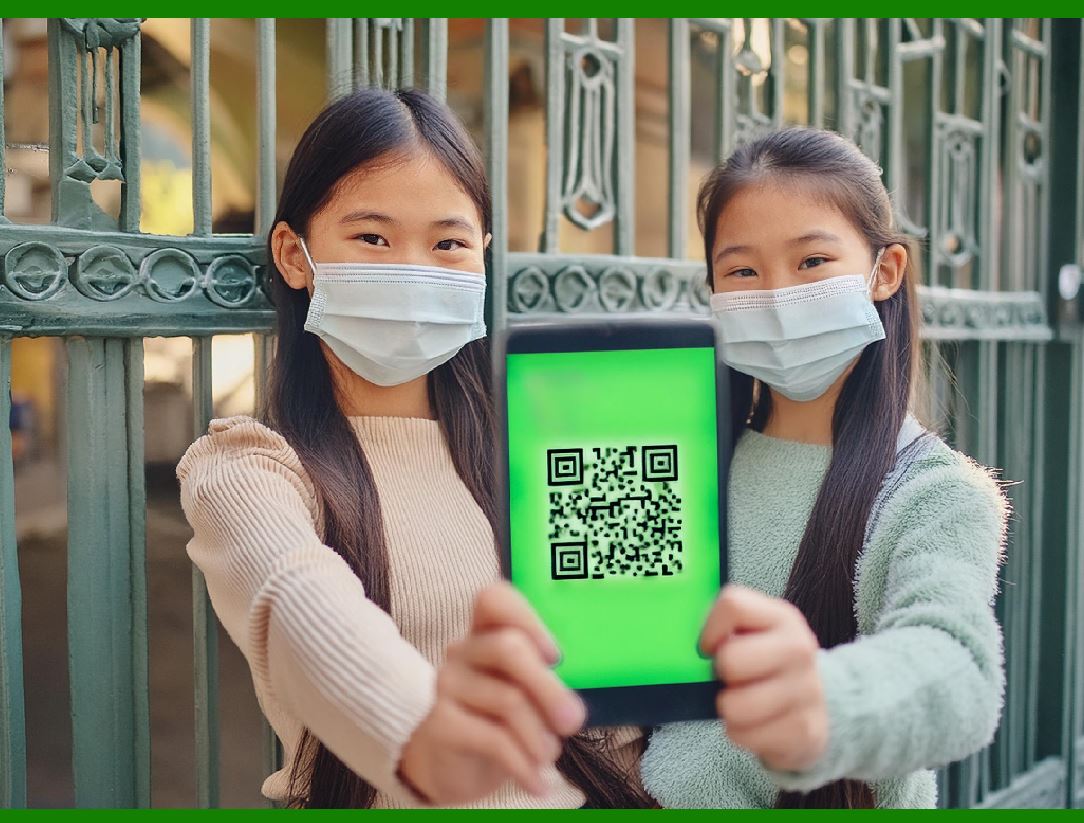
During the COVID-19 pandemic, QR codes were widely adopted for contact tracing and other purposes to minimize physical contact and enhance public health efforts.

Germany implemented a similar system using QR codes to facilitate contact tracing through their official contact tracing app, the Corona-Warn-App.

After the COVID-19 pandemic began spreading, QR codes began to be used as a 'touchless' system to display information, show menus, or provide updated consumer information, especially in the hospitality industry. Restaurants replaced paper or laminated plastic menus with QR code decals on the table, which opened an online version of the menu. This prevented the need to dispose of single-use paper menus, or institute cleaning and sanitizing procedures for permanent menus after each use.

Here's a detailed description of two QR codes that would link to German contact tracing app check-ins during this period:

QR Code 1: Restaurant Check-In

Context: A restaurant in Berlin has implemented a contactless check-in system using QR codes to comply with health regulations and ensure the safety of patrons and staff.

Description:

Location: Displayed prominently at the entrance and on each table.

Functionality: When a patron scans the QR code using the Corona-Warn-App, it logs the check-in time and location. This information is encrypted and stored on the user's device.

Data Captured: The app captures the location (the specific restaurant) and the time of the check-in. It does not store personal data such as names or contact information on a central server, preserving user privacy.

Process:

1.Scan: Patrons use their smartphones to scan the QR code with the Corona-Warn-App.

2.Check-In: The app automatically records the visit, noting the time and location.

3.Notification: If another app user who was at the same location reports a positive COVID-19 test, all users who checked in at the same time will receive a notification of potential exposure.

Benefits: Reduces the need for manual record-keeping, ensures timely notifications for potential exposures, and enhances user privacy through data encryption.

QR Code 2: Event Check-In

Context: A cultural event in Munich, such as a concert or an art exhibition, uses QR codes for attendee check-ins to facilitate contact tracing and comply with public health guidelines.

Description:

Location: Placed at the entrance of the event venue and at various key points within the venue (e.g., entrance to exhibition halls, seating areas).

Functionality: Similar to the restaurant check-in, the QR code, when scanned, logs the user's presence at the event through the Corona-Warn-App.

Data Captured: Logs the time of entry and specific areas visited within the event venue. All data remains on the user's device and is encrypted.

Process:

1.Scan: Attendees scan the QR code upon entry and at various checkpoints within the venue using the Corona-Warn-App.

2.Check-In: Each scan creates a log entry on the user's app, recording the specific location within the venue and the time.

3.Notification: If an attendee tests positive for COVID-19 and reports it via the app, others who checked in at overlapping times and locations receive exposure notifications.

Benefits: Enhances the safety of large gatherings by providing a reliable method for contact tracing, supports quick notifications to potentially exposed individuals, and respects user privacy through local data storage and encryption.

General Benefits of QR Code Check-Ins in Germany:

Touchless Interaction: Minimizes physical contact, reducing the risk of virus transmission.

Efficient Contact Tracing: Automates the process, ensuring timely and accurate data collection.

User Privacy: Uses encrypted data stored locally on devices, protecting user information.

Compliance and Safety: Helps businesses and event organizers comply with public health regulations while safeguarding patrons' health.

Conclusion:

The adoption of QR codes for contact tracing in Germany during the COVID-19 pandemic exemplifies how technology can be leveraged to enhance public health efforts while maintaining user privacy and minimizing disruptions to everyday activities. The Corona-Warn-App and its QR code check-in system played a crucial role in enabling efficient and effective contact tracing in various settings, from restaurants to cultural events.


EasierSoft Barcode Label Design & Bulk Printing Software

---- Use Excel Data to Batch Print Barcodes on Label Sheets or Roll Labels  

---- How to use this barcode software

Download:  Free Barcode Software + Barcode Label Designer

Download Free Barcode Software at Softonic

     Download at CNET

Once you obtain a GS1/UPC/EAN barcode, or other barcode type and QR code, you can use our free software to batch print barcode labels onto Roll label paper using a professional label printer, or to batch print barcodes onto Avery 5160 label sheets using a regular laser or inkjet printer. Our software has free and paid versions.

The free version fully meets your needs for batch printing GS1/UPC/EAN barcodes. The paid version can import data from Excel and databases to batch print barcode labels with different values.

How to Start

Input Data

Import Excel Data

Print Barcode

Barcode Format

Label Designer

All Screen Shot

Export Barcode Image

Save Template

Output Word Excel

How to Use & FAQ:

Print bulk barcodes quickly

Print barcodes to Avery 5160 label

How to bulk Barcode Printing

Sample - Avery 5162 (2x7) Label Sheet

Example: Print barcodes to 5*3cm roll

Example: Print barcodes to 5161 label

Example: Print barcodes to 5162 label

Example: Print barcodes to 5163 label

Example: Print barcodes to 5164 label

Example: Print portrait orientation 5164

Example: Print barcodes to 5167 label

Example: Print barcodes to 5168 label

Example: Print portrait orientation 5168

Example: Print barcodes to 5169 label

Example: Print barcodes to 5660 label

Example: Print barcodes to 5661 label

Example: Print barcodes to 5662 label

Example: Print barcodes to 5663 label

Example: Print barcodes to 5664 label

Example: Print portrait orientation 5664

Example: Print barcodes to 5873 label

Example: Print barcodes to 5874 label

Two ways to import Excel data

Import Excel Data - Pro Edition

Import Excel Data - Std Edition

Import Data from Excel - Detail

Load Data From Excel File

Data Editing Table

Copy Data From Excel

Four ways to input barcode data

Add ASCII Key E

Input Multiple Lines of Text for Barcodes

Generates Sequential Serial Numbers

Import or copy data from Excel sheets

Special sequence number generation

Std Details: Simple Input Form

Std Details: Multiple Line Text Input

Details: Sequence Barcode Generator

Examples: Sequence Barcode Generator

Import Data From Excel Spreadsheet

Barcode Data Correspondence Diagram

Data Editor

Editing a Single Row Data in Form

Batch Editing Multiple Rows of Data

Batch Data Editing - Example 2

Design & print complex barcode labels

Configuring Text Elements on Label

Configuring Barcode Elements on Label

Configuring Image Elements on Label

Setting Line Elements on Label

Highlights

Excel integration: Import data directly from Excel to generate and print barcodes in bulk.

Label designer: Create complex labels with multiple barcodes, text, logos, and shapes.

Batch printing: Print thousands of barcodes at once using standard inkjet/laser printers or professional barcode printers.


Flexible editions:

Standard Edition: Simple batch printing with Excel data.

Professional Edition: Adds command-line automation for workflow integration.

Label Designer Edition: Advanced design features for complex labels.


Why Choose Our Barcode Solutions?

Cost-effective: Free online generator and permanent free desktop version available.

Easy to use: No technical expertise required—just input data and print.

Versatile: Supports nearly all 1D and 2D barcode types, including QR codes.

Trusted: Recommended by CNET and widely downloaded by users worldwide.


Suitable Use Cases

Small businesses and startups needing quick barcode labels for products.

Retailers and online sellers managing inventory with batch barcode printing.

Manufacturers requiring sequential or custom barcode labels for packaging.

Educational and testing environments where barcodes are used for tracking.


CONTACT

cs@easiersoft.com

If you have any question, please feel free to email us.


https://free-barcode.com


<<< Back to Directory <<<     Barcode Generator     Barcode Freeware     Privacy Policy