Barcode Technology

Barcode History

Barcode Label Paper

Barcode Printer

Barcode Application

Inventory Management

AI Barcode QRCode

Barcode Scanner

Barcode Software

Barcode Software B

Barcode Software C

Barcode Software D

Barcode Software E

New Technology A

New Technology B

Robot Technology

Barcode Types

Barcode Types B

Barcode Types C

Barcode Types D

Barcode Types E

Barcode Types F

Electronic Technology

Psychology at Work

Barcode Technology and Barcode Software Related   <<< Back to Directory <<<

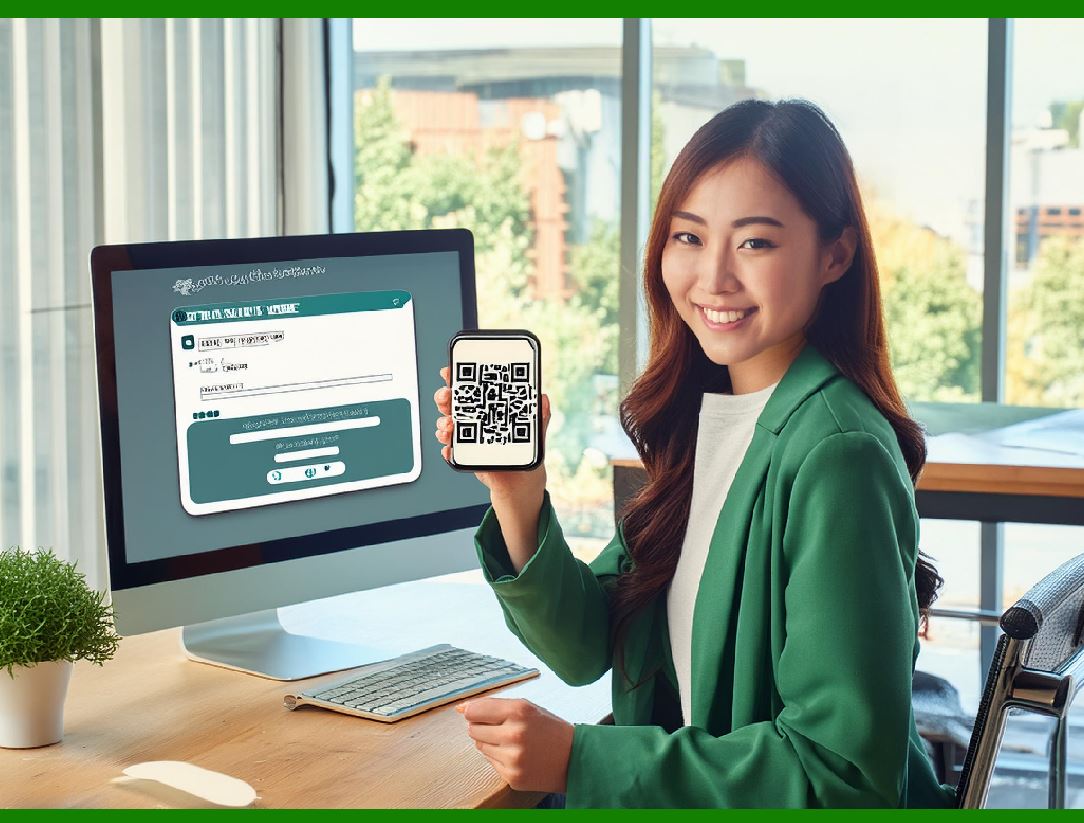
Website login via QR codes

QR codes can indeed be used as a secure and convenient method for logging into websites, leveraging the capabilities of smartphones to authenticate users:

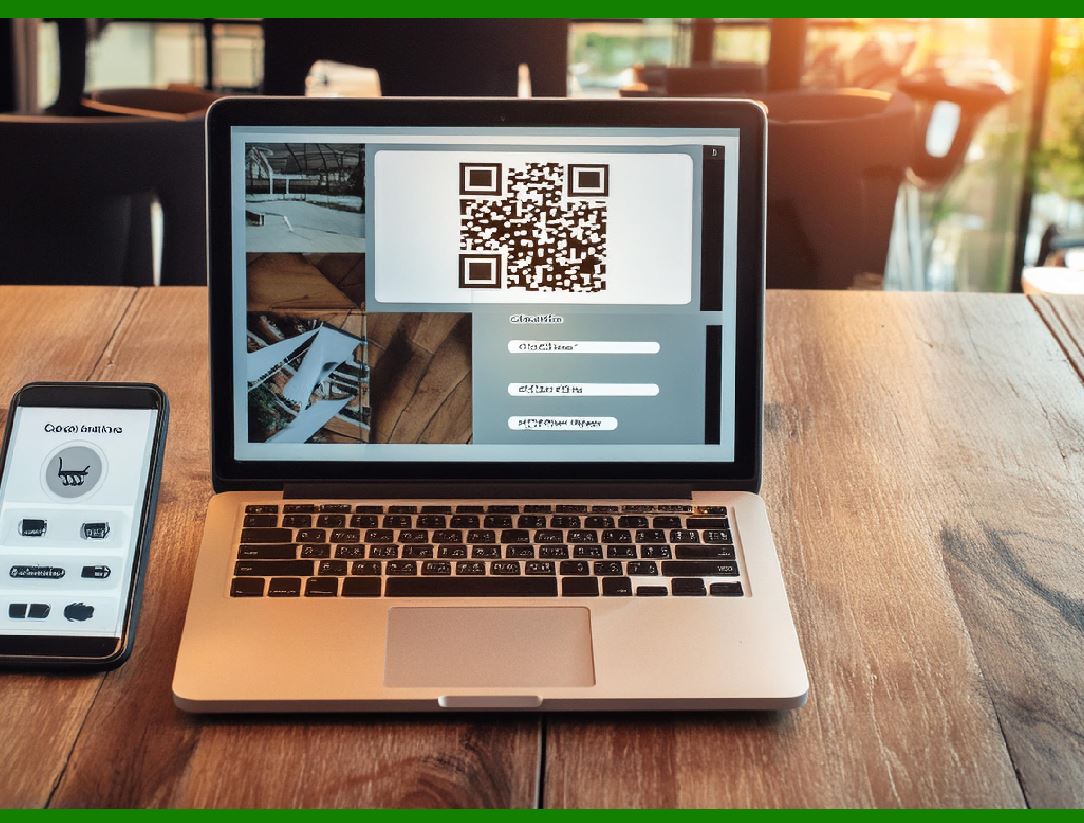
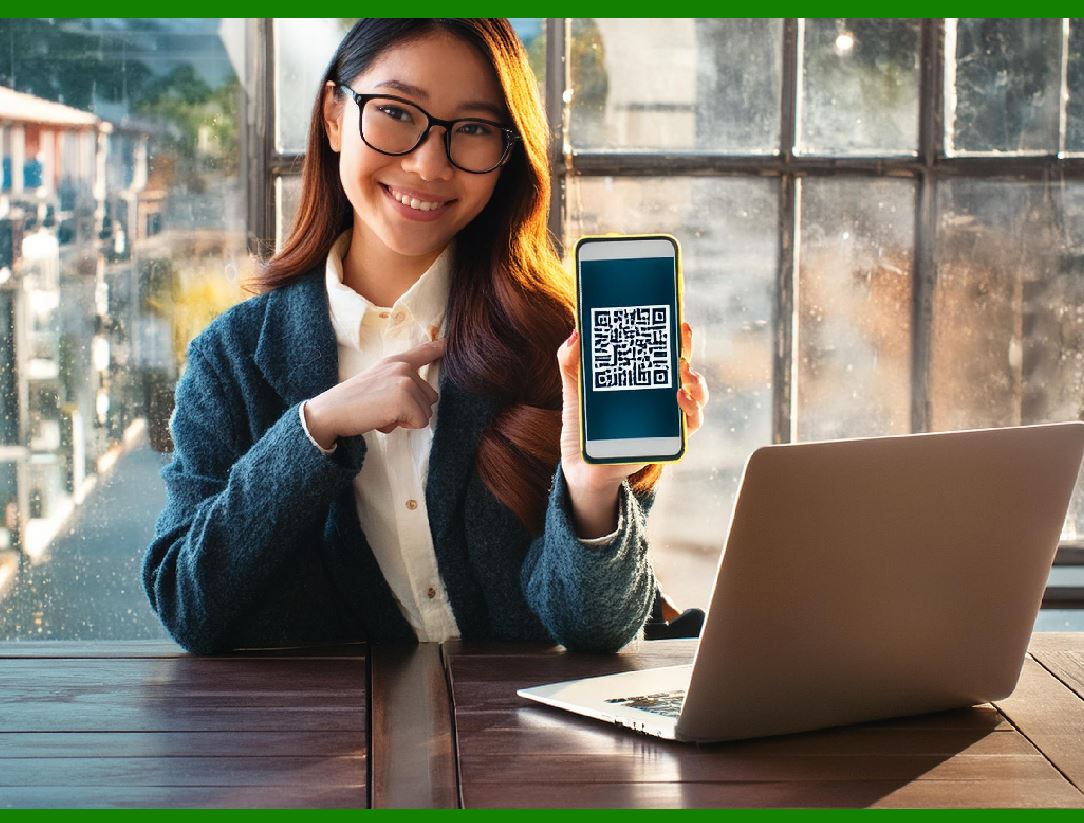
A QR code is shown on the login page on a computer screen, and when a registered user scans it with a verified smartphone, they will automatically be logged in. Authentication is performed by the smartphone, which contacts the server. Google developed this in 2012.

Here's a detailed breakdown of how this process works:

1. Displaying the QR Code

Login Page: When a user visits a login page on a computer, the website displays a unique QR code.

QR Code Contents: This QR code contains a unique, time-sensitive token or a URL that corresponds to a temporary session on the server.

2. Scanning the QR Code

Registered User with Verified Smartphone: The user, who has previously registered and verified their smartphone with the website, opens a special authentication app (or the website's mobile app).

Scanning: The user scans the QR code displayed on the computer screen using the app on their smartphone.

3. Authentication Process

App to Server Communication: Upon scanning the QR code, the app reads the token or URL embedded within it and sends this information to the website's server, along with user authentication credentials stored on the smartphone (e.g., user ID, session tokens, or other cryptographic proofs).

Authentication Verification: The server verifies the received data. This may include checking the token's validity (ensuring it hasn't expired or been used), verifying the user's identity, and ensuring the request comes from a registered device.

4. Logging In

Server Response: Once the server successfully verifies the information, it acknowledges the login request and establishes an authenticated session.

Notification to Browser: The server then communicates back to the browser on the computer (which displayed the QR code) that the login was successful.

Automatic Login: The browser refreshes or redirects the user to the authenticated area of the website without requiring manual entry of credentials.

Security Considerations

Unique and Time-Sensitive Tokens: The tokens embedded in the QR codes are unique and time-sensitive to prevent reuse and replay attacks.

Secure Communication: Data exchanged between the smartphone app and the server is encrypted to prevent interception and tampering.

Device Verification: The smartphone must be pre-registered and verified with the user's account to ensure only authorized devices can authenticate the user.

Benefits

Convenience: Users do not need to enter usernames and passwords manually, making the login process quicker and more user-friendly.

Security: The use of QR codes and smartphone-based authentication adds an additional layer of security, leveraging the strong authentication mechanisms available on modern smartphones.

Reduced Phishing Risk: Since the authentication process is handled via the smartphone and direct communication with the server, the risk of phishing attacks is significantly reduced.

Example Scenario

1.User visits website: The user navigates to the login page of a website on their desktop or laptop.

2.QR Code Displayed: The website generates and displays a unique QR code on the login page.

3.User Scans QR Code: The user opens the authentication app on their smartphone and scans the QR code.

4.Smartphone Authenticates: The app sends the token and user credentials to the server for authentication.

5.Server Verifies: The server validates the information and creates an authenticated session.

6.Browser Logs In: The website on the computer recognizes the successful authentication and logs the user in automatically.

Historical Context

Google's Implementation (2012): Google developed this QR code-based login mechanism in 2012, highlighting its potential to streamline and secure the login process. This innovative approach leveraged the increasing ubiquity of smartphones and their robust security features to improve user authentication experiences.

This method effectively combines the ease of QR code scanning with the robust security of smartphone authentication, offering a seamless and secure way for users to log into websites without the need for traditional password entry.


EasierSoft Barcode Label Design & Bulk Printing Software

---- Use Excel Data to Batch Print Barcodes on Label Sheets or Roll Labels  

---- How to use this barcode software

Download:  Free Barcode Software + Barcode Label Designer

Download Free Barcode Software at Softonic

     Download at CNET

Once you obtain a GS1/UPC/EAN barcode, or other barcode type and QR code, you can use our free software to batch print barcode labels onto Roll label paper using a professional label printer, or to batch print barcodes onto Avery 5160 label sheets using a regular laser or inkjet printer. Our software has free and paid versions.

The free version fully meets your needs for batch printing GS1/UPC/EAN barcodes. The paid version can import data from Excel and databases to batch print barcode labels with different values.

How to Start

Input Data

Import Excel Data

Print Barcode

Barcode Format

Label Designer

All Screen Shot

Export Barcode Image

Save Template

Output Word Excel

How to Use & FAQ:

Example: Print barcodes to 5161 label

Example: Print barcodes to 5162 label

Example: Print barcodes to 5163 label

Example: Print barcodes to 5164 label

Example: Print portrait orientation 5164

Example: Print barcodes to 5167 label

Example: Print barcodes to 5168 label

Example: Print portrait orientation 5168

Example: Print barcodes to 5169 label

Example: Print barcodes to 5660 label

Example: Print barcodes to 5661 label

Example: Print barcodes to 5662 label

Example: Print barcodes to 5663 label

Example: Print barcodes to 5664 label

Example: Print portrait orientation 5664

Example: Print barcodes to 5873 label

Example: Print barcodes to 5874 label

Two ways to import Excel data

Import Excel Data - Pro Edition

Import Excel Data - Std Edition

Import Data from Excel - Detail

Load Data From Excel File

Data Editing Table

Copy Data From Excel

Four ways to input barcode data

Add ASCII Key E

Input Multiple Lines of Text for Barcodes

Generates Sequential Serial Numbers

Import or copy data from Excel sheets

Special sequence number generation

Std Details: Simple Input Form

Std Details: Multiple Line Text Input

Details: Sequence Barcode Generator

Examples: Sequence Barcode Generator

Import Data From Excel Spreadsheet

Barcode Data Correspondence Diagram

Data Editor

Editing a Single Row Data in Form

Batch Editing Multiple Rows of Data

Batch Data Editing - Example 2

Design & print complex barcode labels

Configuring Text Elements on Label

Configuring Barcode Elements on Label

Configuring Image Elements on Label

Setting Line Elements on Label

Designing Labels for 5164 Sheet

Advanced Page Layout Settings

Add Barcode Elements to a Label

Configuring Parameters of a Barcode

Entering Multiple Values for a Barcode

Highlights

Excel integration: Import data directly from Excel to generate and print barcodes in bulk.

Label designer: Create complex labels with multiple barcodes, text, logos, and shapes.

Batch printing: Print thousands of barcodes at once using standard inkjet/laser printers or professional barcode printers.


Flexible editions:

Standard Edition: Simple batch printing with Excel data.

Professional Edition: Adds command-line automation for workflow integration.

Label Designer Edition: Advanced design features for complex labels.


Why Choose Our Barcode Solutions?

Cost-effective: Free online generator and permanent free desktop version available.

Easy to use: No technical expertise required—just input data and print.

Versatile: Supports nearly all 1D and 2D barcode types, including QR codes.

Trusted: Recommended by CNET and widely downloaded by users worldwide.


Suitable Use Cases

Small businesses and startups needing quick barcode labels for products.

Retailers and online sellers managing inventory with batch barcode printing.

Manufacturers requiring sequential or custom barcode labels for packaging.

Educational and testing environments where barcodes are used for tracking.


CONTACT

cs@easiersoft.com

If you have any question, please feel free to email us.


https://free-barcode.com


<<< Back to Directory <<<     Barcode Generator     Barcode Freeware     Privacy Policy