1. Introduction |
The barcode printer integrated with Internet of Things (IoT) technology represents a significant advancement in modern printing and tracking systems, enabling greater efficiency, automation, and remote management. A control circuit of such a system is the central component that manages the functioning of the barcode printer while interfacing with various IoT devices, such as servers, sensors, and communication networks. This integration enhances the printer's capability, making it adaptable for various applications in industries like retail, logistics, manufacturing, and healthcare. |
This detailed description focuses on the structure of the control circuit in a barcode printer integrated with IoT technology. It covers the components, architecture, communication protocols, and overall working principles of the control system. The analysis begins with an overview of the major system components, followed by an in-depth exploration of each functional block that constitutes the control circuit. |
|
2. Overview of Barcode Printer and IoT Integration |
Before diving into the details of the control circuit, it is essential to understand the basics of a barcode printer and its integration with IoT. A barcode printer is a specialized device used to print machine-readable codes (barcodes) that store information such as product details, prices, or tracking information. These printers are essential in modern inventory management, point-of-sale (POS) systems, and shipping logistics. |
IoT, in this context, refers to the network of interconnected devices that communicate with each other and can be controlled remotely. The integration of IoT technology allows barcode printers to operate more autonomously, collect data, and interface with other devices or central systems. This opens up possibilities such as remote monitoring, predictive maintenance, and real-time status updates, which optimize the performance and functionality of barcode printers. |
|
3. High-Level Architecture of the Control Circuit |
The control circuit in an IoT-enabled barcode printer is composed of several interconnected subsystems that allow the device to perform its primary function-printing barcodes-while also offering IoT-based capabilities. The major functional blocks of the control circuit include: |
Microcontroller (MCU): The central processing unit (CPU) of the control system, responsible for executing software commands, managing input/output signals, and interfacing with other components. |
Power Supply Unit (PSU): Provides the necessary electrical power to all circuit components. |
Printer Mechanism: Includes the print head, stepper motors, sensors, and thermal or inkjet printing systems. |
Communication Interface: Enables data transfer between the printer and IoT network (e.g., Wi-Fi, Ethernet, Bluetooth, or Zigbee). |
Input/Output (I/O) Modules: Interfaces for human-machine interaction (HMI) and control systems (e.g., display screen, buttons). |
Sensors and Feedback Mechanisms: Monitors parameters like temperature, paper position, and ink levels. |
Cloud Integration Module: Interfaces the printer with a cloud-based platform for real-time data collection and remote management. |
Each of these components plays a crucial role in ensuring the efficient operation of the barcode printer and its ability to communicate within the IoT network. |

|
4. Microcontroller (MCU) |
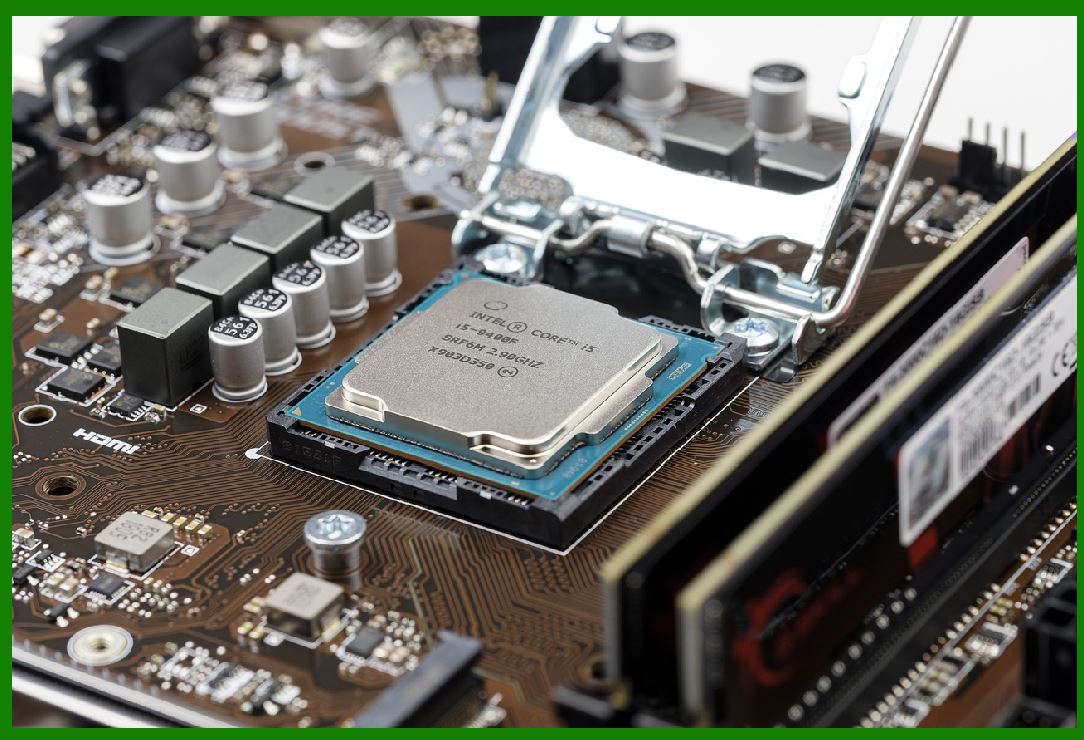
At the heart of the control circuit lies the microcontroller unit (MCU), which acts as the brain of the system. The MCU is responsible for interpreting commands from the user or IoT network and executing the necessary actions to drive the printer's operation. It interacts with other components via the system's I/O interface. |
4.1 Role of MCU in Barcode Printing |
The primary task of the MCU is to process the print job data and control the printer mechanism. This includes: |
Data Processing: The MCU receives the data for the barcode to be printed (e.g., from a local POS system or cloud application) and converts this data into a format that can be understood by the printing mechanism. This may involve converting text or images into a bitmap suitable for printing. |
Control Signals: The MCU sends signals to control the stepper motors, print head, and other mechanisms to print the barcode on the paper. |
IoT Management: The MCU manages the IoT communication protocols, allowing the printer to send and receive data from the IoT network, and it can trigger remote actions such as status updates or maintenance requests. |
4.2 Key Features of the MCU |
The MCU must have several important features to ensure proper operation: |
Processing Power: It should have enough processing power to handle the barcode data and manage communication without lag. |
Connectivity Options: It should support communication protocols such as TCP/IP, MQTT, or HTTP for IoT integration. |
Low Power Consumption: Since barcode printers often operate continuously, the MCU should be power-efficient to reduce energy consumption. |
|
5. Power Supply Unit (PSU) |
The power supply unit (PSU) is responsible for providing the necessary electrical power to the entire system. It ensures that the printer can function continuously by converting the external power source (AC or DC) into the required voltages for different components. |
5.1 Power Distribution |
The PSU distributes power to the MCU, motors, sensors, communication interfaces, and other electronic components. It may use DC-DC converters to provide specific voltage levels for different modules, ensuring stability and efficiency. The PSU is usually designed to handle power surges or fluctuations, maintaining the stability of the system. |
5.2 Battery Backup |
In some IoT-enabled barcode printers, a battery backup is integrated into the PSU to ensure that the device remains operational during power outages. This backup system can allow the printer to finish its current print job or send status updates to the IoT network before shutting down. |
|
6. Printer Mechanism |
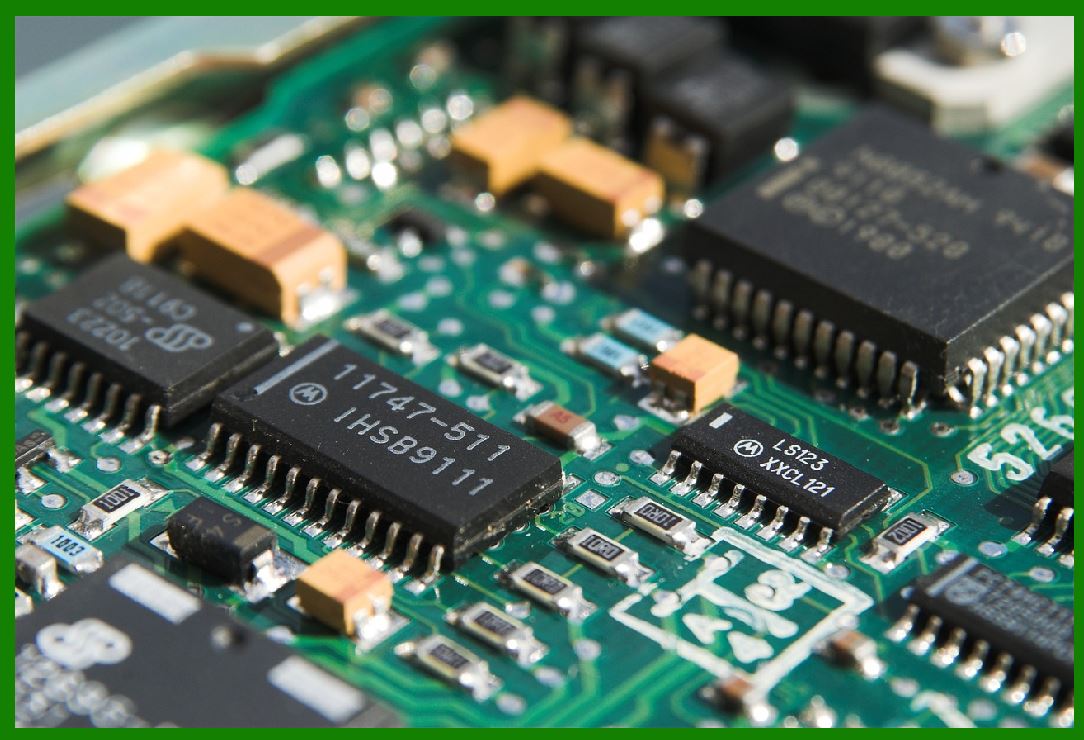
The printer mechanism is the mechanical system that performs the actual printing of the barcode. This includes components such as the print head, stepper motors, sensors, and the paper feeding mechanism. |
6.1 Print Head |
The print head is a critical component responsible for transferring ink or heat onto the paper to form the barcode. In thermal barcode printers, for example, the print head applies heat to specially coated paper, which then darkens in the areas corresponding to the barcode. In inkjet printers, the print head sprays ink to form the barcode pattern. |
6.2 Stepper Motors |
Stepper motors are used to precisely control the movement of the paper through the printer and the positioning of the print head. These motors are controlled by the MCU, which adjusts their speed and direction based on the barcode size and layout. |
6.3 Paper and Media Sensors |
Various sensors are incorporated into the printer mechanism to detect the presence and position of paper or labels. These sensors help in ensuring that the paper is correctly aligned for printing. Additionally, some printers use sensors to detect paper jams or low ink levels. |
|
7. Communication Interface |
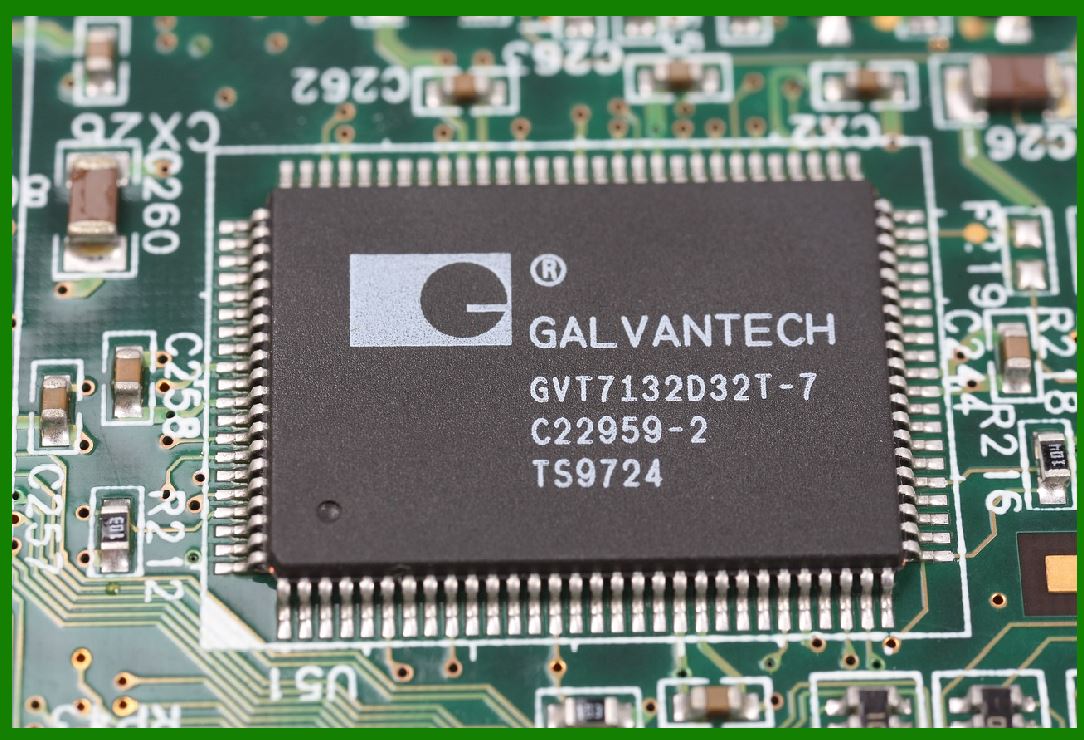
In an IoT-enabled barcode printer, the communication interface is vital for ensuring that the printer can interact with other devices and systems. These interfaces allow the printer to receive data from external sources, send print jobs, and report its status back to the network. |
7.1 Types of Communication Protocols |
The communication interface supports various protocols depending on the IoT application. Some of the common protocols include: |
Wi-Fi: Commonly used in office and retail environments for wireless communication. |
Bluetooth: Used for short-range communication, especially in mobile or point-of-sale applications. |
Ethernet: Provides a stable, wired connection for environments where consistent network access is required. |
Zigbee: A low-power, short-range wireless communication protocol typically used in industrial applications. |
7.2 IoT Cloud Integration |
The communication interface also facilitates cloud integration. This allows the barcode printer to upload data, receive remote commands, and participate in larger enterprise resource planning (ERP) systems. It can send real-time feedback, such as the printer's operational status, ink levels, and maintenance requirements. |
|
8. Input/Output (I/O) Modules |
The input/output (I/O) modules provide the interface for the printer to interact with human operators or control systems. These modules are used for: |
User Interface: This includes buttons, touchscreens, or external controls that allow the operator to initiate print jobs, configure settings, and check the status of the printer. |
Status Indicators: LEDs or small screens may be used to show important information such as paper jam alerts, low ink warnings, or print progress. |
|
9. Sensors and Feedback Mechanisms |
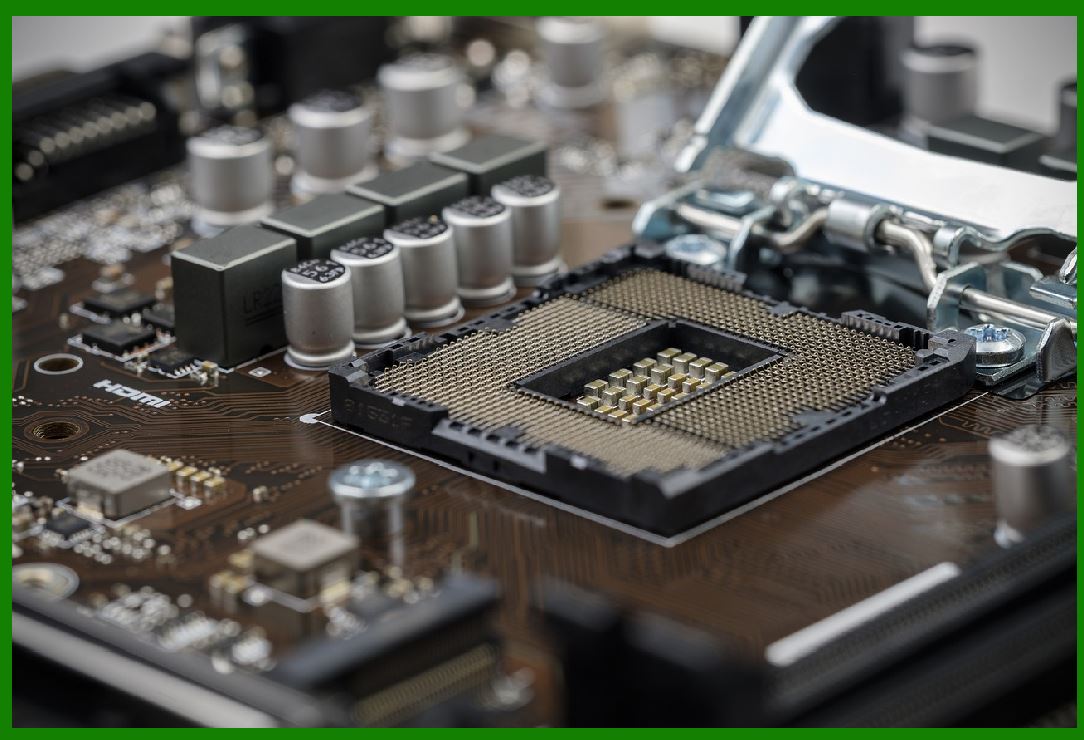
Sensors are integral to an IoT-enabled barcode printer, providing crucial feedback to the control circuit. They monitor various physical parameters during operation and send real-time data to the MCU. These sensors enable the printer to operate more efficiently and autonomously, with capabilities for self-diagnosis and predictive maintenance. |
9.1 Temperature Sensors |
In thermal printers, temperature sensors monitor the heat levels of the print head. If the print head exceeds its safe operating temperature, the system can adjust or shut down to prevent damage. |
9.2 Paper Sensors |
Paper sensors detect the presence and alignment of the paper or labels inside the printer. These sensors can help identify problems such as paper jams or incorrect paper size, ensuring that the printing process runs smoothly. |
9.3 Ink/Toner Sensors |
In inkjet or thermal transfer printers, sensors monitor ink or toner levels and provide feedback to the control system, which may then notify the operator of low supplies. |
|
10. Cloud Integration Module |
The cloud integration module plays a critical role in the IoT functionality of the barcode printer. By connecting the printer to a cloud platform, it allows for remote management, real-time data collection, and enhanced analytics. |
10.1 Remote Monitoring and Maintenance |
Cloud integration enables remote monitoring of the printer's operational status. If an issue arises, the system can send notifications to technicians or operators, even triggering maintenance workflows based on real-time data. |
10.2 Data Storage and Analytics |
The cloud platform can store historical data related to the printer's usage, performance, and maintenance history. This data can be analyzed to optimize performance, predict failures, and improve operational workflows. |
10.3 Integration with ERP and WMS |
Cloud-based barcode printers can be integrated with Enterprise Resource Planning (ERP) systems and Warehouse Management Systems (WMS). This allows for more accurate inventory tracking, supply chain visibility, and automated label printing. |
|
11. Conclusion |
The control circuit of a barcode printer integrated with IoT technology is a sophisticated system that brings together mechanical, electrical, and software components to achieve seamless, efficient, and autonomous barcode printing. The integration of IoT not only enhances the functionality of the printer but also enables remote management, predictive maintenance, and data-driven decision-making. |
By understanding the roles and interactions of the MCU, power supply, communication interfaces, sensors, and feedback mechanisms, we can appreciate how the control circuit enables barcode printers to serve a wide range of industries, from retail and logistics to healthcare and manufacturing. Through this detailed analysis, it is clear that the IoT-enabled barcode printer is a powerful tool for enhancing operational efficiency and providing valuable insights to users and organizations. |
|
Practical Examples of IoT-Integrated Barcode Printers |
Incorporating IoT technology into barcode printers transforms them from basic devices into intelligent, interconnected tools that enable a wide range of applications across industries. Below are some practical examples of how these IoT-enabled barcode printers are used in different sectors, showcasing the advantages of IoT integration. |
1. Retail and Point-of-Sale (POS) Systems |
In retail environments, barcode printers integrated with IoT technology help streamline inventory management, improve checkout efficiency, and enhance customer experience. |
1.1 Inventory Management |
In a retail setting, an IoT-enabled barcode printer can be linked to a central inventory management system. As products are sold or restocked, the system can automatically trigger print jobs for updated barcode labels to be printed. The printer can track stock levels in real-time and adjust its printing schedule based on inventory data received from the cloud-based system. |
For example: |
Scenario: A clothing store with thousands of products uses a cloud-based system connected to the barcode printer. |
Functionality: When new stock arrives, the printer automatically receives inventory updates, retrieves product information from the cloud, and prints barcodes for new items. If a product's price changes, the system sends a prompt to the printer to print updated labels. |
Benefits: This reduces human errors, ensures accurate labeling, and speeds up restocking processes without requiring manual intervention. |
1.2 Checkout and Customer Service |
At the point of sale (POS), IoT-enabled barcode printers can enhance customer service. For example, the printer can be remotely monitored, and if a printer runs low on ink or experiences a malfunction, a technician can be alerted to perform maintenance. |
Scenario: A large retail chain with multiple checkout counters. |
Functionality: Barcode printers at the POS stations are connected to the cloud system. The IoT-enabled printer can alert the IT department or maintenance team when it's running low on supplies (ink, paper, or labels). It can even send automatic notifications for calibration or maintenance schedules based on usage patterns. |
Benefits: This ensures uninterrupted service at checkout counters and reduces downtime caused by unexpected printer issues. |
|
2. Logistics and Supply Chain Management |
In logistics, IoT-integrated barcode printers are essential for enhancing efficiency in shipping, tracking, and receiving goods. They ensure the smooth movement of products from warehouses to distribution centers and retail stores. |
2.1 Shipment Labeling |
Barcode printers connected to a warehouse management system (WMS) can automatically generate shipment labels as products are packed and ready for shipment. |
Scenario: A logistics company that handles thousands of packages every day. |
Functionality: As an order is processed and packaged, the WMS sends information to the barcode printer to generate shipping labels. The printer accesses the order details via the cloud, retrieves the product and shipping data, and prints the corresponding labels with barcodes. |
Benefits: Automating the labeling process minimizes errors, speeds up the packing and shipment process, and ensures consistency across all shipments. |
2.2 Real-Time Tracking |
IoT-enabled barcode printers in warehouses allow for real-time tracking and data collection of goods as they move through various stages of the supply chain. Barcode scanners track the location and movement of items, while the printers update the system with timestamps and status information. |
Scenario: A global e-commerce company shipping orders from multiple distribution centers. |
Functionality: The barcode printer prints shipping labels at the packaging stage, and scanners throughout the warehouse track the movement of these labeled packages. The system sends the data to a cloud-based platform, providing real-time visibility into the location of the packages. |
Benefits: This improves tracking accuracy, reduces misplaced shipments, and provides better visibility for customers about their orders' status. |

|
3. Healthcare and Pharmaceuticals |
In healthcare, IoT-enabled barcode printers play a crucial role in patient safety, inventory management, and regulatory compliance. |
3.1 Medication Labeling and Tracking |
In hospitals and pharmacies, barcode printers are used to print medication labels that include patient information, dosage instructions, and expiration dates. With IoT integration, the printer can pull data from the hospital's Electronic Health Records (EHR) system to generate accurate and up-to-date labels. |
Scenario: A hospital pharmacy prepares daily doses for patients. |
Functionality: The IoT-connected barcode printer retrieves patient data and medication information from the hospital's EHR system. The printer automatically prints labels for each medication with a barcode that includes information such as patient ID, dosage, and expiry date. |
Benefits: This reduces medication errors and ensures that each patient receives the correct medication at the right time. |
3.2 Asset Management |
Hospitals and healthcare institutions use barcode labels on medical equipment to manage inventory and ensure equipment is in the right place when needed. The IoT system allows for automatic tracking of medical equipment in real-time. |
Scenario: A hospital tracks its medical devices (e.g., infusion pumps, defibrillators) across various departments. |
Functionality: Each device is tagged with a barcode label, and IoT-connected barcode printers print the tags when new equipment is added to the inventory. The devices' locations are continuously updated in a central system, allowing for real-time asset tracking and preventing losses or theft. |
Benefits: Ensures that critical medical equipment is always available and optimally located for patient care, reducing downtime and improving workflow efficiency. |
|
4. Manufacturing and Production Lines |
In manufacturing, IoT-enabled barcode printers are used for product identification, parts tracking, and quality control, improving the speed and accuracy of production processes. |
4.1 Production Line Tracking |
Barcode printers are often used in manufacturing to label components and products as they move through the production line. These labels help monitor the status of each part and allow manufacturers to track quality and production rates. |
Scenario: A car manufacturing plant produces thousands of parts each day, each requiring labeling. |
Functionality: As parts are assembled on the production line, IoT-enabled barcode printers receive data from the central control system regarding the part number, assembly status, and quality check. The printer automatically prints and applies the barcode labels as parts move along the line. |
Benefits: This ensures that each part can be tracked throughout the production process, improving overall efficiency and allowing for quick identification of any defects or issues. |
4.2 Quality Control and Traceability |
For industries like food or pharmaceutical manufacturing, it is essential to maintain detailed records of each batch produced. IoT-connected barcode printers can be used to print traceability codes on products, which include information about the manufacturing date, batch number, and quality control checks. |
Scenario: A food manufacturing company producing packaged snacks. |
Functionality: As products are packaged, the barcode printer prints batch numbers and other critical information that tracks when and where the products were made. The system updates the central database with production data in real-time, ensuring traceability for each item produced. |
Benefits: If a quality issue arises (e.g., contamination or spoilage), the company can quickly identify affected batches and pull them from distribution, minimizing risk to consumers and ensuring compliance with regulatory standards. |
|
5. Automated Warehouses and Robotics |
In automated warehouses, barcode printers integrated with IoT systems work in tandem with robotic systems to facilitate the movement and sorting of goods. The integration allows the warehouse to function autonomously and efficiently. |
5.1 Barcode Printing for Picking and Sorting |
Robotic systems use barcode labels to identify and pick items from shelves for shipping. IoT-enabled barcode printers can automatically print labels for each item, which the robots then read to confirm the product. |
Scenario: An automated warehouse for an online retailer processes thousands of orders daily. |
Functionality: The barcode printer receives data from the warehouse management system, which determines which items need to be picked. The system sends this data to the printer, which prints the barcode labels that are applied to the packages or bins before they are loaded onto robots for sorting and shipping. |
Benefits: The system automates the picking, sorting, and shipping process, reducing the need for human labor and minimizing errors. The real-time data allows for smooth, continuous operation in the warehouse. |
5.2 Real-Time Stock Monitoring and Restocking |
IoT-enabled barcode printers can help automate stock replenishment by integrating with sensors and stock monitoring systems. When inventory levels fall below a predefined threshold, the system triggers the printing of new barcodes for restocking. |
Scenario: A large automated warehouse that uses barcode scanners and printers for real-time stock management. |
Functionality: When inventory levels of a particular product drop below the desired level, the system sends a request to the barcode printer to print new labels for incoming shipments. The stock replenishment process is initiated automatically, and robots are notified to place the new stock in the correct location. |
Benefits: This ensures inventory levels are maintained without manual intervention, reducing the chances of stockouts and improving overall efficiency in the warehouse. |
|
Conclusion |
IoT-enabled barcode printers are becoming indispensable tools in a variety of industries, driving efficiency and productivity by automating processes, providing real-time data, and improving operational workflows. From retail to healthcare, manufacturing to logistics, these printers are transforming traditional systems, reducing errors, and enabling smarter, data-driven decisions. The practical examples highlighted above illustrate how the integration of IoT technology enhances the functionality and versatility of barcode printers, making them essential tools in modern business operations. |
 cs@easiersoft.com