The Structure of the Control Circuit of the Barcode Scanner Integrated with IoT Technology |
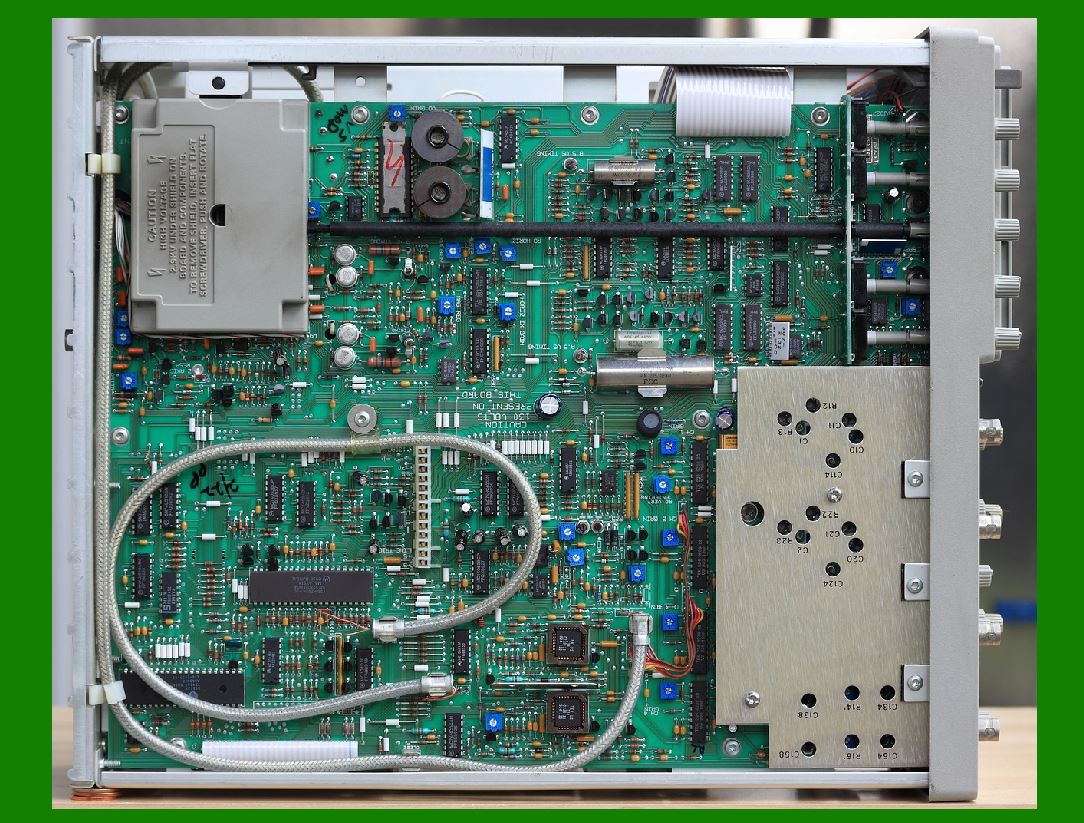
The integration of the Internet of Things (IoT) technology with barcode scanners has enhanced their functionality and utility in a variety of applications. The control circuit of a barcode scanner embedded with IoT capabilities is a sophisticated system that combines hardware components for scanning, processing, and networking. This system allows the barcode scanner to communicate with other IoT-enabled devices or cloud servers for data processing, storage, and analysis. In this detailed description, we will explore the structure of the control circuit, breaking it down into its main components and their respective roles in the functioning of a barcode scanner integrated with IoT technology. |
|
1. Overview of the Barcode Scanner with IoT Integration |
A barcode scanner integrated with IoT technology is a modern version of a traditional barcode reader that can not only capture barcode information but also transmit data to other devices over a network, allowing for real-time data synchronization, storage, and remote access. The IoT features enable the scanner to interact with cloud-based systems or other IoT devices, such as inventory management systems, point-of-sale (POS) systems, and even mobile applications. |
The control circuit within such a scanner is responsible for processing and transmitting data, controlling the scanning mechanism, managing connectivity, and ensuring the system operates efficiently in both local and networked environments. |
|
2. Core Components of the Control Circuit |
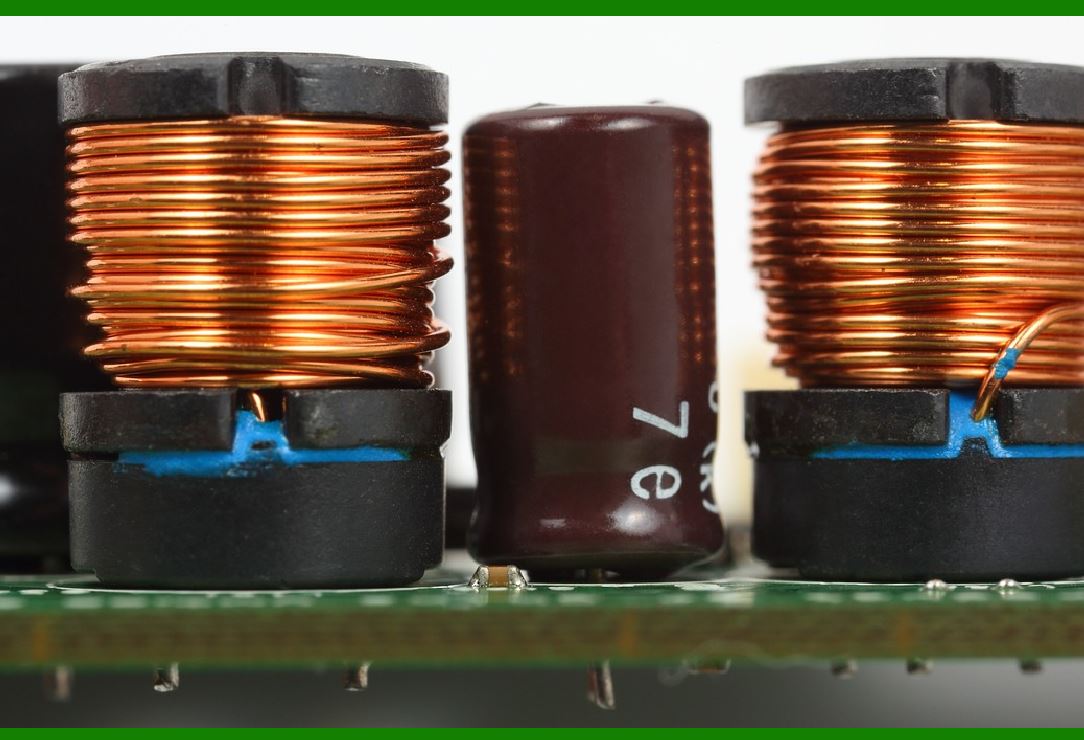
The control circuit of a barcode scanner integrated with IoT technology consists of several key components. These components work together to enable the scanner to perform the barcode scanning function while communicating with external devices over the IoT network. The primary components include: |
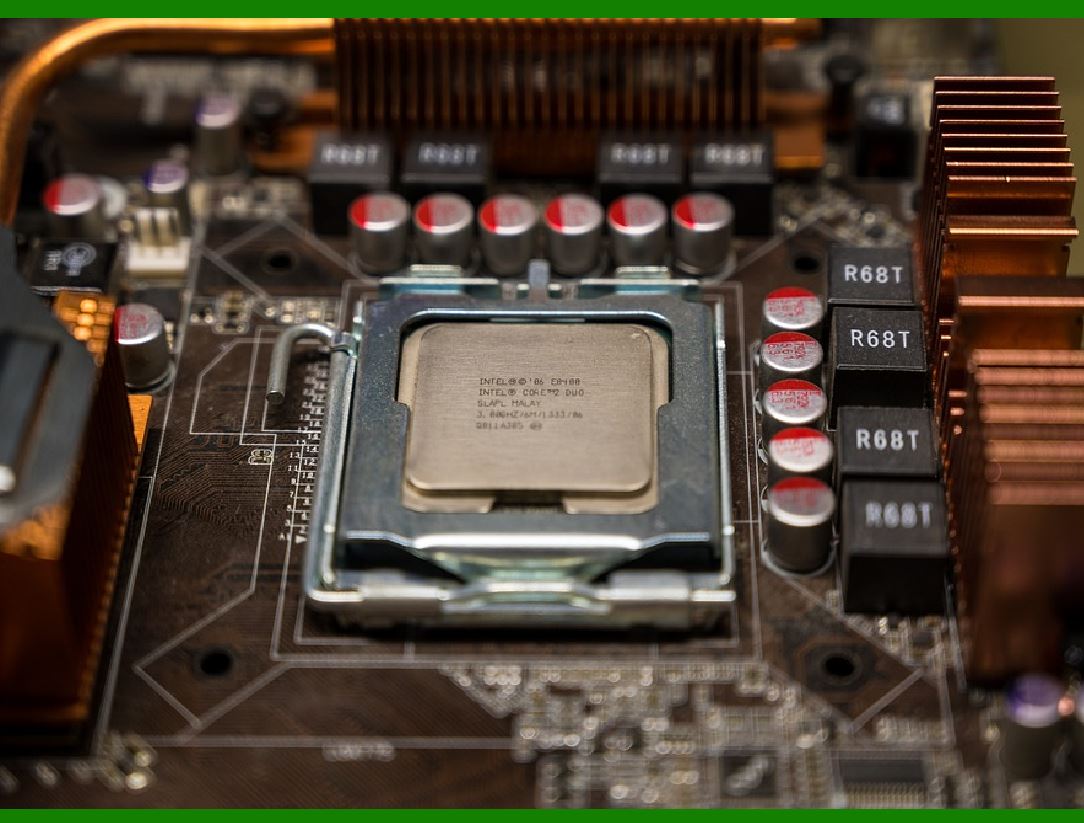
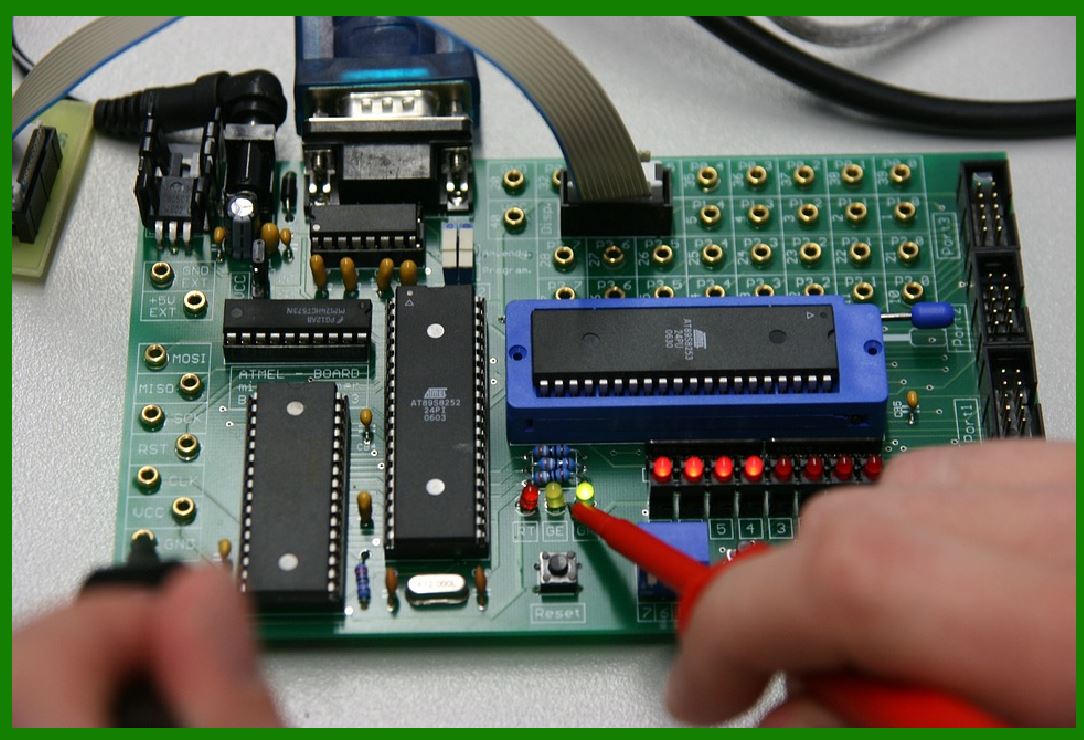
1.Microcontroller (MCU): The microcontroller is the central processing unit of the control circuit. It coordinates all the activities within the scanner, including processing scanned data, controlling the scanning mechanism, handling communications, and managing power consumption. The MCU is typically equipped with various interfaces such as UART, SPI, I2C, and GPIO to facilitate communication with sensors, communication modules, and other components. |
2.Barcode Scanning Module: The barcode scanning module consists of a laser or image sensor (depending on the type of scanner) that captures the barcode. The captured image or laser reflection is then processed to decode the data embedded in the barcode. The scanning module communicates with the microcontroller to send the decoded information for further processing. |
3.Communication Module: The communication module is what enables the barcode scanner to interact with other IoT devices or cloud systems. Common communication technologies used in IoT-enabled barcode scanners include Wi-Fi, Bluetooth, Zigbee, and cellular modules (e.g., 4G/5G). These modules are connected to the MCU, allowing the scanner to transmit the barcode data over a network. |
4.Power Management Circuit: The power management circuit is responsible for ensuring that the barcode scanner operates efficiently within the power constraints of the device. This circuit typically includes a power supply, voltage regulators, and battery management systems to provide stable power to the microcontroller, scanning module, communication module, and other components. |
5.User Interface (UI) Components: The UI components include buttons, LEDs, and possibly a small display (e.g., OLED or LCD). These components allow the user to interact with the barcode scanner, providing feedback such as successful scans (through LEDs), and settings adjustments (through buttons). In some advanced models, the UI may also include touchscreens to display more detailed information. |
6.Memory Storage: The control circuit incorporates memory chips such as flash memory or EEPROM for storing configuration settings, scan data, and other operational information. This memory is crucial in ensuring that data can be temporarily stored during scanning or when the scanner is offline from the network. |
|
3. Functionality of the Barcode Scanner Control Circuit |
The control circuit coordinates various tasks within the barcode scanner. The primary functions of the control circuit can be outlined as follows: |
1.Barcode Scanning and Decoding: The scanning module captures the barcode data through either a laser-based or image-based sensor. The control circuit then decodes the captured signal to extract the alphanumeric data. In more advanced systems, this decoding can include error correction, ensuring that corrupted data is either corrected or discarded. |
2.Data Processing: After decoding the barcode, the microcontroller processes the data by performing tasks such as formatting the data, checking for validity, and possibly enriching the data with additional information (e.g., product name or price). The processed data is then prepared for transmission over the network. |
3.Data Transmission (IoT Integration): Once the data is processed, the communication module transmits the data to an IoT platform. The control circuit uses standard networking protocols, such as HTTP, MQTT, or CoAP, to communicate with cloud systems or other devices. This transmission may happen in real time or on a scheduled basis, depending on the configuration and requirements of the system. |
4.Power Management: The power management circuit regulates the supply of energy to the control circuit components. The scanner's microcontroller monitors power levels, manages sleep modes, and adjusts the activity of other components (e.g., turning off communication modules when not in use to conserve battery life). |
5.Error Handling and Diagnostics: The control circuit is also responsible for detecting errors in the scanning process or communication failure. It can trigger alarms (through LEDs or other indicators) to notify the user of an issue, such as a poor scan quality, low battery, or loss of connectivity. Some systems may include self-diagnostic capabilities to check the health of the device and recommend troubleshooting steps. |
6.User Interface Management: The UI components are managed by the control circuit to provide feedback to the user. For example, the microcontroller can control the LED to indicate when a barcode has been successfully scanned or when the device is in a low-power state. Button presses may trigger specific actions, such as switching between different modes (e.g., scan or configure mode). |
|
4. Integration with IoT Network: Communication Protocols |
For a barcode scanner to be truly effective in an IoT-enabled environment, it needs to communicate efficiently with other devices, systems, and databases. The communication module is responsible for managing this connectivity. Some of the most common communication protocols used in IoT-enabled barcode scanners include: |
1.Wi-Fi: Wi-Fi is one of the most commonly used communication technologies in IoT-enabled barcode scanners. It allows the device to connect to local area networks (LANs) or directly to the internet for real-time data transmission. The control circuit uses the Wi-Fi module to send data to cloud-based systems or local servers. Wi-Fi-based communication is advantageous in environments where the scanner is within range of a stable wireless network. |
2.Bluetooth Low Energy (BLE): Bluetooth Low Energy (BLE) is ideal for applications requiring short-range communication with minimal power consumption. BLE is often used in warehouse environments where barcode scanners communicate with nearby handheld devices, mobile phones, or point-of-sale (POS) systems. The IoT-enabled barcode scanner can transmit data directly to a mobile device via BLE, which is then forwarded to a cloud-based system. |
3.Zigbee and LoRaWAN: For more specialized use cases, such as asset tracking in large warehouse spaces or industrial applications, protocols like Zigbee and LoRaWAN may be used. These protocols are designed for low-power, long-range communication, making them ideal for scenarios where IoT devices are spread out over a large area. The control circuit in these scanners is optimized for low-power operation to maximize battery life. |
4.Cellular Networks (4G/5G): For remote or field-based barcode scanning, cellular networks such as 4G or 5G may be employed. These scanners can operate independently of Wi-Fi networks and connect to the internet using mobile data. This makes them ideal for applications in industries such as logistics, delivery, or outdoor retail where network coverage is a concern. |
5.Local Network Communication (Ethernet): In some settings, barcode scanners may use wired communication via Ethernet to transmit scanned data to centralized servers or other systems. Ethernet offers high-speed, reliable communication, especially in industrial or retail environments where real-time processing is essential. |
|
5. Security Considerations |
In an IoT-enabled environment, security is a crucial aspect of the control circuit design. Data transmitted by the barcode scanner may contain sensitive information (such as product details, pricing, or inventory data). Therefore, security measures must be embedded within the control circuit to protect both the device and the data. |
1.Encryption: Data transmitted over the network should be encrypted to prevent interception by unauthorized parties. Encryption algorithms such as TLS/SSL are commonly used for securing data transmission between the scanner and the cloud or local systems. |
2.Authentication: The barcode scanner may need to authenticate itself with other devices or the IoT platform before exchanging data. This could involve methods such as token-based authentication or certificate-based authentication to ensure that only authorized devices can access or transmit data. |
3.Access Control: The control circuit may include features to enforce access control policies. For example, administrators can configure the scanner to limit which devices or networks it can communicate with, providing an additional layer of security. |
4.Firmware Updates: Regular firmware updates are necessary to patch security vulnerabilities and improve functionality. The control circuit must include mechanisms for securely downloading and installing firmware updates, ensuring the device remains up to date without compromising security. |

|
6. Conclusion |
The control circuit of a barcode scanner integrated with IoT technology is a highly sophisticated and multifaceted system. It combines traditional barcode scanning capabilities with advanced networking and communication features, allowing the device to interact with other IoT devices and systems in real time. The key components of the control circuit-such as the microcontroller, scanning module, communication module, power management system, memory, and user interface-work together seamlessly to provide an efficient, functional, and secure solution for modern barcode scanning applications. With the integration of IoT, barcode scanners are no longer standalone devices but are part of a much larger interconnected system that enables improved data management, real-time analysis, and more efficient operations across a wide range of industries. |
|
Case Studies of Barcode Scanners Integrated with IoT Technology |
The integration of Internet of Things (IoT) technology with barcode scanners has transformed industries by enhancing operational efficiency, improving data accuracy, and enabling real-time communication across networks. Below are several case studies that demonstrate the practical applications and benefits of this integration in real-world environments. |
1. Retail Inventory Management: Real-Time Stock Tracking in a Large Retail Chain |
Background: |
A global retail chain with hundreds of physical stores across multiple regions sought to address challenges in inventory management. Traditionally, inventory updates were handled manually or via periodic stocktakes, leading to frequent discrepancies and delays in data updates. The chain needed a solution that could provide real-time inventory tracking and reduce human errors. |
Solution: |
The company implemented a system that integrated barcode scanners with IoT technology, using RFID tags and IoT-enabled barcode scanners connected to a central cloud-based inventory management system. The barcode scanners deployed in each store were equipped with Wi-Fi and Bluetooth connectivity, allowing for seamless communication with the central system. |
Hardware: The barcode scanners were upgraded with IoT capabilities, incorporating wireless communication modules (Wi-Fi, Bluetooth) and a central microcontroller for data processing. |
Software: The cloud-based inventory management software allowed store managers and staff to track inventory in real time, with automated updates when new stock was scanned. |
Communication: The scanners used Wi-Fi to send scanned data to the cloud, where inventory levels were updated immediately. If a scanner was offline, it would store the data locally and upload it once connectivity was restored. |
Results: |
Reduced Stockouts: Real-time data ensured that inventory levels were consistently accurate, reducing instances of stockouts and overstocking. |
Efficient Stock Replenishment: The system automatically triggered restocking alerts when inventory levels fell below predefined thresholds. |
Improved Customer Experience: Accurate and up-to-date inventory information allowed for better product availability, leading to higher customer satisfaction. |
|
2. Logistics and Supply Chain Management: Real-Time Asset Tracking in a Shipping Company |
Background: |
A major international shipping company faced significant challenges in tracking shipments, containers, and assets across its global supply chain. Containers were often misplaced or delayed due to poor tracking, which caused inefficiencies and customer dissatisfaction. |
Solution: |
The shipping company integrated barcode scanners with IoT technology to track the movement of containers and packages. Barcode scanners with built-in GPS and cellular communication modules were used to scan container labels at various points throughout the shipping process. |
Hardware: The barcode scanners were equipped with GPS modules for location tracking and 4G/5G communication capabilities to transmit data back to the central server in real time. |
Software: A supply chain management platform was implemented to monitor the real-time location and status of containers and packages. The platform was accessible by managers at multiple locations, enabling them to oversee shipments as they moved through the supply chain. |
Communication: The barcode scanners communicated with the supply chain platform via cellular networks (4G/5G), transmitting real-time location data and scanned barcode information. |
Results: |
Enhanced Visibility: The real-time tracking system provided full visibility of shipments, reducing the number of lost or delayed containers. |
Improved Efficiency: The integration of IoT-enabled barcode scanners allowed for faster identification of containers, reducing bottlenecks in the supply chain and speeding up processing times. |
Cost Savings: Real-time tracking enabled the company to optimize routes and reduce delays, leading to significant cost savings in logistics operations. |
|
3. Healthcare: Medical Equipment Management in a Hospital Network |
Background: |
A network of hospitals was facing difficulties in tracking medical equipment, leading to issues such as equipment being misplaced, underutilized, or unavailable when needed. This lack of effective tracking resulted in operational inefficiencies, increased costs, and potential delays in patient care. |
Solution: |
The hospital network implemented IoT-enabled barcode scanners to track medical equipment such as wheelchairs, infusion pumps, and diagnostic tools. Each piece of equipment was tagged with a barcode, and the scanners were connected to the hospital's asset management system via Wi-Fi. |
Hardware: The barcode scanners were equipped with Wi-Fi modules and were connected to handheld devices used by hospital staff. Each scanner was integrated with an RFID tag reader to scan both barcodes and RFID tags on medical equipment. |
Software: A cloud-based asset management system was used to track the real-time location and status of each piece of equipment. When equipment was checked out or moved, it was scanned, and the system updated the inventory in real time. |
Communication: The barcode scanners transmitted data to the cloud via Wi-Fi, providing managers with up-to-date information on the location and availability of each item. |
Results: |
Improved Equipment Utilization: The hospital staff was able to quickly locate and identify equipment, reducing wait times and ensuring critical equipment was available when needed. |
Reduced Losses: Real-time tracking significantly reduced the loss of equipment, leading to cost savings and better resource management. |
Enhanced Patient Care: With equipment more readily available and properly managed, the hospitals were able to provide more timely and efficient care to patients. |
|
4. Warehouse Automation: Streamlining Operations with IoT-Enabled Barcode Scanners |
Background: |
A large e-commerce company with a complex warehouse system needed to streamline operations and improve the speed of order fulfillment. The warehouse management team was struggling with inaccuracies in stock picking and order shipping, primarily due to manual data entry errors during the picking process. |
Solution: |
The company deployed IoT-enabled barcode scanners throughout the warehouse to facilitate automatic stock picking, tracking, and shipping processes. The barcode scanners were integrated with a warehouse management system (WMS) to allow for seamless coordination of inventory and shipping tasks. |
Hardware: Handheld barcode scanners with IoT capabilities (Wi-Fi connectivity and a central processing unit) were deployed throughout the warehouse. The scanners were also equipped with motion sensors to ensure that workers were scanning the correct items. |
Software: The WMS tracked every item in the warehouse in real time, allowing staff to use the barcode scanners to automatically update inventory levels and order status as they moved through the warehouse. |
Communication: The barcode scanners communicated with the WMS via Wi-Fi, enabling real-time updates and preventing stock discrepancies. |
Results: |
Faster Order Fulfillment: Real-time data allowed workers to quickly locate and pick the correct items, reducing order fulfillment time. |
Reduced Errors: The automatic updates in the WMS helped eliminate manual data entry errors, ensuring greater accuracy in order picking. |
Improved Inventory Management: With real-time inventory updates, the company was able to optimize stock levels, reducing overstocking and stockouts. |

|
5. Field Service Management: IoT-Enabled Barcode Scanners for Equipment Maintenance |
Background: |
A field service company responsible for maintaining industrial machinery and equipment found it difficult to track service history, parts usage, and the location of service technicians. Without real-time access to critical information, the company faced delays in service requests, incorrect parts being dispatched, and miscommunication between field technicians and headquarters. |
Solution: |
The company implemented barcode scanners integrated with IoT technology to streamline the maintenance process. Each piece of equipment was assigned a barcode tag, and technicians used barcode scanners to track maintenance activities, parts usage, and service history in real time. |
Hardware: The technicians carried portable IoT-enabled barcode scanners that were connected to the cloud via cellular networks. The scanners were capable of reading both barcodes and QR codes, allowing for detailed tracking of service requests, parts, and equipment. |
Software: The field service management software integrated with the barcode scanning system, allowing real-time updates of equipment maintenance records, part usage, and technician locations. |
Communication: The barcode scanners used cellular data to transmit information back to the service management platform, enabling managers at headquarters to monitor technician activities and respond to issues in real time. |
Results: |
Enhanced Service Efficiency: Technicians were able to scan equipment and parts, immediately updating the system with real-time data, which allowed for faster responses to customer needs. |
Accurate Service History: The barcode scanning system ensured that every service action was recorded, providing a complete service history for each piece of equipment. |
Optimized Parts Inventory: By tracking parts usage in real time, the company was able to optimize inventory levels, reducing both excess stock and shortages of critical components. |

|
Conclusion |
The integration of IoT technology with barcode scanners has led to transformative improvements in various industries, ranging from retail and logistics to healthcare and field service management. By enabling real-time data transmission, accurate asset tracking, and seamless communication across systems, IoT-enabled barcode scanners have provided businesses with significant operational efficiencies, cost savings, and improved customer satisfaction. These case studies showcase the diverse applications of IoT-integrated barcode scanning technology, illustrating its potential to revolutionize industry-specific processes. |
 cs@easiersoft.com