Electronics - Component Obsolescence - The Silent Death of Silicon |
Short Opening Summary |
The electronics industry is driven by a relentless pace of innovation. Every year, new generations of microprocessors, memory chips, and sensors are released, offering higher performance, lower power consumption, and smaller sizes. But this progress has a dark side: obsolescence. A component that is cutting-edge today may be outdated in 18 months, and completely unsaleable in 5 years. This creates a massive inventory challenge for manufacturers, distributors, and retailers. Traditional inventory management treats components as stable assets, but in electronics, the value decays faster than the physical material. Artificial intelligence now offers a solution: dynamic obsolescence management. By tracking the market life cycle of each component, forecasting the demand, and predicting the technological shifts, AI can optimise the inventory, ensuring that components are used before they become obsolete. |

|
Chapter 29: Electronics - Component Obsolescence |
Think about a smartphone. It is a marvel of engineering, packed with hundreds of electronic components. There is a microprocessor, a memory chip, a camera sensor, a battery management IC, and dozens of other specialised chips. All of these components are designed and manufactured by different companies. They are assembled onto a printed circuit board, and they work together in perfect harmony. But this harmony is fragile. A year later, a newer smartphone is released, with a faster processor, a better camera, and more memory. The old components are not just less powerful; they are also less valuable. The manufacturer of the older phone might stop producing it. The supplier of the components might stop making those specific chips. The components become obsolete. |
Obsolescence is the process by which a product or a component becomes outdated and loses its market value. In the electronics industry, obsolescence is a constant threat. The rate of technological change is so rapid that a component's life cycle is often measured in months, not years. There are several types of obsolescence. The first is technological obsolescence: a newer, better component replaces the old one. The second is market obsolescence: the demand for a product that uses the component declines. The third is legal obsolescence: new regulations, such as the Restriction of Hazardous Substances, make the component illegal to sell. |
|
The traditional approach to managing obsolescence is to use a fixed shelf life. The components are stored in a warehouse, and they are used on a first-in-first-out basis. This works well for stable products, but it is disastrous for electronics. A component that is perfectly functional might be worth 10 dollars at the time of manufacture. A year later, it might be worth only 1 dollar. Two years later, it might be unsaleable. The manufacturer is left with a pile of worthless silicon. |
AI solves this by using a dynamic approach that we call 'obsolescence risk management.' The AI does not just look at the age of the component; it looks at its entire market life cycle. It analyses the historical sales data, the competitor's product releases, the technology roadmaps, and the regulatory changes. It then calculates an obsolescence risk score for each component. This score represents the probability that the component will become obsolete within a certain time. The AI uses this score to prioritise the use of the components, recommending that the highest-risk components be used first. |

|
Let us look at the factors that the AI considers. The first is the component's age. This is the baseline. An older component is more likely to be obsolete. The AI uses the manufacturing date as a starting point. |
The second factor is the technology roadmap. The AI analyses the roadmaps of the major semiconductor manufacturers, such as Intel, AMD, and Qualcomm. It knows when the next generation of processors, memory chips, and sensors is expected. A component that is about to be superseded has a high obsolescence risk. |
The third factor is the market demand. The AI analyses the sales data for the end products that use the component. A decline in the demand for the end product is a leading indicator of obsolescence. |
The fourth factor is the competitor's activity. The AI monitors the product releases of the competitors. If a competitor releases a product that uses a newer component, the risk of obsolescence for the older component increases. |
The fifth factor is the regulatory landscape. The AI monitors the changes in the regulations, such as the RoHS directive. A component that contains a banned substance has a high obsolescence risk. |

|
Now, let us look at how this works in practice. An electronics manufacturer produces a batch of a specific component. The component is used in a particular model of a laptop. The manufacturer has a stock of 10,000 of these components. The AI analyses the factors, and it calculates a high obsolescence risk. It predicts that the laptop model will be discontinued in 6 months, and that the component will not be used in any other product. The AI recommends that the manufacturer use the components as soon as possible, and that they stop buying new ones. The manufacturer might decide to increase the production of the laptop, or they might decide to discount the laptops to clear the inventory. The AI also recommends that the manufacturer find a secondary market, such as a repair service, that still uses the component. |
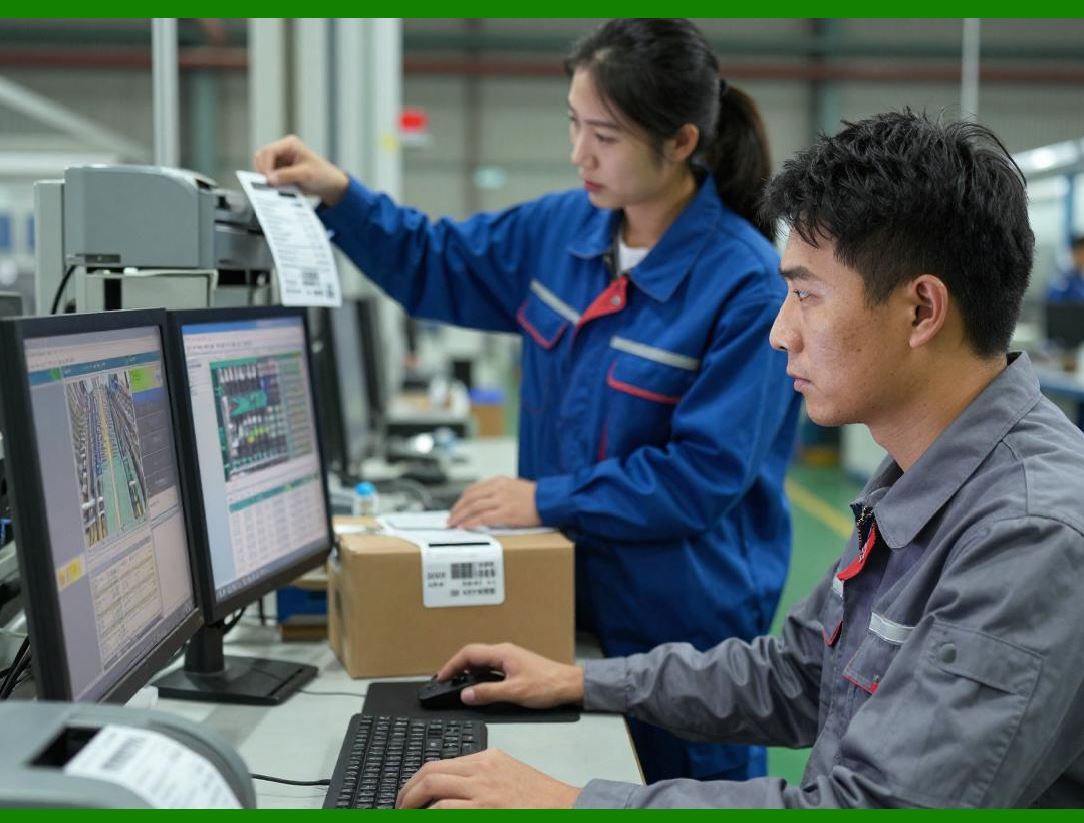
Now, let us consider the role of the barcode. The barcode on each component is the anchor that ties the physical component to its digital twin. It is essential for tracking the component's history and its obsolescence risk. It also enables traceability. If a component is found to be defective, the manufacturer can trace it back to the specific batch. |
Now, let us look at the financial and operational impact. Obsolescence is a significant cost in the electronics industry. It is estimated that up to 10 percent of the inventory value is written off each year due to obsolescence. The AI can reduce this waste by 30 to 50 percent. It also reduces the risk of production delays, because the manufacturer can use the older components before they become obsolete. |
|
Let us look at a real-world example. A large electronics manufacturer implemented an AI system to manage its component inventory. The system used the technology roadmaps, the market demand data, and the regulatory data to calculate the obsolescence risk. The system generated a weekly list of the components that were at the highest risk. The manufacturer reported a 40 percent reduction in the obsolescence write-off, saving 20 million dollars per year. |
Another example is a consumer electronics retailer that used a similar system for its finished goods. The retailer tracked the life cycle of each product model. The AI predicted when the product would be replaced by a newer model. The retailer then adjusted its pricing and its ordering accordingly. The retailer reduced its markdowns by 25 percent and its inventory by 15 percent. |

|
Now, let us look at the future of electronics inventory management. One trend is the use of predictive analytics for the supply chain. The AI can share the obsolescence risk forecast with the suppliers, enabling them to plan their production. |
Another trend is the use of blockchain for traceability. The entire history of the component, from the fab to the finished product, can be recorded on a blockchain. This creates an immutable record that can be used for quality assurance and for regulatory compliance. |
Another trend is the use of circular economy principles. The AI can identify the components that are at risk of obsolescence and recommend ways to reuse or recycle them. This is a more sustainable approach. |
|
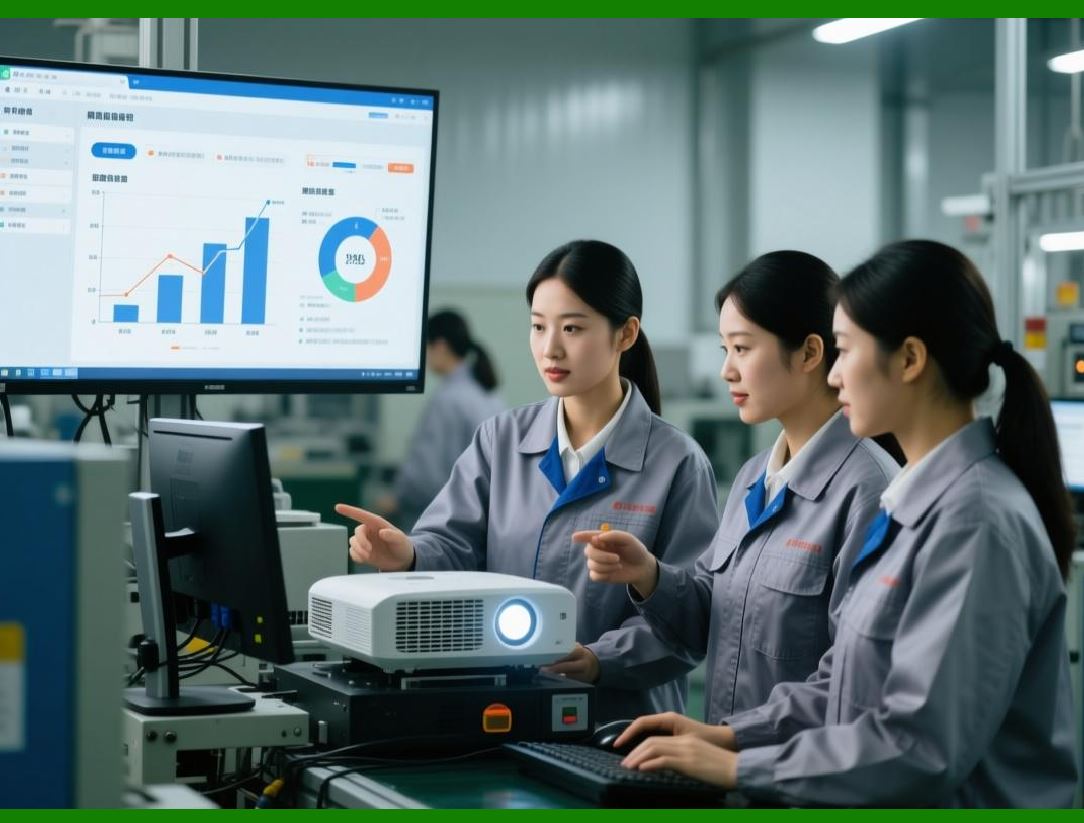
Now, let us address the human factors. The procurement managers and the supply chain planners are responsible for the inventory. They might be wary of an AI that tells them to stop buying a component that they have been using for years. The AI must provide clear visualisation, such as a dashboard that shows the obsolescence risk of each component. It must also provide the rationale, such as 'This component is at high risk because the next generation chip is expected to be released in 3 months.' This builds trust. |
Now, let us discuss the environmental impact. Obsolescence is a major contributor to e-waste. The components that are written off often end up in a landfill. By reducing the obsolescence, the AI reduces the e-waste and the environmental footprint. |
Now, let us look at the broader context of the electronics supply chain. The same principles can be applied to other components, such as passive components, connectors, and electromechanical parts. |
In summary, the electronics industry is driven by rapid technological change, and obsolescence is a constant threat. Traditional FIFO is insufficient because it ignores the market and the technological factors. AI solves this by using a data-driven approach that calculates an obsolescence risk score for each component. It prioritises the use of the highest-risk components. The barcode is the data anchor. The future is predictive analytics, blockchain, and circular economy, ensuring that every component is used before it becomes a relic. |

|
Detailed Closing Summary |
We have now completed an in-depth exploration of Chapter 29, Electronics - Component Obsolescence. Let us synthesise all the key points into a comprehensive closing summary. |
We began by establishing that the electronics industry is driven by rapid technological change, leading to a high risk of obsolescence. A component's market life cycle is often measured in months, and traditional FIFO is insufficient. |
We introduced the AI-driven solution: obsolescence risk management. The AI calculates an obsolescence risk score for each component, based on its age, the technology roadmap, the market demand, the competitor's activity, and the regulatory landscape. It prioritises the use of the highest-risk components. |
We detailed the five main factors the AI considers: age, technology roadmap, market demand, competitor activity, and regulatory changes. |
We described the practical workflow. The AI analyses the factors, calculates the risk, and generates recommendations for usage, ordering, and disposal. |

|
We highlighted the role of the barcode as the anchor for the digital twin. |
We looked at the financial and operational impact, showing that AI can reduce obsolescence write-offs by 30 to 50 percent. We provided a real-world example of a manufacturer that saved 20 million dollars, and a retailer that reduced markdowns by 25 percent. |
We explored future trends, including predictive supply chain analytics, blockchain for traceability, and circular economy principles. |
We addressed the human factors, noting the need for clear visualisation and rationales to build trust. |
We discussed the environmental impact, highlighting the reduction in e-waste. |
We placed this in the broader context of the electronics supply chain, noting that the same principles apply to other components. |
The key takeaway from Chapter 29 is that obsolescence is a manageable risk with AI. By using dynamic risk scoring, electronics companies can optimise their inventory, reduce waste, and stay ahead of the technology curve. |
|
To summarise the practical recommendations for an electronics manufacturer or retailer: |
1. Implement a barcode system for every component, encoding the product, batch, and manufacturing date. |
2. Collect and integrate data on technology roadmaps, market demand, competitor releases, and regulatory changes. |
3. Develop or purchase a predictive model that calculates an obsolescence risk score for each component. |
4. Implement an AI engine that generates daily or weekly recommendations for usage, ordering, and clearance. |
5. Use the AI to allocate components to the most appropriate products or markets. |
6. Train your procurement and supply chain staff to use the AI and to understand its rationale. |
7. Monitor the results, measuring write-off reduction, cost savings, and inventory turnover. |
8. Explore advanced technologies, such as blockchain and circular economy models, to further improve the system. |
|
By following these steps, any electronics company can turn the silent death of silicon into a manageable, optimised process. The value of the components is preserved, and the waste is minimised. |
 cs@easiersoft.com